Soulcalibur 6 beginner's guide
Recommendation before go to online ranked match
For new comers, I'd recommend following steps before you go to ranked match.
- Do all tutorial training in MISSION: Libra of Souls
Ref. Drona's Dojo: Tutorials in game - Pick your favorite character from STORY: Soul Chronicle
- Clear Very Hard level in Arcade mode
It will unlock Legendary level in Arcade and Training mode - Get comfortable with Legendary level in Training mode
I'd suggest to learn 80-90% of moves with 80-90% success ratio on your character. - Enable online matching in Training mode
So you can practice while waiting match
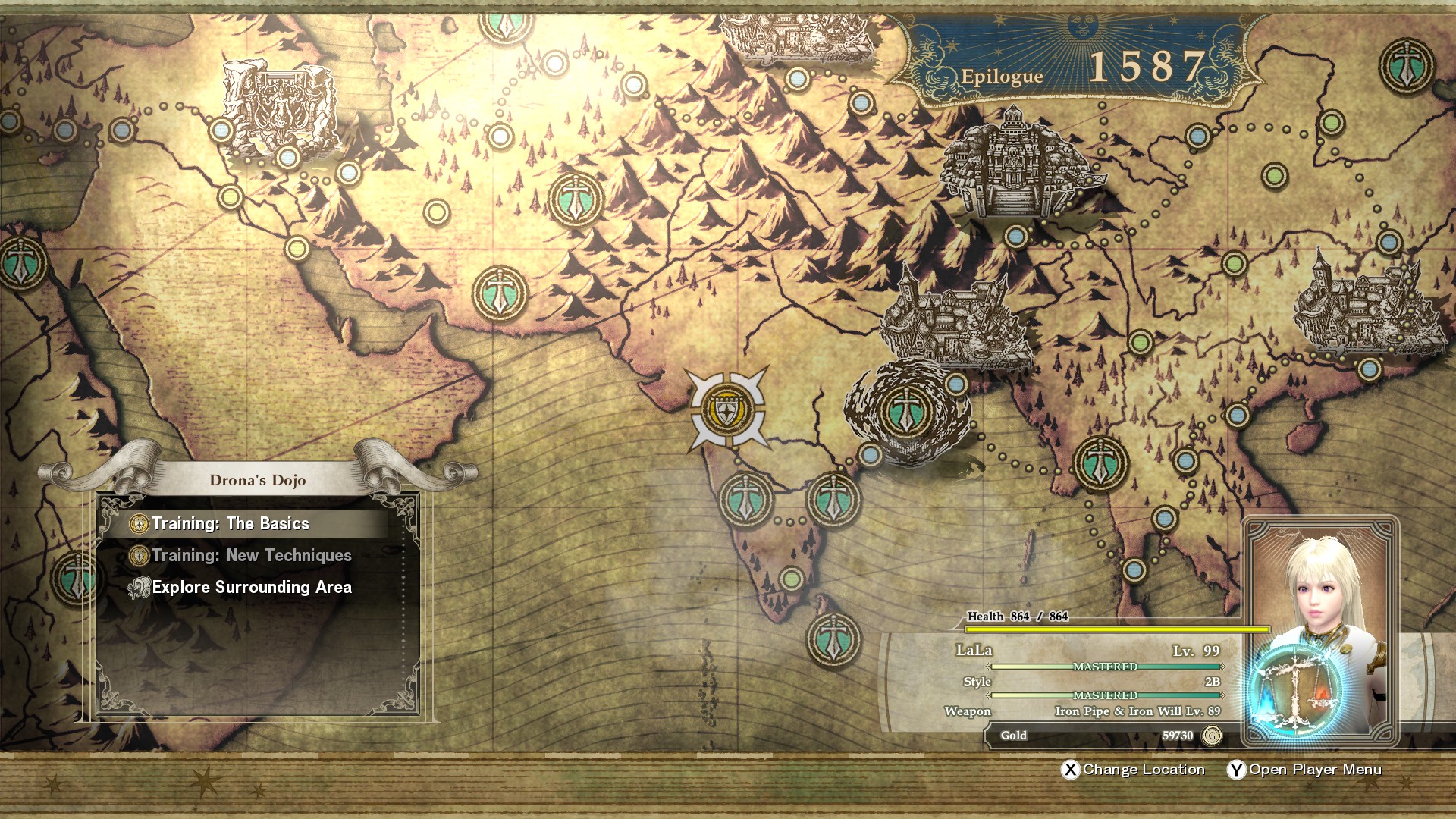
Drona's Dojo: Tutorials in game
Drona's Dojo in MISSION: Libra of Souls
You can practice basic mechanics
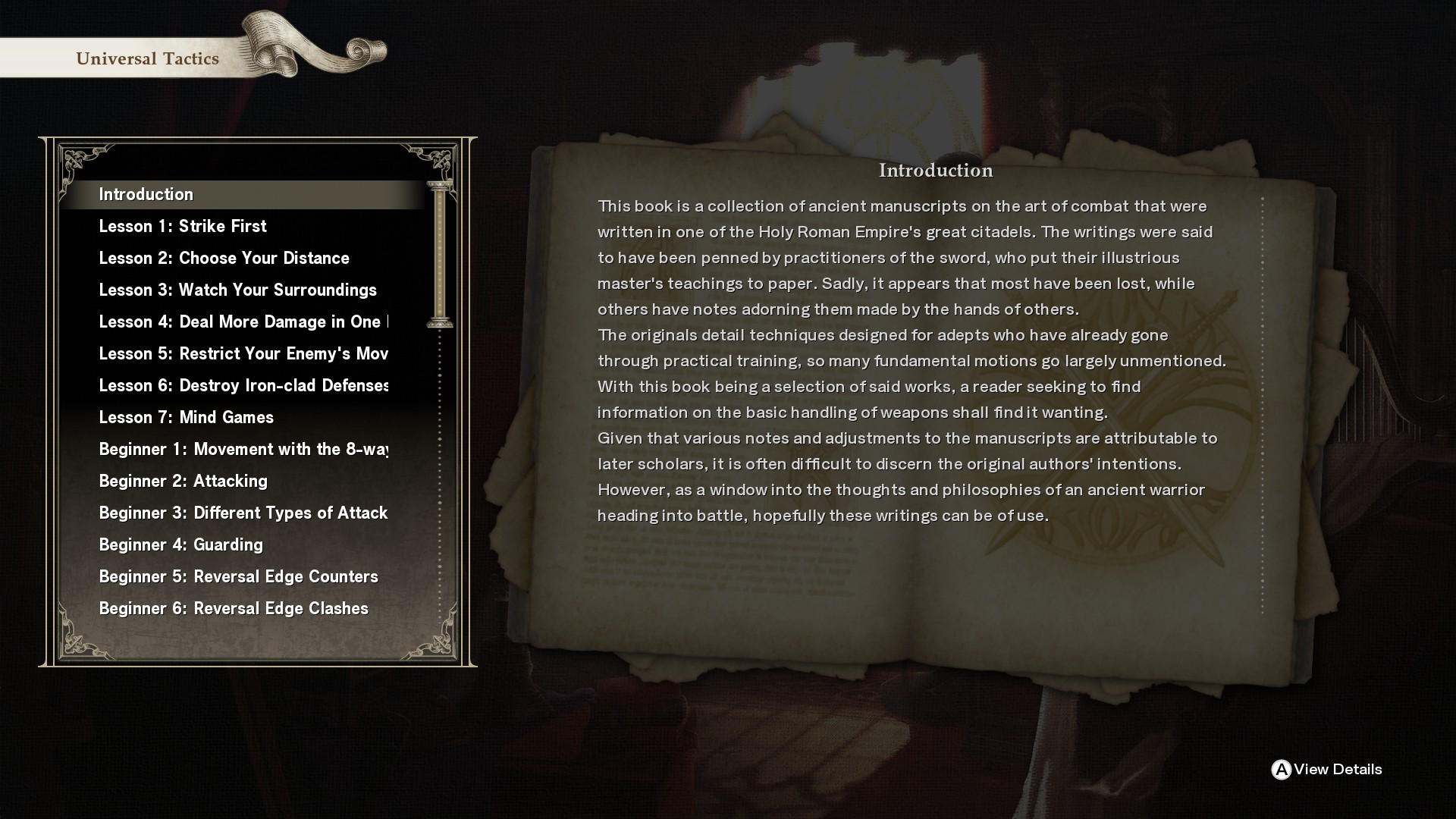
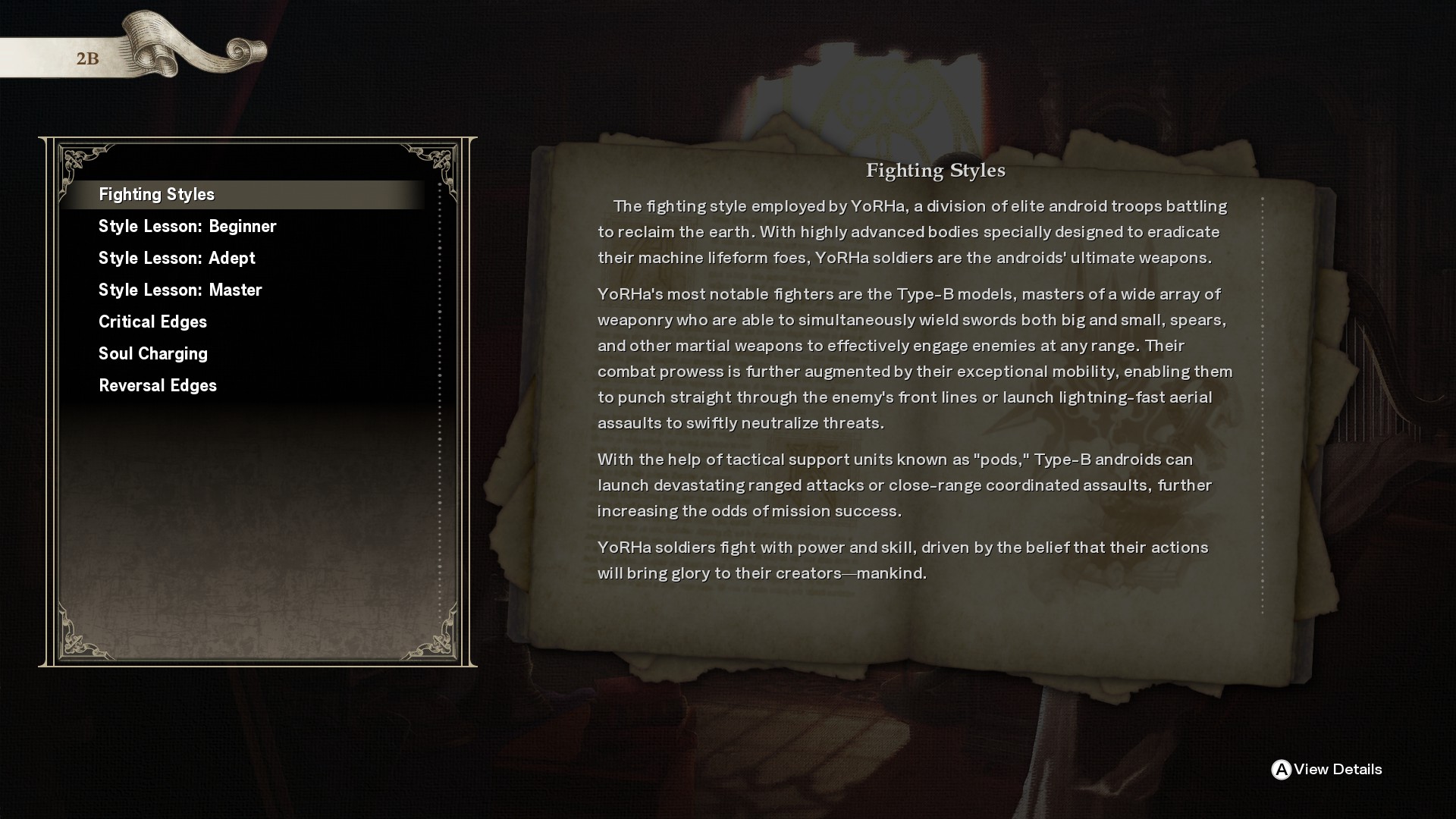
Combat Lessons: Doc in game
Combat Lessens in Museum or Training mode
Very well written document for Universal and each characters.
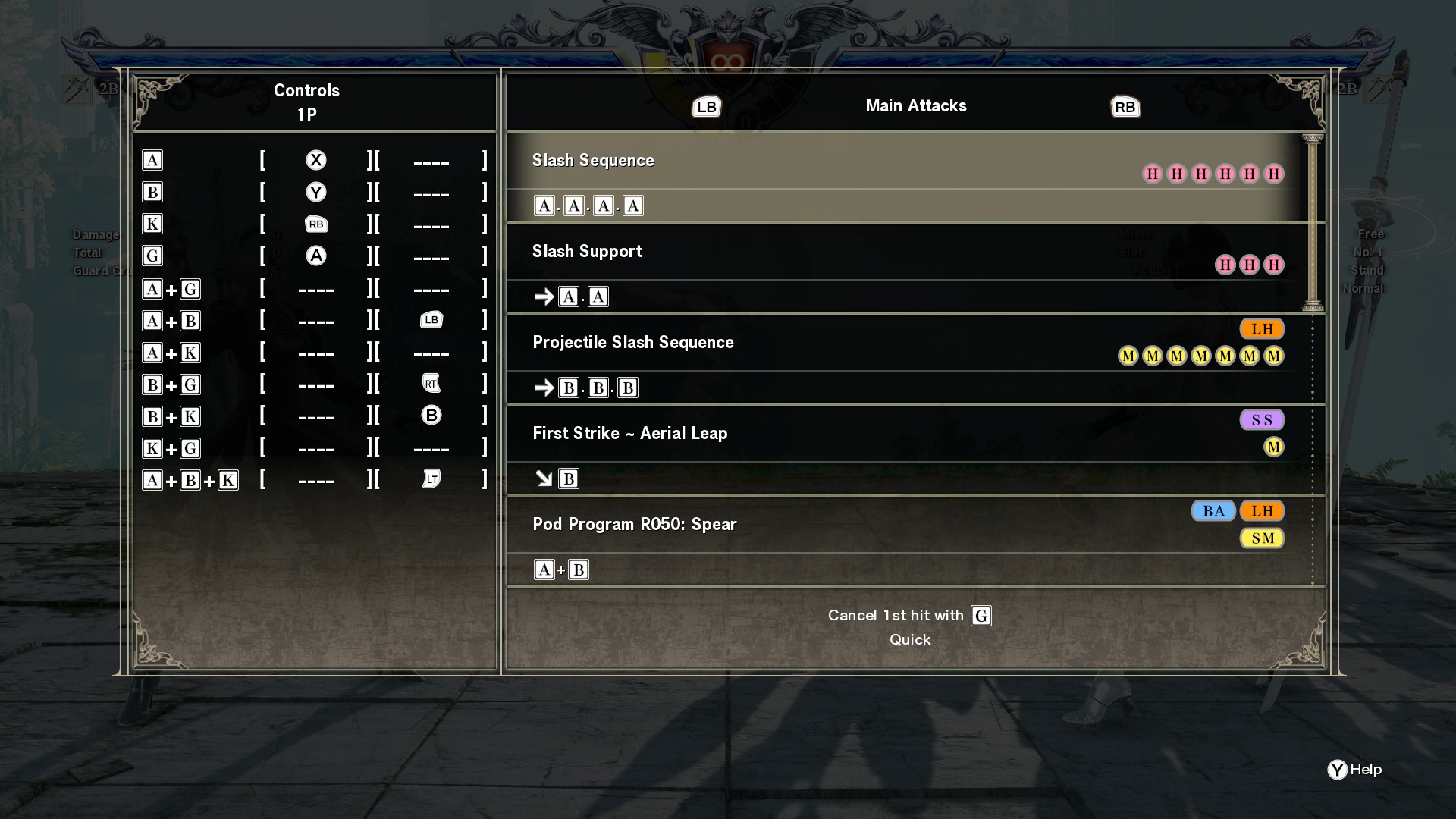
Move List in Training mode
There's Move List in Training Mode menu.
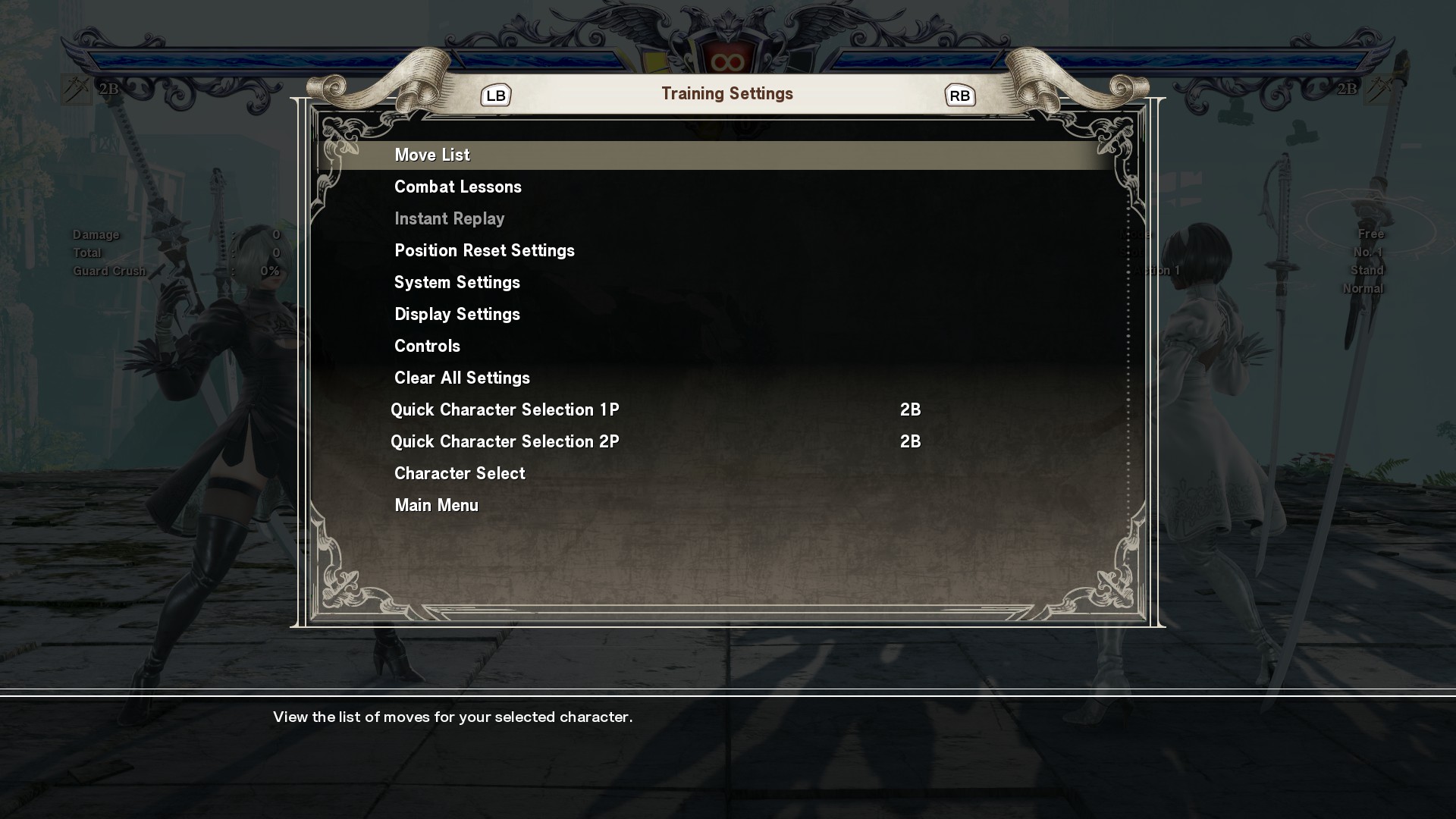
You can check each move.
Unlocking Legendary level
It effects to Arcade mode and Training mode.
Controller settings
You can also customize key configurations for your preference.
Reversal Edge: Options are not equal
Many people who don't know this game thinks Reversal Edge is just random
rock-paper-scissors.
It might be true for CPU. You win over CPU 60-70%.
But fighting with other player is completely different.
Each option are not equal and balanced. Different damages and different conditions.
ex) Some character's choice makes ring out.
Recommendation setting for Ranked Match
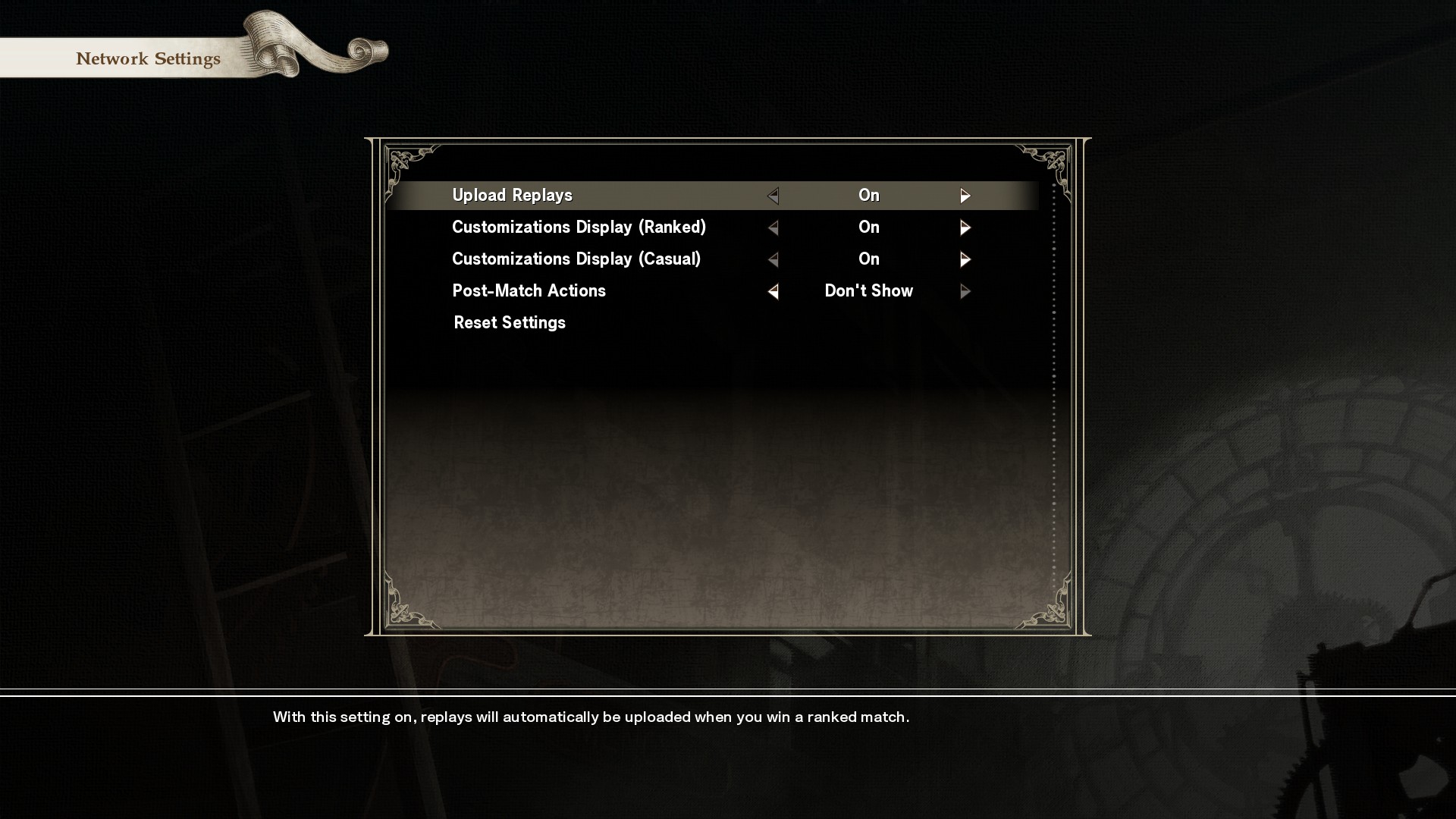
I'd recommend to change following 3 setting from default.
- Options > Network Settings > Post-Match Actions = Don't show.
Some player has not good manner after win.
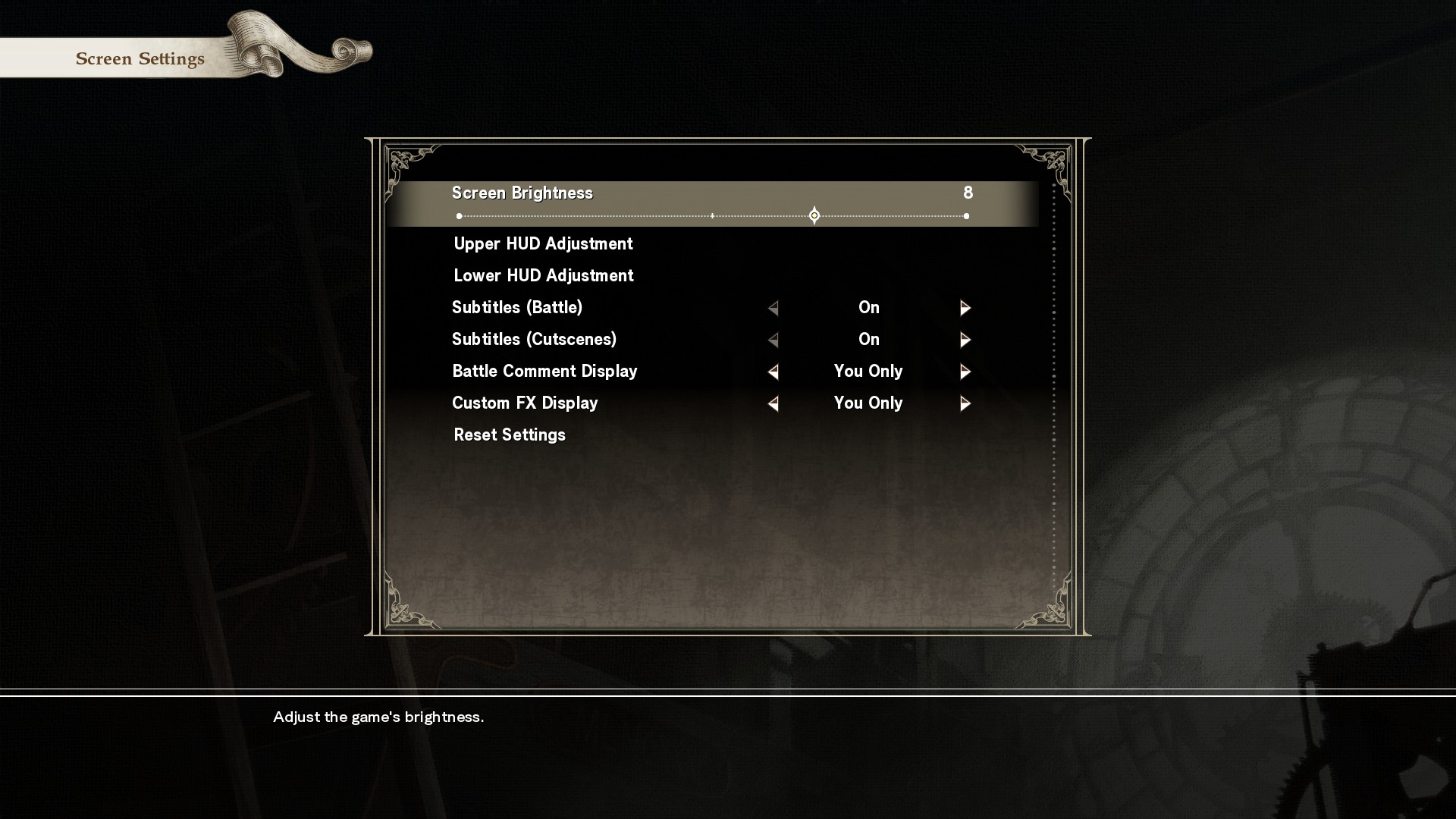
- Options > Screen Settings > Battle Comment Display = You Only
- Options > Screen Settings > Custom FX Display = You Only
Some player comment and FX might be not your preference.
Standby for Ranked Match
While you are Sprout mark, you may not get enough match.
It seems game designed to avoid high rank player.
So at least get G5 level, you get more matches.
Avoid Network menu's Ranked Match. You just need to wait in almost blank screen.
Instead, I'd suggest to play Training Mode or Arcade Mode.
You can set waiting Ranked Match while you are playing.
You also get one achievement as well.
3+ bar connection (not any connection) would be better to avoid laggy connections.
Arcade mode: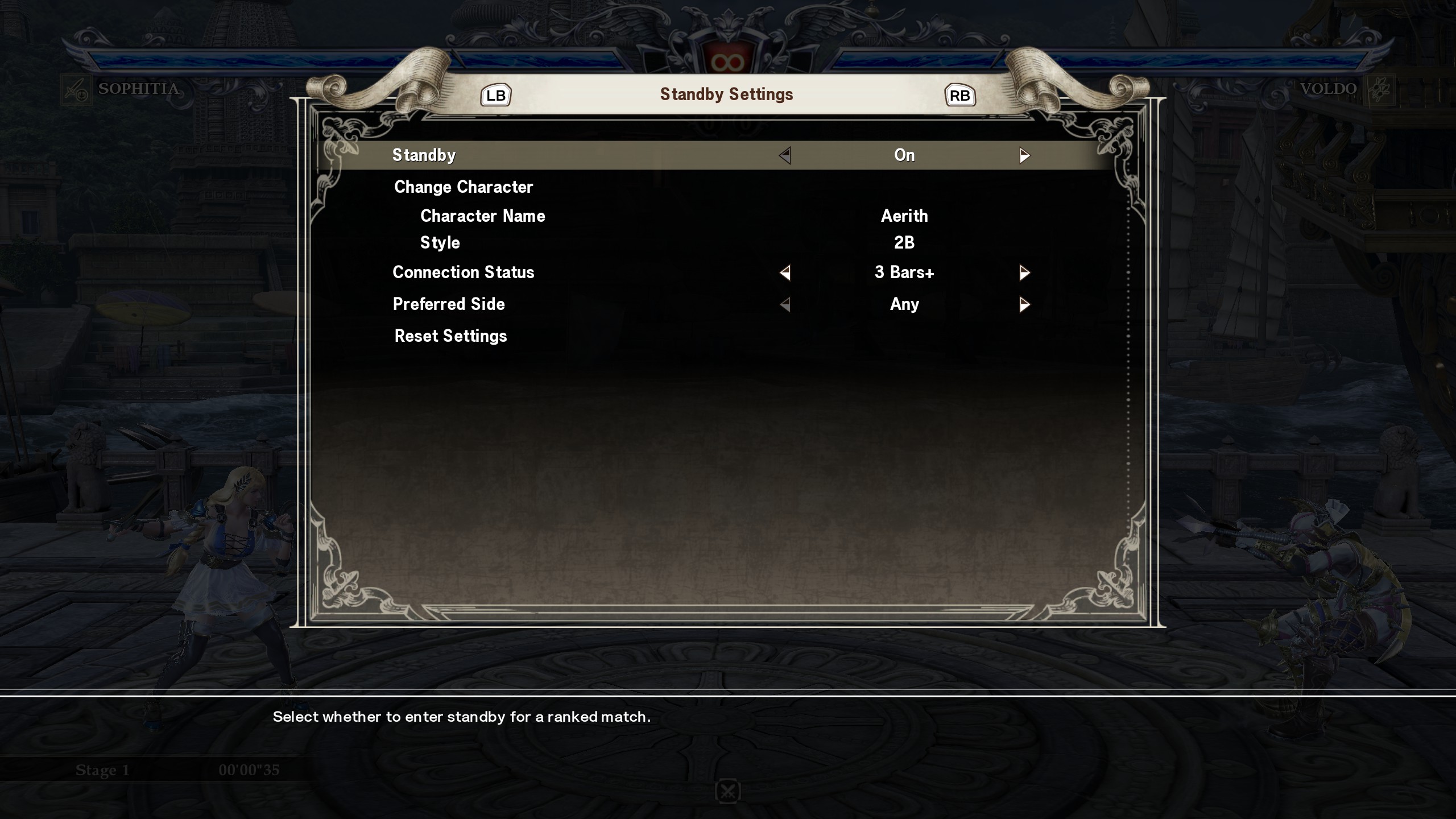
Training mode:
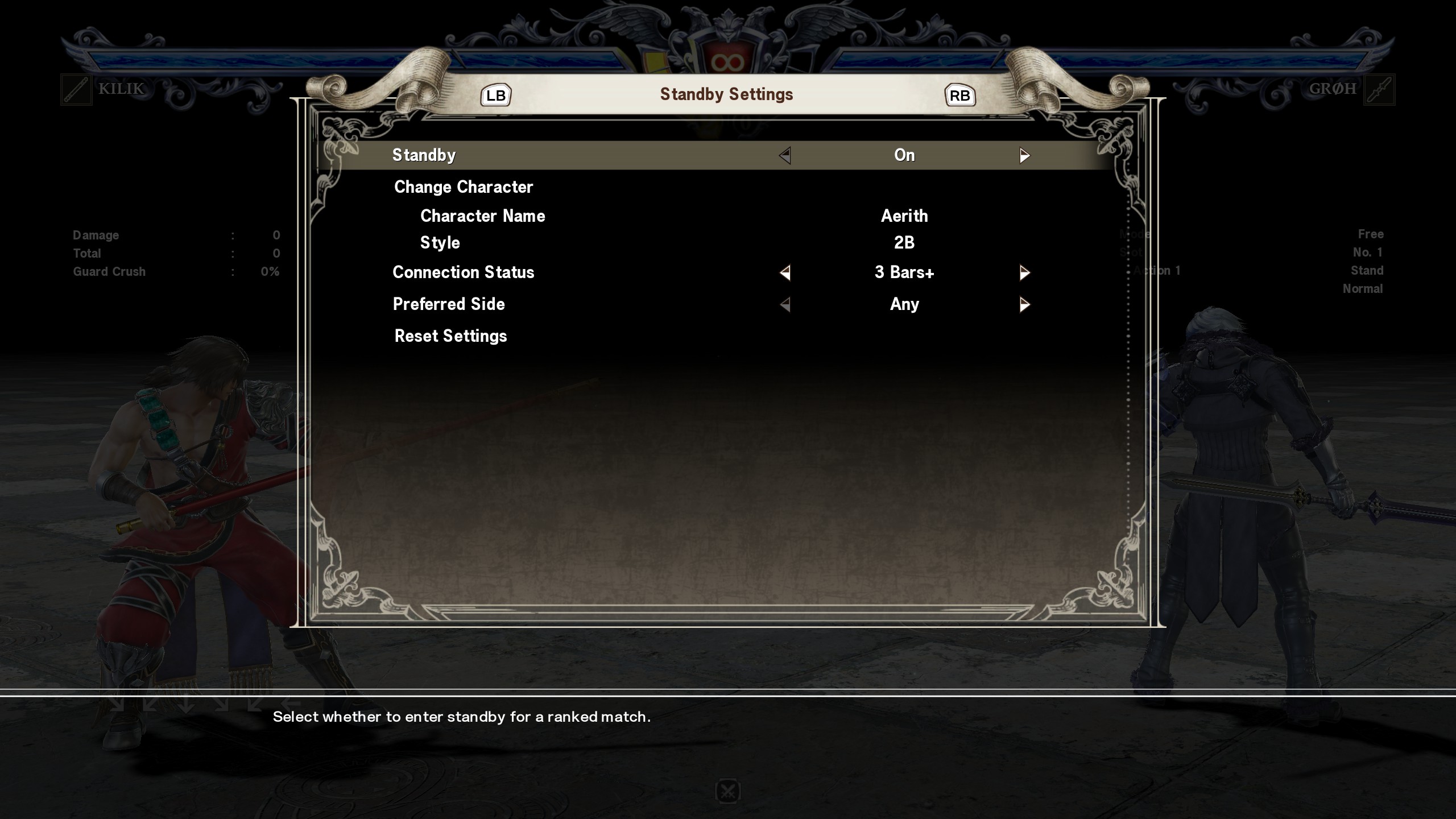
When you are waiting long time, it seems not getting match at all. In the case, following 2 way seems working well for all plat homes.
- Change waiting to OFF and ON again (easier to do)
- Go main menu > Network (sometime this seems required)
I'd suggest to either above if you don't get match in 2min.
Note: If your connection is laggy, you may need to this more often.
Basic mechanics compared from 2D fighting games
You need press guard key for most of the case.
Guard can be thrown.
2 kind of guarding. Standing and Sitting.
Standing guard:- guards High and Middle attack
- get hit from Low attach
- can be thrown
Sitting guard (2G):
- guards Low attack
- dodge High attach and Throw
- get hit from Middle attach
Break attack (blue lightening effect) penetrate guard. Jump (8G):
- dodge Low attach
- get hit from High and Middle attach
Training mode usage
I found following info is very helpful:
Training mode utilization example:- Training mode utilization example (English: Google translation)[translate.google.com]
- トレーニングモード活用例 (Original - Japanese)[sc6.game-info.wiki]
Usage 1: Basic counter
Easy basic setting is configure like following.
Ex) I could not counter Geralt's 3B move.
- Check the reply for which move from player input (3B in this case)
- Training setting on 2P: Step1: Block all attacks
- Training setting on 2P: Step2: Set the move to check (ex. Geralt's 3B attack)
- Training setting on 2P: Set repeat Step 1 and Step 2
- Training: Your play: Attack, let 2P to guard, and make counter attack.
You can check which move and timing is effective to 2P
It is easier to measure timing instead of repeat same moves.
Usage 2: Pre-animation
For example a character has 3 similar strings.
- Record command 1 as AAA
- Record command 2 as AAB
- Record command 3 as AAK
- You can set randomize from command 1-3
Your can practice by seeing difference of pre-animation and judge what is your effective move and timing.
Frame Data
Frame data is not available in this game.
Some external site has frame data.
It's good to check fast attach and attack with heavy disadvantage when it is missed.
INCOMPLETE CONQUEST (probably most reliable data)
English (not completed character list)
http://geppopotamus.info/game/sc6/index_en.htm
Japanese
http://geppopotamus.info/game/sc6/index.htm
English
https://8wayrun.com/
Mobile apps
https://framecalibur.com/
External tool is also available.
If you are interested, search "SOULCALIBUR SCUFFLE"
And here's latest one.
https://github.com/aHorseface/Scuffle/releases
It's good to learn some frames.
- If you and other player use 10F attack at same time (same frame), it cancels each other
- If you use 10F attack, other players use 12F attack at same time (same frame), your attack works.
- Frame advantages: Attack success, guard success, other player attack missed.
You can move faster than your opponent. - Frame disadvantages: Attack fail (guarded or missed), guard fail (get damaged)
Your opponent can move faster than you.
Discord user group by each character
https://www.reddit.com/r/SoulCalibur/comments/9pmu64/character_discord_directory_sc6/
Manual data back up (recommendation)
Some times save data got broken.
It might be from Steam Cloud Data Sync conflict and custom character data in common case.
Tips for MISSION: Libra of Souls
You can go back to visited cities with "X" button.
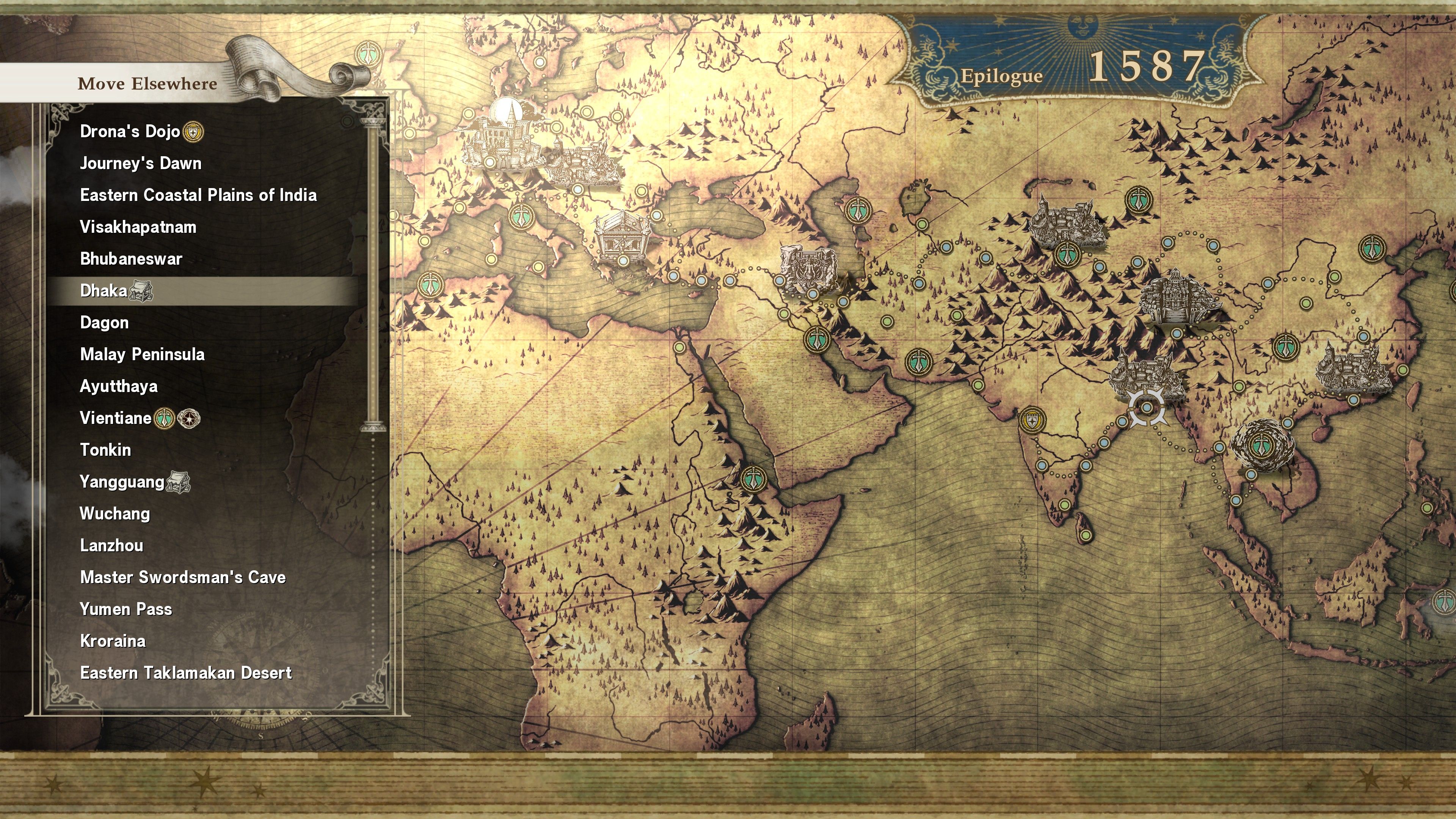
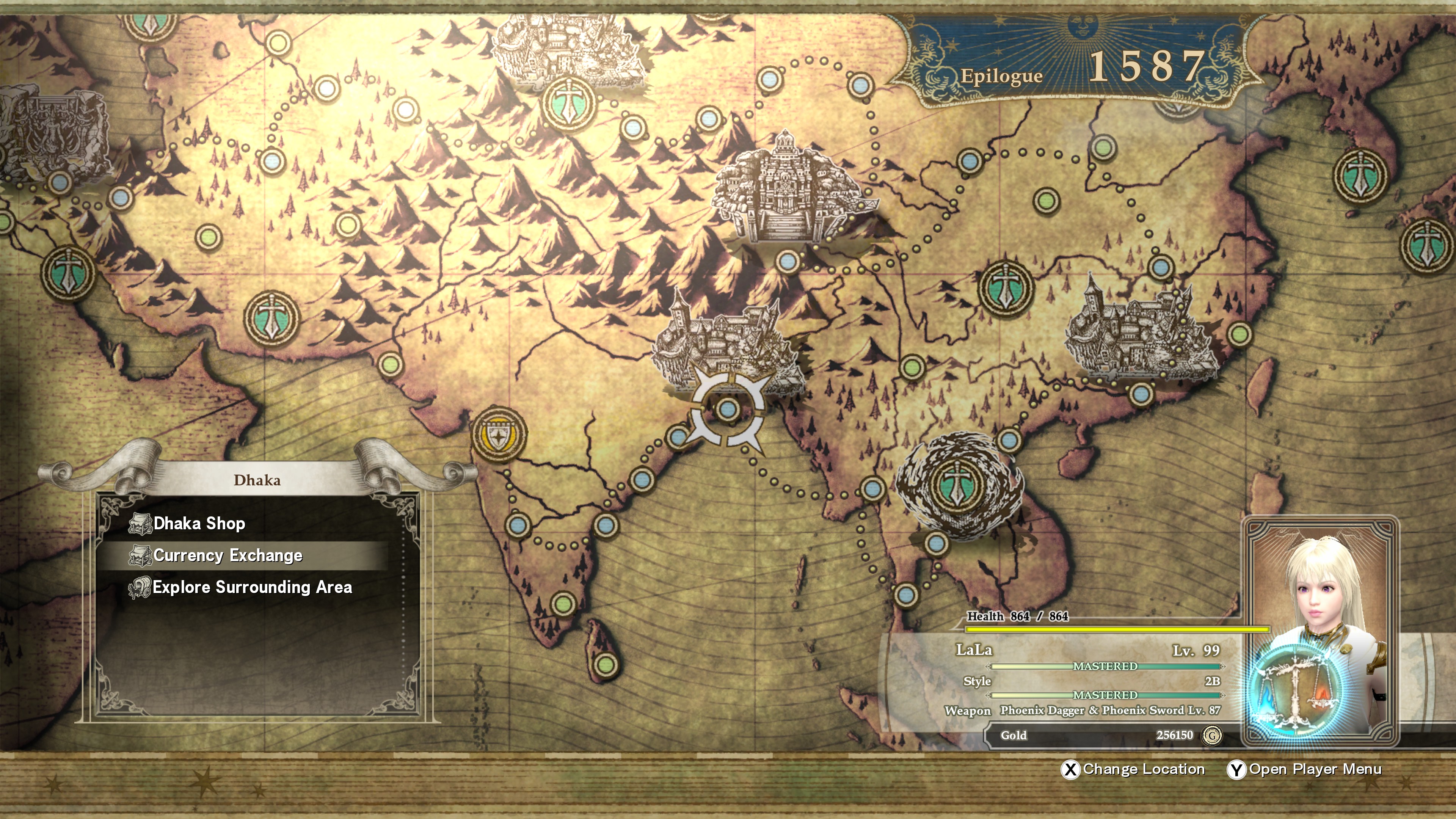
You can convert Gold to Point or other way.
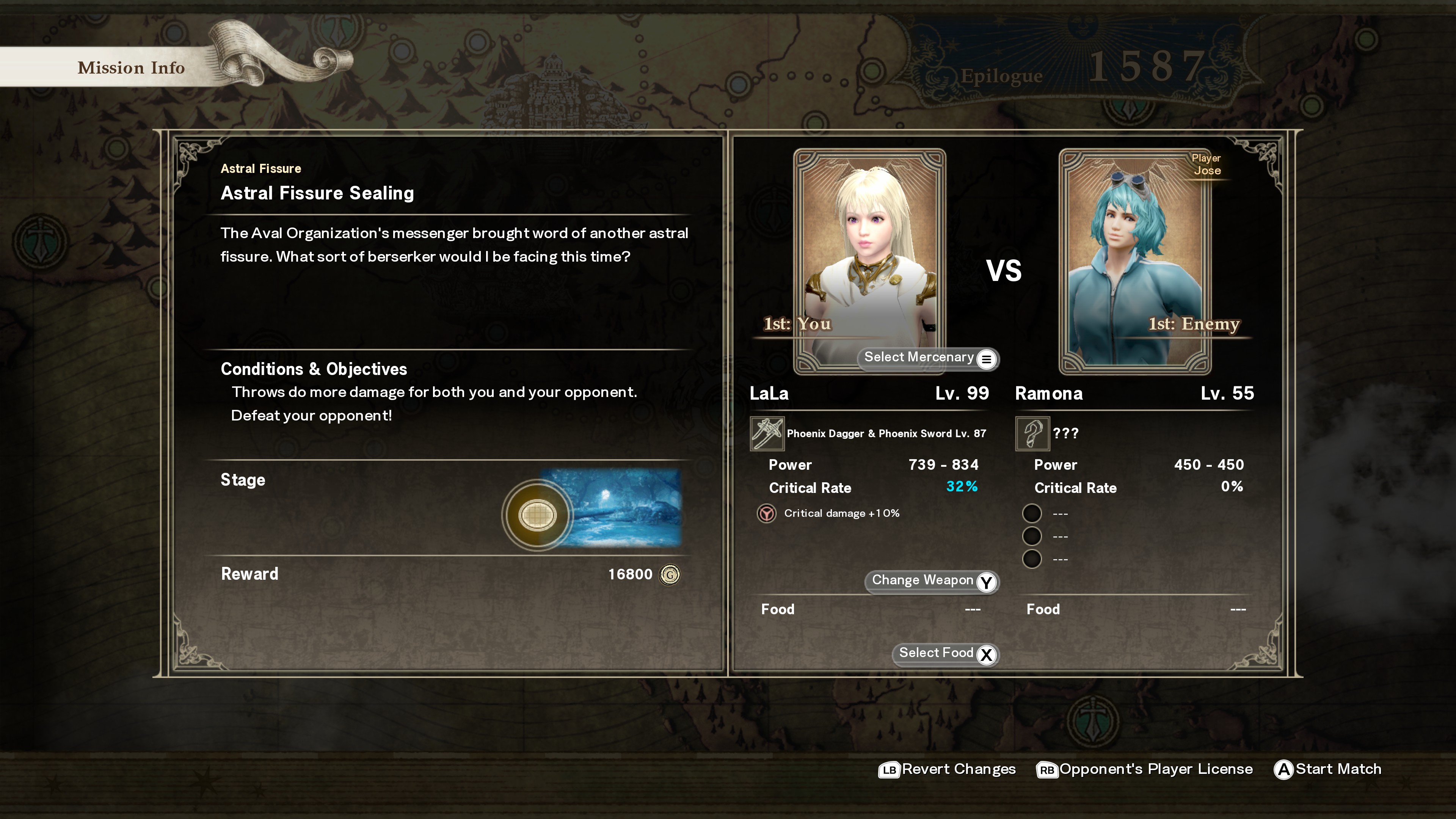
Astral Fissure Sealing missions are good Gold farming and unlimited.
FAQ: Beginner
QOpponent is too fast and cannot do any thing
ADo guard/dodge and counter
Most likely you are doing right.
Usually need to do following:
- Guard (or dodge)
- Pick fast attack or other effective move in timing
You need to practice, but these part is the one of the fun part of like this game.
Unfortunately SC6 does not have in game frame data display.
I believe this is the one of the stupid game design policy from Bandai Namco.
But Tekken 7 got frame display after SC6 release.
So SC7 would have it.
So I'd suggest to do following.
- Get fastest attack on your character
a) FrameCalibur app on your phone/tablet
https://www.framecalibur.com/
b) Some web site:
https://8wayrun.com/wiki/soulcalibur6/
c) Use SCUFFLE: frame data overlay display (PC only)
https://twitter.com/unicorn_cz/status/1250353880396955648 - Check target character move from reply
* SC6: Network > Replay > Battle log
* Display opponent's controller input
Check the move you could not response
ex) 1BBB - Practice on training mode with 1P=your character 2P=target
* Set 2P to repeat 2)'s move
* Practice guard (or dodge) and counter with 1)'s move or any other effective moves.
Note:
* There is hight attribute on attacks (Low, Middle and High).
* You need to choose standing or sitting guard.
Each character's attack ranges are different.
So positioning would be important.
SC6 on SNS (Twitter, etc.)
There are some SNS communities on SC6.
It might be more fun to get involved with this game.
SC6CharacterCreationBot
https://twitter.com/SC6_CCB
SoulCalibur FanArtBot
https://twitter.com/SC_FanArtBot
SC6EventBot
https://twitter.com/SC6_EvB
Hash tag: #SC6_event
SC6CasualMatchBot
https://twitter.com/SC6_CMB
(Japanese only)
Extra (video)
Vol.1:
Vol.2:
Vol.3:
Vol.4:
Other related guides (from me)
https://steamcommunity.com/sharedfiles/filedetails/?id=2192326393
https://steamcommunity.com/sharedfiles/filedetails/?id=2186983802
https://steamcommunity.com/sharedfiles/filedetails/?id=2198639564
https://steamcommunity.com/sharedfiles/filedetails/?id=2289807551
https://steamcommunity.com/sharedfiles/filedetails/?id=2291382184
- How to find and install mods for SC6★ 5 (410)38k views831 ♥1 minUpdated 26 Dec, 2020
- Tutorial To Remove Ingame Background Blur Easy !★ 5 (183)17k views179 ♥1 minUpdated 21 Oct, 2018
- Savegame tool for sharing Create-A-Soul creations★ 5 (235)13k views365 ♥2 minUpdated 26 Dec, 2020
- Soulcalibur VI PC Configuration Guide★ 4 (109)8.3k views190 ♥6 minUpdated 15 May, 2020
- PlayStation DualShock 4 button prompts/icons★ 4 (110)7.8k views136 ♥1 minUpdated 27 Oct, 2018
- How To Make Black Swordsman Guts in Soul Calibur 6★ 4 (86)7.4k views103 ♥1 minUpdated 3 Feb, 2022



- Upgrading to PremiumTeam Fortress 2★ 5 (20k)1441k views11k ♥6 minUpdated May 11, 2022
- No More Room in Hell Official ManualNo More Room in Hell★ 5 (2.8k)569k views2.1k ♥29 minUpdated Apr 22, 2019
- NMRiH Community Hosting GuidesNo More Room in Hell★ 5 (526)351k views653 ♥1 minUpdated Aug 10, 2022
- ULTIMATE GUIDE FOR GAME DEV TYCOONGame Dev Tycoon★ 5 (5.8k)326k views10k ♥4 minUpdated 23 Jan, 2014
- How to 'Git Gud' Soon™MORDHAU★ 5 (2k)318k views3k ♥68 minUpdated Nov 16, 2024
- Лучшие кооперативные игры SteamPAYDAY 2★ 5 (1.5k)315k views2.1k ♥56 minRussianUpdated Apr 27, 2025






This guide was created by its original author on the Steam Community. Are you the author and want it removed? Request removal.