"Updating Executable" FIX [working achievements and language change]
Description
I've found a fix/workaround to solve the "Updating Executable" problem:
This FIX uses only 1 exe file that needs to be replaced
PROS AND CONS OF THIS FIX:
- THERE IS ONE FALSE POSITIVE MALWARE ( You can see virustotal scan result below )
- WORKING ACHIEVEMENTS
- WORKING LANGUAGE CHANGE
Virustotal scan result[imgur.com]
 (My Windows antivirus didn't find anything)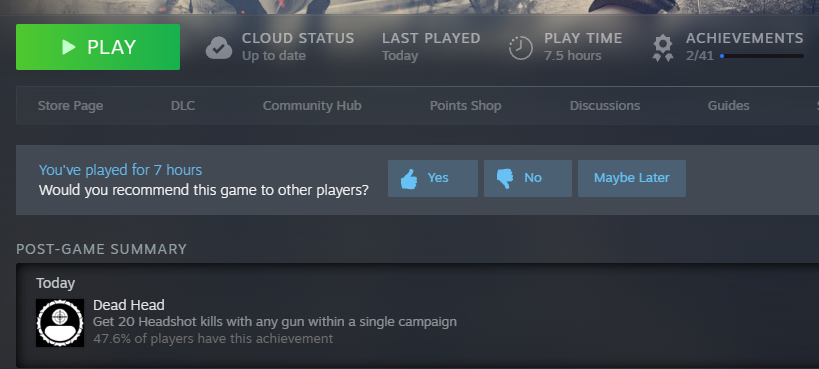
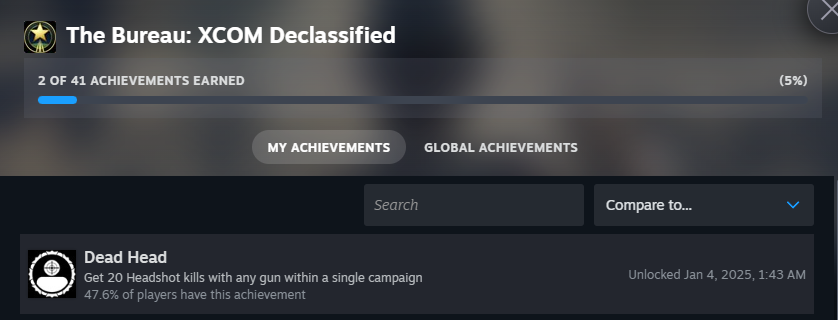 (Achievements work as normal)
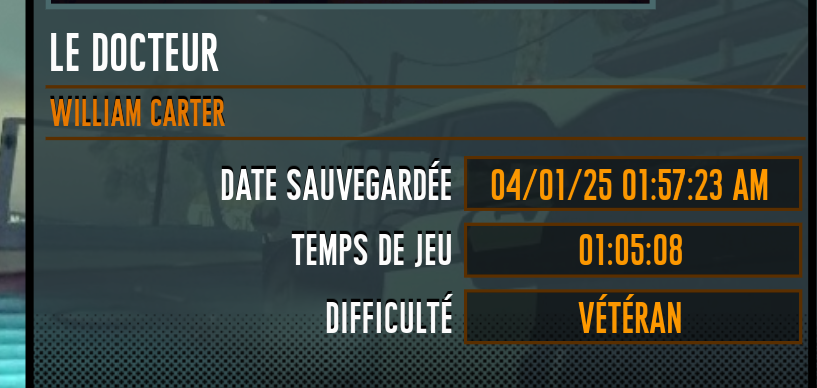 (Language change works as normal)
Fixes and how to install
This LINK contains FIX with working EXE:
I'VE ADDED SPACES TO THE LINK DUE TO THE STEAM RULES.JUST REMOVE THEM BEFORE OPENING:
https ://tinyurl .com/ wrksw2p4
HOW TO INSTALL:
All you need to do is download the archive, open it, and move the folder from it to the root folder of the game with replace.To find out the root folder:
Right click on the game in steam library -> select Properties... -> select Installed Files -> select Browse...
DON'T TRUST ME:
Yes, I realize that downloading unknown exe files can be dangerous, so you do everything at your own risk, but for me it is fine.I've checked this FIX with virustotal and the included exe was "malicious"(false positive), so If you don't want to be "infected", don't use this FIX.
If you have any questions, please let me know in the comments section
🏆
Beat The Bureau: XCOM Declassified's achievements?
Flex it — let your friends know you pulled it off.
More The Bureau: XCOM Declassified guides
- Radio frequency★ 5 (319)15k views122 ♥1 min
- Руководство по достижениям (RU)★ 5 (1k)14k views816 ♥12 minRussianUpdated Jan 23, 2019
- Achievements Guide (ENG)★ 5 (564)14k views601 ♥12 minUpdated Feb 19, 2017
- The Bureau Endings Guide (there are technically 7 endings)★ 4 (121)10k views95 ♥3 min
- Радиочастоты★ 4 (255)10k views97 ♥1 minRussianUpdated Aug 24, 2013
- general guide to the game/should I buy it? (Is it fun)★ 3 (44)6.7k views9 ♥6 min



This guide was created by its original author on the Steam Community. Are you the author and want it removed? Request removal.