Widescreen FIX
Installation
Widescreen FIX from Faguss
this fix created by Faguss
http://ofp-faguss.com
Download
OFP Aspect Ratio v1.9 (2.7 MB)
http://ofp-faguss.com/files/ofp_aspect_ratio.zip
Readme
http://ofp-faguss.com/files/ofp_aspect_ratio.pdf
Configuration
Open configuration file in text editor.
Steam\SteamApps\common\ARMA Cold War Assault\Users\<your name>\UserInfo.cfg
Change values listed below according to your aspect ratio.
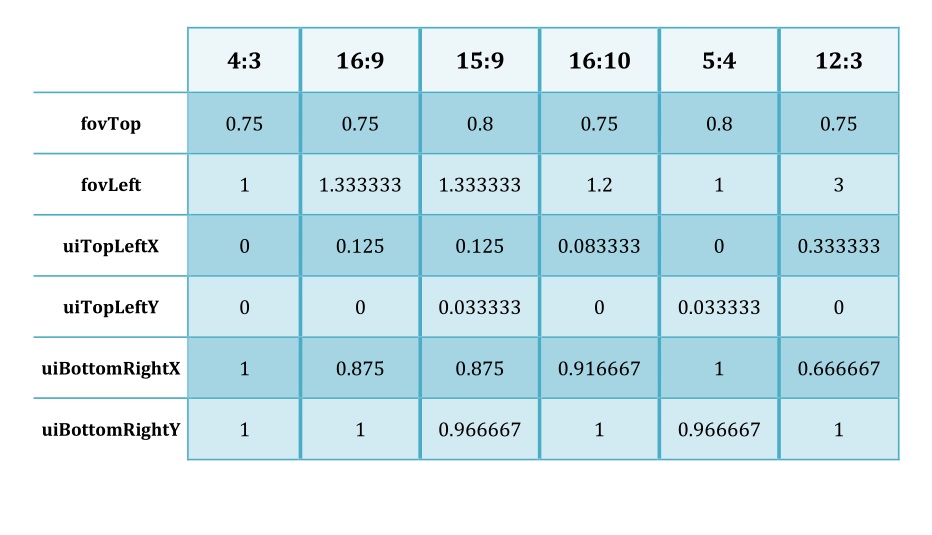 Installation
Copy Aspect_Ratio.hpp to the game folder.
Copy selected Resource.cpp and Config.cpp to:
Steam\SteamApps\common\ARMA Cold War Assault\<modfolder>\bin\
if no mods copy to
Steam\SteamApps\common\ARMA Cold War Assault\BIN
It is not necessary to remove .bin files from the directory because .cpp are loaded
instead.
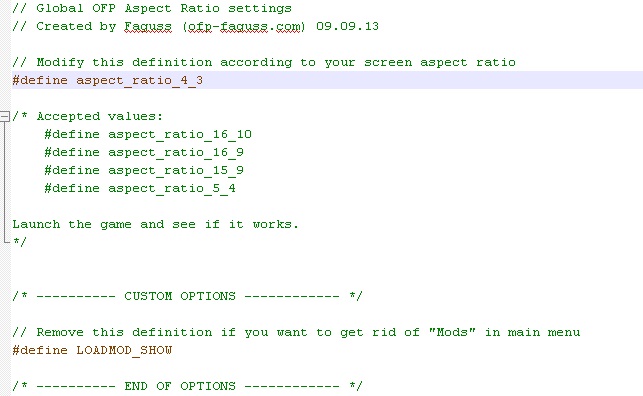
Now open Aspect_Ratio.hpp in a text editor. Change settings following the instructions.
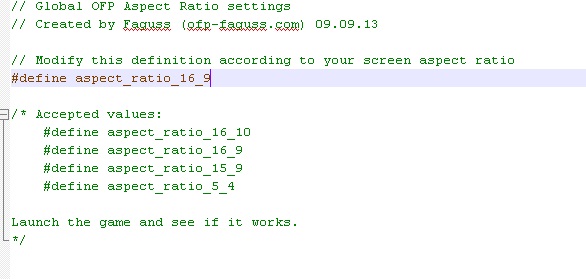
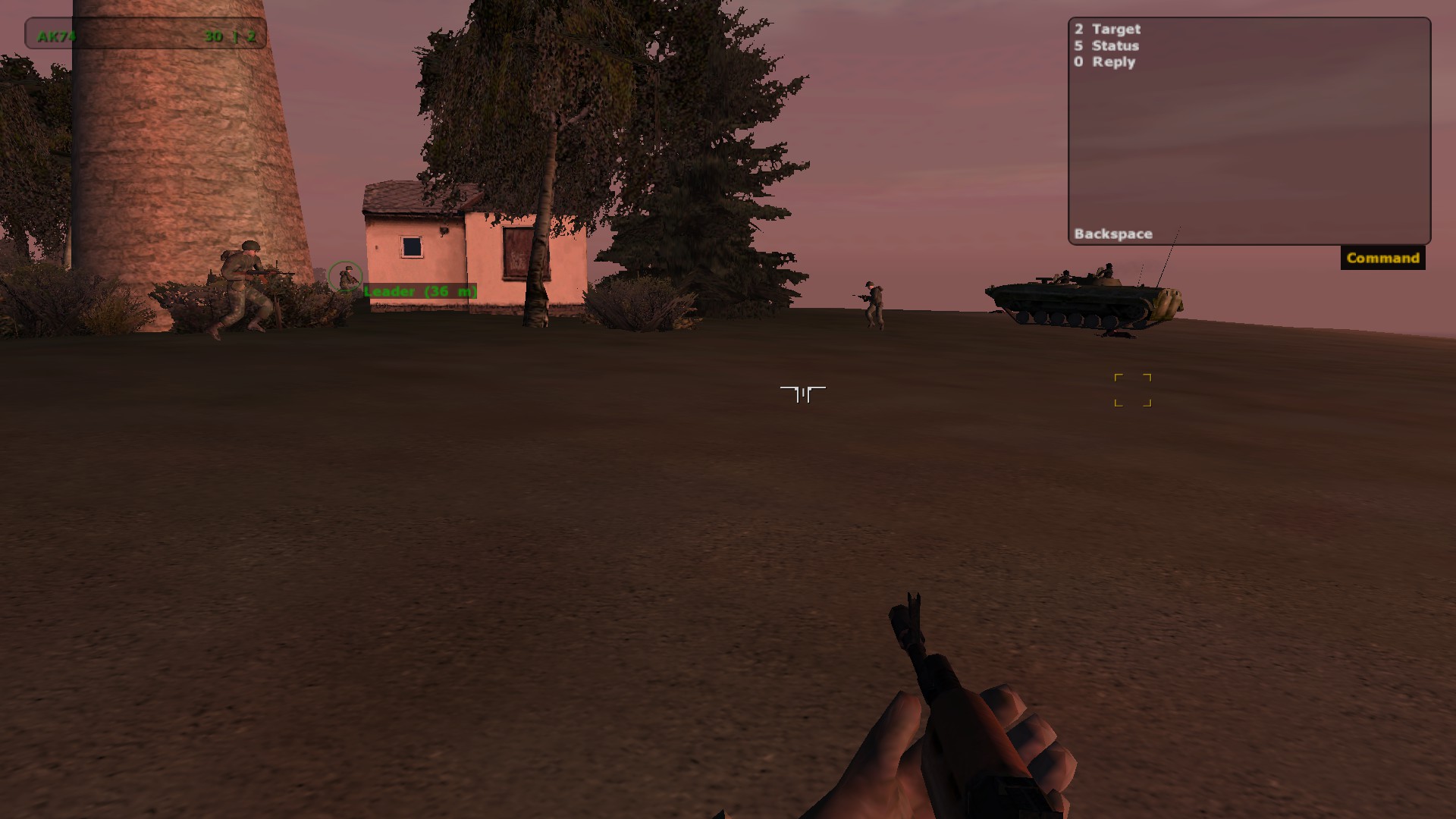
I replaced on 16_9
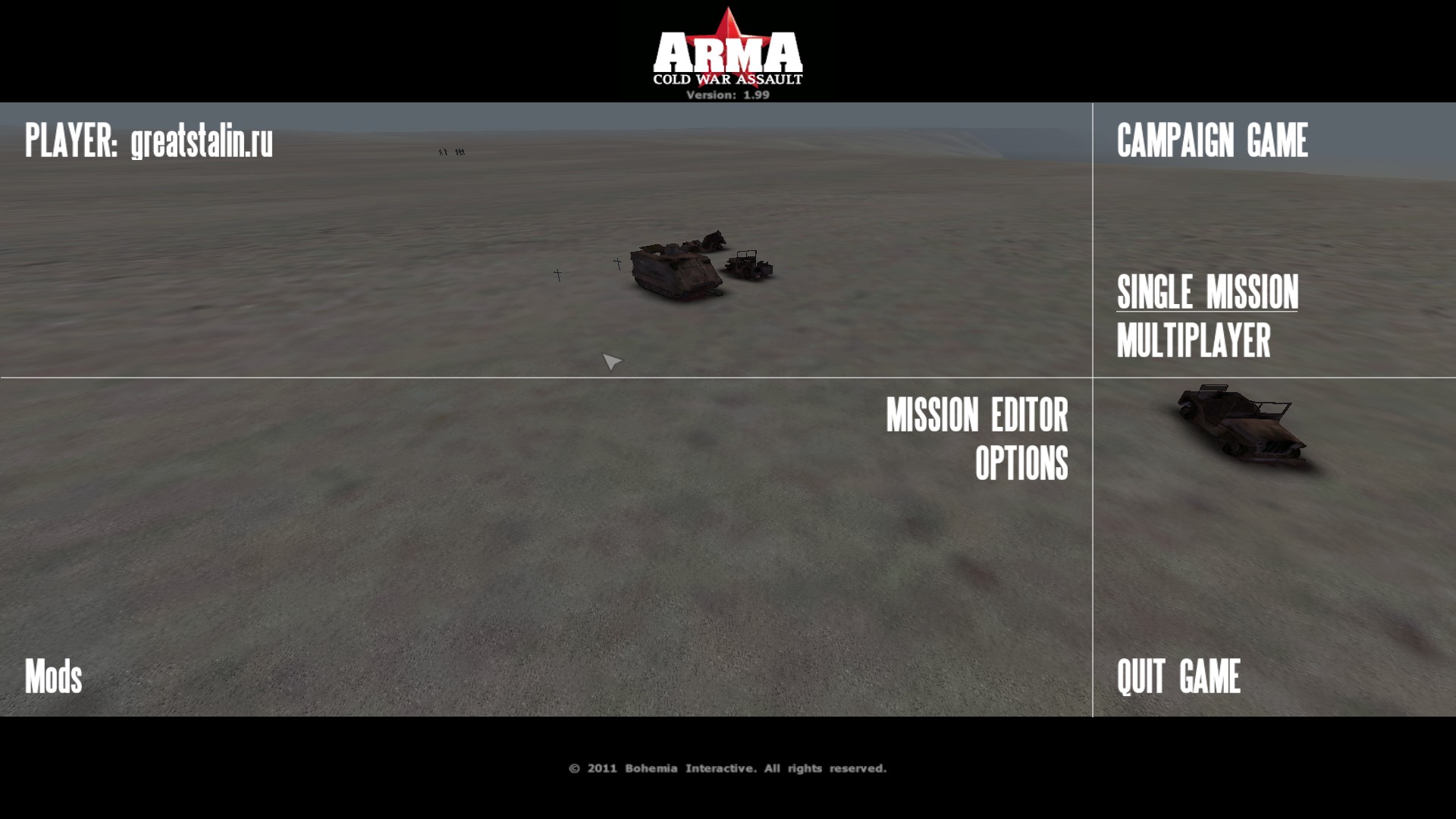
author site
http://ofp-faguss.com
this fix created by Faguss
http://ofp-faguss.com
Download
OFP Aspect Ratio v1.9 (2.7 MB)
http://ofp-faguss.com/files/ofp_aspect_ratio.zip
Readme
http://ofp-faguss.com/files/ofp_aspect_ratio.pdf
Configuration
Open configuration file in text editor.
Steam\SteamApps\common\ARMA Cold War Assault\Users\<your name>\UserInfo.cfg
Change values listed below according to your aspect ratio.
Installation Copy Aspect_Ratio.hpp to the game folder.
Copy selected Resource.cpp and Config.cpp to:
Steam\SteamApps\common\ARMA Cold War Assault\<modfolder>\bin\
if no mods copy to
Steam\SteamApps\common\ARMA Cold War Assault\BIN
It is not necessary to remove .bin files from the directory because .cpp are loaded
instead.
Now open Aspect_Ratio.hpp in a text editor. Change settings following the instructions.
I replaced on 16_9
author site
http://ofp-faguss.com
More Arma: Cold War Assault Remastered guides
- [RU] Полная русификация ARMA: CWA Legacy★ 5 (333)10k views437 ♥3 minRussianUpdated Jul 20
- Installing addon Red Hammer★ 5 (215)9.2k views196 ♥1 minUpdated May 21, 2014
- Руководство к выживанию в ArmA:Cold War Assault // ArmA:Cold War Assault Survival Guide★ 5 (325)6.5k views166 ♥6 minUpdated Jul 13, 2018
- Arma: Cold War Assault Русификатор★ 4 (166)6.1k views165 ♥1 minRussianUpdated Jun 21, 2016
- Полезное барахло для OFP★ 4 (100)4.7k views189 ♥1 minRussianUpdated Jan 8, 2023
- How use Hot Patch 1.99 to1.96 (Downgading Patch)★ 4 (57)4.7k views58 ♥1 minUpdated Nov 26, 2025





This guide was created by its original author on the Steam Community. Are you the author and want it removed? Request removal.