How to download and install DarthMod for Napoleon: Total War (Visual Walkthrough)
Overview of Darthmod:
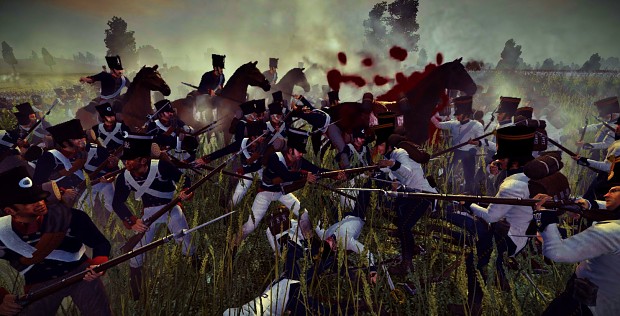
The "Epic Edition" of DarthMod Napoleon includes the following:
+ Over 200 extra units
+ 43 Garrison units
+ 40 unit armies
+ More campaigns
+ More realistic effects
+ Improved AI
+ Realistic battle mechanics
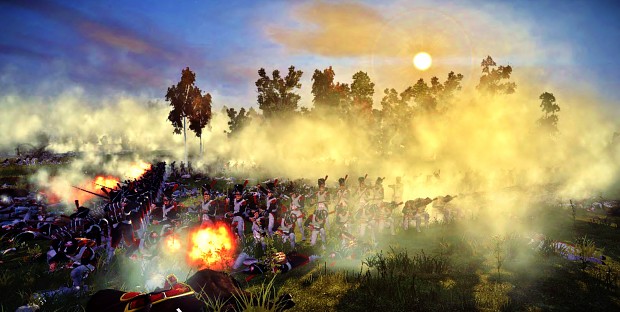

How to install DarthMod v2.65 Epic Edition:
1. Go to http://www.moddb.com/mods/darthmod-napoleon/news/darthmod-napoleon-epic-edition-got-a-massive-gameplay-update
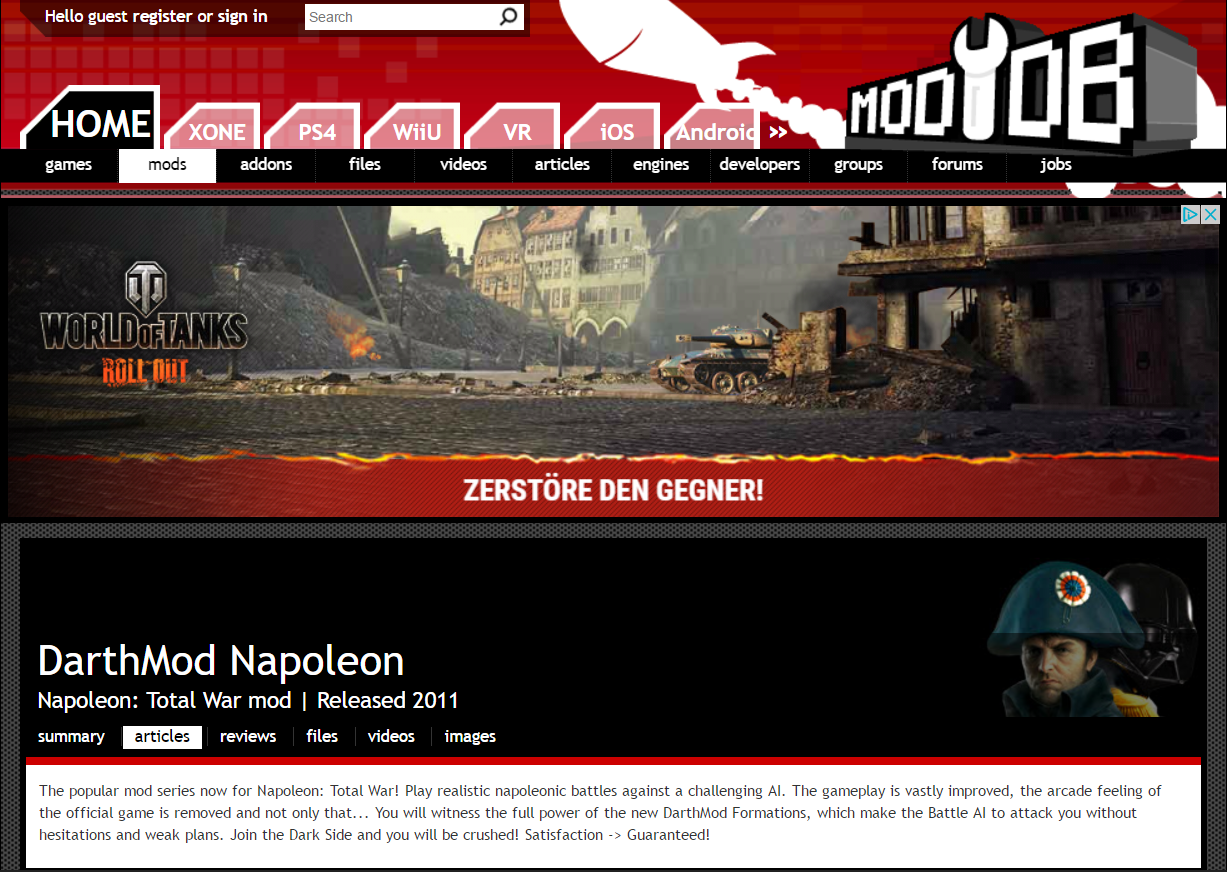
2. Scroll down until you reach the 'DOWNLOAD NOW' button:

3. Click on the 'DOWNLOAD NOW' button and when you are re-directed to the page shown below click on the 'DOWNLOAD NOW!' button shown below:
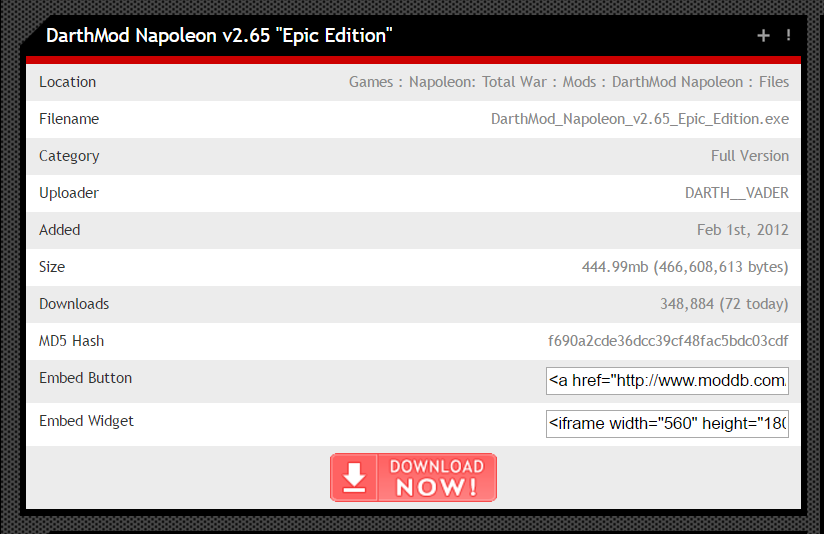
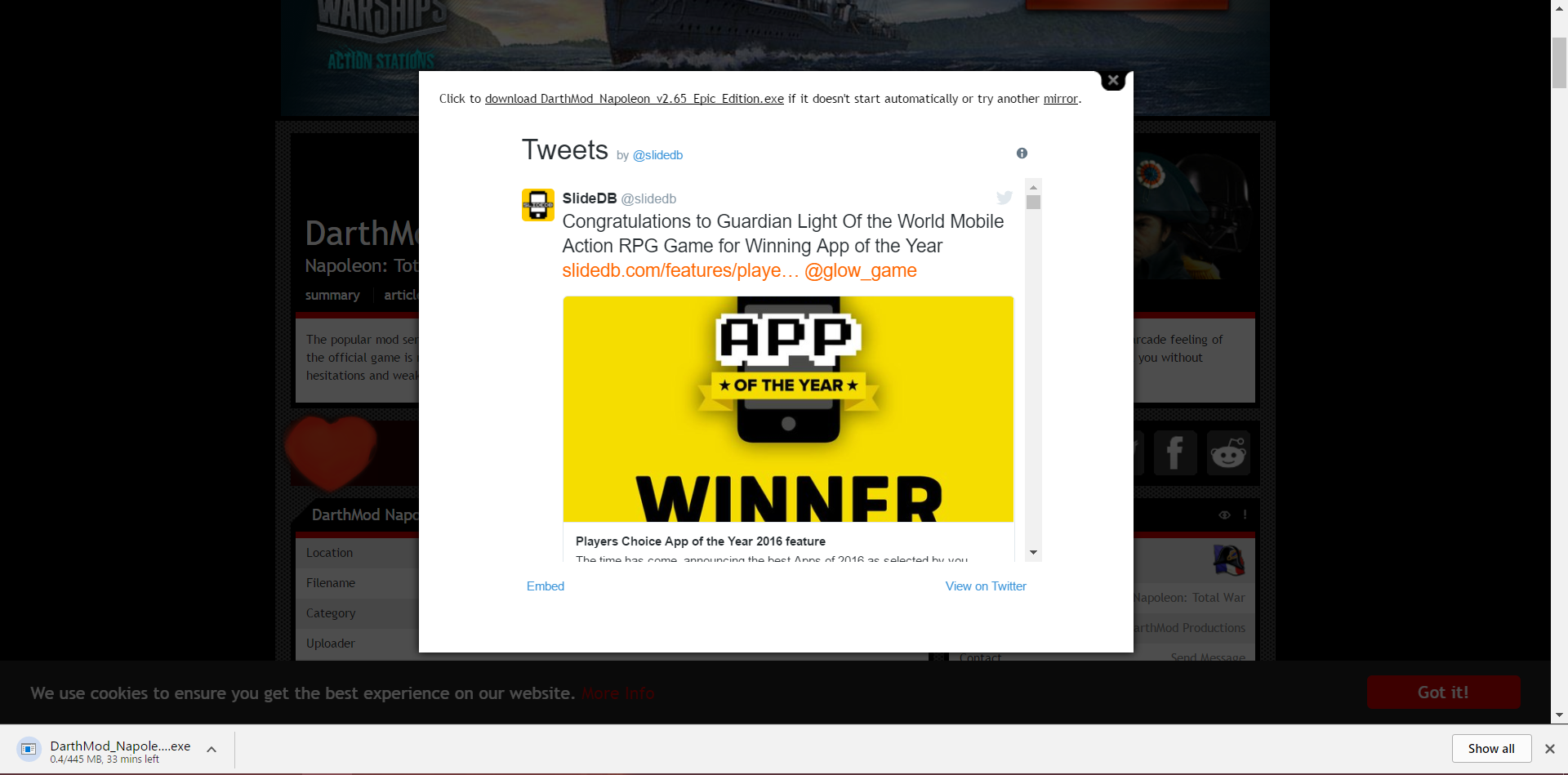
4. The page shown below should come up once you have done so and download of 'DarthMod_Napoleon_v2.65_Epic_Edition.exe' should begin. If not click on the link at the top of the pop-up: 'download DarthMod Napoleon v2.65 Epic Edition.exe' and the download should begin.
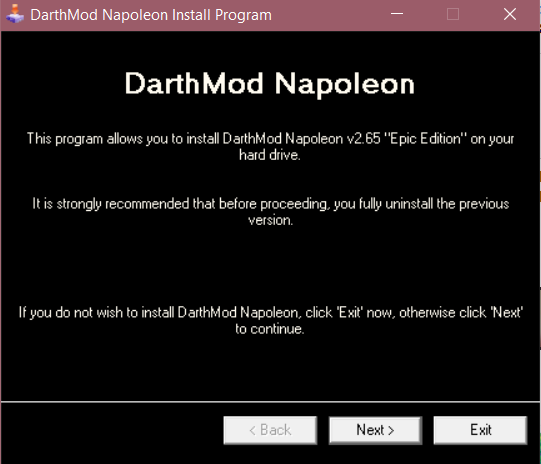
5. Once the file has finished downloading, run the program and follow the instructions to install DarthMod:
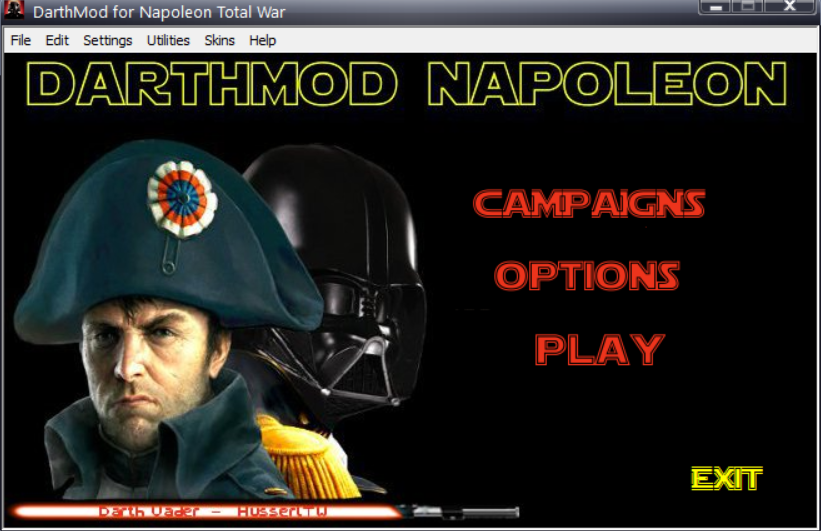
6. After succesfully installing DarthMod, an icon will appear on your desktop with the title 'DarthMod Napoleon'. Make sure you have closed Napoleon: Total War before attempting to run Darthmod. Open 'Darthmod Napoleon' and click play:
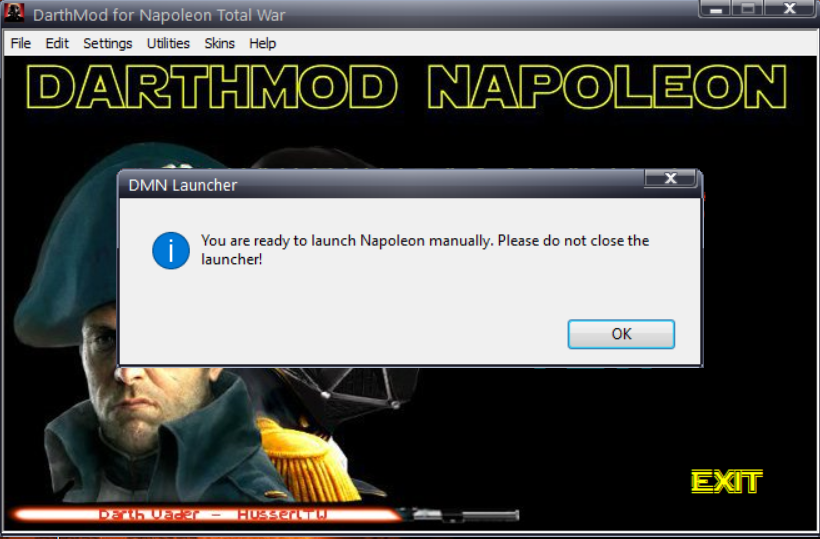
7. Wait until this message appears on your screen:
8. Without closing DarthMod Napoleon, open Napoleon: Total War. You should see the menu look like this:
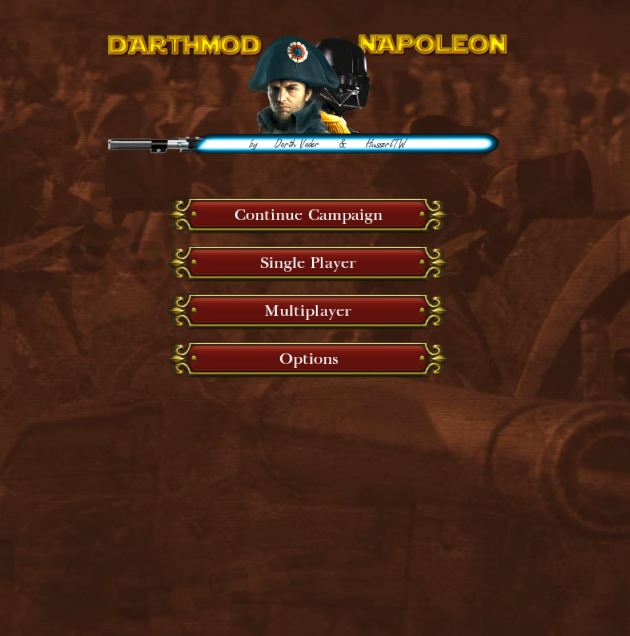
If it does, you have succesfully installed DarthMod Napoleon v2.65 Epic Edition. Enjoy!
2. Scroll down until you reach the 'DOWNLOAD NOW' button:
3. Click on the 'DOWNLOAD NOW' button and when you are re-directed to the page shown below click on the 'DOWNLOAD NOW!' button shown below:
4. The page shown below should come up once you have done so and download of 'DarthMod_Napoleon_v2.65_Epic_Edition.exe' should begin. If not click on the link at the top of the pop-up: 'download DarthMod Napoleon v2.65 Epic Edition.exe' and the download should begin.
5. Once the file has finished downloading, run the program and follow the instructions to install DarthMod:
6. After succesfully installing DarthMod, an icon will appear on your desktop with the title 'DarthMod Napoleon'. Make sure you have closed Napoleon: Total War before attempting to run Darthmod. Open 'Darthmod Napoleon' and click play:
7. Wait until this message appears on your screen:
8. Without closing DarthMod Napoleon, open Napoleon: Total War. You should see the menu look like this:
If it does, you have succesfully installed DarthMod Napoleon v2.65 Epic Edition. Enjoy!
More Total War: NAPOLEON - Definitive Edition guides
- How to Dominate Land Battles★ 5 (1.7k)62k views2.5k ♥57 minUpdated Jan 31, 2018
- 《拿破仑:全面战争》汉化补丁 & 打开全特效 & 打开上帝视角★ 5 (943)27k views2k ♥1 minSimplified ChineseUpdated Dec 16, 2025
- How to Create a Democratic Government, without losing all your provinces★ 5 (252)26k views195 ♥1 minUpdated Dec 9, 2020
- How to win every historical battle on highest dificulty level.★ 5 (288)25k views442 ♥2 minUpdated Jul 11, 2021
- WATERLOO RECONSTITUTION★ 5 (493)24k views261 ♥1 minBulgarianUpdated Aug 6, 2015
- Unit Comparisons★ 5 (340)24k views499 ♥1 minUpdated Nov 15, 2013


This guide was created by its original author on the Steam Community. Are you the author and want it removed? Request removal.