I of the Dragon - Disc Version + Steam Version
Description
Download Link
C:\Program Files (x86)\Steam\SteamApps\common\The I of the Dragon
This is the directory that it should be in, unless you installed it in another location.
So all you have to do is download the file from the link below, and with winrar extract it to C:\Program Files (x86)\Steam\SteamApps\common\The I of the Dragon and when it asks to overwite/merge, click "yes to all"
https://www.dropbox.com/s/l60bw0yuqkf2yd0/IofDragonNA.7z?dl=0
Ending Notes
If you have a shortcut on your desktop or start menu for the old Steam version, then it will no longer work and will need to be replaced by the new .exe that will be extracted in the new directory. Or you could just start the game from Steam.
Saves from the old Steam version won't work, so you'll have to start over but it is a great game and so it's not much of a loss. Also, this is only in English as of right now.
If you have any issues, rvn515 is the guy who knows how to do all the technical stuff. I'm just the one who provided the disc files =P
UPDATE:
There is a small bug with the camera for users wth the Graphic Enhancement Patch. It usually occurs after loading the game, cutscenes, or starting a new game. Allyou have to do is press the 'C' key, or whichever key is your camera key, 3 times to fix it. This may only happen with pepople who have the enhancement patch and use a 16:9 resolution screen.
As for the intro not playing for people, there is a simple fix. Simply go to Control Panel\All Control Panel Items\Display\Screen Resolution and find out what screen resolution you are using. Also, make sure that for multiple displays, the option is listed as "Show Desktop only on 1" and then save your changes, and open up Regedit. Then, go to HKEY_CURRENT_USER\Software\Primal\Dragon\Graphics and change ScreenHeight and ScreenWidth to your screen resolution.
Thank you and I hope you all have a wonderful day~
Images
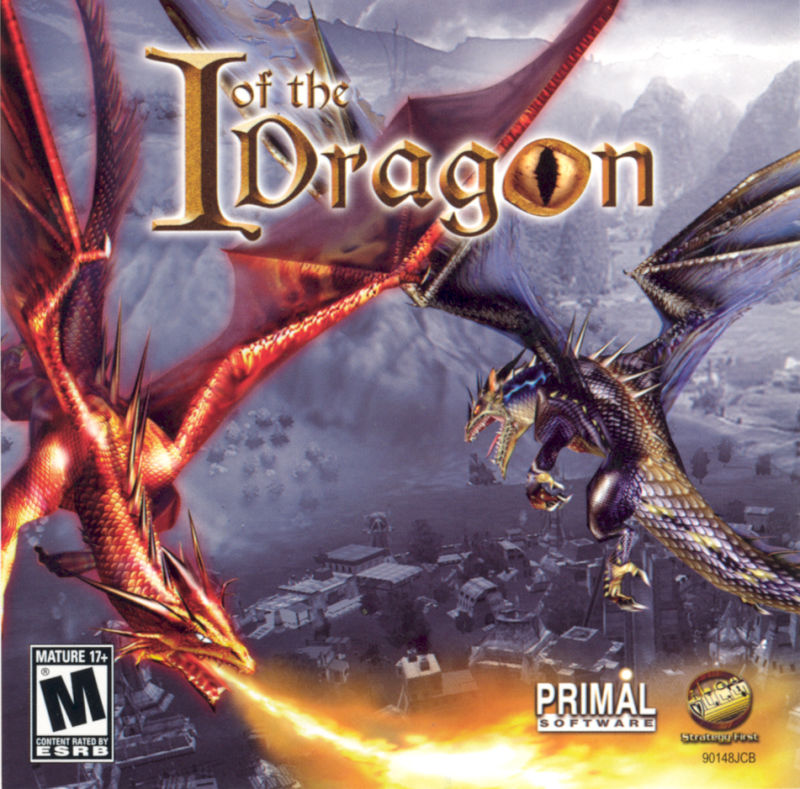
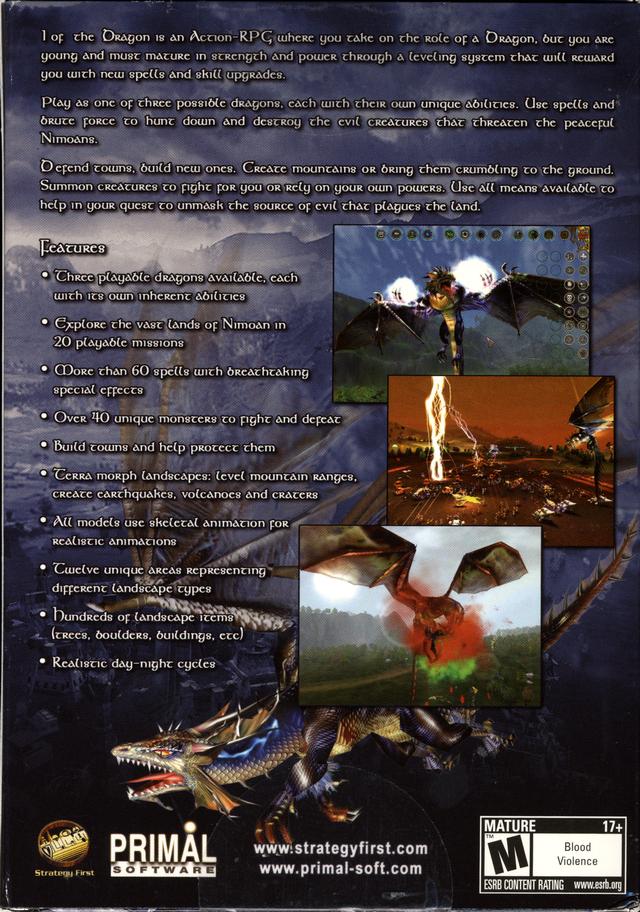
- How to Fix All Known Fixable Problems★ 4 (72)5k views79 ♥3 minUpdated Mar 14, 2015
- All bugfixes and addons in one place UPDATED★ 4 (36)3.3k views63 ♥5 minBulgarianUpdated Jul 15, 2020
- Graphics Enhancement Patch (GFXe) and Guide★ 4 (75)3.3k views77 ♥7 minUpdated Jul 26, 2015
- North Amarica, English Complete Fix.836 views7 ♥1 min
- Тонкая настройка682 views18 ♥3 minRussianUpdated Jun 14, 2025
- Саундтрек с дисковой версии(Акелла)408 views14 ♥1 minRussianUpdated Feb 18, 2023





- Upgrading to PremiumTeam Fortress 2★ 5 (20k)1441k views11k ♥6 minUpdated May 11, 2022
- No More Room in Hell Official ManualNo More Room in Hell★ 5 (2.8k)569k views2.1k ♥29 minUpdated Apr 22, 2019
- NMRiH Community Hosting GuidesNo More Room in Hell★ 5 (526)351k views653 ♥1 minUpdated Aug 10, 2022
- ULTIMATE GUIDE FOR GAME DEV TYCOONGame Dev Tycoon★ 5 (5.8k)326k views10k ♥4 minUpdated 23 Jan, 2014
- How to 'Git Gud' Soon™MORDHAU★ 5 (2k)318k views3k ♥68 minUpdated Nov 16, 2024
- Лучшие кооперативные игры SteamPAYDAY 2★ 5 (1.5k)315k views2.1k ♥56 minRussianUpdated Apr 27, 2025






This guide was created by its original author on the Steam Community. Are you the author and want it removed? Request removal.