The Romance of the Three Mods: ZMod + Special K + DXVK
But...what are these things?
- Support for higher than vanilla resolutions
- Ultrawide aspect ratios
- 120 FPS
- Improved frame timing
- Custom camera distance, height, and angle
Special K is an extensive game modifying framework allowing for various forms of in-depth tweaking of a game and it's mostly known for it's Framerate Limiter and the many game-specific fixes that were created over the years.
In this guide, it's used mainly to add to the DXVK with DXGI conversion and the framerate limiter.
DXVK is a Vulkan-based translation layer for Direct3D 9/10/11 that is originally made to allow running 3D applications on Linux using Wine, but it sorta has compatibility for Windows.
In-game Preparations
No, seriously, that's it.
NVIDIA Profile Inspector
I did mention this was only for NVIDIA, right...?
- In Nvidia Control Panel, in 3D Settings, set Vulkan/OpenGL present method to Prefer layered on DXGI Swapchain for Dynasty Warriors 8
You can use global profile if you want to use Flip Model in all OpenGL and Vulkan titles.
(If you don't see those options, your driver is not up to date!) - Press Apply changes and exit.
- Download Nvidia Profile Inspector.[github.com]
- Extract the archive and run the program.
- Enable "Show unknown settings from NVIDIA predefined profiles" in the top bar (penultimate button).
- Press Ctrl+F and paste OGL_DX_PRESENT_DEBUG.
- Select the setting and click on Show bit value editor on the top bar (last button).
- In the first column, check bit- Click Apply & Close#00and#19 - Click Apply changes in the top right and exit.
The Romance
- Download the latest release of ZMod here[github.com], and also Special K, either from your own installation of SKIF[special-k.info], or here: https://github.com/SpecialKO/SpecialK/releases/latest
- Extract SpecialK32.dll from your Special K download or installation to the same folder where Dynasty Warriors 8's Launch.exe is, and rename SpecialK32.dll to zmod_SpecialK32.dll
After that, extract everything from the ZMod download BUT disable ultrawide from ZMOD's confg file, FOR NOW. - Now, start the game with zmod.exe, then close it after a few seconds.
- If you're interested in using Ultrawide, you can now enable it in ZMod's config file, but make sure to configure the .ini with your intended resolution, the game will crash if you try to set it in-game.
You are now free to start the game again, but first, it's time for the gran finale:
- Download[github.com] and extract the DXVK files into the game's folder.
(If you're having issues, please grab DXVK from here[github.com] instead.(Reminder, this is a 32-bit DX9 game, so d3d9.dll) - Start the game through zmod.exe, and once prompted with a pop-up, enable Vulkan Bridge. The game will restart, but you NEED to close it after.
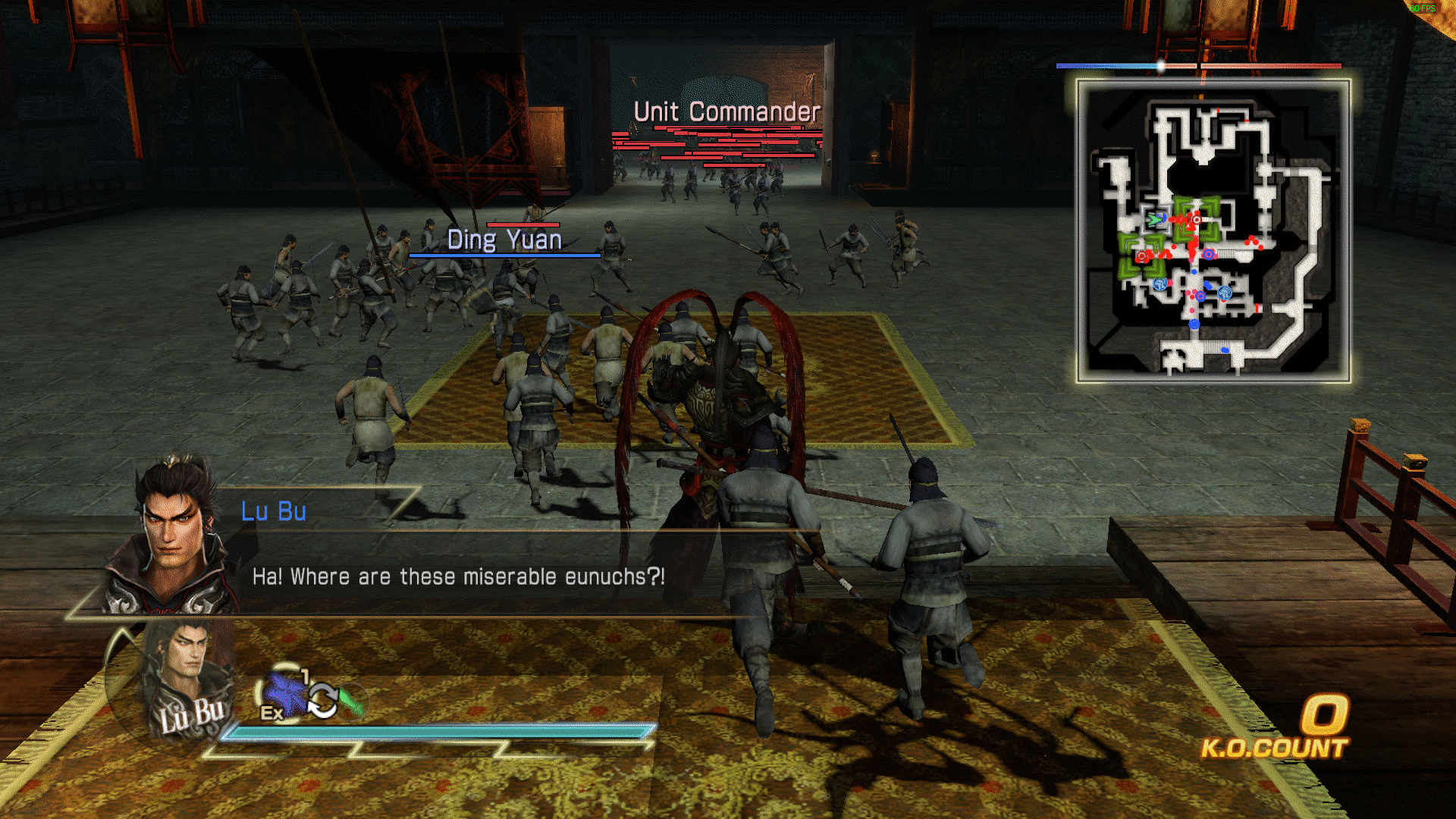
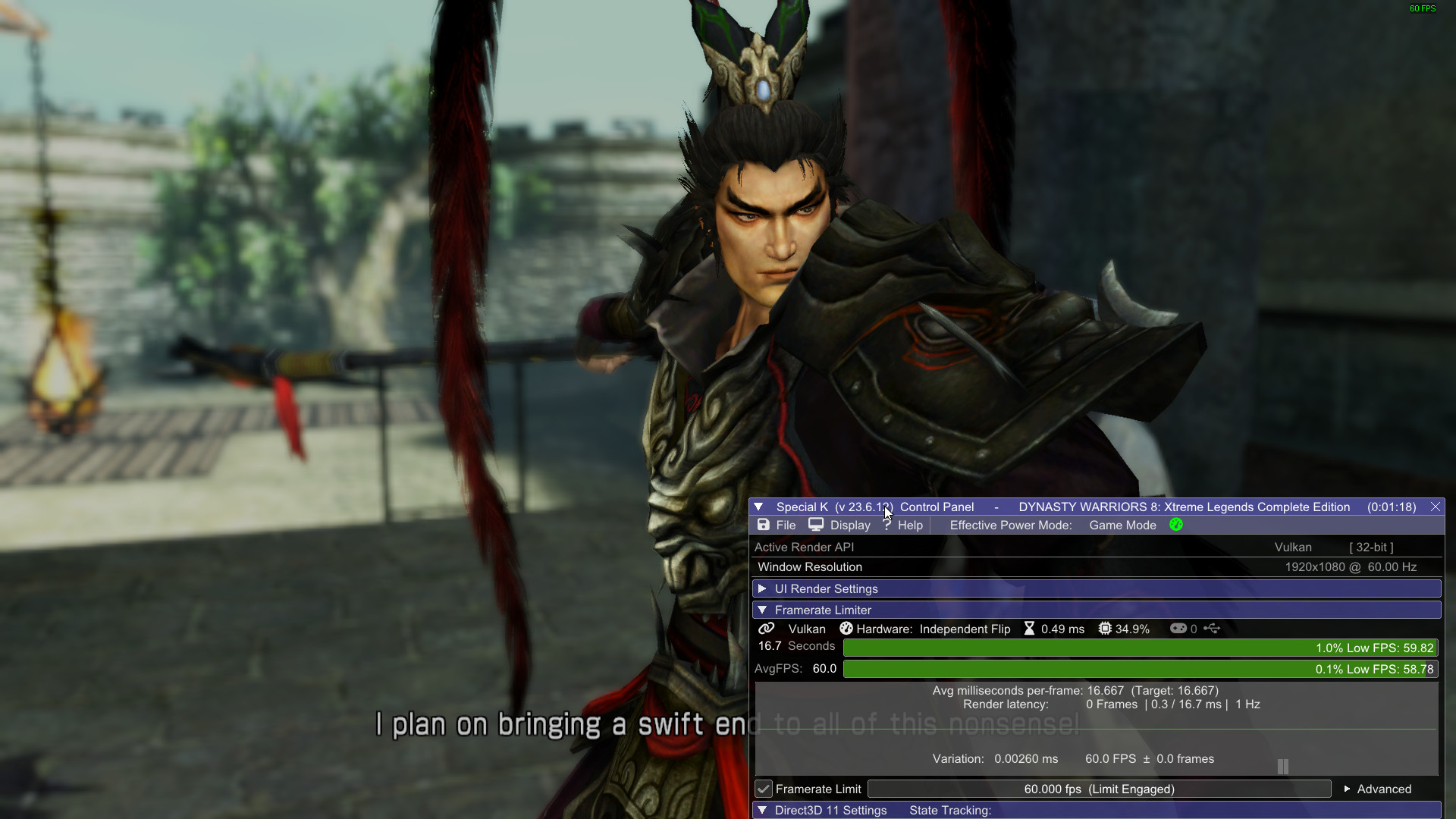
And with all that done! Enjoy a much better experience with Dynasty Warriors 8! Remember to always start the game through zmod.exe, or else neither ZMod nor Special K will work properly!
🔨Troubleshooting
QMy game seems to crash whenever I alt-tab/take a screenshot or seemingly at random!
AThis is currently an issue of incompatibility between Special K and the Ultrawide mod, I recommend avoiding it for now, specially if you don't need the mod.
To remove it, simply delete it's .dll and .ini(zmod_dw8xlce_ultrawide), and keep the other .dlls.
QThe game is running at a higher frame rate than I support!
AChange the framerate zmod's frame time module targets for through the zmod_dw8xlce_frame_time.ini.
It is highly recommended you cap your framerate through Special K as soon as you can, however.
QI don't get anything about Vulkan Bridge/Zmod is not working!
AThis guide does not support AMD cards. Ask AMD for the feature in their drivers.
- Configuring your Gamepad to work with Dynasty Warriors 8 and follow console layouts★ 5 (332)28k views426 ♥2 minUpdated 7 Nov, 2022
- 6th Weapon guide and attributes in general★ 5 (1.1k)23k views1.9k ♥11 minUpdated 12 Mar, 2019
- Gameplay Tips and FAQs★ 5 (497)19k views642 ♥23 minUpdated 13 Oct, 2014
- 真三国无双7猛将传全成就指南(附全dlc介绍)★ 5 (743)18k views1.2k ♥1 minSimplified ChineseUpdated 7 Jun, 2025
- Dynasty Warriors 8: The Ultimate Controller Guide★ 4 (121)15k views199 ♥2 min
- 《真・三国无双7本传with猛将传》史上最详细快速白金(全成就)全流程指北攻略★ 5 (381)14k views1.1k ♥3 minSimplified ChineseUpdated 27 Oct, 2024



- Upgrading to PremiumTeam Fortress 2★ 5 (20k)1441k views11k ♥6 minUpdated May 11, 2022
- No More Room in Hell Official ManualNo More Room in Hell★ 5 (2.8k)569k views2.1k ♥29 minUpdated Apr 22, 2019
- NMRiH Community Hosting GuidesNo More Room in Hell★ 5 (526)351k views653 ♥1 minUpdated Aug 10, 2022
- ULTIMATE GUIDE FOR GAME DEV TYCOONGame Dev Tycoon★ 5 (5.8k)326k views10k ♥4 minUpdated 23 Jan, 2014
- How to 'Git Gud' Soon™MORDHAU★ 5 (2k)318k views3k ♥68 minUpdated Nov 16, 2024
- Лучшие кооперативные игры SteamPAYDAY 2★ 5 (1.5k)315k views2.1k ♥56 minRussianUpdated Apr 27, 2025






This guide was created by its original author on the Steam Community. Are you the author and want it removed? Request removal.