HL²DM Player Models
Introduction
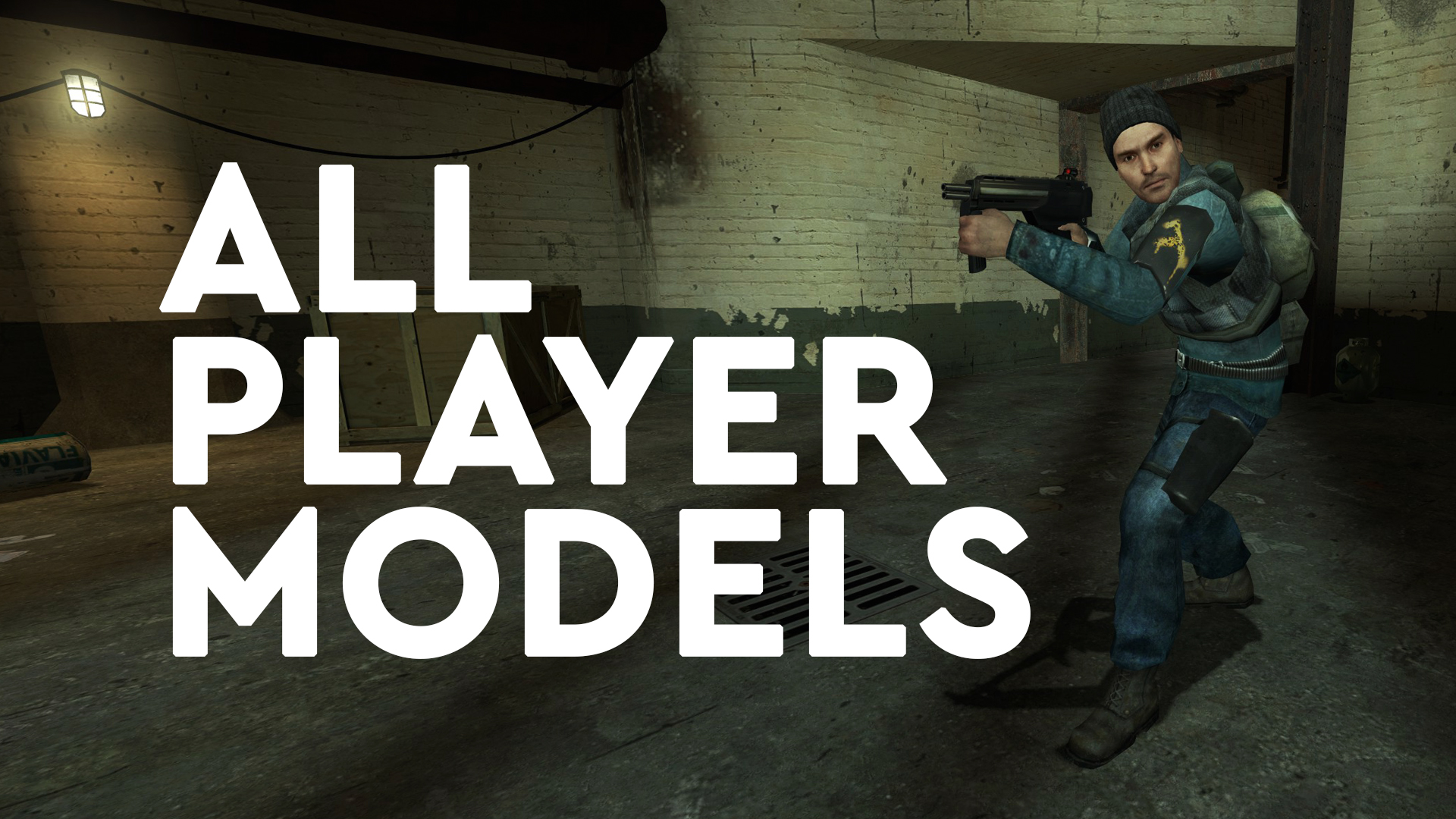
I found the "mugshots" in the multiplayer settings of HL²DM not very revealing, so I started looking for a decent overview of the available playermodels in HL²DM — and just couldn't find one. After I completed taking screenshots of the playermodels myself, I thought it would make sense to also share them with you — and probably add a tutorial about how to change your appearance in the game.
I hope you find it helpful!
This guide contains:
- Complete overview of all the playermodels you can choose from
- Guide to change the playermodel to the one you like
- Guide to see the playermodel yourself
Enable developer console
To enable the developer console, right click on Half-Life 2: Deathmatch in the list of your Steam games and click on "Properties..." afterwards. Next, under "General" enter the following "Launch Options":
-console
Close the window with "OK", start the game and create a multiplayer match. Now you can change your playermodel by using the following command in your developer console:
Change your playermodel
Although this guide was originally meant to only give you an overview of the playermodels that are available, here is a quick guide how to make use of them:
cl_playermodel "modelname"
Instead of "modelname", use the model of your liking (see the list below). For example:
cl_playermodel "models/humans/group03/female_03.mdl"
View your playermodel
Since HL²DM is a first person shooter, the player is usually not able to see himself. But there is an easy way to enable a third person view during a local multiplayer game.
1) Enable cheats via
sv_cheats 1
2) Enter this to enable a third person view:
thirdperson_platformer 1
3) To return to first person mode, simply enter:
firstperson
The playermodels
Here is the list of the playermodels you can choose from:
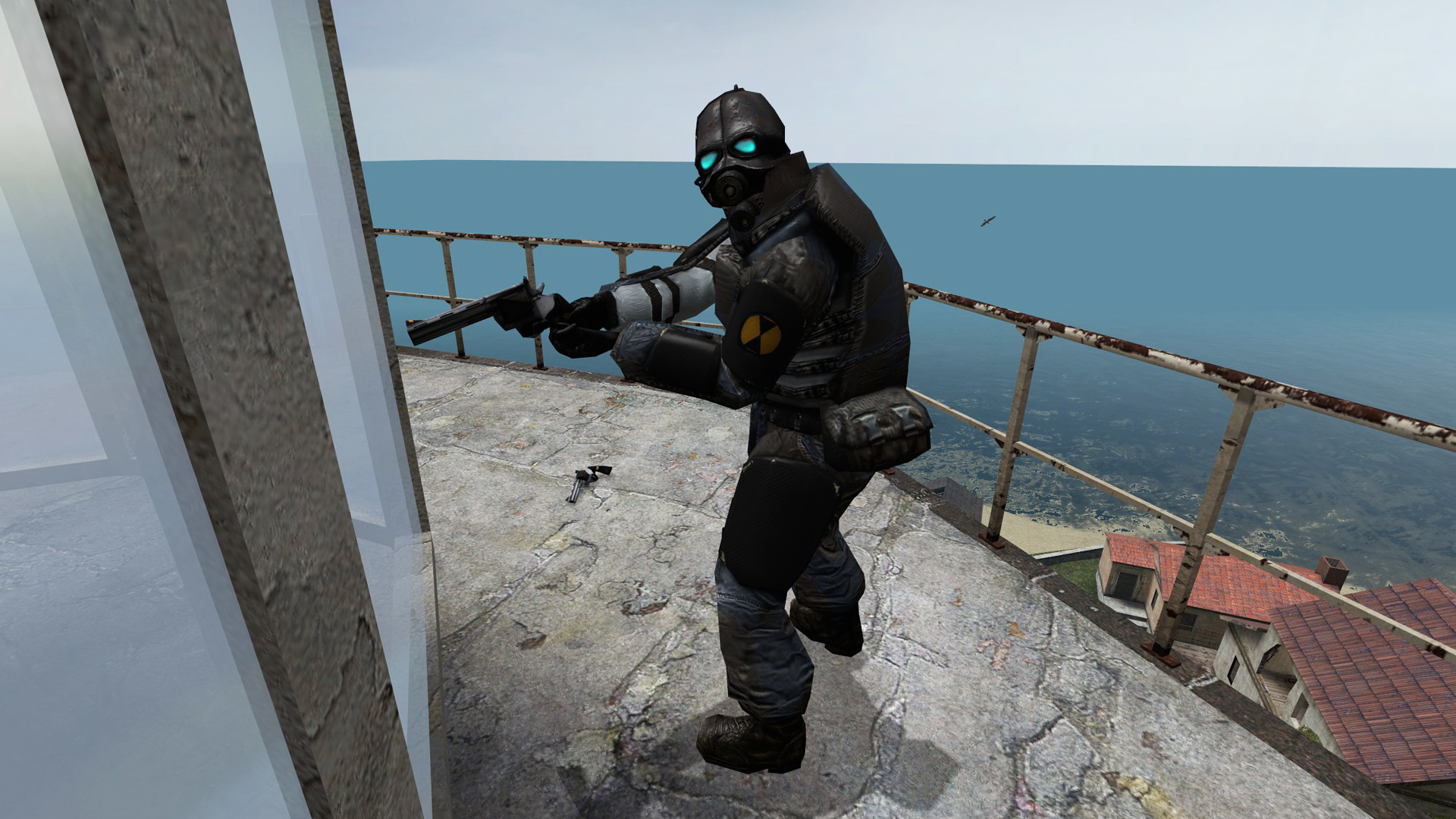
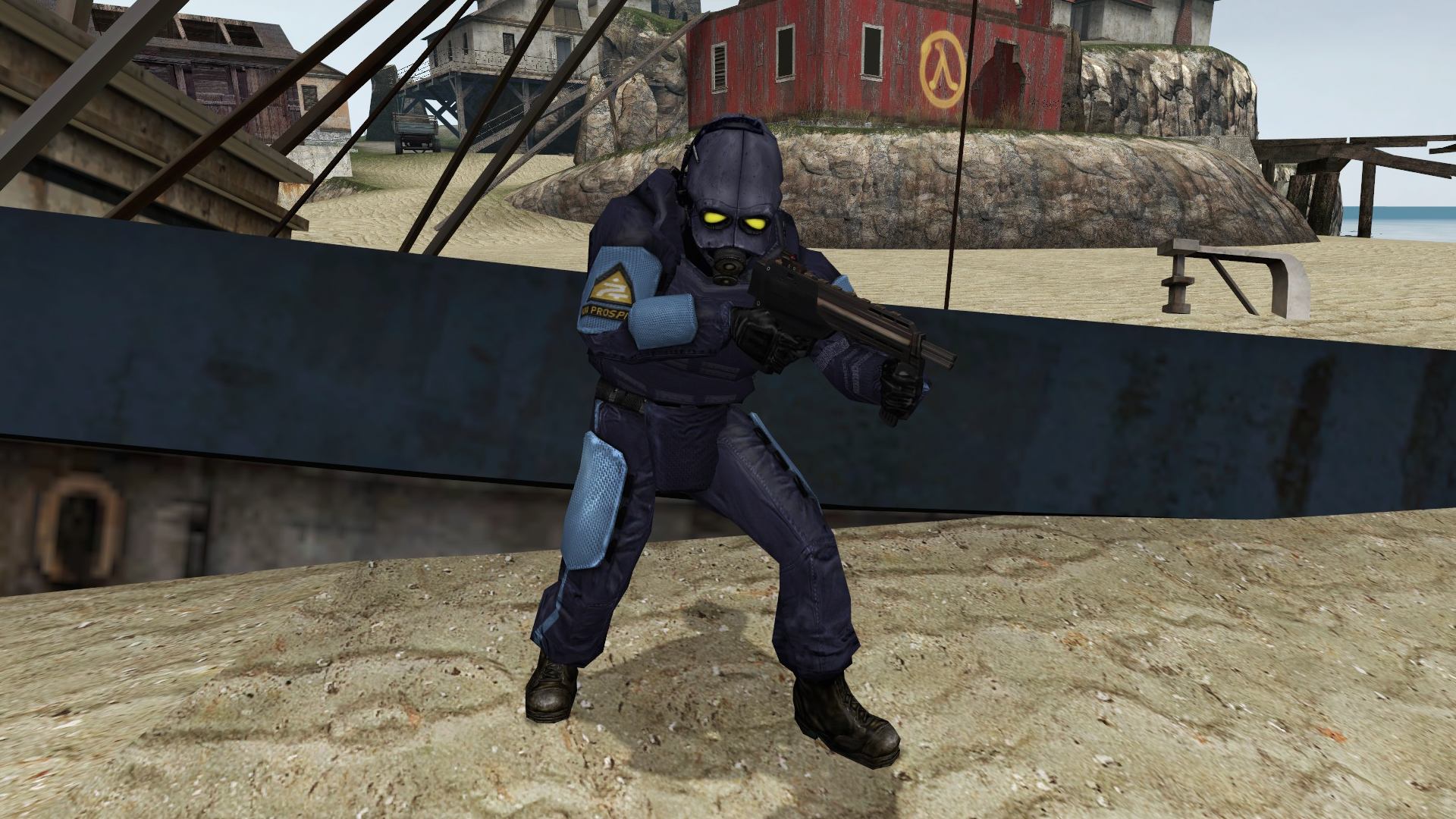
Combine Soldier
cl_playermodel "models/combine_soldier.mdl"
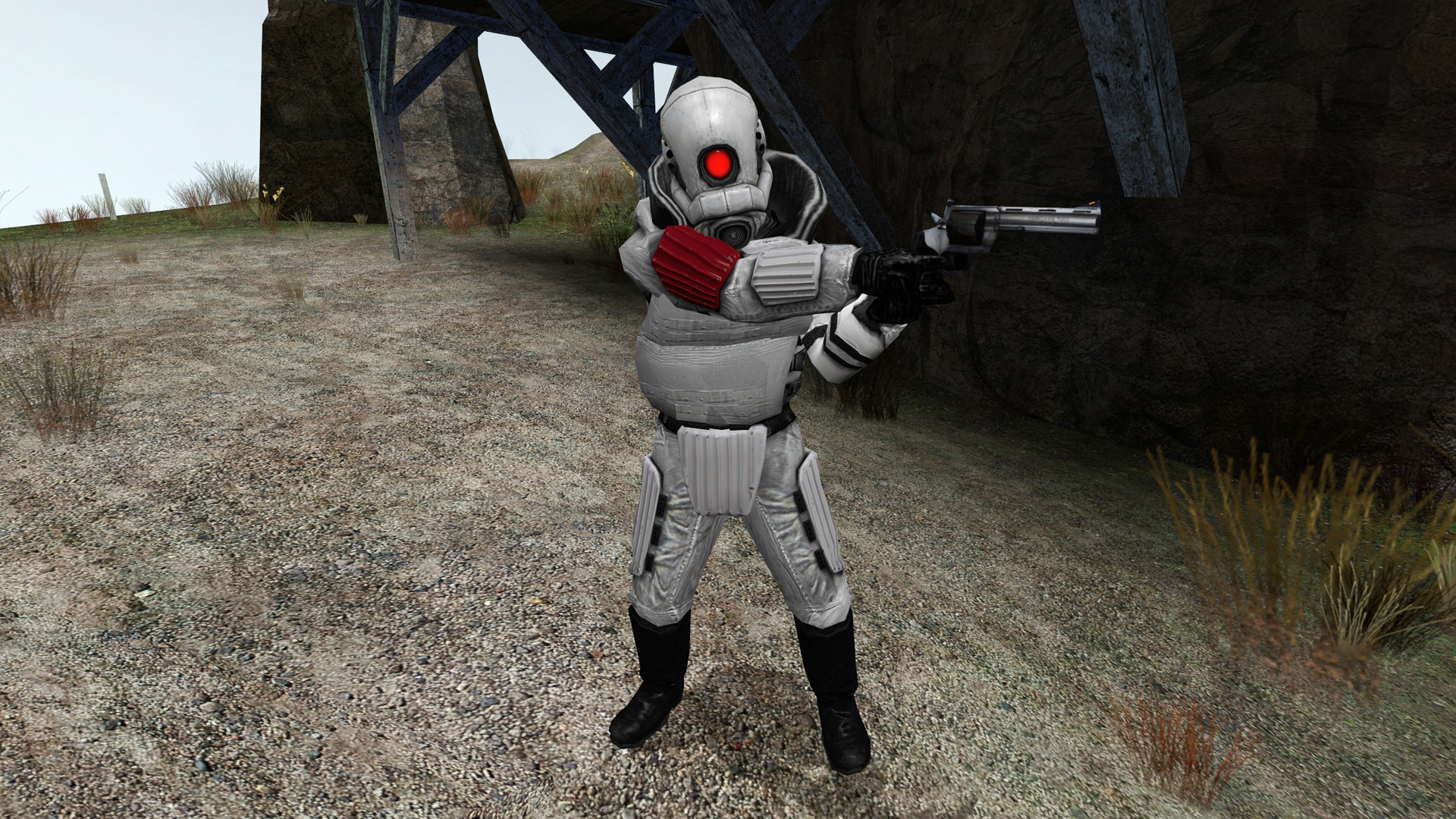
Combine Super Soldier
cl_playermodel "models/combine_super_soldier.mdl"
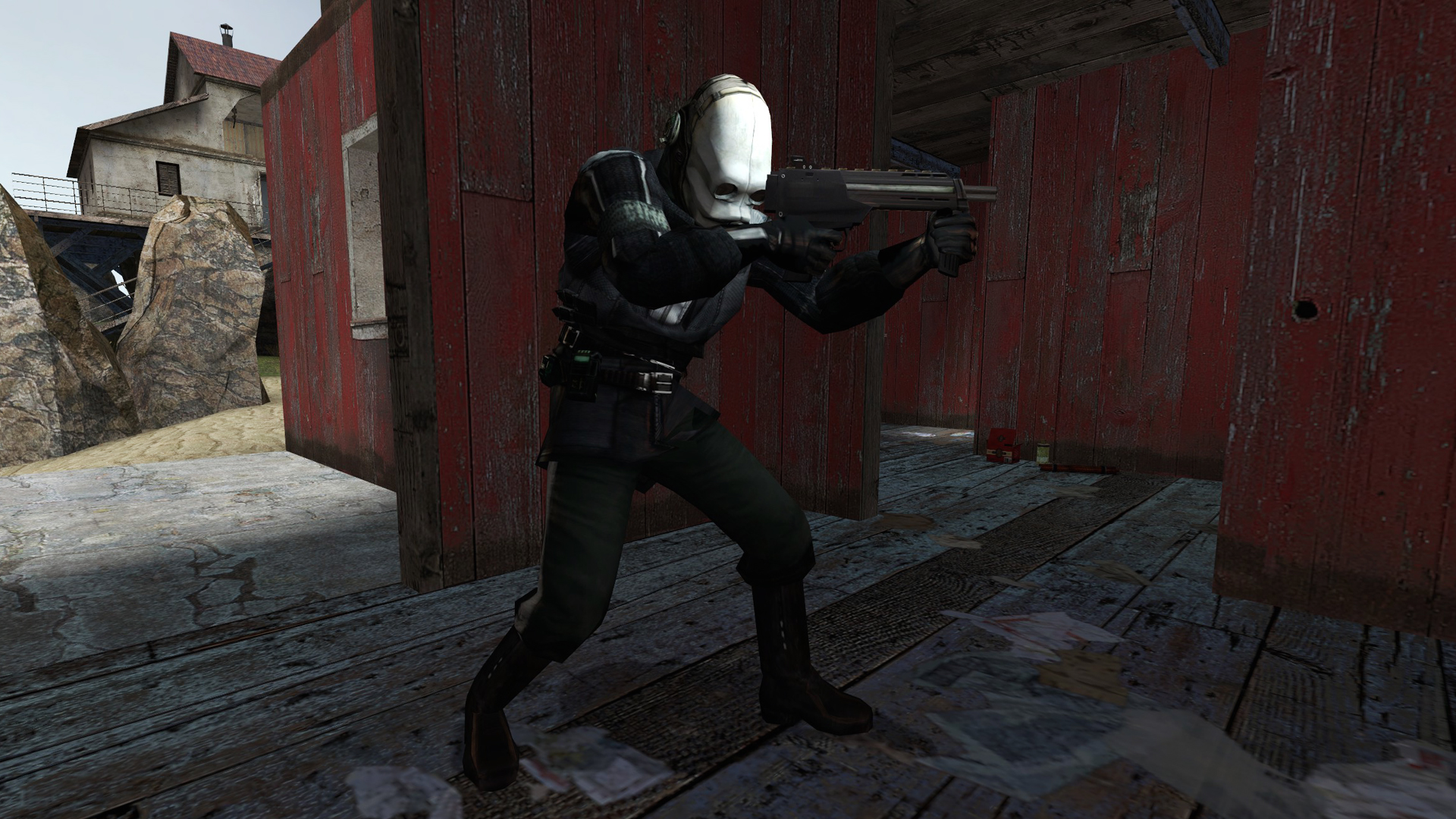
Police
cl_playermodel "models/police.mdl"
Prison Guard
cl_playermodel "models/combine_soldier_prisonguard.mdl"
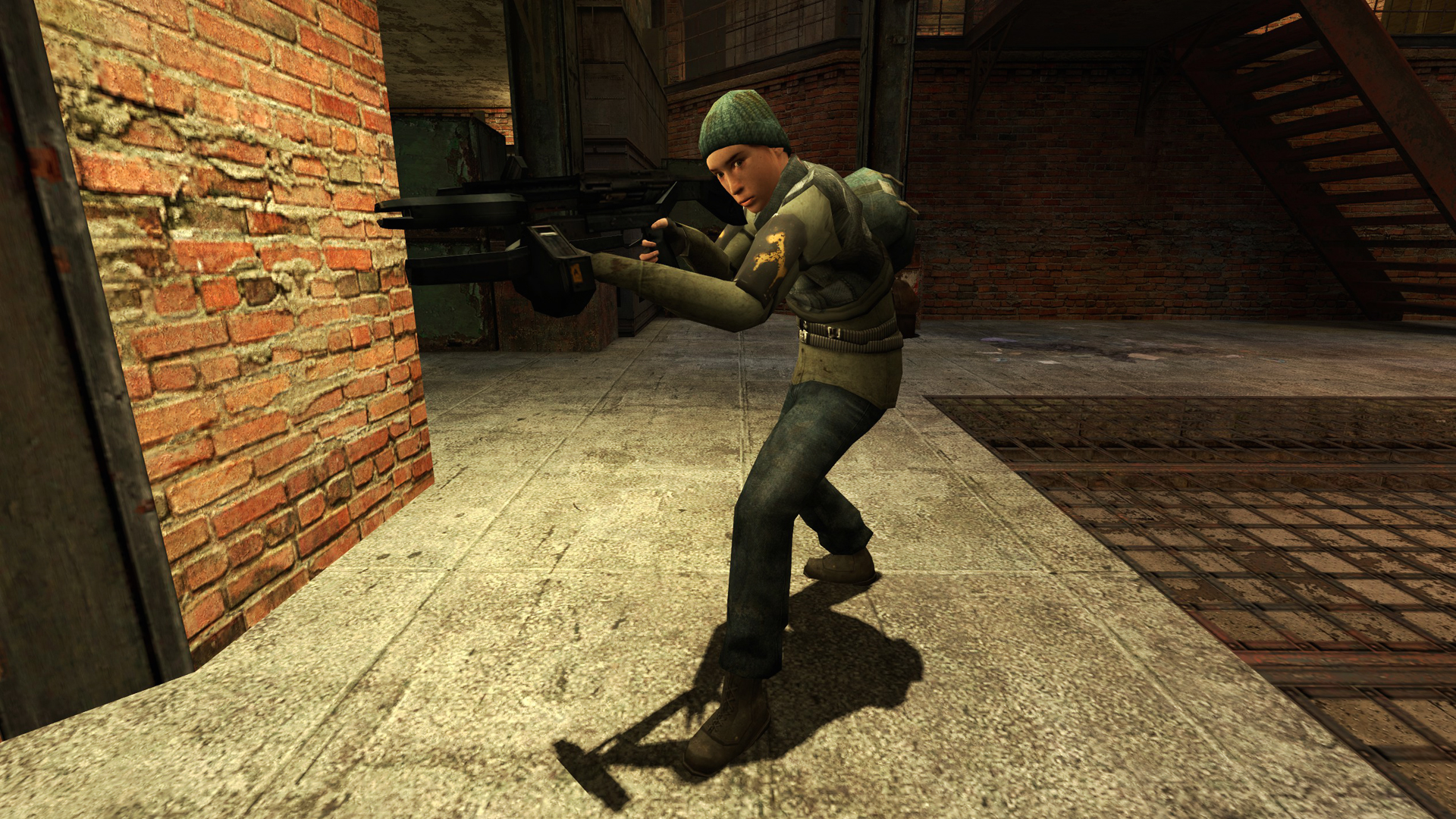
Female 01
cl_playermodel "models/humans/group03/female_01.mdl"
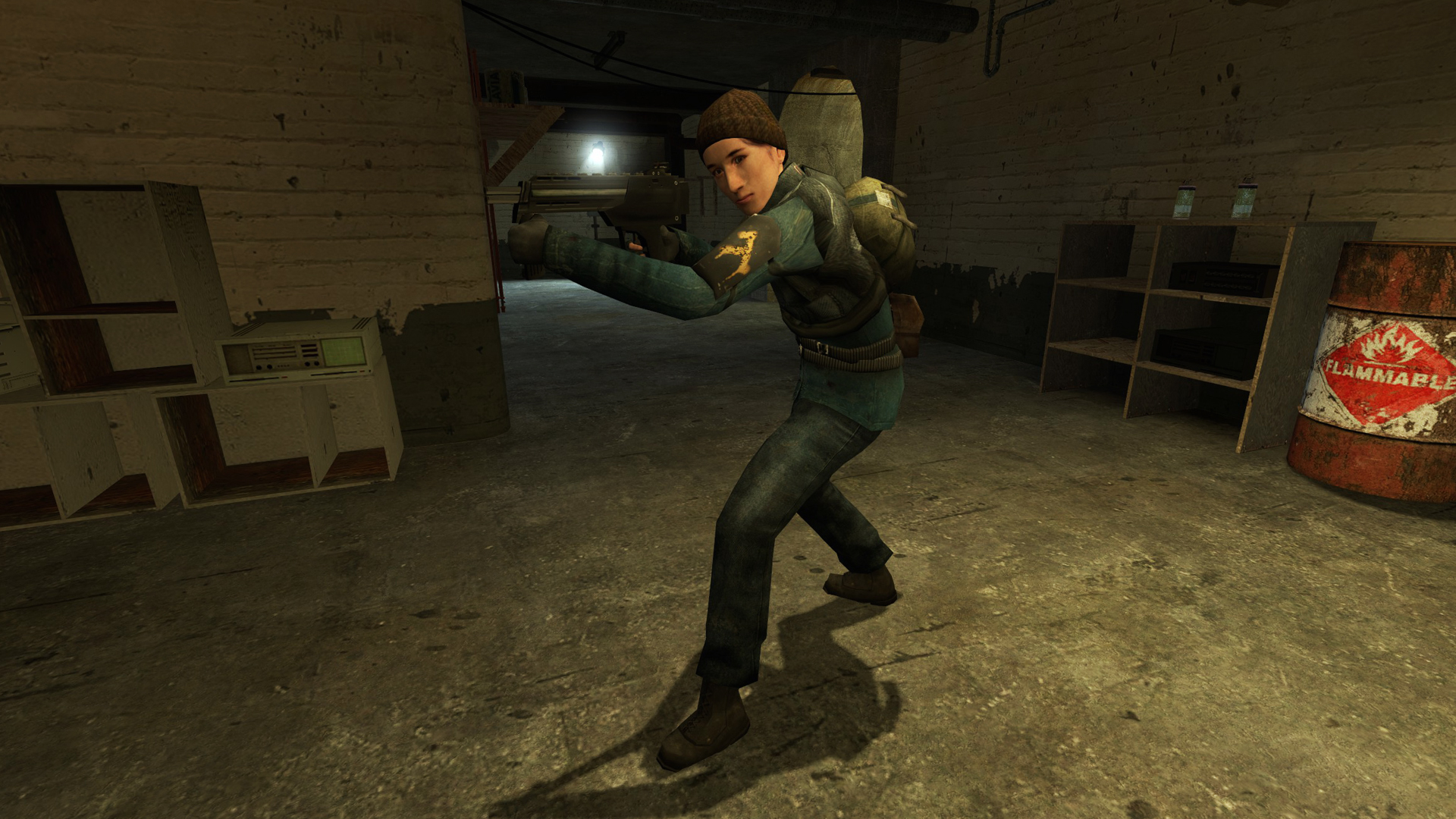
Female 02
cl_playermodel "models/humans/group03/female_02.mdl"
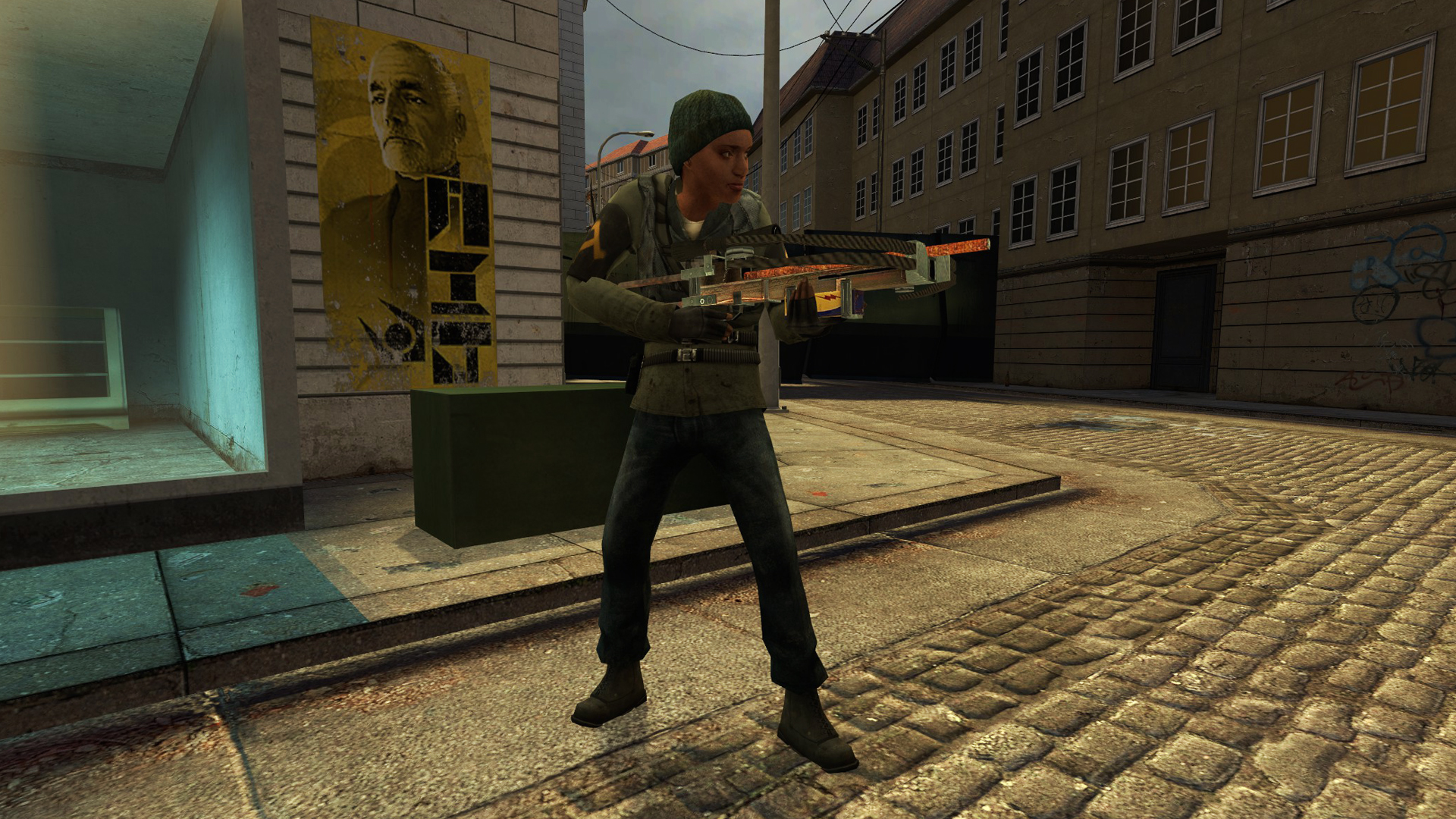
Female 03
cl_playermodel "models/humans/group03/female_03.mdl"
Female 04
cl_playermodel "models/humans/group03/female_04.mdl"
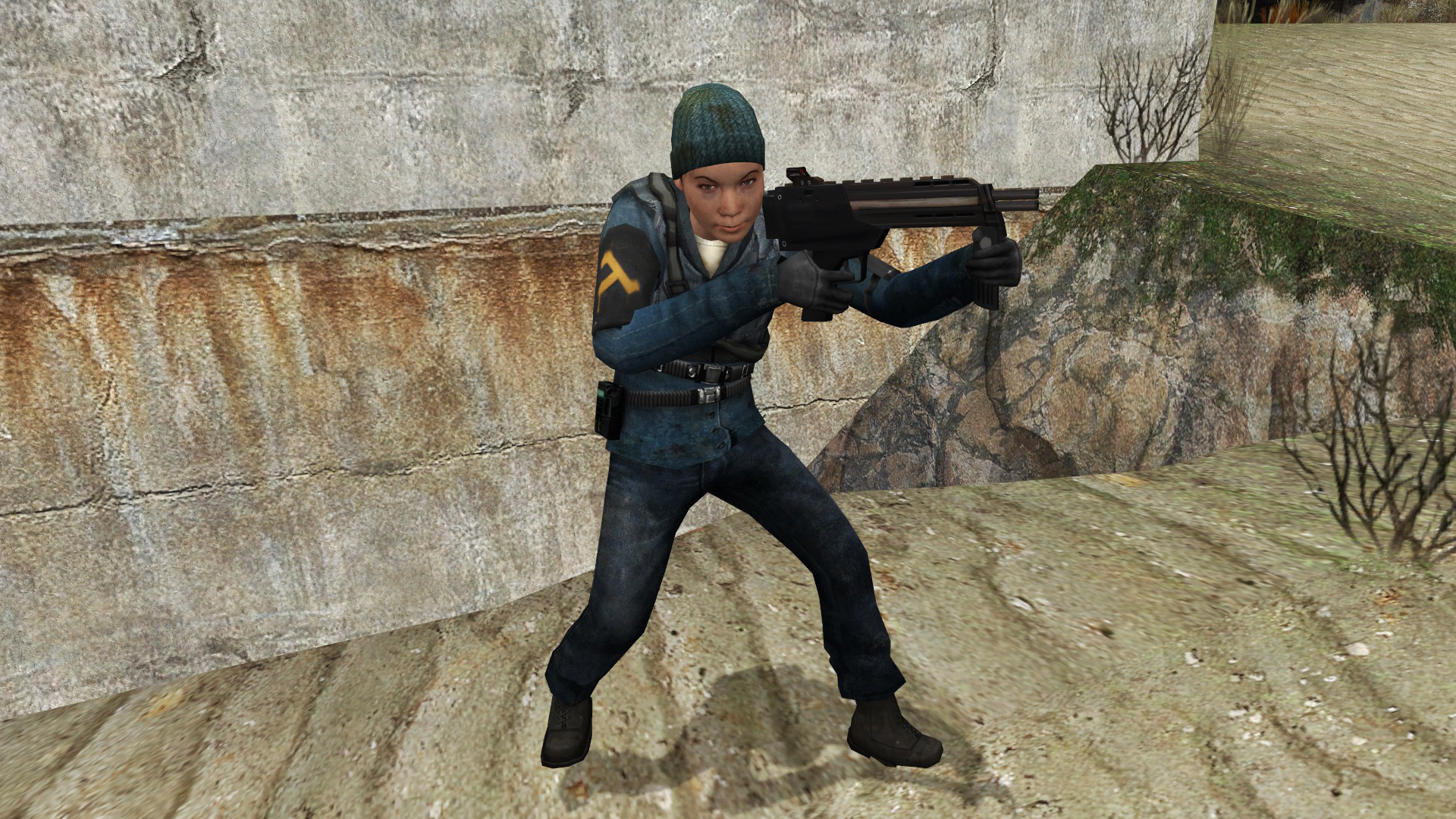
Female 06
cl_playermodel "models/humans/group03/female_06.mdl"
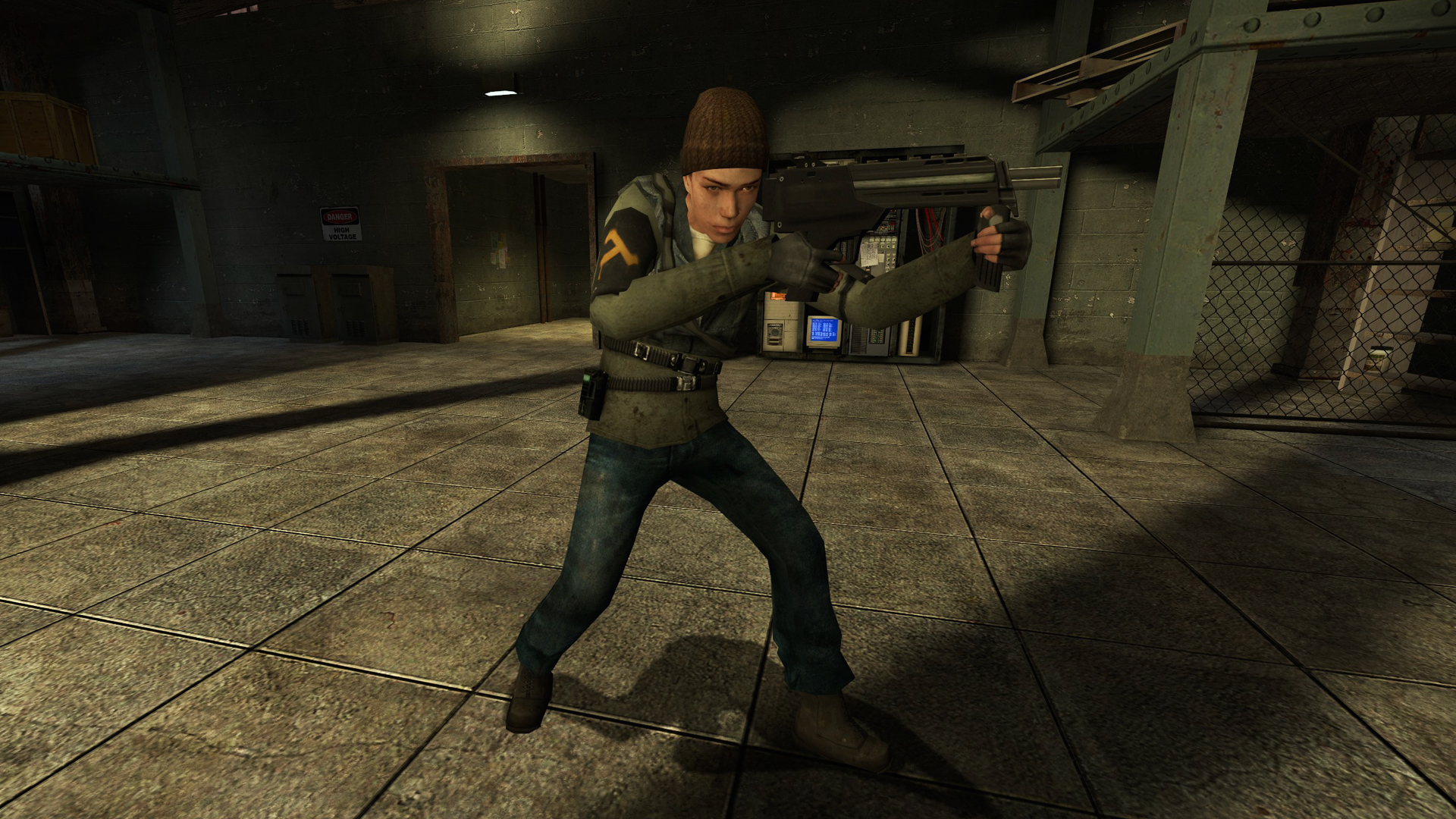
Female 07
cl_playermodel "models/humans/group03/female_07.mdl"
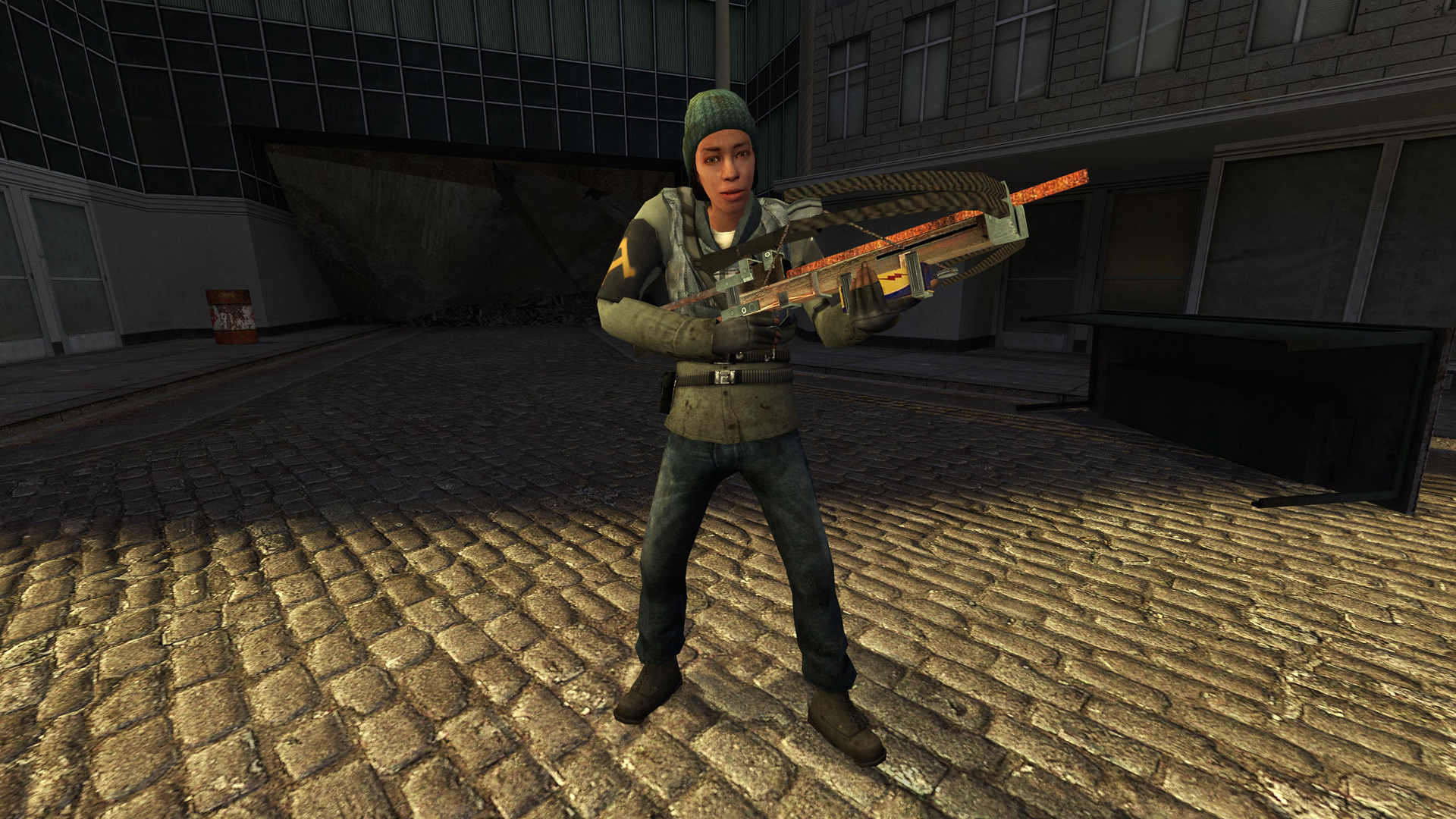
Male 01
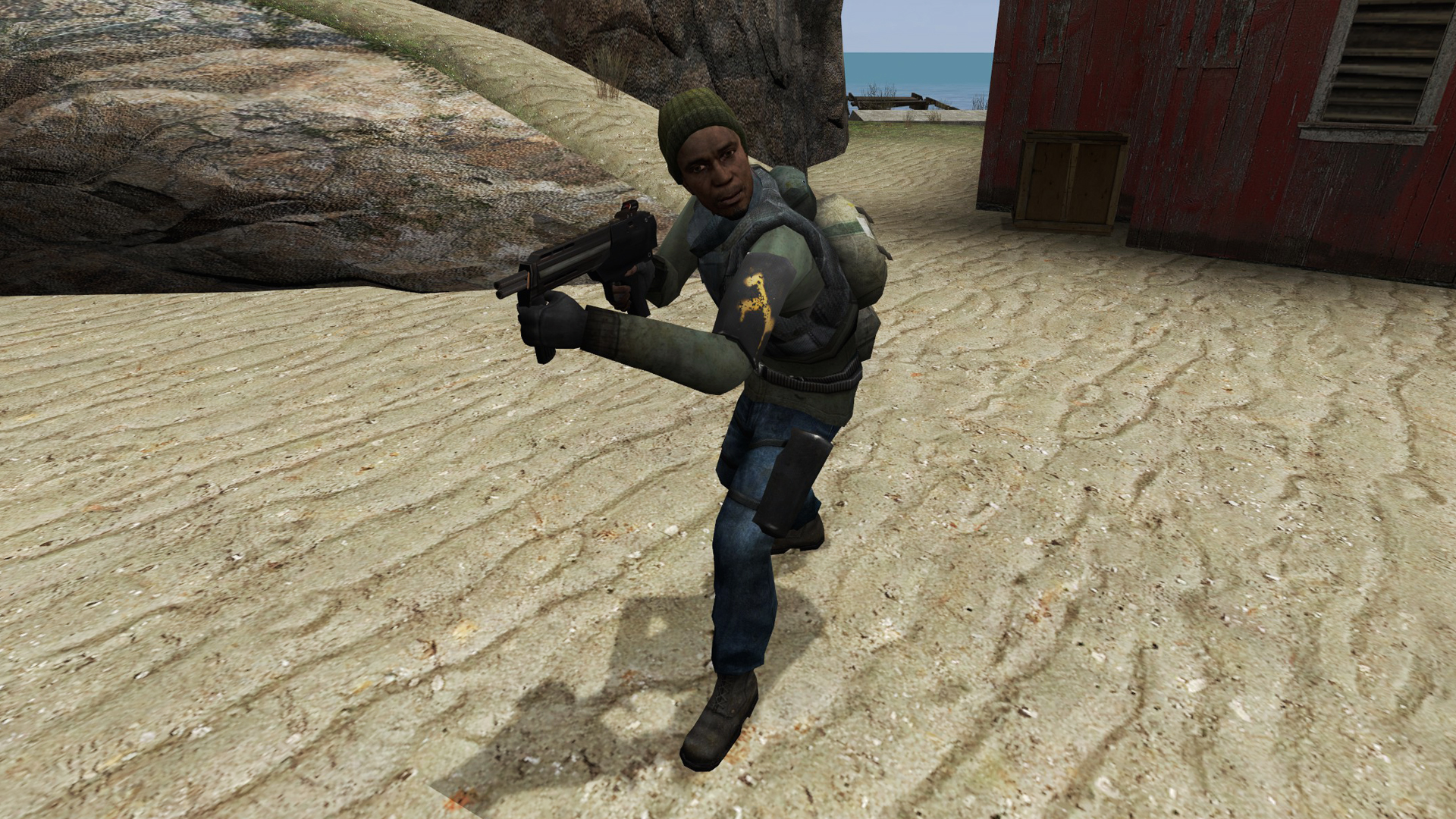
Male 02
cl_playermodel "models/humans/group03/male_02.mdl"
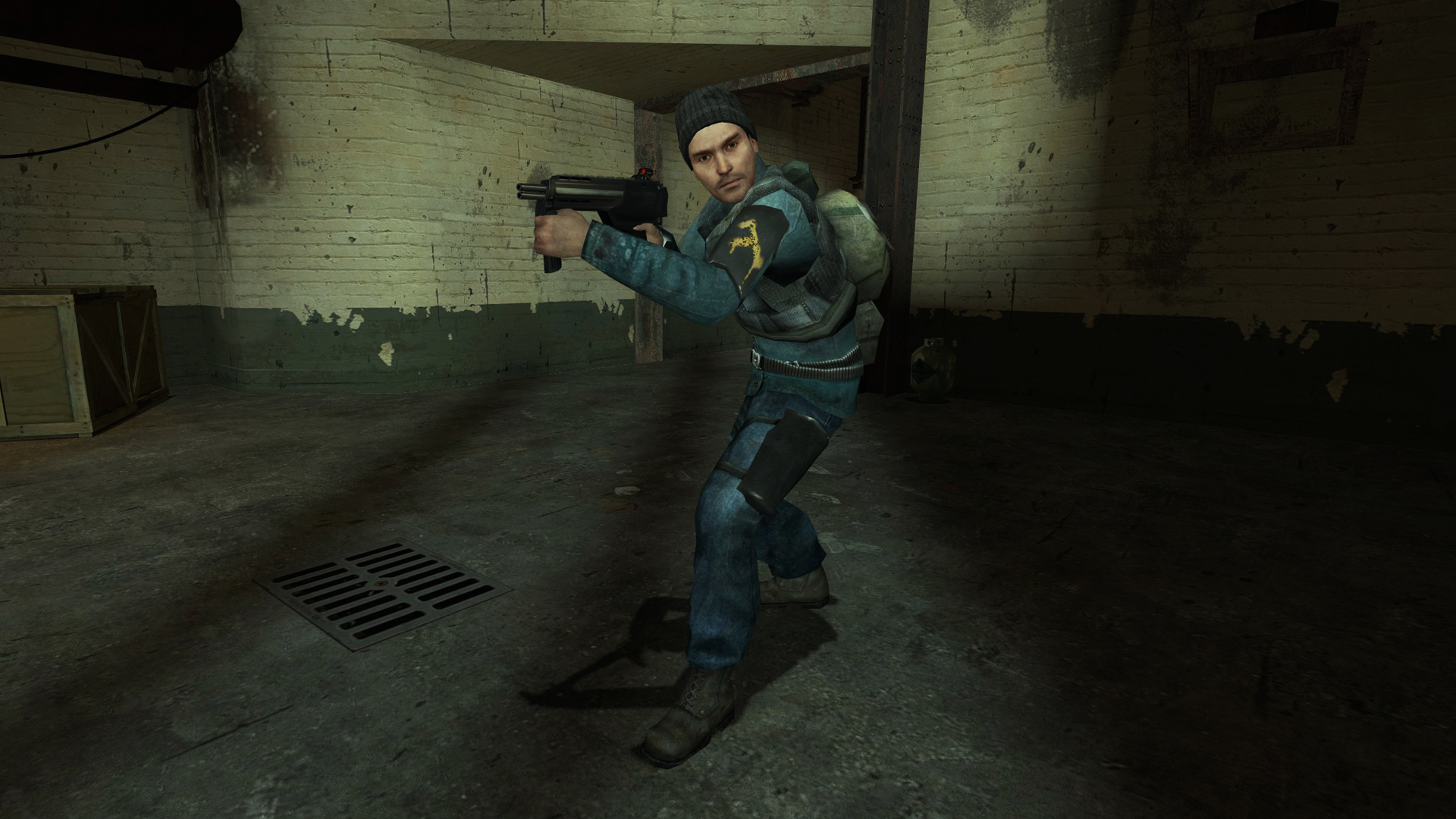
Male 03
cl_playermodel "models/humans/group03/male_03.mdl"
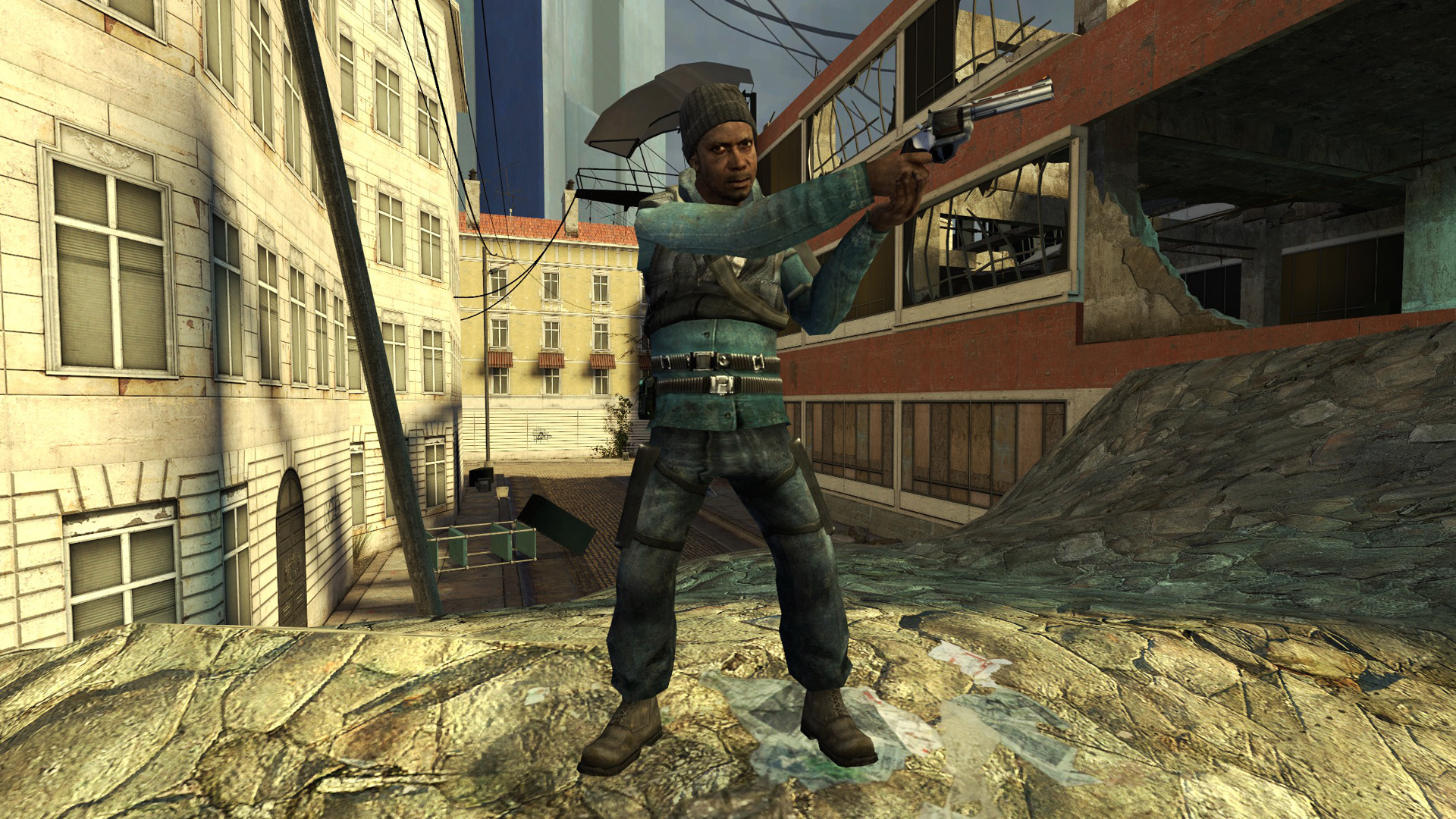
Male 04
cl_playermodel "models/humans/group03/male_04.mdl"
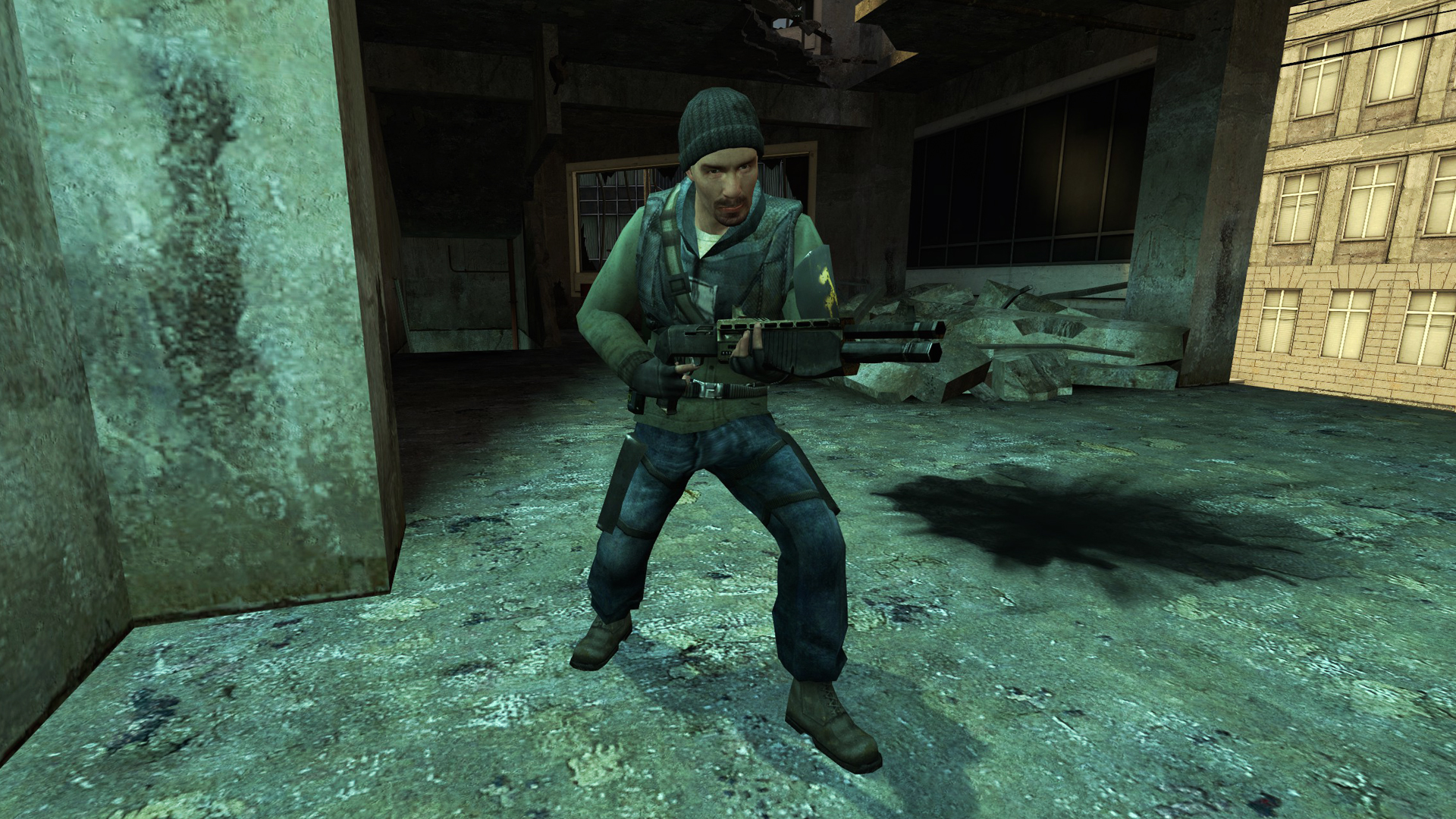
Male 05
cl_playermodel "models/humans/group03/male_05.mdl"
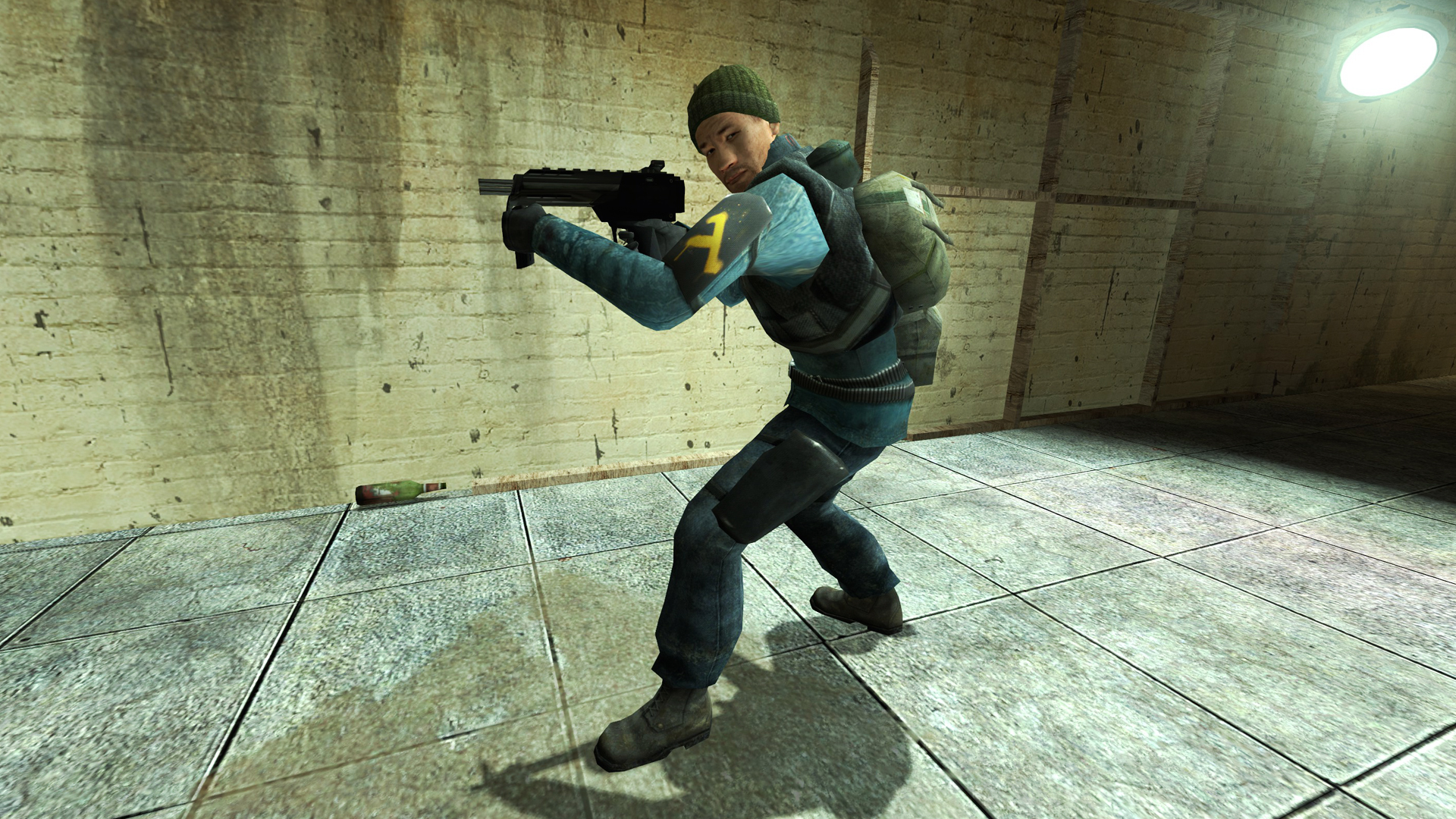
Male 06
cl_playermodel "models/humans/group03/male_06.mdl"
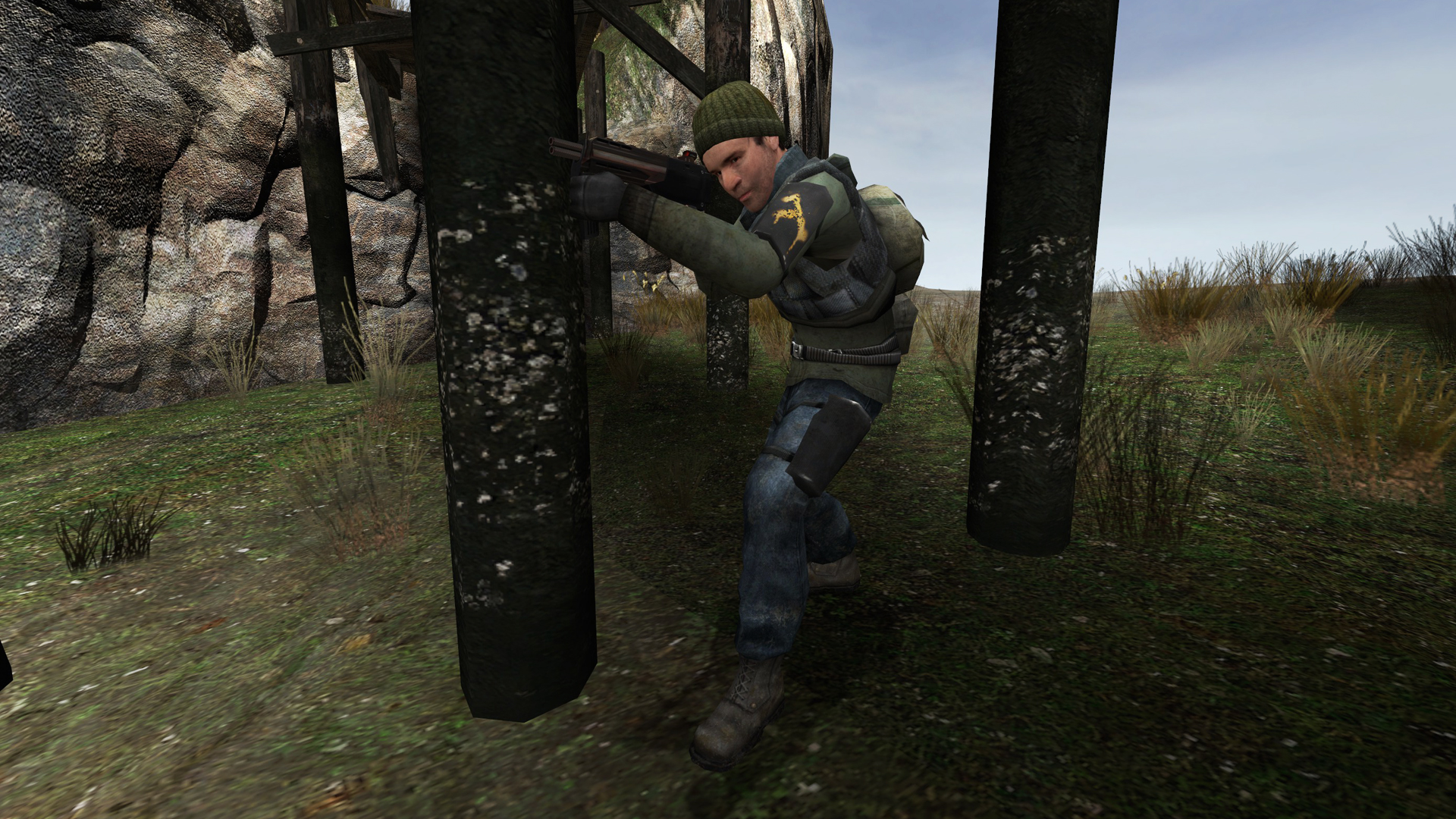
Male 07
cl_playermodel "models/humans/group03/male_07.mdl"
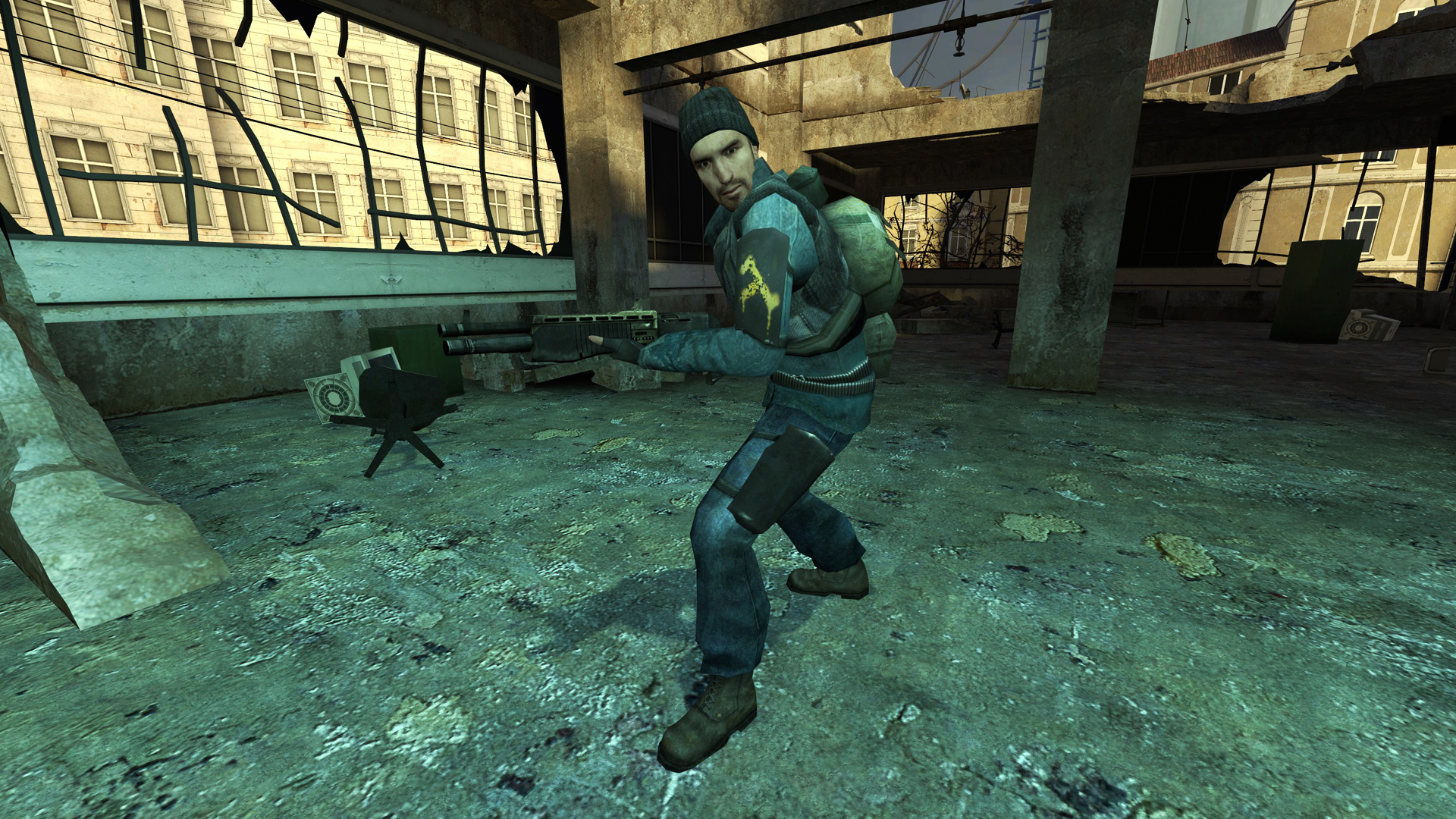
Male 08
cl_playermodel "models/humans/group03/male_08.mdl"
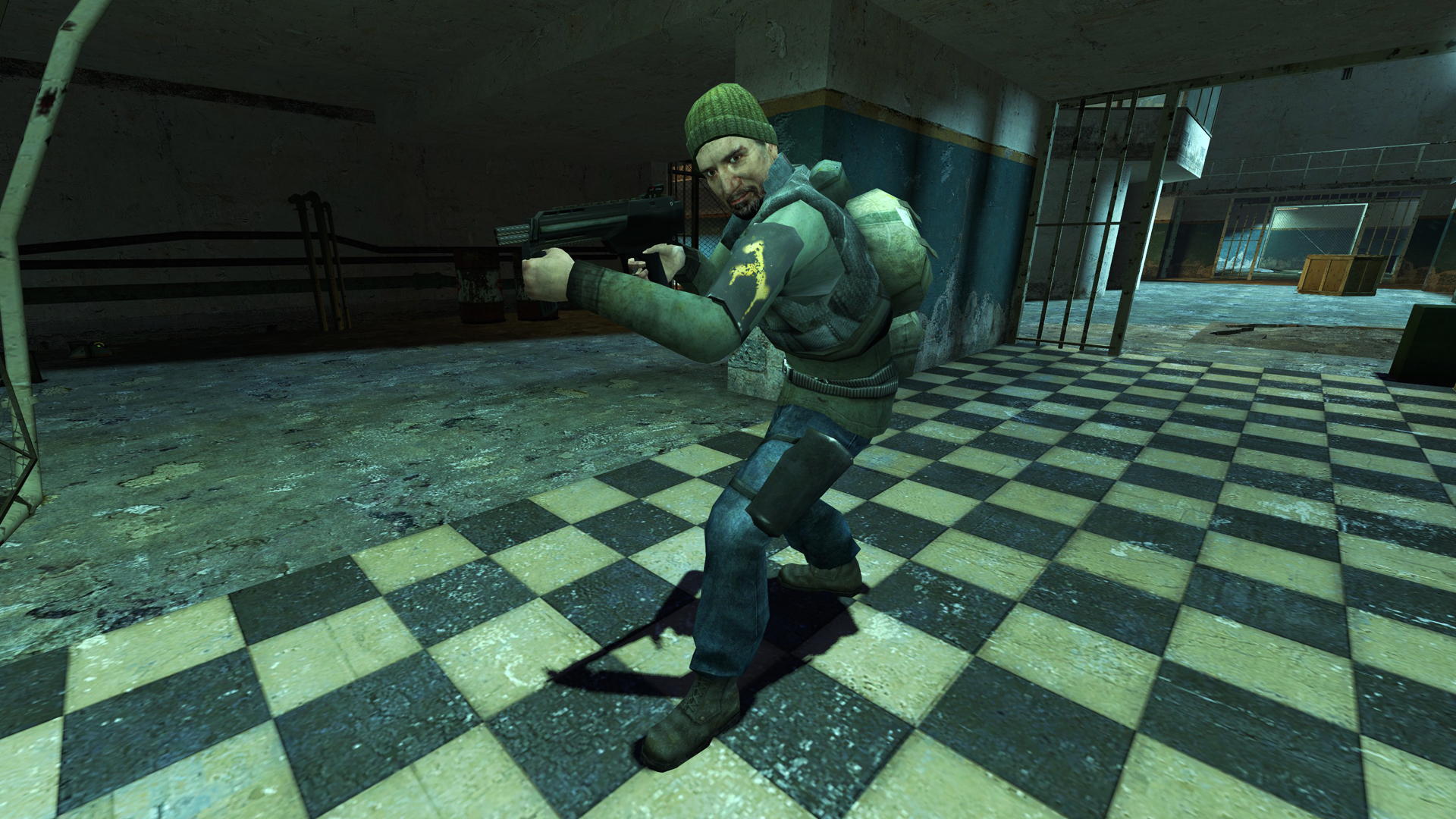
Male 09
cl_playermodel "models/humans/group03/male_09.mdl"
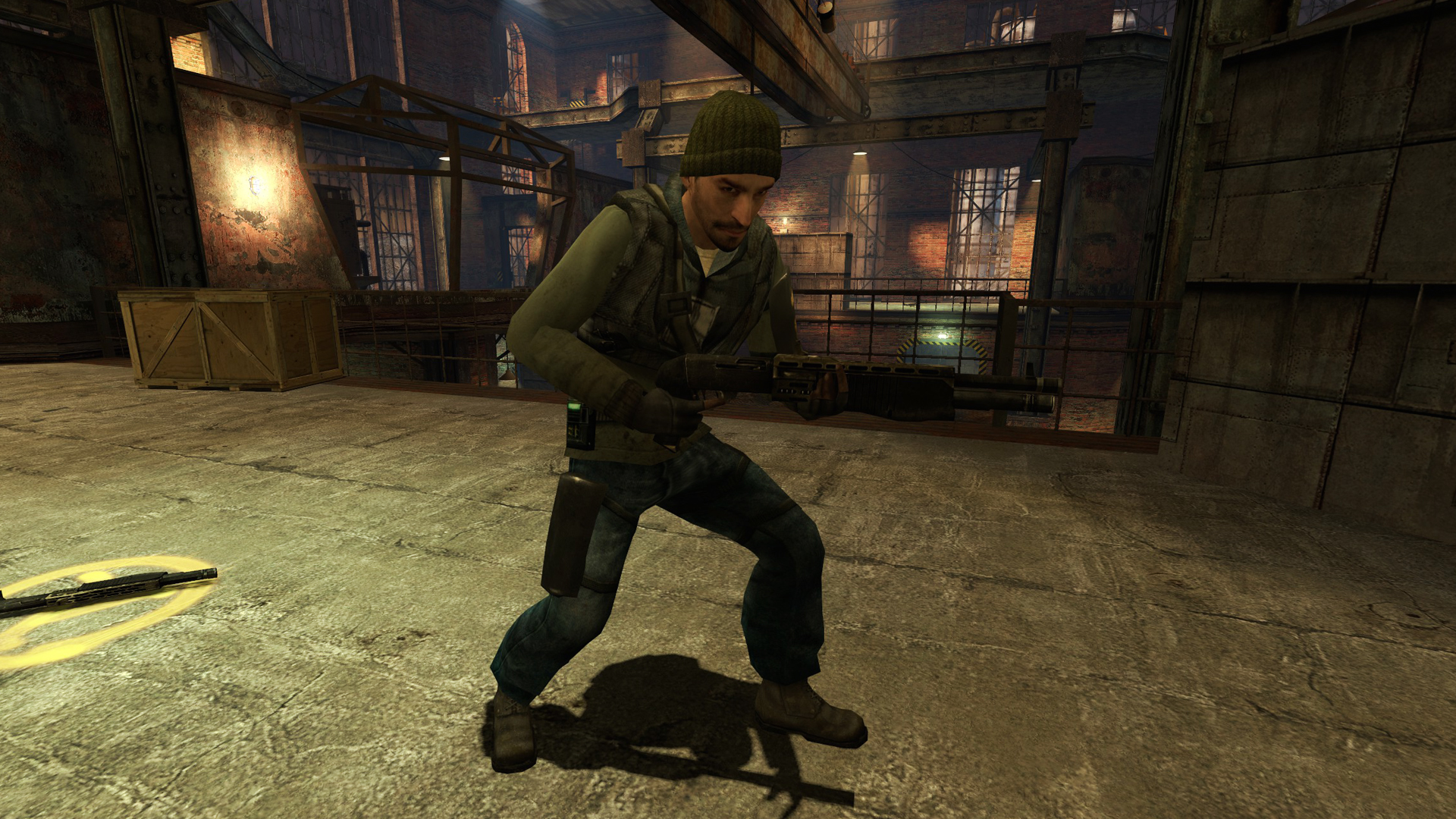
Have fun!
... and let me know if I there's anything unclear or even faulty. Thanks!
More Half-Life 2: Deathmatch guides
- "Yo-yo" trick video-guide★ 5 (201)10k views172 ♥2 min
- How to block fake servers like Fastpath★ 5 (208)7k views251 ♥5 min
- HL2: DM - Movement Training by Ade★ 4 (122)5.5k views169 ♥19 minUpdated Nov 2, 2024
- Первый Русский РП сервер (открыт в 2010)★ 4 (106)5.1k views142 ♥8 minRussianUpdated Jan 25
- Chaos Crew Roleplay Guide - HL2:DM★ 4 (68)4.8k views66 ♥9 minUpdated Dec 1, 2023
- Encyclopedia Deathmatchica★ 4 (129)4.2k views213 ♥42 minUpdated Nov 15, 2024




This guide was created by its original author on the Steam Community. Are you the author and want it removed? Request removal.