How to enable HD models
How to enable HD models
To enable them first pause and go to settings, go to video and you should see a box saying: Load HD content if available, tick the box and click apply to enable the HD models.
Simple version:
Pause > Settings > Video > Tick the box saying: Load HD content if available > Apply
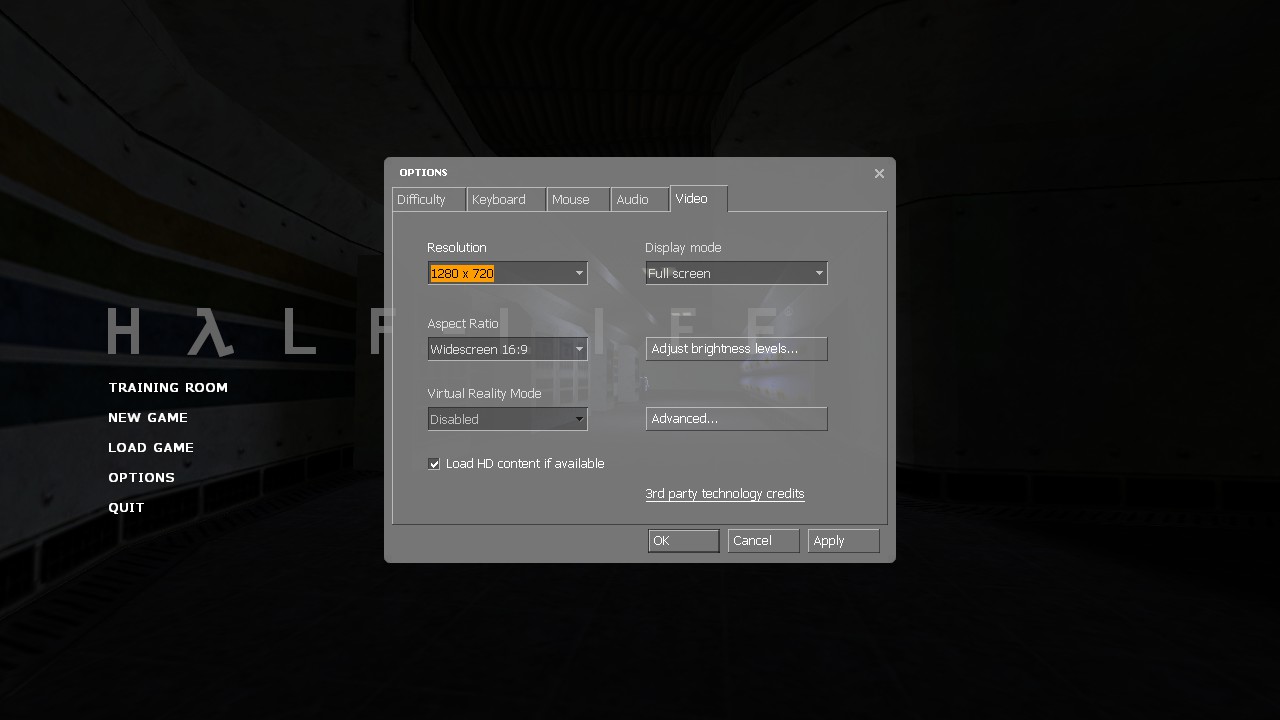
Simple version:
Pause > Settings > Video > Tick the box saying: Load HD content if available > Apply
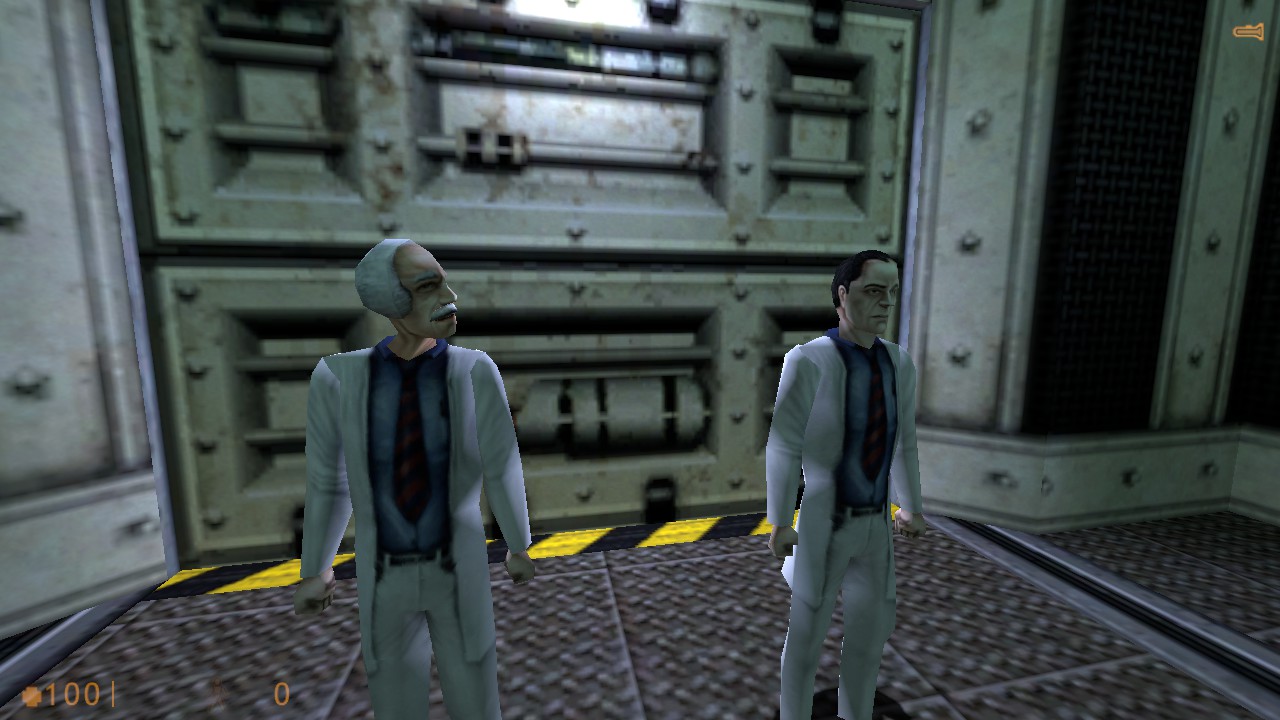
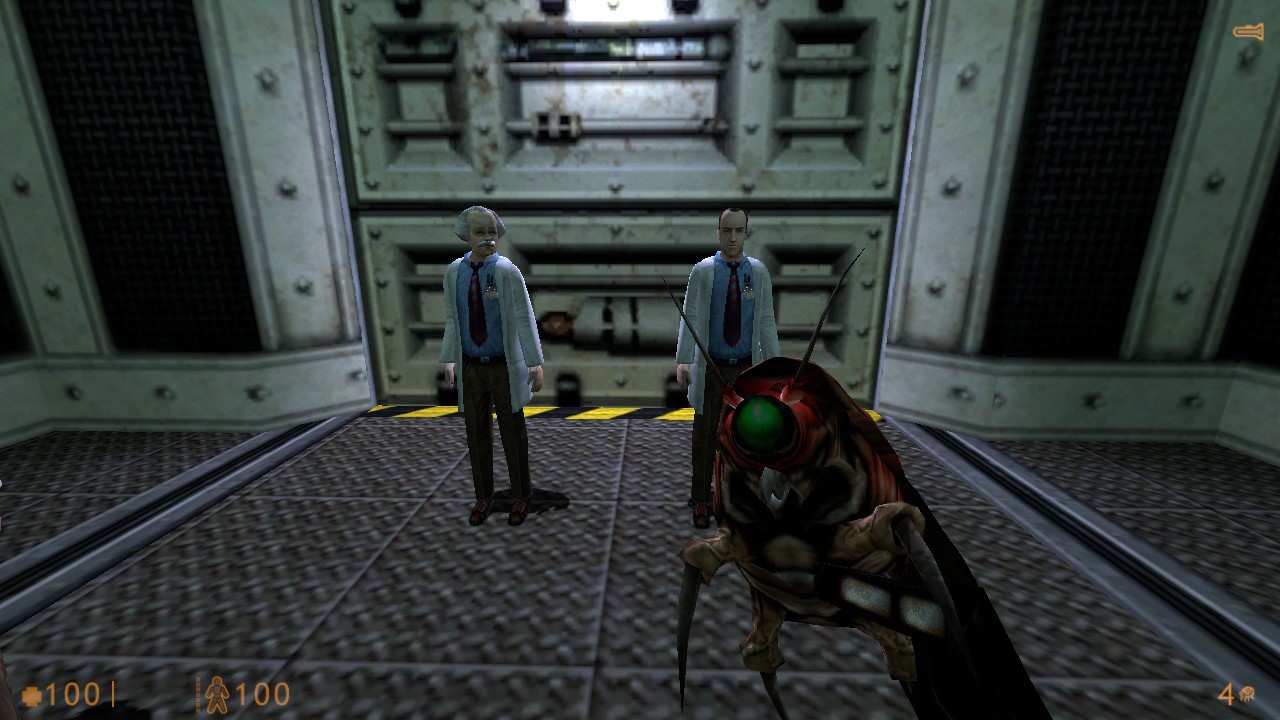
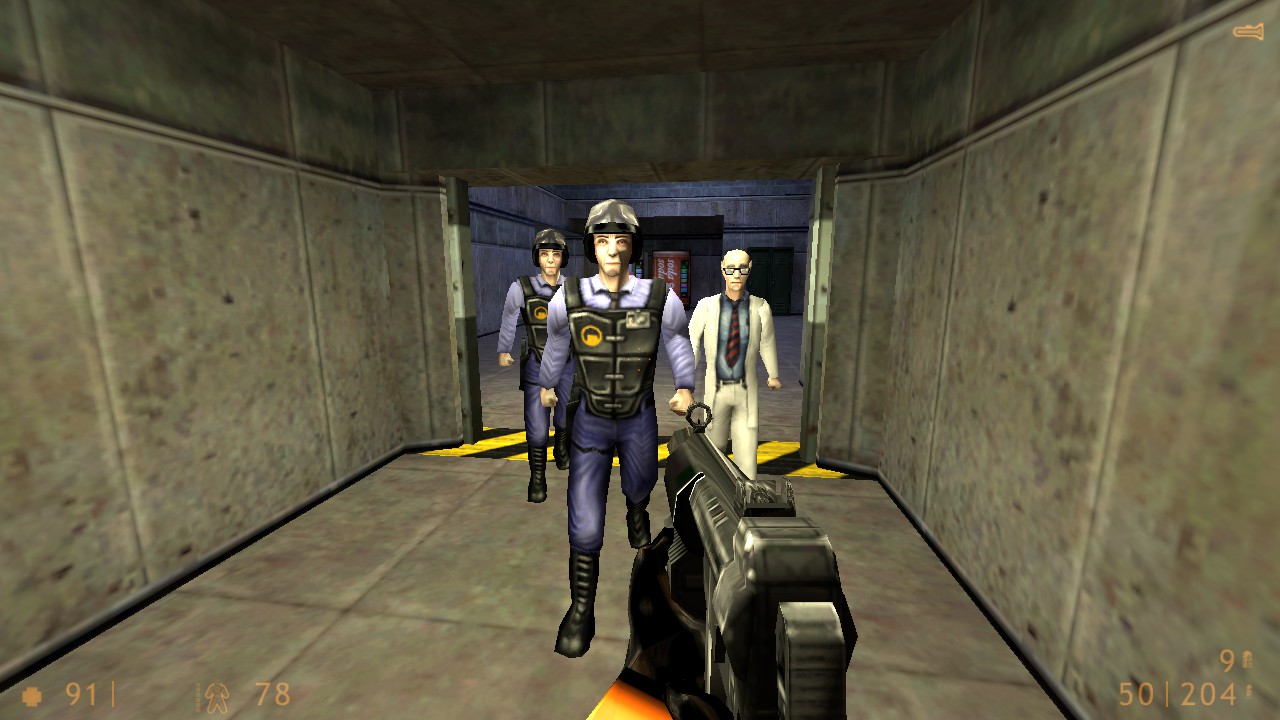
Normal models vs HD models
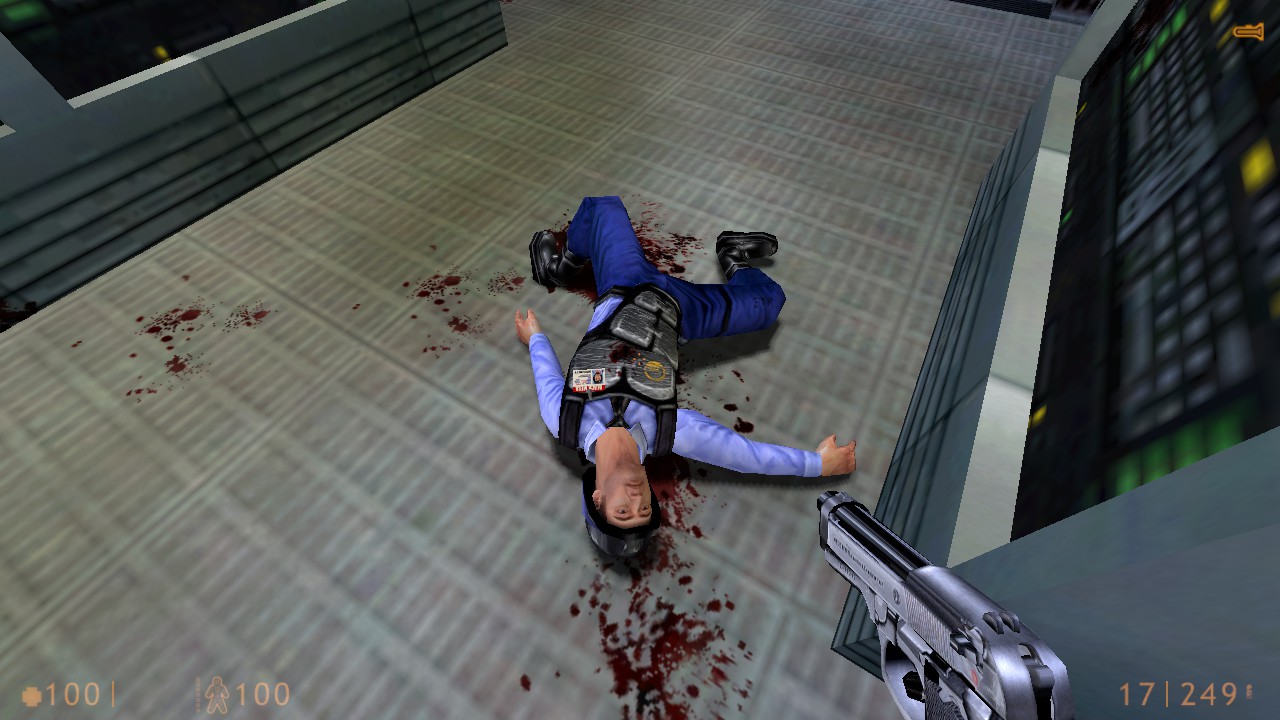
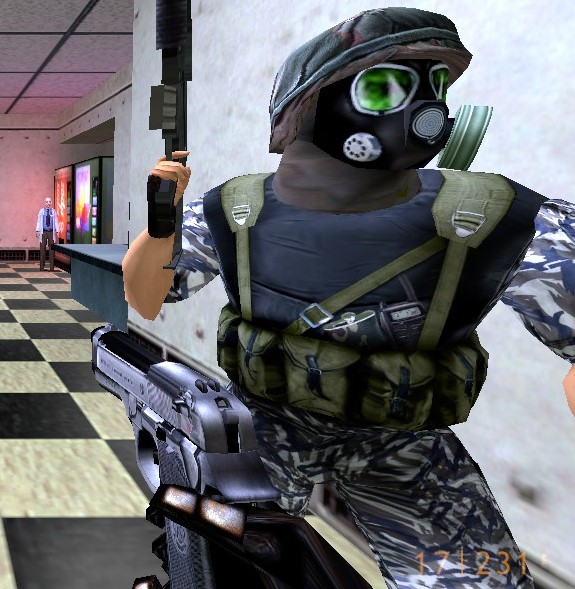
Normal models are to the left, HD models are to the right.
Scientists:
Barney:
Scientists:
Barney:
Thank you for using this guide!
Thanks, i hope you enjoy Half-Life in stunning HD graphics.
If you comment i will likely not see it. (Notifications are annoying.)
If you comment i will likely not see it. (Notifications are annoying.)
More Half-Life: Source guides
- Классический русификатор для Half-Life: Source★ 5 (453)18k views460 ♥1 minRussianUpdated Sep 20, 2017
- How to fix Half-Life: Source★ 5 (299)17k views481 ♥2 minUpdated Nov 1, 2023
- Guide to improve graphics in Half-Life Source★ 4 (121)12k views221 ♥1 minUpdated Apr 16, 2020
- How to make Half Life Source look really bad★ 5 (205)11k views373 ♥1 minUpdated Nov 8, 2023
- How to Bernie Sanders in Half-Life: Source★ 4 (315)9.6k views206 ♥11 minUpdated Nov 30, 2025
- How to spawn any kind of NPC and create squads.★ 4 (142)8.7k views226 ♥3 minUpdated May 3, 2015






This guide was created by its original author on the Steam Community. Are you the author and want it removed? Request removal.