How to make Half Life Source look really bad
Commands
sv_cheats 1 (Enables cheats, you have to do this for some commands to work)
mat_fullbright 1 (Removes lighting)
(Note you can only use "mat_showlowresimage 1" or "mat_picmip 4" you cant use both at once)
mat_showlowresimage 1 (Makes the game look like Minecraft)
mat_picmip 4 (Makes the game look like Old School RuneScape)
mat_filterlightmaps 0 (Removes light maps)
r_drawentities 3 (credit to rm_steele)
mat_filtertextures 0 (credit to _Ulick)
mat_viewportscale .1 (credit to Jimmy MacPow)
r_drawlights -1 (Will draw dots through walls and lines around light cones and spheres. credit to rm_steele)
Here's a command to fix all the changes (credit to rm_steele)
sv_cheats 1; mat_fullbright 0; mat_showlowresimage 0; mat_picmip -1; mat_filterlightmaps 1; mat_filtertextures 1; mat_viewportscale 1; r_drawentities 1; quit
The command will quit the game afterwards because your textures will still be pixellated if you used mat_showlowresimage 1 until you quit the game.
Unfortunately that's all the commands I know but if you know any other commands feel free to comment them
mat_fullbright 1 (Removes lighting)
(Note you can only use "mat_showlowresimage 1" or "mat_picmip 4" you cant use both at once)
mat_showlowresimage 1 (Makes the game look like Minecraft)
mat_picmip 4 (Makes the game look like Old School RuneScape)
mat_filterlightmaps 0 (Removes light maps)
r_drawentities 3 (credit to rm_steele)
mat_filtertextures 0 (credit to _Ulick)
mat_viewportscale .1 (credit to Jimmy MacPow)
r_drawlights -1 (Will draw dots through walls and lines around light cones and spheres. credit to rm_steele)
Here's a command to fix all the changes (credit to rm_steele)
sv_cheats 1; mat_fullbright 0; mat_showlowresimage 0; mat_picmip -1; mat_filterlightmaps 1; mat_filtertextures 1; mat_viewportscale 1; r_drawentities 1; quit
The command will quit the game afterwards because your textures will still be pixellated if you used mat_showlowresimage 1 until you quit the game.
Unfortunately that's all the commands I know but if you know any other commands feel free to comment them
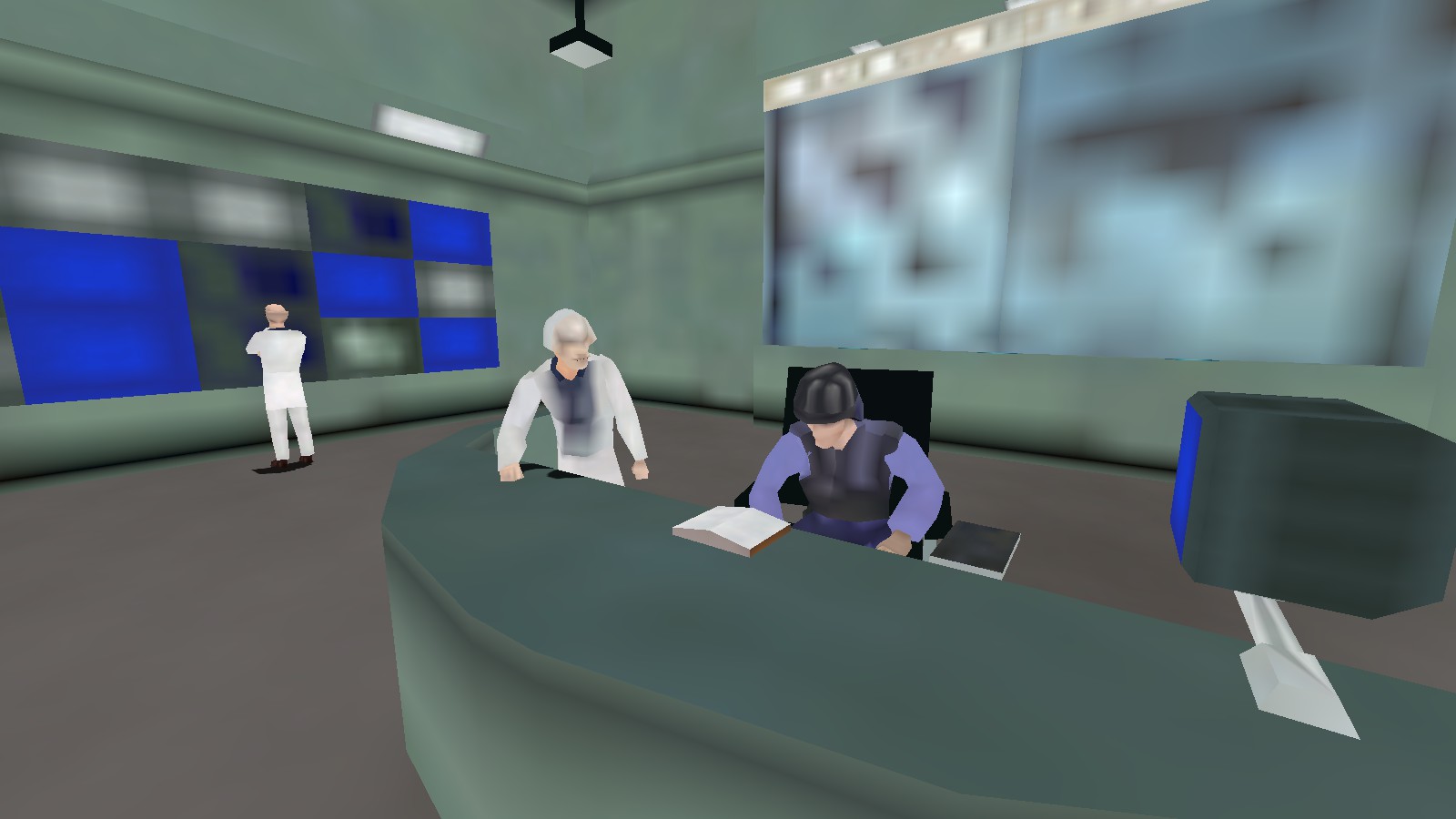
Screenshots
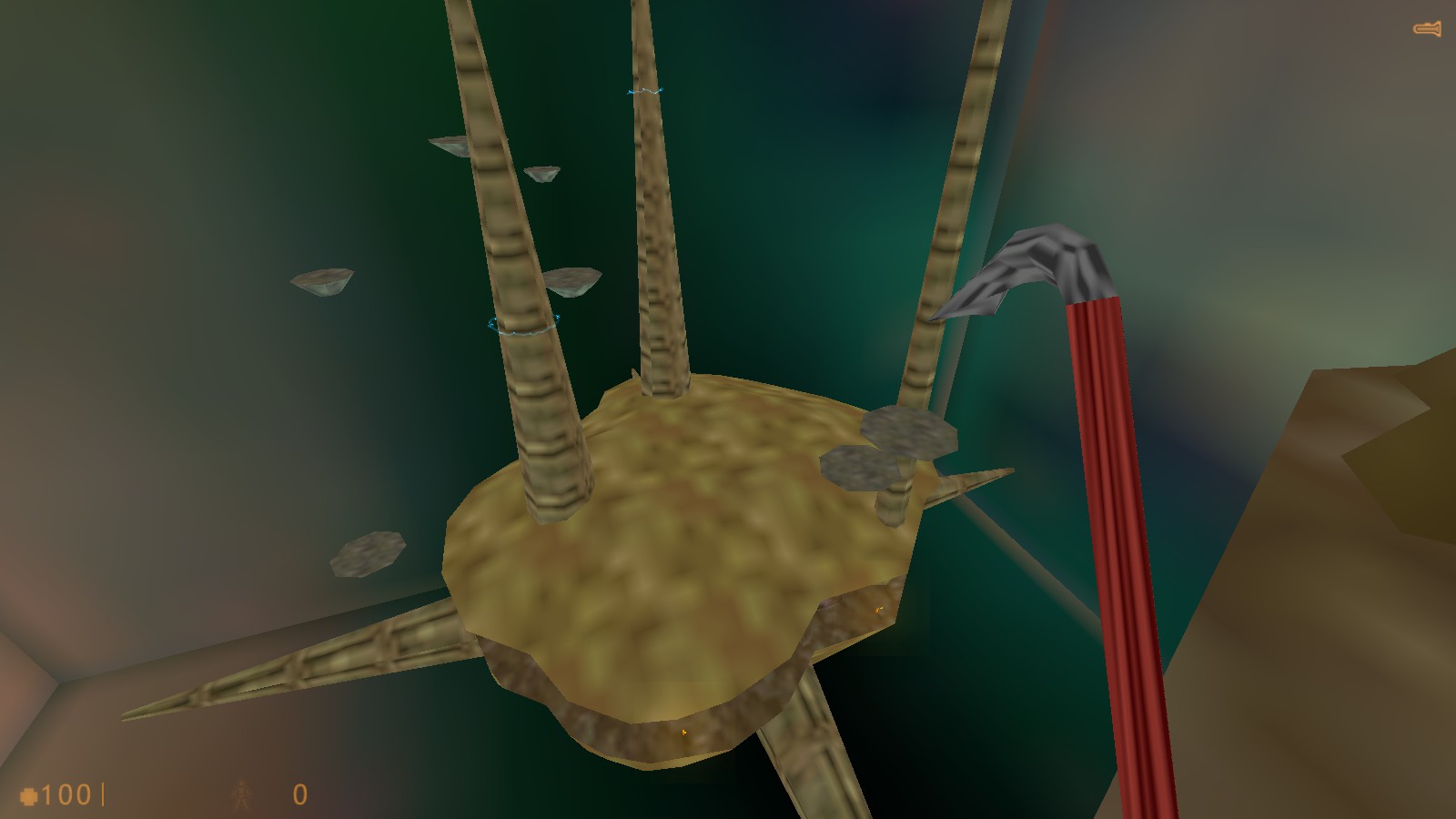
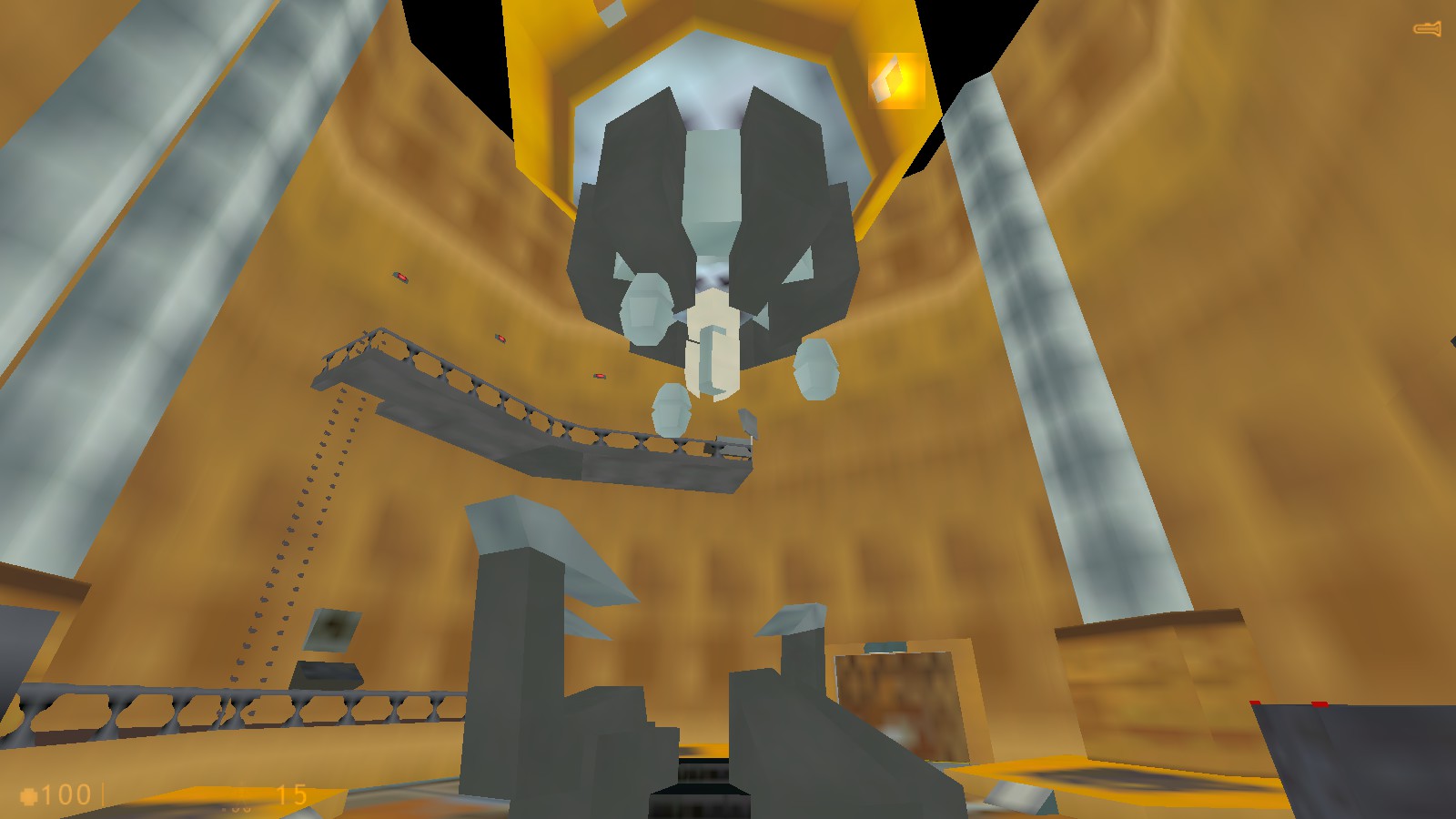
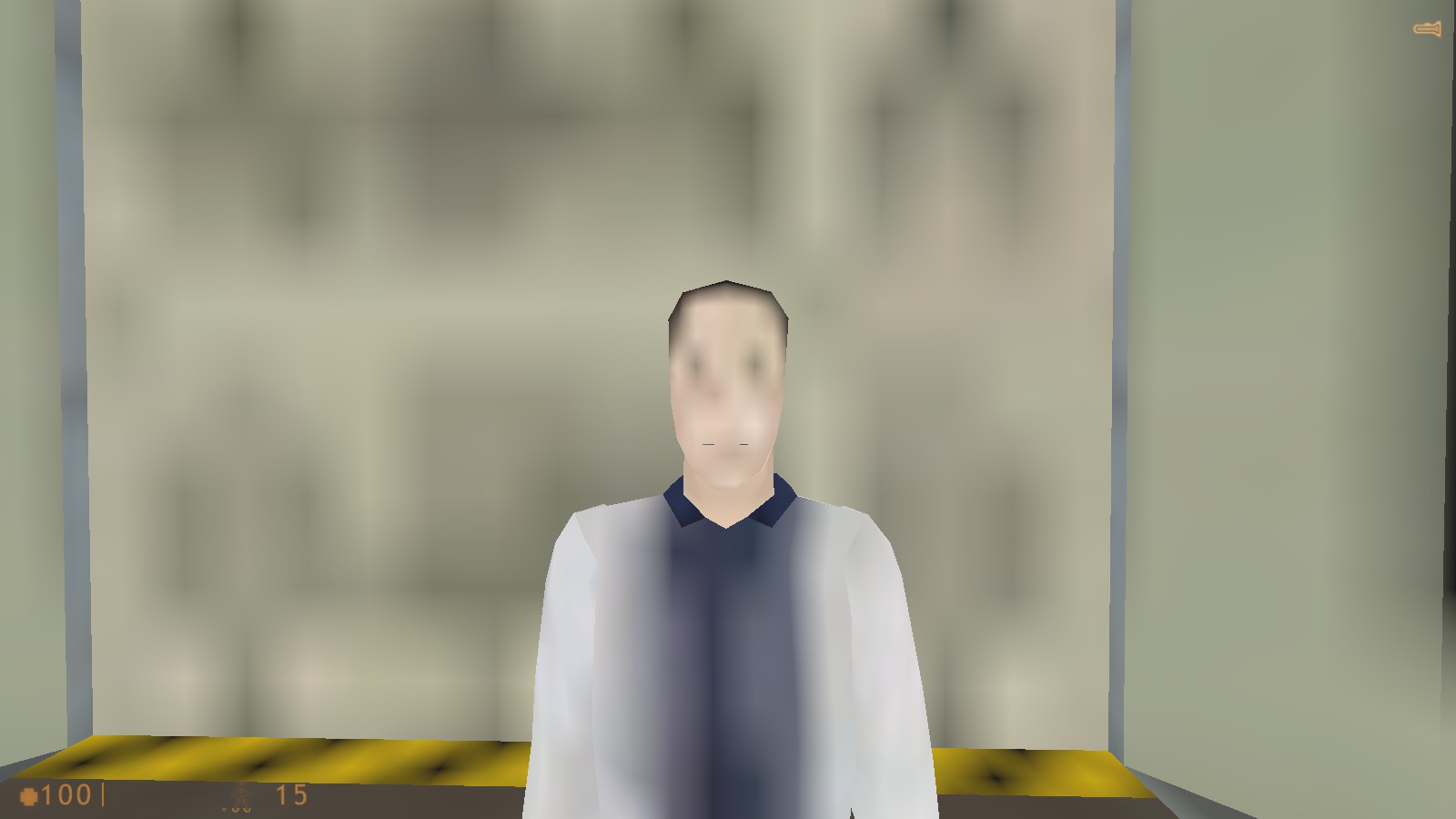
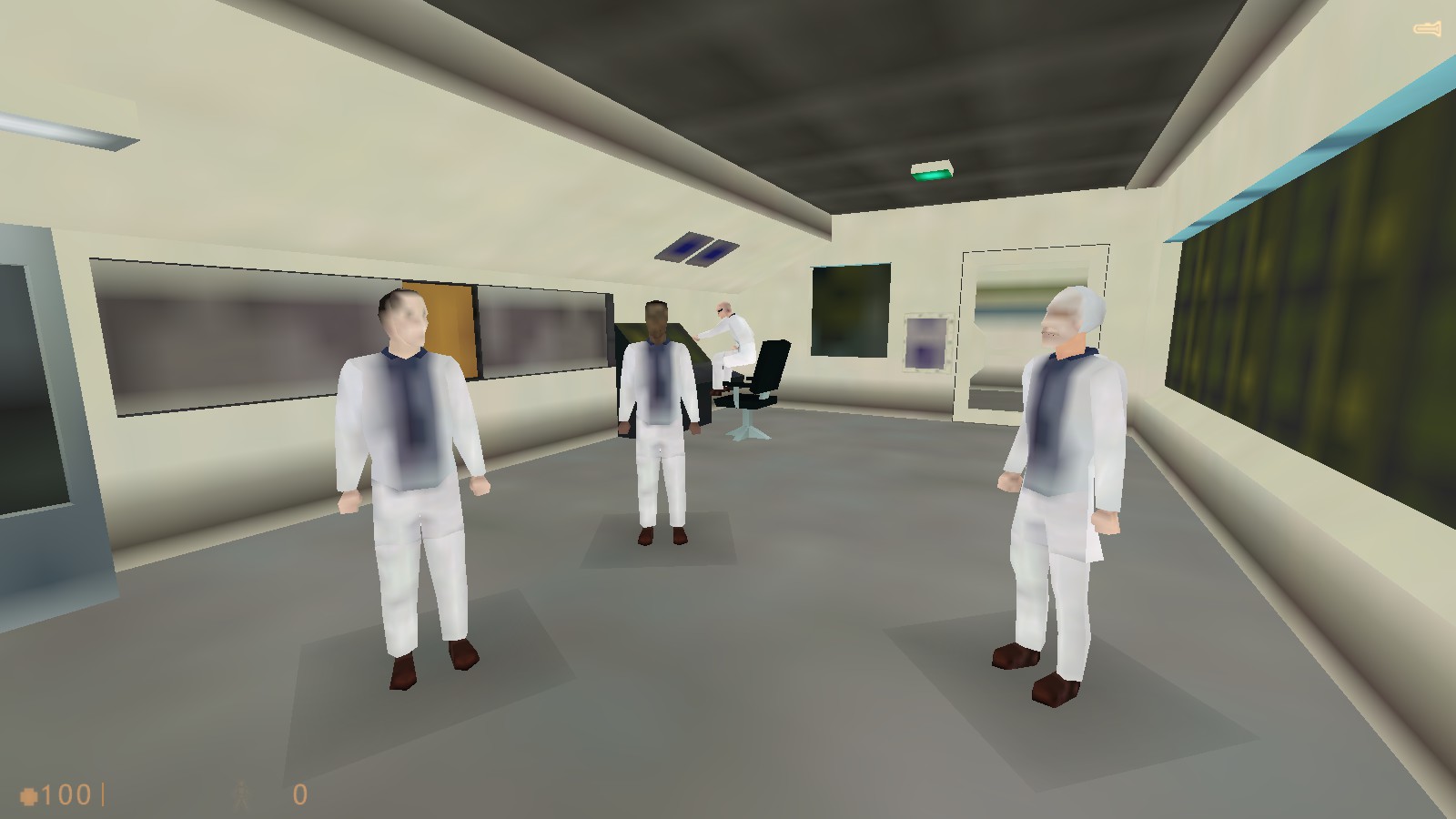
More Half-Life: Source guides
- Классический русификатор для Half-Life: Source★ 5 (453)18k views460 ♥1 minRussianUpdated Sep 20, 2017
- How to fix Half-Life: Source★ 5 (299)17k views481 ♥2 minUpdated Nov 1, 2023
- How to enable HD models★ 4 (86)15k views85 ♥1 minUpdated Feb 21, 2023
- Guide to improve graphics in Half-Life Source★ 4 (121)12k views221 ♥1 minUpdated Apr 16, 2020
- How to Bernie Sanders in Half-Life: Source★ 4 (315)9.6k views206 ♥11 minUpdated Nov 30, 2025
- How to spawn any kind of NPC and create squads.★ 4 (142)8.7k views226 ♥3 minUpdated May 3, 2015





This guide was created by its original author on the Steam Community. Are you the author and want it removed? Request removal.