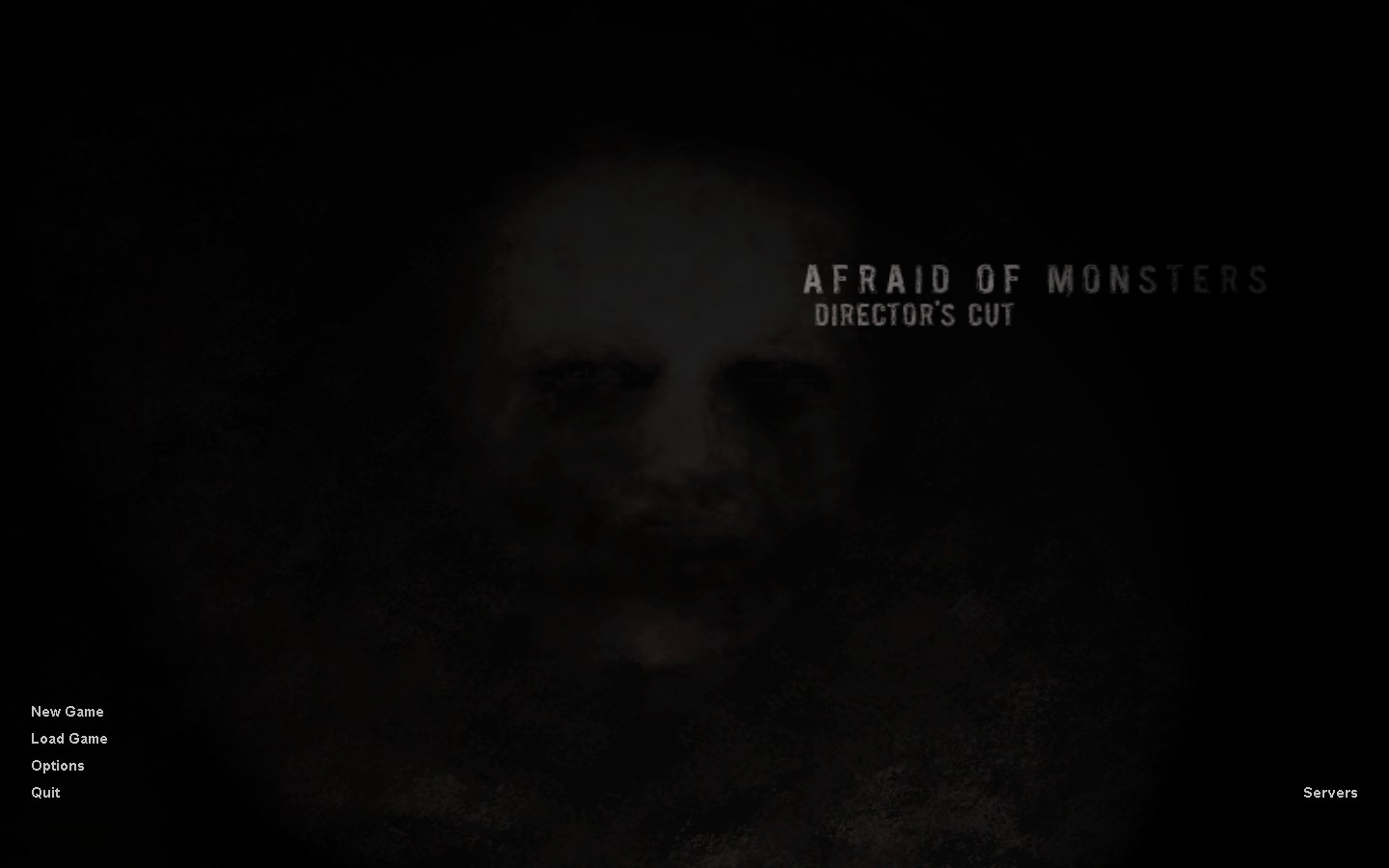
How to install Afraid of Monsters: Director's Cut on Steam
Download Files
How to Install:
Run the EXE file and install the game on a new folder.
Rename the folder to "AOM".
Move the folder to the "C:\Program Files\(x86)\Steam\steamapps\common\Half-Life" folder.
Go to the Half Life properties configuration and type in the launch option: -game AOM
After doing this, just start Half Life and the mod will run
Update:
To resolve the compatibility issue with the 25th anniversary update, go to Half-Life settings>Betas> and select the version "steam_legacy - pre 25th Anniversary Build"

Rename the folder to "AOM".
Move the folder to the "C:\Program Files\(x86)\Steam\steamapps\common\Half-Life" folder.
Go to the Half Life properties configuration and type in the launch option: -game AOM
After doing this, just start Half Life and the mod will run
Update:
To resolve the compatibility issue with the 25th anniversary update, go to Half-Life settings>Betas> and select the version "steam_legacy - pre 25th Anniversary Build"
💖Rate, Reward & Add To Favorite!💖

More Half-Life guides
- The Great HλLF-LIFE Mods List★ 5 (1.8k)55k views3k ♥26 minUpdated Nov 23, 2023
- Полный русификатор (текст + озвучка) v4.1 от 17.06.2025г.★ 5 (649)38k views1.4k ♥1 minRussianUpdated Jun 17, 2025
- Half-Life 100% Achievement Guide★ 5 (1.2k)22k views290 ♥1 minBulgarianUpdated Jul 1, 2023
- Самые сексуальные фото Гордона Фримена★ 5 (1.3k)22k views576 ♥1 minRussianUpdated Aug 6, 2020
- Русификатор Half-Life (2026) // 2.0.2★ 5 (462)17k views764 ♥1 minRussianUpdated Dec 29, 2025
- How to play Brutal Half-Life V3★ 4 (149)17k views231 ♥2 minUpdated May 5


This guide was created by its original author on the Steam Community. Are you the author and want it removed? Request removal.