Quality-of-Life Enhancing Mods
Mod Framework
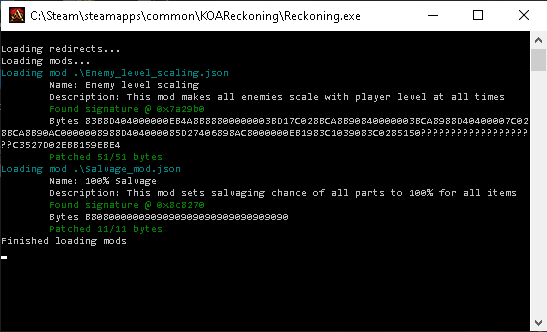
KOAR Mod Framework[www.nexusmods.com]
The mod required for salvage fix mod and enemy level scaling mod.
Salvaging Equipments Provide All Possible Parts

Salvage fix[www.nexusmods.com]
Personally the best mod on this list. No need to save-scum to get all the parts you want from salvage.
Enemies Scales with Your Level
Enemy level scaling[www.nexusmods.com]
Just in case you want the enemies to drop prismere weapons when your level 40 characters wanna do sightseeing in Dalentarth.
Just in case you want the enemies to drop prismere weapons when your level 40 characters wanna do sightseeing in Dalentarth.
LUA Console

KOAR Lua Console[www.nexusmods.com]
Press F1 to open the console.
List of commands, taken from the mod's description page:
help - displays a list of available commands with short descriptions.
cheatmenu - opens a cheat menu with a lot of features. Some of the options don't seem to work, but most of them do. Navigating the menu needs controller, though.
Keyboard users use the arrow to move the L stick and enter to select. To move the R stick, you need to use a third-party app that emulates a controller like reWSAD (I bind the R up and down to PgUp and PgDn, as we only need those two to use the menu).
additem [simtype] [count=1] - gives player an item by its simtype name. Count is optional and defaults to 1.
Example: additem wpn_staff_ofruin
spawn [simtype] [distance=500] - spawns an actor in front of the player by its simtype name. Distance is optional and defaults to 500 (about a distance of a dodge roll).
Example: spawn obj_clowncar
lua (code) - executes everything entered after the command as Lua code.
Example: lua PLAYER.set_player_name("Custom name")
run [script_name] [arguments] - executes a Lua script from the "_scripts/console" folder with a name [script_name].lua. Everything after the script name is passed as arguments to the script.
Example: run addgold 10000
messagebox (code) - shows message box with specified text. Everything after the command is interpreted as a Lua expression and should return a string or another printable type.
Example: messagebox SIMTYPE_ID("sword1h_unique18a")
clear - clears the output area of the console.
q - closes the console.
CaldazarILIX's Cheats Scripts

QoL Cheats Scripts[www.nexusmods.com]
Having a hard time finding the simtype for the items you're trying to cheat add to your inventory? install this mod for an easier method to do it.
As stated in the mod's description page, the mod includes these scripts:
The script Gems.lua gives you the best Gems, Overwhelming (24% damage epic gem) and Paramount gems (??% armor? epic gem. Didn't use it because damage resistance is better) included.
The script PrimalC.lua gives you the best Primal components.
The script SupportC.lua gives you the best non-core components includes Critter components non found in the game. Don't need to farm that flawless damaging bindings/grip/rivets anymore.
The script InvidiP.lua gives you Greater Phasewalk Potions (10). Calling all the backstabbing PoS out there :p
The script InvinciP.lua gives you Master Invincibility Potions (10). I don't think you can craft these. They literally make you invincible. I think they are pretty useless if you craft your armors using flawless everlasting trims, linings, and strings, though.
Save Editor
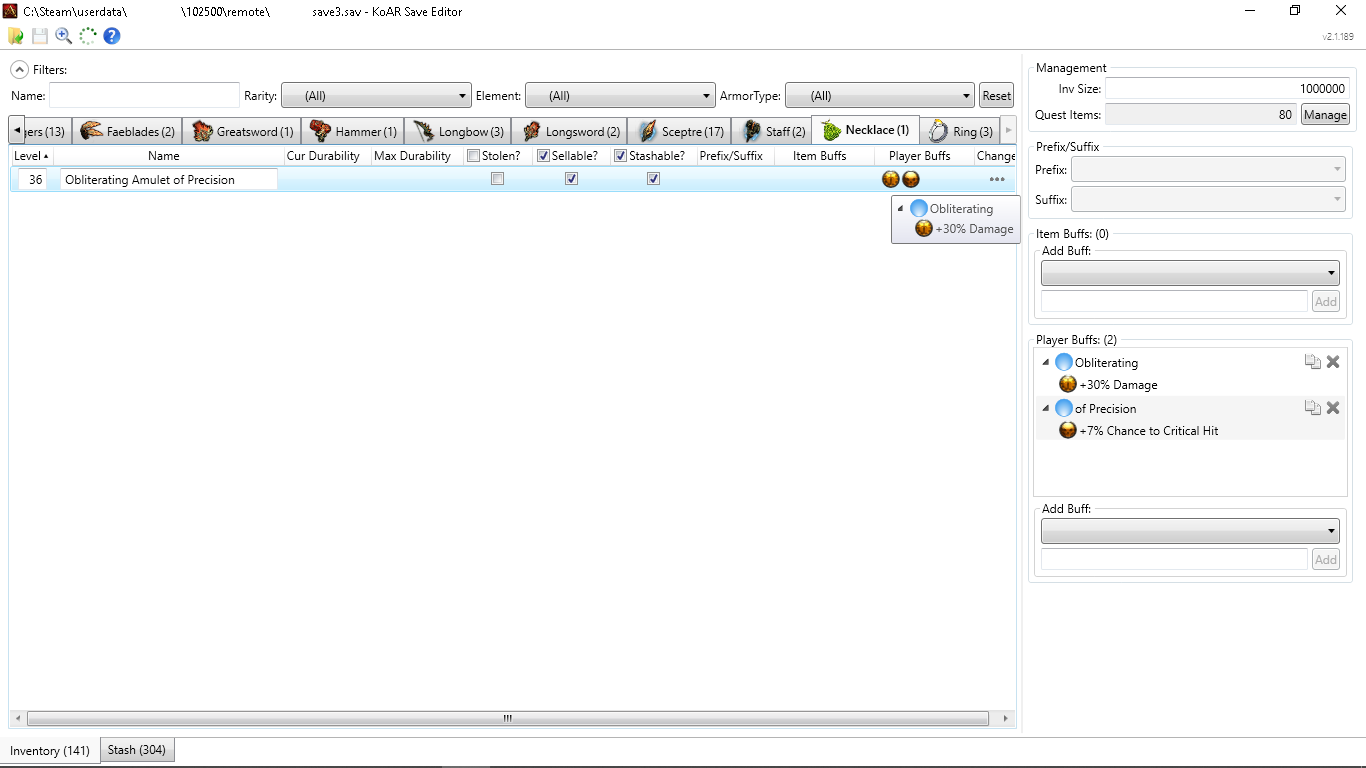 Kingdoms of Amalur (Re-)Reckoning Save Editor[www.nexusmods.com]
It's more like inventory editor as it can't change other things like race, patron god, stats, abilities, quest, etc. I personally use this to change the name of the items I crafted, removing bugged quest items, and modifying bugged items (the wiki said the items with Duelist, Gladiator, and Warlord prefixes which add +#% damage and crit % do not function at all, so I when I got them in-game I will change the stats to another +#% damage and crit % that works).
Character Planner
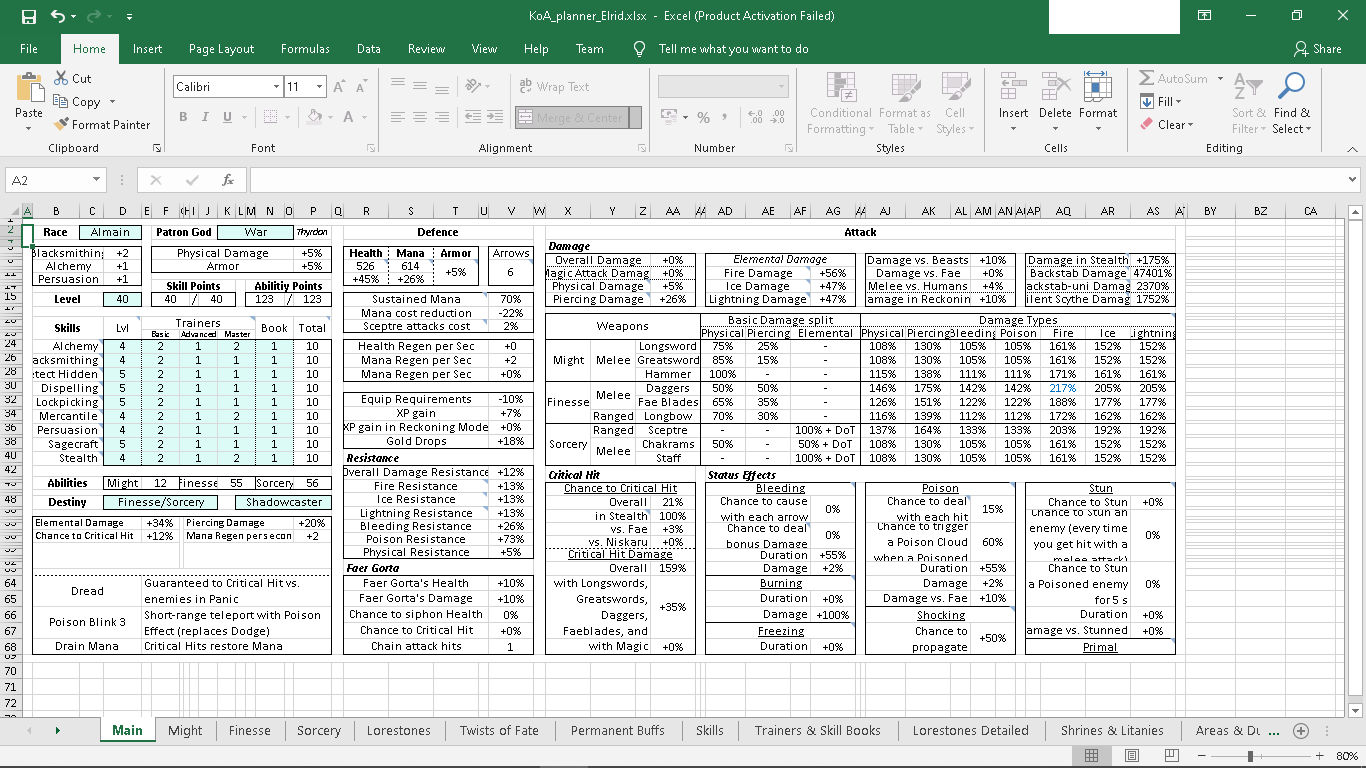
Character Planner and Reference Spreadsheet[www.nexusmods.com]
Not actually a mod, but a useful tool to plan your character, test out builds, see how the stats of a maxed-out character based on your planned build, etc.
Closing
As stated in the overview, if you have other mod recommendations found outside nexusmods, please let us know. Check out the comment section for additional information that could be useful.
If you have questions, suggestions, or corrections, feel free to comment below.
If you have questions, suggestions, or corrections, feel free to comment below.
More Kingdoms of Amalur: Reckoning™ guides
- Backpack Upgrade Locations★ 5 (743)27k views1.1k ♥1 minUpdated Sep 6, 2016
- Skill Maxing★ 5 (424)24k views974 ♥4 minUpdated May 4, 2016
- How to easily craft overpowered gear★ 5 (178)19k views358 ♥5 minUpdated Jul 1, 2019
- KOA 100% Achievement Guide★ 5 (877)19k views927 ♥20 minUpdated Apr 10, 2022
- Fixing The Camera & Beefing Up Your Graphics!★ 5 (250)18k views366 ♥4 minUpdated May 14, 2022
- Kingdoms of Amalur: Reckoning™ - 100% Achievement Guide and Roadmap (DLC included; Re-Reckoning-Ready)★ 5 (541)15k views928 ♥44 minUpdated Dec 25, 2025


This guide was created by its original author on the Steam Community. Are you the author and want it removed? Request removal.