2024 Game fix for Windows | Hitman 2 Silent Assassin
Game fix
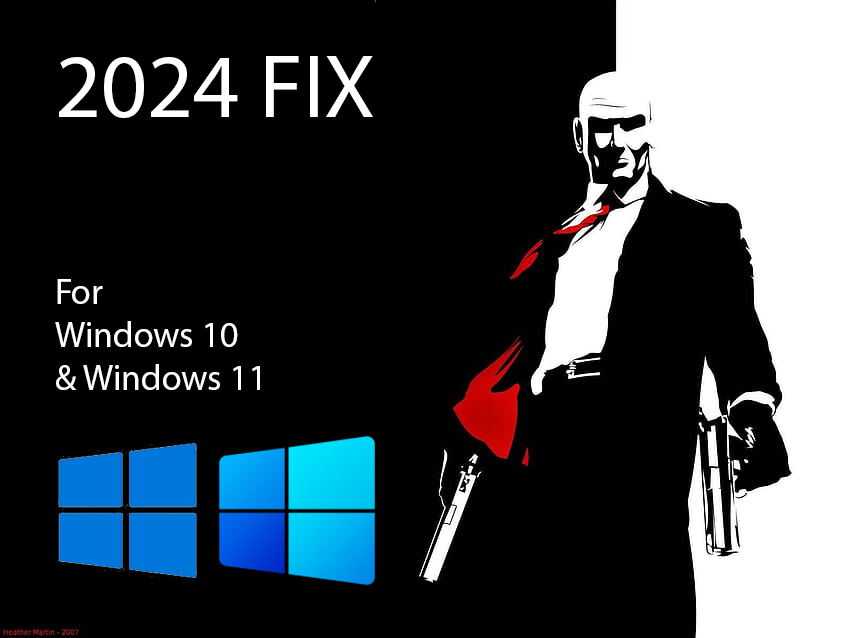
Tried this W11 fix on W10 and worked! Just use a clean installation of the game
https://youtu.be/UDCrYLvQCDs?si=OIviJuICIl2SRqBJ
Credits to The Flip Side Tech on YT
Thanks to a file that can emulate D3D8 using D3D9, now it's possible to play this damn old game
1. Turn on DirectPlay feature
- Search for "Turn windows features on or off" on Windows menu- Find "Legacy components", and check "DirectPlay"
- Hit "Ok" at the bottom of that window
2. Replace a file
- Get this d3d8.dll file: https://github.com/crosire/d3d8to9/releases/tag/v1.12.0- Place the file into the game's location (ProgramFiles/Steam/SteamApps/Common)
3. Change the resolution
- Using the "config.exe" program in the game's path change the resolution to 1280x1024. The game resolution will stretch to fit your monitor sizeThat's it!
Hope it works for you too!Without changing 'DrawDll RenderD3D.dll' line inside the "Hitman.ini" or using the "Widescreen Fix" ☺
More Hitman 2: Silent Assassin guides
- Proper widescreen (NEW FIX)★ 5 (462)26k views423 ♥2 minUpdated Jul 4, 2019
- Полный русификатор Hitman 2: Бесшумный убийца★ 5 (311)14k views335 ♥1 minRussianUpdated Nov 2, 2024
- Hitman 2: Silent Assassin Windows Fix★ 4 (153)13k views188 ♥1 minUpdated Jul 5, 2024
- Uncensored Hitman 2 Silent Assassin for Steam★ 4 (155)11k views178 ♥1 minUpdated Aug 27, 2023
- Black screen and resolution fix★ 4 (87)8.6k views94 ♥1 min
- Hitman 2 - Perfect Silent Assassin Guide★ 4 (147)8k views235 ♥68 minUpdated Jun 13, 2014

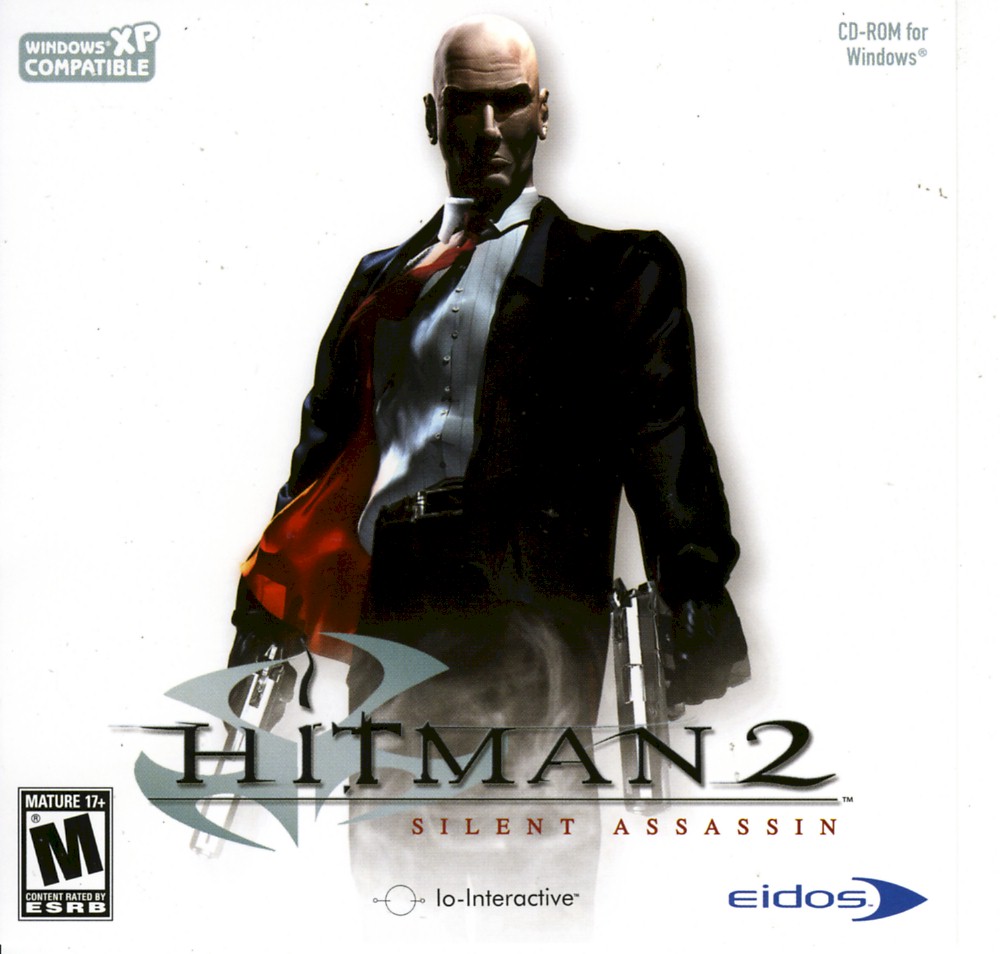



This guide was created by its original author on the Steam Community. Are you the author and want it removed? Request removal.