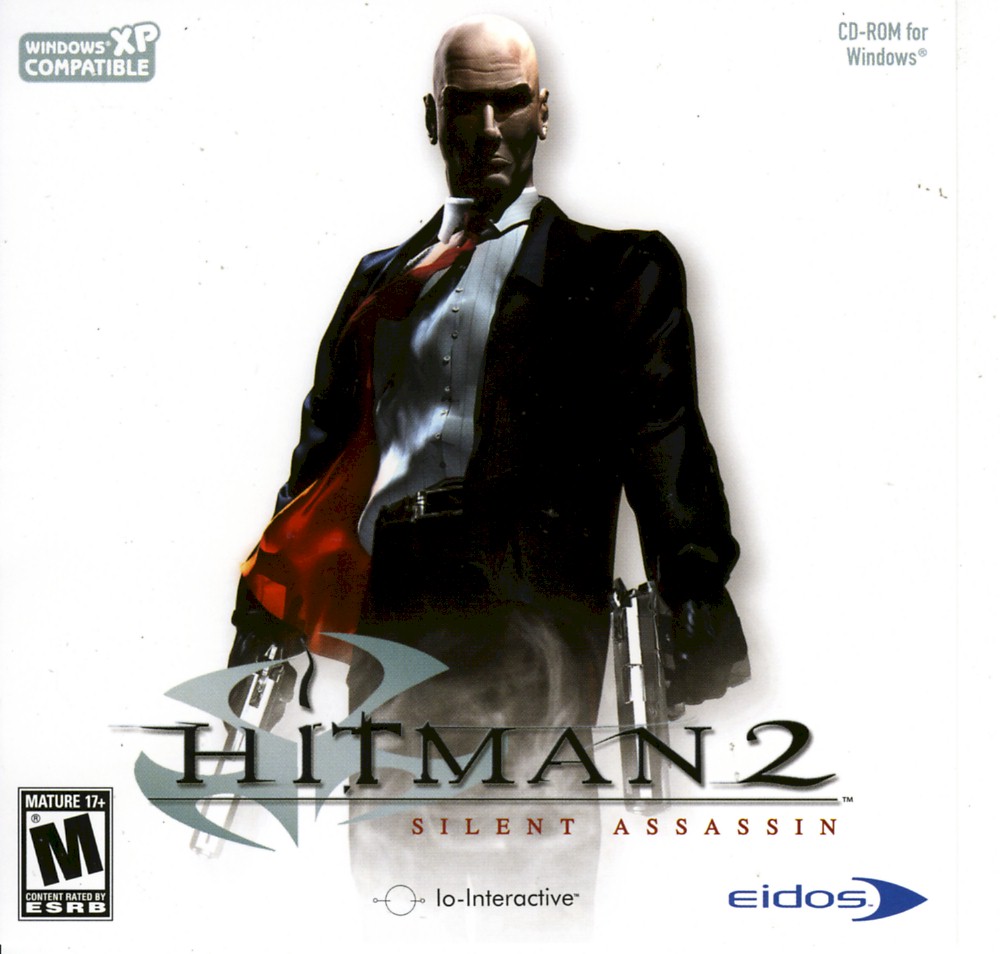
How to get Hitman 2 running on Win10
What to do.
- Click on your game via steam and navigate to the game files.
- Once in the folder find Hitman2 = configuration settings and open it in notepad.
- Copy and paste the below into the notepad you have open, save and close.
- Good to launch the game, I tried other fixes but this was the one that sorted all problems with the game launching/running.
----PASTE IN BELOW TEXT----
DefaultScene=AllLevels/Logos.gms
SoundDll SoundEngine.dll
ScriptDll SDL_Engine.dll
ScriptIfDll ScriptInterfaces.dll
DrawDll RenderOpenGL.dll
LocaleFile=Locale\English.xml
AutoDumpName ScreenDump0000.jpg
ColorDepth 32
ErrorLog error.log
EnableConsole
Anisotropy 1
Antialias 3
ShadowDetail 2
TextureResolution 0
UseDirectInputMouse
UseDirectInputKeyboard
HeroControlMode 1
MouseSpeed 0.848789
SpeechVolume 100
MusicVolume 88
SoundEffectsVolume 100
ConfigFile=Keyboard.cfg
DisablePolyLimit
UseEAX 0
Resolution 1920x1080
DisableHWTnL 0
Window 1
EnableP5 1
NumSoundBuffers 64
DrawDistance 1.200000
LevelOfDetail 2
Subtitles 1
WeatherEffects 1
GammaValue 1.000000
DisableTrilinearFiltering 1
SoundRender DirectSound
- Once in the folder find Hitman2 = configuration settings and open it in notepad.
- Copy and paste the below into the notepad you have open, save and close.
- Good to launch the game, I tried other fixes but this was the one that sorted all problems with the game launching/running.
----PASTE IN BELOW TEXT----
DefaultScene=AllLevels/Logos.gms
SoundDll SoundEngine.dll
ScriptDll SDL_Engine.dll
ScriptIfDll ScriptInterfaces.dll
DrawDll RenderOpenGL.dll
LocaleFile=Locale\English.xml
AutoDumpName ScreenDump0000.jpg
ColorDepth 32
ErrorLog error.log
EnableConsole
Anisotropy 1
Antialias 3
ShadowDetail 2
TextureResolution 0
UseDirectInputMouse
UseDirectInputKeyboard
HeroControlMode 1
MouseSpeed 0.848789
SpeechVolume 100
MusicVolume 88
SoundEffectsVolume 100
ConfigFile=Keyboard.cfg
DisablePolyLimit
UseEAX 0
Resolution 1920x1080
DisableHWTnL 0
Window 1
EnableP5 1
NumSoundBuffers 64
DrawDistance 1.200000
LevelOfDetail 2
Subtitles 1
WeatherEffects 1
GammaValue 1.000000
DisableTrilinearFiltering 1
SoundRender DirectSound
More Hitman 2: Silent Assassin guides
- Proper widescreen (NEW FIX)★ 5 (462)26k views423 ♥2 minUpdated Jul 4, 2019
- Полный русификатор Hitman 2: Бесшумный убийца★ 5 (311)14k views335 ♥1 minRussianUpdated Nov 2, 2024
- Hitman 2: Silent Assassin Windows Fix★ 4 (153)13k views188 ♥1 minUpdated Jul 5, 2024
- Uncensored Hitman 2 Silent Assassin for Steam★ 4 (155)11k views178 ♥1 minUpdated Aug 27, 2023
- Black screen and resolution fix★ 4 (87)8.6k views94 ♥1 min
- Hitman 2 - Perfect Silent Assassin Guide★ 4 (147)8k views235 ♥68 minUpdated Jun 13, 2014




This guide was created by its original author on the Steam Community. Are you the author and want it removed? Request removal.