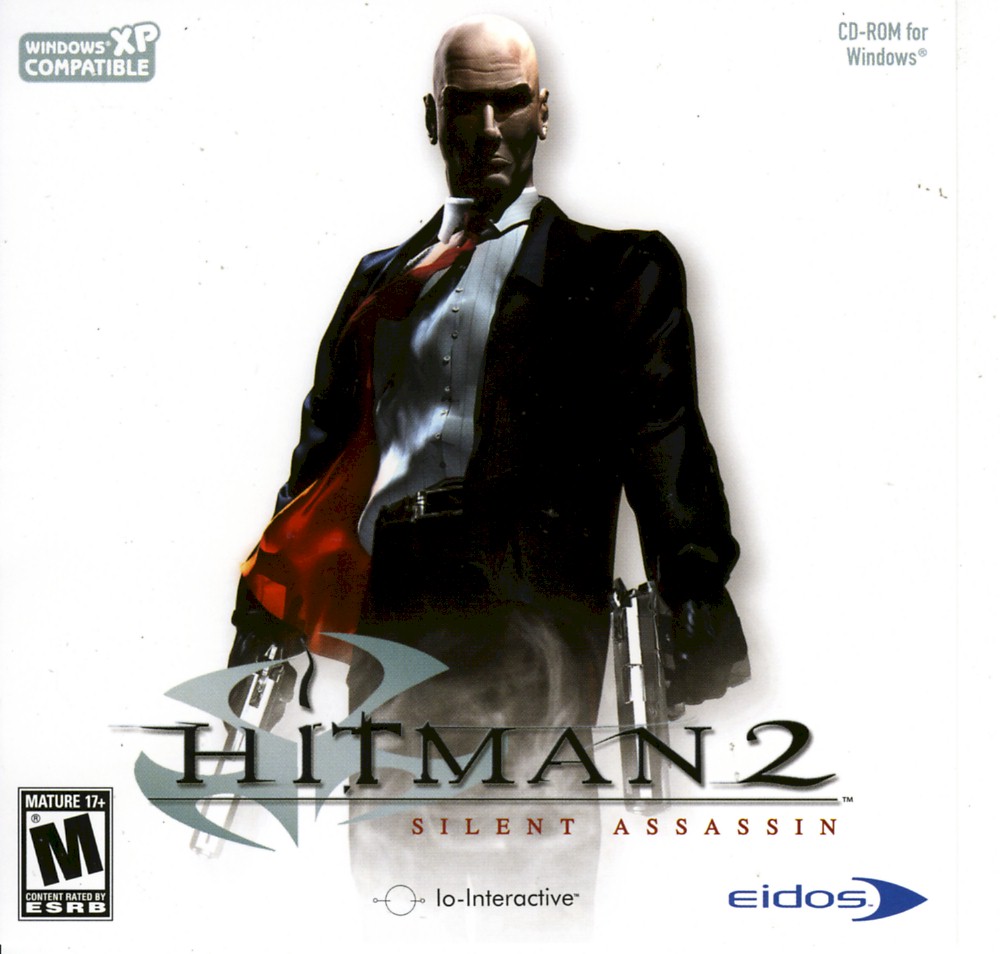
Hitman 2: Silent Assassin Windows Fix
How To
Github Repository to Download Required Files
Windows 10/11:https://github.com/silentgameplays/Himan-2-Silent-Assassin-Resolution-and-Black-Screen-Fix-Windows-10
https://github.com/silentgameplays/Hitman-2-Silent-Assassin-Windows-11-Fix
0.For Steam versions only:
Go into C:\Program Files (x86)\Steam find a file Steam.dll and Copy/Paste it into your Hitman 2 Silent Assassin directory
1.Go to Control Panel>Programs>Programs and Features>Turn Windows Features on or off>Legacy Components>Enable Direct Play
2.Go To Hitman 2 Silent Assassin Directory C:\Program Files (x86)\Steam\steamapps\common\Hitman 2 Silent Assassin
3.Download all the files from my Github repo
4.Extract and paste Hitman2.ini, d3d8.dll and wined3d.dll into the C:\Program Files (x86)\Steam\steamapps\common\Hitman 2 Silent Assassin directory.
5.(Optional) Line for Multiple monitor setup for the Hitman2.ini file:
* StartUpperPos 0,0
NB! If you are experiencing issues such as something glitching after installing this fix on top of other configurations and mods you need to do the following:
1. Uninstall game
2. Delete Hitman 2 Silent Assassin directory from C:\Program Files (x86)\Steam\steamapps\common\
3. Install the game again
4. Apply the fix again
That's it you should be good!Enjoy the classic!Drop a sub on my YT channel!
More Hitman 2: Silent Assassin guides
- Proper widescreen (NEW FIX)★ 5 (462)26k views423 ♥2 minUpdated Jul 4, 2019
- Полный русификатор Hitman 2: Бесшумный убийца★ 5 (311)14k views335 ♥1 minRussianUpdated Nov 2, 2024
- Uncensored Hitman 2 Silent Assassin for Steam★ 4 (155)11k views178 ♥1 minUpdated Aug 27, 2023
- Black screen and resolution fix★ 4 (87)8.6k views94 ♥1 min
- Hitman 2 - Perfect Silent Assassin Guide★ 4 (147)8k views235 ♥68 minUpdated Jun 13, 2014
- Traducción "Hitman 2: Silent Assassin" castellano de España Textos, voces y vídeos + Versión 1.01 "Sin Censura" + FullHD★ 5 (337)6.7k views283 ♥11 minSpanishUpdated Aug 26, 2017





This guide was created by its original author on the Steam Community. Are you the author and want it removed? Request removal.