👥 Aliens vs Predator (2010) – How to play MULTIPLAYER
Method 1: Change server type in-game
In the in game browser, set Server Type to Dedicated (Internet).
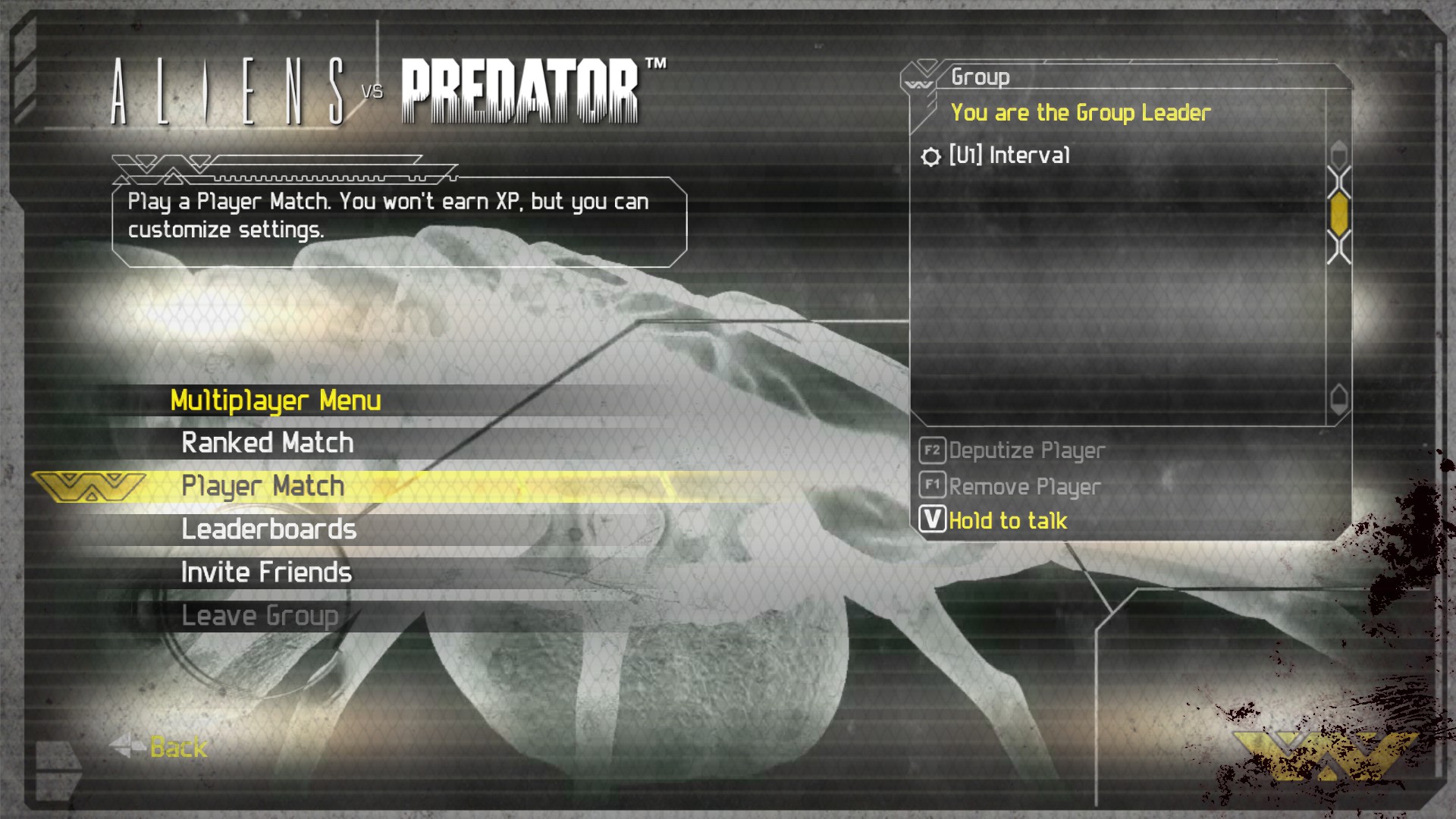
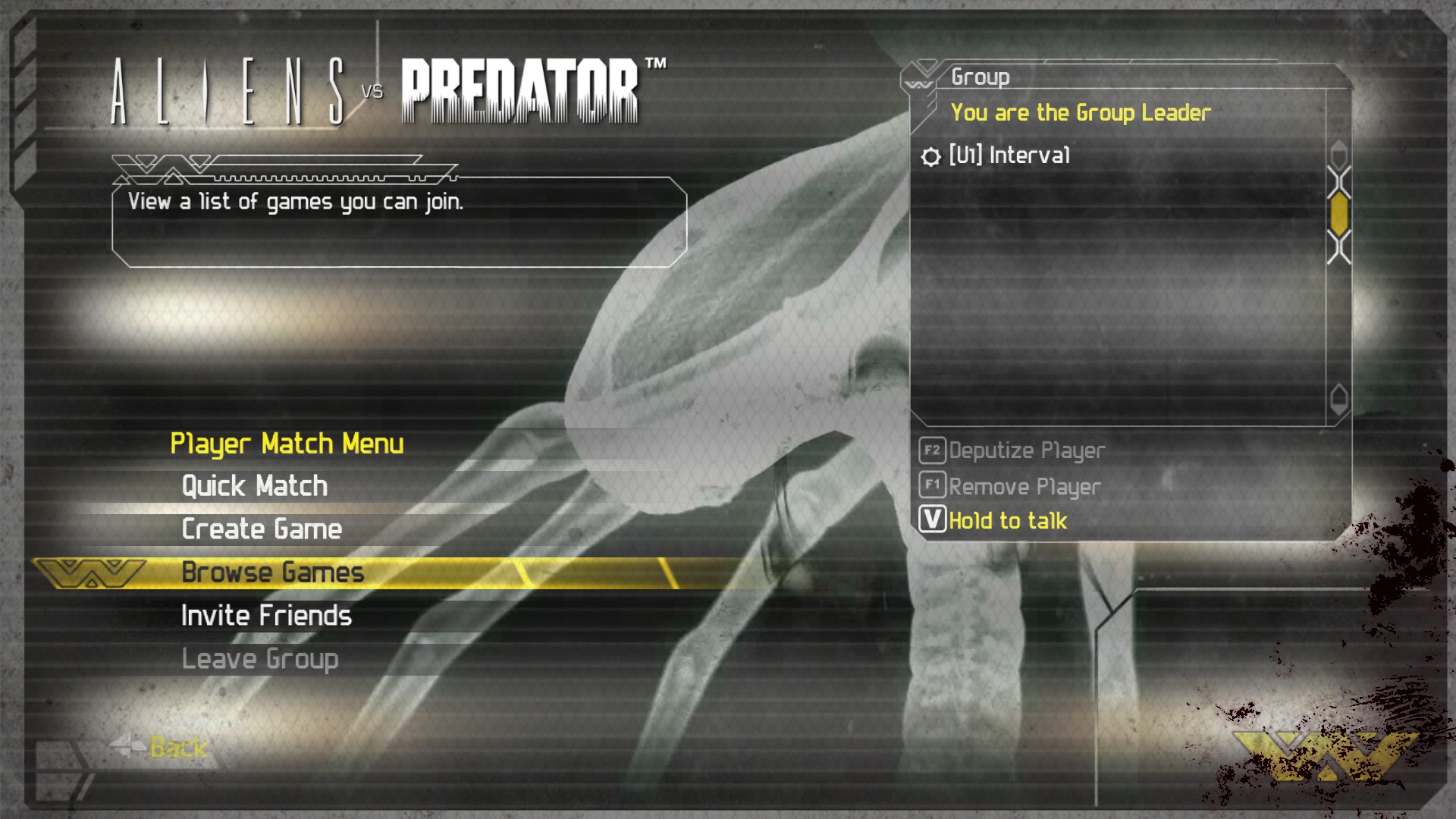
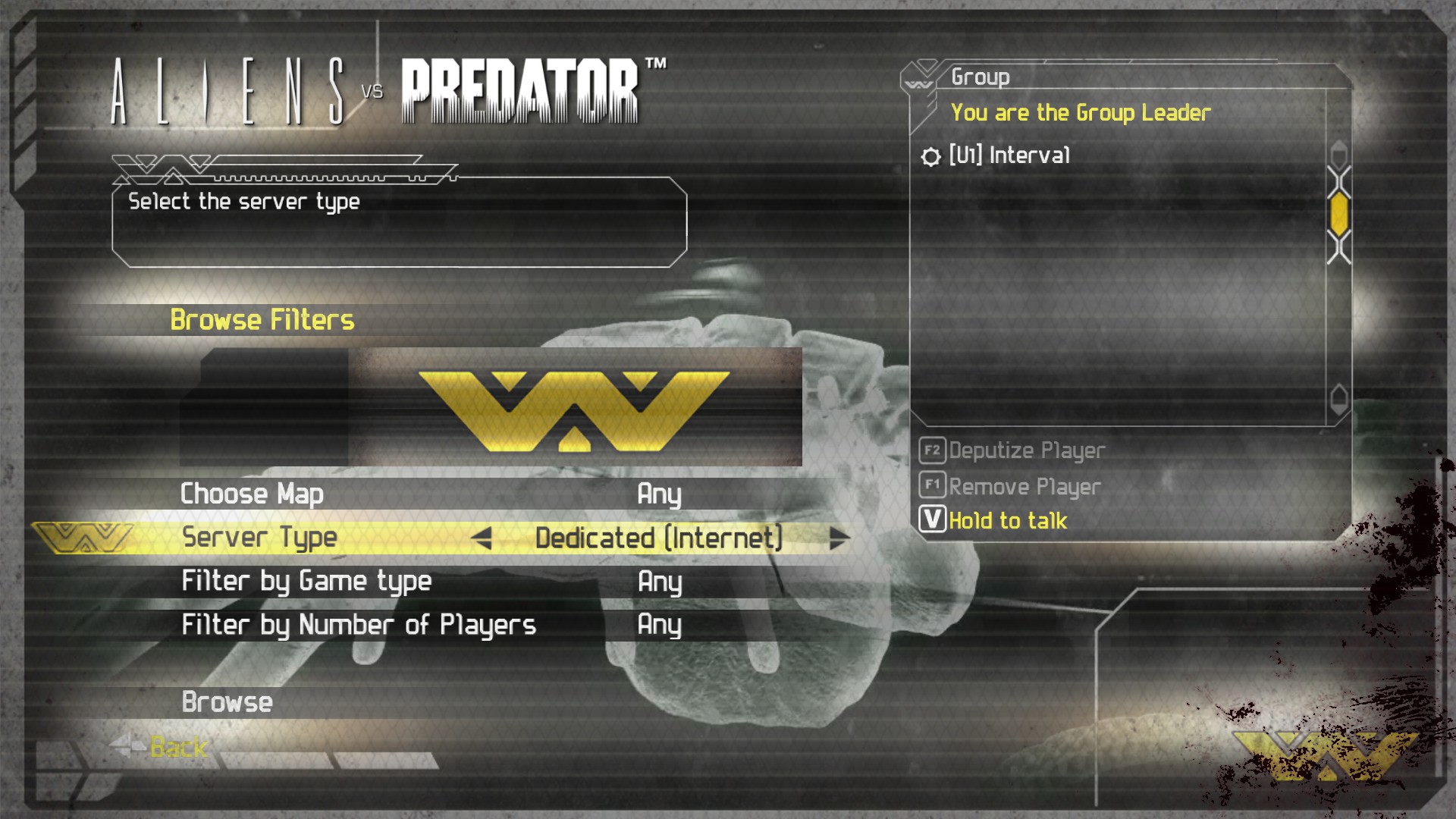
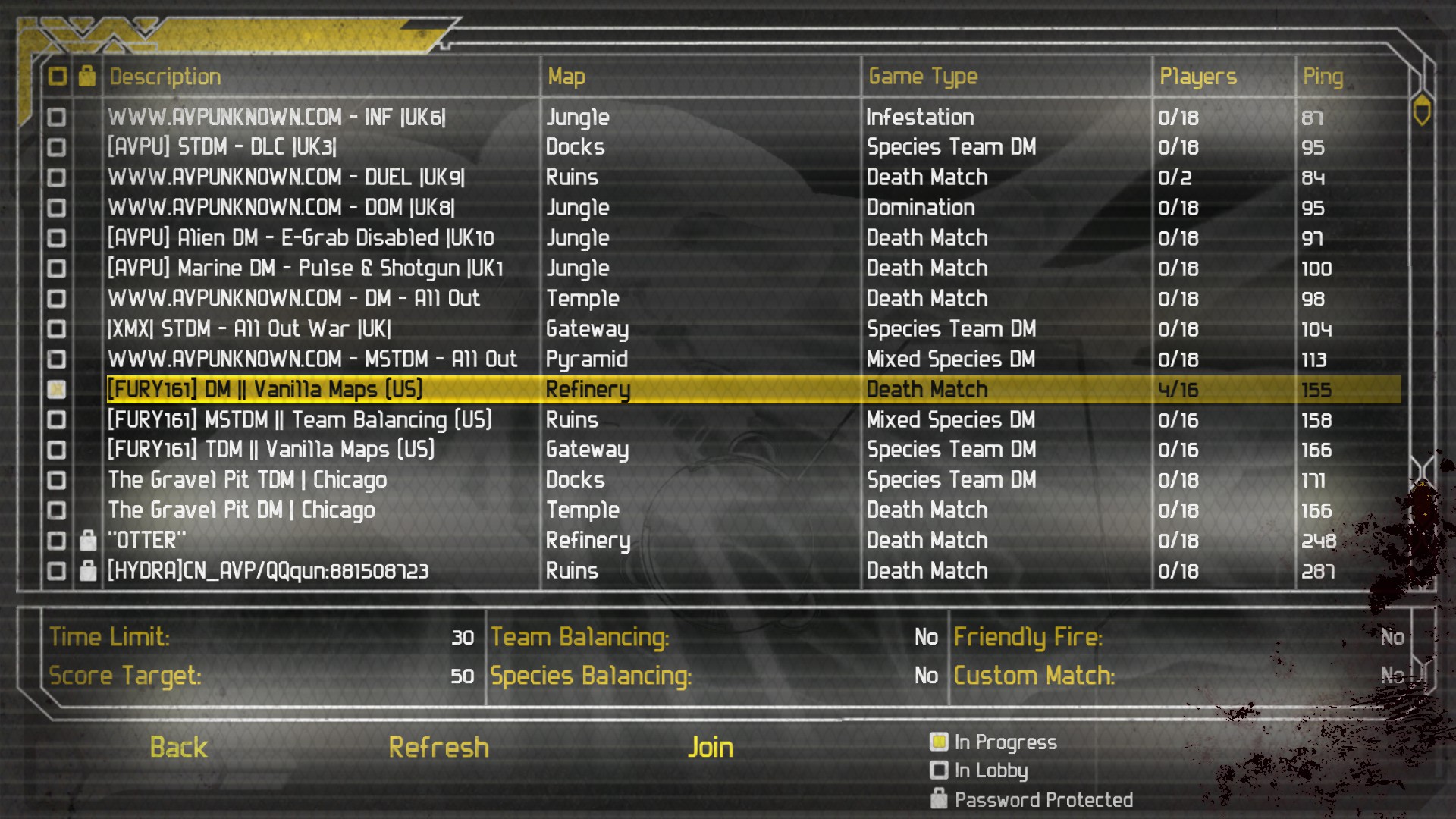
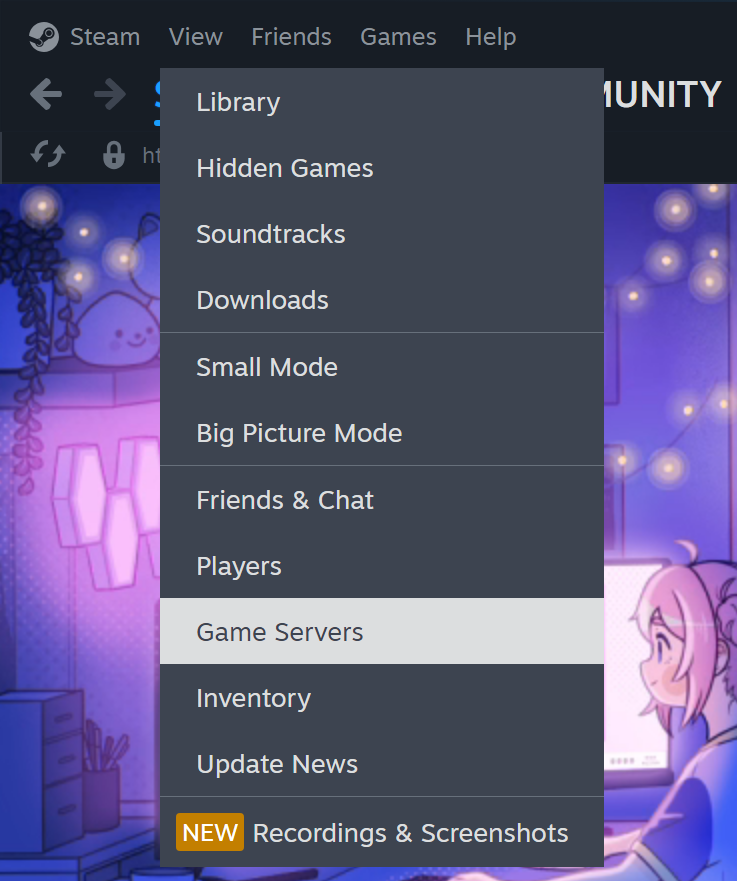
Method 2: Choose server from the Steam client
- Open Steam, click on View > Servers.
- Under Game, select Alien vs Predator.
- Update server list: Click refresh button
- Select the server to play in.
★ How to fix In-Game Issues solutions | Miscellaneous
More Aliens vs. Predator guides
- How to Play the Single-Player Levels Cooperatively★ 5 (497)30k views784 ♥4 minUpdated Jul 26, 2019
- REAL NASTY HABIT achievement in 30 minutes★ 5 (483)16k views556 ♥2 min
- Aliens vs. Predator - Walkthrough/Collectibles★ 5 (466)14k views598 ♥1 minUpdated Oct 16, 2025
- Play the game at 144 fps with DirectX 11 Enhanced Features★ 5 (218)13k views237 ♥1 minUpdated Oct 25, 2019
- Multiplayer Start-offs★ 5 (181)13k views176 ♥4 minUpdated Apr 3, 2022
- Руководство по получению достижений★ 5 (800)13k views770 ♥9 minRussianUpdated Mar 12, 2016


This guide was created by its original author on the Steam Community. Are you the author and want it removed? Request removal.