How to get Preorder skins for free! (Updated)
The lines in HxD
The file is located in C:\Users\YOURUSERNAME\AppData\Local\AliensVsPredator\76561198054965893
(note: the number at the end may be different for you)
Once you open the file needed, scroll down the offsets until you reach the line '00000A20'
Keep in mind that this line, the columns you see are corresponding:
05: Predators
09: Aliens
0D: Marines
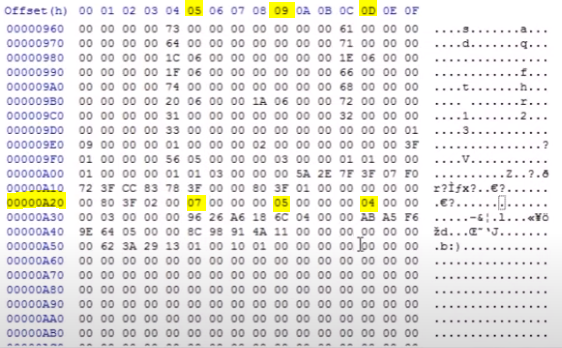
00000A20 x Offset 05 is the Predator skin you have equipped (I have 07 as shown in screenshot)
00000A20 x Offset 09 is the Alien skin you have equipped (I have 05 as shown in screenshot)
00000A20 x Offset 0D is the Marine skin you have equipped (I have 04 as shown in screenshot)
I have highlighted the important numbers for the skins (DO NOT CHANGE ANYTHING ELSE)
Changing the numbers highlighted will change the skin you had equipped.
Remember to save the file and do not make a backup if asked.
(note: the number at the end may be different for you)
Once you open the file needed, scroll down the offsets until you reach the line '00000A20'
Keep in mind that this line, the columns you see are corresponding:
05: Predators
09: Aliens
0D: Marines
00000A20 x Offset 05 is the Predator skin you have equipped (I have 07 as shown in screenshot)
00000A20 x Offset 09 is the Alien skin you have equipped (I have 05 as shown in screenshot)
00000A20 x Offset 0D is the Marine skin you have equipped (I have 04 as shown in screenshot)
I have highlighted the important numbers for the skins (DO NOT CHANGE ANYTHING ELSE)
Changing the numbers highlighted will change the skin you had equipped.
Remember to save the file and do not make a backup if asked.
Skin numbers
Predator skins:
Alien skins:
Marine skins:
- 00 Dark
- 01 Claw
- 02 Stalker
- 03 Hunter
- 04 Spartan
- 05 Wolf
- 06 Lord
- 07 Alien
Alien skins:
- 00 Warrior
- 01 Warrior Dome
- 02 Number 6
- 03 Warrior Ridged
- 04 Praetorian
- 05 Nethead
Marine skins:
- 00 Franco
- 01 Rookie
- 02 Van Zandt
- 03 Moss
- 04 Kaneko
- 05 Connor
- 06 Gibson
- 07 Johnson
Video link
If you are having trouble understanding then go to my video and do exactly what the video does.
https://www.youtube.com/watch?v=7tnQ1hQtkmE
Make sure you have your game closed and delete the duplicated file that is created when you save it. Then launch the game after you "change" your skin.
HxD is not a virus or anything. But it can be bad if you don't know what you're doing, which is why you must watch the video carefully without making a mistake.
DO NOT USE HXD ON ANYTHING OTHER THAN THE NECESSARY FILE
note: This process doesn't "unlock" the skins, it just forces the game to equip it for you. If you change your skin you won't be able to re-equip the pre-order ones unless you do the whole process again.
https://www.youtube.com/watch?v=7tnQ1hQtkmE
Make sure you have your game closed and delete the duplicated file that is created when you save it. Then launch the game after you "change" your skin.
HxD is not a virus or anything. But it can be bad if you don't know what you're doing, which is why you must watch the video carefully without making a mistake.
DO NOT USE HXD ON ANYTHING OTHER THAN THE NECESSARY FILE
note: This process doesn't "unlock" the skins, it just forces the game to equip it for you. If you change your skin you won't be able to re-equip the pre-order ones unless you do the whole process again.
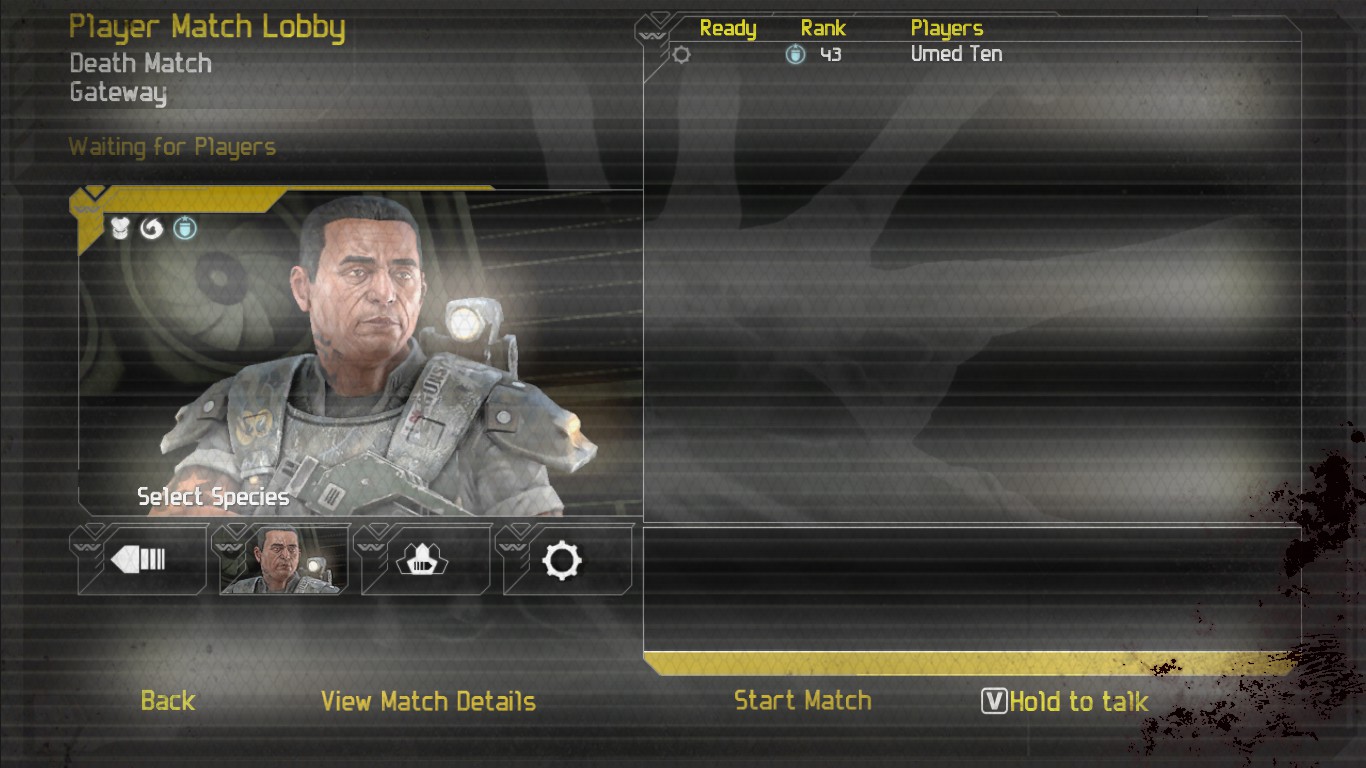
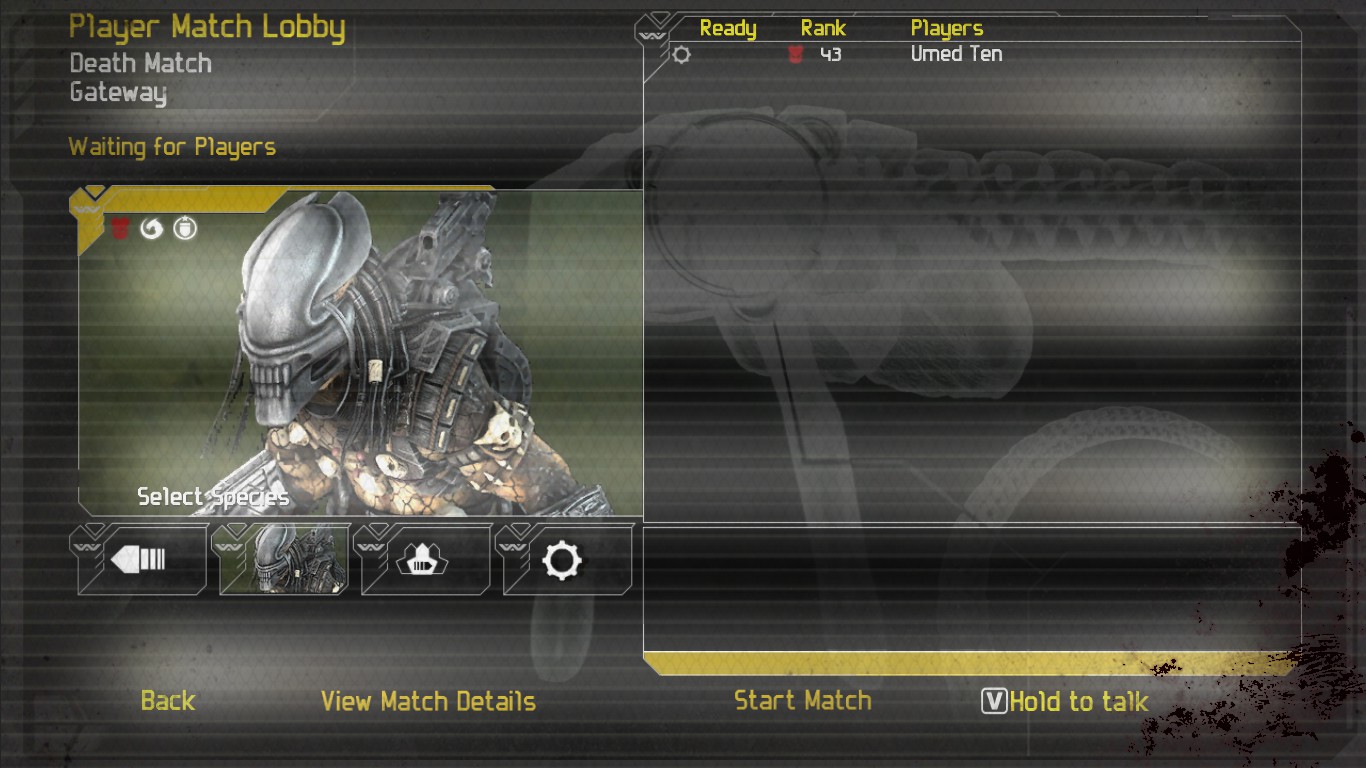
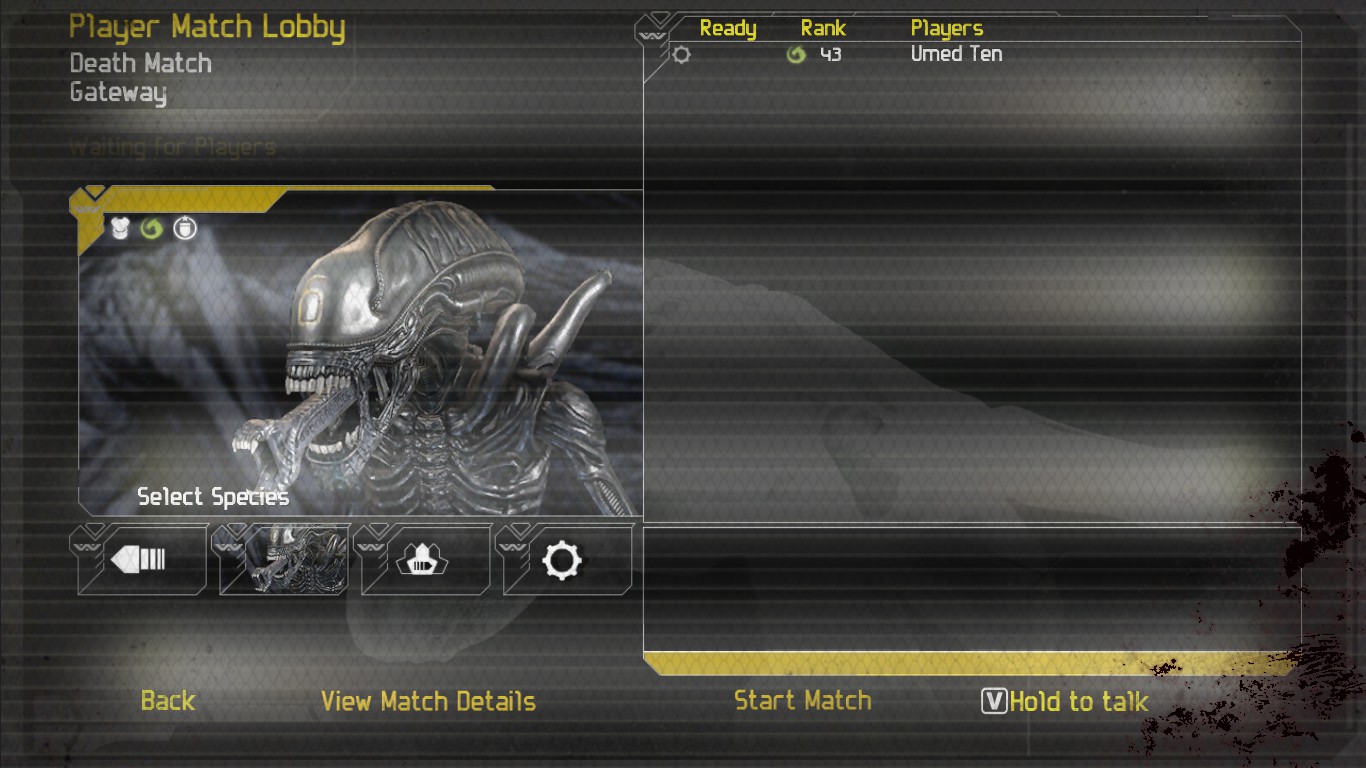
The Skins
More Aliens vs. Predator guides
- How to Play the Single-Player Levels Cooperatively★ 5 (497)30k views784 ♥4 minUpdated Jul 26, 2019
- REAL NASTY HABIT achievement in 30 minutes★ 5 (483)16k views556 ♥2 min
- Aliens vs. Predator - Walkthrough/Collectibles★ 5 (466)14k views598 ♥1 minUpdated Oct 16, 2025
- Play the game at 144 fps with DirectX 11 Enhanced Features★ 5 (218)13k views237 ♥1 minUpdated Oct 25, 2019
- Multiplayer Start-offs★ 5 (181)13k views176 ♥4 minUpdated Apr 3, 2022
- Руководство по получению достижений★ 5 (800)13k views770 ♥9 minRussianUpdated Mar 12, 2016


This guide was created by its original author on the Steam Community. Are you the author and want it removed? Request removal.