ATV DLC: Camera Glitch Fix. (Has been Fixed!)
How to Reset Your Camera After Exiting an ATV
Ok this isnt really a *FIX* but a workaround, but it can be done quickly and in-game without messing with game files etc.
Just fast traveling works but whats the point of an ATV then?
Instead, get a bow or use middle mouse button to remove your scope from a firearm. Once you have it equipped, crouch, then aim down sights when crouching. Voila!
To recap
- Exit ATV
- Crouch
- Take out a bow or firearm and remove the sights (not required for bow)
- Aim down sights
More theHunter: Call of the Wild™ guides
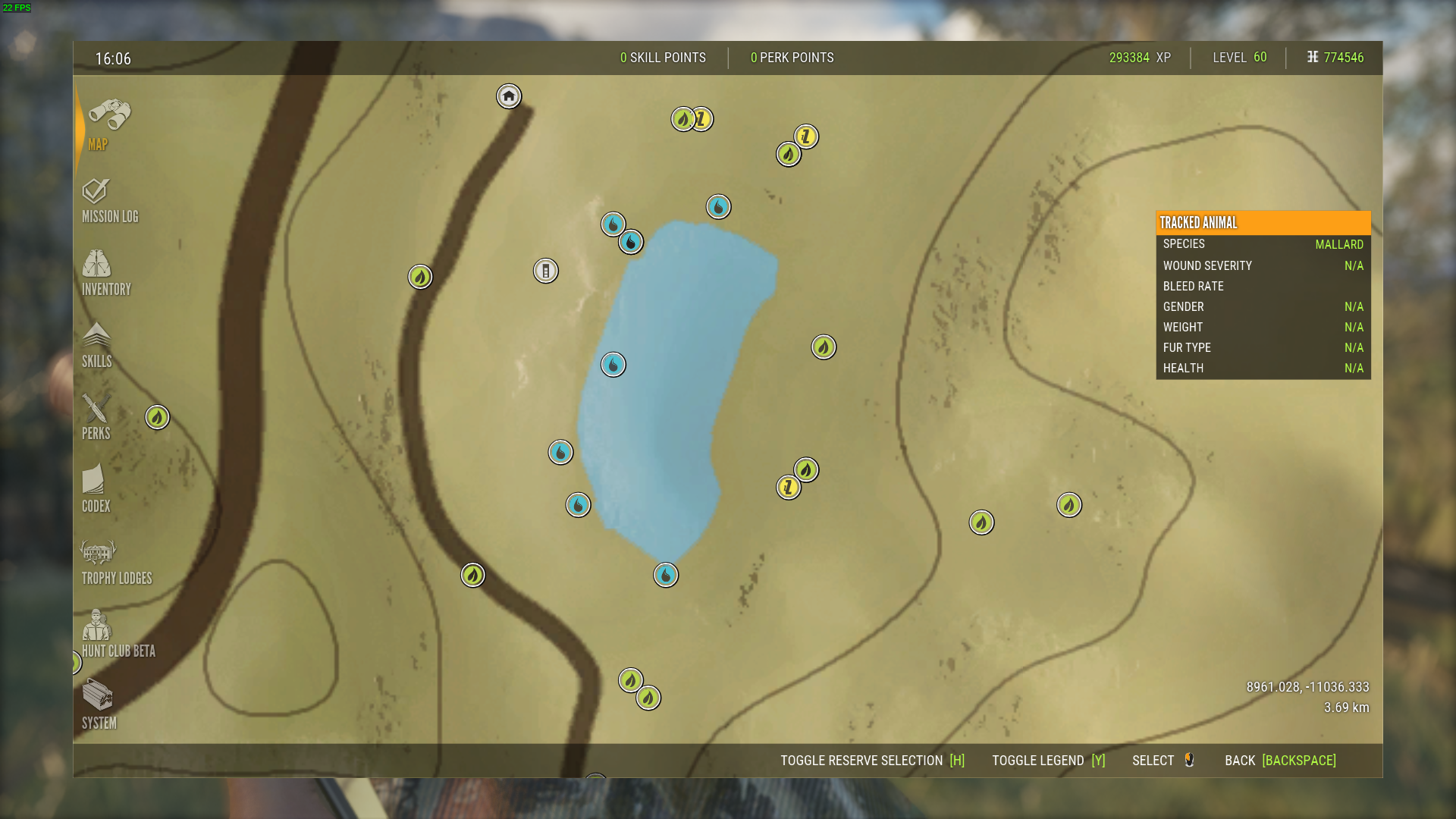
- Animal Location Maps (Parque update!)★ 5 (1.7k)84k views4.4k ♥1 minUpdated 1 Jan, 2019
- NEW Animal Location Maps (Hi-Res) - INTISUYU PERU UPDATE!★ 5 (1.6k)55k views4.3k ♥1 minGermanUpdated 24 Jun
- Limit FPS using only Nvidia Control Panel42k views53 ♥1 minUpdated 24 Nov, 2024
- ALL NEED ZONE TIMES FOR EVERY ANIMAL (SUNDARPATAN NEPAL)★ 5 (754)36k views2k ♥19 minUpdated 28 Jun, 2024
- Beginner's Guide: New Players, New Hunters★ 5 (405)24k views681 ♥33 minUpdated 3 Jan, 2023
- Trophy Ratings & Fur Types★ 5 (800)24k views2k ♥36 minUpdated 10 Jun




🔥 Popular guides
- Upgrading to PremiumTeam Fortress 2★ 5 (20k)1441k views11k ♥6 minUpdated May 11, 2022
- No More Room in Hell Official ManualNo More Room in Hell★ 5 (2.8k)569k views2.1k ♥29 minUpdated Apr 22, 2019
- NMRiH Community Hosting GuidesNo More Room in Hell★ 5 (526)351k views653 ♥1 minUpdated Aug 10, 2022
- ULTIMATE GUIDE FOR GAME DEV TYCOONGame Dev Tycoon★ 5 (5.8k)326k views10k ♥4 minUpdated 23 Jan, 2014
- How to 'Git Gud' Soon™MORDHAU★ 5 (2k)318k views3k ♥68 minUpdated Nov 16, 2024
- Лучшие кооперативные игры SteamPAYDAY 2★ 5 (1.5k)315k views2.1k ♥56 minRussianUpdated Apr 27, 2025






This guide was created by its original author on the Steam Community. Are you the author and want it removed? Request removal.