Old versions of the game theHunter: Call of the Wild ™ (+Halloween Event)
Installation
Important! Before installing the old version of the game, turn off Steam Cloud for this game, then go into Steam offline mode (So that Steam does not start checking files while logging into the game! Run the game only in offline Steam mode!)
First you need to create a backup copy of the game
- Go to the root folder with the game: \Steam\steamapps\common\theHunterCotW
- Create a folder anywhere, copy all the contents of the game to the folder you created
- After that, delete all the contents in the folder with the game (This is necessary to install the old version of the game)
I also recommend that you create a backup copy of your saves.
To do this, go to Documents - Avalanche Studios (You can create a Zip archive and drop the Avalanche Studios folder into the Zip archive and that's it)
Installing any version of the game theHunter: Call of the Wild ™
I recommend that you read this manual: https://steamcommunity.com/sharedfiles/filedetails/?id=2353930763
Note: The beta version of the Steam client, released on September 23, 2021, includes a new ContentServerDirectory.GetManifestRequestCode method, and with this change it seems that it will no longer be possible to download older versions of the game because the client requests a code (GetManifestRequestCode) that changes every five minutes. Source[steamdb.info]
Halloween Event Version
The Halloween Event version of the game used the following manifesto:
Download this version of the game from the link: https:// mega. nz /file/uj4j2QSB#Ec6A92JSdL3CiFFSEOgY4qtm2OHQ7bcQ-k2zW5-B01k (Remove spaces)
The second link, if the first one doesn't work: https:// drive. google. com /file/d/1pHH5rpJgblN2x3kk6e6i56J12KOOfNY0/view (Remove spaces)
You drop all the contents from the archive into the theHunterCotW game folder.
After that, go into the game and enjoy this version of the game.
End
This information was taken from this manual
I recommend you to take a look:
https://steamcommunity.com/sharedfiles/filedetails/?id=2754729051
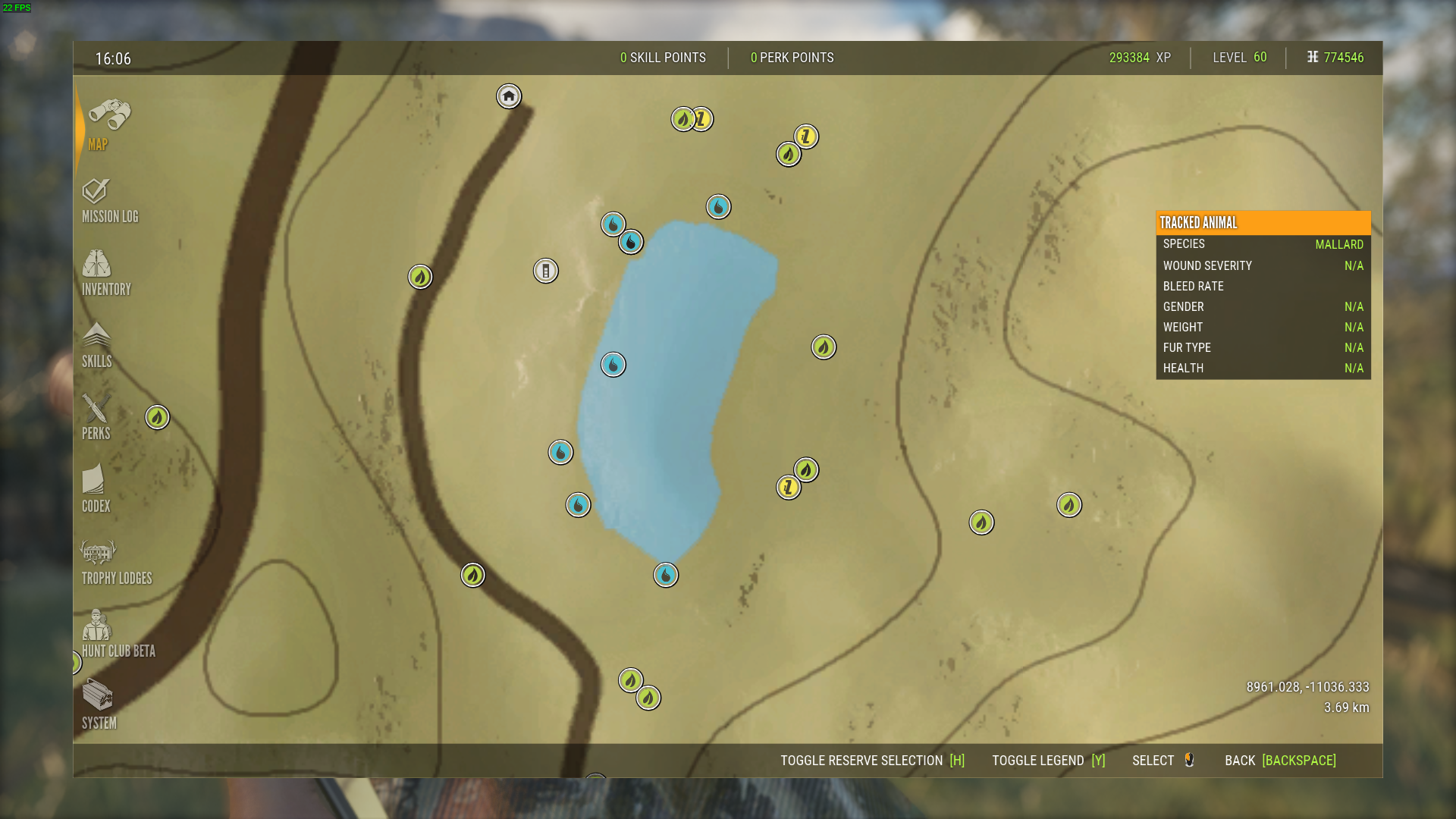
- Animal Location Maps (Parque update!)★ 5 (1.7k)84k views4.4k ♥1 minUpdated 1 Jan, 2019
- NEW Animal Location Maps (Hi-Res) - INTISUYU PERU UPDATE!★ 5 (1.6k)55k views4.3k ♥1 minGermanUpdated 24 Jun
- Limit FPS using only Nvidia Control Panel42k views53 ♥1 minUpdated 24 Nov, 2024
- ALL NEED ZONE TIMES FOR EVERY ANIMAL (SUNDARPATAN NEPAL)★ 5 (754)36k views2k ♥19 minUpdated 28 Jun, 2024
- Beginner's Guide: New Players, New Hunters★ 5 (405)24k views681 ♥33 minUpdated 3 Jan, 2023
- Trophy Ratings & Fur Types★ 5 (800)24k views2k ♥36 minUpdated 10 Jun




- Upgrading to PremiumTeam Fortress 2★ 5 (20k)1441k views11k ♥6 minUpdated May 11, 2022
- No More Room in Hell Official ManualNo More Room in Hell★ 5 (2.8k)569k views2.1k ♥29 minUpdated Apr 22, 2019
- NMRiH Community Hosting GuidesNo More Room in Hell★ 5 (526)351k views653 ♥1 minUpdated Aug 10, 2022
- ULTIMATE GUIDE FOR GAME DEV TYCOONGame Dev Tycoon★ 5 (5.8k)326k views10k ♥4 minUpdated 23 Jan, 2014
- How to 'Git Gud' Soon™MORDHAU★ 5 (2k)318k views3k ♥68 minUpdated Nov 16, 2024
- Лучшие кооперативные игры SteamPAYDAY 2★ 5 (1.5k)315k views2.1k ♥56 minRussianUpdated Apr 27, 2025






This guide was created by its original author on the Steam Community. Are you the author and want it removed? Request removal.