Dawn of War Widescreen Fix
The Easy Solution
Here are all the modified files for GOTY/Winter Assault for (16/9) and also (16:10) extract the files and copy/overwrite them into your installation Folder:
Steam\SteamApps\common\Dawn of War Gold
(Right click the Game in your Library click on Properties the tab Local Files and click on Browse local files...)
Don't change the Resolution in the Options or you have to manually edit the "Local.ini" into your Resolution.
(The Resolution will not be visible in the Options Menu if you use this.)
Resolution 1920x1080 (16:9)
https://www.dropbox.com/s/obwvltxk0k3ezsa/Warhammer%20Widescreen%20Fix%20%2816.9%29.rar?dl=0
http://www.filefactory.com/file/15fqe6bdyopr
Resolution 1366x768 (16:9)
https://www.dropbox.com/s/fccgqfnwprgkg0b/Warhammer%20Widescreen%20Fix%20%2816.9%2C%201366x768%29.rar?dl=0
Resolution 1680x1050 (16:10)
https://www.dropbox.com/s/zpbl2y5wproa9n1/Warhammer%20Widescreen%20Fix%20%2816.10%29.rar?dl=0
For the Update: 09/22/2016
Steam\SteamApps\common\Dawn of War Gold
(Right click the Game in your Library click on Properties the tab Local Files and click on Browse local files...)
Don't change the Resolution in the Options or you have to manually edit the "Local.ini" into your Resolution.
(The Resolution will not be visible in the Options Menu if you use this.)
Resolution 1920x1080 (16:9)
https://www.dropbox.com/s/obwvltxk0k3ezsa/Warhammer%20Widescreen%20Fix%20%2816.9%29.rar?dl=0
http://www.filefactory.com/file/15fqe6bdyopr
Resolution 1366x768 (16:9)
https://www.dropbox.com/s/fccgqfnwprgkg0b/Warhammer%20Widescreen%20Fix%20%2816.9%2C%201366x768%29.rar?dl=0
Resolution 1680x1050 (16:10)
https://www.dropbox.com/s/zpbl2y5wproa9n1/Warhammer%20Widescreen%20Fix%20%2816.10%29.rar?dl=0
For the Update: 09/22/2016
Modifiying the Files yourself
First you will need a Hex editor and a Text-Editor you can download the Hex editor from:
http://mh-nexus.de/en/downloads.php?product=HxD
I recommend Notepad++ for Text editing or use the default Notepad:
http://www.notepad-plus-plus.org/
Go to your installation folder and open the file "Local.ini" with a Text-Editor and change your "screenheight" and "screenwidth" to your desired Resolution:
1920x1080:
screenheight=1080
and
screenwidth=1920
1366x768:
(It needs to be 1360x768 in the ini)
screenheight=768
and
screenwidth=1360
1680x1050:
screenheight=1050
and
screenwidth=1680
(Don't change the Resolution in the Options otherwise it will reset the Local.ini and you have to edit it again)
Now you need to search and edit the hex values in all five .exe files, open them with HxD and search with (ctrl+f) for ABAAAA3F don't forget to change the Datatype from Text-string to Hex-values:
Open "W40k.exe" with the Hex editor and search (ctrl+f) for the hex value ABAAAA3F. When you have a 16/9 monitor Replace it with 398EE33F for 16/10 change it to CCCCCD3F Save your file.
Open "W40kWA.exe" with the Hex editor and search (ctrl+f) for the hex value ABAAAA3F. When you have a 16/9 monitor Replace it with 398EE33F for 16/10 change it to CCCCCD3F Save your file.
Now open "Platform.dll" with the Hex editor and search (ctrl+f) for the hex value ABAAAA3F. When you have a 16/9 monitor Replace it with 398EE33F for 16/10 change it to CCCCCD3F Save your file.
Now open "spDx9.dll" with the Hex editor and search (ctrl+f) the hex value ABAAAA3F. When you have a 16/9 monitor Replace it with 398EE33F for 16/10 change it to CCCCCD3F Save your file.
Now open "UserInterface.dll" file and search (ctrl+f) for the hex value ABAAAA3F.
You should find 2 occurrences of this value in this file. Replace both values with 398EE33F if you have a 16/9 monitor or CCCCCD3F if you have a 16/10 monitor. Save your file and close your hex editor.
http://mh-nexus.de/en/downloads.php?product=HxD
I recommend Notepad++ for Text editing or use the default Notepad:
http://www.notepad-plus-plus.org/
Go to your installation folder and open the file "Local.ini" with a Text-Editor and change your "screenheight" and "screenwidth" to your desired Resolution:
1920x1080:
screenheight=1080
and
screenwidth=1920
1366x768:
(It needs to be 1360x768 in the ini)
screenheight=768
and
screenwidth=1360
1680x1050:
screenheight=1050
and
screenwidth=1680
(Don't change the Resolution in the Options otherwise it will reset the Local.ini and you have to edit it again)
Now you need to search and edit the hex values in all five .exe files, open them with HxD and search with (ctrl+f) for ABAAAA3F don't forget to change the Datatype from Text-string to Hex-values:
Open "W40k.exe" with the Hex editor and search (ctrl+f) for the hex value ABAAAA3F. When you have a 16/9 monitor Replace it with 398EE33F for 16/10 change it to CCCCCD3F Save your file.
Open "W40kWA.exe" with the Hex editor and search (ctrl+f) for the hex value ABAAAA3F. When you have a 16/9 monitor Replace it with 398EE33F for 16/10 change it to CCCCCD3F Save your file.
Now open "Platform.dll" with the Hex editor and search (ctrl+f) for the hex value ABAAAA3F. When you have a 16/9 monitor Replace it with 398EE33F for 16/10 change it to CCCCCD3F Save your file.
Now open "spDx9.dll" with the Hex editor and search (ctrl+f) the hex value ABAAAA3F. When you have a 16/9 monitor Replace it with 398EE33F for 16/10 change it to CCCCCD3F Save your file.
Now open "UserInterface.dll" file and search (ctrl+f) for the hex value ABAAAA3F.
You should find 2 occurrences of this value in this file. Replace both values with 398EE33F if you have a 16/9 monitor or CCCCCD3F if you have a 16/10 monitor. Save your file and close your hex editor.
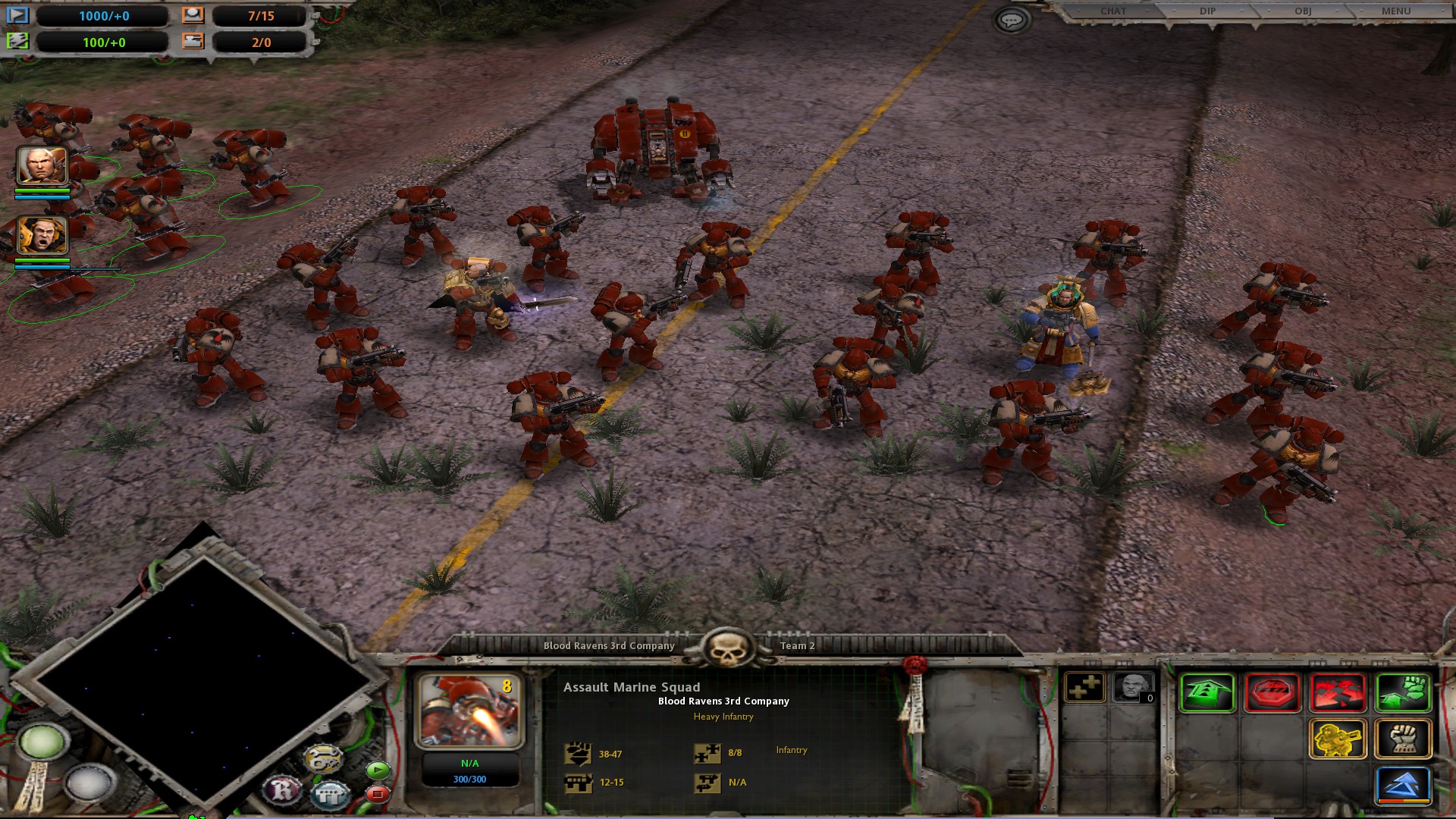
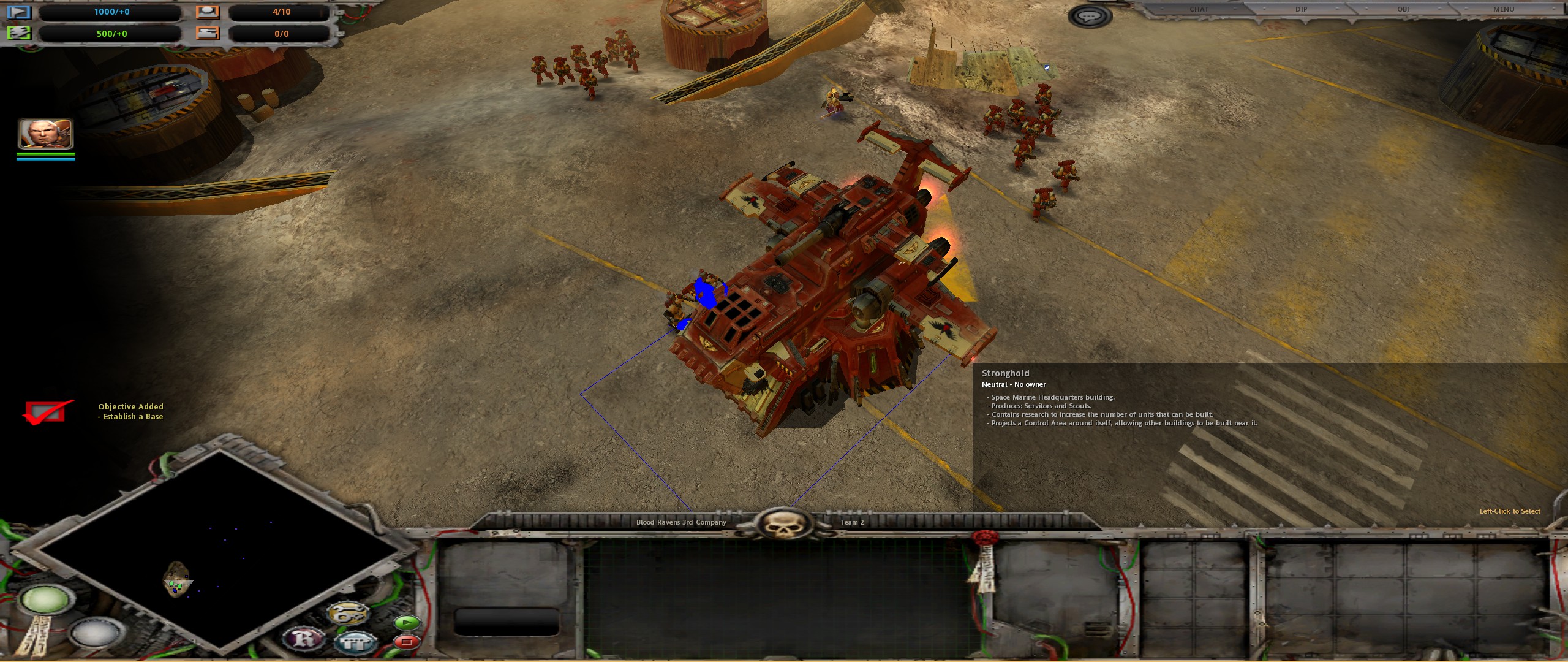
Screenshots
Credits and last Words
If you want to change it to any other Resolution than the ones listed be warned that the minimap will look far worse I haven't found anything to combat that.
All Credits go to Shuny for making it all possible:
http://www.wsgf.org/forums/viewtopic.php&f=63&t=25139
and to good ol' grandpappy Nurgle! for bringing it to our attention.
The Original Thread that got under in the Discussion Forum and the Reason why I made this Guide:
http://steamcommunity.com/app/4570/discussions/0/810919056975040474
The W40kWA.exe is for the expansion Winter Assault which is in the same Installation folder.
If you have any questions ask them in the Comment section and I help whenever I can.
There is a Definitive Version available which includes a big discount for the Upgrade, it has everything you probably wanted:
https://store.steampowered.com/app/3556750/Warhammer_40000_Dawn_of_War__Definitive_Edition/
All Credits go to Shuny for making it all possible:
http://www.wsgf.org/forums/viewtopic.php&f=63&t=25139
and to good ol' grandpappy Nurgle! for bringing it to our attention.
The Original Thread that got under in the Discussion Forum and the Reason why I made this Guide:
http://steamcommunity.com/app/4570/discussions/0/810919056975040474
The W40kWA.exe is for the expansion Winter Assault which is in the same Installation folder.
If you have any questions ask them in the Comment section and I help whenever I can.
There is a Definitive Version available which includes a big discount for the Upgrade, it has everything you probably wanted:
https://store.steampowered.com/app/3556750/Warhammer_40000_Dawn_of_War__Definitive_Edition/
More Warhammer 40,000: Dawn of War - Anniversary Edition guides
- A better 16:9 widescreen fix.★ 4 (162)30k views331 ♥1 minUpdated May 20, 2024
- Warhammer 40,000: Dawn Of War изменение разрешения экрана.★ 5 (462)30k views528 ♥1 minRussianUpdated Aug 29, 2020
- How to Play Good in Skirmish with Every Race★ 5 (459)28k views944 ♥38 minUpdated Jun 6, 2017
- Warhammer 40,000: Dawn of War - All Campaign Missions★ 4 (158)25k views201 ♥1 minBulgarianUpdated Feb 5, 2016
- Ultra widescreen Fix 21:9★ 4 (54)21k views102 ♥1 minUpdated Sep 10, 2017
- Широкоформатный фикс и высокое разрешение★ 4 (119)16k views271 ♥1 minRussianUpdated Mar 15, 2024



This guide was created by its original author on the Steam Community. Are you the author and want it removed? Request removal.