Сhanging camera range
Sequence of actions
Archive:
drive.google.com/drive/folders/13Oo-EZ5seNmNkRm8mbcyBZCJ_4ESnk9u?usp=sharing
Download the archive and extract the files along the path:
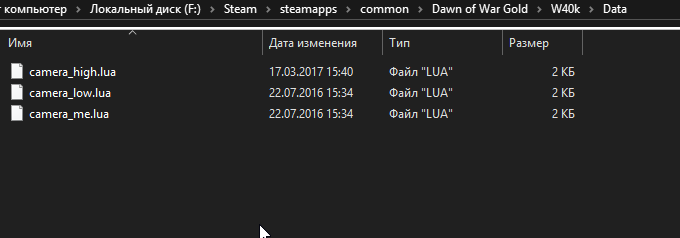
Your local disk/steam/steamapps/common/Dawn of War Gold/W40k/Data
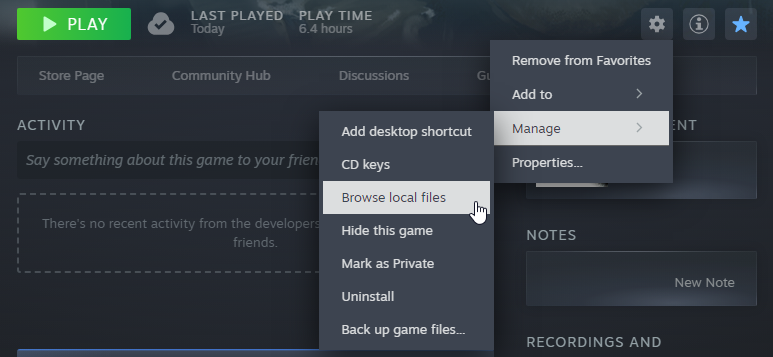
Or extract in any plaсe, then open local files of your game in steam and go to W40k/Data and copy files in this plase.
Important mention: The full 3D camera must be enabled in the game settings, without this the improved distance will not work!

drive.google.com/drive/folders/13Oo-EZ5seNmNkRm8mbcyBZCJ_4ESnk9u?usp=sharing
Download the archive and extract the files along the path:
Your local disk/steam/steamapps/common/Dawn of War Gold/W40k/Data
Or extract in any plaсe, then open local files of your game in steam and go to W40k/Data and copy files in this plase.
Important mention: The full 3D camera must be enabled in the game settings, without this the improved distance will not work!
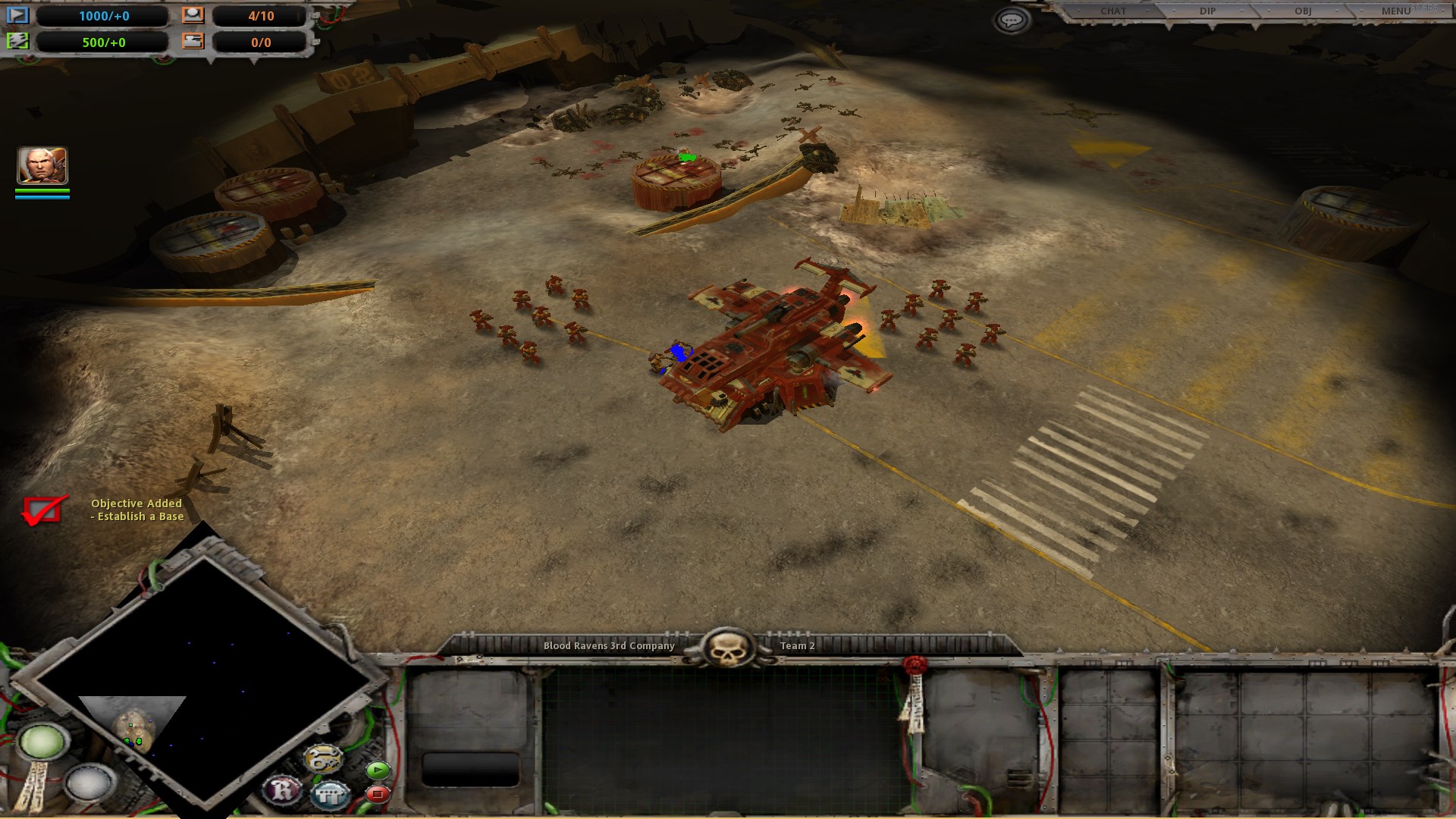
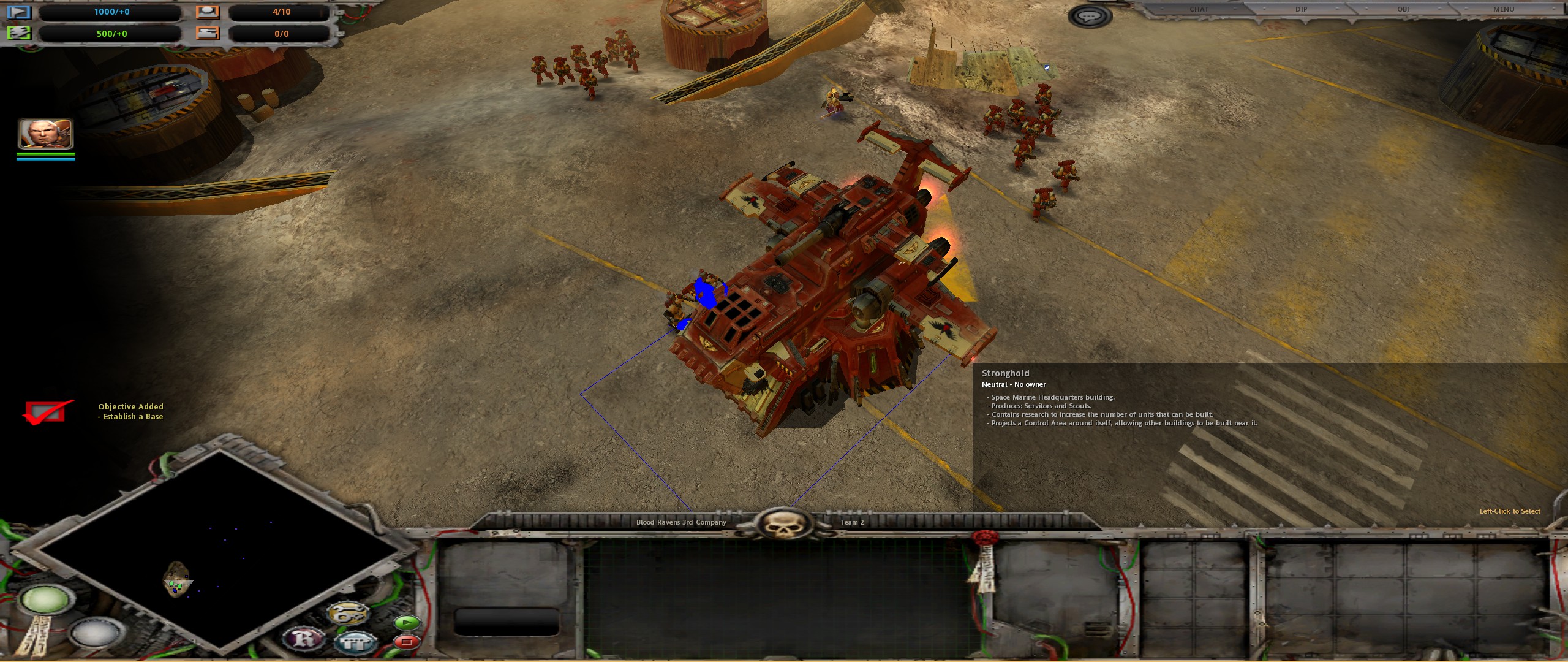
Camera range example
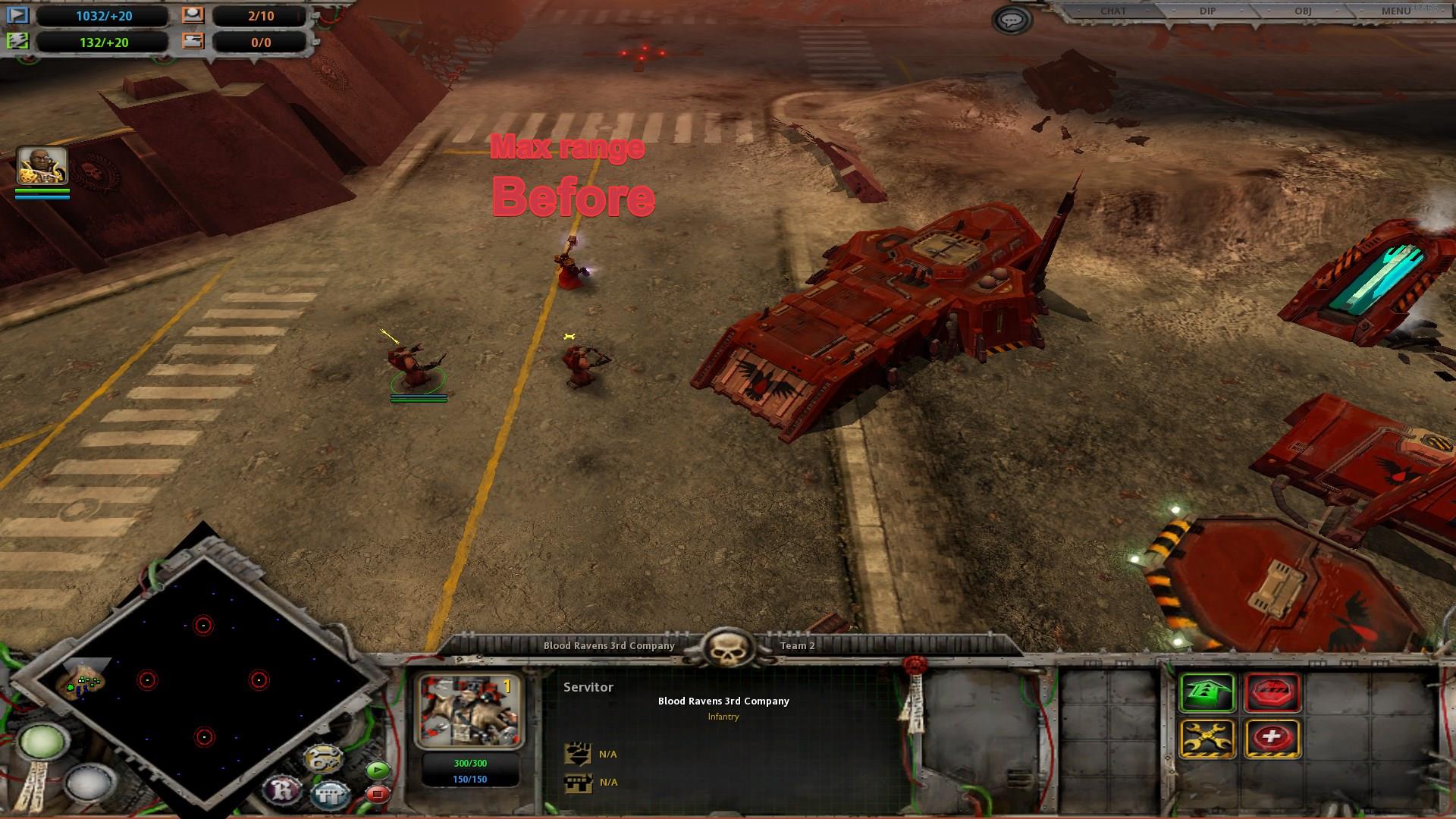
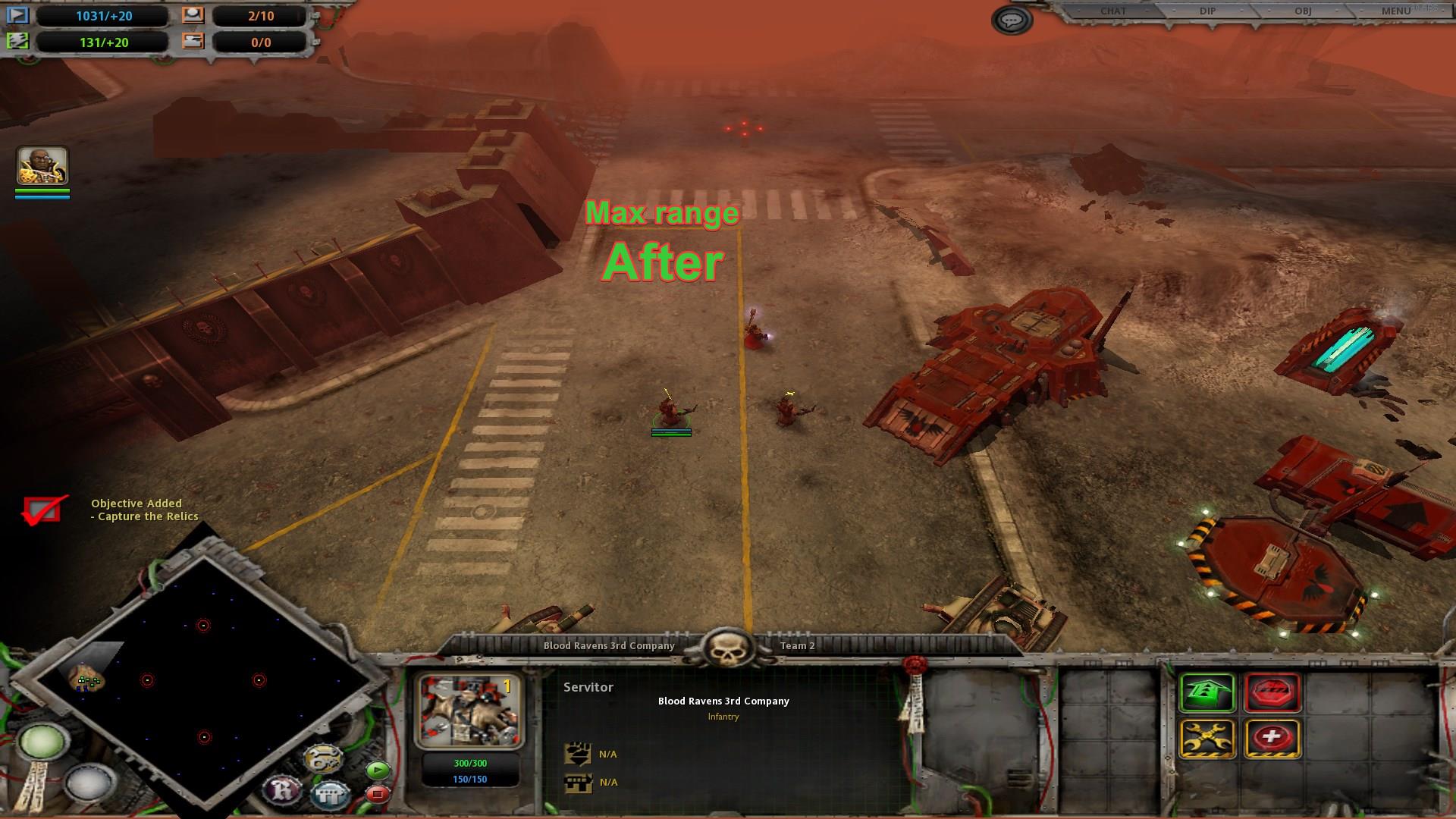
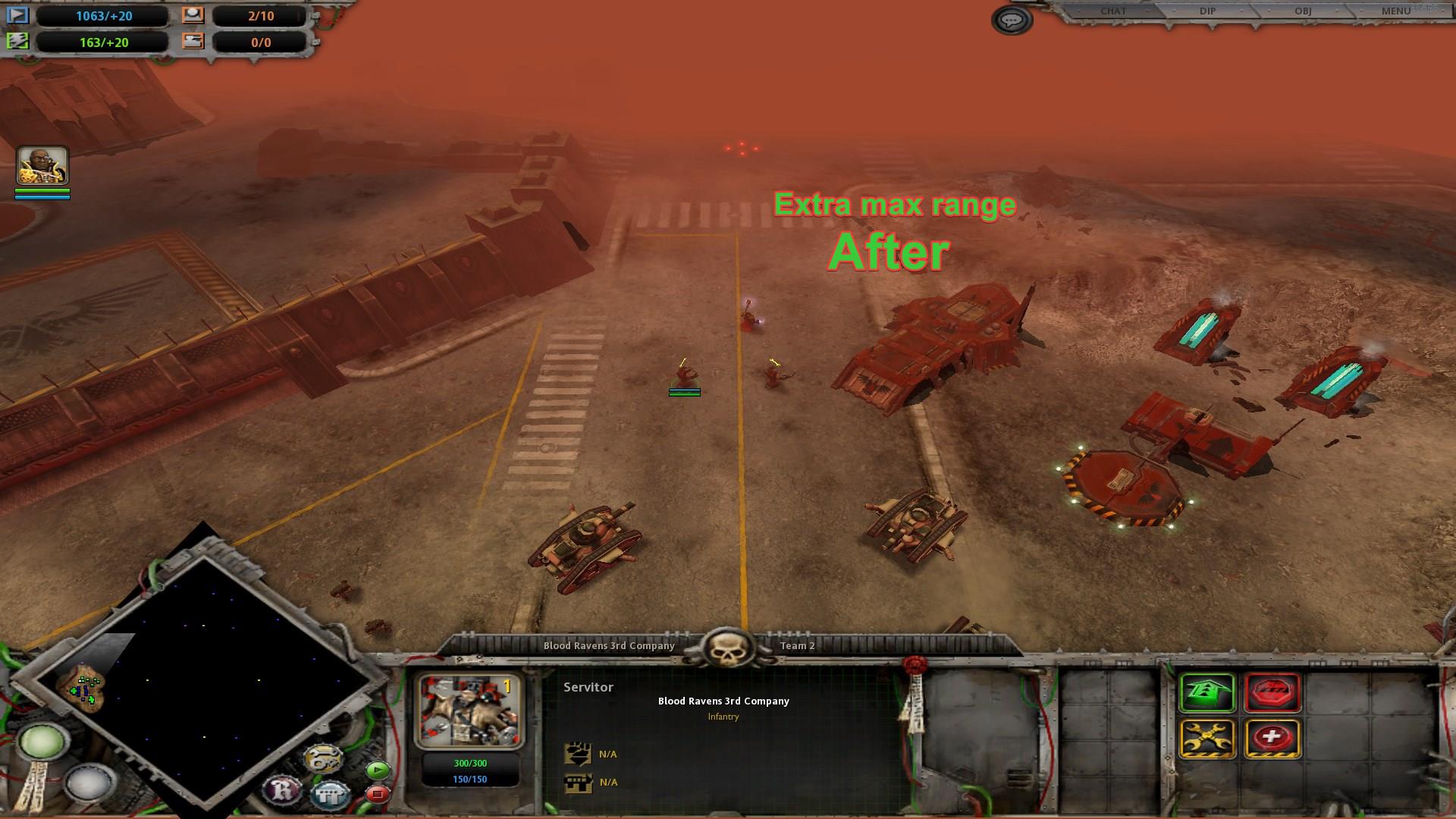
Removing fog in the campaign at maximum camera range
When downloading files above, you will increase the removal of the camera in the entire game. However, even this have it's limit of visibility that can draw a game.
Files below are designed to improve visibility and drawing range ONLY in campaigns of all parts of the game. They go in addition to the files of the camera range from above.
IT IS IMPORTANT, that old campaigns saves will not work after installing this camera files. It is recommended to install before start new campaign!
Download the archive for the part you need:
https://drive.google.com/drive/folders/1jwhQP2yZxBQCuNC8xN00I3SL_CjU0AS8?usp=sharing
Extract to the same folder as the files of the changing camera from above:
Local disk (yours)/Steam/Steamapps/Common/Dawn of War Gold/W40K/DATA/
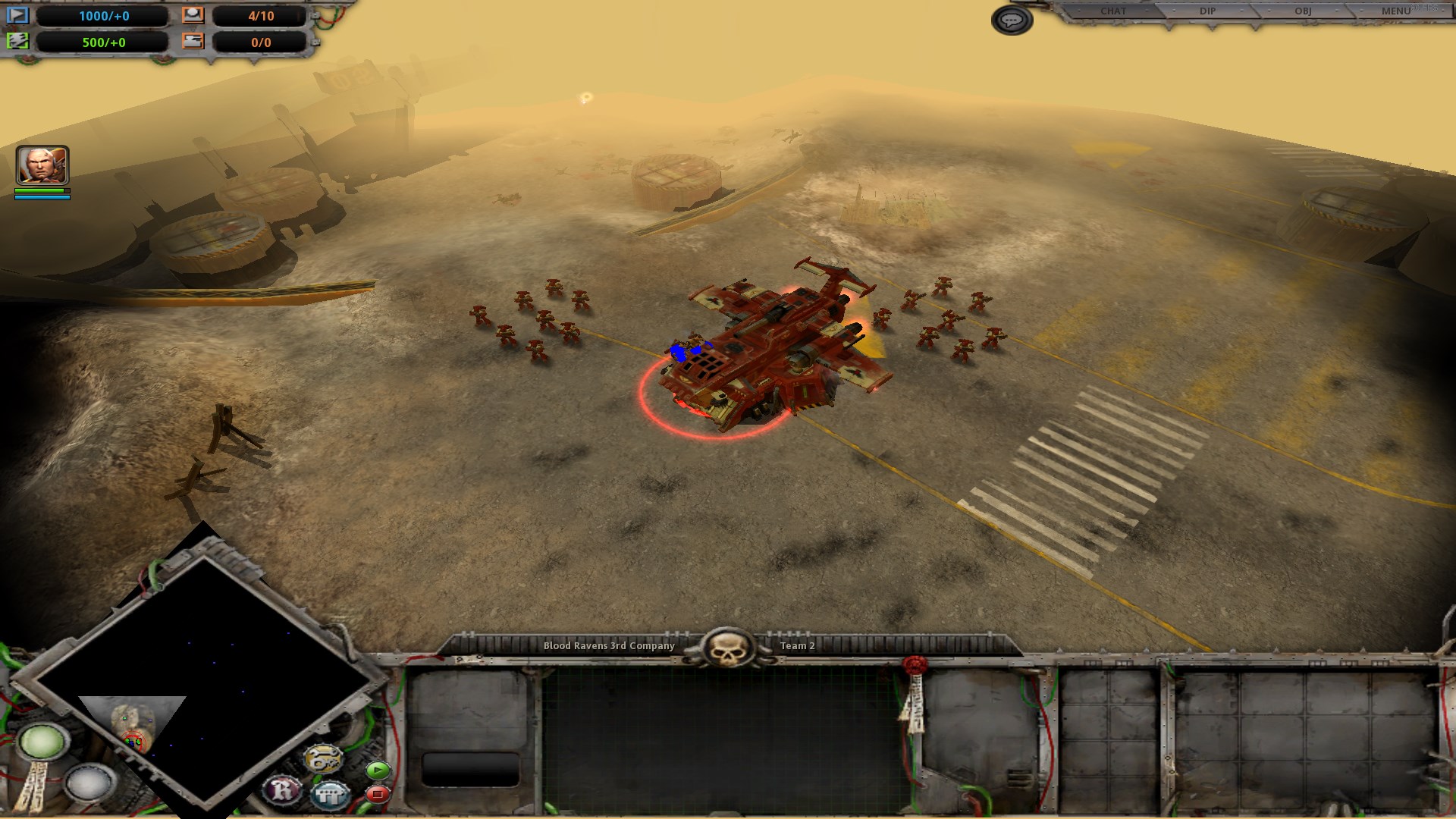
Examples of visibility in the campaign:
before and after
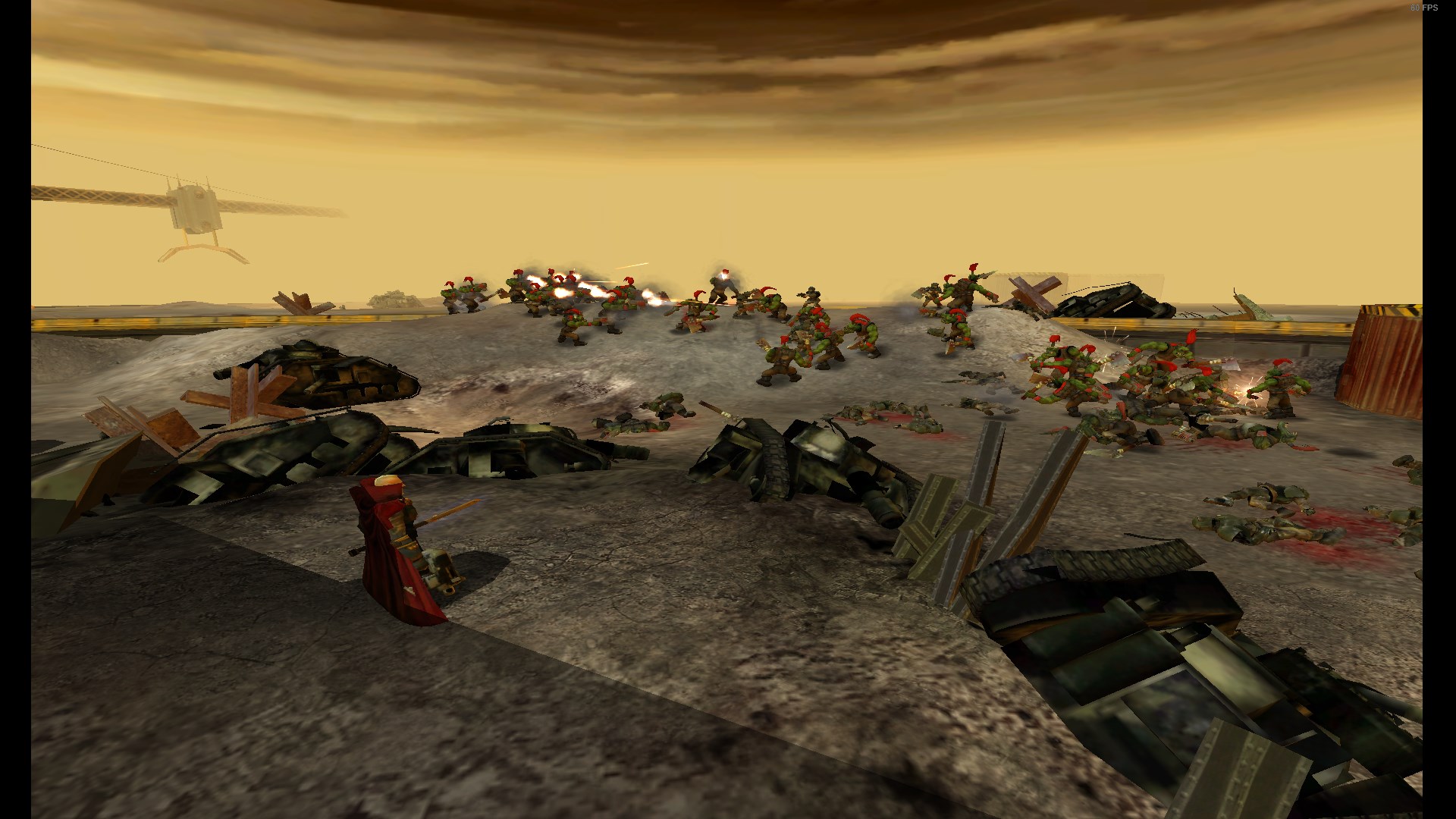
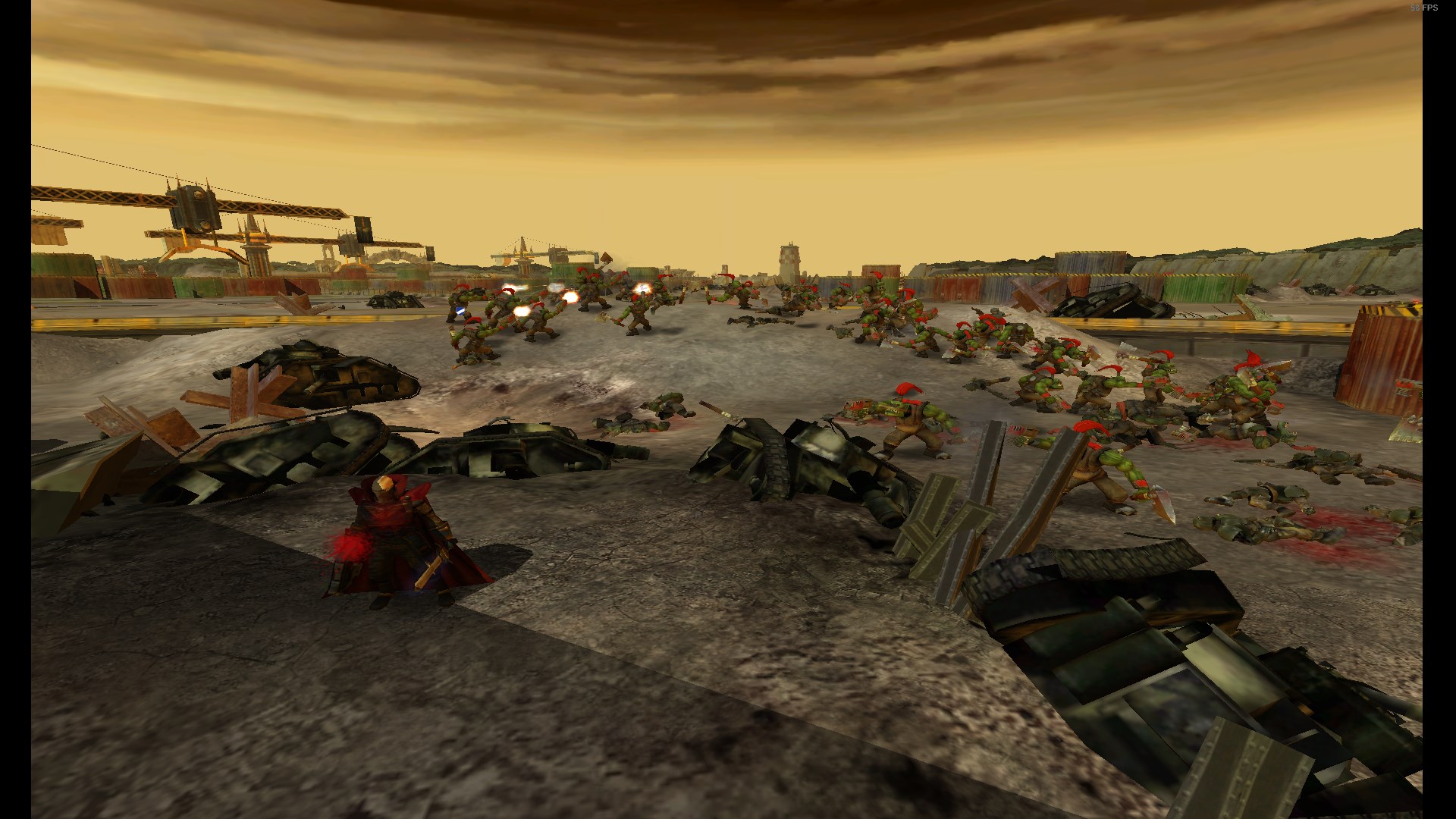
Files below are designed to improve visibility and drawing range ONLY in campaigns of all parts of the game. They go in addition to the files of the camera range from above.
IT IS IMPORTANT, that old campaigns saves will not work after installing this camera files. It is recommended to install before start new campaign!
Download the archive for the part you need:
https://drive.google.com/drive/folders/1jwhQP2yZxBQCuNC8xN00I3SL_CjU0AS8?usp=sharing
Extract to the same folder as the files of the changing camera from above:
Local disk (yours)/Steam/Steamapps/Common/Dawn of War Gold/W40K/DATA/
Examples of visibility in the campaign:
before and after
Results
And this it! Now your default camera range is further and you can also zoom out or zoom in even further.
Also recomend for you check other game qol guides:
https://steamcommunity.com/sharedfiles/filedetails/?id=3466660082
https://steamcommunity.com/sharedfiles/filedetails/?id=3624177402
Also recomend for you check other game qol guides:
https://steamcommunity.com/sharedfiles/filedetails/?id=3466660082
https://steamcommunity.com/sharedfiles/filedetails/?id=3624177402
More Warhammer 40,000: Dawn of War - Anniversary Edition guides
- Dawn of War Widescreen Fix★ 5 (1.1k)102k views1.2k ♥3 minUpdated Dec 20, 2025
- A better 16:9 widescreen fix.★ 4 (162)30k views331 ♥1 minUpdated May 20, 2024
- Warhammer 40,000: Dawn Of War изменение разрешения экрана.★ 5 (462)30k views528 ♥1 minRussianUpdated Aug 29, 2020
- How to Play Good in Skirmish with Every Race★ 5 (459)28k views944 ♥38 minUpdated Jun 6, 2017
- Warhammer 40,000: Dawn of War - All Campaign Missions★ 4 (158)25k views201 ♥1 minBulgarianUpdated Feb 5, 2016
- Ultra widescreen Fix 21:9★ 4 (54)21k views102 ♥1 minUpdated Sep 10, 2017


This guide was created by its original author on the Steam Community. Are you the author and want it removed? Request removal.