Dragon's Dogma: Dark Arisen - Ultimate Remaster
Dragon's Dogma: Dark Arisen - Ultimate Remaster Guide
ENB
- Download[enbdev.com]
ENBSeries graphic modifications and patches are different.
Patch is fixing specific bugs in the game it was developed for, but some of my patches work with other games, because frequently game developers do the same mistakes. For example, patches for Silent Hill Homecoming, Deus Ex Human Revolution and TES Skyrim may help to reduce lags, stuttering, crashes, bsods, increase performance, fix strange bugs on single core cpu systems.
Graphic modifications do not have patch code in most cases, unless specified in documentation, they are changing graphic effects of the games and adding new effects, so they are decrease frame rate.
Convertor is special library which translate old graphic technologies to newest supported by ENBSeries, convertor standalone do not add any graphic effect. Some versions of convertor included in graphic mods, check them also if target game won't work properly with convertor you are using. At this moment only direct3d8 to direct3d9 (dx8 to dx9) convertor is done, but i'm still planning to create versions for dx5,6,7 and opengl. Convertors to dx10 or d11 are useless, because graphic modifications not existing for them.
Old versions of ENBSeries may work with many games which are using direct3d8 or direct3d9 (dx8, dx9), newest versions in most cases will not work for other games, as they are hardcoded to be compatible with one game only or games which use same game engine without much changes. Versions for TES Skyrim, GTA 4, Deus Ex Human Revolution are not working as generic for different games.
If you wish to modify some game, download several versions of ENBSeries and try them all, which will look better, without graphic artifacts and with as much effects as possible. Of course manual tweaking of configuration file must be done, it's up to you.
Not all versions of ENBSeries are listed here, some were developed exclusively and not available to public or were not named. In most cases they are for indie games and engines like FPS shooter.
Check also customized versions of the mod with presets made by users. My presets are not configured for fast performance or quality, because everyone have own taste and to spend time for tweaking is not interesting me.
Also some versions available on the forum.
Installing
Do not put d3d8.dll or d3d9.dll from ENBSeries to system folder of Windows!!!
Open game folder. You can manually locate it in browser or to open in properties of desktop link to the game.
For injector based versions of ENBSeries, you should setup proper name of game executable in configuration file of ENBSeries, this required to inject in to game process. In most cases, non modified games for which mod is developed, working properly without editing.
Injector version can be installed to any folder, but for better compability recommended to extract to game folder (some files may not work).
For d3d9.dll based versions of ENBSeries, check if game executable (file with .exe extention) is in same folder, some games have binary executable files in custom folders like bin, bin32, system and in main folder only launchers or .bat files. ENBSeries files must to be extracted and placed where game .exe file is or where game .dll libraries, otherwise it will not work. If you can't find .exe file, perhaps extentions are hidden by properties in OS, just ignore this and put files in game folder for experiment.
d3dx9_26.dll, d3dx9_40.dll, d3dx9_43.dll - required to run ENBSeries, if game won't start with modification and display error message, download DirectX Runtime from microsoft.com web site, they are not exist in system only for those users, who did not update DirectX several years or did clear installation of OS recently. If you need them, unpack to same folder, where ENBSeries is. Also you can put these files in to system folder of your windows installation.
Uninstalling
Do not remove d3d8.dll or d3d9.dll from system folder of Windows!!!
Remove all ENBSeries files. If you don't remember their names, just remove d3d9.dll file from game folder. If the game use DirectX8 for rendering, then delete d3d8.dll.
ARCtool
- Download[www.nexusmods.com]
https://steamcommunity.com/sharedfiles/filedetails/?id=601818667
Created by
FluffyQuack
Arc Extractor and Repacker and Image Viewer
- Download[www.nexusmods.com]
Quick notes to keep in mind...
When extracting or repacking files, please make sure that none of your folders have and spaces in the name. I will fix this later on, but for now. NO SPACES!
This program can take some time to run if you are extracting mass amounts of tex files. Please have patience.
Error messages are displayed in the box in the top right. Please pay close attention to these.
Quick Tutorial:
Arc Files:
Extract Single Arc File:
Simple, Select the file you want to extract and hit the extract arc button.
Extract All Tex from ^that file:
This will Extract all of the Tex Files from the selected Arc File
Extract multiple Arc Files:
To do this, open the folder that holds all of the Arc files you want to extract. Select one of them and hit Extract all Arc
Repack Arc File:
When you are finished editing everything that you want, Make sure that you still have the Arc file selected and hit repack.
Tex Files:
Extract Single Tex File:
This is used when you want to edit a single file's image. Just select your Tex file and hit extract.
If you used the Extract all Arc button above, this function is run on ALL tex files found in the Arc
Open Image File:
Use this when you want to edit the image. This button will open the image
with whatever program you have set as a default for the .dds file type. I
use Photoshop.
Repack Image File:
When you are finished editing the dds file, us this to repack the image back into the Tex File.
Created by
FluffyQuack and chrisco
Rudy ENB
- Download[www.nexusmods.com]
News:
1.5 version for the ENB v0300. Redownload updated ENB binary!!!
Tweaked the post-game weather plus some minor changes.
In this version custom Depth of Field effect is turned off by default ( a few frames more ). You can enable it in the GUI (Shift+Enter), in the effects section - just check "EnableDepthOfField".
You can also use the Game Depth Of Field shader maded by Boris. Check only "EnableGameDepthOfField" and turn DOF on in the game options menu.
Installation:
Important
- Make sure that the game video options are maxed and HDR is set to high - especially this parameter is essential for for my mod. Otherwise ENB will not work.
- I use Camera FOV plus 5. This parameter may affect ENB DOF, remember that the auto focus point is set to the center of the screen. You can change this in the GUI - enbeffectprepass.fx.
- DOF in the game options should be turned off if you want to use the DOF effect from my preset ( expect the loss of a few frames, no depth of field effect in the cutscenes and when the character targeting with the bows ).
- If you use ENB v.0.300 or later, you can use game depth of field shader maded by Boris. You need to enable DOF in the game options. In the ENB effects section in the GUI ( shift + enter ) turn on EnableGameDepthOfField and turn off EnableDepthOfField.
- AA - I play with FXAA, but it is also your choice.
STEP 1:
- Download v.0.297 ENB or v0300 ENB for the latest version, ( a black arrow at the bottom of the page ). From this page you can also donate to the author of the ENB :) Appreciate his really hard and useful work.
- You can try the Boris work - ENBSeries v.0.300 is a full preset contains weather system, skylighting and ambient occlusion enabled.
- Unzip it. Inside you will find two folders : "WrapperVersion" and "InjectorVersion".
- Copy only "d3d9.dll" from the "WrapperVersion" folder ( POSTING THE ENBSERIES BINARY FILES ON NEXUS SITES IS STRICTLY PROHIBITED ), into your Dragon's Dogma root directory ( usually: x:\program files (x86)\Steam\steamapps\common\DDDA ).
- Sometimes other software doesn't allow to use d3d9.dll, then you just need the files from "InjectorVersion". Copy "enbseries.dll" ( don't use "d3d9.dll" ), "ENBInjector.exe" and "enbinjector.ini" from the "InjectorVersion" folder into your Dragon's Dogma root directory, then lunch "ENBInjector.exe" before starting the game.
STEP 2:STEP 3:
- Download my mod.
- Extract it.
- Choose one version.
- Select all files from [ DDDA folder ]
- Copy selected files into your Dragon's Dogma root directory.
- Play the game
IMPORTANT THINGS:
- Custom Depth of Field effect is turned off by defoult ( a few frames more ). You can enable it in the GUI ( Shift+Enter ), effects section - "EnableDepthOfField".
- If you use ENB v. 0.300, you can use game DOF
- In the Perfomance version I turned off "HighPrecisionRendering", expect Colour Banding at night. DOF Shadows and Detailed Shadows are also turned off
- Insert - the defoult key for the screenshots ( 45 ), they are stored in the same folder where the DDDA.exe is located. You can change this key in the enblocal.ini.
- F10 - on/off switch for the Game GUI
- Shift+Enter - ENB GUI
- Shift+F12 - ENB off
- In the shaders menu expand the effect.txt, there you can adjust, or turn off - Noise, Sharpening, Lumasharpen, Color Shift and Vignette. I use Letterbox effect, but it seems working only with the in-game FXAA turned on.
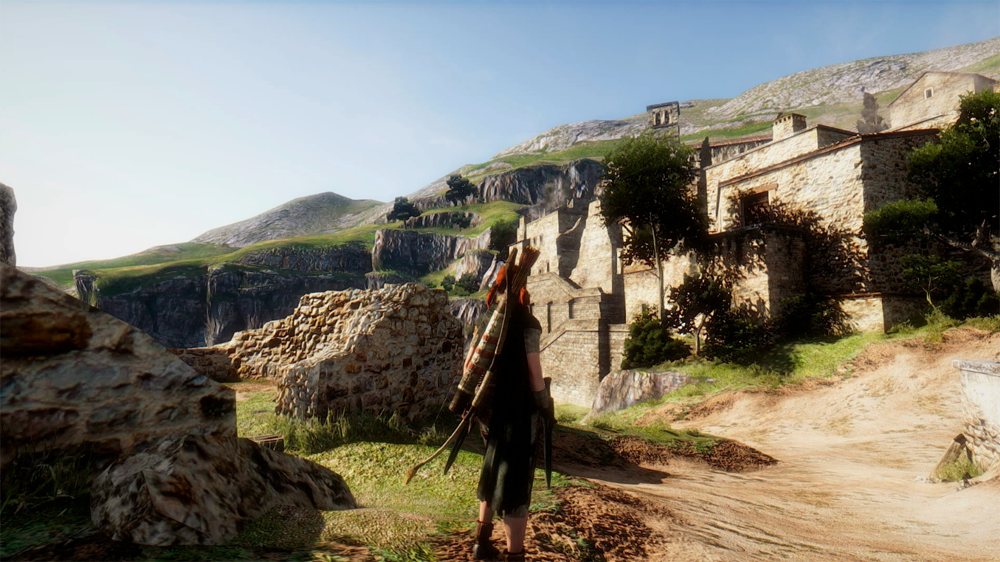
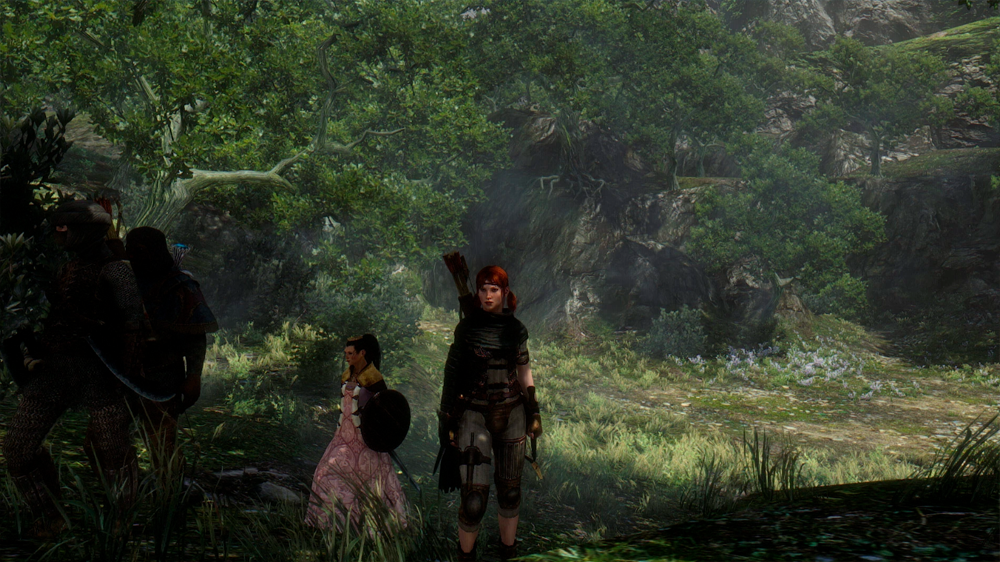
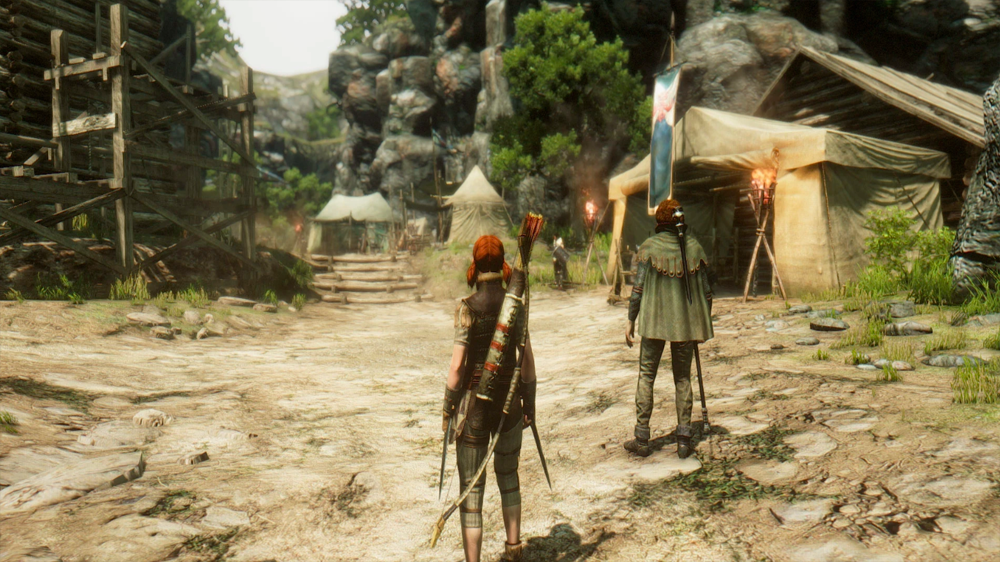
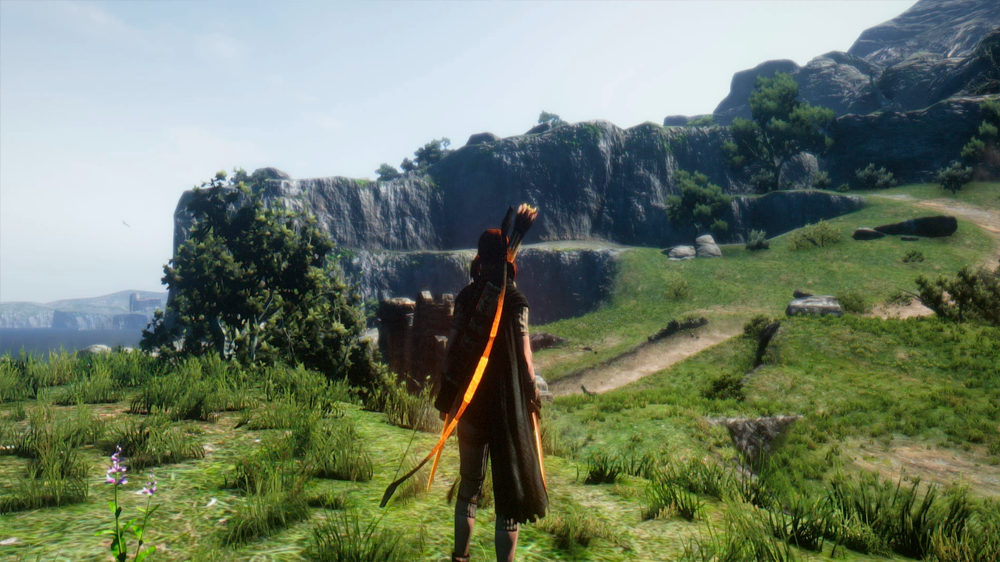
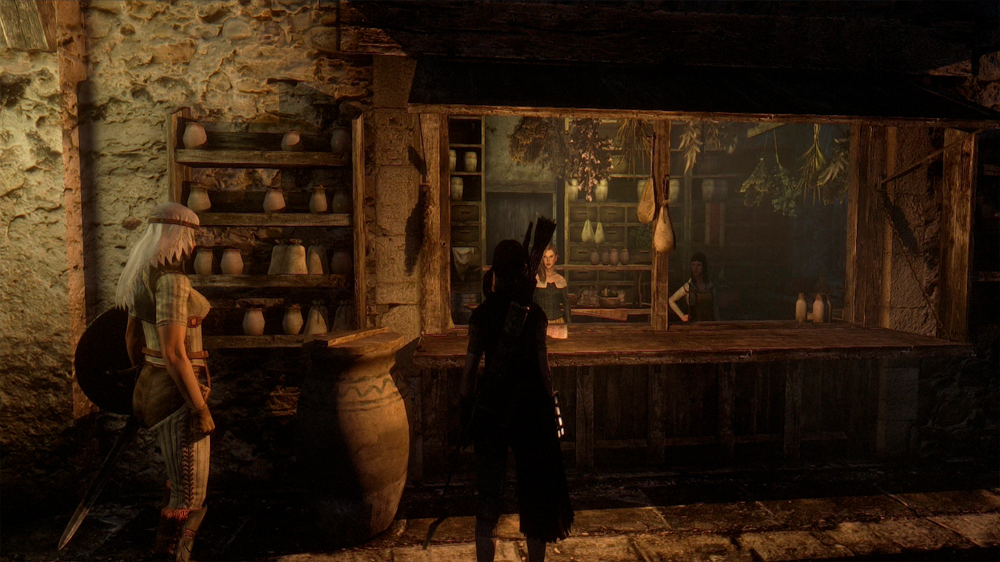
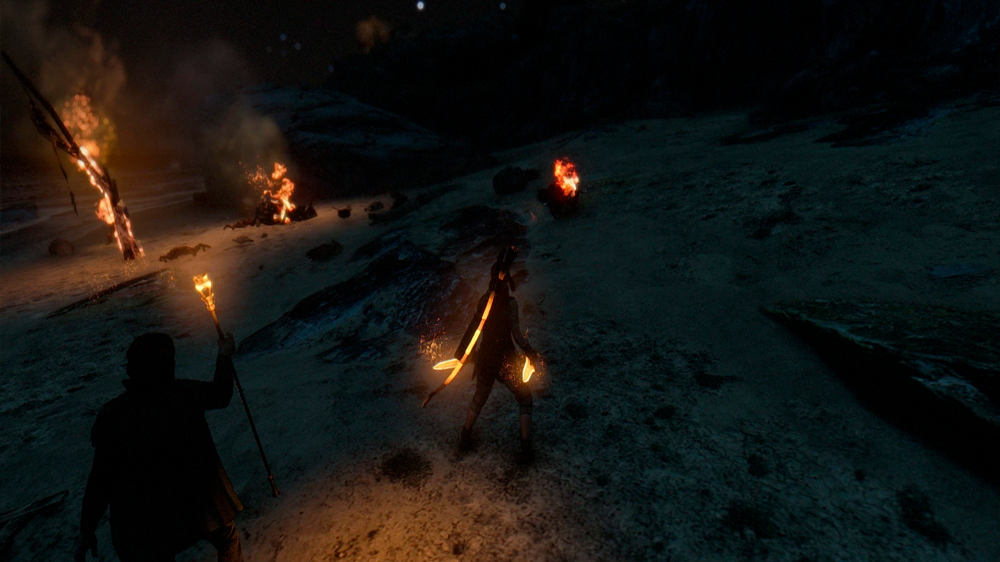
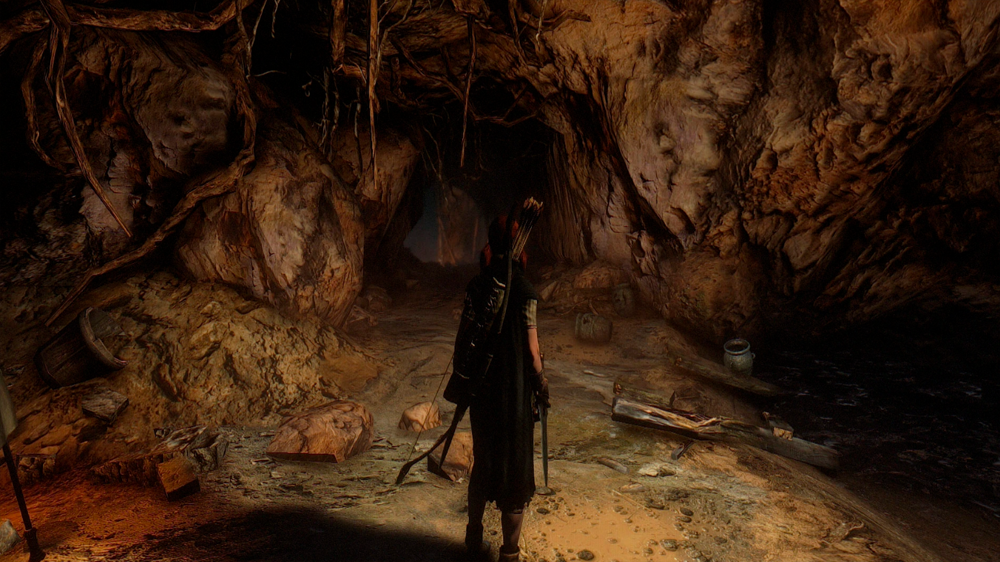
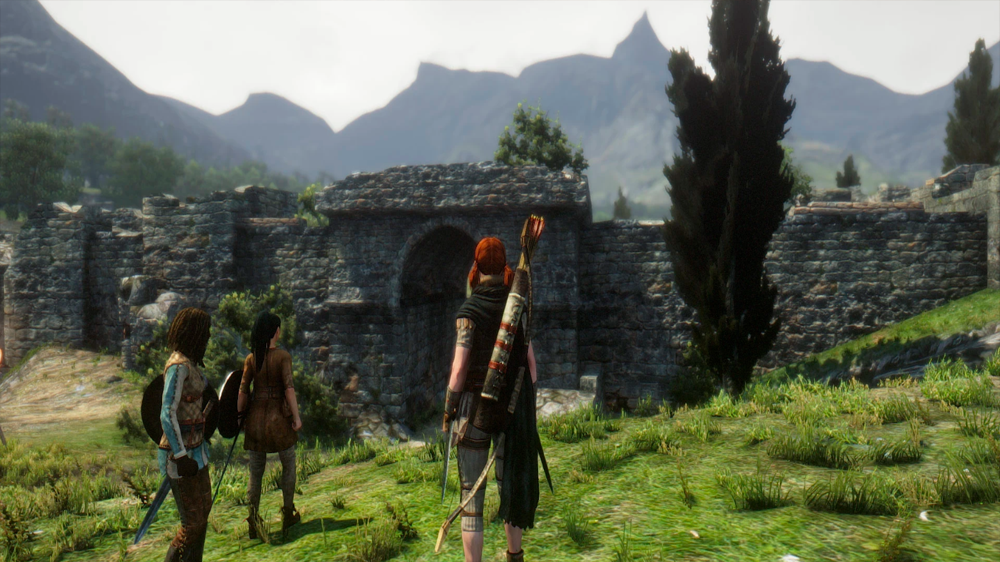
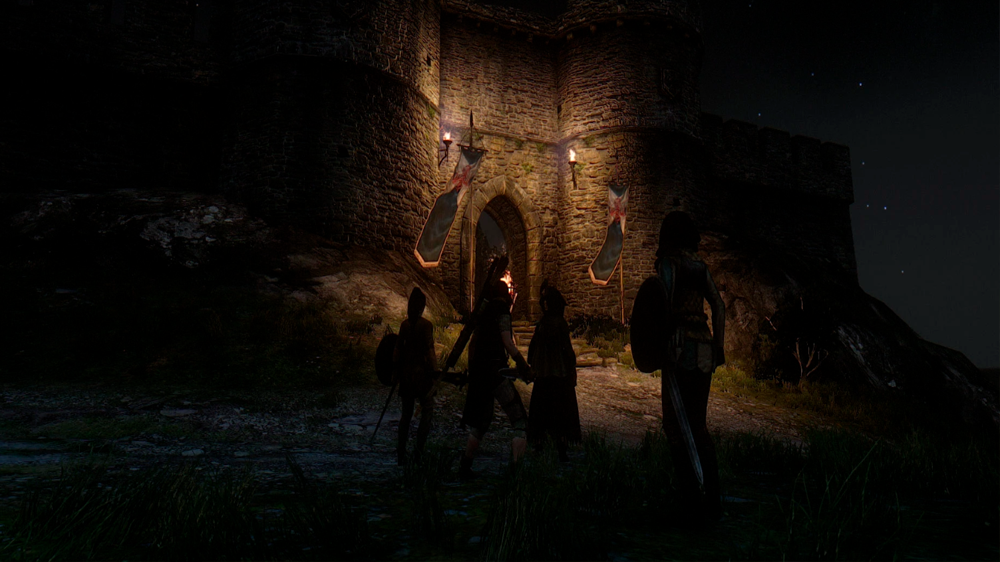
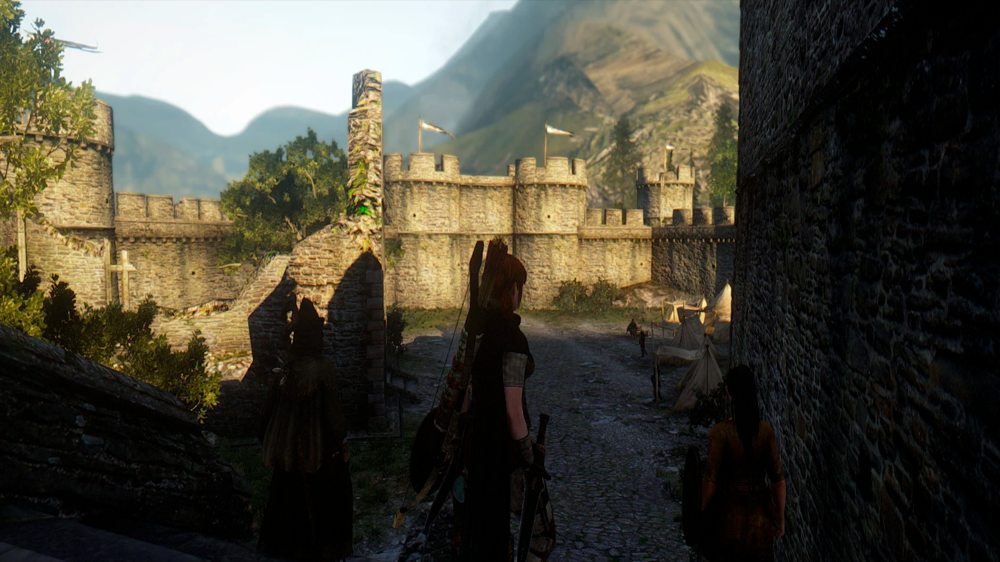
Showcase
https://youtu.be/KxYxxDfM41s
https://youtu.be/sIP4iGzzVvQ
Created by
Rudy102
All credits goes to:
- Boris Vorontsov
- Opethfeldt
- Kyo
- JawZ
- gp65cj04
- ericking1992
- arsil
- Scegielski
- ZeroKing
- Midhras
- Trillville
- Insomnia
- CeeJay.dk
- prod80
- MTichenor/IndigoNeko
- Marty McFly
- Matso
- Miratheus
- kingeric1992
- OtisInf
- Kermles
Don't Blind Me
- Download[www.nexusmods.com]
The "Lite" Version (1.2.2)
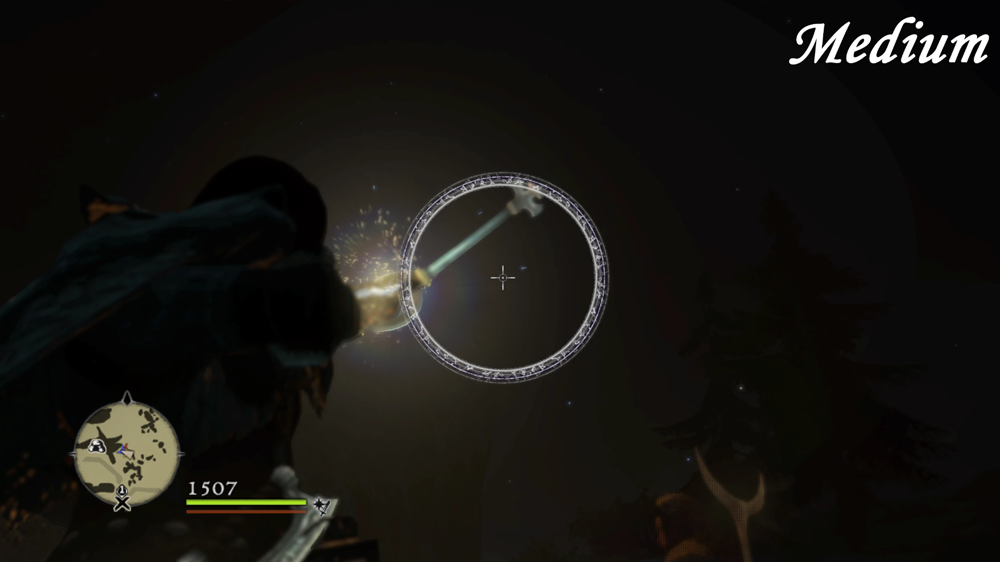
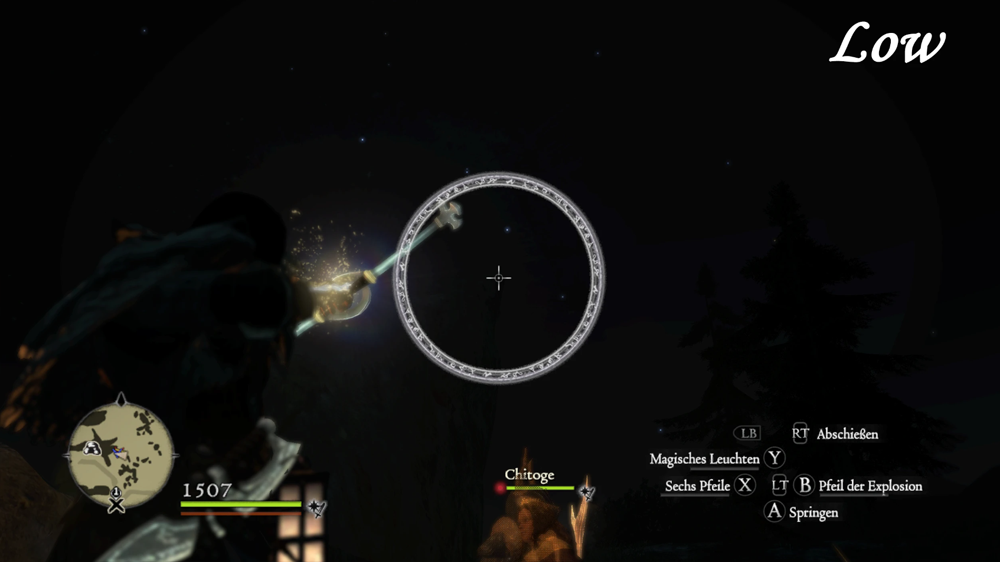
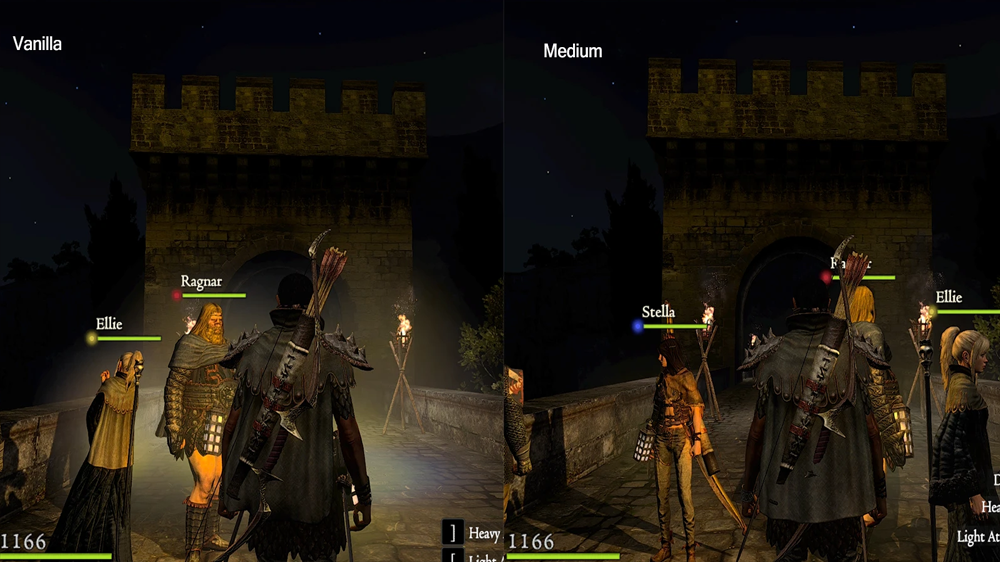
The "Lite" version only changes the glow of your lantern and weapon enchants.
You can choose between the "Low" and "Medium" variant. Check the images for a comparison!
The "Full" Version (1.2.2)
The "Full" version changes (almost) every battle glow effect.
Here you can also choose between a "Low" and a "Medium" variant. Check the images for a comparison!
Note: I didn't test ALL Skills/Spells with that version. Please let me know if there are any visual problems with any Skill/Spell so I can look into it.
Also, this version ONLY changes the GLOW, nothing more.
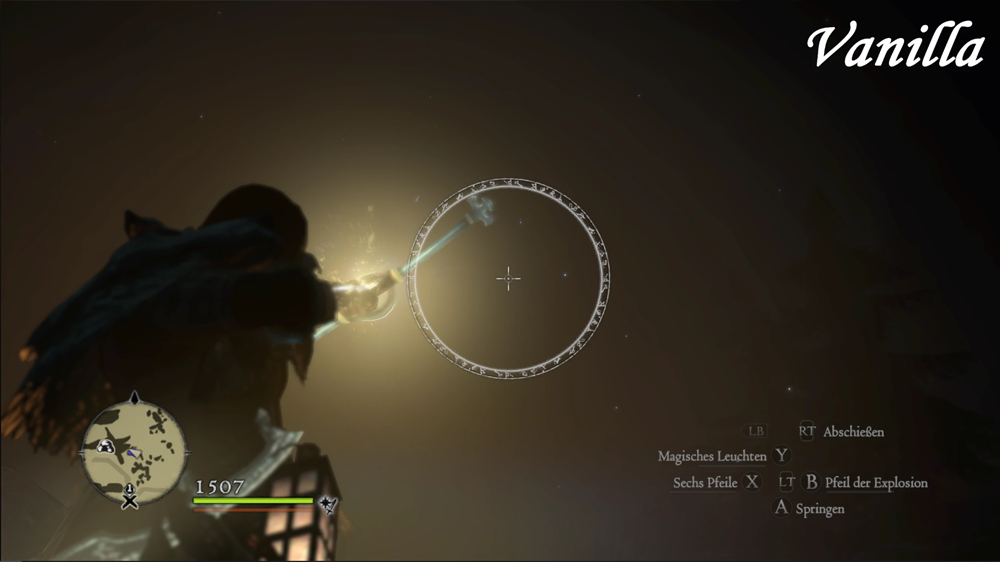
Install
1. Go into the root folder of your game installation.
2. Drop the folder "nativePC" into that folder and overwrite.
3. Done!
Known Problems
Lite: The glow of some stationary lightsources (lanterns, torches) will be reduced too. Can't do anything about that, because they share the same texture.
The opacity of the marker from the skill "Downpour Valley" is also reduced. Can't do anything about that, because they share the same texture.
But you can still see it clearly! Screens: Low / Medium
Also reduces the pink aura from high affinity NPC's. Can't do anything about that, because they share the same texture.
Full: The glow of many stationary lightsources (almost all) will be reduced too. Can't do anything about that, because they share the same texture.
Created by
offline2007
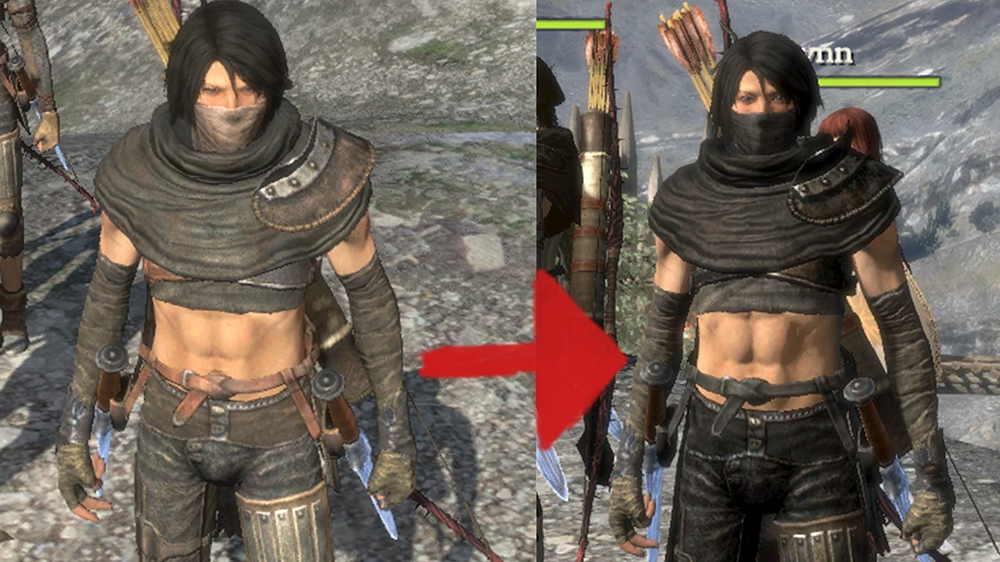
Black ReTextures and more
- Download[www.nexusmods.com]
Male and Female Variations available! (119 Optional Files)
Also: Turns some Pieces Invisible
Improtant
Backup Original Files
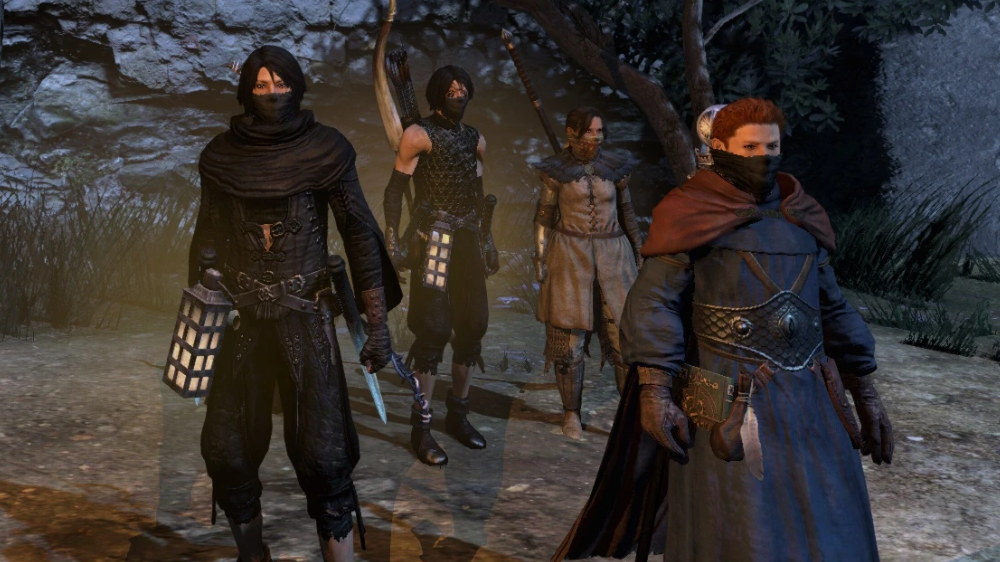
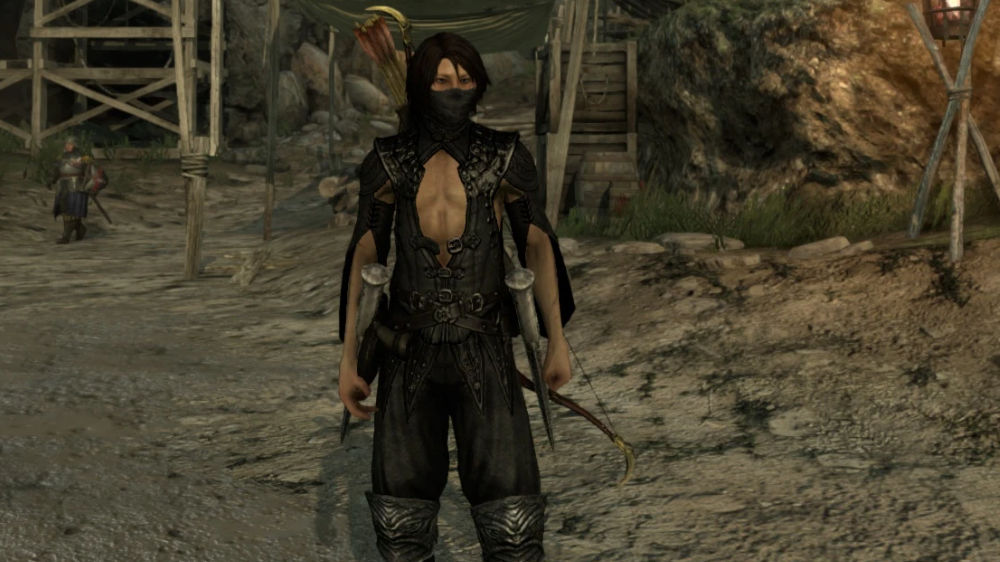
Created by
Akalor
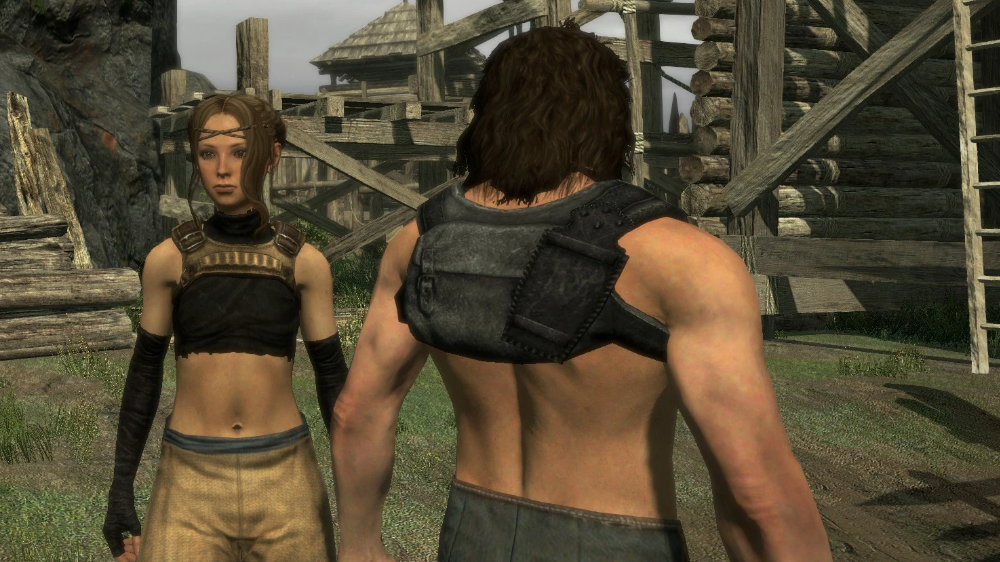
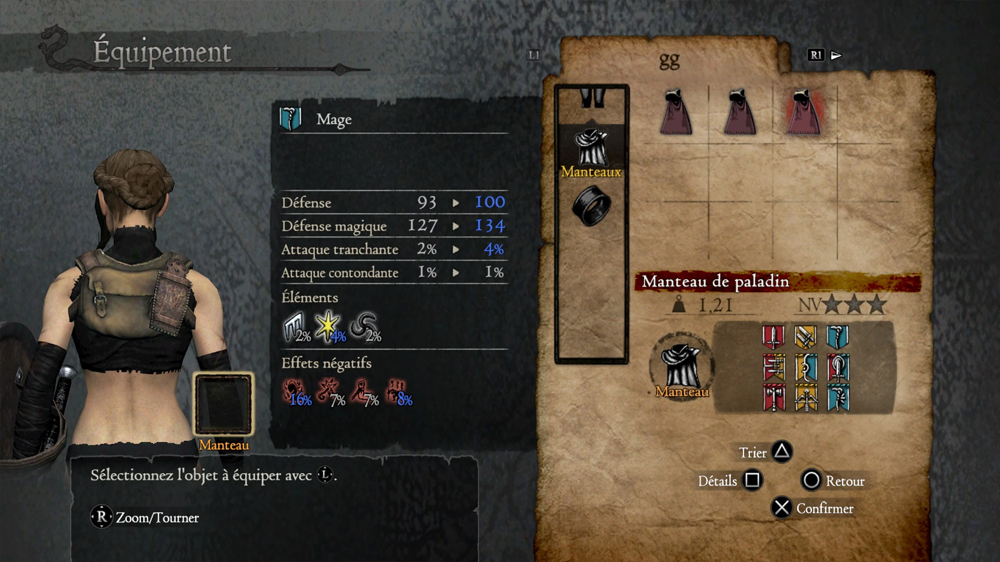
Backpack
- Download[www.nexusmods.com]
It's a remake of the 3 vanilla cloacks but they were so ugly with the cape
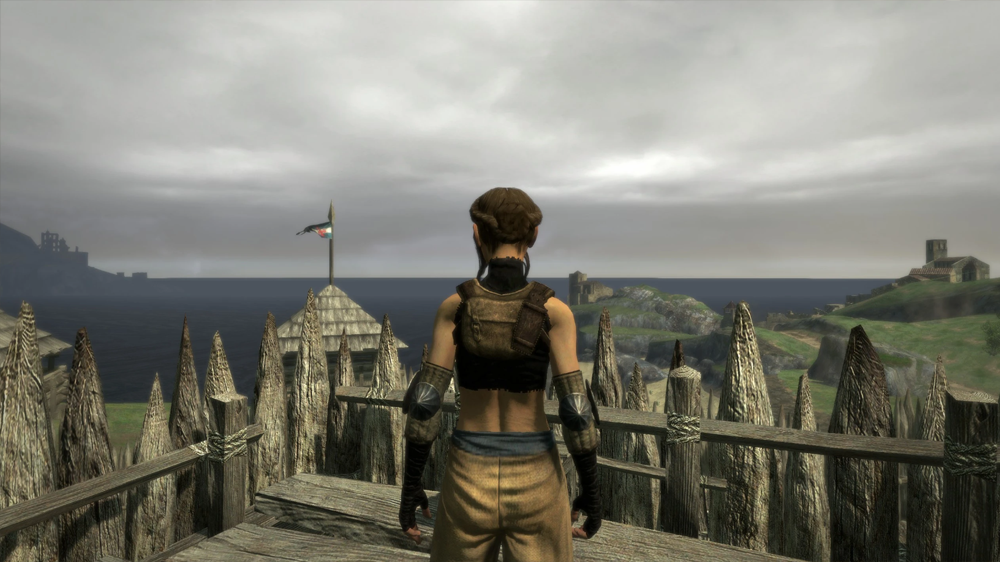
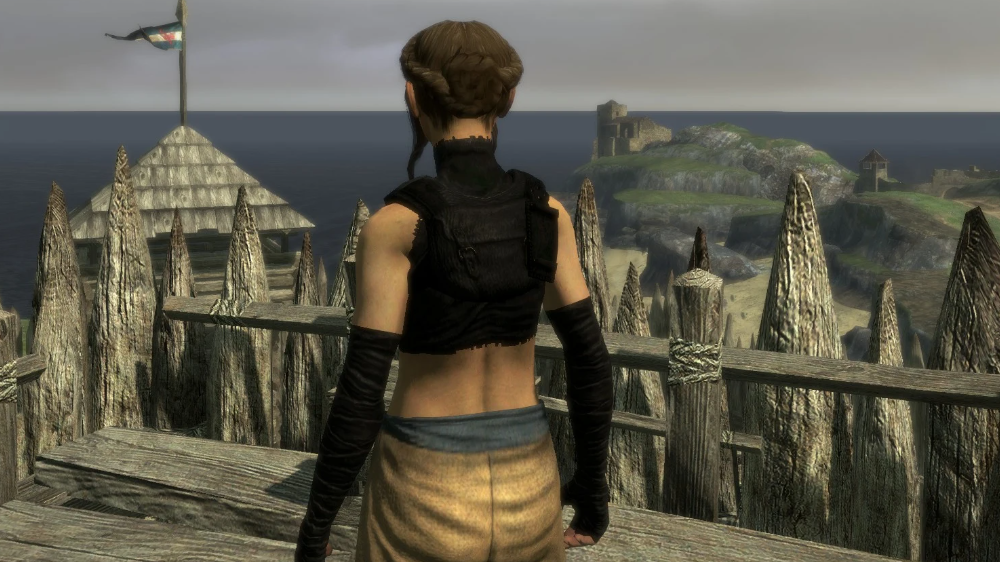
Created by
MANDALORE
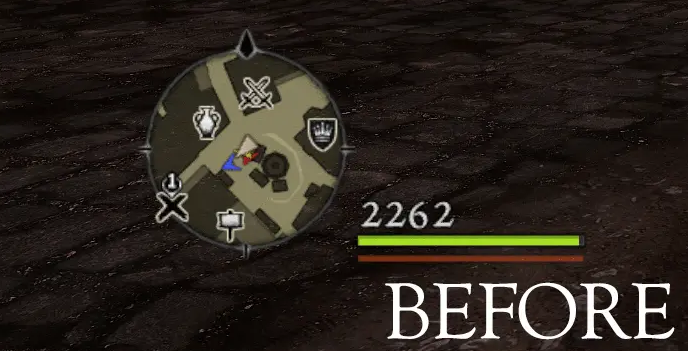
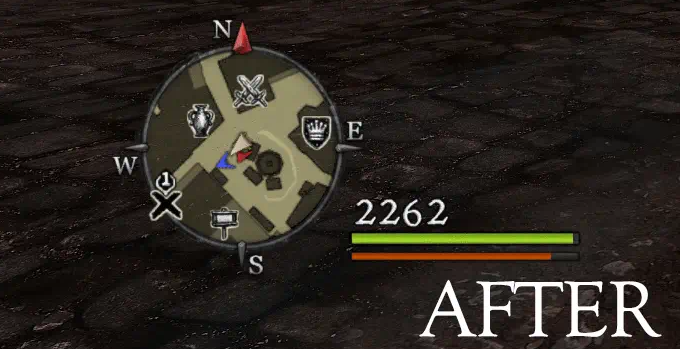
HD HP - Custom GUI textures and icons Overhaul
- Download[www.nexusmods.com]
Created by
vj88
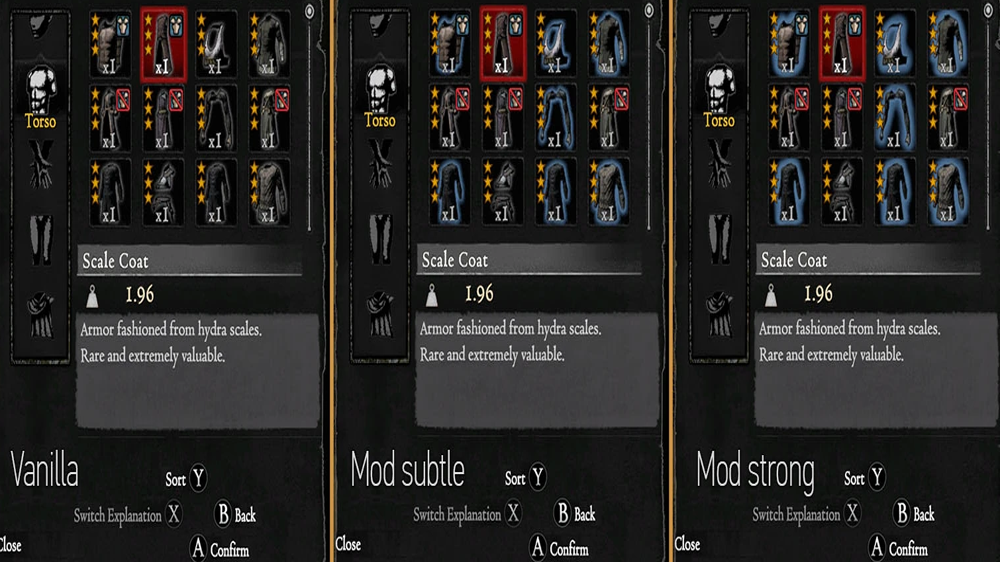
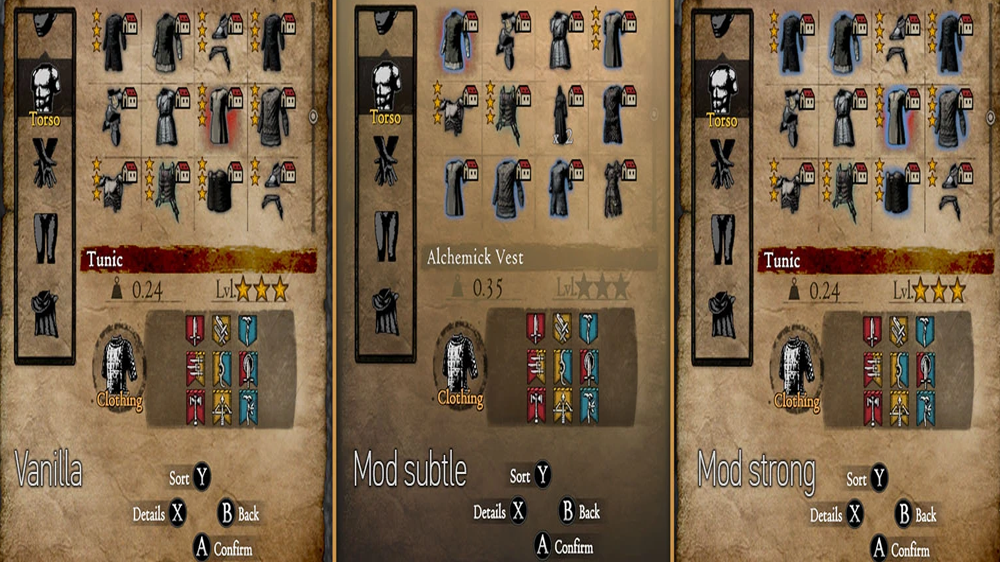
Easy clothing inventory ID
- Download[www.nexusmods.com]
select/hover over them.
Probably most useful for new players but even though I have completed the game many times on console this still annoyed me a bit.
Installation:
- Backup "game_main.arc" located in \nativePC\rom of the game install directory.
- Extract the mod into the main DDDA folder
Created by
Rivianbleidd
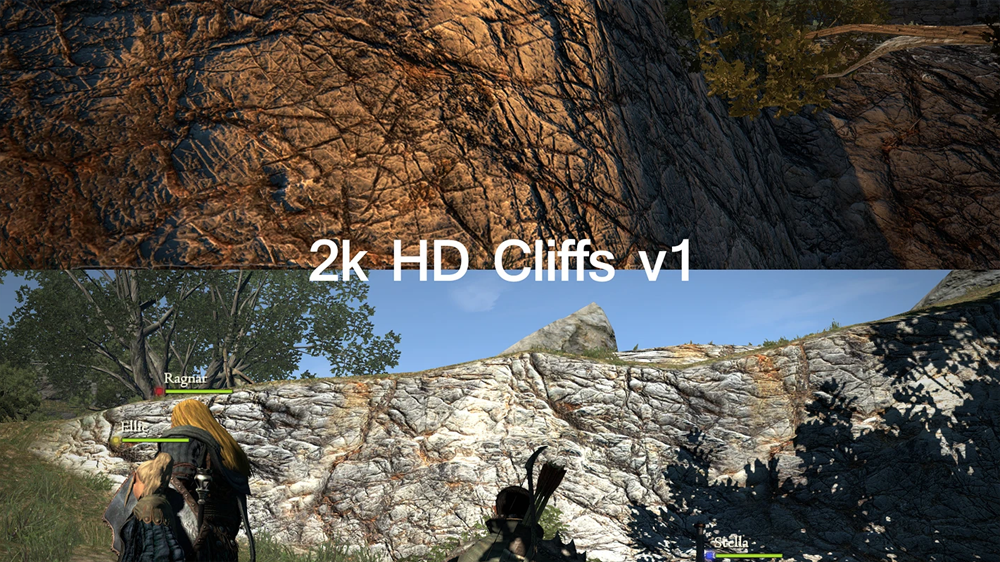
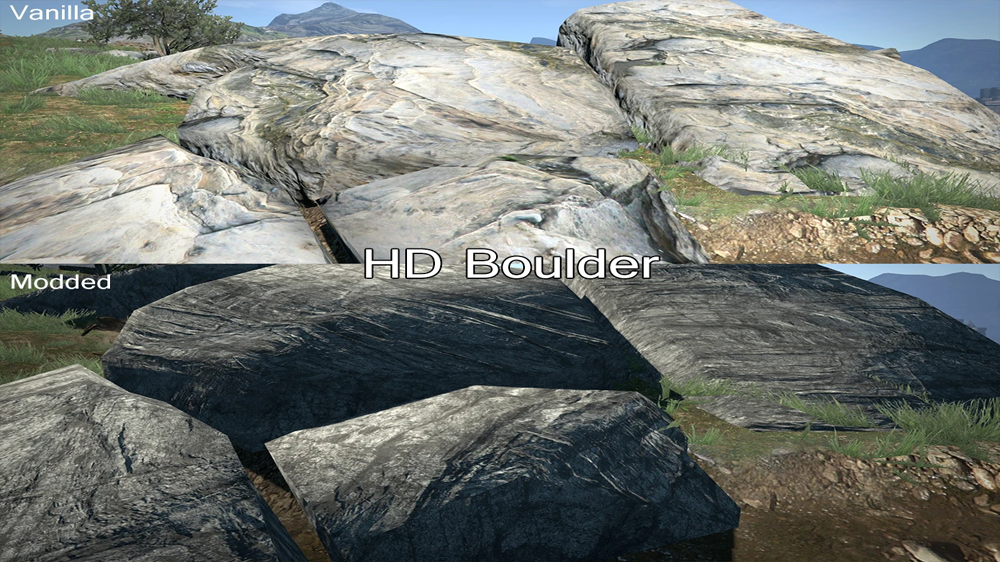
HD Environment Texture Overhaul
- Download[www.nexusmods.com]
Install:
To Remove:
- Extract the zip contents to your DDDA\nativePC\rom\stage\stage100\area folder (Unless specified on the download/instructions)
- Run the included .BAT file. If there are any errors or issues, right click and run as Administrator.
- An automatic backup of your original file will be put in the "4k backup folder" in the same directory.
- Wait until your screen says "TEXTURE INSTALL COMPLETE!"
- Play the game (or transition to a new area if you're already playing)
- Repeat the same steps for any other textures on this page
Compatibility:
- Restore the file from the "4k backup" folder
Issues:
- Works with any existing texture mods you might have. Just install this OVER other texture mods
- Some textures may look weird where they blend with the low res vanilla textures
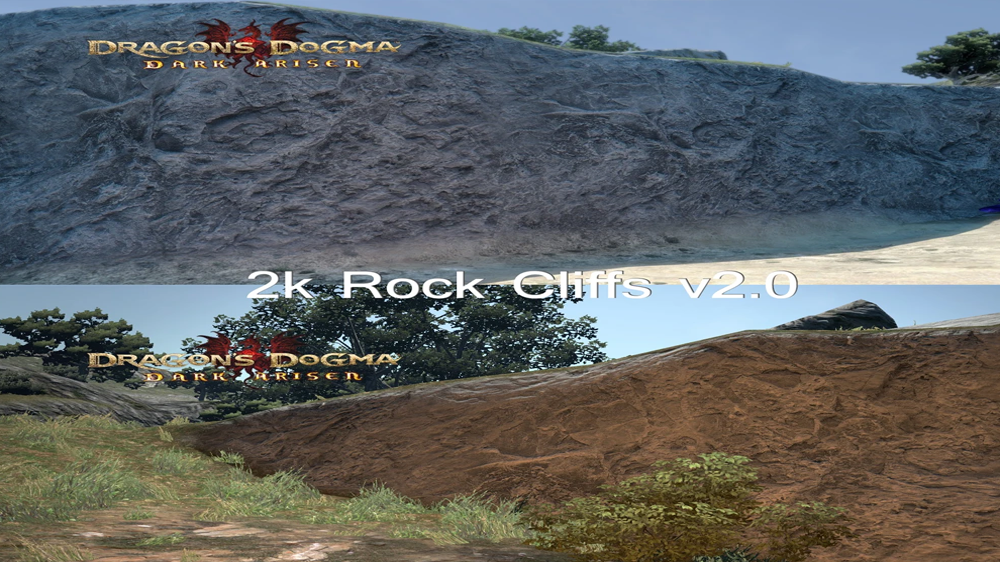
Created by
Drogean
Cast Faster -- Articulacy Augment Buff
- Download[www.nexusmods.com]
By default, the augment reduces the time it takes to cast all spells (Mage, Sorcerer, Magick Archer, and Mystic Knight are all affected) by 10% (Not 15% as previously thought). Using the files here, you can increase that amount to 20%, 50%, or 90%.
The cast speed boost provided by carrying the Wyrmking's ring in one's inventory (This is ALSO only a 10% boost, not 15%) is not affected by this mod. The ring will still improve cast times on top of the buffed augment, however.
- The 20% version, when used alongside the Wyrmking's ring, allows you to achieve the ~30% improvement to casting times that the wiki promises.
- The 50% version is a very noticeable increase, perhaps well suited to those who find casting in Dragon's Dogma to be tedious or boring.
- The 90% version is basically cheating. Not-quite-instant cast when combined with the ring -- High Bolide still takes about a second for its cast bar to fill up twice. Potentially dangerous; see below. Be warned, I've had reports that enemies may also come equipped with this augment, so this much cast speed could really make your life difficult when facing certain casters!
Installation
Download the .rar file the corresponds to the cast speed you would like to use -- 20, 50, or 90.
In your DDDA install directory, navigate to the nativePC/rom folder and backup your game_main.arc file. Extract the modded game_main.arc file to that location.
Uninstallation
Remove/rename the modded game_main.arc file and restore your backup.
Created by
ParticleMage
Extended Mystic Knight Enchantments
- Download[www.nexusmods.com]
Makes the mystic knight buffs last a bit longer.
This is not supposed to be a cheat mod but something to make buffing less annoying while still keeping it a part of combat.
Enchanter spells go from 30 to 40 seconds.
Trance spells go from 45 to 80 seconds.
Invocation spells go from 80 to 120 seconds.
Created by
Keelhauled
MEGAHAIR AND BEARDS 2K
- Download[www.nexusmods.com]
i used a little upscaling and some edition that make them looks better.
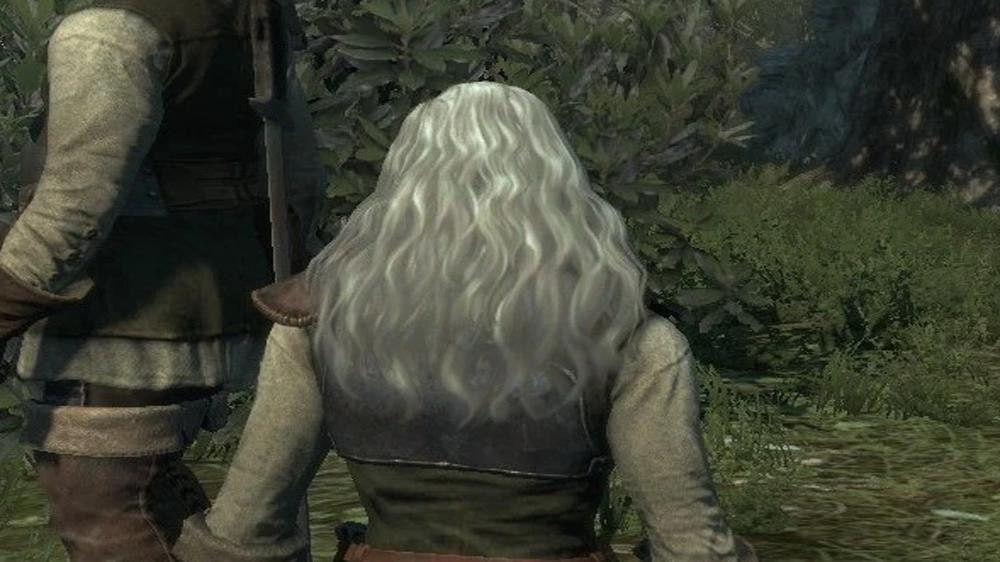
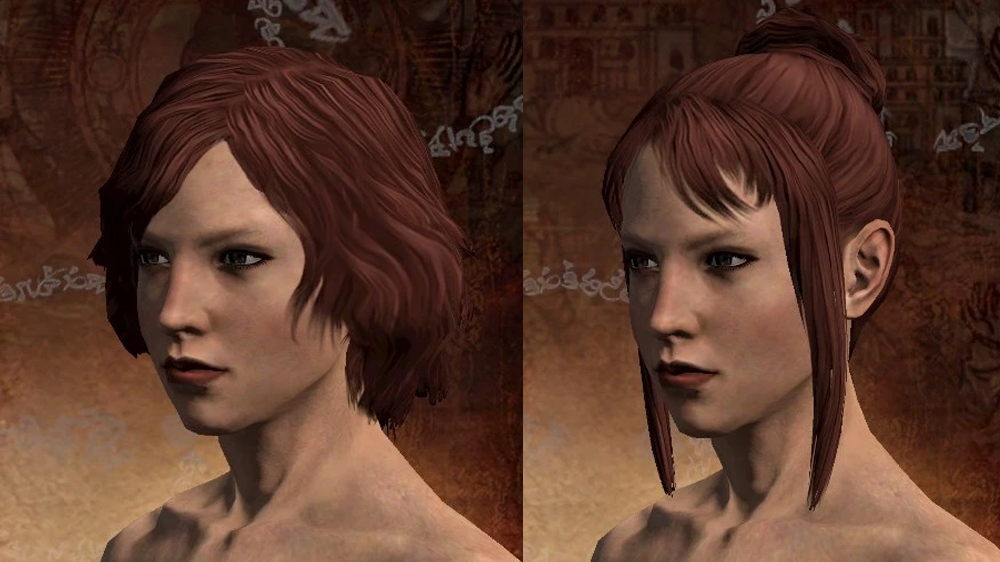
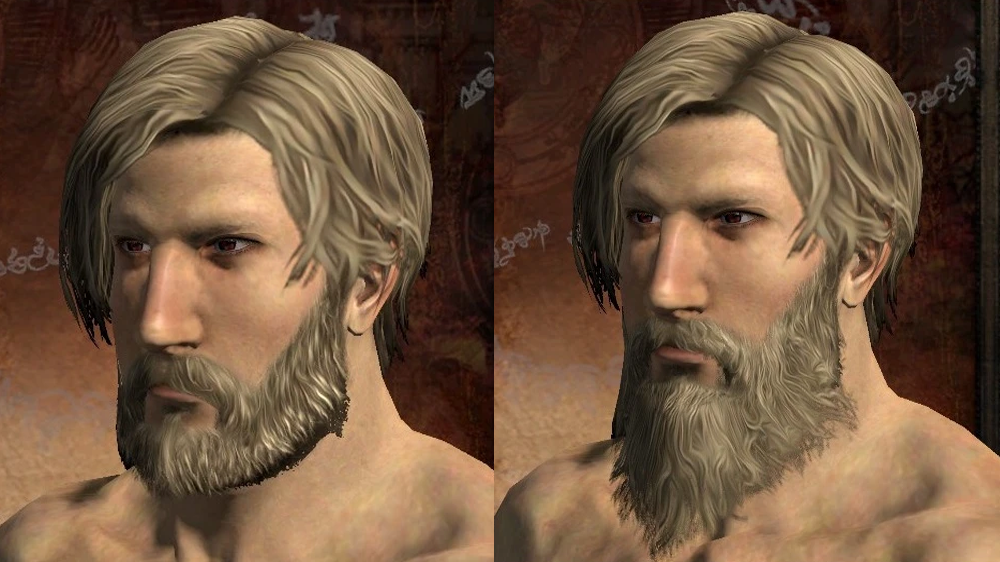
Created by
Lukasborn13
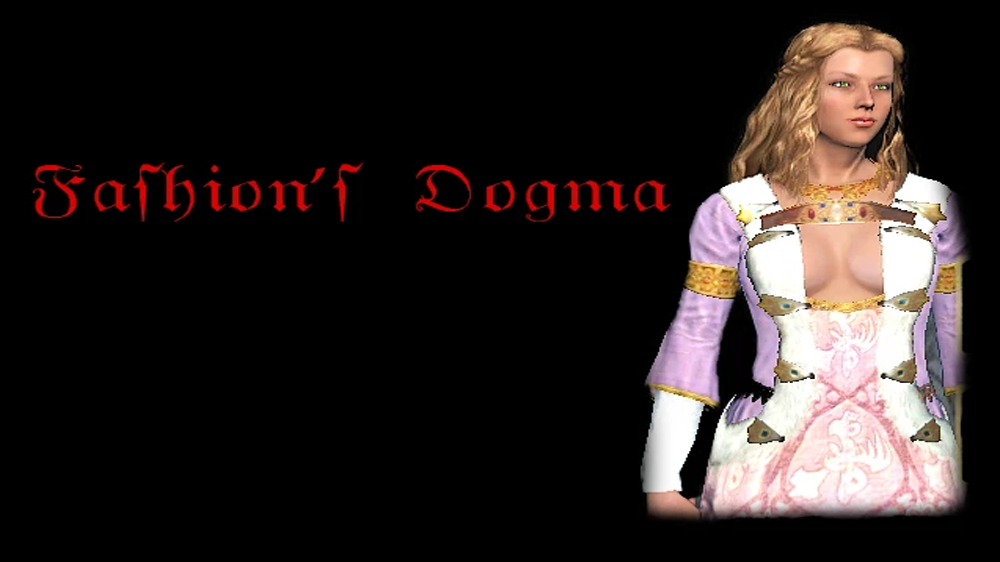
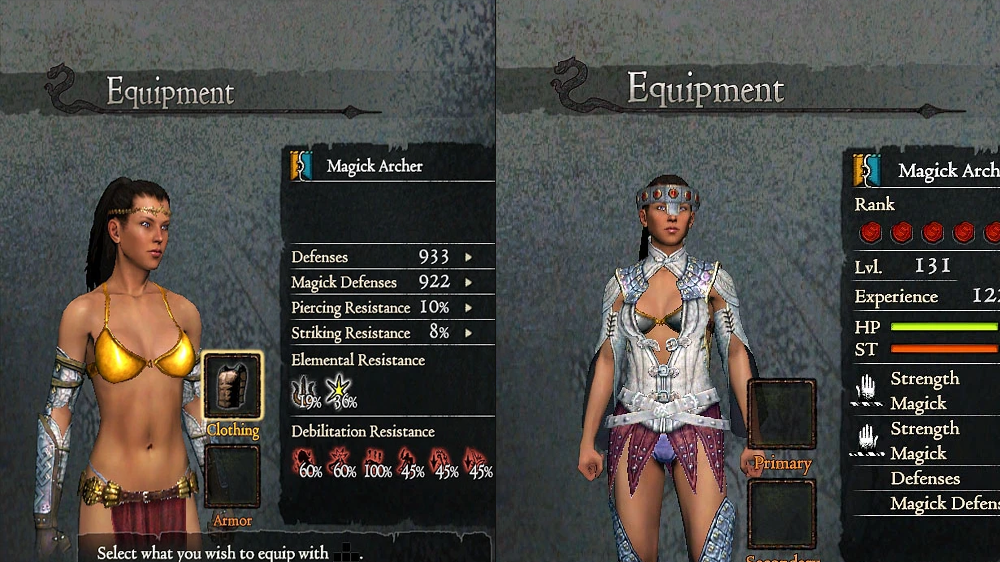
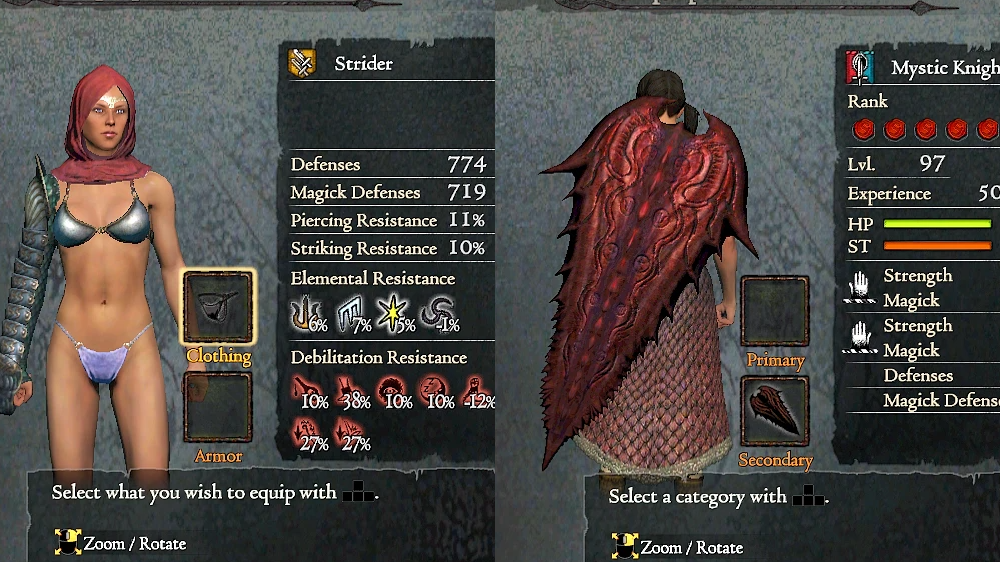
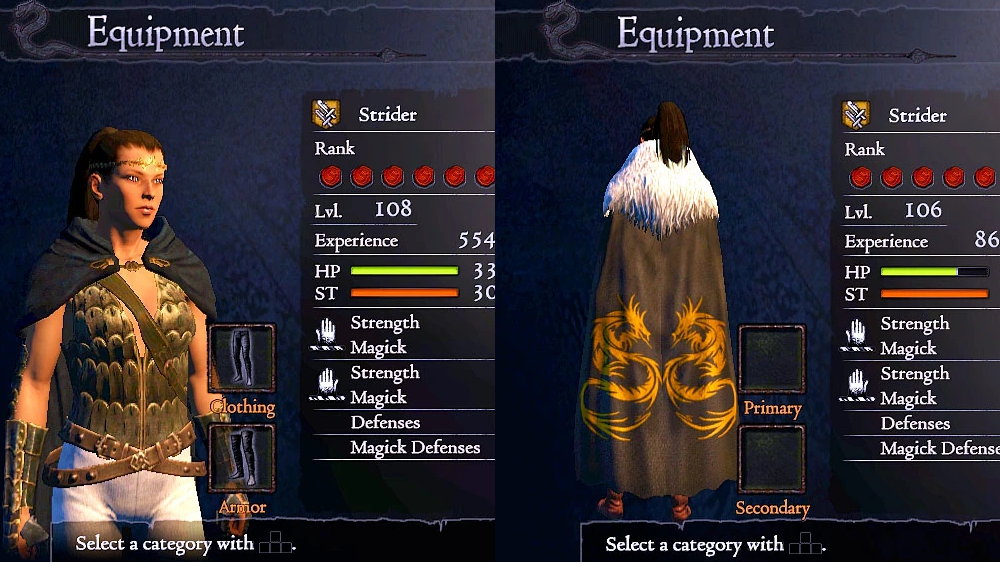
Fashion's Dogma
- Download[www.nexusmods.com]
Install:
- Go into the root directory of the game.
- Unzip the archive.
- Copy over the folder "nativePC" into that directory.
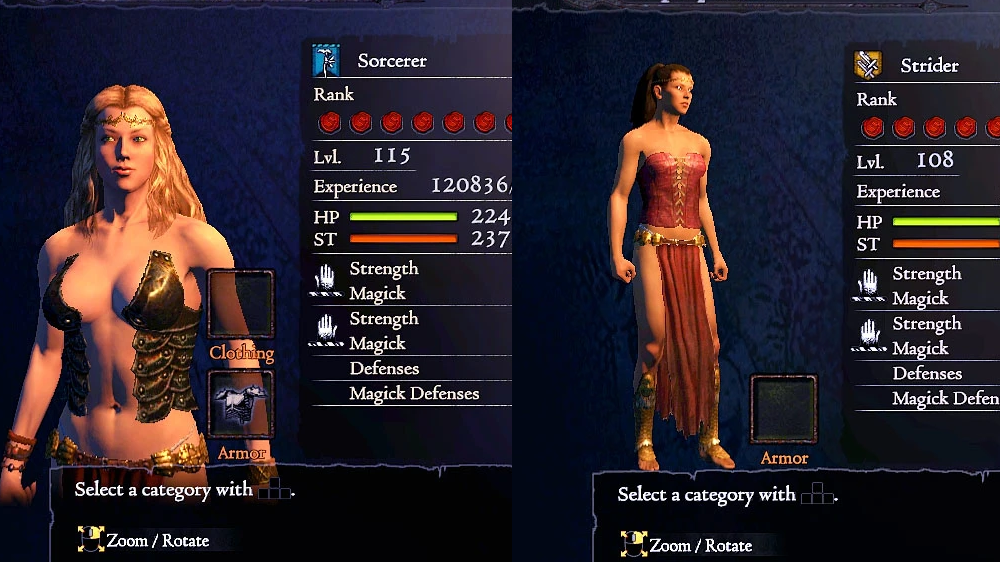
Created by
sarchiapozzo
Increased Carry Capacity
- Download[www.nexusmods.com]
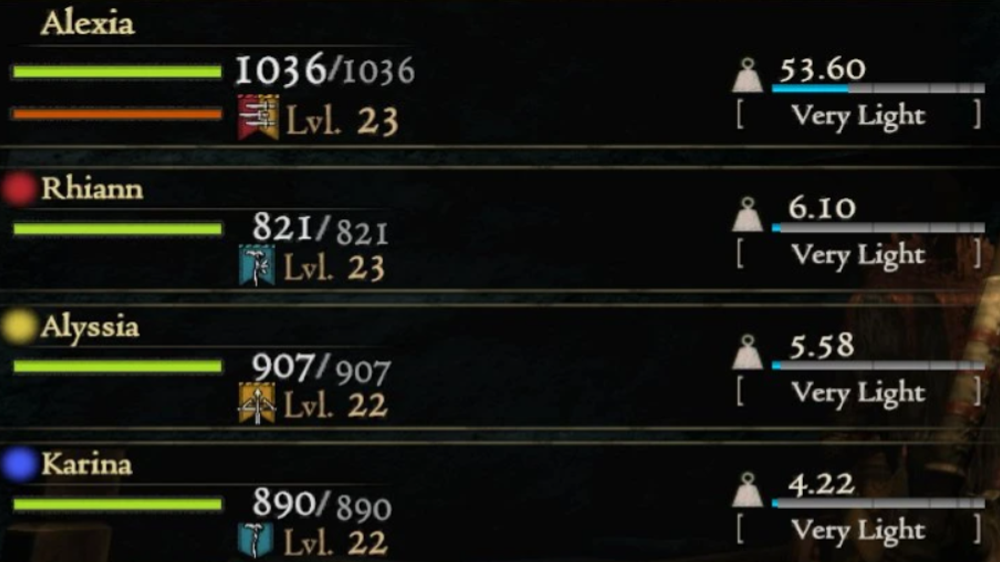
Created by
ShadoWarrior
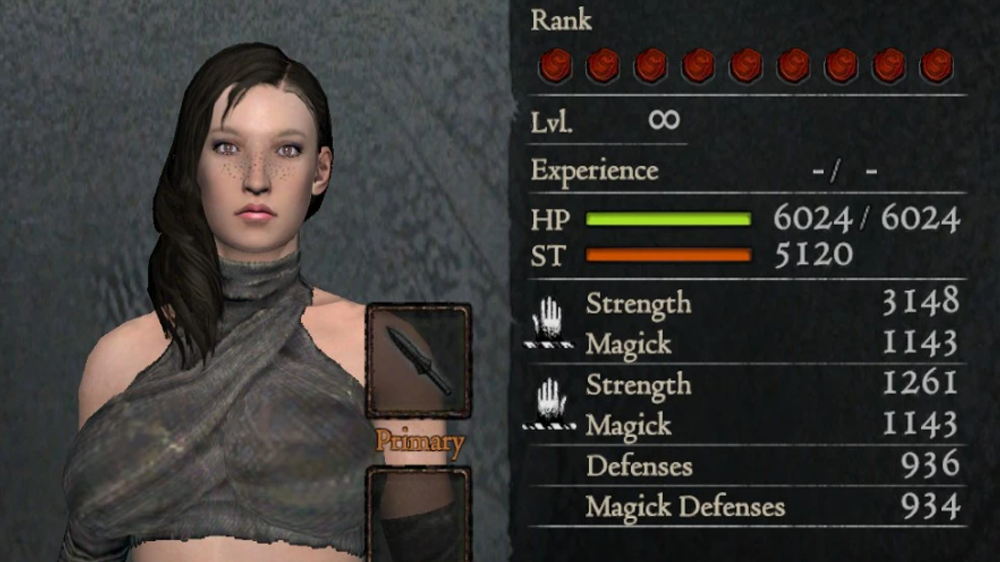
Cleaner Female Face Texture
Witch Blade Inspired Armor Set
- Download[www.nexusmods.com]
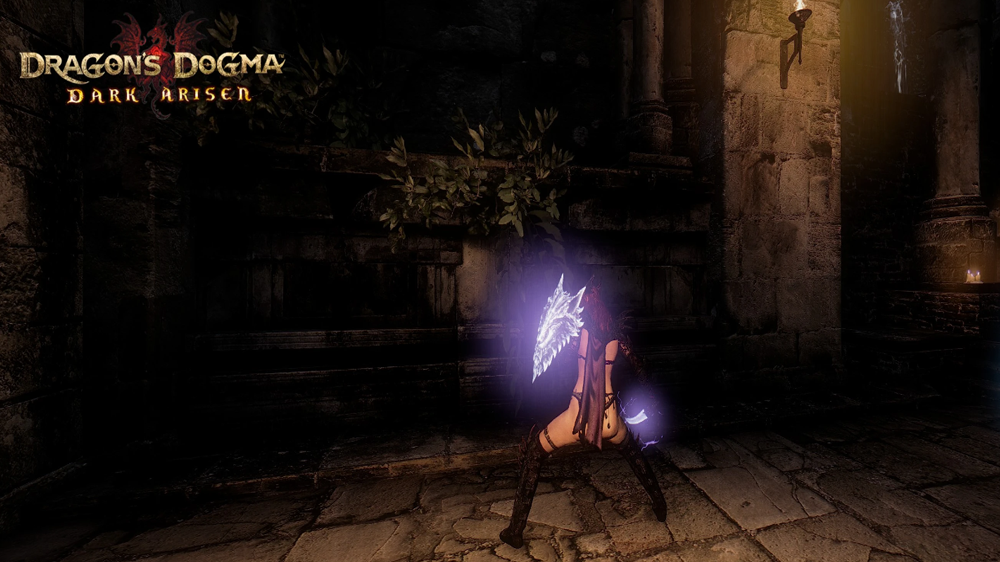
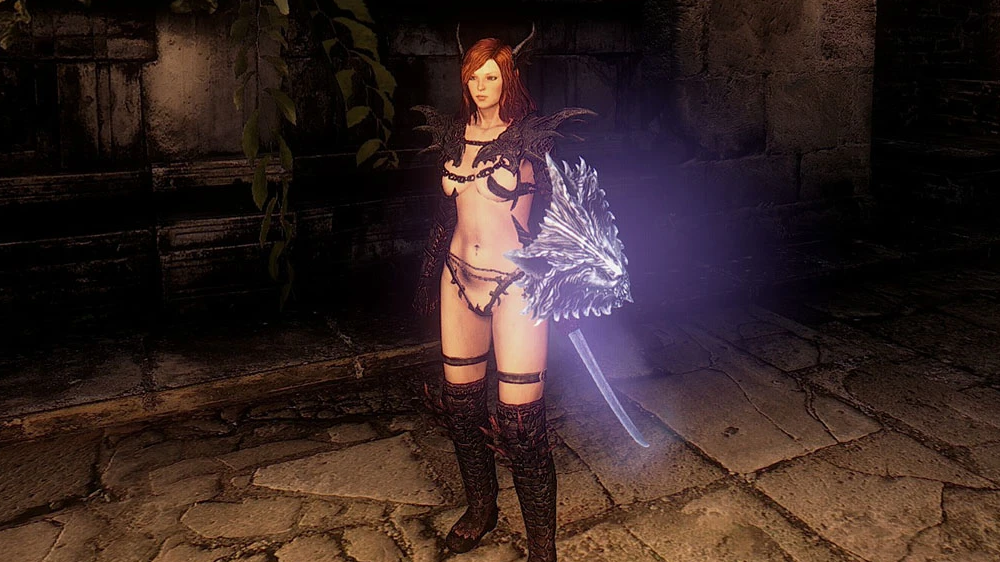
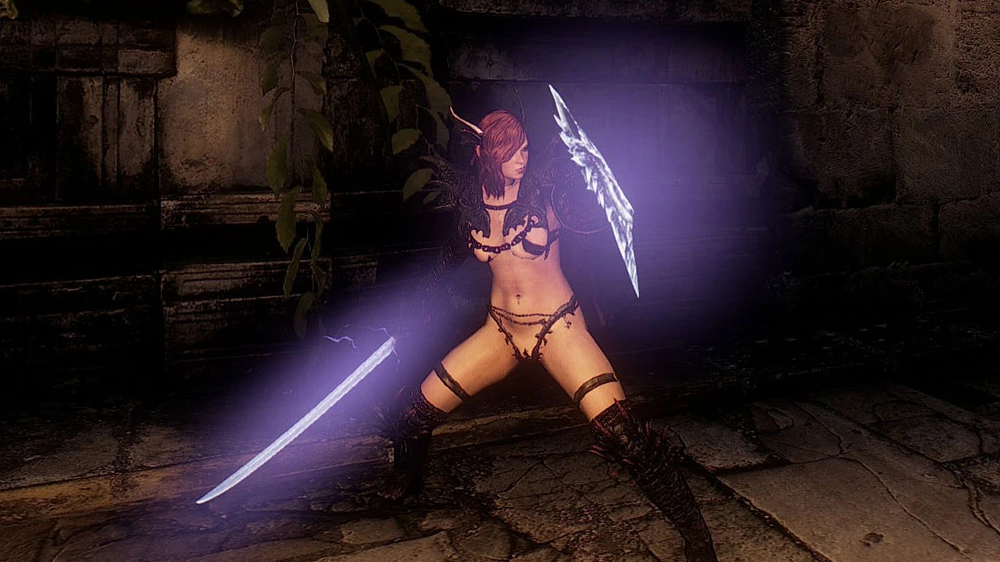
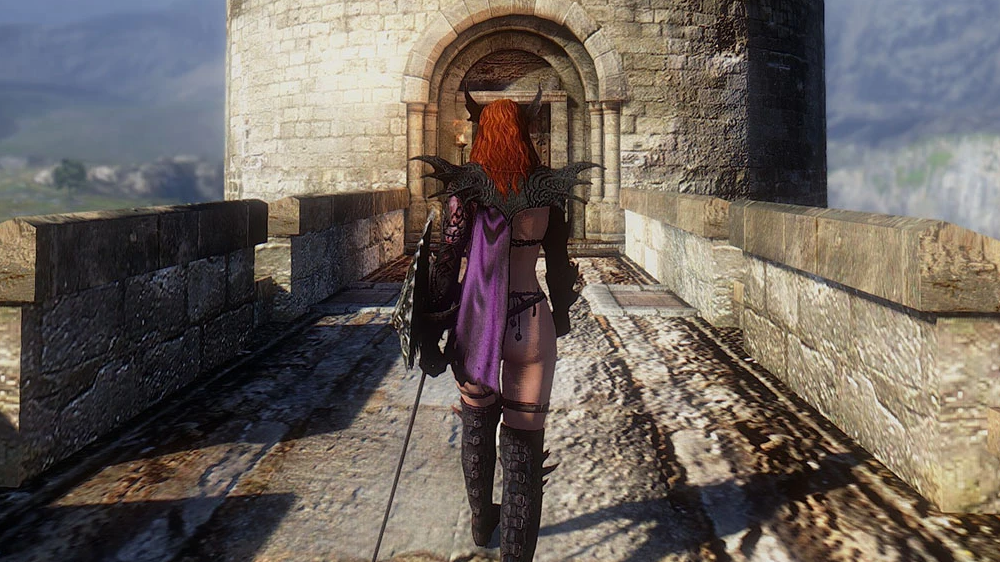
Created by
LovelyLewdLad
Alternate Hellfire armor ( FEMALE ONLY )
- Download[www.nexusmods.com]
Install:
Extract and paste in Dragon's Dogma - Dark Arisen\nativePC\rom\eq\a_body\f
replace the original
REMEMBER TO MAKE BACKUPS
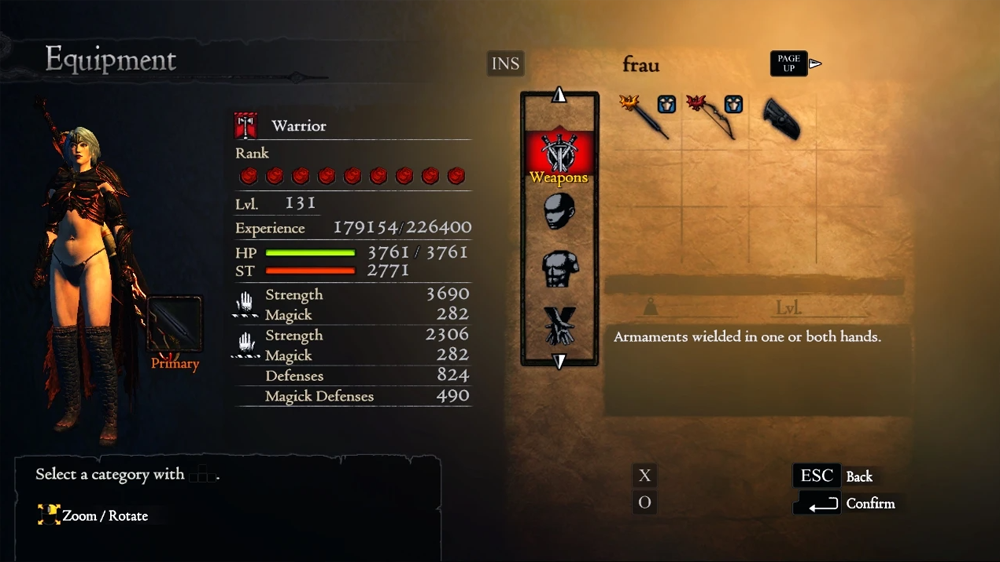
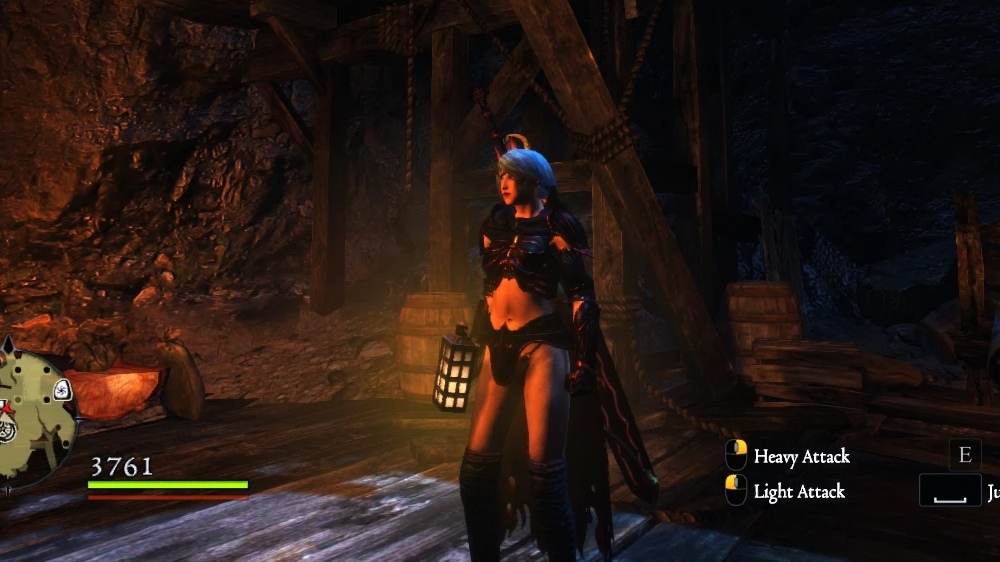
Created by
linhcage
Barbarian Queen Sets
- Download[www.nexusmods.com]
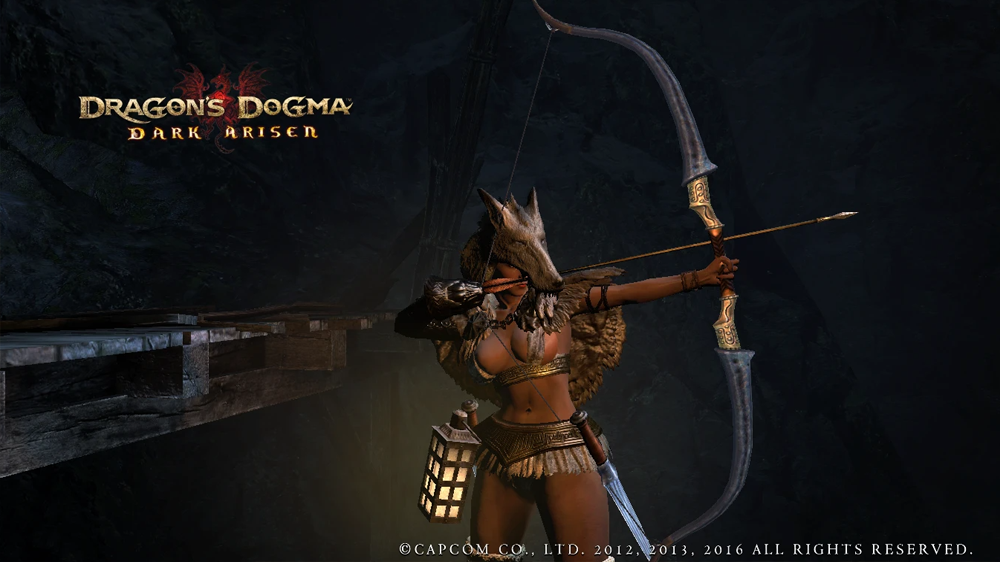
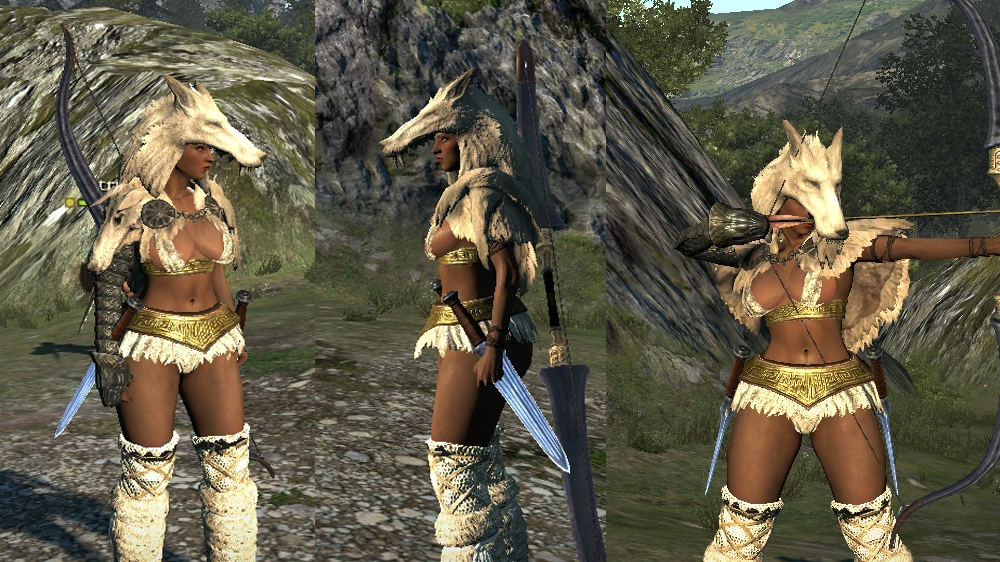
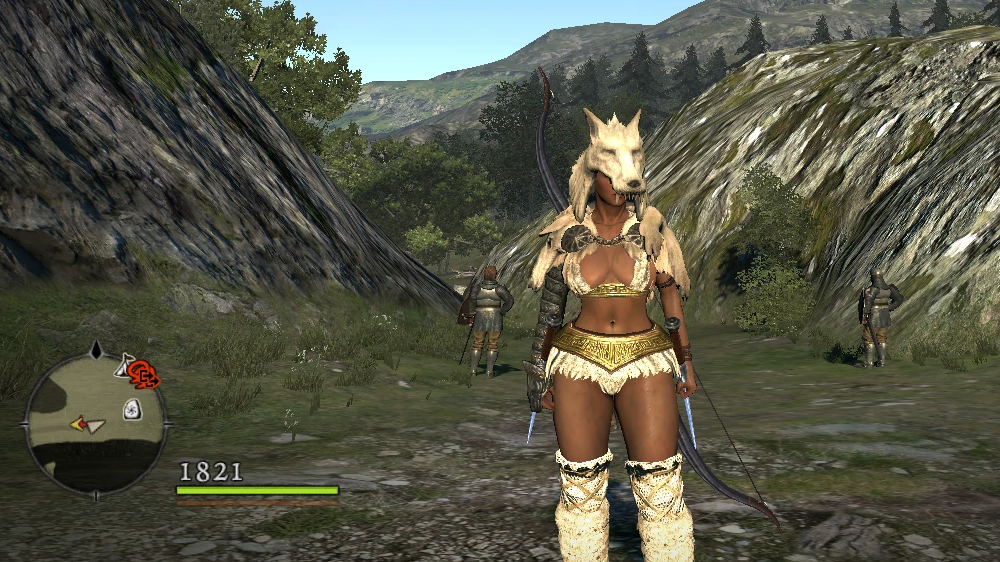
Created by
The Prowler
Death's Scythe
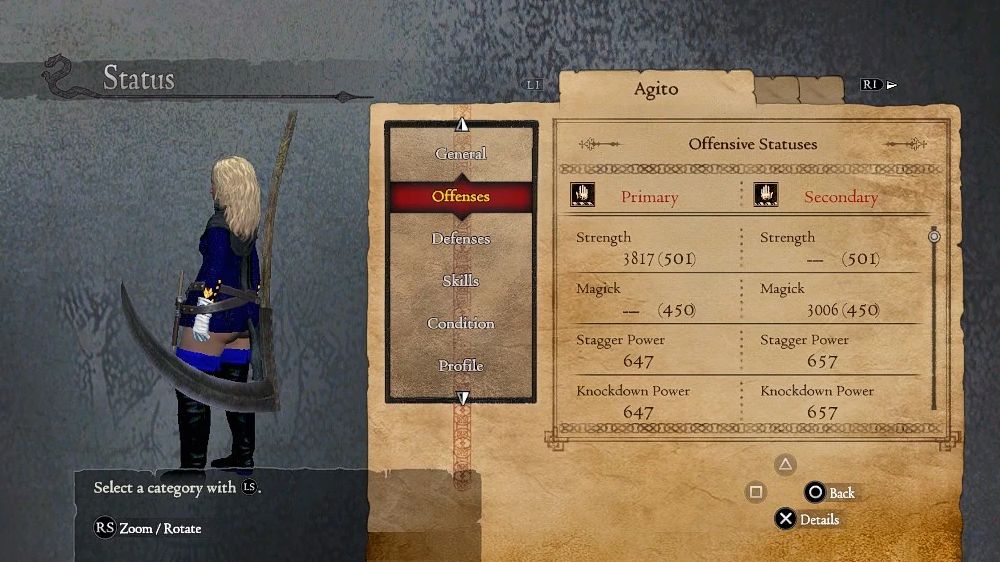
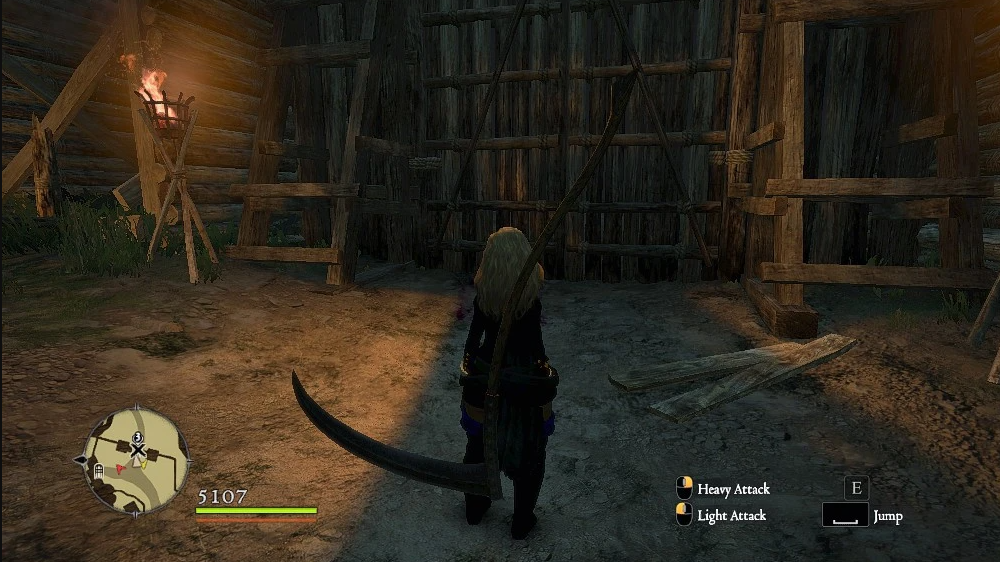
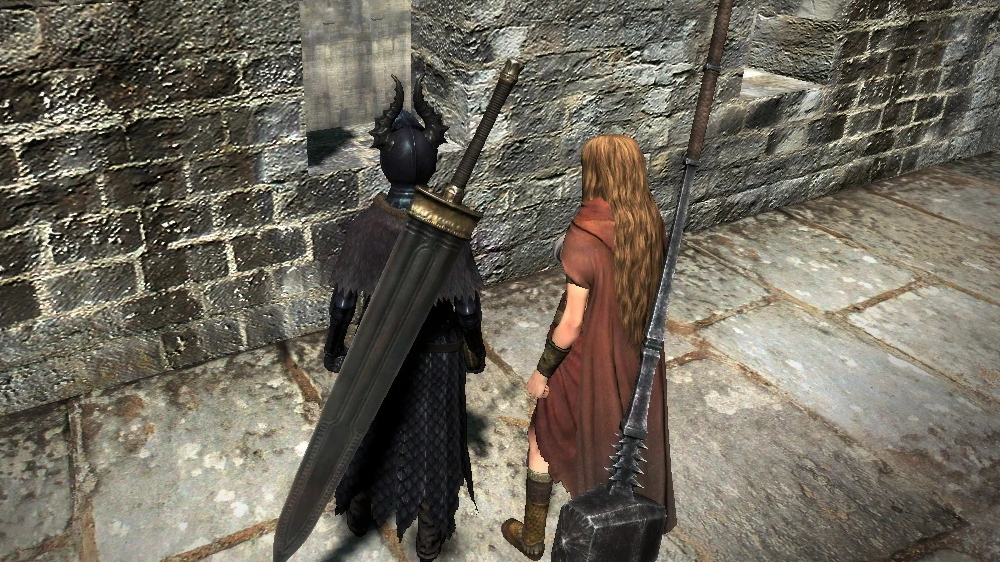
derusted weapons
- Download[www.nexusmods.com]
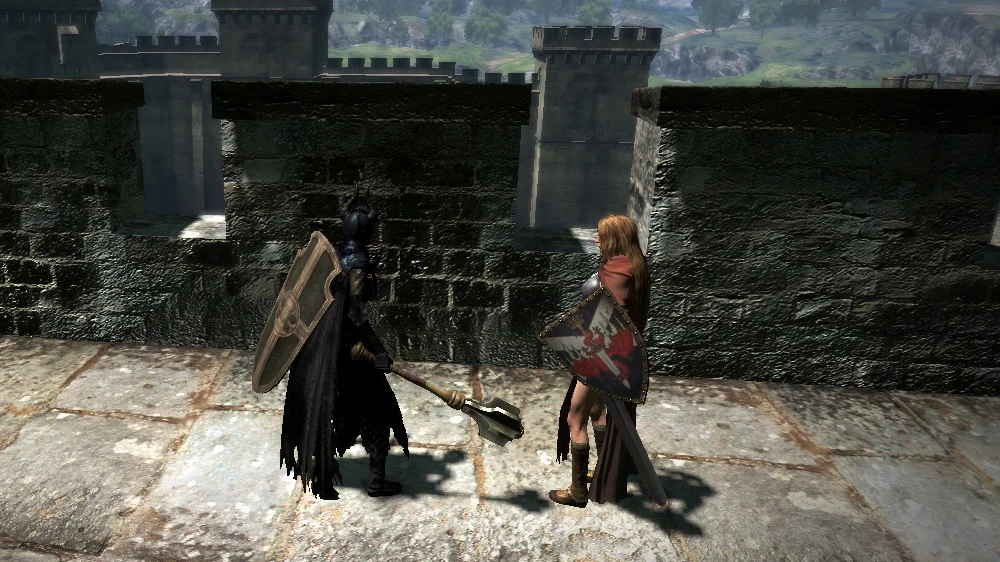
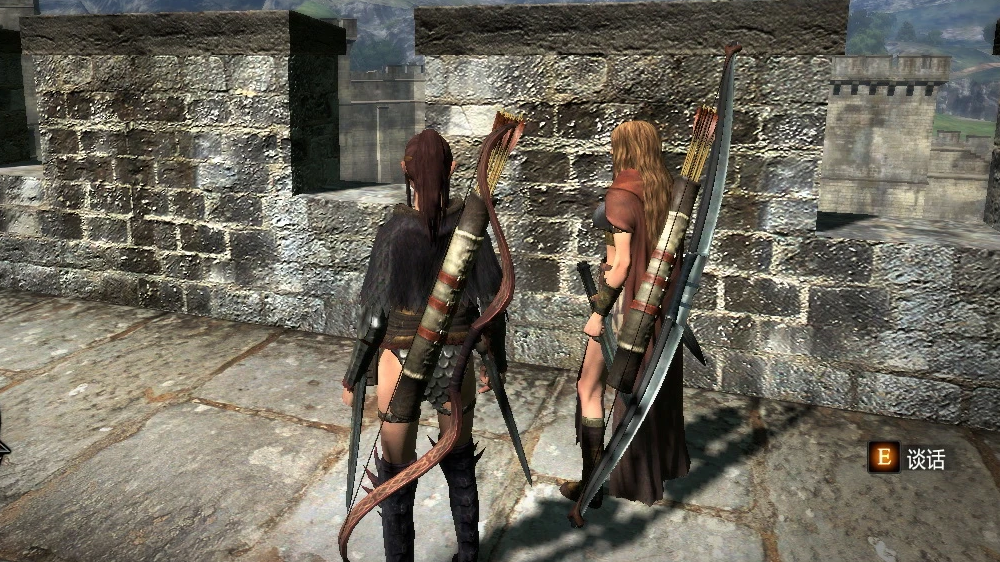
now they are new again.
Change all rusted weapons to other model.
- Rusted Daggers to Signs of Valor
- Rusted Sword to Broadsword
- Rusted Mace to Mace
- Rusted Greatsword to Lifetaker
- Rusted Warhammer to Black Matter
- Rusted Shield to Gran Soren Shield
- Rusted Magick Shield to Knight's Honor
- Rusted Staff to Favored Canopy
- Rusted Archistaff to Common Archistaff
- Rusted Bow to Hunter's Bow
- Rusted Longbow to Bespoke Longbow
- Rusted Spellbow to Magian Crutch
Install:
Paste the nativePC folder in to main directory.
Created by
shaliye
Vignette Remover
- Download[www.nexusmods.com]
Install:
- Extract all the contents of this ZIP on Dragon's Dogma folder. It can be found by right-clicking Dragon's Dogma on Steam, going into "Properties", "Local Files" tab and clicking "Browse Local Files...".
- Download ARCtool and extract it to Dragon's Dogma folder.
- Run "Mod Installer - Vignette Remover v1" and follow the instructions, it will merge any mods you have already installed with this. Do not skip any step.
Uninstall:
- Copy and paste the nativePC folder from [Steam path]\steamapps\common\DDDA\Backup to [Steam path]\steamapps\common\DDDA.
Created by
weaktofire
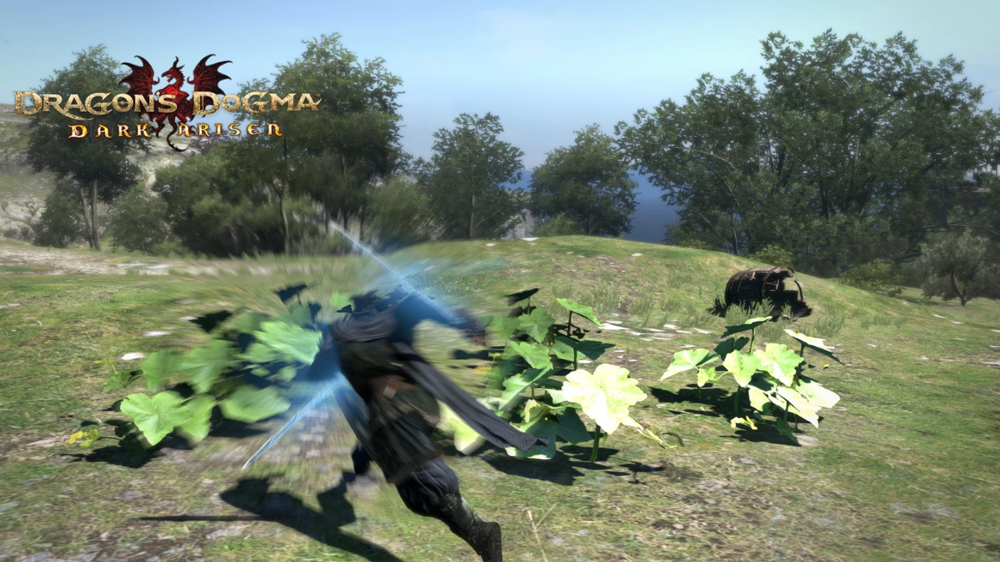
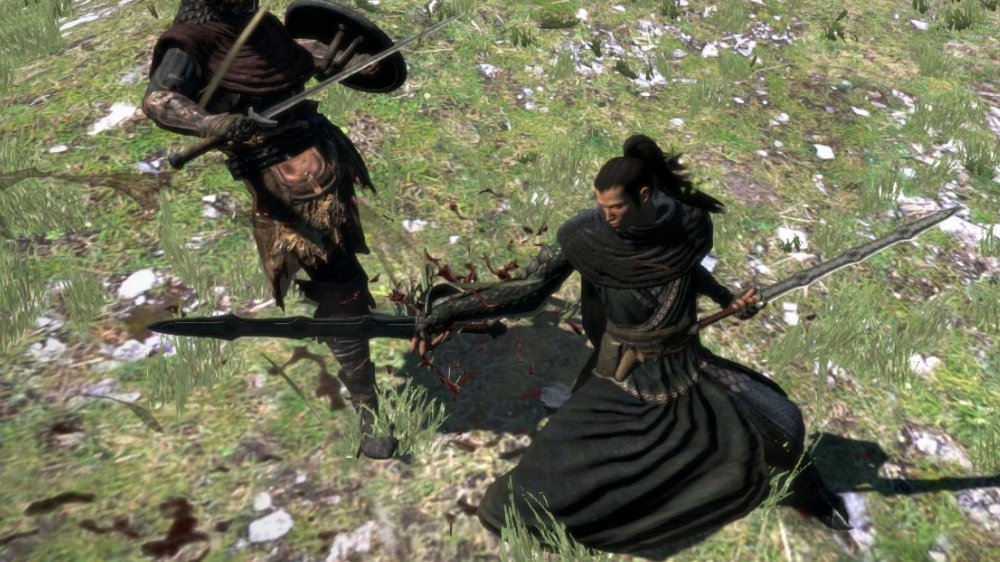
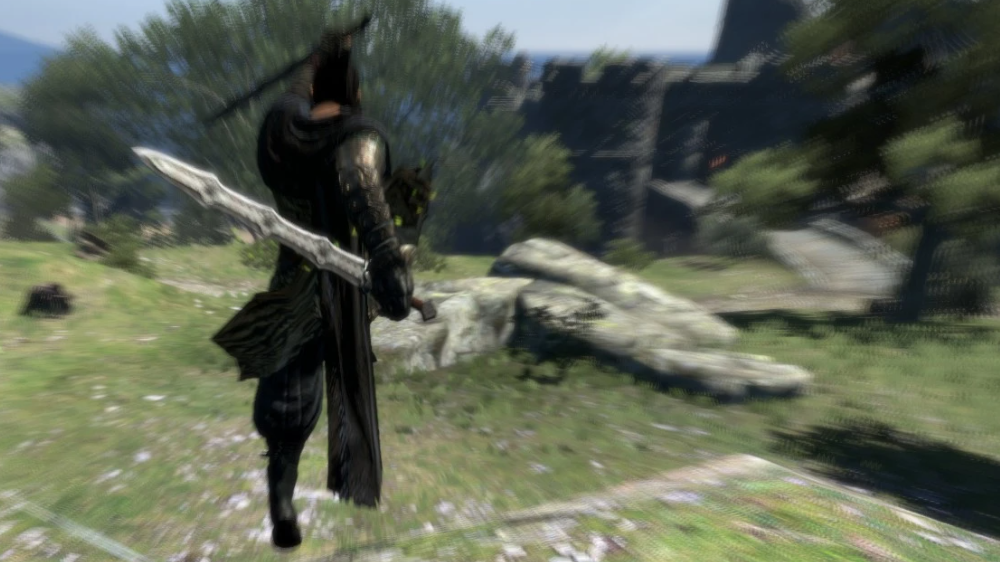
Dual Undulant Sword
- Download[www.nexusmods.com]
Now you can with this simple modelswap which will replace the Divine Razors with Undulant Swords.
Install:
- Back up the original dag005.arc incase you want to uninstall in the future.
- Extract the arc file and replace it with original located inside Program Files\Steam\steamapps\common\DDDA\nativePC\rom\wp\w1
- Start the game and enjoy your weapons new look.
Created by
KSlasher
Improved Exequy
- Download[www.nexusmods.com]
I have increased speed of execution on both versions of this spell:
Exequy ~3x faster
High Exequy ~4x faster
Also I have slightly increased sphere move speed, it feels more comfortable to control on keyboard now, no idea about gamepads though (leave feedback).
This spell is still dependant on your Magic Attack power and enemy Dark resist, so in theory it shouldn't be unbalanced, like you wouldn't be able to kill tough foes by Sorcerer with low stats too fast, still needs to be confirmed. I have made both tiers different in kill time (in vanilla they are same btw) because it feels more balanced this way, but can't be sure. Anyway, this isn't final version of this spell, I still gonna be tweaking it.
Install:
Copy file to: *Your game folder*\nativePC\rom\wp\w1 - overwrite wan.arc
MAKE A BACKUP! of original wan.arc file just in case you don't like it and want to revert to vanilla.
Created by
Signette
HD Interface Item and coloring
- Download[www.nexusmods.com]
without any performance lost.
Install
- Copie and paste your game_main.arc somewhere.
- Open it using Arc Extractor and Repacker and Image Viewer (select you game_main.arc and click on extract).
- You should now have a folder call game_main at the same place.
- In my archive you have a folder call game_main, extract it at the same
place as you game_main folder and press yes to override.- You now have a game folder with my mod in it.
- Use the Arc Extractor again and select again the copie of your game_main.arc and press RePack this time.
- After the little loading your game_main.arc is now modded.
- Place it inside you rom folder (C:\Program Files(x86)\Steam\steamapps\common\DA\nativePC\rom) and you done!
Created by
Marcmad
No Cliping Cloaks
- Download[www.nexusmods.com]
Lets start with my favorite - Alchemickal Cloak.
Install
Copy content of archive to your game folder
Created by
BonusJZ
Modding Guides: Timeless – Great games from yesterday

Rate, Reward & Add To Favorite!

Changelog
27.07.2023 Create Guide
More Dragon's Dogma: Dark Arisen guides
- Hero Achievement and Missable Quests Guide★ 5 (3.5k)58k views7.1k ♥30 minUpdated Aug 2, 2016
- Dragon's Dogma: Dark Arisen. Getting started 101 and "did you know's?"★ 5 (918)53k views1.1k ♥17 minUpdated Jan 20, 2016
- The Arisen's Handbook: A Guide to Adventuring in Gransys★ 5 (1.7k)42k views3.4k ♥91 minUpdated Oct 8, 2023
- The Guide to Vocations and Skills★ 5 (806)42k views1.9k ♥86 minUpdated Jan 1, 2020
- Chronological Quest Guide for dd:da★ 5 (779)33k views2k ♥54 minUpdated Jul 5, 2023
- Vocations, Strengths and Weaknesses, all Part of a Whole - Writings of an Aged Arisen★ 5 (575)32k views873 ♥33 minUpdated Jan 3, 2021


This guide was created by its original author on the Steam Community. Are you the author and want it removed? Request removal.