Play in ANY Resolution UHD and 4k Included with PERFECT SIZED UI
How-To
- Edit conquests.ini in %gamepath%\SteamLibrary\steamapps\common\Sid Meier's Civilization III Complete\Conquests and add after [Conquests]
KeepRes=1
PlayIntro=0 - Right Click Civ3Conquests.exe - Compatibility - Disable FullScreen Optimizations
- Enjoy.
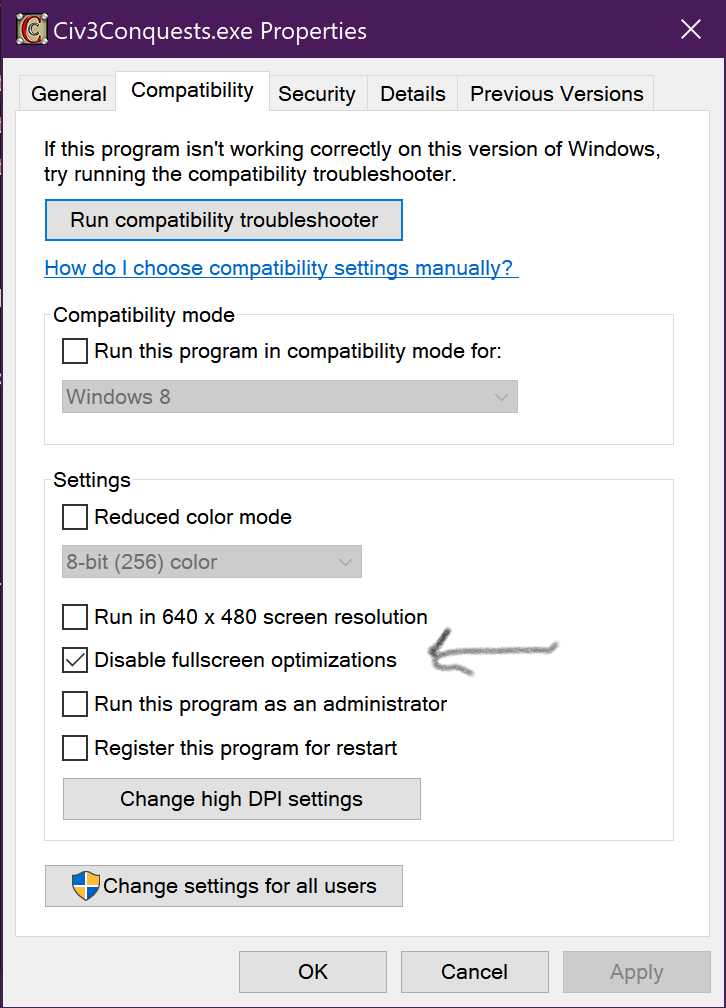
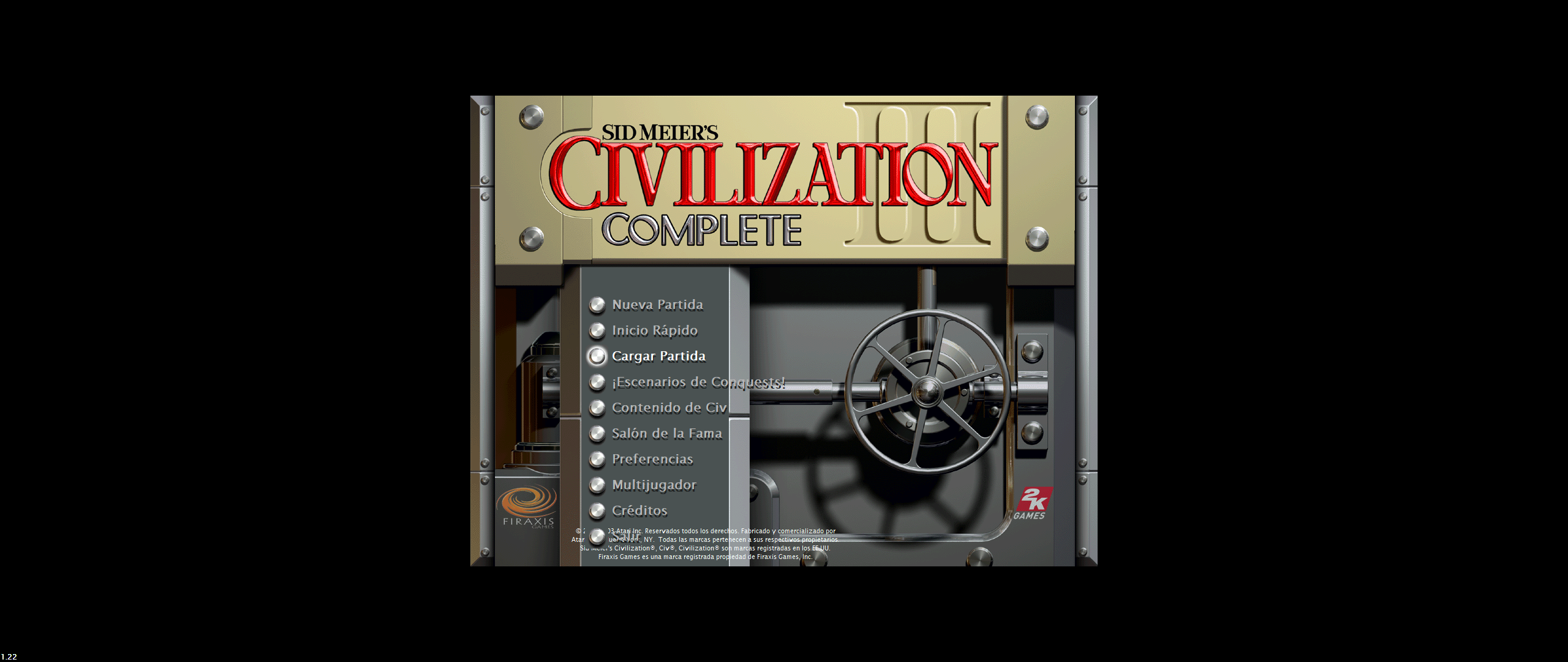
Note that Main Menu will be letterboxed, game plays fine.
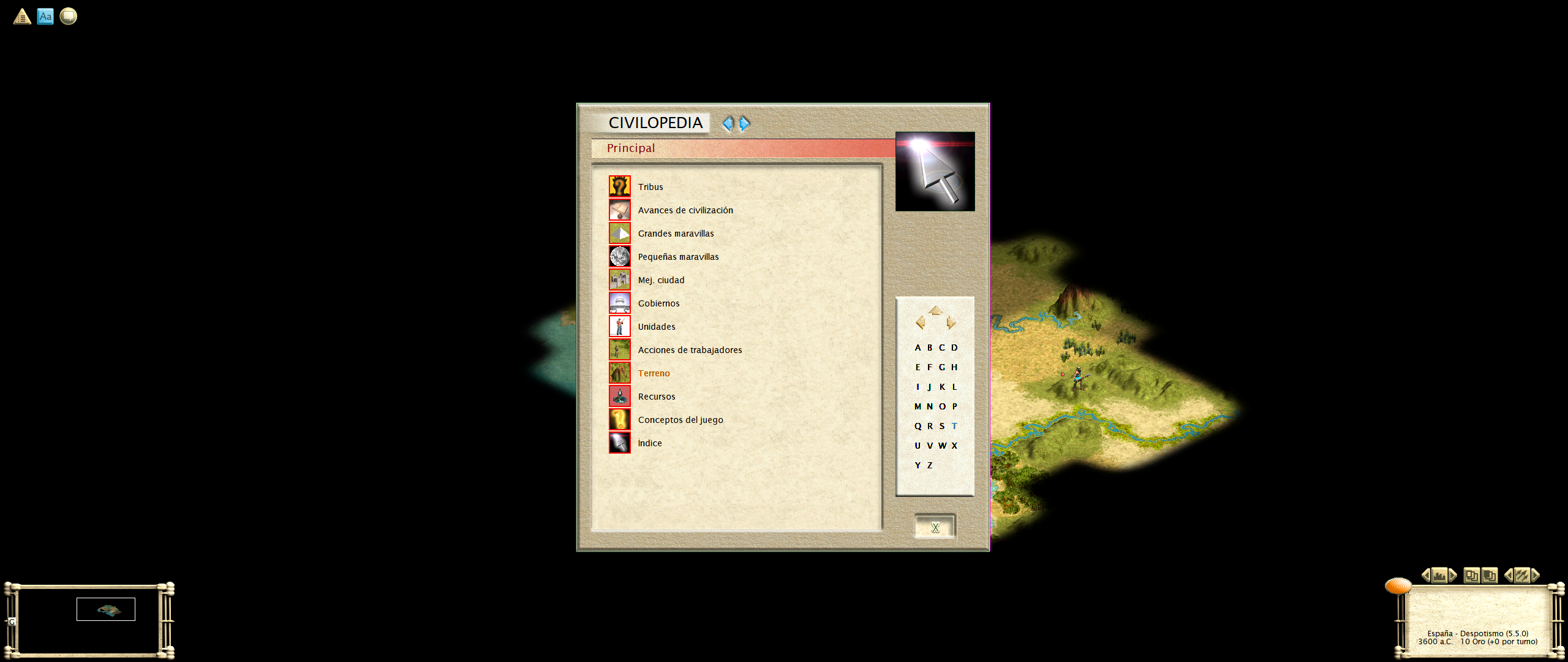
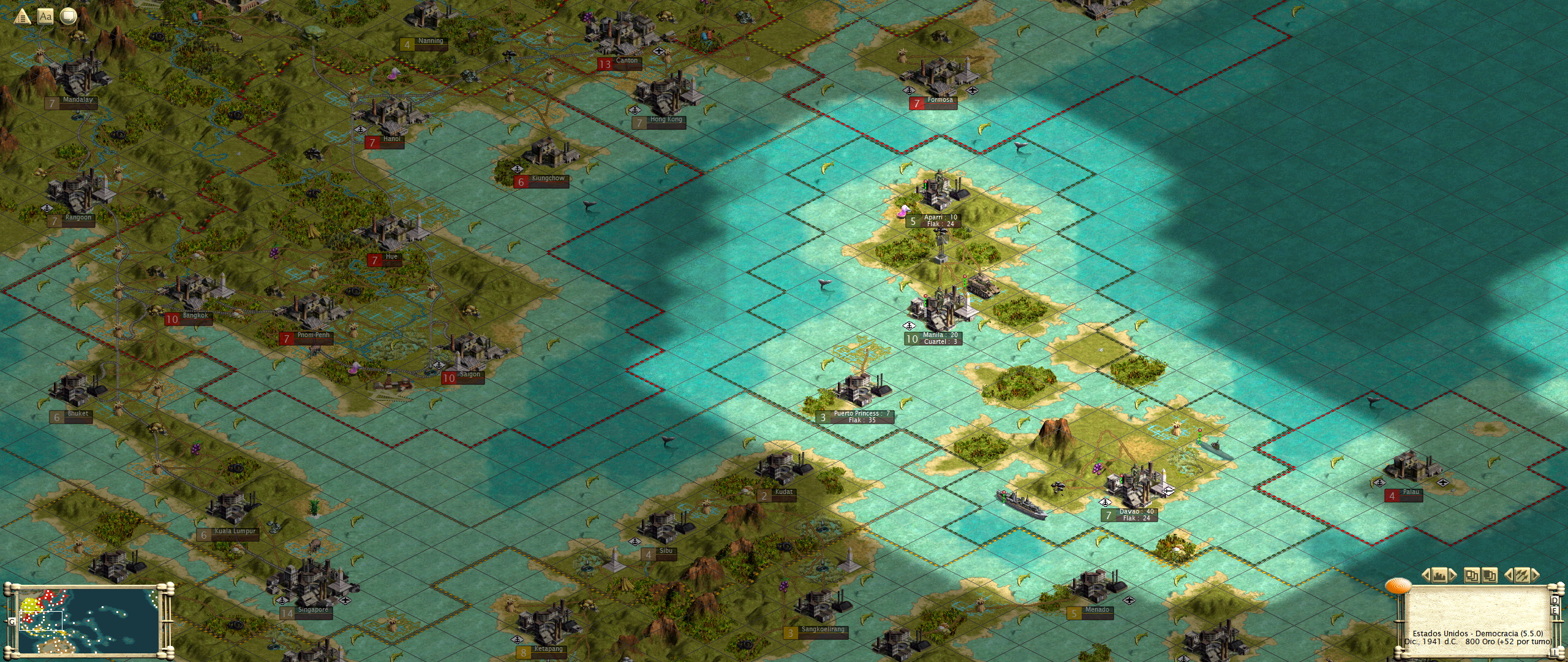
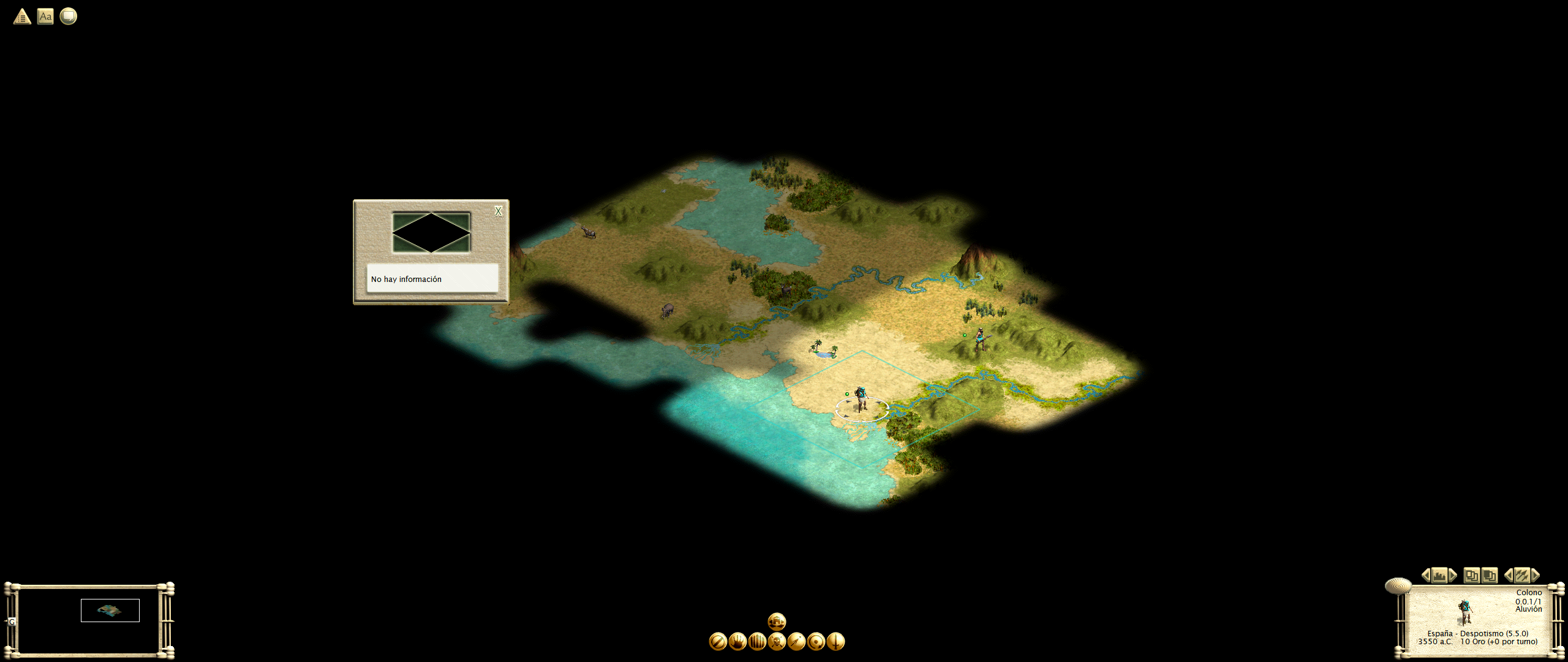
Screenshots at 5120x2160:
More Sid Meier's Civilization III: Complete guides
- HOW TO WIDESCREEN ON WINDOWS 11 (Windows 10, Windows 8 and 7 too)★ 5 (224)18k views284 ♥3 minUpdated Mar 19, 2025
- Disable game INTRO and setup High Resolution★ 5 (198)14k views167 ♥1 minUpdated Feb 27, 2025
- Modding and Mods★ 4 (93)11k views182 ♥3 minUpdated Jul 9, 2022
- Keyboard Shortcuts★ 5 (157)6.2k views239 ♥2 minUpdated Sep 3, 2020
- Suede's 12 Turn Start Guide to QC★ 4 (45)5k views45 ♥8 minUpdated Aug 24, 2017
- Reference tables and notes★ 4 (96)4.3k views173 ♥13 minUpdated Jun 22, 2018



This guide was created by its original author on the Steam Community. Are you the author and want it removed? Request removal.