Very Useful PAYDAY 2 Mods
Introduction
This guide is meant as an introduction into modding. It contains everything you'll need to get started and also contains a lot of mods that will improve your experience with the game.
Before this guide starts I want to get a couple of things out of the way
1. Please report issues such as crashes to the developers of the mods. I know how to mod this game but I am in no way a mod developer so unless it's an issue like a conflict, I can't really help you. To find your crashlog on windows, go to your search bar and type %localappdata%, click on the folder that appears and find the "PAYDAY 2" folder. Inside this folder will be a text file named "crash.txt". This is your latest crash log.
2. If a mod truly does become broken then please comment about this and I will see for myself. If it's broken, I'll update the guide.
3. You don't need to install everything in this guide. A lot of things in modding come down to preference especially when it comes to things like HUDs (and installing everything in the HUDs section will cause issues but I think that would be obvious) and visuals so just take a look around to see if you find anything you like. There might some be some really good mods that aren't mentioned in here. If you feel there is something I should add, leave a suggestion in the comments and I'll consider adding it.
4. I did not make any of these mods. Full credits go to the mod creators and their amazing contributions to the game. I just wanted to make a compilation which could help out people new to modding or new to the game in general. Seriously a lot of the mods in here are life savers and the work they have put into this game is incredible.
With that out of the way, lets get started.
Before this guide starts I want to get a couple of things out of the way
1. Please report issues such as crashes to the developers of the mods. I know how to mod this game but I am in no way a mod developer so unless it's an issue like a conflict, I can't really help you. To find your crashlog on windows, go to your search bar and type %localappdata%, click on the folder that appears and find the "PAYDAY 2" folder. Inside this folder will be a text file named "crash.txt". This is your latest crash log.
2. If a mod truly does become broken then please comment about this and I will see for myself. If it's broken, I'll update the guide.
3. You don't need to install everything in this guide. A lot of things in modding come down to preference especially when it comes to things like HUDs (and installing everything in the HUDs section will cause issues but I think that would be obvious) and visuals so just take a look around to see if you find anything you like. There might some be some really good mods that aren't mentioned in here. If you feel there is something I should add, leave a suggestion in the comments and I'll consider adding it.
4. I did not make any of these mods. Full credits go to the mod creators and their amazing contributions to the game. I just wanted to make a compilation which could help out people new to modding or new to the game in general. Seriously a lot of the mods in here are life savers and the work they have put into this game is incredible.
With that out of the way, lets get started.
Essential tools to begin modding your game
Before you can start modding, you will need SuperBLT. This is a DLL hook that allows the game to load BLT mods. It is required for a majority of mods (in general and in this guide). You can find this here: https://superblt.znix.xyz/
Click on the Latest Release DLL link and download the file. Place the DLL in your payday 2 folder (to access this, go to your steam library, right click Payday 2, go to local files and click browse local files).
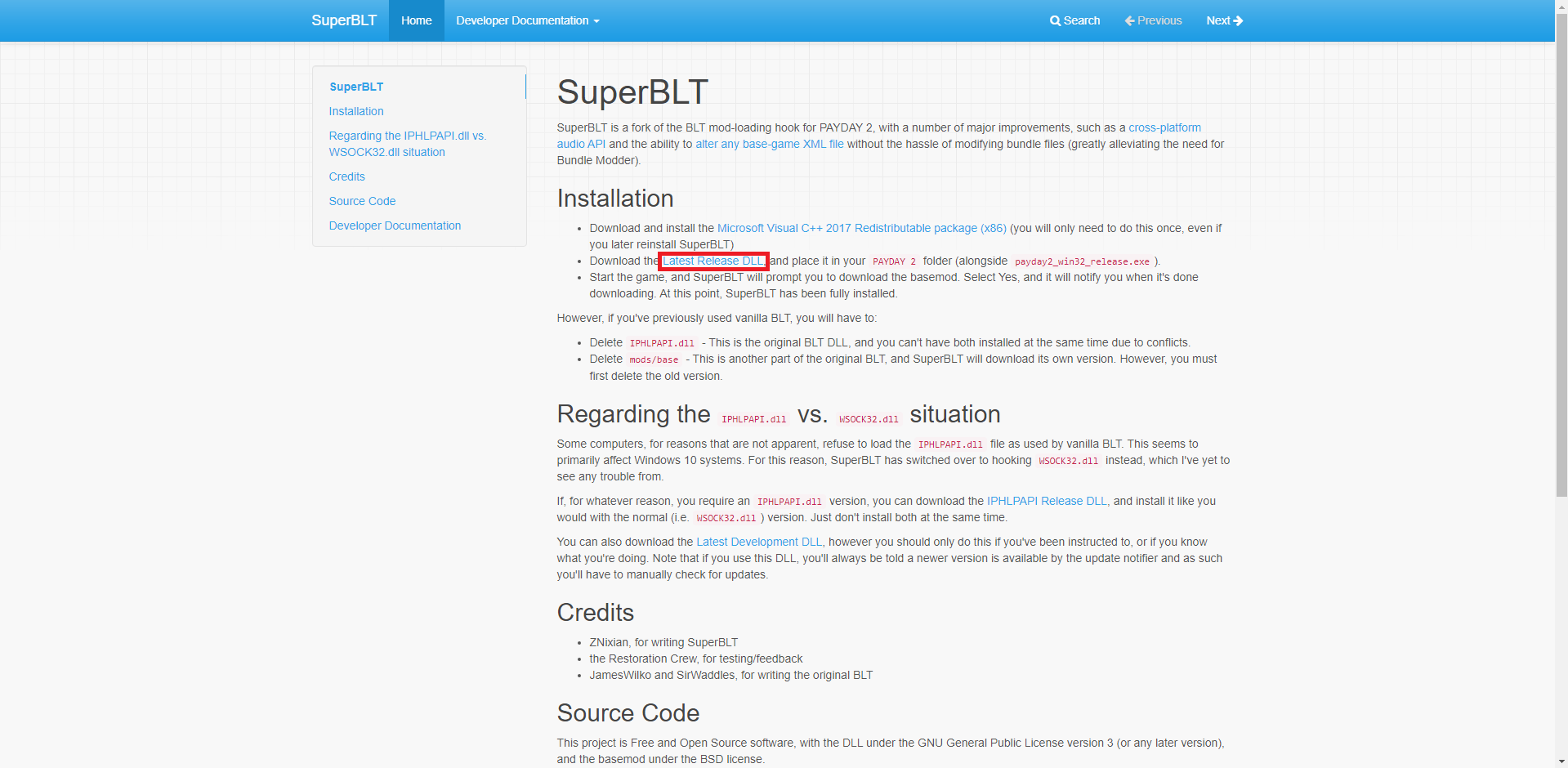
Open the game and it will start downloading the required files for SuperBLT to function as well as creating the mods folder. Once this is done, SuperBLT is fully functional.
Another essential mod is BeardLib. This adds a lot of new functions to the game which other mods require to work properly. This is needed for a lot of mods in here.
https://modworkshop.net/mod/14924 Download the mod from here and place the folder inside the zip file into your mods folder.
Some mods need to be installed in the mod_overrides folder, mainly texture replacements and custom music. This folder may not exist and it will need to be created manually. To do this, go to the Payday 2 game folder and then the assets folder. Make a folder EXACTLY named "mod_overrides" (remove the quotes). If the folder is already there, that's fine.
Be aware that some mod_overrides mods may need SuperBLT and BeardLib.
Another important folder is the "Maps" folder which goes into the main Payday 2 folder. This is where you install custom heists. If this folder doesn't exist, make it with the exact name of "Maps" (once again without quotes).
Another useful mod I recommend is Simple Mod Updater. This is used to keep TdlQ mods (pretty much any mods from here https://pd2mods.z77.fr/) up to date. https://pd2mods.z77.fr/simple_mod_updater.html Install to mods
The last mod I want to mention here is HopLib. This adds some functions that are required for some mods (mainly those made by Hoppip). Required for a mod mentioned later. https://modworkshop.net/mod/21431 Install this to the mods folder.
Click on the Latest Release DLL link and download the file. Place the DLL in your payday 2 folder (to access this, go to your steam library, right click Payday 2, go to local files and click browse local files).
Open the game and it will start downloading the required files for SuperBLT to function as well as creating the mods folder. Once this is done, SuperBLT is fully functional.
Another essential mod is BeardLib. This adds a lot of new functions to the game which other mods require to work properly. This is needed for a lot of mods in here.
https://modworkshop.net/mod/14924 Download the mod from here and place the folder inside the zip file into your mods folder.
Some mods need to be installed in the mod_overrides folder, mainly texture replacements and custom music. This folder may not exist and it will need to be created manually. To do this, go to the Payday 2 game folder and then the assets folder. Make a folder EXACTLY named "mod_overrides" (remove the quotes). If the folder is already there, that's fine.
Be aware that some mod_overrides mods may need SuperBLT and BeardLib.
Another important folder is the "Maps" folder which goes into the main Payday 2 folder. This is where you install custom heists. If this folder doesn't exist, make it with the exact name of "Maps" (once again without quotes).
Another useful mod I recommend is Simple Mod Updater. This is used to keep TdlQ mods (pretty much any mods from here https://pd2mods.z77.fr/) up to date. https://pd2mods.z77.fr/simple_mod_updater.html Install to mods
The last mod I want to mention here is HopLib. This adds some functions that are required for some mods (mainly those made by Hoppip). Required for a mod mentioned later. https://modworkshop.net/mod/21431 Install this to the mods folder.
Fixes and Performance
- The Fixes
This mod fixes a lot of issues in Payday such as crashes, softlocks and other various issues. It also has an options menu where you can change some of the fixes which you might not want.
https://modworkshop.net/mod/23732 The Fixes Install to mods - Celer
This mod uses portals (derenders models if the player isn't within a certain area) and occluders (derenders things behind an occluder plane) to boost framerates with minimal visual quality degradation.
https://pd2mods.z77.fr/celer.html Celer Install to mods - Anticrash
This mod does exactly what the name suggests, fixes a lot of crashes including ones that can be caused by players with griefing mods.
https://pd2mods.z77.fr/anticrash.html Install to the mods folder. - Anti Slow Mo
Prevents players from making your game slow down with griefing mods
https://modworkshop.net/mod/22560 Install to mods - Sensitivity Fixer
Changes the games sensitivity values to use 0 to 1 instead of 0.7 to 1.7 allowing for a lower sensitivity
https://modworkshop.net/mod/12823 Install to mods - Auto Fire Sound Fix
Simple mod that fixes a bug which can cause weapon sounds to play twice if auto firing. Also works with custom weapon sounds.
https://modworkshop.net/mod/20403 Install to mods folder - Clear Texture Cache
Clears the texture cache every time you start a heist which can help with memory use.
https://pd2mods.z77.fr/clear_texture_cache.html Install to mods - Refresh Rate Checker
Lets you change the refresh rate in the options
https://pd2mods.z77.fr/refresh_rate_checker.html Install to mods - DX11 Shaders Fix
Upgrades shaders to DX11 which has improvements to performance and stability. If your GPU doesn't support DX11 the game will crash but this is unlikely unless it's incredibly old.
https://modworkshop.net/mod/14938 Install to mods - Load Steam Inventory Once
Makes the steam inventory only load when you start the game or open the steam inventory to prevent the menus lagging
https://modworkshop.net/mod/24008 Install the mods - No Down
This is a difficulty mod but it also has scripts which improves the performance of CRIME.NET, making it lag less when browsing for games
https://modworkshop.net/mod/32586 Install to mods - Clientsided Uppers
Clientsided Uppers makes first aid kits with uppers clientsided. This is because they can occasionally not work due to lag.
https://modworkshop.net/mod/29645 Install to mods - Stop Lobby Lag
Fixes lag when people edit their inventory in the lobby
https://modworkshop.net/mod/47435 Install to mods - Less Aliasing
Adjusts a contrast value to make anti aliasing more efficient.
https://modworkshop.net/mod/37442 Install to mods - Check For Wallbangs
Implements checks to stop you getting shot through walls.
https://modworkshop.net/mod/47414 Install to mods
Quality of Life Improvements
- Perfect FOV
Allows to make your FOV higher than the vanilla default
https://modworkshop.net/mod/50748 Install to mods - No Screen Shake (Only on Shooting)
Makes the screen not shake when you shoot your guns. Helpful if you suffer from motion sickness.
https://modworkshop.net/mod/22471 Install to mods - Alphasort Mods
Simple mod which sorts mod lists alphabetically
https://pd2mods.z77.fr/alphasort_mods.html Install to mods - Lobby Player Info
Displays the builds, ping and perk deck of other players in the lobby as well as other features
https://pd2mods.z77.fr/lobby_player_info.html Install to mods - Improved Offline Functionality
Improves playing the game offline by allowing you to use your skins, allowing you to use that chat offline, allowing community group content offline and some other cool features
https://modworkshop.net/mod/25511 Install to mods - Fullscreen Windowed(Borderless Windowed Updated)
Adds a native borderless mode to the games video options
https://modworkshop.net/mod/27683 Install to mods - No Dirt Camera
Removes the dirty screen camera effect
https://modworkshop.net/mod/833 Install to mod_overrides - Auto Discard Parachute
Automatically throws the parachute when you land on Birth of Sky and Boiling Point.
https://pdmods-arc.berigora.net/paydaymods.com/mods/patchnotes/279/1/index.html Install to mods - Basic Movement Undeploys Bipod
Allows you to undeploy your bipod by pressing your movement keys as the name suggests
https://modworkshop.net/mod/19561 Install to mods - Drag and Drop Inventory
Lets you drag and drop items in your inventory
https://pd2mods.z77.fr/drag_and_drop_inventory.html Install to mods - More Weapon Stats
Displays some hidden weapon stats and also shows you the breakpoints (shots to kill) of weapons
https://pd2mods.z77.fr/more_weapon_stats.html Install to mods - Steam Profile Redirection 2025 Update
Sends you to the players steam profile instead of their FBI Files when you click on their name in the lobby
https://modworkshop.net/mod/54157 Install to mods - Extra Profile and Skillsets
Allows you to give yourself over 15 profiles and skillsets allowing you to make more builds
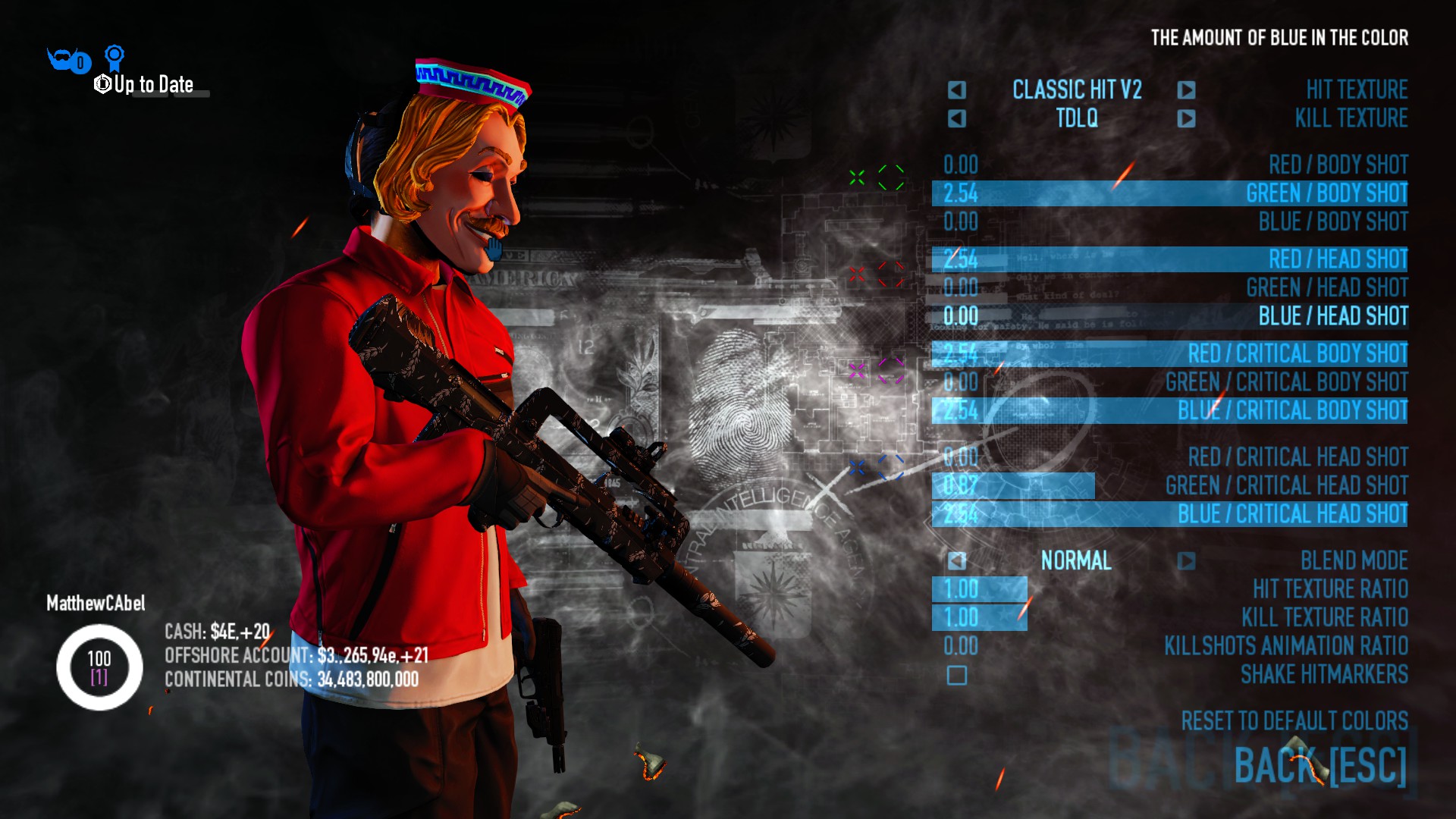
https://modworkshop.net/mod/26702 Install to mods Note: Uninstalling this mod will make you lose all your extra profiles and skillsets - Enhanced Hitmarkers
Allows you to change the shape and colours of hitmarkers and lets you have different hitmarkers for bodyshots, headshots and critical hits
https://pd2mods.z77.fr/enhanced_hitmarkers.html Install to mods - Extended Continental Coin Shop Goonmod Standalone
Allows you buy more items with continental coins such as masks and customisation.
https://modworkshop.net/mod/19109 Install to mods - Less Inaccurate Weapon Laser
Makes the weapon laser point closer to where your bullets will go
https://pd2mods.z77.fr/less_inaccurate_weapon_laser.html Install to mods - No ADS Recoil Animations
This mod disables the recoil ANIMATIONS when you ads which can make it more comfortable to fire. IT DOES NOT DISABLE RECOIL.
https://modworkshop.net/mod/25619 Install to mods - Save My EXP!
Saves your EXP if you disconnect from a lobby
https://modworkshop.net/mod/32685 Install to mods - Name Label Fading
Makes player name labels fade out when not looking at them. Can be configured to your liking. Has an issue where it can cause your mod options to disappear but it's worth testing out. Also may not work with some custom HUDs.
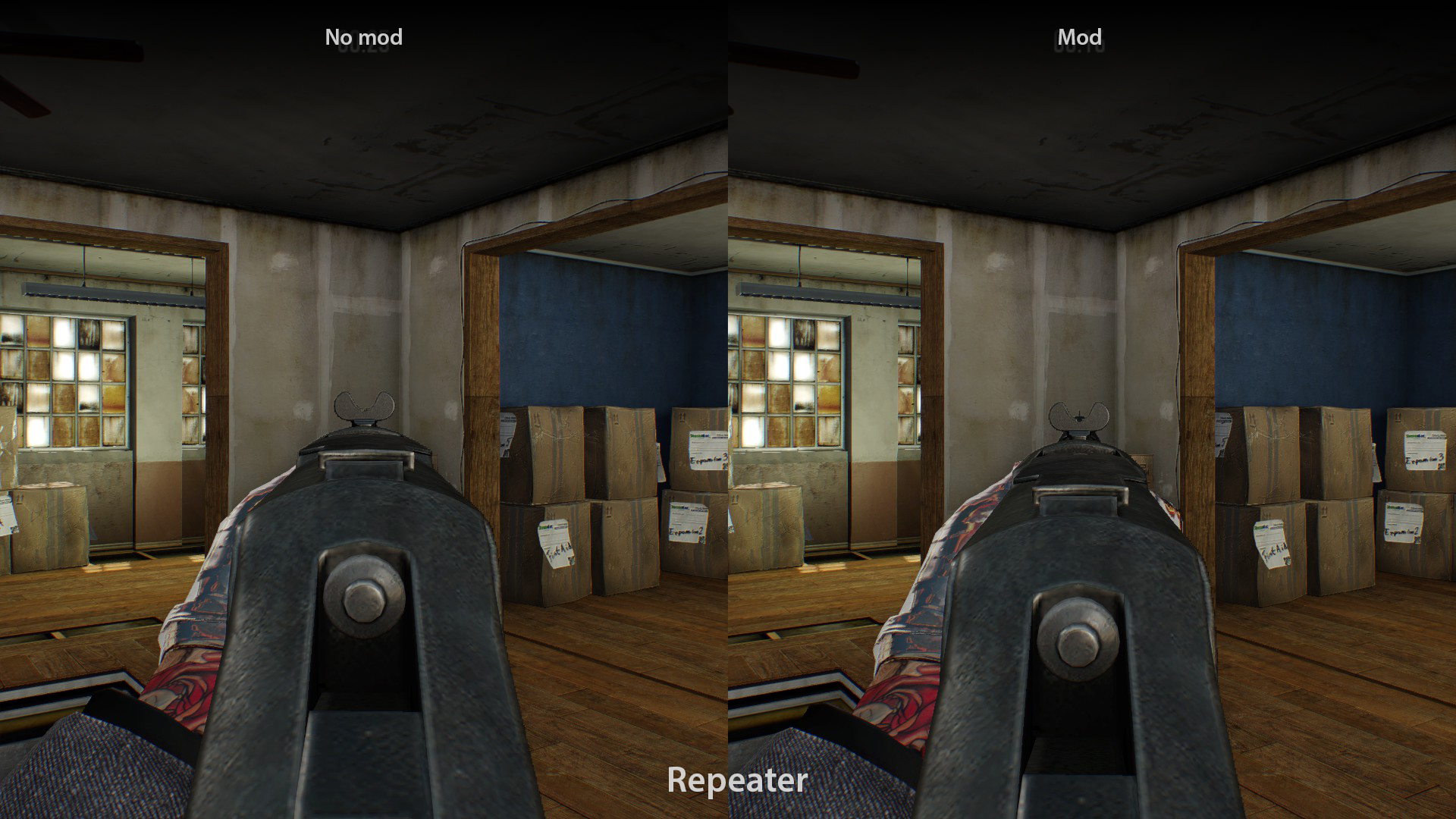
https://modworkshop.net/mod/35185 - Repeater Sights Tweak (Updated)
Slightly tilts the repeater when aiming down sights so it obscures vision less
https://modworkshop.net/mod/40958 Install to mods - Sort Music List
Sorts the vanilla game's music list alphabetically instead of oldest to newest. Sadly doesn't change custom music.
https://modworkshop.net/mod/22159 Install to mods - Show Mask in Outfit Screen
Does what it says
https://modworkshop.net/mod/26002 Install to mods - Mod List Lite
Removes the icons from the BLT mod list which can make it easier to load
https://pdmods-arc.berigora.net/paydaymods.com/mods/551/mll.html Install to mods - Simple Bipods
Makes bipods function better than vanilla
https://modworkshop.net/mod/28961 Install to mods - Automatically Equip ICTV Armor
Automatically equips the ICTV when you buy Iron Man aced.
https://modworkshop.net/mod/35944 Install to mods - Player Stats Panel Enhancement
Makes the stats panel in the loadout screen show a lot more info and makes it overall more useful.
https://modworkshop.net/mod/41942 Install to mods
HUDs
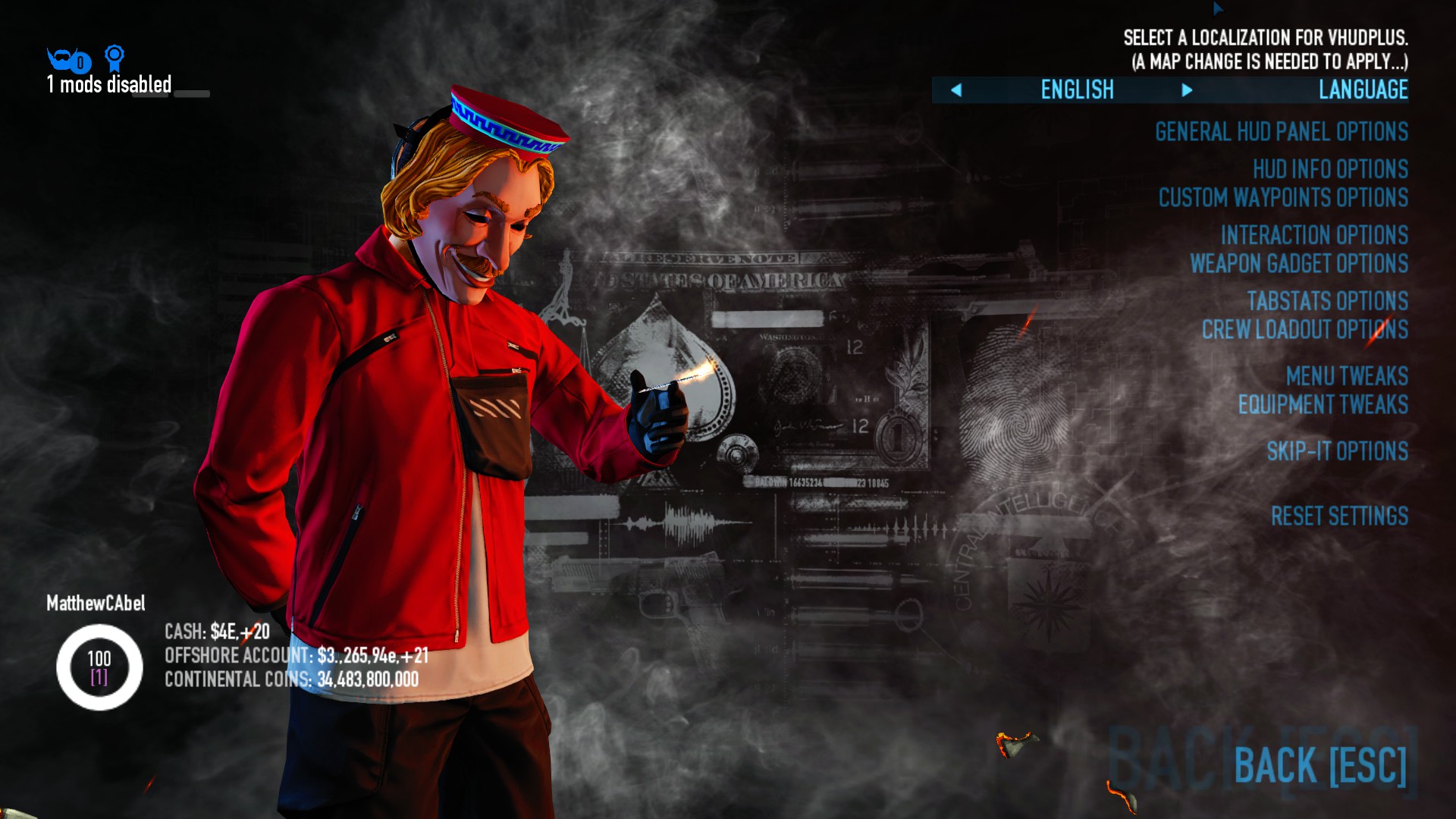
- VanillaHUD Plus
Extremely configurable HUD which also has a lot of Quality of Life features inside the game and also in the menus. Can be configured to work with other HUDs and features compatibility settings on the page. VanillaHUD Plus is based on WolfHUD and it carries over a lot of features. Highly recommend installing even if you don't want to use it as a HUD.
https://modworkshop.net/mod/25629 Install to mods - Better Assault Indicator
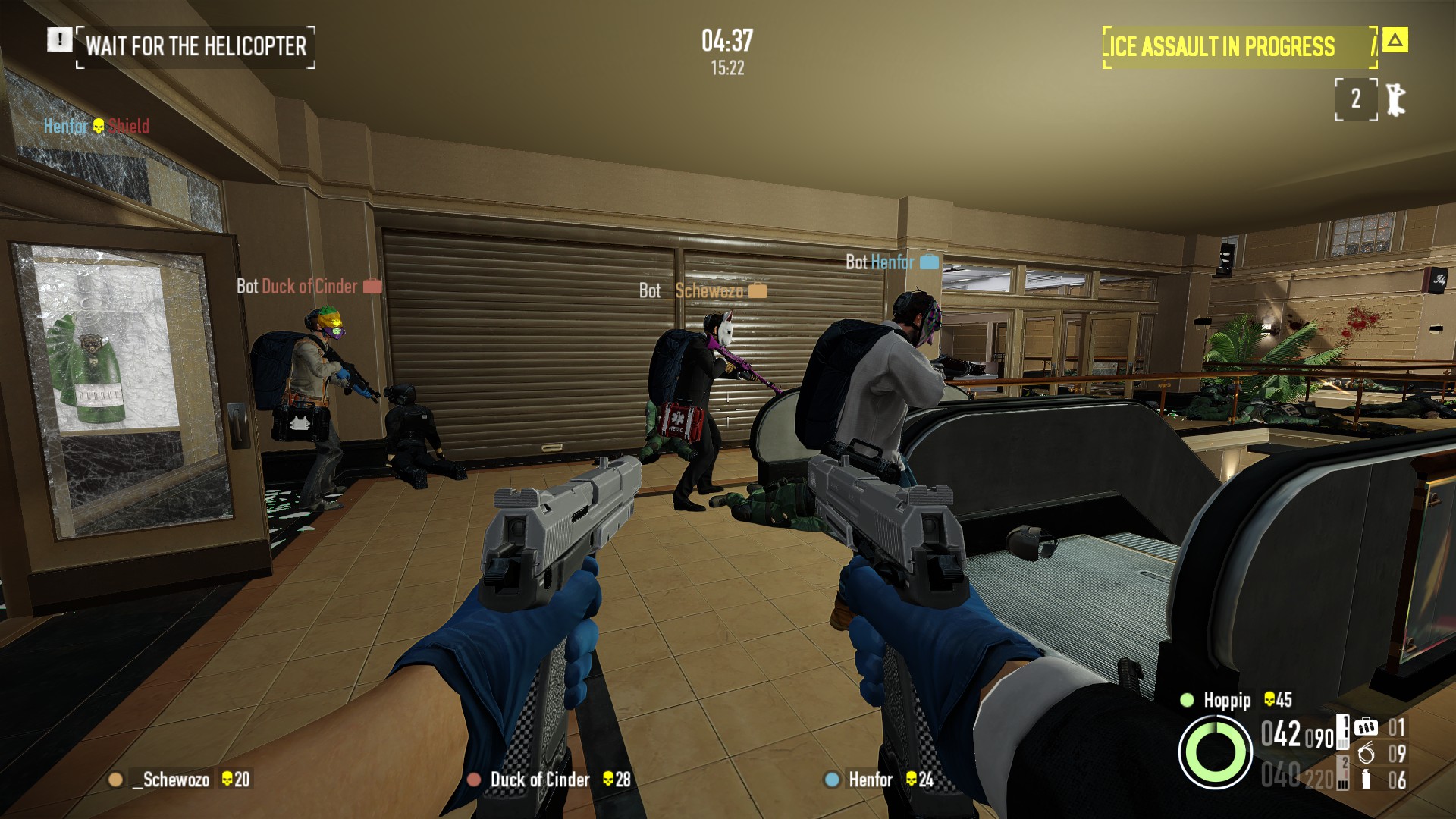
Makes the assault indicator customizable and adds some more information to it. Can be customised to work with other HUDS.Example of BAI with VanillaHUD Plus
https://modworkshop.net/mod/22712 Install to mods - MUI
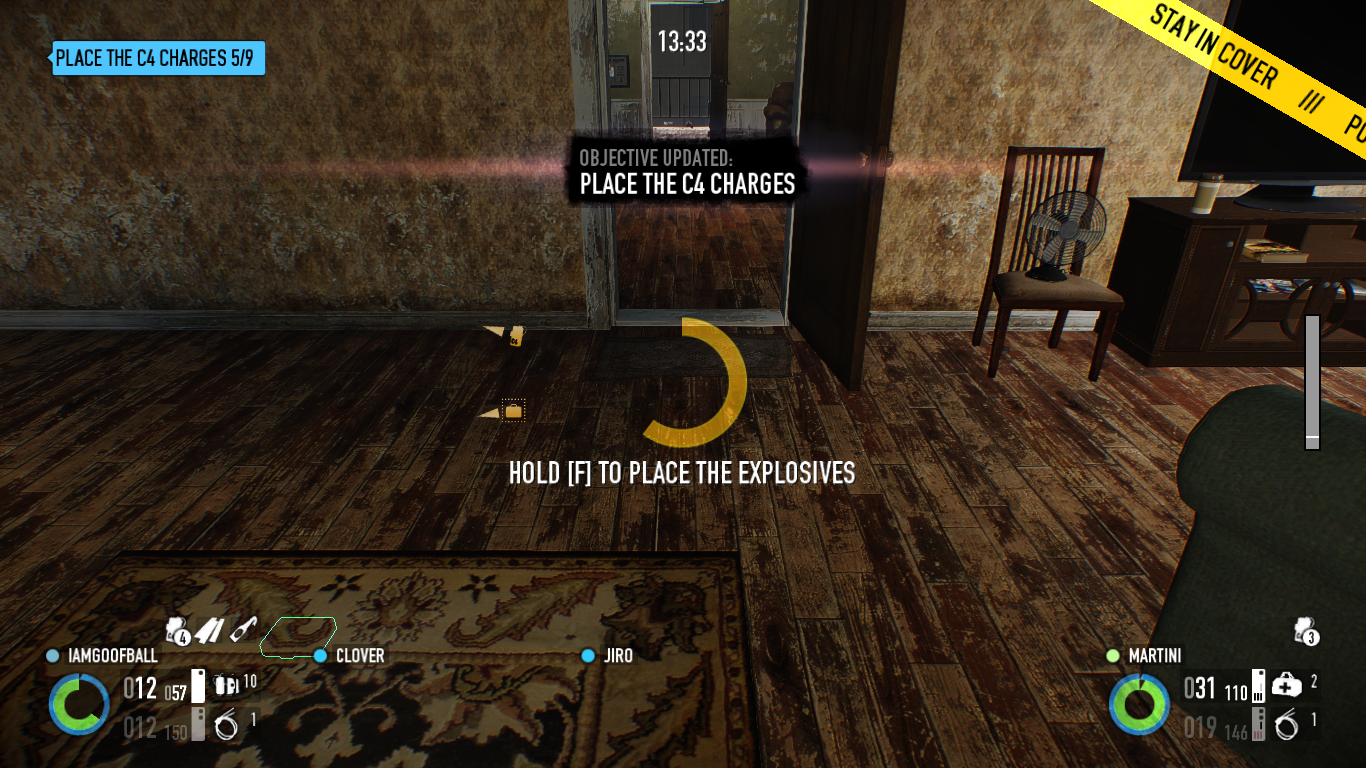
Extremely customizable minimalistic HUD, one of my personal favouritesMUI with the default config
https://modworkshop.net/mod/46681 Install to mods
Also using the this health bar in screenshot ( https://modworkshop.net/mod/16451 mod_overrides) - Void UI
Aesthetic first HUD with some really nice features, such as a scoreboard which can show yours and your teammates kills. Very customizable, with most of the features tolerable.
https://modworkshop.net/mod/20997 Install to mods - PDTH HUD
Makes the HUD look like Payday: The Heist's HUD
https://modworkshop.net/mod/19900 Install to mods - Hotline Miami Hud
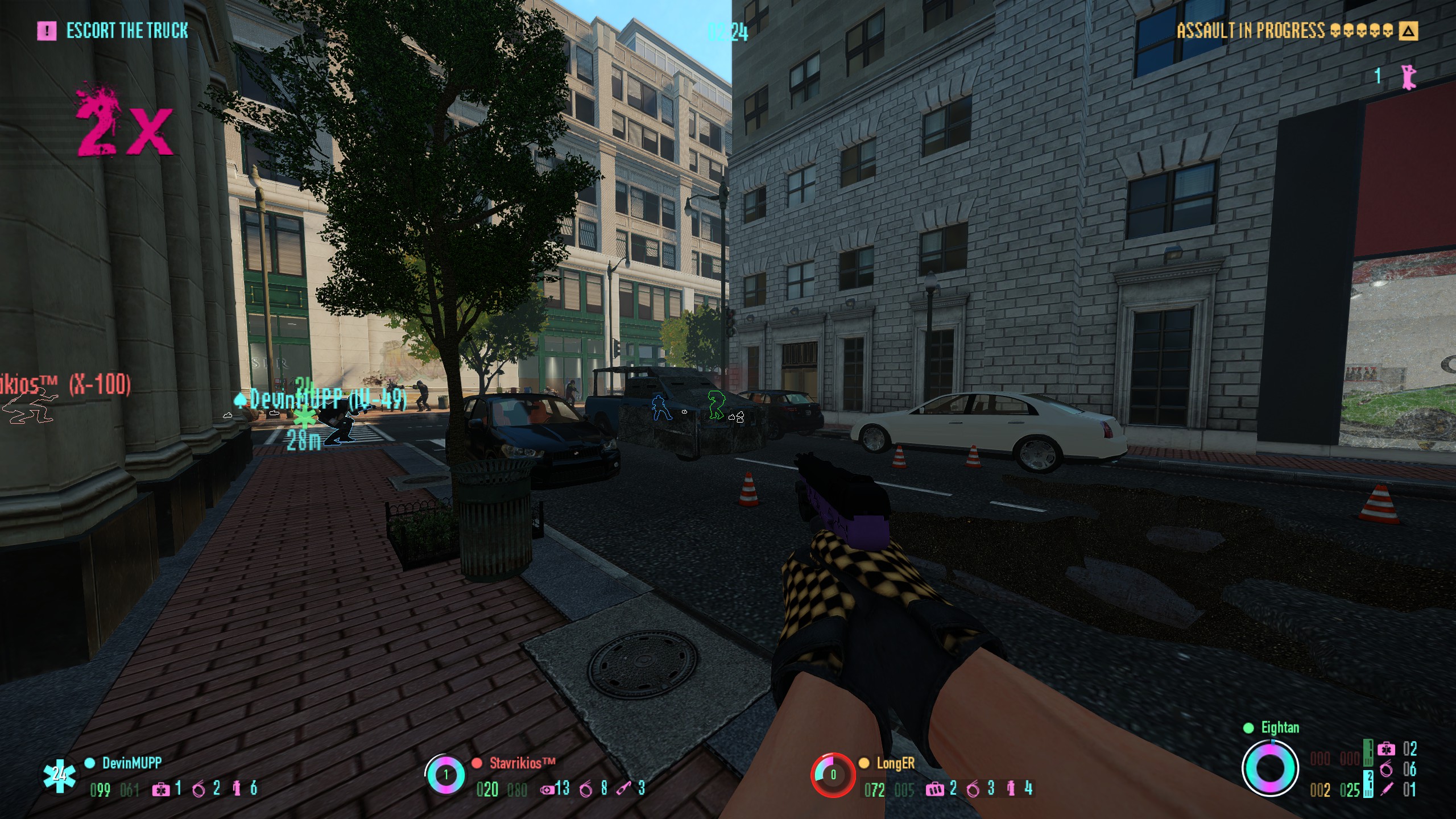
Makes the HUD more colorful, giving a similar look and feel to Hotline Miami. Also, it has a built-in combo counter which goes up when you kill cops. It also includes a custom font.
https://modworkshop.net/mod/27294 Install to mods - PocoHUD
Information oriented HUD which is highly customizable. Also includes useful features like the ability to change music mid game. Works with most huds out of the box.
https://modworkshop.net/mod/40870
Install to mods - HoloUI
Highly customizable HUD which also has some changes to the menus
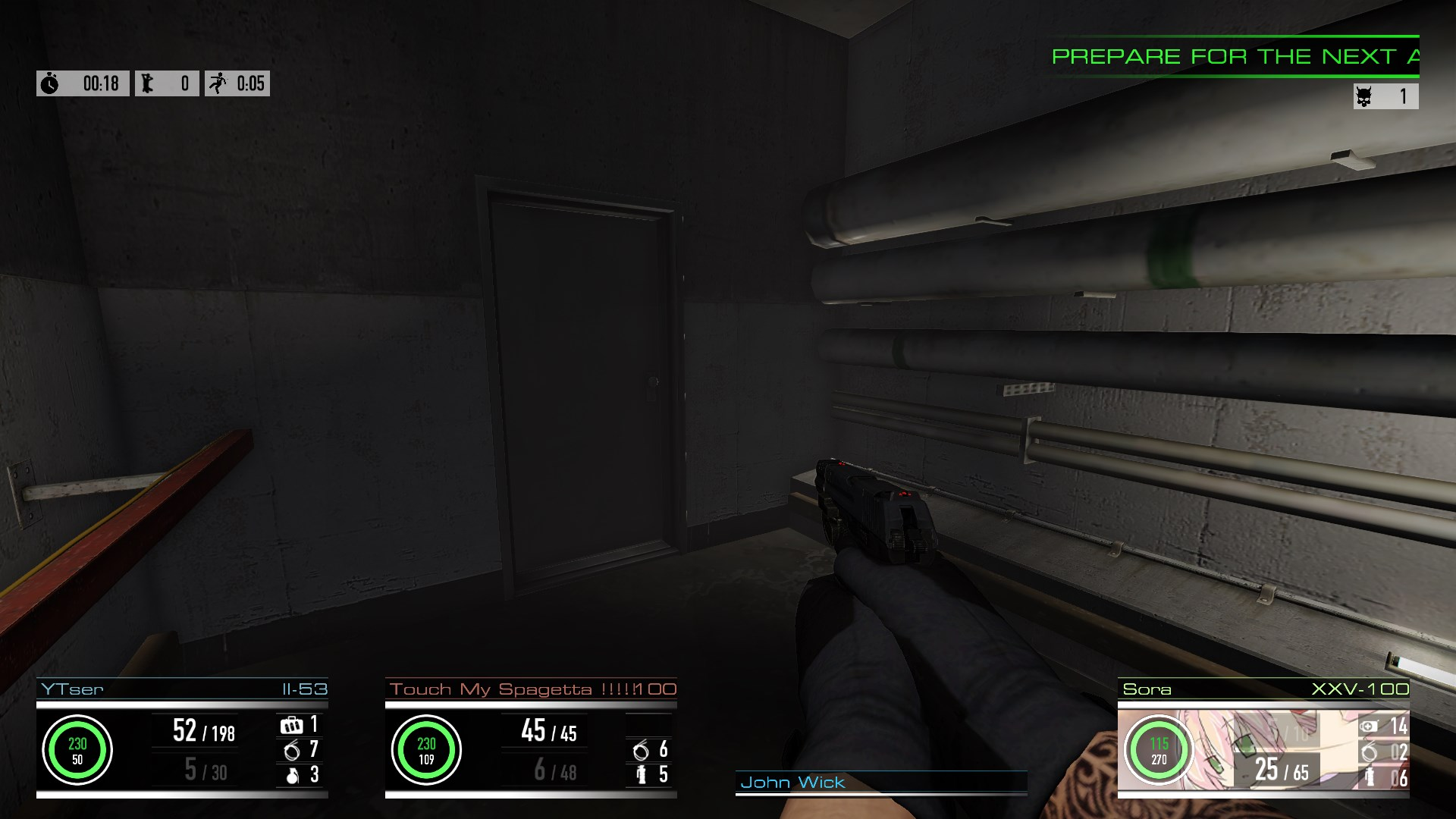
https://modworkshop.net/mod/12501 Install to mods - Sora's Hud Reborn
Aesthetic HUD with some useful features such as a stamina bar
https://modworkshop.net/mod/22152 Install to mods - HopHUD
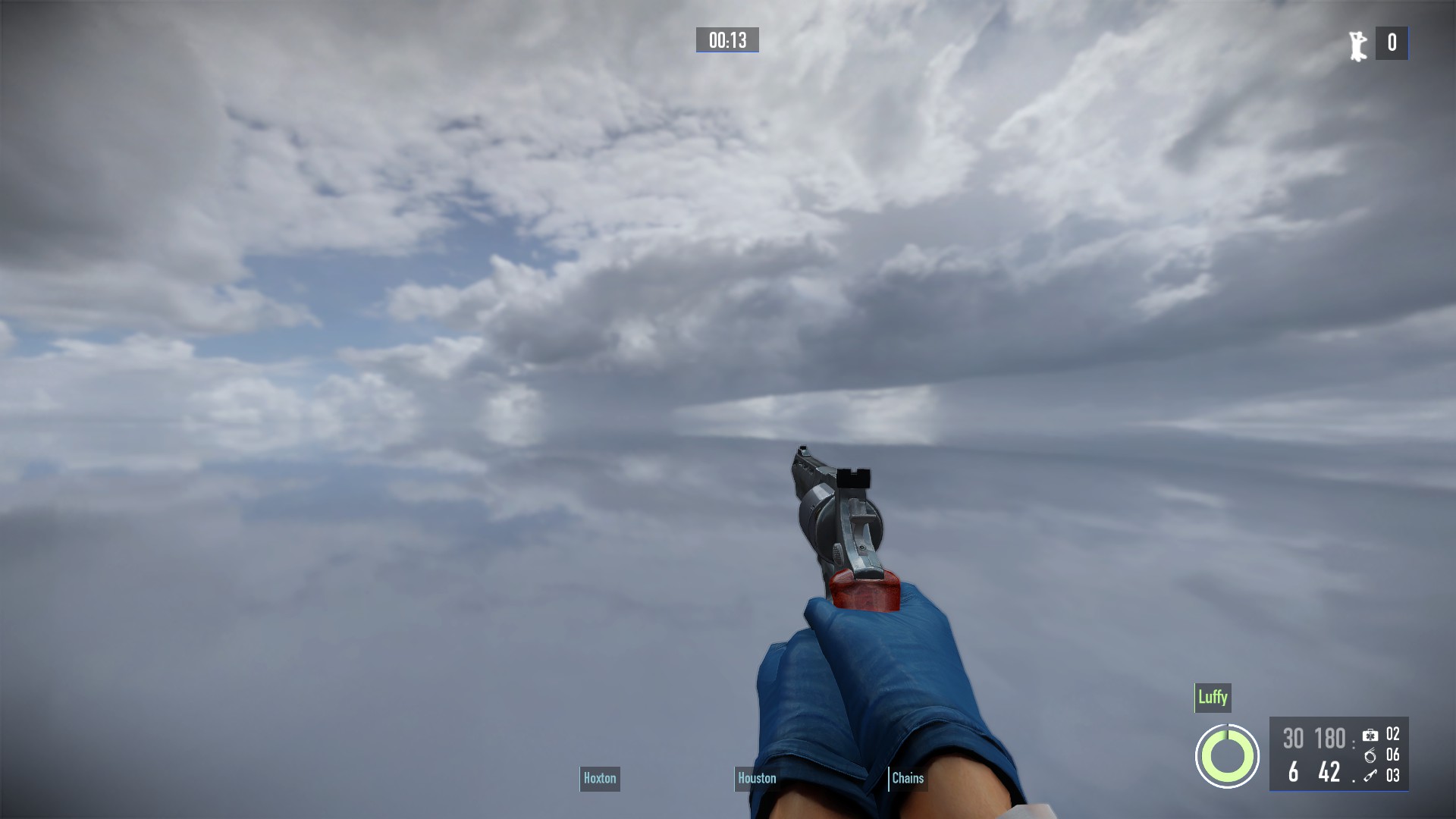
Small HUD mod that adds some new features such as a kill counter, an anarchist 2 second indicator, a coloured health circle for teammates and a new menu panel. Good if you want something that looks mostly vanilla. - Restoration HUD
Gives the HUD and menus a similar look to early versions of Payday 2
https://modworkshop.net/mod/28118 Install to mods - Better Teammate Panel
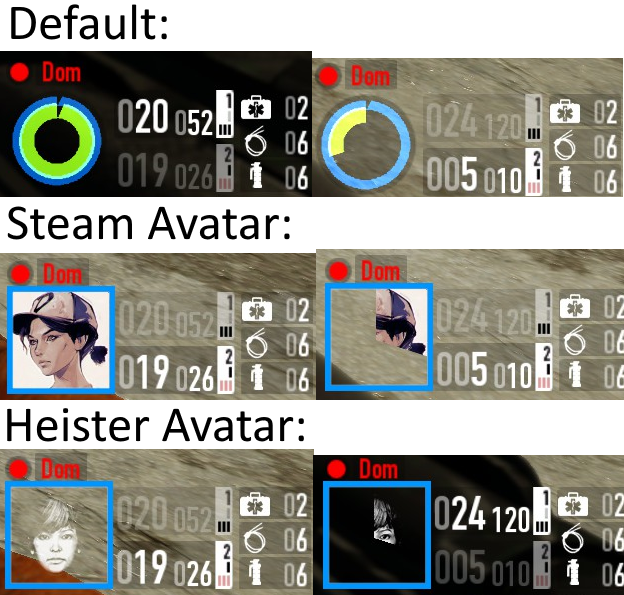
Makes the teammate panel show your steam profile picture or heister avatar instead of the health circle
https://modworkshop.net/mod/27200 Install to mods - CringeHUD
APPARENTLY this mod can boost your frames. I've never tested this myself but it's worth a look to see if it does help (and if it's worth the sanity loss).
https://modworkshop.net/mod/28919 Install to mod_overrides (there stalin I mentioned it)
It is possible to mix HUDs but it can take a bit of tinkering with settings to make everything work correctly. One of my personal favourite combos is PocoHUD + MUI. Can look nice while being informative - No Corners
Removes the corners from the HUD
https://modworkshop.net/mod/16077 Install to mod_overrides - Crosshairs:
There are a lot of mods out there that add crosshairs so I'll mention some here - Dynamic Crosshairs Enahnced: Adds a crosshair similar to PDTH that can be customized
https://modworkshop.net/mod/26842 Install to mods - Customizable Crosshair: Adds a small crosshair than you can customize to your liking
https://modworkshop.net/mod/20820 Install to mods - Advanced Crosshairs, Hitmarkers, and Hitsounds (ACH): Allows you to add custom crosshairs to the game such as crosshairs from other games and also lets you add custom hitmarkers and hitsounds.
There are lots of custom crosshairs out there available for use, my personal favourites being the GTA V crosshairs which I will link here.
I also recommend Color Picker which lets you change the colours of some things in ACH such as the crosshairs and hitmarkers.
ACH: https://modworkshop.net/mod/29585 Install to mods
Color Picker: https://modworkshop.net/mod/29641 Install to mods
GTA V Crosshairs: https://modworkshop.net/mod/29865 Installation instructions on page - Armor Break Invulnerability Signals: Adds an effect when your Anarchist 2 seconds is active on your hud and screen
https://modworkshop.net/mod/43016 Install to mods - Hacker PCM Effect: Adds an effect when your Hacker pocket ECM is active
https://modworkshop.net/mod/32646 Install to mods
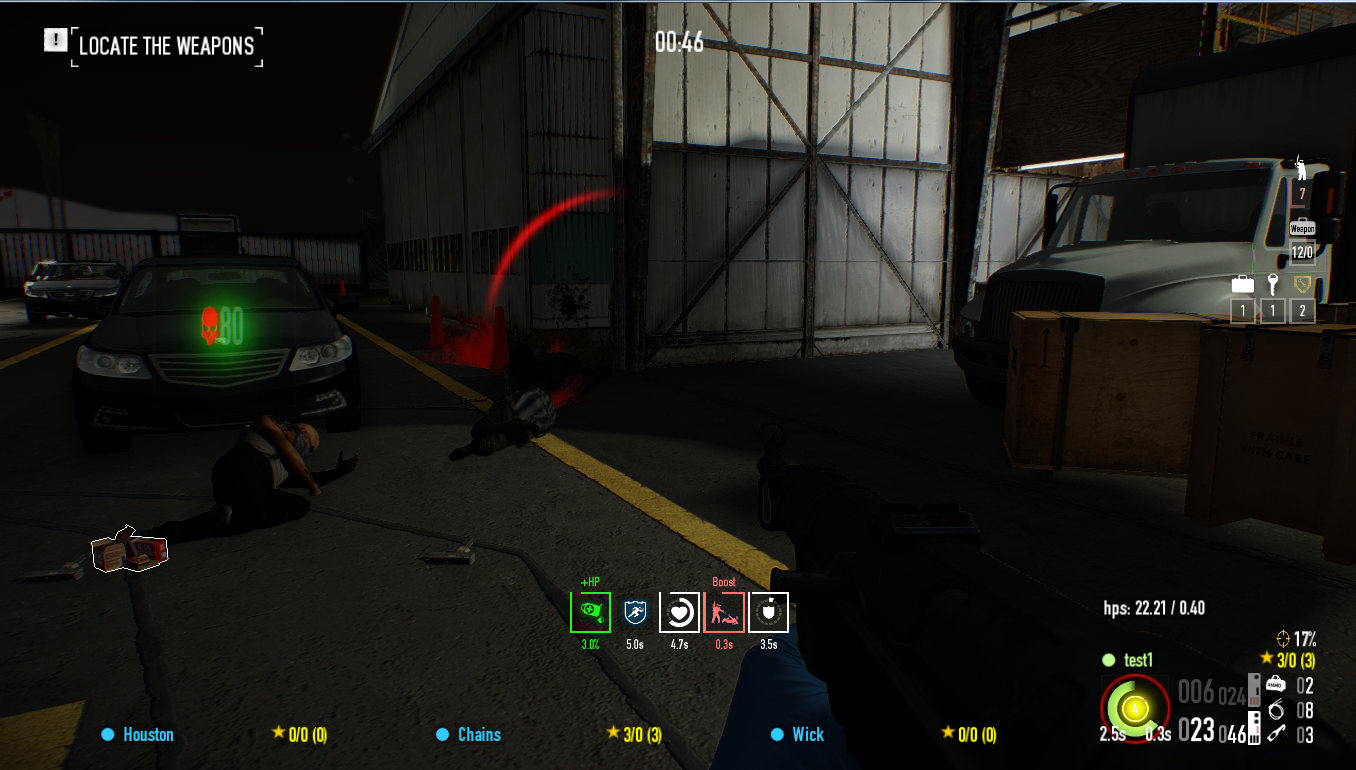
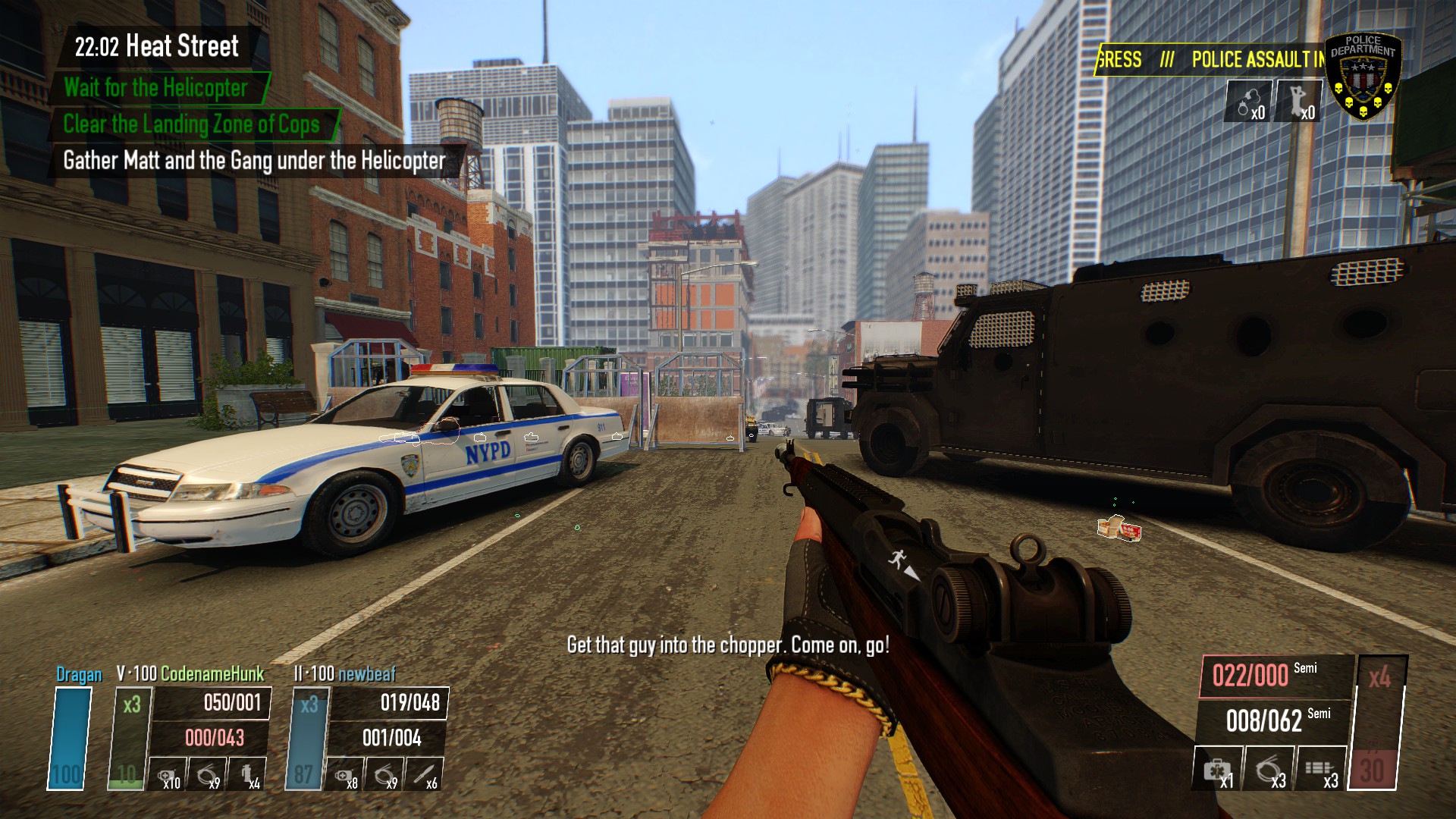
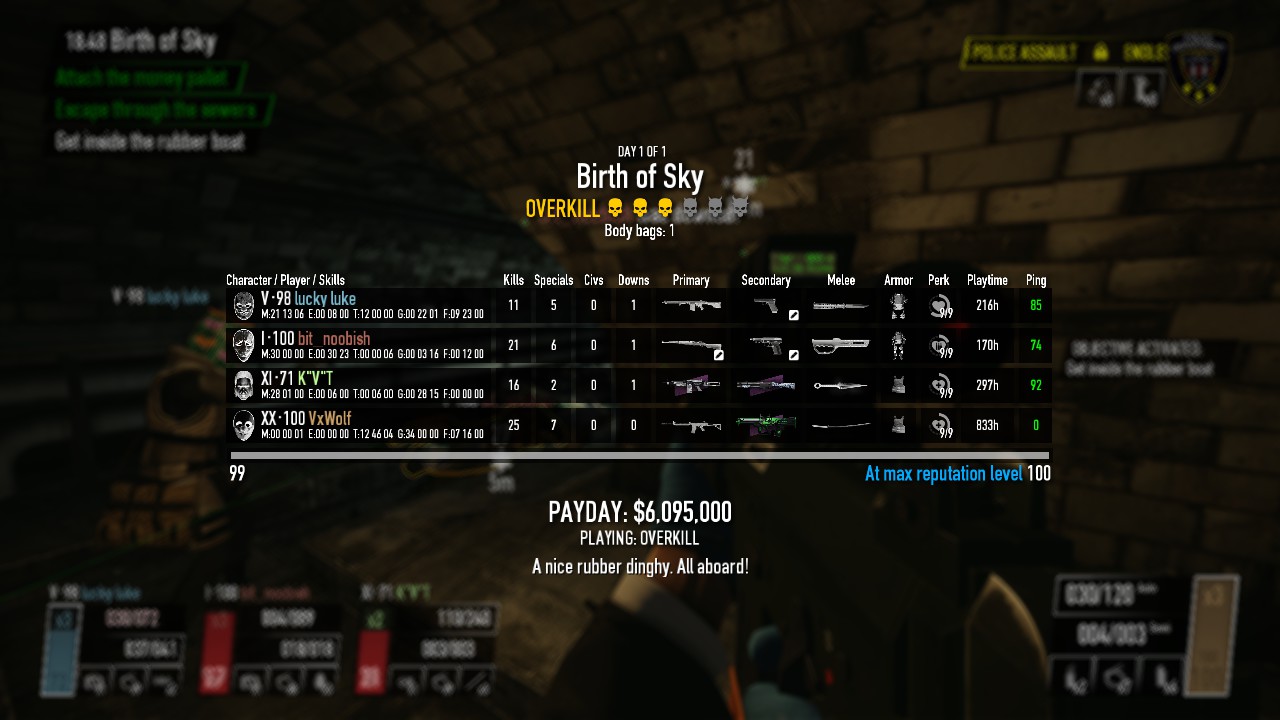
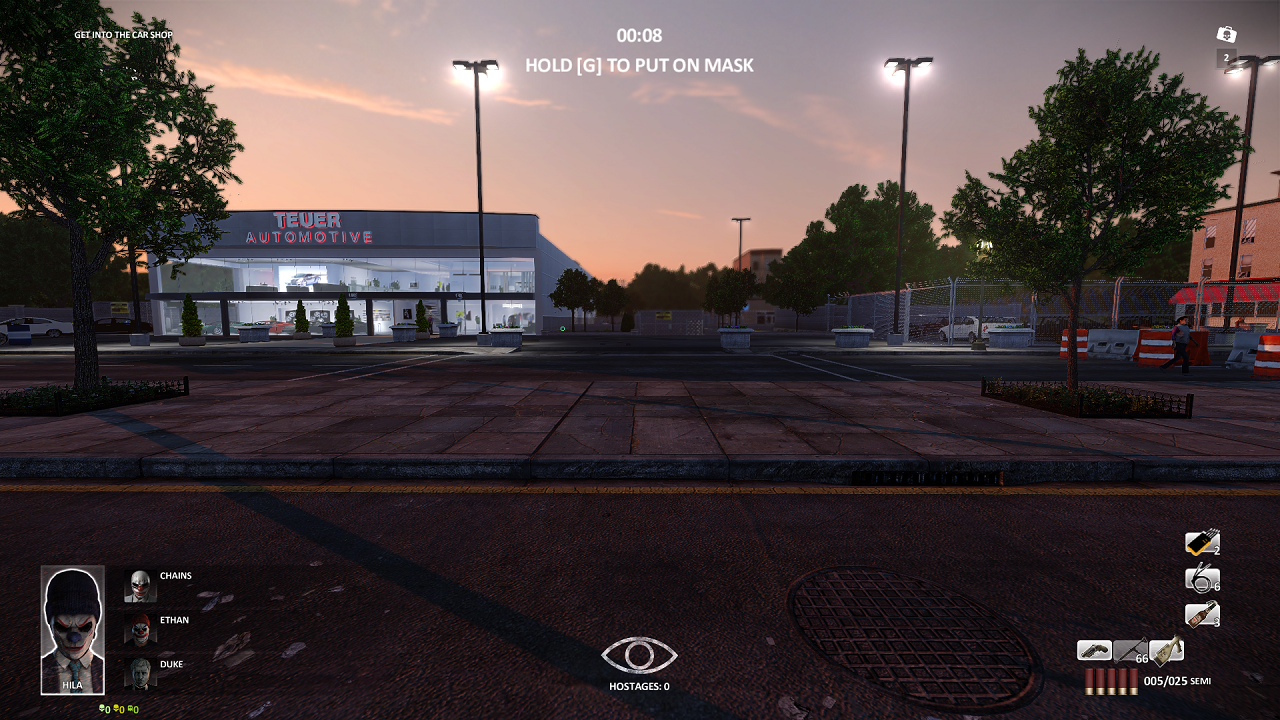

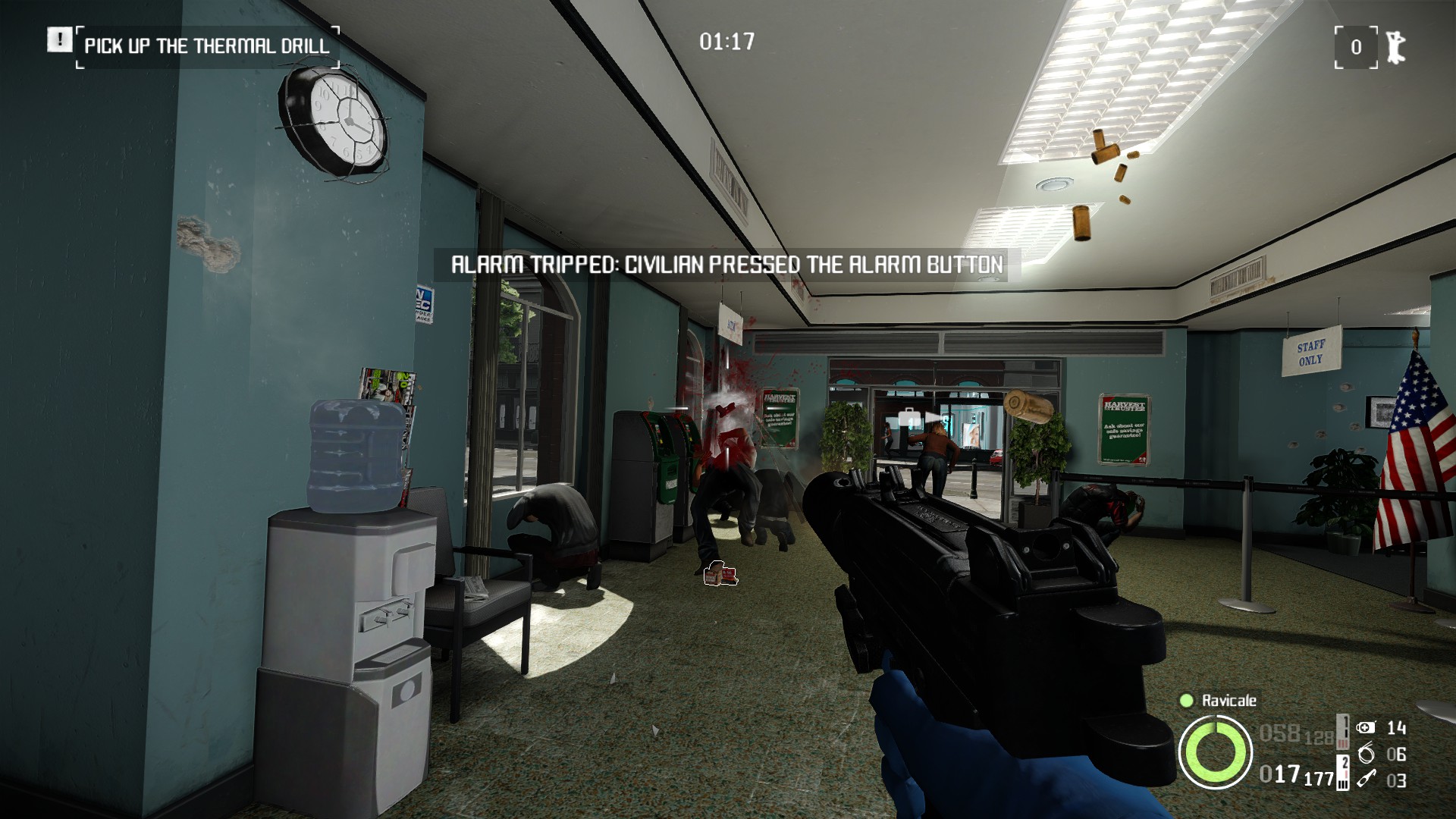
Audio & Visual
- Re-Texture Project
Huge texture overhaul of most of the game. Also includes an optional main menu texture.
NOTE: This mod may cause out of memory crashes so use at your own risk
https://modworkshop.net/mod/12710 Install to mod_overrides - Super Duper Skin Swapper
Allows you to apply any skin to any gun
https://modworkshop.net/mod/26919 Install to mods - Louder Cops
Makes the cop voice lines louder so you can hear them better. Helps with immersion.
https://modworkshop.net/mod/43794 Install to mod_overrides - Scarface The World Is Yours Voicepack
This mod replaces a lot of Tony's lines with lines from the Scarface: The World Is Yours. These make Tony far more aggressive than his vanilla lines.
https://modworkshop.net/mod/33047 There are multiple files for this mod, install whichever ones you'd like in mod_overrides - Weapon Texture Reworks
Improves a lot of the weapon textures
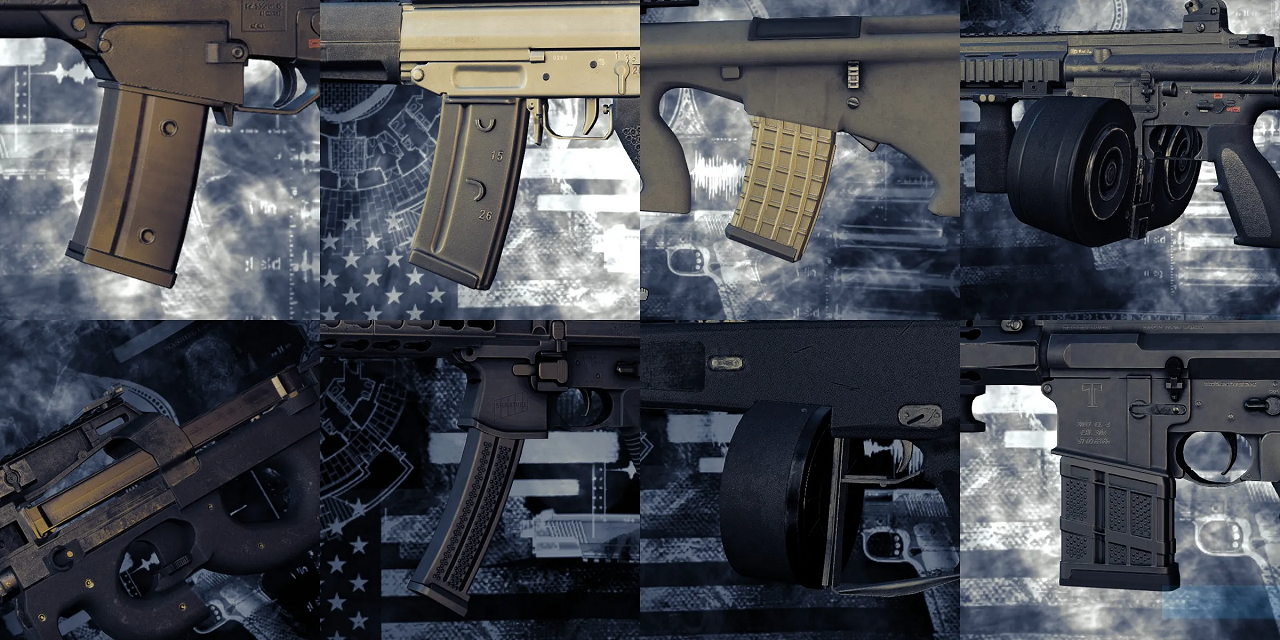
https://modworkshop.net/mod/36505 Install to mod_overrides - Opaque Magazines Redux
Makes magazines for a selection of guns opaque. Works with weapon skins (and weapon texture reworks).
https://modworkshop.net/mod/35605 Install to mod overrides - Weapons attachments customizer
Allows you to customise your weapon attachments without affecting the stats of the weapon
https://modworkshop.net/mod/12992 Install to mods - Vocal Heisters
Makes heisters say more voice lines in various situations
https://modworkshop.net/mod/29114 Install to mods - KSP 58 & Buzzsaw 42 Belt Fix
Fixes the belts of the KSP 58 and The Buzzsaw never being depleted
KSP 58: https://modworkshop.net/mod/27074
Buzzsaw: https://modworkshop.net/mod/31499
Install both to mods - Original Bipods
Restores the original bipod models for some LMGs and also improves Lion Bipod animations
https://modworkshop.net/mod/28543 Install to mod_overrides - Slides & Bolts Lock Back
Makes your weapon slide/bolt stay back (or stay closed for open bolt weapons) when it is empty
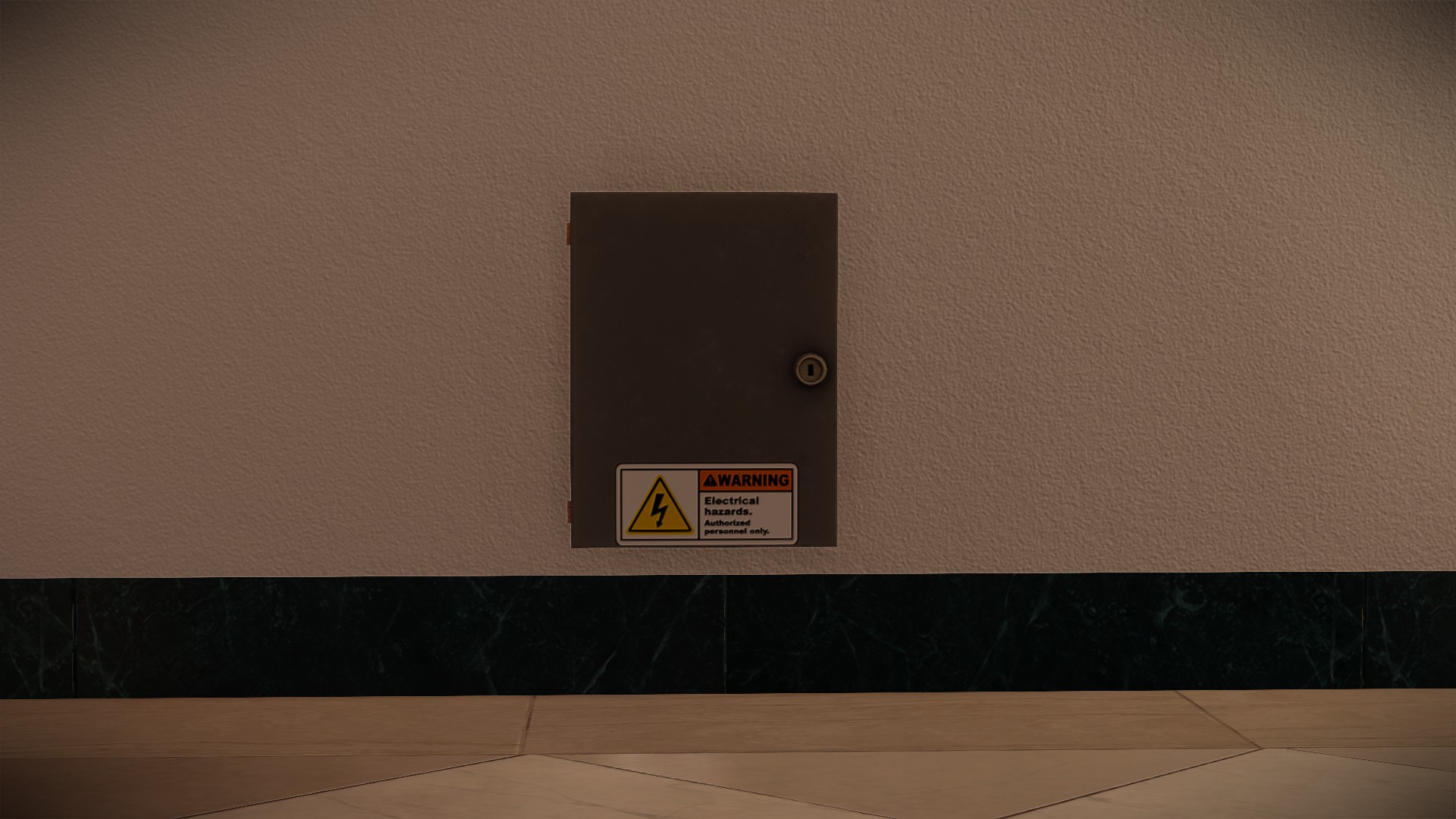
https://modworkshop.net/mod/17361 Install to mods - Visible Power Boxes
Makes the power boxes in white house easier to see as they blend in with the wall less
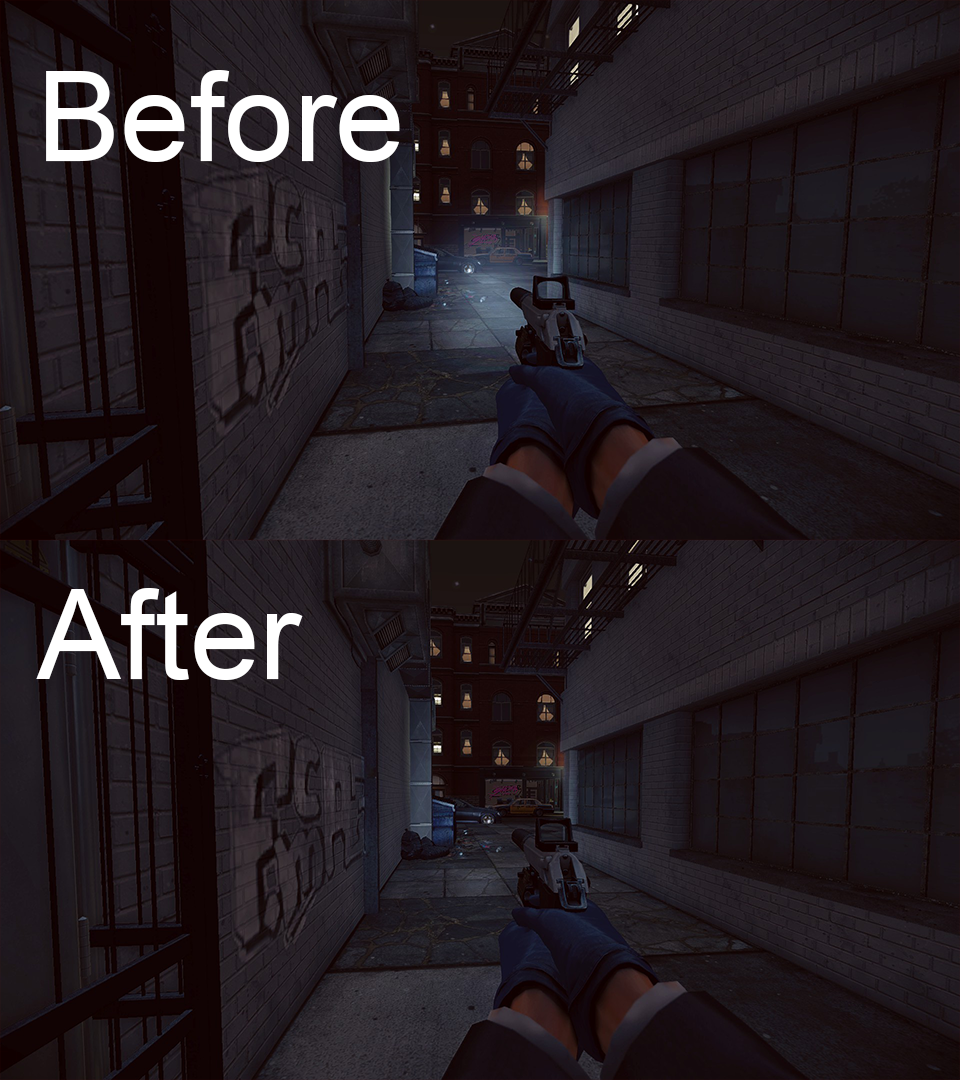
https://modworkshop.net/mod/23823 Install to mod_overrides - Reduced Sicario Smoke
Makes the sicario smoke smaller so it is easier to see through
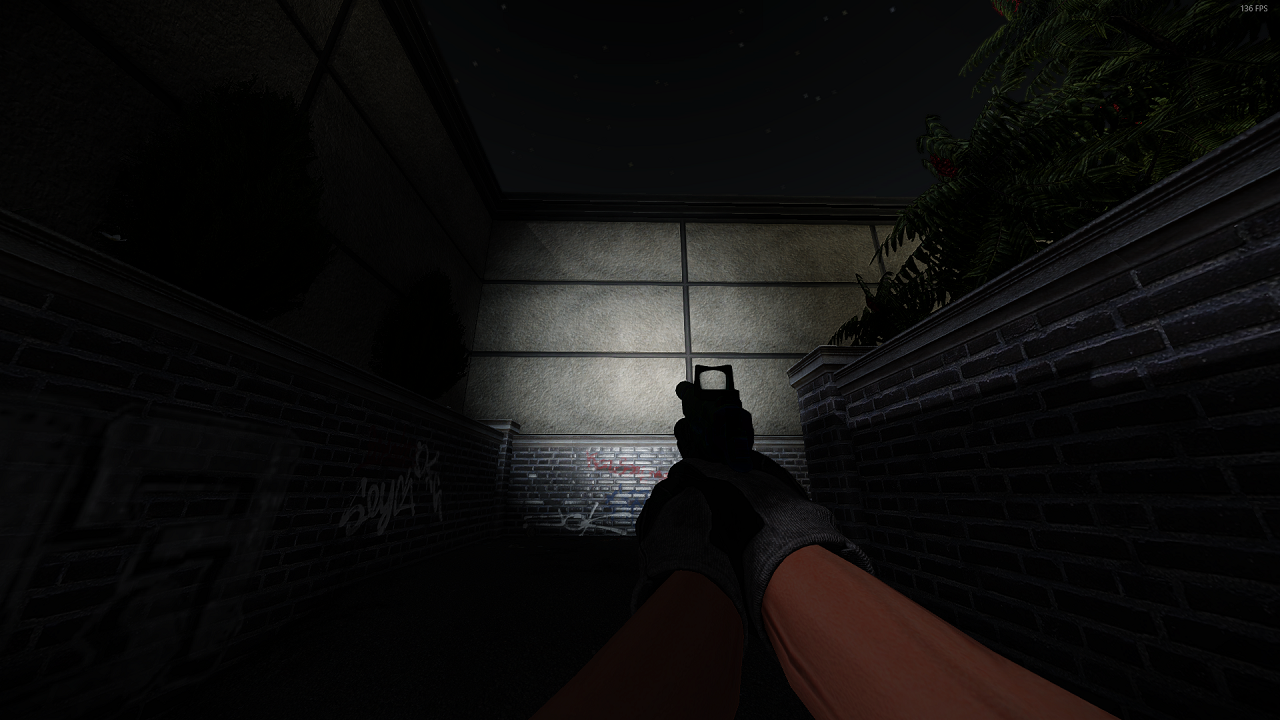
https://modworkshop.net/mod/22674 Install to mod_overrides - No Flashlight Glow
Removes the cone effect from the flashlight as it is quite ugly and obscures vision
https://modworkshop.net/mod/22410 Install to mods - Better Flashlight Texture
Improves the flashlight texture
NOTE: This is included in Re-Texture Project
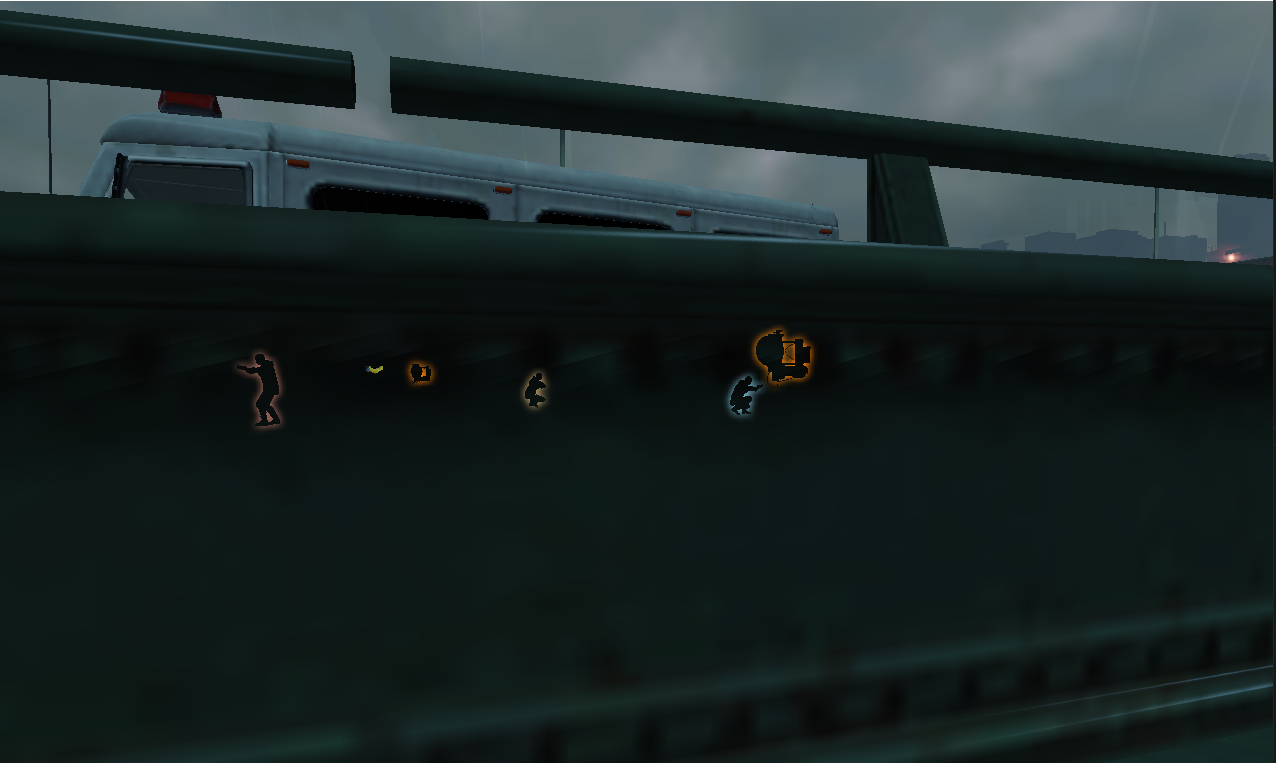
https://modworkshop.net/mod/31473 Install to mod_overrides - PDTH Contours
Makes the contours look like Payday: The Heist's, which are thicker and easier to identify.
https://modworkshop.net/mod/26564 Install to mods - Visual Fixes
Fixes various miscellaneous visual issues throughout the game. There are some examples on the mod page.
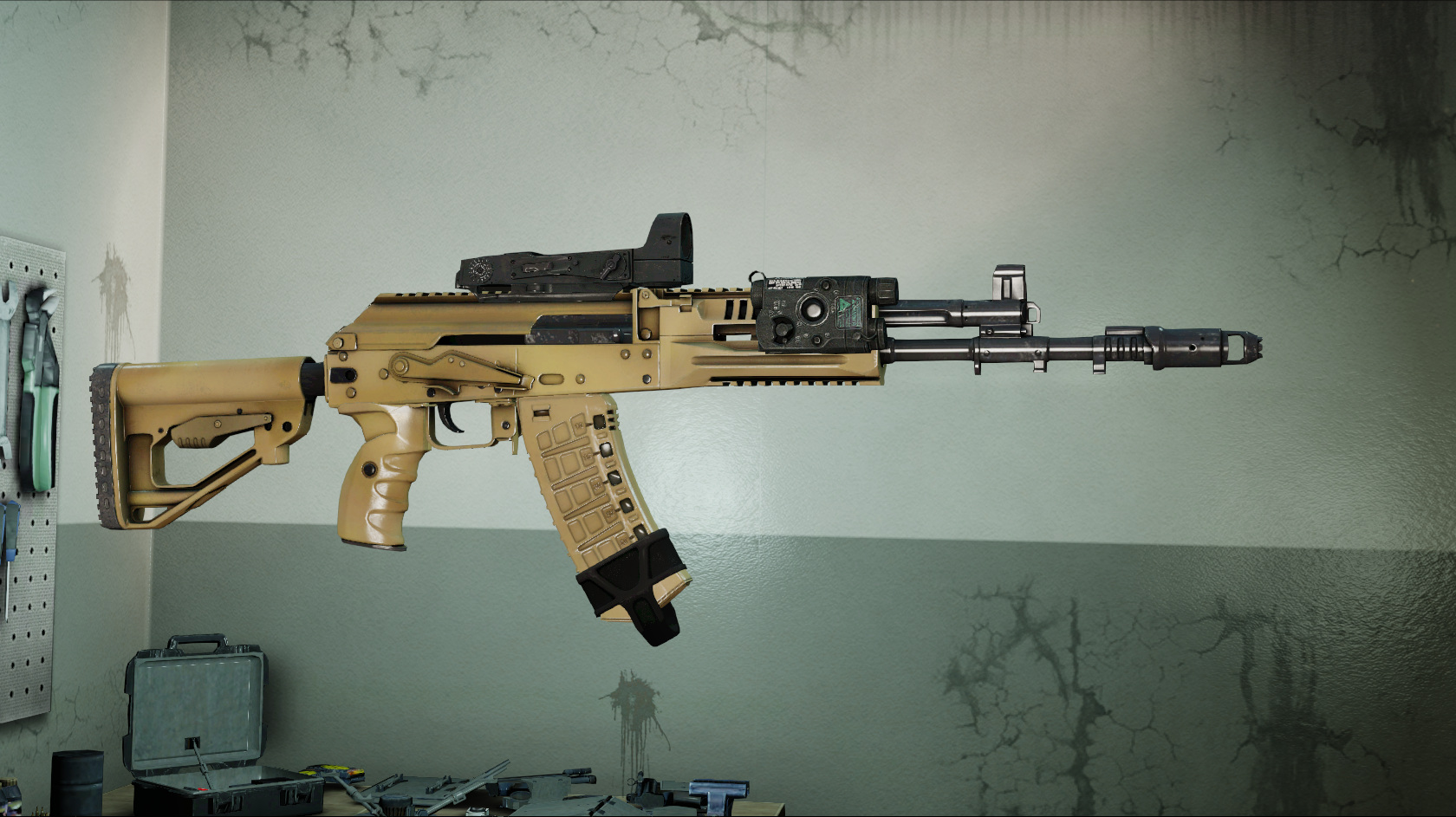
https://modworkshop.net/mod/37161 Install to mod_overrides - AK Correct Magpul Assist (Speed Pull) Mags
Fixes some incorrect magazine models used in the speed pull mags on AKs
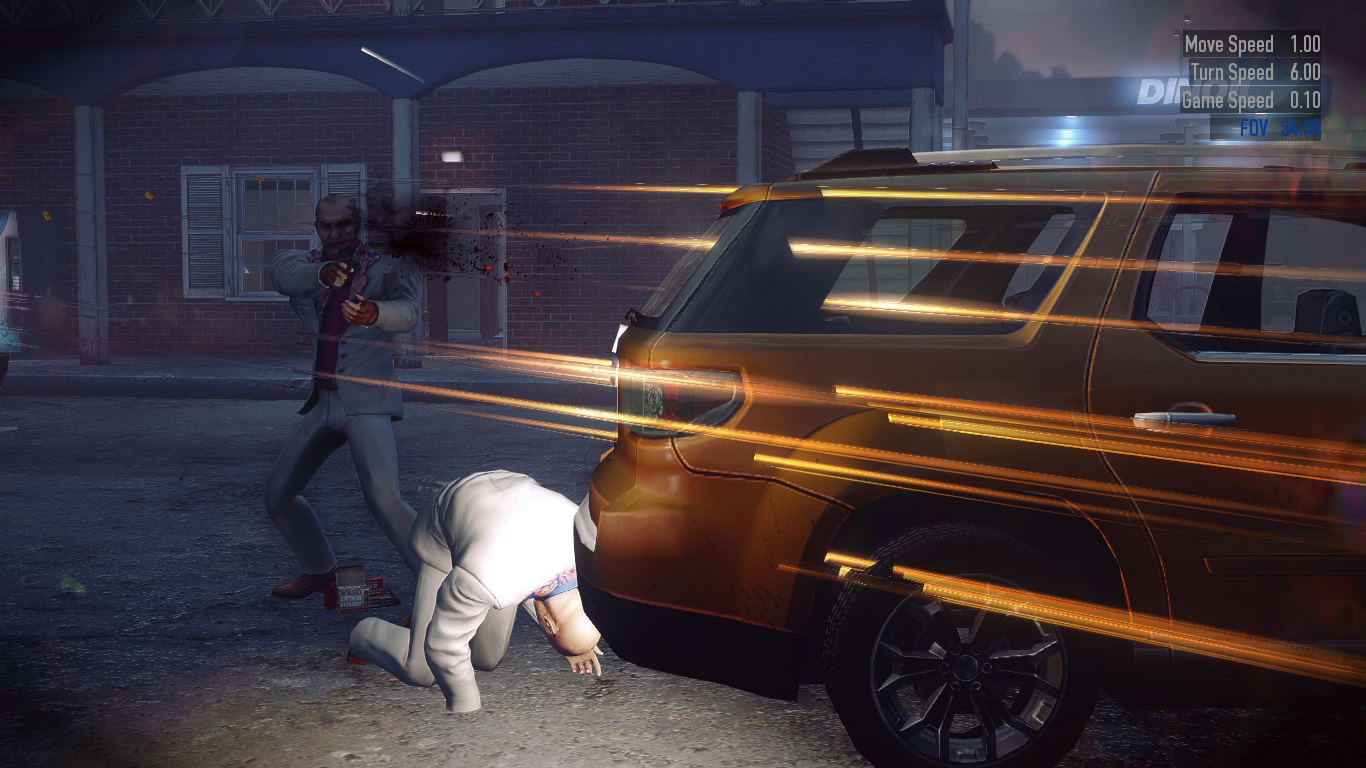
https://modworkshop.net/mod/19777 Install to mod_overrides - Slightly Exaggerated Weapon Tracers
Makes the weapon tracers far more stylish compared to vanilla tracers
https://modworkshop.net/mod/25476 Install to mod_overrides - HD NPC Weapon Model Replacement
Increases the quality of guns carried by NPCs
https://modworkshop.net/mod/34740 Install to mod_overrides - Chunky Armor Hitsounds & Reinforce! Armor Regeneration Sound
Changes the default armor hit and regen sound to clanging sounds that are louder and sound a lot cooler.
https://modworkshop.net/mod/25327 Chunky Armor Hitsounds
https://modworkshop.net/mod/25337 Reinforce! Armor Regeneration Sound
Install both to mod_overrides - Enhanced Glass Cutting
Vastly improves the sound of the glass cutter
https://modworkshop.net/mod/33593 Install to mod_overrides
Misc
- DXVK
DXVK is a DLL wrapper that translates DirectX into Vulkan. This can provide huge performance boosts as Vulkan can take advantage of modern hardware much better than DX9 can. DXVK can work very well on a lot of games and Payday is no different.
To install DXVK on payday:
1. Download the latest DXVK release from here:
https://github.com/doitsujin/dxvk
2. You will need a program like 7-Zip or Winrar to open the file. Open the download and navigate to the x32 folder.
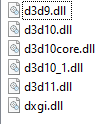
3. In here you will see some DLL files
For Payday, you will want d3d9.dll as the game uses DX9. Take this DLL and drop it into the Payday 2 game folder. After that, you're done and can start playing.
NOTE: DXVK could reduce the stability of your game. I personally had some crashes with it in the past, but it is very stable nowadays.
NOTE 2: DVXK may cause a double cursor effect if you open your steam overlay. It seems to happen fairly at random, I'd personally recommend just using the borderless mod in this guide and alt-tabbing out for steam related things. - Reshade
Reshade is a generic post-processing injector allowing you to add a lot of new effects to your game to improve the graphics quality. Installation of Reshade is incredibly simple, using an installer that does most of the work for you.
1. Download the latest release of Reshade from here https://reshade.me/
2. Open the installer and click on the button that appears. Find Payday 2 in the list that pops up. Select DirectX9 or Vulkan if you're using DXVK. Go through the installer and select the effects you want. If you want to install all the effects, you can click uncheck all and then check all. This will automatically install everything.
3. Once this is done, Reshade is fully installed. Open Payday and press the home key on your keyboard to open the Reshade overlay. This is where you can play around with the settings. I recommend just messing it around with it and seeing what you can do. If you don't want to, there are ready made presets online you can use.
NOTE: Reshade can have a fairly large impact on performance depending on the amount of effects you use.
Important Changes (skip this tbh)
24/01/2022 - Started actually logging changes
Removed "No Weapon Verification" as the issue has been fixed by the developers
Added compatibility note to "Armor Break Invulnerability Indicator"
Added "Automatically Equip ICTV Armor"
01/02/2022 - Removed "4GB Patch"
05/02/2022 - Added "Weapons attachments customizer"
12/02/2022 - Added "Refresh Rate Checker"
14/02/2022 - Added "Original Bipods"
15/02/2022 - Added "Super Duper Skin Swapper"
27/02/2022 - Fixed invalid link
09/03/2022 - Replaced "Subtle Weapon Improvements" with "Weapon Texture Reworks"
Added small note to "Clear Texture Cache"
01/06/2022 - Added "Stop Wasting Updates"
13/06/2022 - Removed "Anti Player State" as the mod is no longer available
Added "Visual Fixes" and "Re-Texture Project"
14/06/2022 - Removed "Anti Intimidated Outlines" as it's no longer available
21/06/2022 - Removed "Graze doesn't kill civils" as it's not longer needed since overkill patched it themselves.
Removed a step from the DXVK section as it's no longer needed.
Edited the Reshade section as new updates have changed how it works with Vulkan.
Removed a couple of images as Steam decided to be a ♥♥♥♥ and get rid of them and honestly they weren't that important anyway so whatever.
22/06/2022 - Fixed some invalid links
12/12/2022 - Removed "No More Shiny Hellscapes" as it isn't needed anymore
Removed "Shotgun Reload Fix" as it's no longer available
Removed "Speedpull Model Fix for AR Magazine" as it's no longer available
Removed "HUD Firemod Fix" as it broke in a recent update
Added "HD NPC Weapon Model Replacement"
21/12/2022 - Removed "Inverted Flashbang Glare" as it's now a vanilla feature
03/03/2023 - Added "Bandwith Saver"
07/05/2023 - Added "Player Stats Panel Enhancements"
Edited the introduction cause it was really ♥♥♥♥♥♥♥ pretentious
Changed some wording to make things more descriptive
18/07/2023 - Removed the note from "Clear Texture Cache" as the issue should be fixed now
Added "Scarface The World Is Yours Voicepack"
Removed the note about the steam overlay from DXVK as it has been fixed and the steam overlay works fine now.
Added a note to Reshade
Fixed an issue with a link in the HUD section. Whoops.
08/10/2023 - Removed Map Based Optimisations as it's no longer available
22/10/2023 - Removed or changed a lot of mods that have issues or no longer work
Re-added the note to DXVK as the double cursor still sometimes happens with the steam overlay.
7/05/2024 - Added "Stop Lobby Lag"
6/10/2024 - Replaced "CustomFOV" as the version in the guide was deleted
28/10/2024 - Removed "Green Bridge Rain Drops Fix" as it is included in "Visual Fixes"
02/11/2024 - Added "Less Aliasing"
09/11/2024 - Added "Lobby Settings"
Added "Check For Wallbangs"
Replaced "Repeater Sight Tweak" with an updated version.
27/11/2024 - Removed the 2 armour break mods as they're not longer available and added replacement
08/02/2025 - Replaced "CustomFOV" with "Perfect FOV"
17/05/2025 - Removed "Main Menu Elements Manager" as it's no longer available
22/01/2026 - Replaced "Steam Over FBI" with "Steam Profile Redirection 2025 Update"
11/06/2026 - Improved wording. Changed and removed some links. Removed some broken mods.
Removed "No Weapon Verification" as the issue has been fixed by the developers
Added compatibility note to "Armor Break Invulnerability Indicator"
Added "Automatically Equip ICTV Armor"
01/02/2022 - Removed "4GB Patch"
05/02/2022 - Added "Weapons attachments customizer"
12/02/2022 - Added "Refresh Rate Checker"
14/02/2022 - Added "Original Bipods"
15/02/2022 - Added "Super Duper Skin Swapper"
27/02/2022 - Fixed invalid link
09/03/2022 - Replaced "Subtle Weapon Improvements" with "Weapon Texture Reworks"
Added small note to "Clear Texture Cache"
01/06/2022 - Added "Stop Wasting Updates"
13/06/2022 - Removed "Anti Player State" as the mod is no longer available
Added "Visual Fixes" and "Re-Texture Project"
14/06/2022 - Removed "Anti Intimidated Outlines" as it's no longer available
21/06/2022 - Removed "Graze doesn't kill civils" as it's not longer needed since overkill patched it themselves.
Removed a step from the DXVK section as it's no longer needed.
Edited the Reshade section as new updates have changed how it works with Vulkan.
Removed a couple of images as Steam decided to be a ♥♥♥♥ and get rid of them and honestly they weren't that important anyway so whatever.
22/06/2022 - Fixed some invalid links
12/12/2022 - Removed "No More Shiny Hellscapes" as it isn't needed anymore
Removed "Shotgun Reload Fix" as it's no longer available
Removed "Speedpull Model Fix for AR Magazine" as it's no longer available
Removed "HUD Firemod Fix" as it broke in a recent update
Added "HD NPC Weapon Model Replacement"
21/12/2022 - Removed "Inverted Flashbang Glare" as it's now a vanilla feature
03/03/2023 - Added "Bandwith Saver"
07/05/2023 - Added "Player Stats Panel Enhancements"
Edited the introduction cause it was really ♥♥♥♥♥♥♥ pretentious
Changed some wording to make things more descriptive
18/07/2023 - Removed the note from "Clear Texture Cache" as the issue should be fixed now
Added "Scarface The World Is Yours Voicepack"
Removed the note about the steam overlay from DXVK as it has been fixed and the steam overlay works fine now.
Added a note to Reshade
Fixed an issue with a link in the HUD section. Whoops.
08/10/2023 - Removed Map Based Optimisations as it's no longer available
22/10/2023 - Removed or changed a lot of mods that have issues or no longer work
Re-added the note to DXVK as the double cursor still sometimes happens with the steam overlay.
7/05/2024 - Added "Stop Lobby Lag"
6/10/2024 - Replaced "CustomFOV" as the version in the guide was deleted
28/10/2024 - Removed "Green Bridge Rain Drops Fix" as it is included in "Visual Fixes"
02/11/2024 - Added "Less Aliasing"
09/11/2024 - Added "Lobby Settings"
Added "Check For Wallbangs"
Replaced "Repeater Sight Tweak" with an updated version.
27/11/2024 - Removed the 2 armour break mods as they're not longer available and added replacement
08/02/2025 - Replaced "CustomFOV" with "Perfect FOV"
17/05/2025 - Removed "Main Menu Elements Manager" as it's no longer available
22/01/2026 - Replaced "Steam Over FBI" with "Steam Profile Redirection 2025 Update"
11/06/2026 - Improved wording. Changed and removed some links. Removed some broken mods.
More PAYDAY 2 guides
- Лучшие кооперативные игры Steam★ 5 (1.5k)315k views2.1k ♥56 minRussianUpdated Apr 27, 2025
- The Long Guide★ 5 (8.6k)153k views14k ♥474 minUpdated Jun 16, 2018
- Gage Spec Ops DLC Case/Key Locations (Arbiter)★ 5 (2.8k)105k views3.3k ♥4 minUpdated Nov 18, 2025
- A Complete Walkthrough of the Payday 2 Secret★ 5 (1.9k)89k views3.7k ♥8 minUpdated Jul 7, 2019
- DSOD Loud Build List★ 5 (3.3k)77k views9.4k ♥42 minUpdated Dec 17, 2023
- The Lost Tapes Guide (Find all Lost Safes)★ 5 (557)57k views879 ♥13 minUpdated Dec 16, 2025




This guide was created by its original author on the Steam Community. Are you the author and want it removed? Request removal.