Far Cry Fix [Widescreen Fix | AI Fix | SilentPatch | Quick Save & Load | 64-Bit]
Installation
- Install the game
- Download the required pack: 32-bit version | 64-bit version
- Unpack the downloaded archive with file replacement to directory:
Disk:\Steam directory\steamapps\common\FarCry (or to another directory where the game is located)
IMPORTANT INFORMATION
- If the game does not start, freezes, or there are performance problems, then you need to delete the "system.cfg" file in the game folder.
- After the death of the main character, you need to load the game from the main menu in order to avoid problems with the game interface and enemies respawn.
- If the 32-bit version of Widescreen Fix does not work, then you need to: right-click on the "Bin32\FarCry.exe" file → select the "Properties" item → set the compatibility mode with Windows XP in the "Compatibility" tab → click the OK button.
- To run the 64-bit game version via Steam, you need to: select a game in the Steam Library → right-click → select "Properties" → in the appeared window type the launch option: -64bit
Quick Save & Load
The quick save and load functions are bined to the F5 and F9 keys, which can be rebined to your own by changing the key names in the "playercfg.lua" file in the 64-bit game version. To activate the quick save & load functions in the 32-bit game version, you need to open the file "game.cfg" using a text editor, add the following lines and save the changes:
Input:BindCommandToKey("\\save_game","F5",1);
Input:BindCommandToKey("\\load_game","F9",1);
Then right-click on the file "game.cfg" → select “Properties” → set the attribute “Read-only” → click OK button.
Components
This fix pack contains the following components:
Name
Description
Widescreen Fix[thirteenag.github.io]
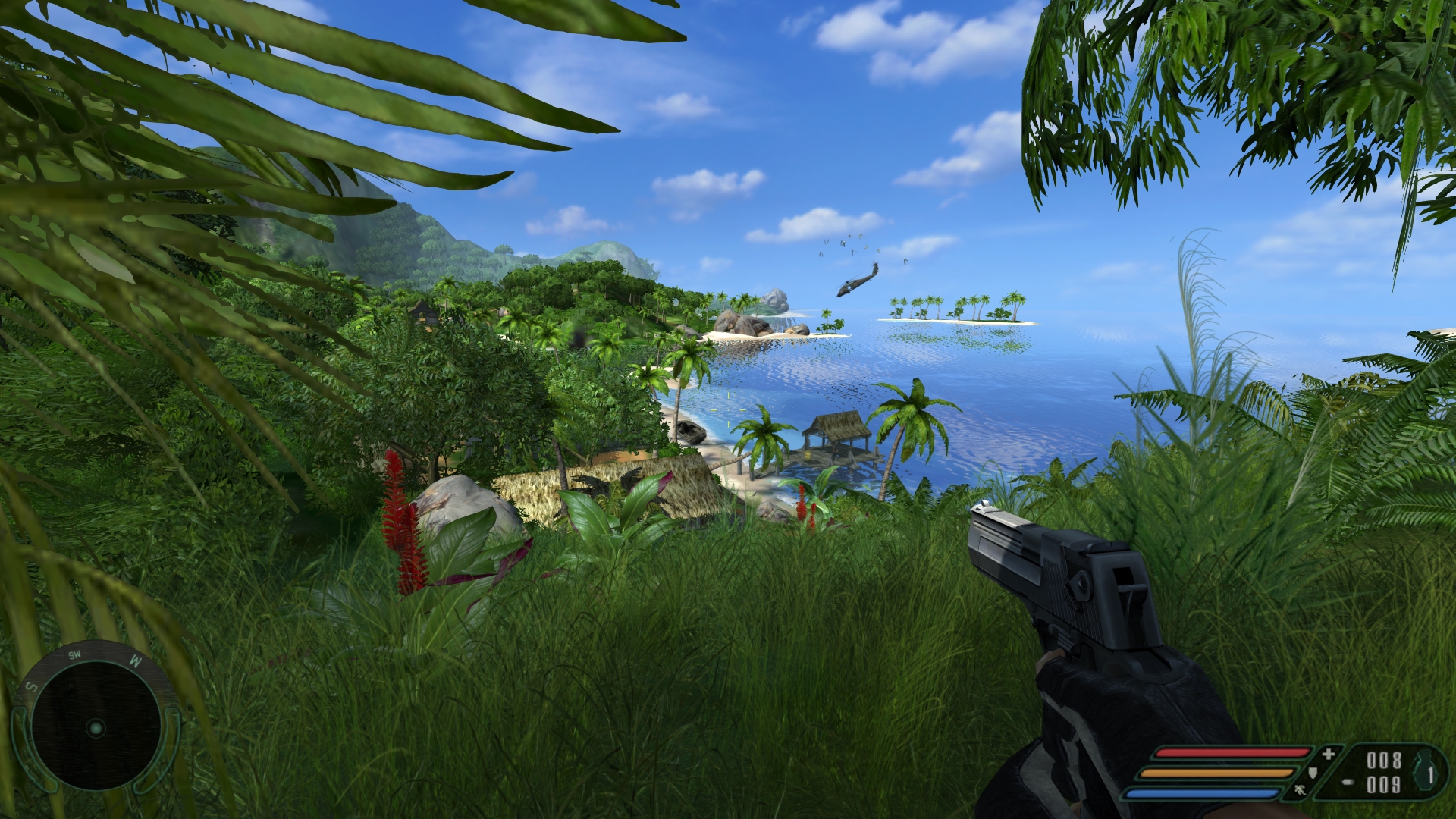
It fixes Aspect Ratio, HUD and Field of View.
Widescreen FMVs[thirteenag.github.io]
Game videos in widescreen resolution.
SilentPatch[cookieplmonster.github.io]
Fixes water reflections; allows you to enable Vertical Sync option; fixes a crash occurring when using a mouse scroll wheel during loading screens; fixes a crash/freeze on exit when using a 64-bit executable. -64bit commandline option has been added - when it’s used, the game will always attempt to launch using a 64-bit executable.
It fixes AI seeing and shooting through tents.
64-bit Upgrade Patch[community.pcgamingwiki.com]
It allows the game to be run as a native 64-bit application, providing various benefits and enhancements.
64-bit Enhanced Content Patch[community.pcgamingwiki.com]
It adds exclusive content specifically for the 64-bit version of the game.
More Far Cry guides
- Far Cry Cheats★ 5 (205)22k views315 ♥1 minUpdated Nov 7, 2017
- Русификация игры Far Cry★ 5 (303)20k views582 ♥2 minRussianUpdated Apr 24
- Исправление Far Cry [Widescreen Fix | AI Fix | SilentPatch | Quick Save & Load | 64-Bit | Русификатор]★ 5 (411)13k views710 ♥2 minRussianUpdated May 15, 2024
- Real Far Cry 1 / Downgrade to Patch v.1.33★ 4 (71)8.8k views155 ♥1 minUpdated May 9, 2024
- Spolszczenie Far Cry [879MB] [DUBBING+NAPISY]★ 4 (125)6.7k views125 ♥1 minPolishUpdated Jun 3, 2021
- Как вспомнить и поиграть в Far Cry с новым дыханием★ 4 (87)6.5k views165 ♥13 minUpdated Apr 23, 2023




This guide was created by its original author on the Steam Community. Are you the author and want it removed? Request removal.