Widescreen Fix for Far Cry
As an introduction
First, a big thanks goes to FarOutCry who created this mod!
Everything works perfectly.
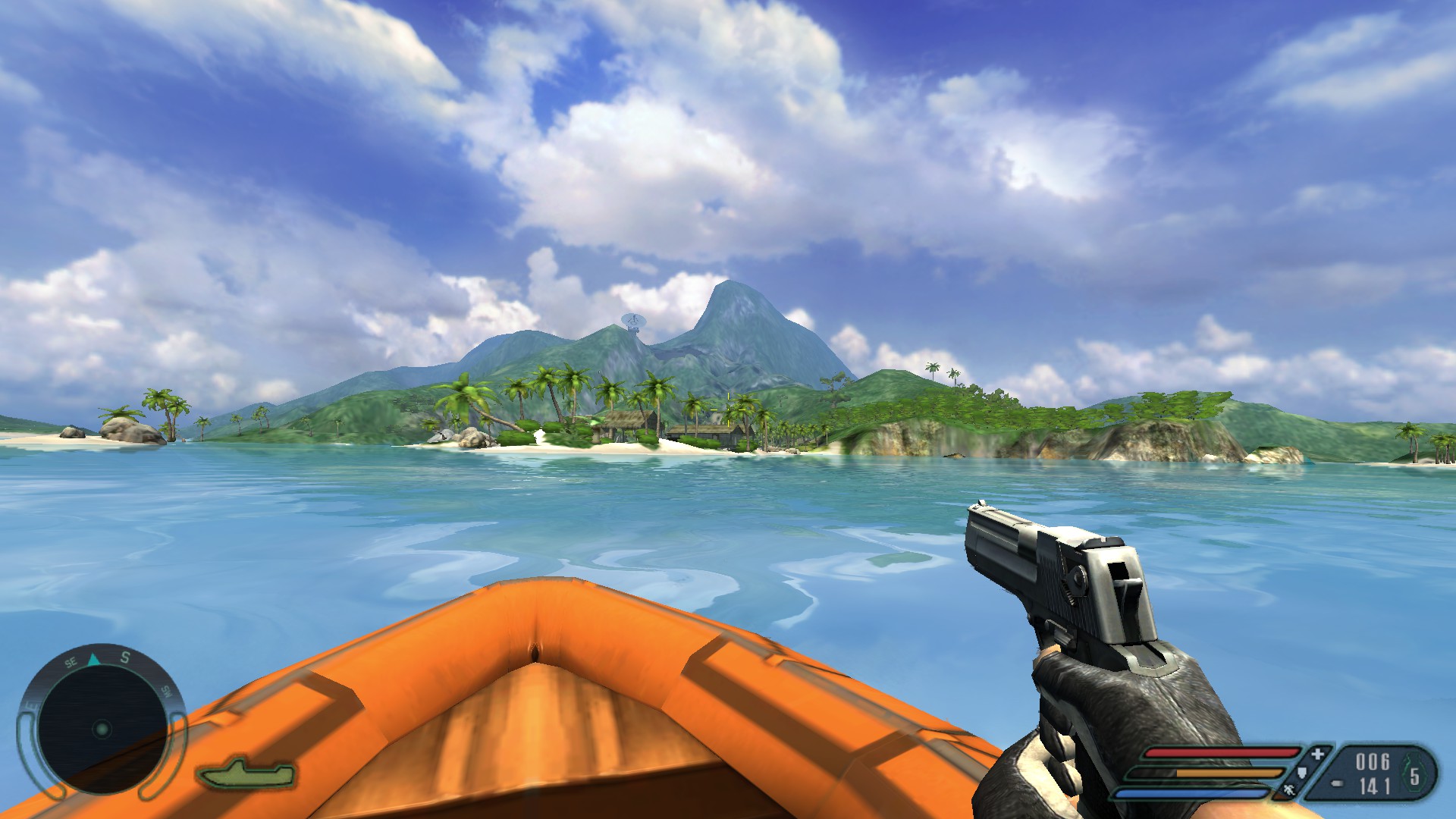
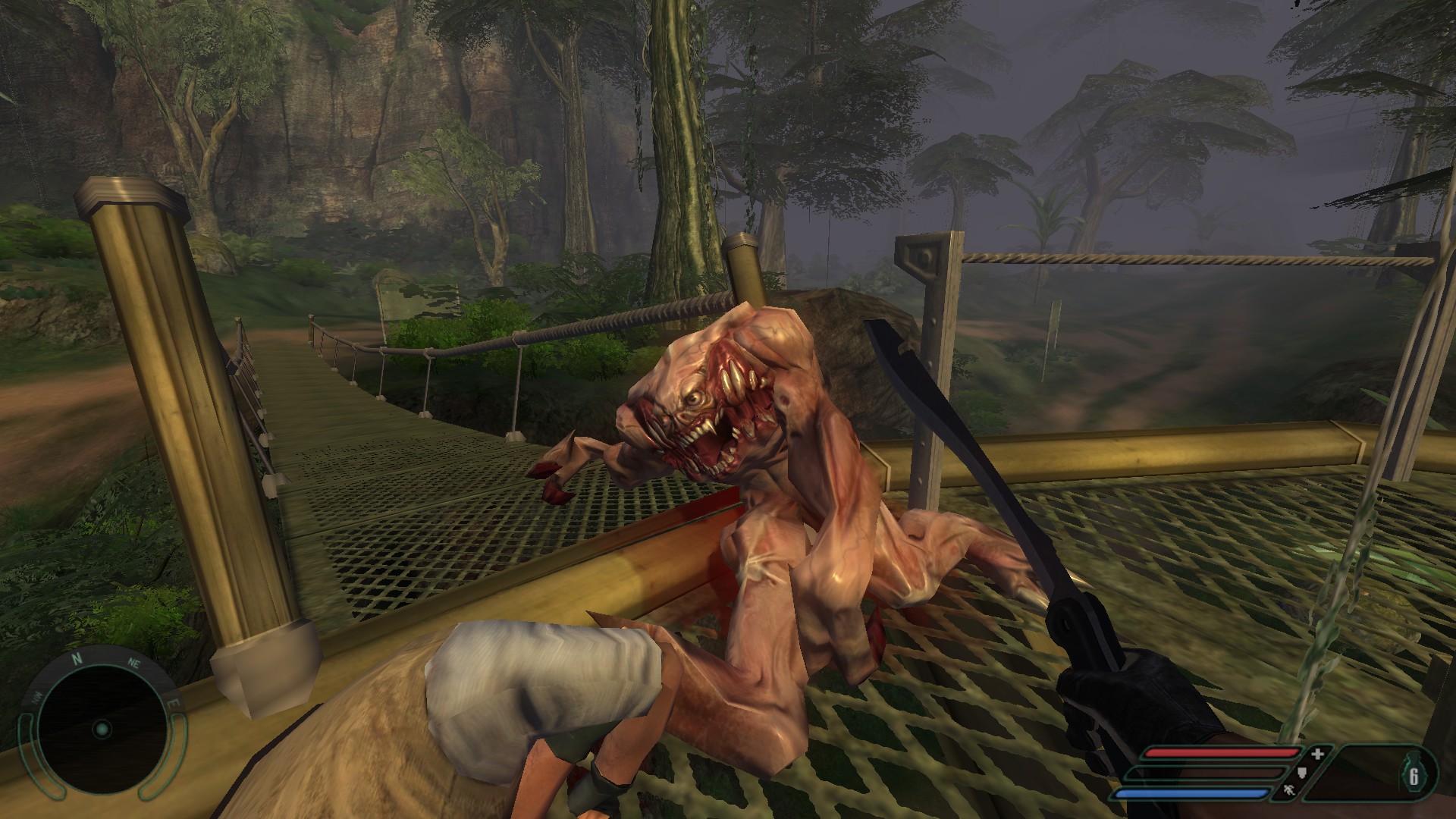
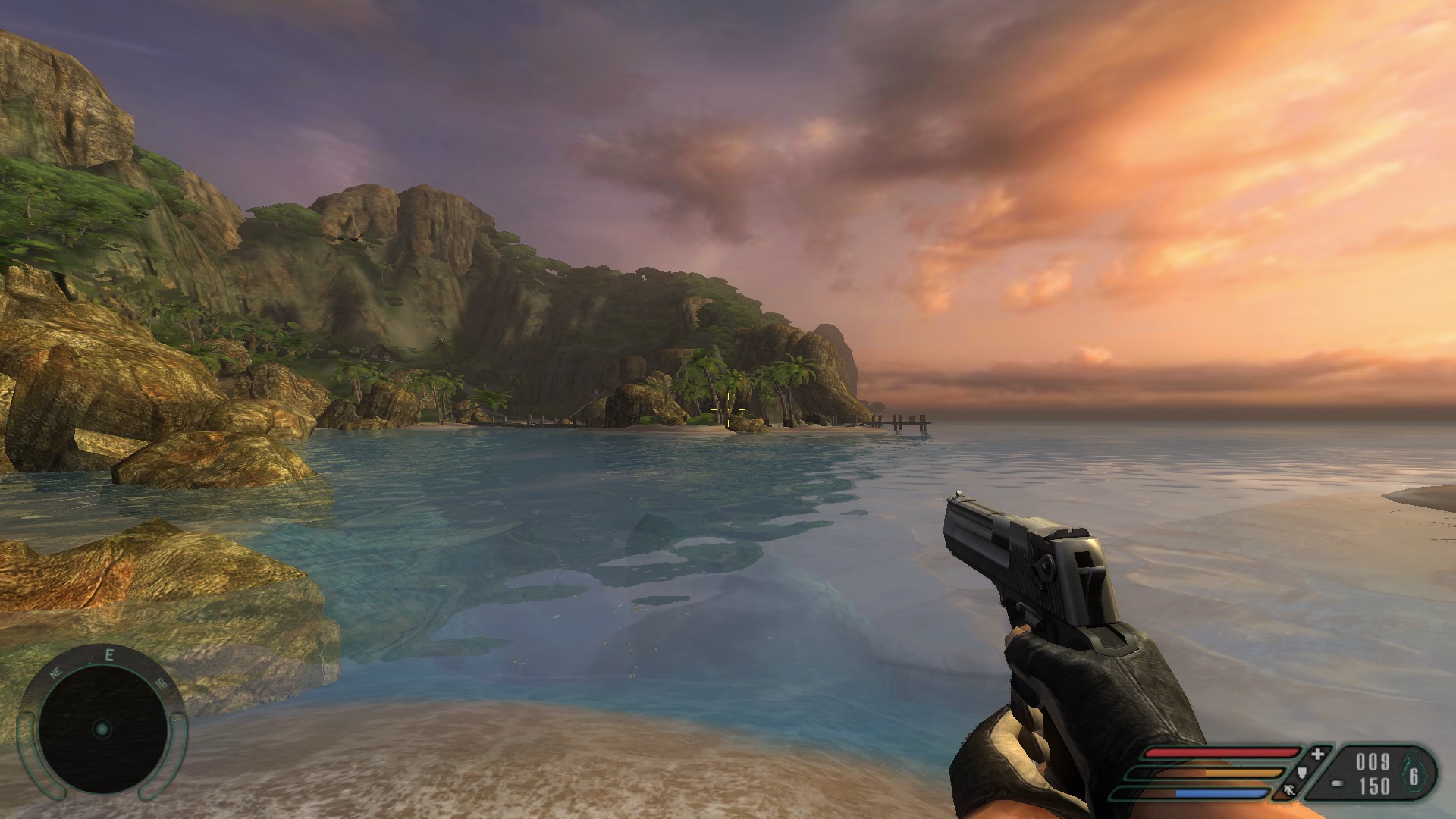
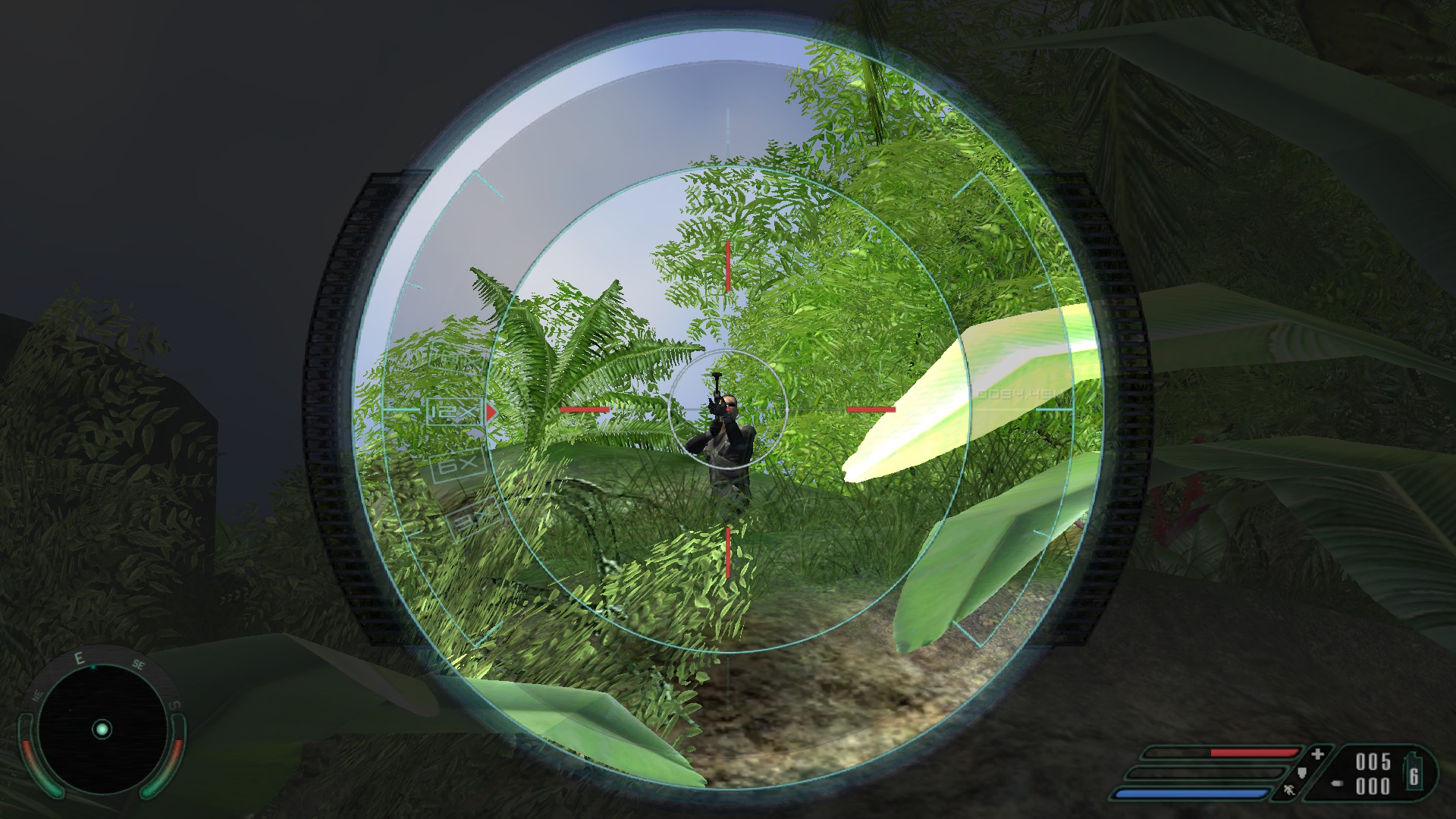
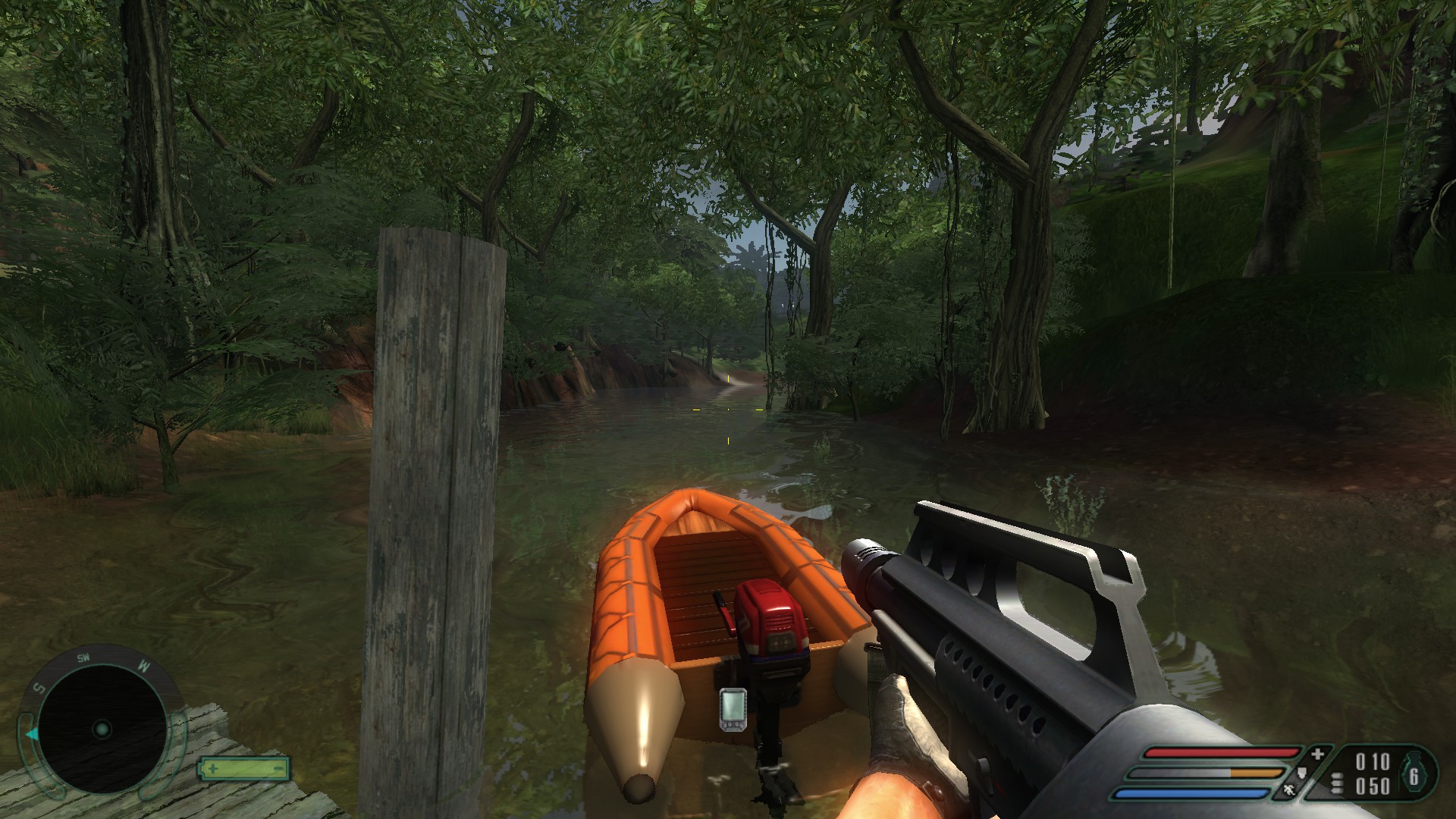
Instead of stretching like in vanilla Far Cry, the weapon textures have been scaled correctly.
You can easily set up authentic widescreen support from 4:3 to even 48:9!
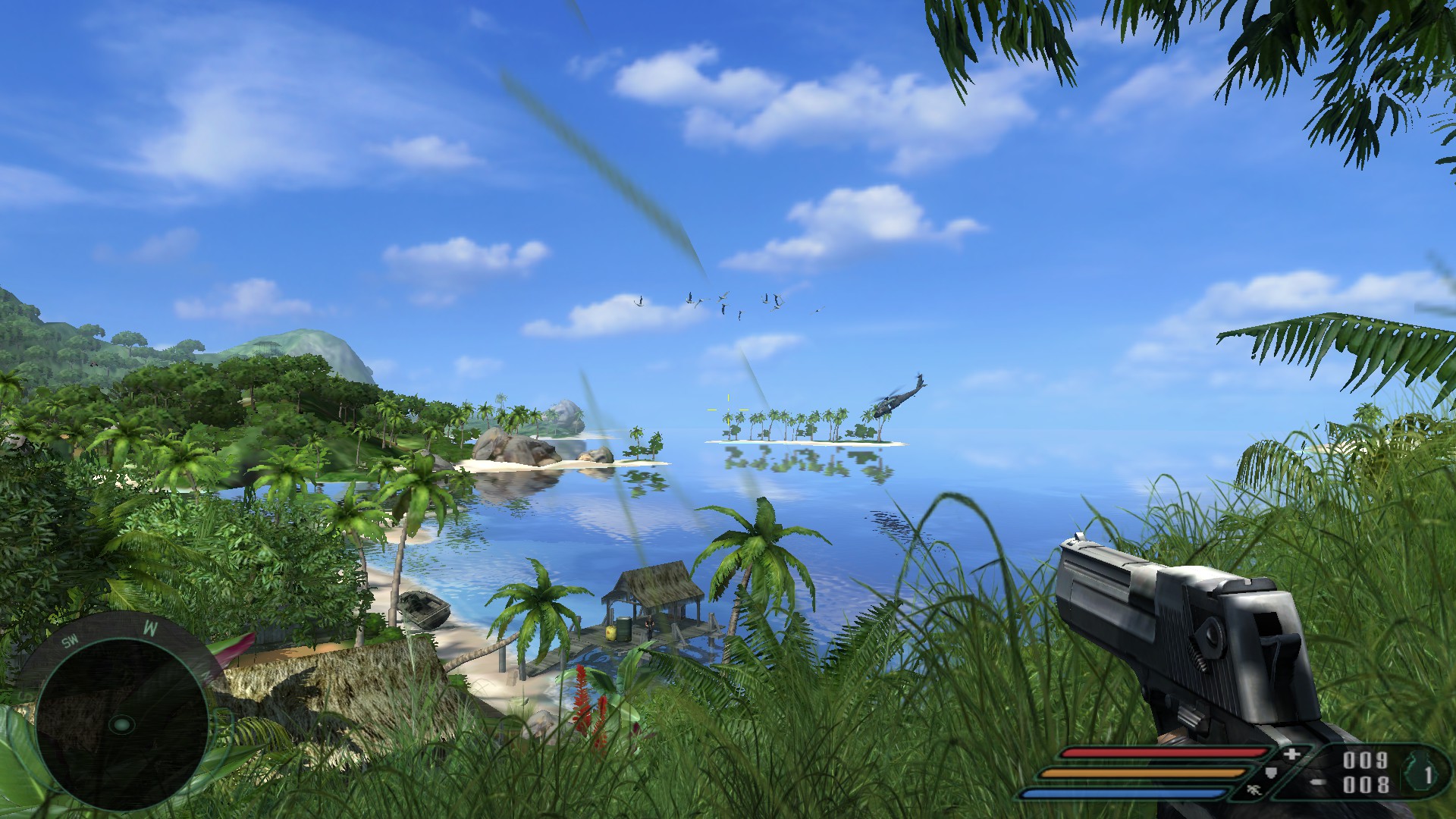
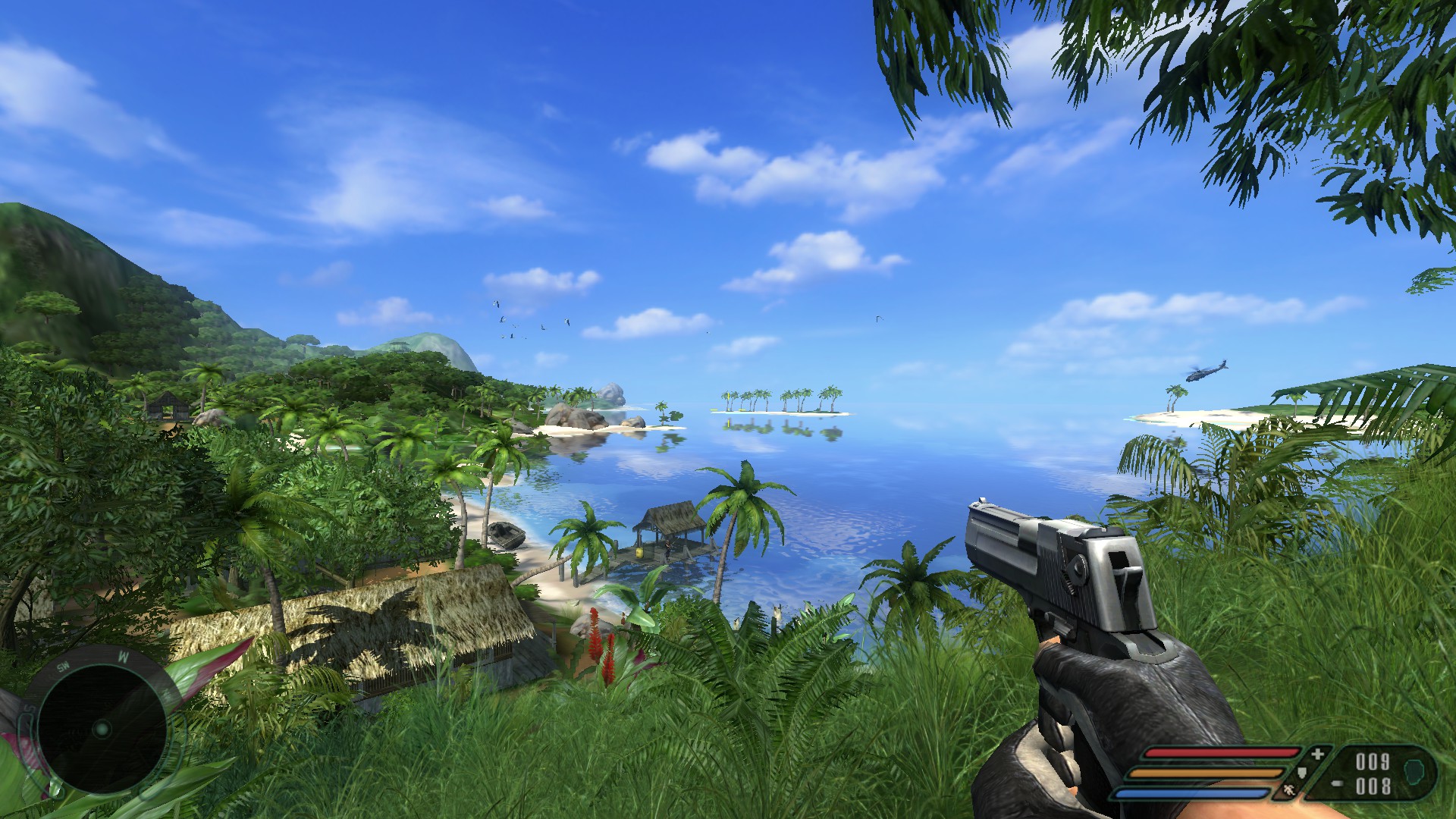
Everything works perfectly.
Instead of stretching like in vanilla Far Cry, the weapon textures have been scaled correctly.
You can easily set up authentic widescreen support from 4:3 to even 48:9!
Downloading
Installation
The whole process is quick and easy.
Mod has been written as an installer, so it does the job for us.
All you need to do is download the mod and select the target directory.
(C:\Program Files (x86)\Ubisoft\Crytek\Far Cry\) and voila!
Additionally, you can choose extra options to be installed, like SilentPatch - created by Silent - and I really urge you.
This patch aims to fix a few issues, like broken water reflections or problems with vertical syns.
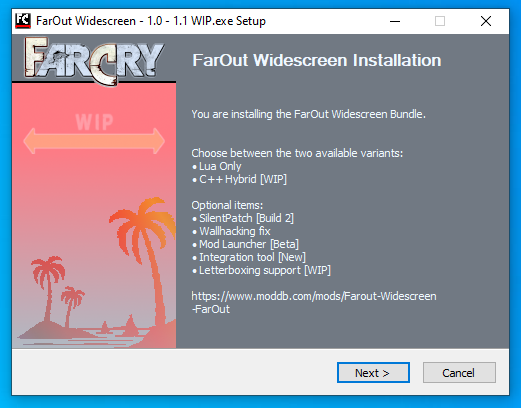
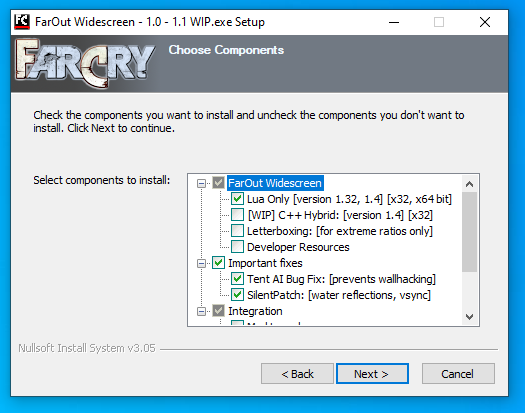
Mod has been written as an installer, so it does the job for us.
All you need to do is download the mod and select the target directory.
(C:\Program Files (x86)\Ubisoft\Crytek\Far Cry\) and voila!
Additionally, you can choose extra options to be installed, like SilentPatch - created by Silent - and I really urge you.
This patch aims to fix a few issues, like broken water reflections or problems with vertical syns.
Next step
After the installation, just run the game and click on 'modifications' at the left menu.
Then select 'FarOut Widescreen WIP' and click on 'load'.
Whenever you start the game, you have to select this mod from the list - remember it.
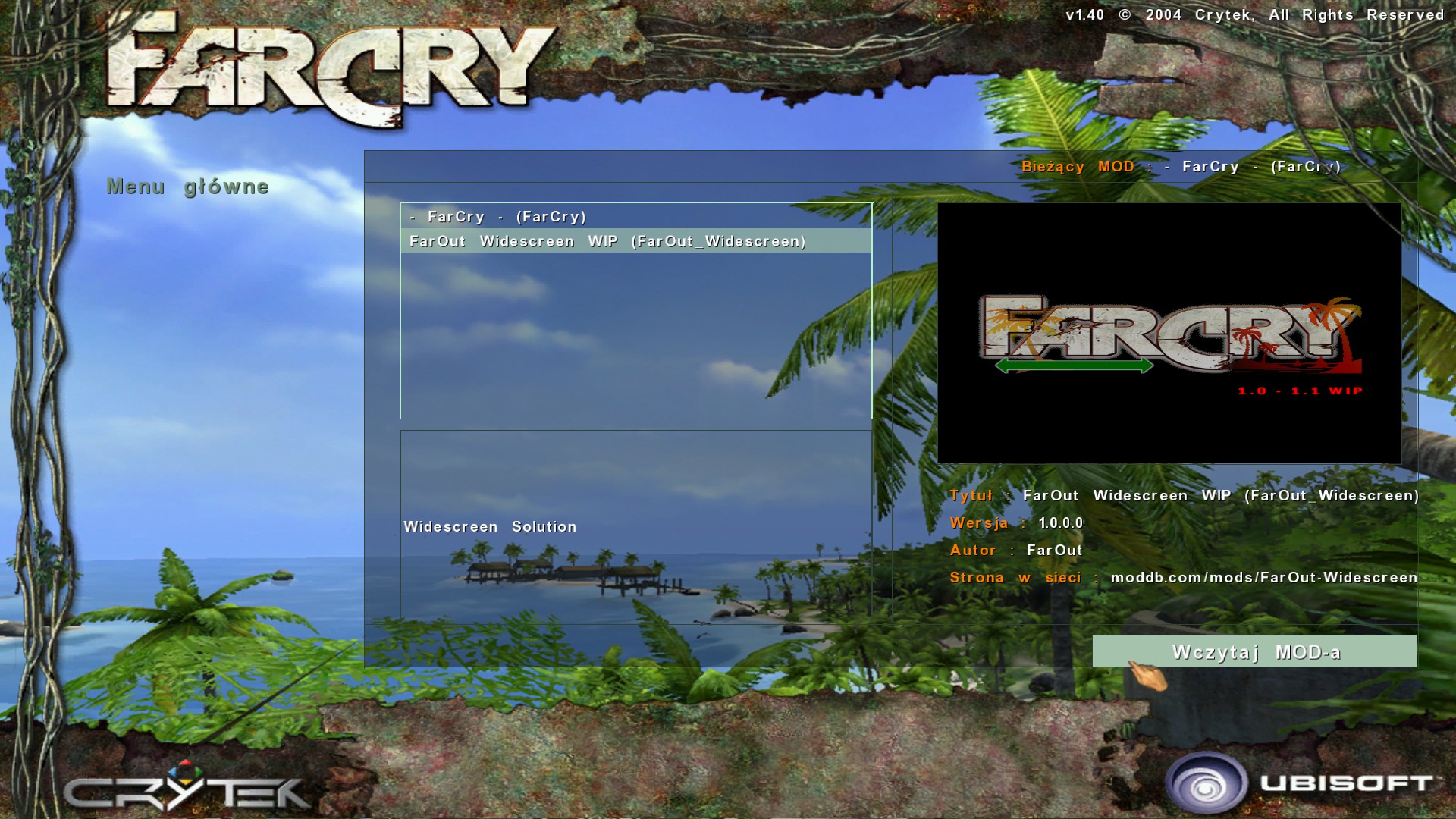
Then select 'FarOut Widescreen WIP' and click on 'load'.
Whenever you start the game, you have to select this mod from the list - remember it.
Result
An extra tip
I typically set the lock to 72 & 144 fps in older games.
I've noticed that the CPU and GPU experience higher temperatures due to a significant discrepancy between frames.
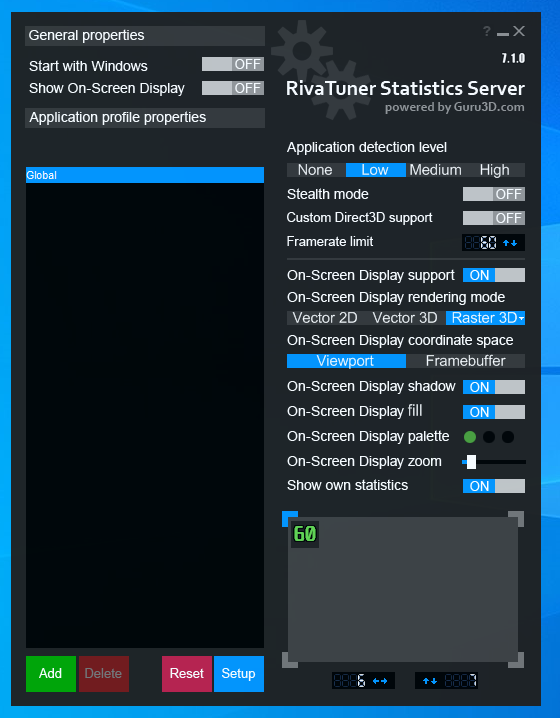
RivaTuner is what I use, as shown below.
So if, for some reason, you would like to get lower temperatures - here's a tip.
I've noticed that the CPU and GPU experience higher temperatures due to a significant discrepancy between frames.
RivaTuner is what I use, as shown below.
So if, for some reason, you would like to get lower temperatures - here's a tip.
More Far Cry guides
- Far Cry Cheats★ 5 (205)22k views315 ♥1 minUpdated Nov 7, 2017
- Русификация игры Far Cry★ 5 (303)20k views582 ♥2 minRussianUpdated Apr 24
- Far Cry Fix [Widescreen Fix | AI Fix | SilentPatch | Quick Save & Load | 64-Bit]★ 5 (335)15k views592 ♥2 minUpdated Mar 29, 2024
- Исправление Far Cry [Widescreen Fix | AI Fix | SilentPatch | Quick Save & Load | 64-Bit | Русификатор]★ 5 (411)13k views710 ♥2 minRussianUpdated May 15, 2024
- Real Far Cry 1 / Downgrade to Patch v.1.33★ 4 (71)8.8k views155 ♥1 minUpdated May 9, 2024
- Spolszczenie Far Cry [879MB] [DUBBING+NAPISY]★ 4 (125)6.7k views125 ♥1 minPolishUpdated Jun 3, 2021



This guide was created by its original author on the Steam Community. Are you the author and want it removed? Request removal.