FPS BOOST RDR2 2025
Introduction
I have this specs:
Ryzen 5 5600
GTX 1050 Ti 4GB
16GM RAM DDR4 3600GHz
SSD SATA3 500Mb/s
and with this actions i have 60-80fps in game.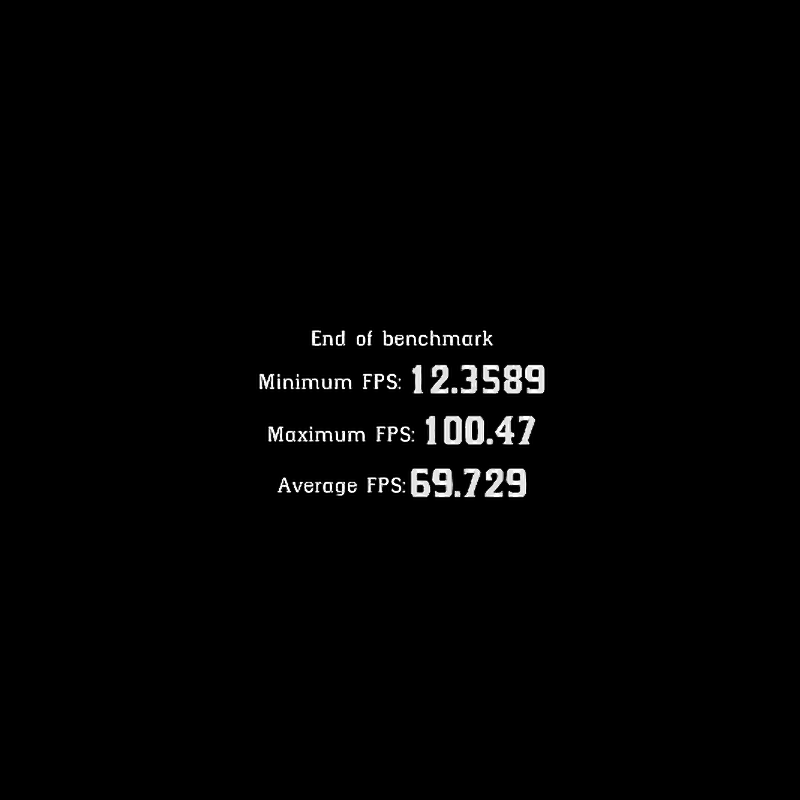
In Game Settings
Texture Quality - Ultra or High;
Anisotropic Filtering - X16;
All other Setting set on Low or Off;
If you have RTX videocard, enable DLSS. If not, enable TAA.
Graphics API - Vulkan(test it, maybe Dx12 better for you).
Lossless Scaling
You can try Lossless Scaling app in steam,
with this settings:
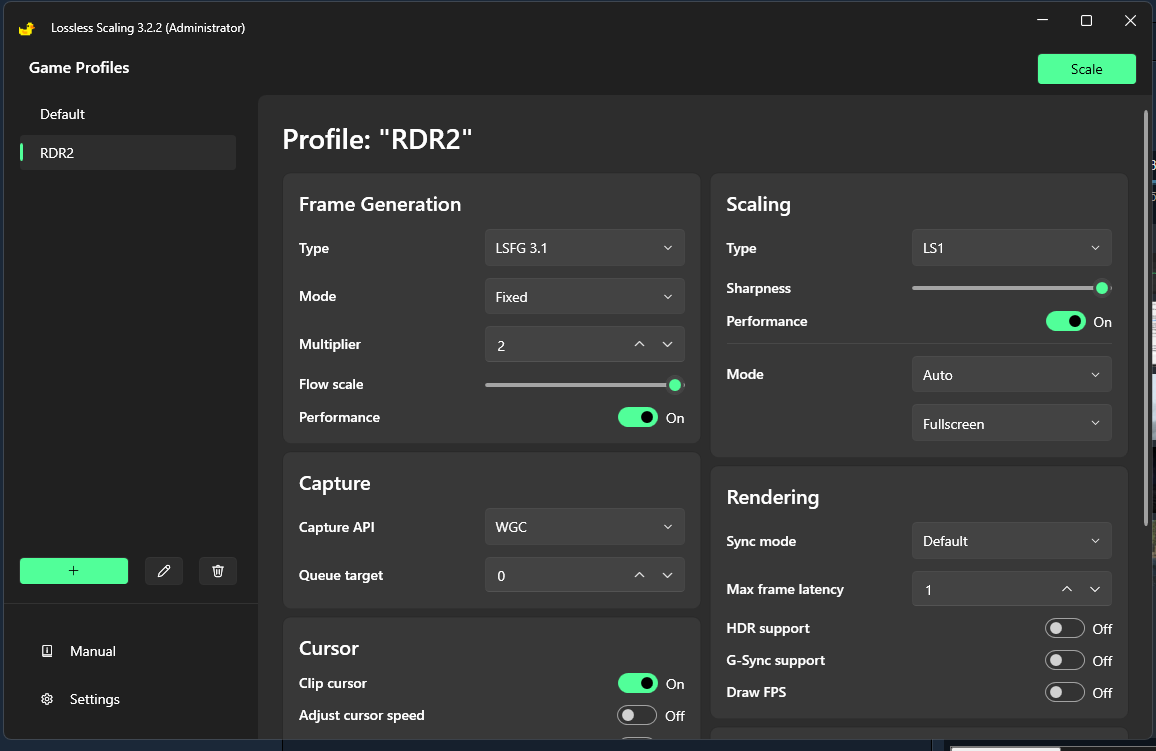 and play in 1280x720
with this settings:
and play in 1280x720
Nvidia Image Scaling
Go to Nvidia Control Panel -> Manage 3D Settings -> Program Settings -> "Select program to customize:" add RDR2.exe -> "Specify the settings for this program:" -> Image Scaling set On and Sharpening 40-80%.
In game set resolution from 1280x720 to 1600x900, and Off VSYNC.
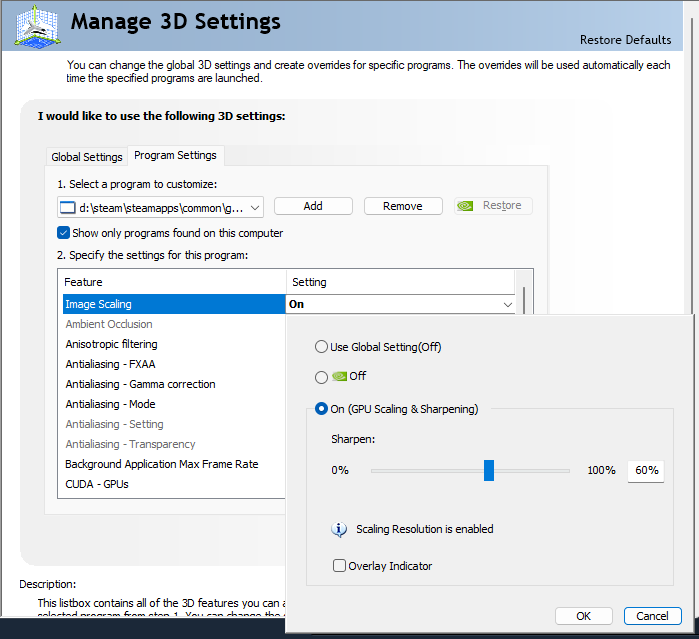
I use 1280x720, NIS 100% Sharpening, FSR 2(DLSS mod) Perfomance with 100% Sharpening.
This feature can work bad for you, test it.
In game set resolution from 1280x720 to 1600x900, and Off VSYNC.
I use 1280x720, NIS 100% Sharpening, FSR 2(DLSS mod) Perfomance with 100% Sharpening.
This feature can work bad for you, test it.
Mods
DLSS unlocker(only if you have AMD, Intel or Nvidia GTX videocard)
DLSS to FidelityFX Super Resolution 2.1.2[www.nexusmods.com]
ASI Loader ScriptHookRDR2 V2[www.nexusmods.com]
DLSS to FidelityFX Super Resolution 2.1.2[www.nexusmods.com]
ASI Loader ScriptHookRDR2 V2[www.nexusmods.com]
Windows Settings
Hardware-Accelerated GPU
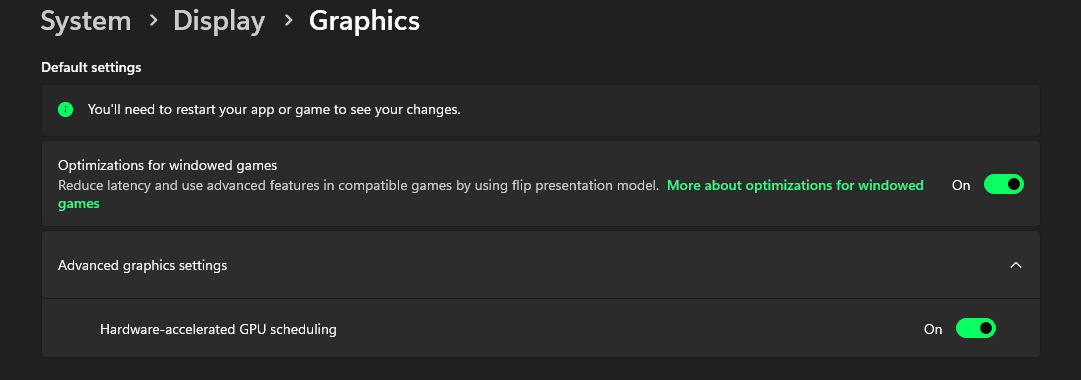
Go to Windows Settings -> Display -> Graphics
Set On for "Optimizations for Windowed Games" and
"Hardware-Accelerated GPU Scheduling".
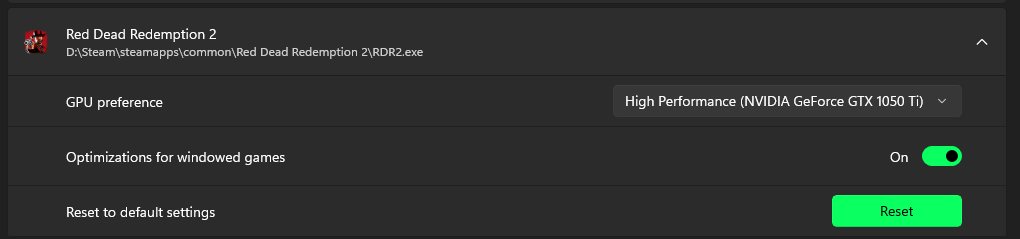
GPU Preference
"Add Desktop App" and select RDR2.exe,
set High Perfomance.
Properties
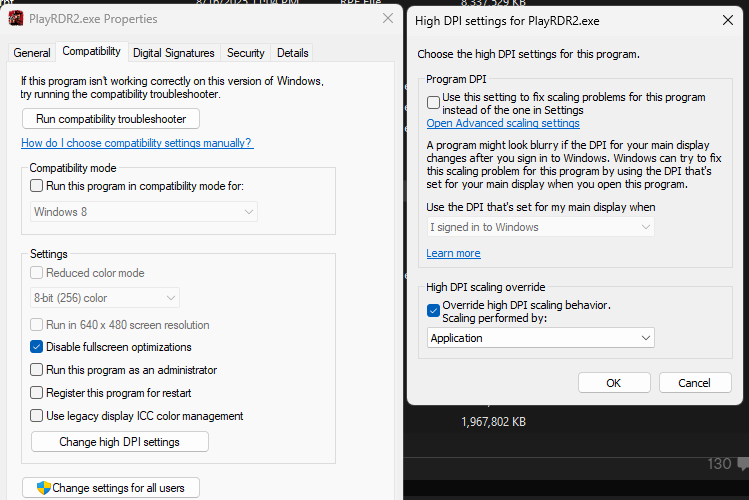
Go to game folder, right click on RDR2.exe, set checkbox "Disable fullscreen optimizations",
click on "Change high DPI settings" and enable "High DPI scaling override".
Same for PlayRDR2.exe
Go to Windows Settings -> Display -> Graphics
Set On for "Optimizations for Windowed Games" and
"Hardware-Accelerated GPU Scheduling".
GPU Preference
"Add Desktop App" and select RDR2.exe,
set High Perfomance.
Properties
Go to game folder, right click on RDR2.exe, set checkbox "Disable fullscreen optimizations",
click on "Change high DPI settings" and enable "High DPI scaling override".
Same for PlayRDR2.exe
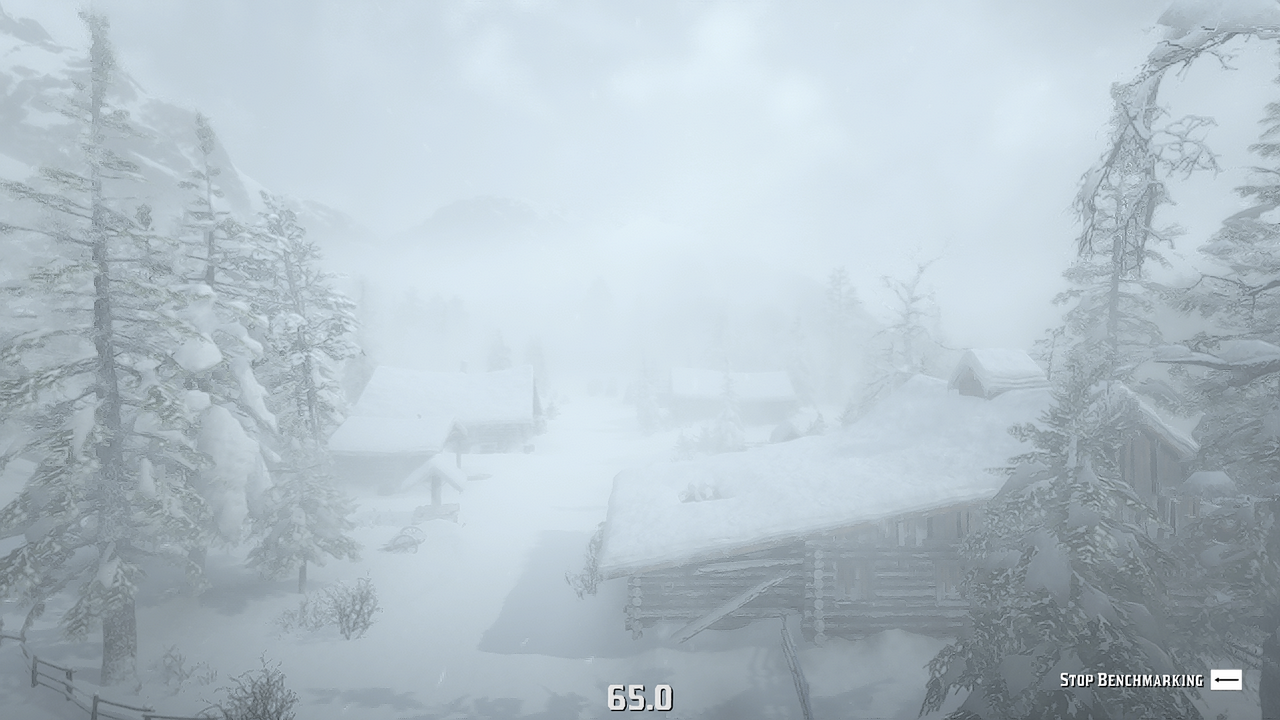
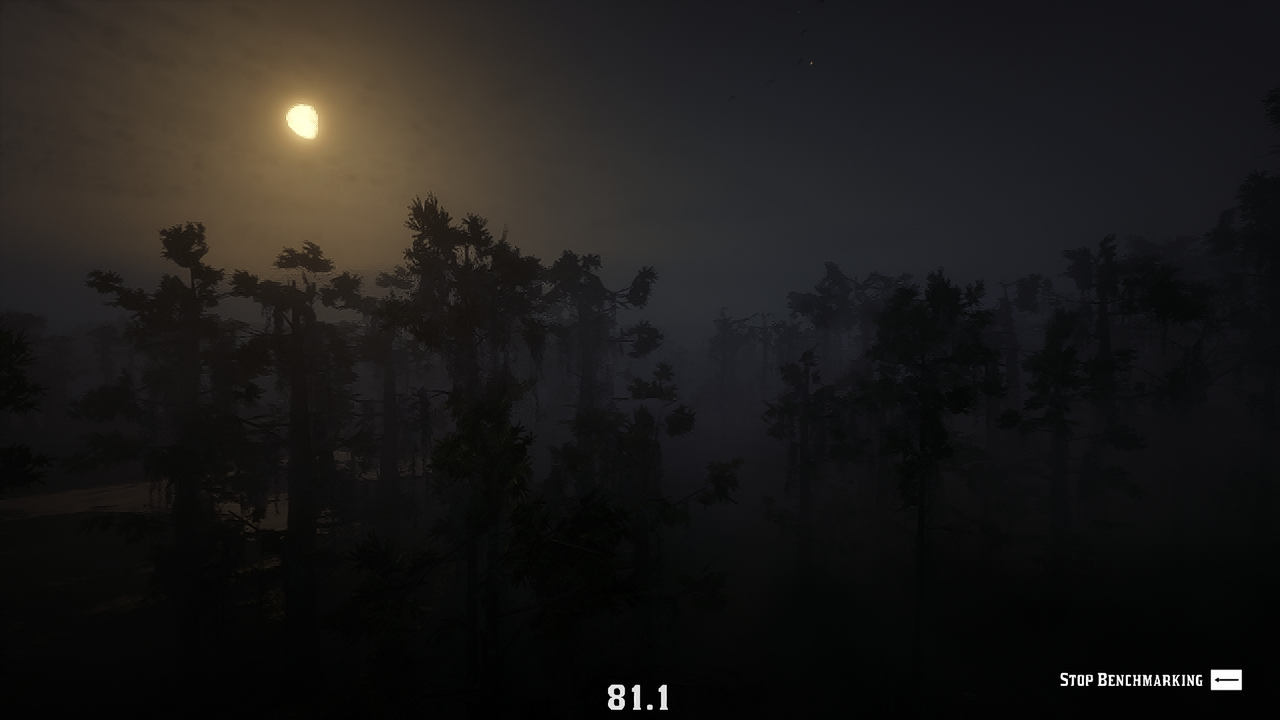
Benchmark
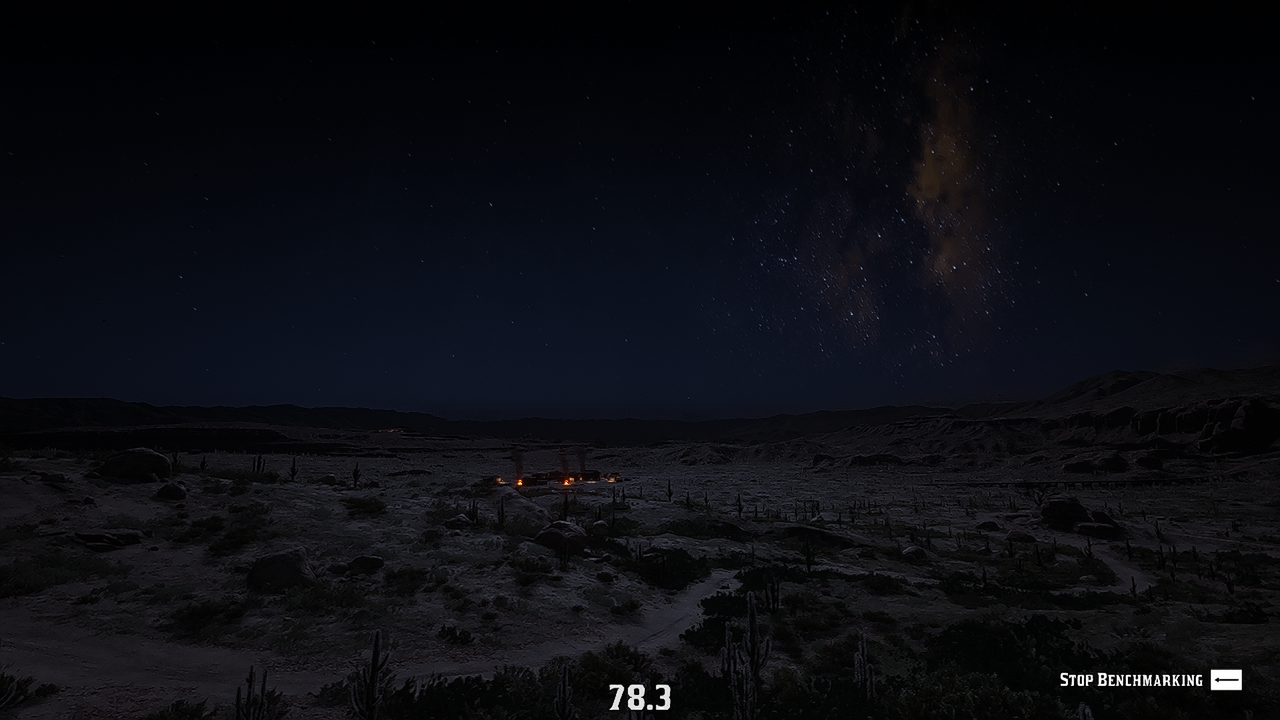
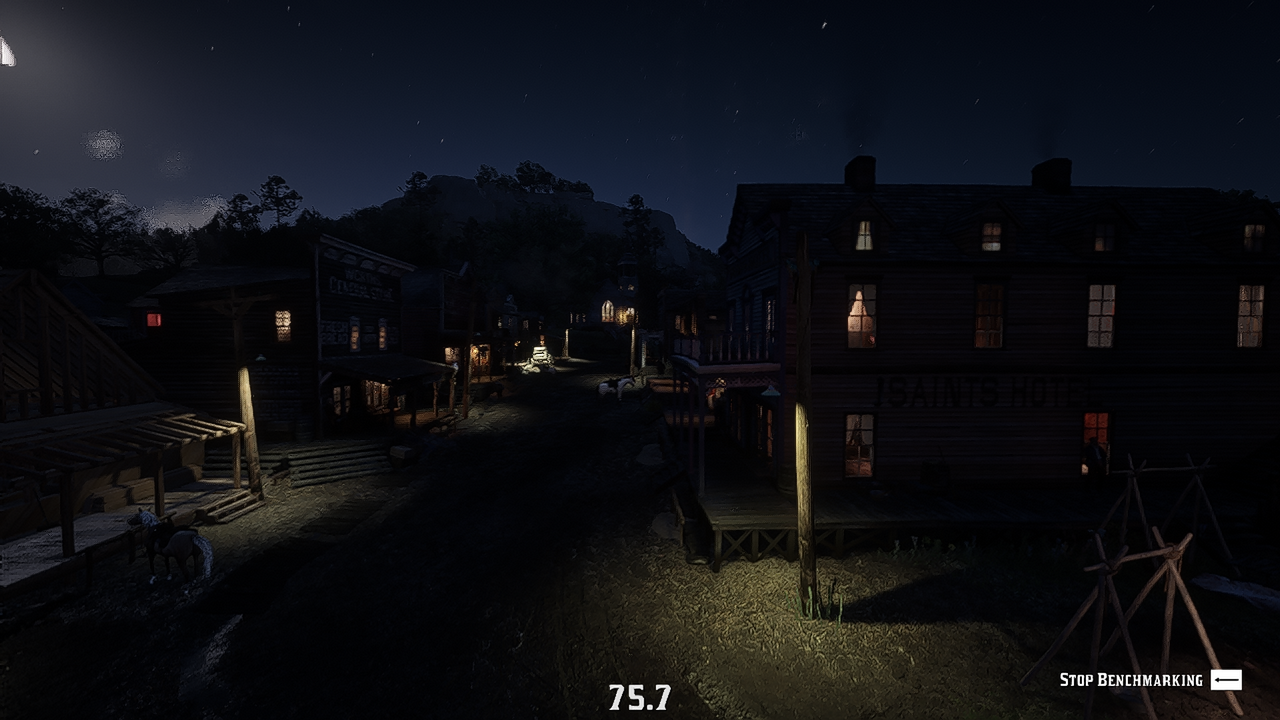
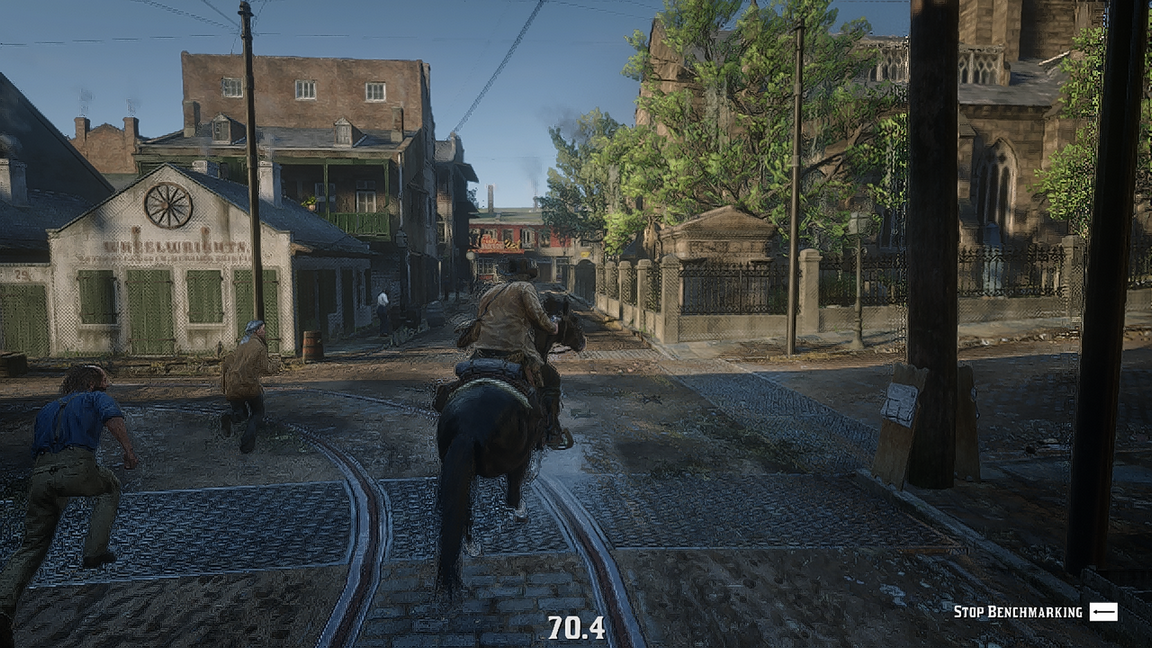
More Red Dead Redemption 2 guides
- 100% Achievement Guide for Red Dead Redemption II (including 100% game completion and Red Dead Online)★ 5 (1.9k)61k views4.6k ♥16 minUpdated Apr 12, 2020
- Карты для поиска животных в Red Dead Redemption 2 +Легендарные животные★ 5 (1.2k)52k views3.7k ♥1 minRussianUpdated May 25, 2021
- Полный гайд по испытаниям (Сюжетный режим)★ 5 (1.2k)52k views3.3k ♥33 minRussianUpdated Jun 27, 2020
- Карты сокровищ и тайники★ 5 (1.1k)42k views3.1k ♥7 minRussianUpdated May 17, 2020
- Hunting, Fishing, Perfect Pelts, Legendaries★ 5 (1.5k)39k views3.6k ♥16 minBulgarianUpdated Nov 25, 2025
- Достижения | Коллекции | Рецепты | Советы★ 5 (2.3k)38k views5.2k ♥46 minRussianUpdated Jun 29


🔥 Popular guides
- Upgrading to PremiumTeam Fortress 2★ 5 (20k)1441k views11k ♥6 minUpdated May 11, 2022
- No More Room in Hell Official ManualNo More Room in Hell★ 5 (2.8k)569k views2.1k ♥29 minUpdated Apr 22, 2019
- NMRiH Community Hosting GuidesNo More Room in Hell★ 5 (526)351k views653 ♥1 minUpdated Aug 10, 2022
- Лучшие кооперативные игры SteamPAYDAY 2★ 5 (1.5k)315k views2.1k ♥56 minRussianUpdated Apr 27, 2025
- Desert Eagle Heat Treated | Blue GemCounter-Strike 2★ 5 (1.6k)292k views1.5k ♥2 minUpdated Jan 16
- Treasure Hunt Puzzle SolutionsTotal War: WARHAMMER II★ 5 (6.9k)281k views15k ♥3 minUpdated Aug 19, 2021






This guide was created by its original author on the Steam Community. Are you the author and want it removed? Request removal.