How to add beta gang members to GTA SA (No replacement)
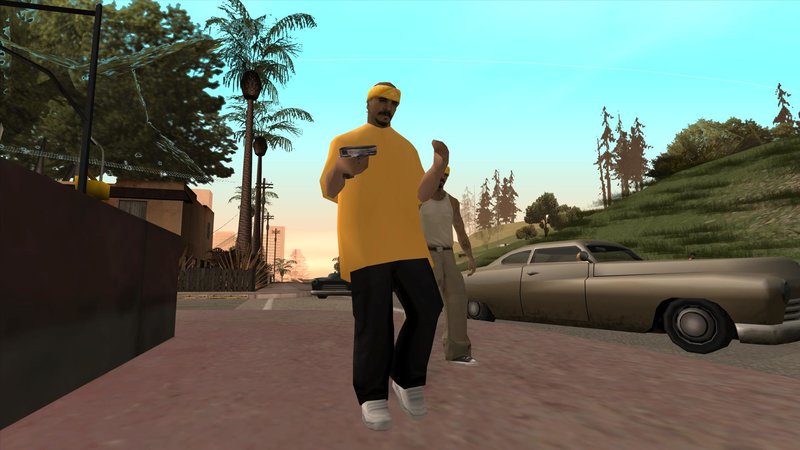
GTA SA - Beta Gang Members.
What are the "Beta Gang Members/Characters"?
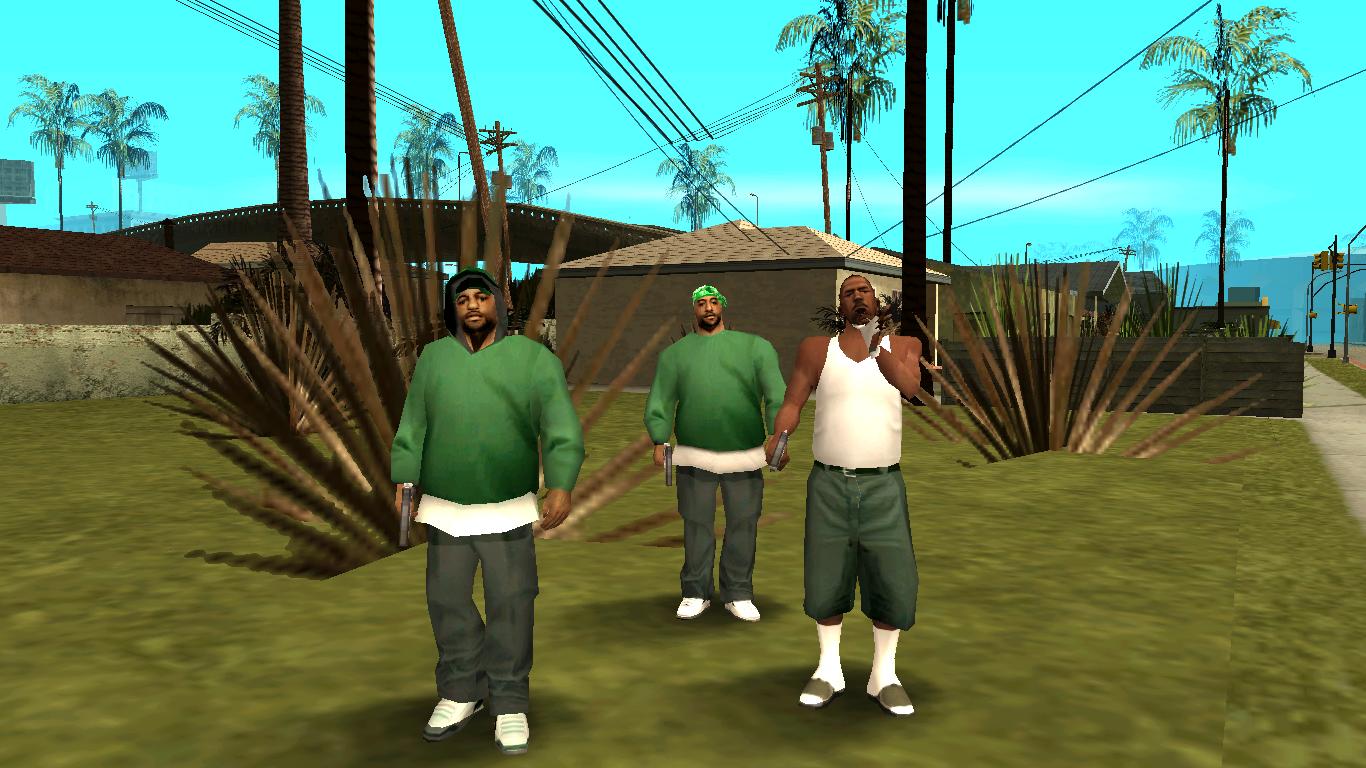
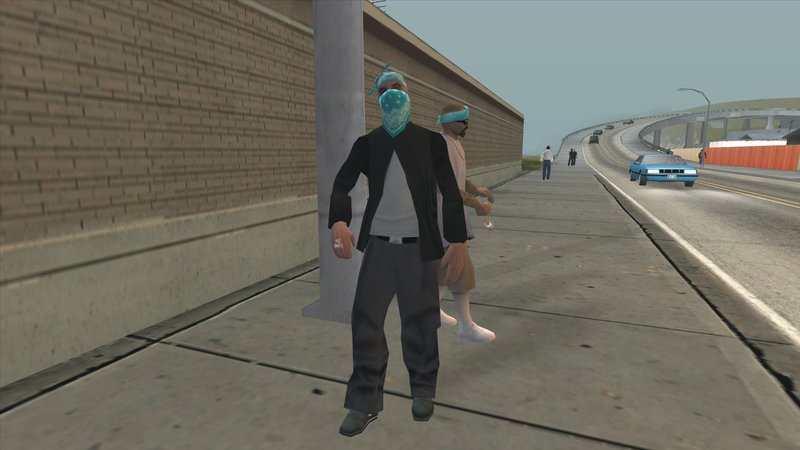
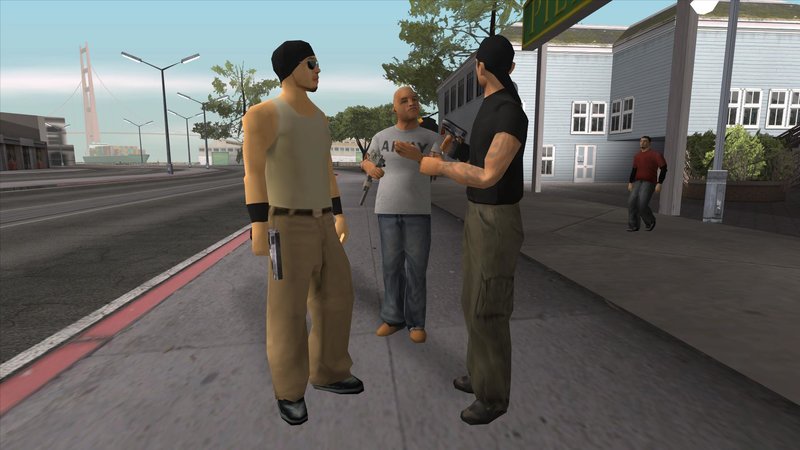
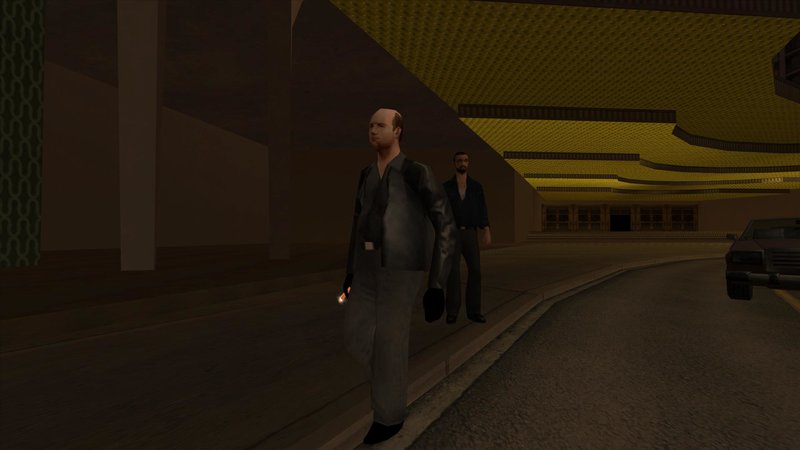
Beta characters are characters that were cut or rechanged during the development of a GTA game. Only two types of characters that were Deleted, Beta Name or Remodeled. Their files still appear inside the disc but some were deleted and can never be found in the files. Others were renamed or rechanged due to several reasons. These characters whether host a major, minor or just a pedestrian in a GTA game.
Things we need to know.
So, in order to make this mod fully usable, you have to downgrade the steam version game to 1.0
Here is a tutorial on how to do that
Required mods/tools
There are 4 needed mods that are required to make this feature work
1. Open Limit Adjuster - is a open source limit adjuster for Grand Theft Auto III, Vice City and San Andreas aiming to bring back limit adjusters to the scene.
However it does not aim to be just a limit adjuster, but a limit purger, that's, turning whatever previously was limited into unlimited, being only limited by the machine/application capacity.
2. Silent's ASI Loader - is a DLL file which adds ASI plugin loading functionality to San Andreas.
3. Modloader - is an ASI Plugin for Rockstar's Grand Theft Auto San Andreas that adds an extremely user-friendly and easy way to install and uninstall your modifications, without even messing around anything in your game installation.
4. Beta Gang Member - the mod itself.
Installation.
First of all we need to download the required mods that i have mentioned in the previous section.
- Open Limit Adjuster[github.com]
- Silent's ASI Loader[www.gtagarage.com]
- Modloader[www.gtagarage.com]
- Beta Gang Members[www.gtainside.com]
After downloading each mod, we have to install them one by one.
- Locate your game files
Library - Grand Theft Auto San Andreas - Right click - Manage - Browse local files.
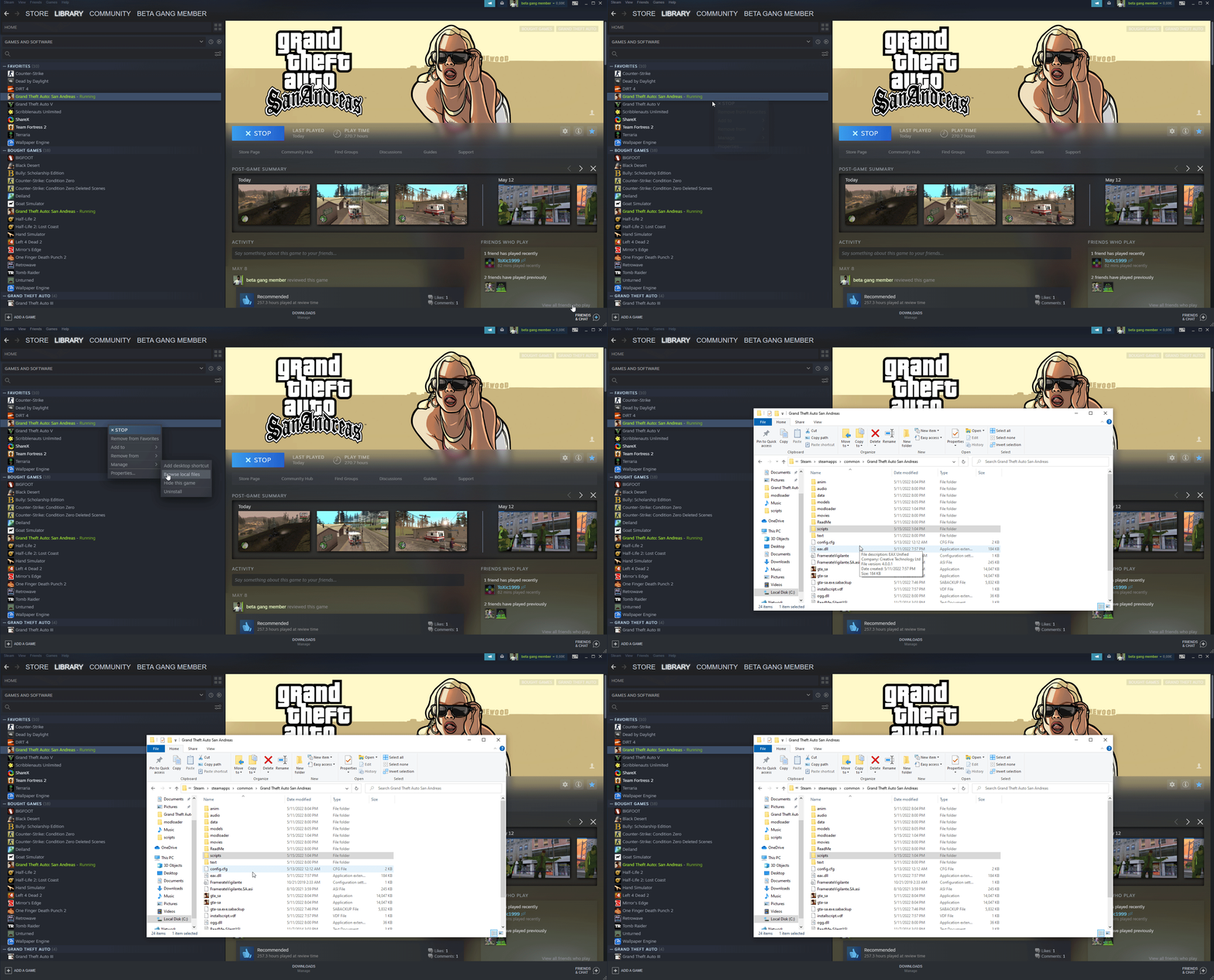
- Download Silent's ASI Loader - drag the files into the main folder of the game
- Download Modloader - drag the files into the main folder of the game.
- Download Open Limit Adjuster - drag the files into the scripts folder which is located in the main folder of the game.
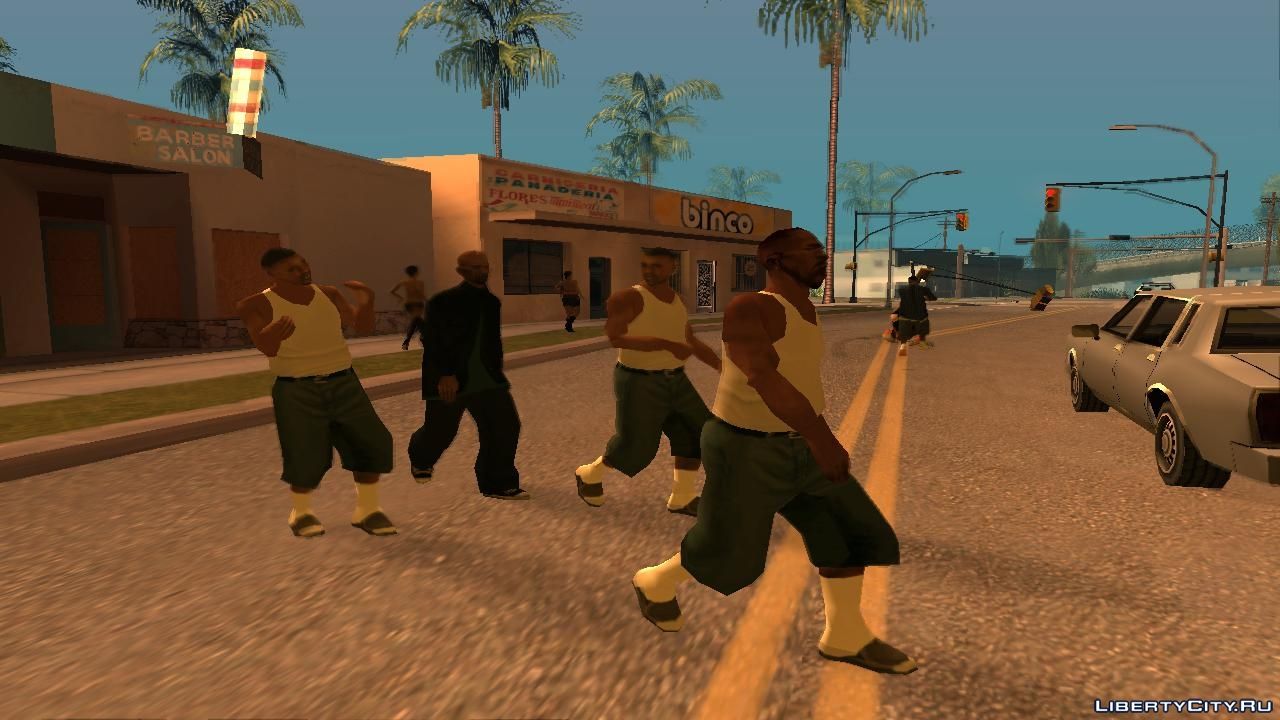
- Download Beta Gang Members - create a folder with the name Beta Gang Member in the modloader folder, which is locate in your main folder of the game - drag the mods in that folder.
Have fun
- Улучшаем GTA San Andreas★ 5 (3.9k)72k views4.6k ♥7 minRussianUpdated Jul 20, 2021
- Grand Theft Auto: San Andreas - The Improved Classic★ 5 (1.4k)56k views3.1k ♥5 minUpdated Oct 30, 2025
- Grand Theft Auto: San Andreas - Enhanced Edition★ 5 (1.6k)51k views2.2k ♥5 minUpdated Jun 28, 2020
- Grand Theft Auto San Andreas: Classic Edition★ 5 (1.5k)42k views3k ♥14 minRussianUpdated Jul 17
- GTA - San Andreas CHEATS★ 5 (1.5k)41k views2.4k ♥2 minUpdated Jan 4, 2024
- Silent Patch + Downgraders (SA)★ 5 (493)33k views861 ♥17 minUpdated Jan 3, 2020




- Upgrading to PremiumTeam Fortress 2★ 5 (20k)1441k views11k ♥6 minUpdated May 11, 2022
- No More Room in Hell Official ManualNo More Room in Hell★ 5 (2.8k)569k views2.1k ♥29 minUpdated Apr 22, 2019
- NMRiH Community Hosting GuidesNo More Room in Hell★ 5 (526)351k views653 ♥1 minUpdated Aug 10, 2022
- Лучшие кооперативные игры SteamPAYDAY 2★ 5 (1.5k)315k views2.1k ♥56 minRussianUpdated Apr 27, 2025
- Desert Eagle Heat Treated | Blue GemCounter-Strike 2★ 5 (1.6k)292k views1.5k ♥2 minUpdated Jan 16
- Treasure Hunt Puzzle SolutionsTotal War: WARHAMMER II★ 5 (6.9k)281k views15k ♥3 minUpdated Aug 19, 2021






This guide was created by its original author on the Steam Community. Are you the author and want it removed? Request removal.