How to Downgrade and install SAMP and MTA using Steam Version 2021
Materials
https://store.steampowered.com/app/12120/Grand_Theft_Auto_San_Andreas
GTA San Andreas Downgrader[services.rockstarnexus.com]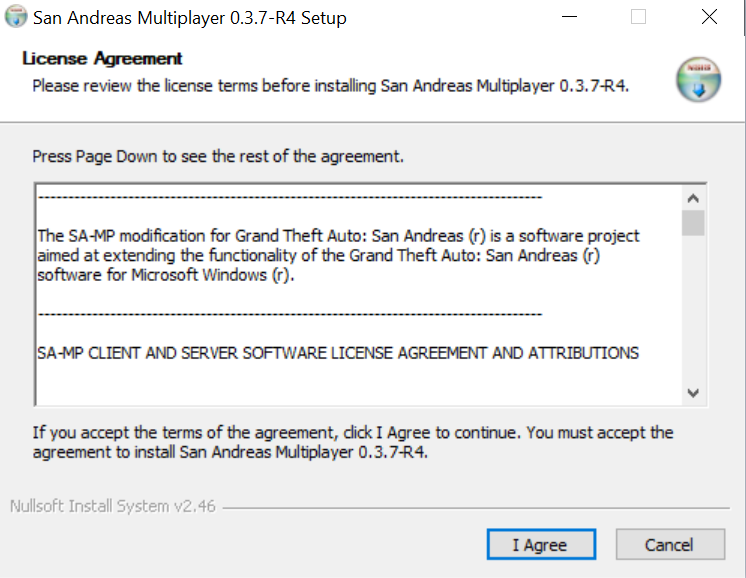 Multi Theft Auto[www.mtasa.com]
 Grand Theft Auto San Andreas Launcher[www.dropbox.com]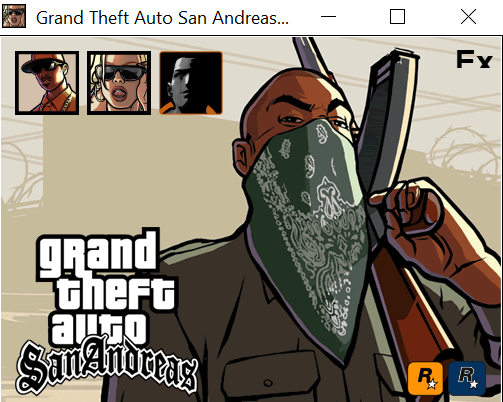
Requirements
First, you must disable auto-update GTA: San Andreas ![]() (On Steam, go to Library > Right Click on GTA: San Andreas > Properties > Updates > Automatic Updates > Set to 'Only update this game when I launch it'.)
(On Steam, go to Library > Right Click on GTA: San Andreas > Properties > Updates > Automatic Updates > Set to 'Only update this game when I launch it'.)
Downgrade to Version 1.0
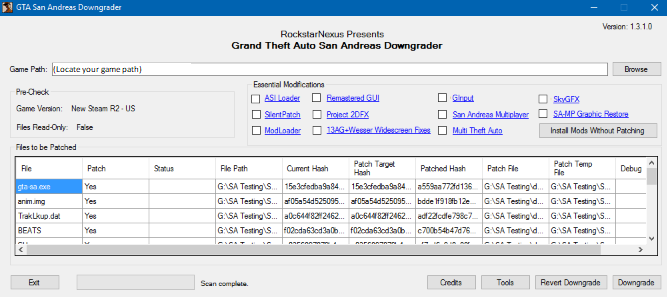 Now you need to downgrade Steam GTA:SA because steam version is 3.0. Its current version will not work with MTA and SA-MP. Now download the GTA San Andreas Downgrade at Materials or here GTA San Andreas Downgrader[services.rockstarnexus.com] and extract the file and run the .exe which ill open the downgrade.
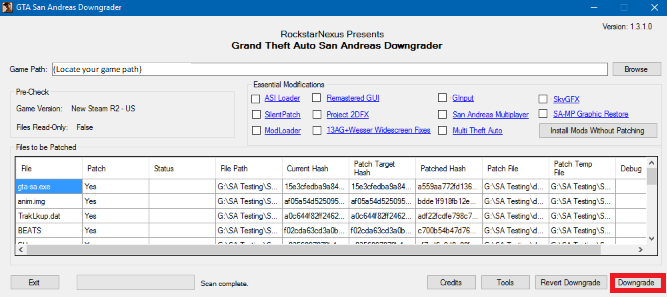 Once you're in the program, find the path of your Steam GTA:SA file. When you're done scanning, then press the downgrade button.
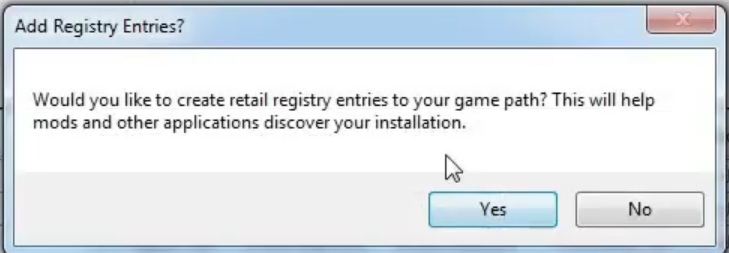 And then click 'Yes' for the second window pop-up.
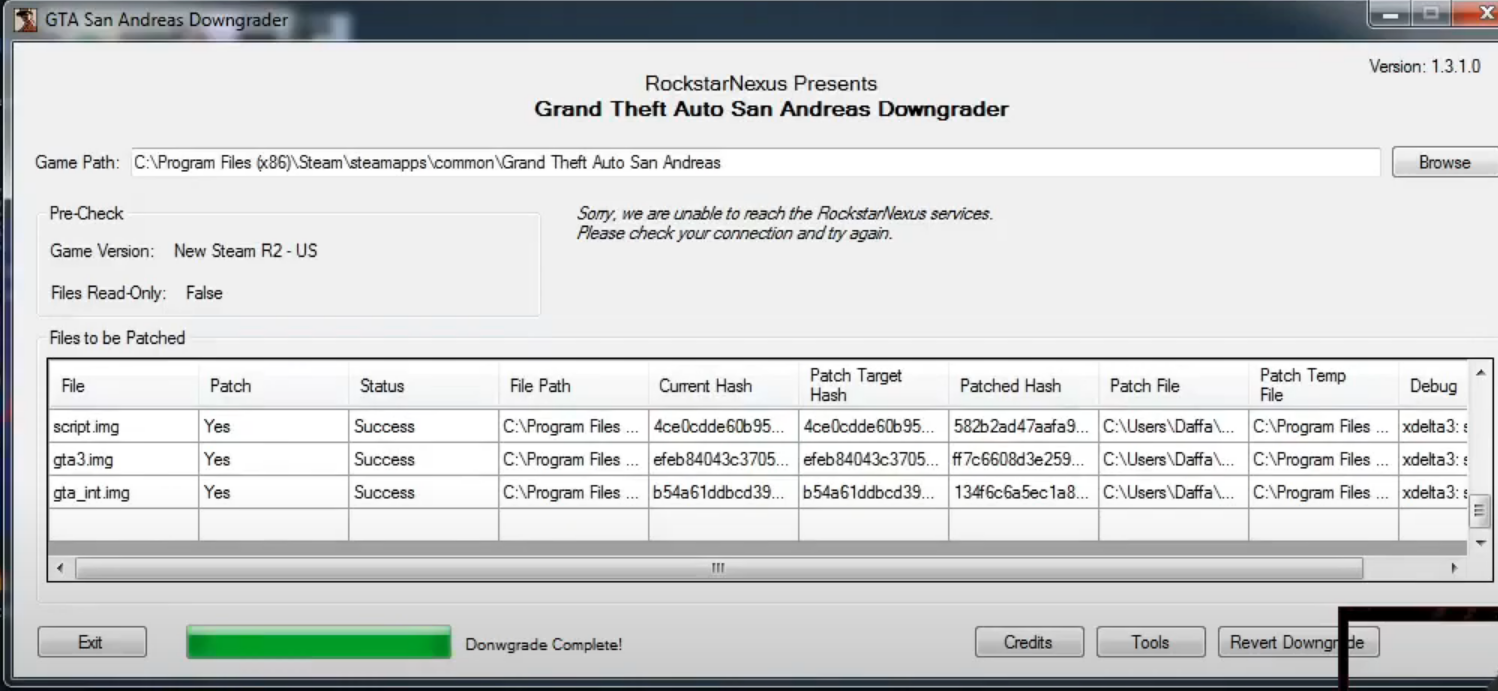 Just wait and see "Downgrade Complete" and just press exit.
San Andreas Multiplayer
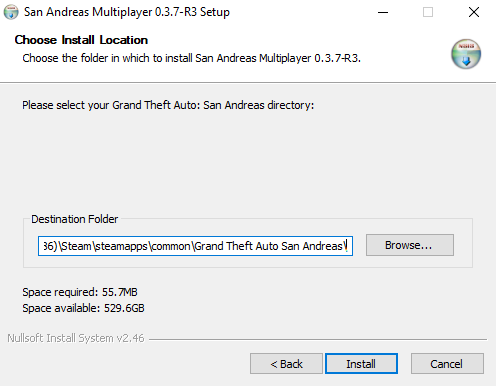 Now you need San Andreas Multiplayer if you don't have it downloaded here. San Andreas Multiplayer[files.hzgaming.net] When the SA-MP installer shows, run it and make sure to install it in the Steam GTA:SA folder
MAKE SURE SA-MP IS INSTALLED IN THE STEAM GTA:SA FODLER.
Multi Theft Auto
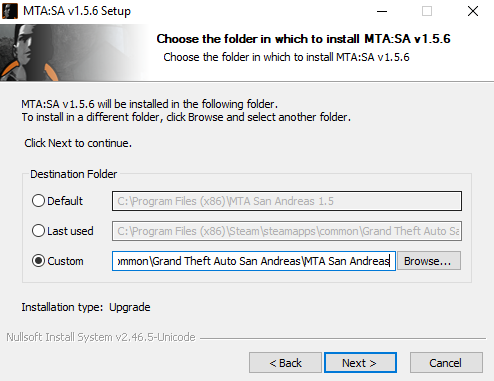
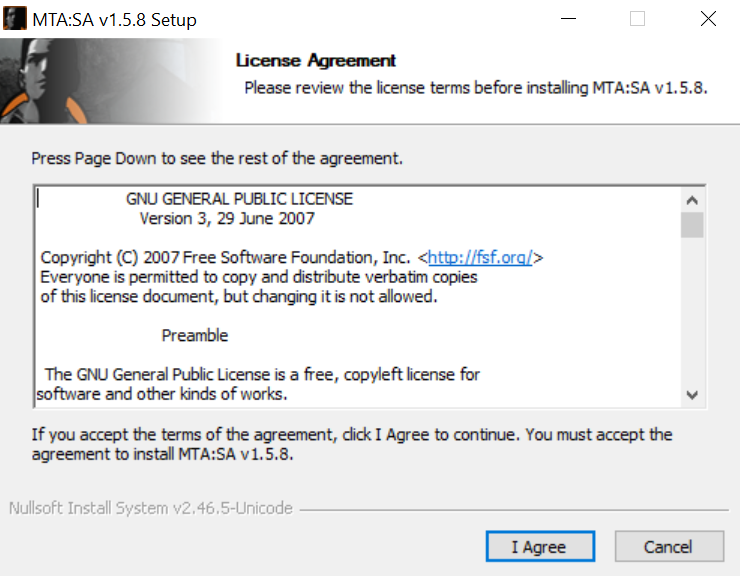
Now you need San Andreas Multiplayer if you don't have it downloaded here. Multi Theft Auto[www.mtasa.com] Then run the installer, stop at "Choose install Location" > Choose "Custom" for the Destination Folder > Click "Browse" > Locate your Steam GTA:SA folder > Click on make a new folder > Name it "MTA San Andreas" > Press OK and it will then be ready for Steam.
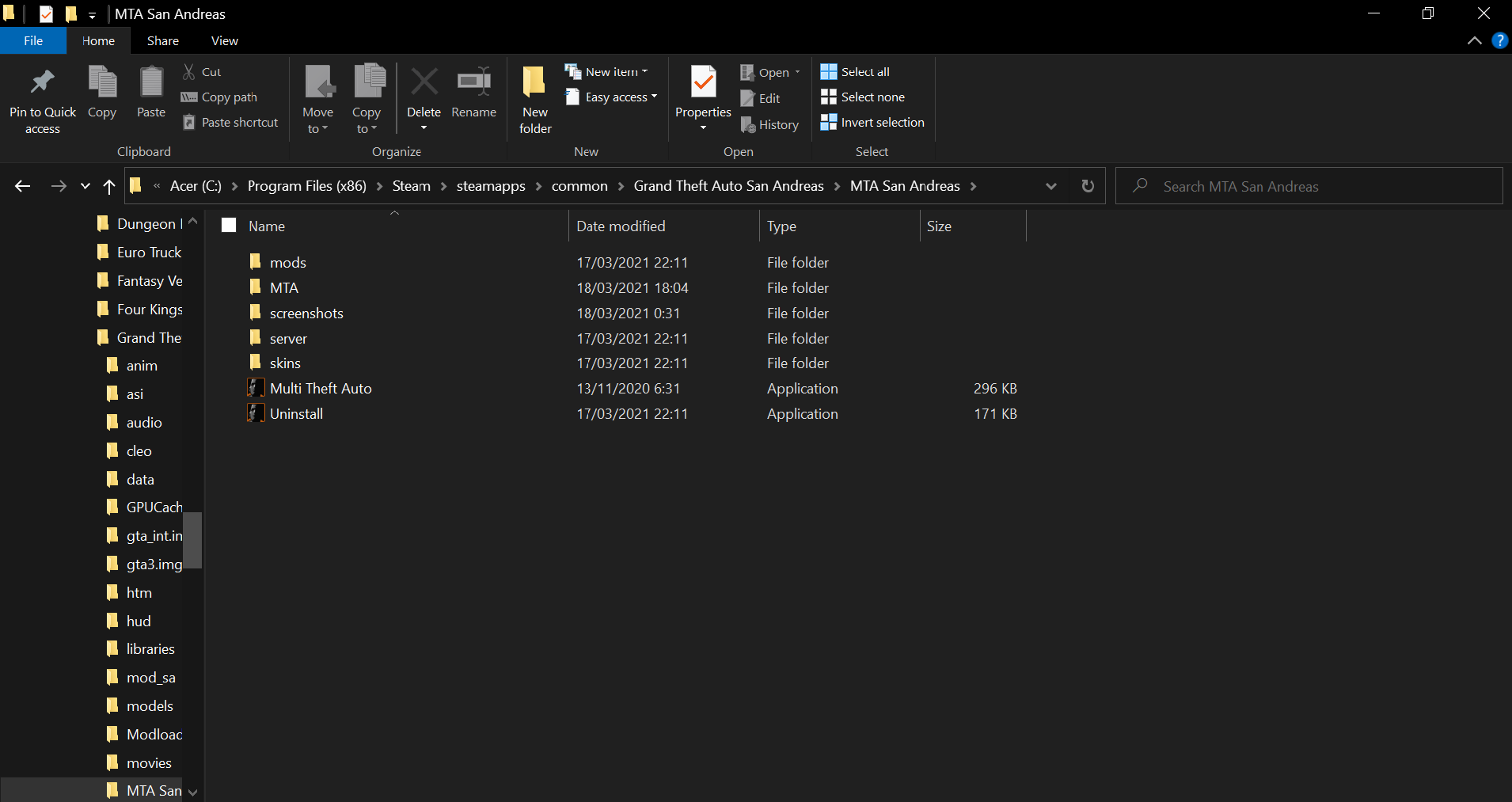
THIS IS VERY IMPORTANT MAKE SURE YOU CREATE THE MTA San Andreas FOLDER AND PUT IT IN THE STEAM GTA:SA FOLDER.
Grand Theft Auto San Andreas Launcher
After everything is done, now you need Grand Theft Auto San Andreas Launcher you can download here Grand Theft Auto San Andreas Launcher[www.dropbox.com] or at materials. download and extract file Now put "gta-sa.exe" into your Steam GTA:SA files, and it will replace the previous .exe file. After this is done, you are now finished and ready to play.
Result

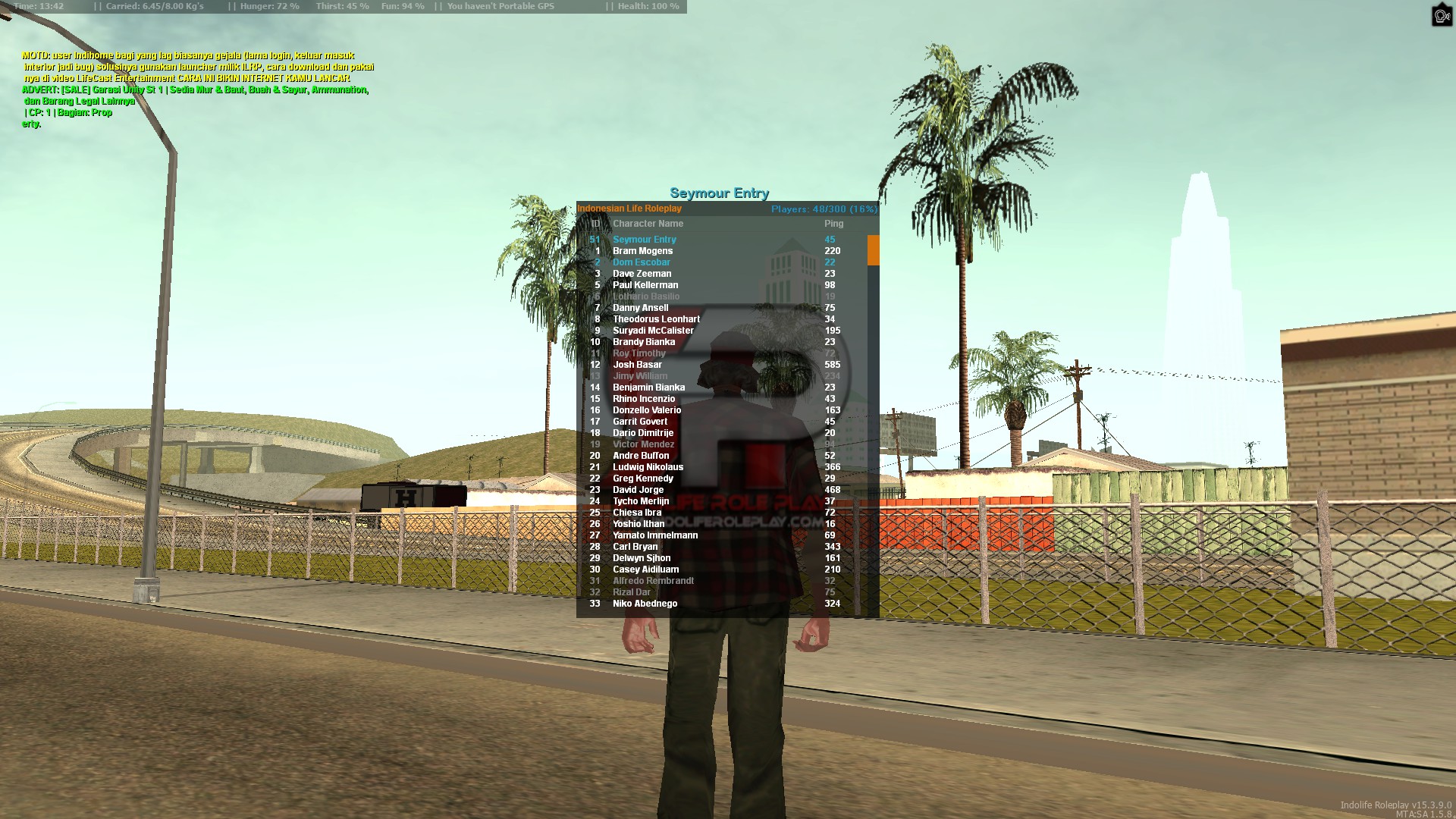
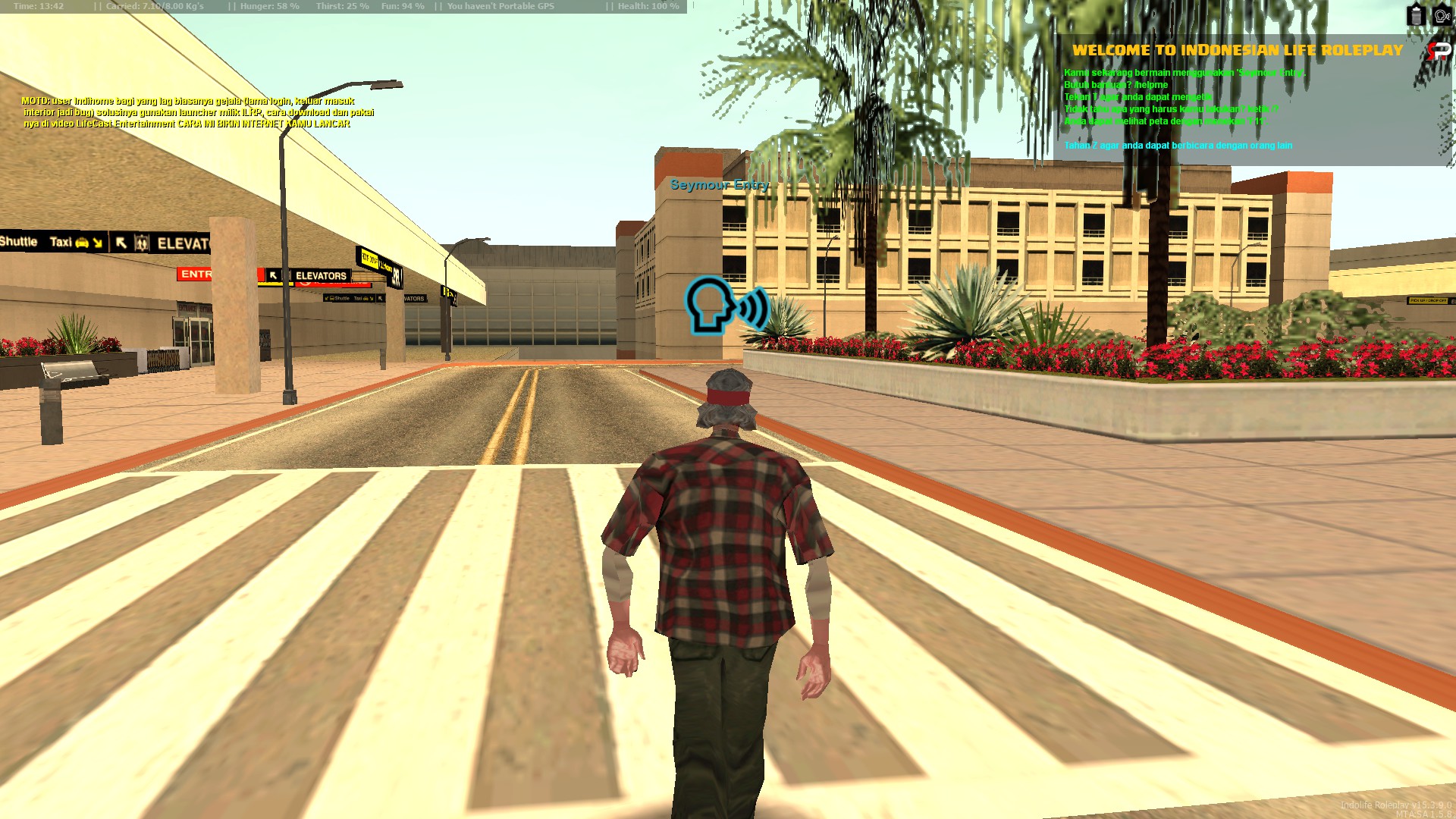

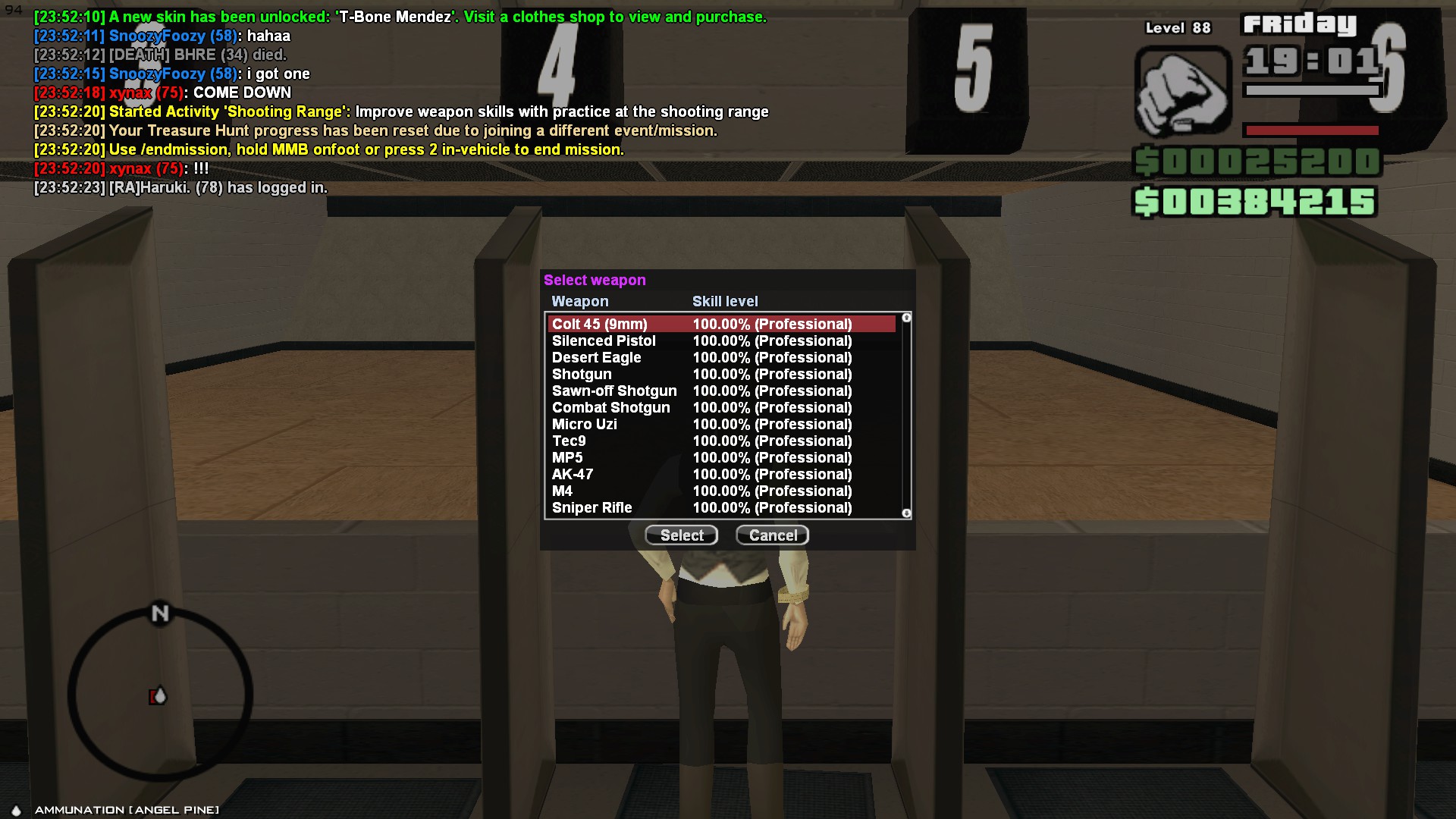
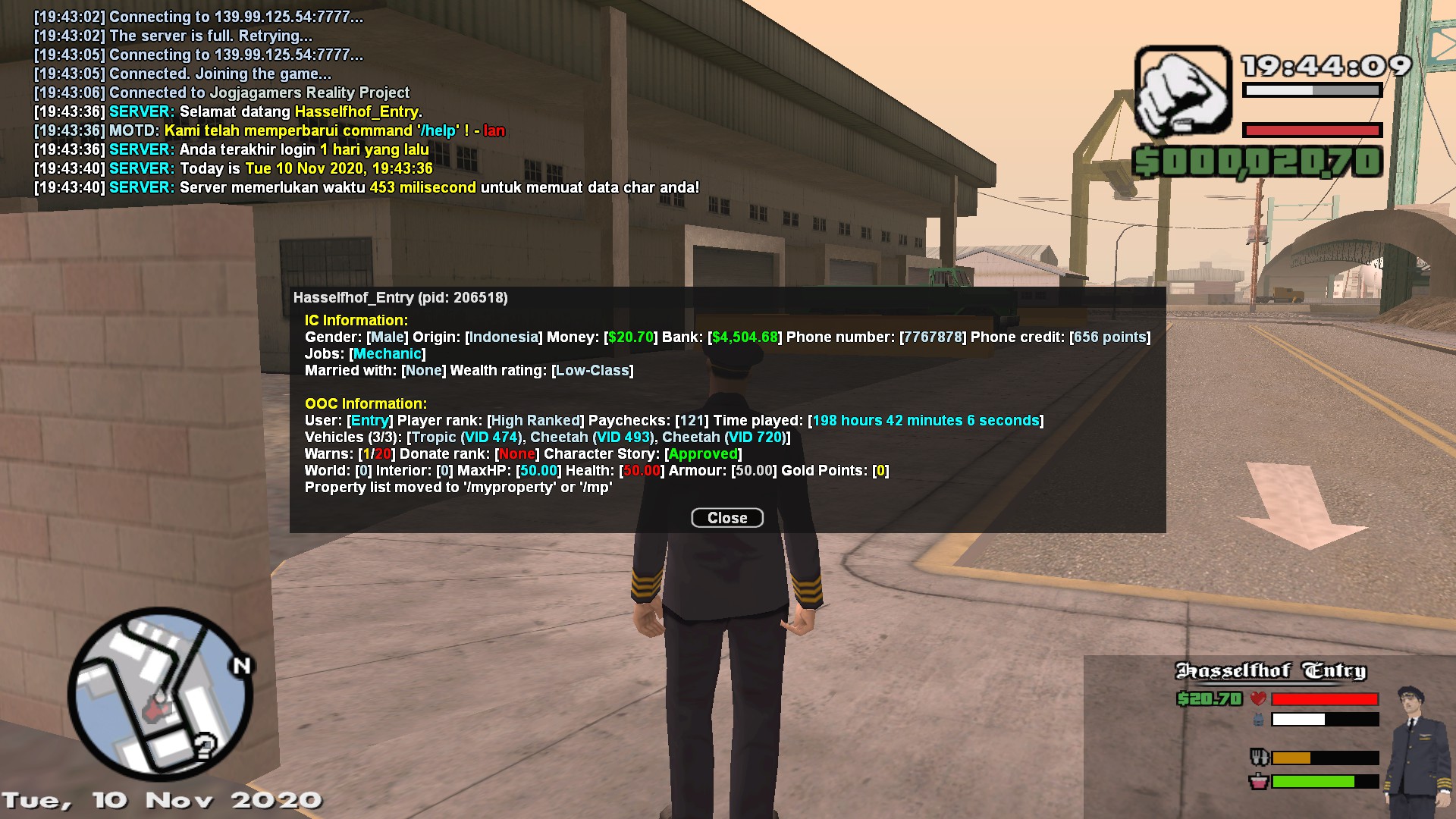
End of the guide

More Grand Theft Auto: San Andreas guides
- Улучшаем GTA San Andreas★ 5 (3.9k)72k views4.6k ♥7 minRussianUpdated Jul 20, 2021
- Grand Theft Auto: San Andreas - The Improved Classic★ 5 (1.4k)56k views3.1k ♥5 minUpdated Oct 30, 2025
- Grand Theft Auto: San Andreas - Enhanced Edition★ 5 (1.6k)51k views2.2k ♥5 minUpdated Jun 28, 2020
- Grand Theft Auto San Andreas: Classic Edition★ 5 (1.5k)42k views3k ♥14 minRussianUpdated Jul 17
- GTA - San Andreas CHEATS★ 5 (1.5k)41k views2.4k ♥2 minUpdated Jan 4, 2024
- Silent Patch + Downgraders (SA)★ 5 (493)33k views861 ♥17 minUpdated Jan 3, 2020



🔥 Popular guides
- Upgrading to PremiumTeam Fortress 2★ 5 (20k)1441k views11k ♥6 minUpdated May 11, 2022
- No More Room in Hell Official ManualNo More Room in Hell★ 5 (2.8k)569k views2.1k ♥29 minUpdated Apr 22, 2019
- NMRiH Community Hosting GuidesNo More Room in Hell★ 5 (526)351k views653 ♥1 minUpdated Aug 10, 2022
- Лучшие кооперативные игры SteamPAYDAY 2★ 5 (1.5k)315k views2.1k ♥56 minRussianUpdated Apr 27, 2025
- Desert Eagle Heat Treated | Blue GemCounter-Strike 2★ 5 (1.6k)292k views1.5k ♥2 minUpdated Jan 16
- Treasure Hunt Puzzle SolutionsTotal War: WARHAMMER II★ 5 (6.9k)281k views15k ♥3 minUpdated Aug 19, 2021






This guide was created by its original author on the Steam Community. Are you the author and want it removed? Request removal.