How to make Steam run SA-MP (PT/EN)
Tutorial:
PT: Como fazer o Steam emular o SA-MP no lugar do GTA SA
Introdução:
GTA San Andreas foi durante anos meu game favorito, isso só mudou depois que conheci Postal 2, mas ainda assim ele é um jogo que eu gosto muito e tenho vontade de que ele tenha a sua relevância no meu perfil da Steam. Mesmo que eu zere ele novamente (algo que eu não tenho vontade alguma de fazer agora), contará apenas umas 30 horas no perfil, e logo ele ficará esquecido.
Foi então que eu tive a ideia de emular o SA-MP no Steam, já que eu ainda curto jogar.
Vantagens em emular o SA-MP no Steam:
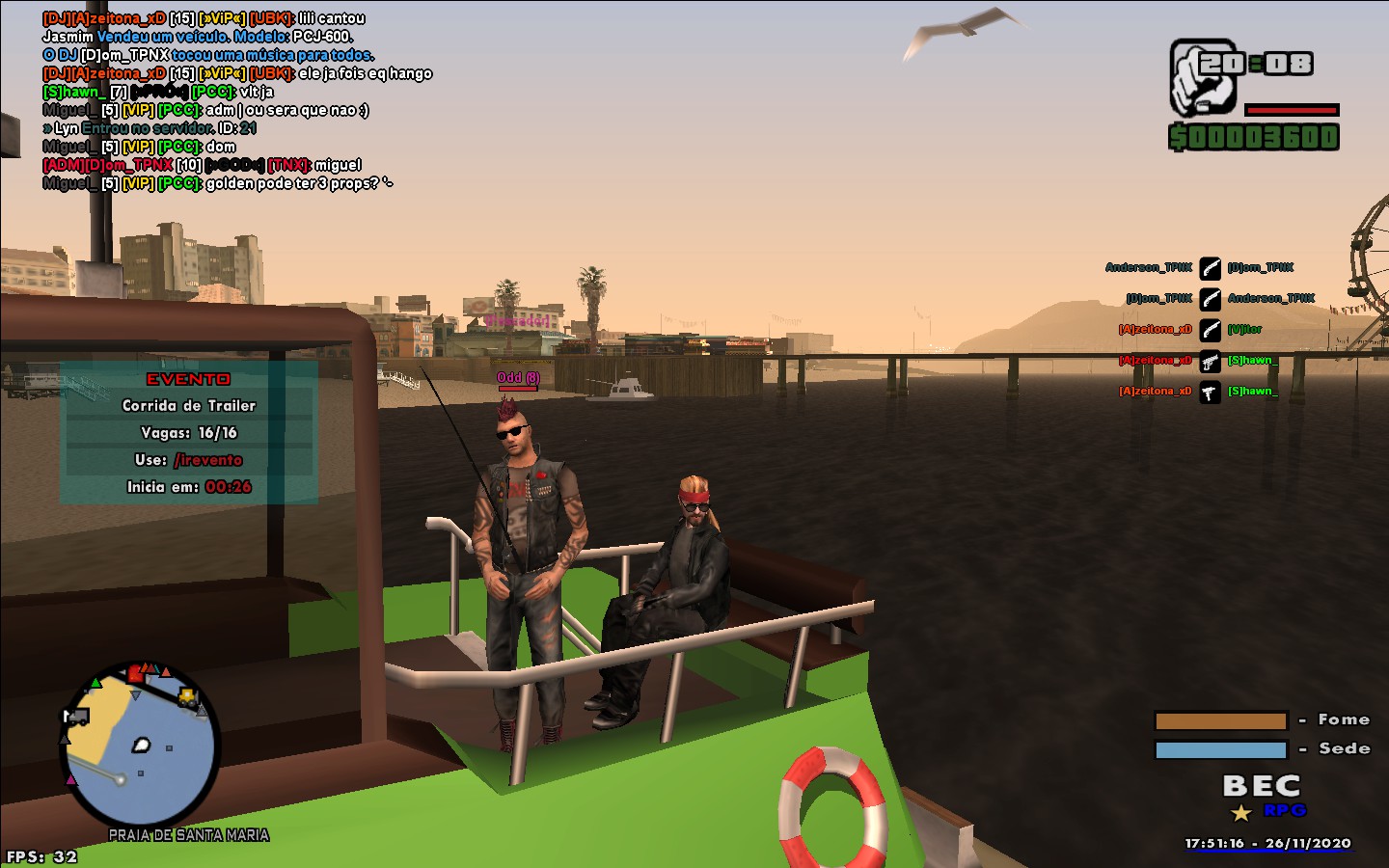
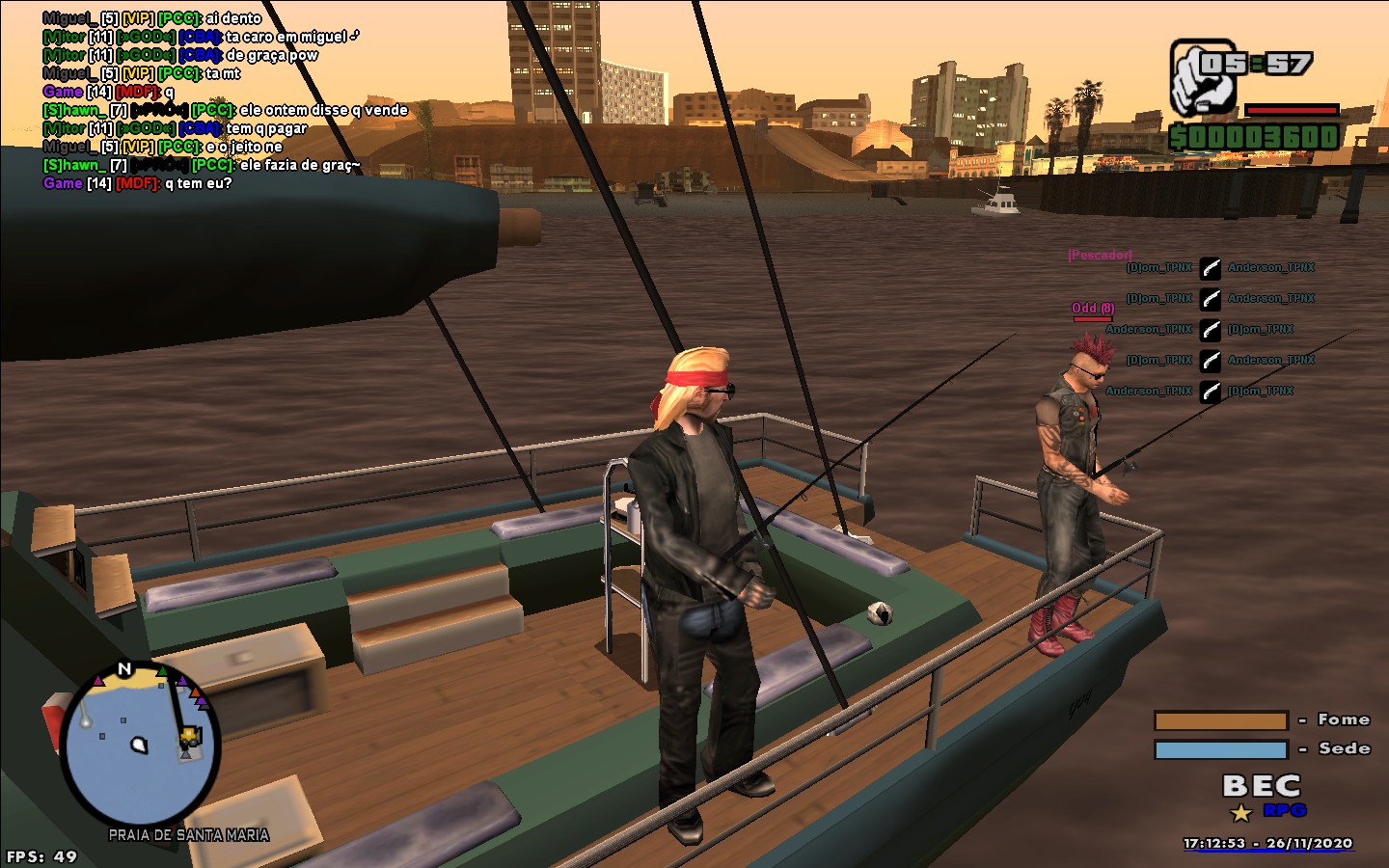
* Compartilhar screenshots do SA-MP no seu perfil e nas Atividades do Steam;
* Usar o menu Steam in-game para conversar com seus amigos;
* Informar seus amigos que você iniciou o GTA (muito útil caso seus amigos da Steam joguem SA-MP com você);
* Enquanto o cliente SA-MP estiver aberto, o Steam contará as horas (não precisa nem estar jogando);
* O jogo estará na biblioteca Steam, assim ficando mais organizado e sempre a disposição pra você jogar.
Tutorial:
Esse tutorial necessita de:
GTA San Andreas na sua Biblioteca Steam (Precisa fazer Downgrade).
Ou se você não quiser fazer Downgrade, pode apagar os arquivos do GTA Steam e usar algum GTA baixado (precisa ser a versão 1.0).
ATENÇÃO: DESATIVE A NUVEM STEAM PARA O GTA SA (PROCURE ALGUM TUTORIAL)
Continuando:
1 - Baixe o GTA da Steam, se você tiver feito o downgrade, não precisa apagar os arquivos, mas se quiser uma versão baixada do GTA, você tem que apagar.
* Se você não fizer o download, vai ficar o botão de "instalar" ao invés de "jogar".
NOTA: SE VOCÊ FEZ O DOWNGRADE, PULE O PASSO 2.
2 - Depois de apagar o conteúdo da pasta "Grand Theft Auto San Andreas", coloque um crack (http://miscellaneous-c.blogspot.com/2016/04/crack-gta-sa-v10-us-hoodlum-no-cd-fixed.html) nessa pasta (pra instalar o SA-MP, precisa ser detectado esse arquivo na pasta).
* A pasta fica nos arquivos de programas, especificamente em: Steam/steammapps/common/Grand Theft Auto San Andreas
3 - Após ter feito isso, instale o SA-MP na mesma pasta.
* Precisa de um arquivo "gta_sa.exe" pro instalador do SA-MP aceitar a instalação.
4 - Apague o .exe do GTA SA e renomeie o .exe do SA-MP para "gta-sa.exe".
* Com hífen (-) não underline (_).
NOTA: SE VOCÊ ESTÁ USANDO O GTA STEAM COM DOWNGRADE, NÃO APAGUE O "GTA-SA.EXE", RENOMEIO-O PARA "GTA_SA.EXE", DEPOIS RENOMEIE O .EXE DO SA-MP PARA "GTA-SA.EXE".
5 - Abra o SA-MP (nesse momento, o Steam já consegue emular o SA-MP), agora você precisa editar o cliente do SA-MP e definir o diretório do seu GTA.
Pra isso, com o SA-MP aberto, vá em Tools>Settings, vai abrir um menu com a opção de mudar o diretório.
* O melhor disso, é que você pode usar o GTA em qualquer lugar que você quiser, como na pasta Documentos (o que é super indicado[www.mixmods.com.br]).
Agora você já pode jogar o SA-MP pelo Steam. Lembre-se de usar o atalho criado pelo Steam na área de trabalho, ou iniciar o SA-MP pela biblioteca, agora ele funcionará como um jogo Steam.
Bônus: você pode renomear o atalho que o Steam fez pro GTA, para "San Andreas Multiplayer" e também trocar o ícone do atalho pelo mesmo do SA-MP.
Pra isso, basta clicar com o botão direito no atalho, ir em propriedades>documentos da web>alterar ícone.
Procure a pasta do seu GTA, vá em "Data/Icons" e lá você vai ver o ícone do SA-MP.
EN (Google Translate): How to make Steam run SA-MP
Introduction:
GTA San Andreas has been my favorite game for years, it only changed after I met Postal 2, but it is still a game that I like a lot and I want it to have its relevance on my Steam profile. Even if I reset it again (something I have no desire to do now), it will only count about 30 hours on the profile, and soon it will be forgotten.
It was then that I had the idea to emulate SA-MP on Steam, since I still enjoy playing.
Advantages of emulating SA-MP on Steam:
* Share screenshots of SA-MP on your profile and Steam Activities;
* Use the Steam in-game menu to chat with your friends;
* Inform your friends that you have started GTA (very useful if your Steam friends play SA-MP with you);
* While the SA-MP client is open, Steam will count the hours (you don't even have to be playing);
* The game will be in the Steam library, thus getting more organized and always available for you to play.
Tutorial:
This tutorial requires:
GTA San Andreas in your Steam Library (need to do Downgrade (Search on Youtube).
Or if you don't want to Downgrade, you can delete the files from GTA Steam and use some downloaded GTA (needs to be version 1.0).
ATTENTION: DISABLED THE STEAM CLOUD FOR GTA SA (LOOK FOR SOME TUTORIAL)
Continuing:
1 - Download the GTA from Steam, if you have done the Downgrade, you do not need to delete the files, but if you want a downloaded version from GTA, you have to delete it.
* If you don't download it, you will get the "install" button instead of "play".
NOTE: IF YOU HAVE DOWNGRADE, SKIP STEP 2.
2 - After deleting the contents of the "Grand Theft Auto San Andreas" folder, place a crack (Download a Crack) in that folder (to install SA-MP, this file needs to be detected in the folder).
* The folder is located in the program files, specifically: Steam / steammapps / common / Grand Theft Auto San Andreas
3 - After doing this, install SA-MP in the same folder.
* You need a "gta_sa.exe" file for the SA-MP installer to accept the installation.
4 - Delete the .exe from GTA SA and rename the .exe from SA-MP to "gta-sa.exe".
* With hyphen (-) not underline (_).
NOTE: IF YOU ARE USING GTA STEAM WITH DOWNGRADE, DO NOT DELETE "GTA-SA.EXE", RENAME IT TO "GTA_SA.EXE", THEN RENAME SA-MP .EXE TO "GTA-SA.EXE" .
5 - Open SA-MP (at this point, Steam is already able to emulate SA-MP), now you need to edit the SA-MP client and define your GTA directory.
For that, with the SA-MP open, go to Tools> Settings, it will open a menu with the option to change the directory.
* The best thing about this is that you can use GTA anywhere you want, like in the Documents folder.
You can now play SA-MP through Steam. Remember to use the shortcut created by Steam on the desktop, or start SA-MP from the library, it will now work as a Steam game.
Bonus: You can rename the shortcut that Steam made for GTA, to "San Andreas Multiplayer" and also change the shortcut icon for the same as SA-MP.
To do this, just right-click on the shortcut, go to properties> web documents> change icon.
Look for your GTA folder, go to "Data / Icons" and there you will see the SA-MP icon.
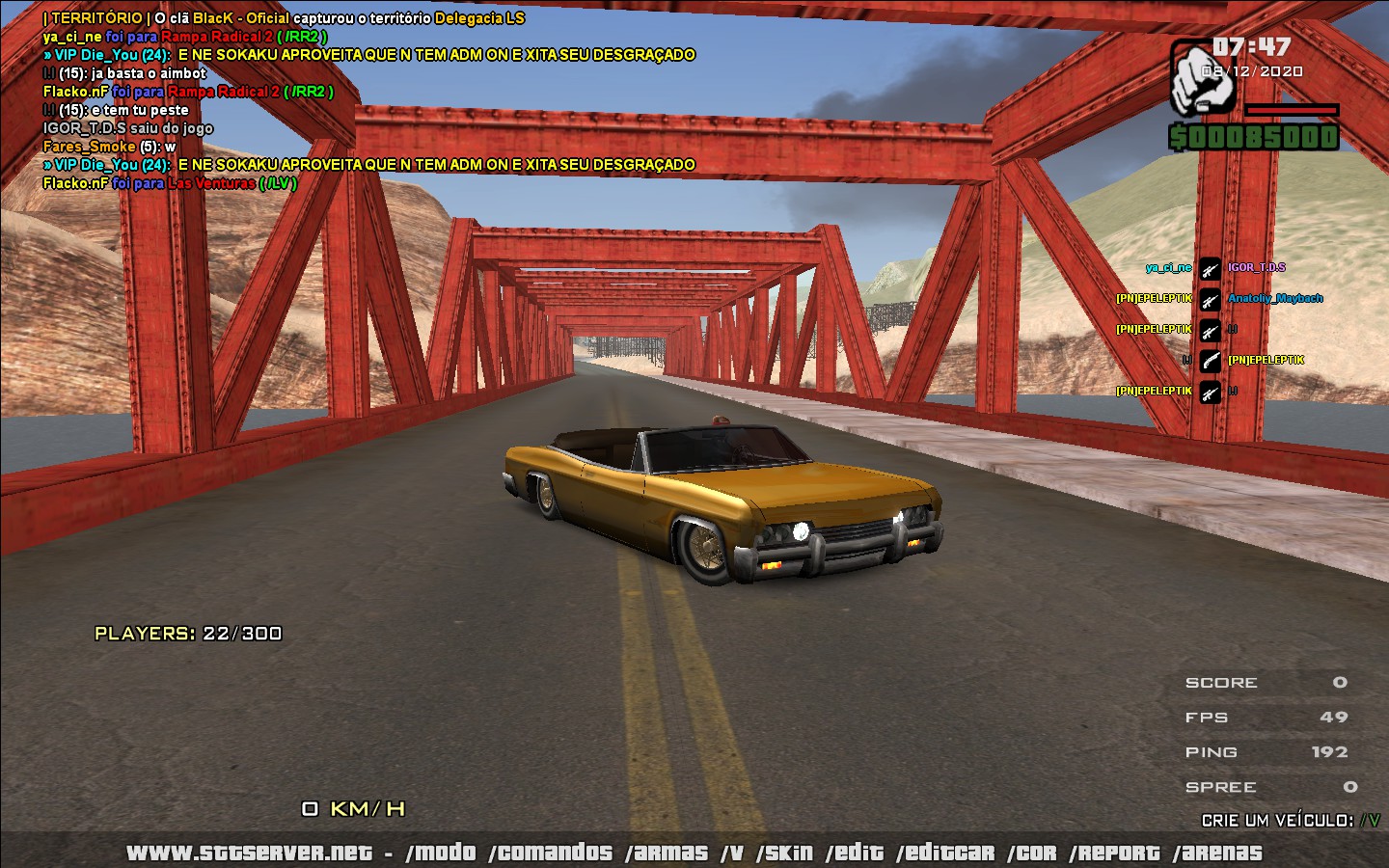
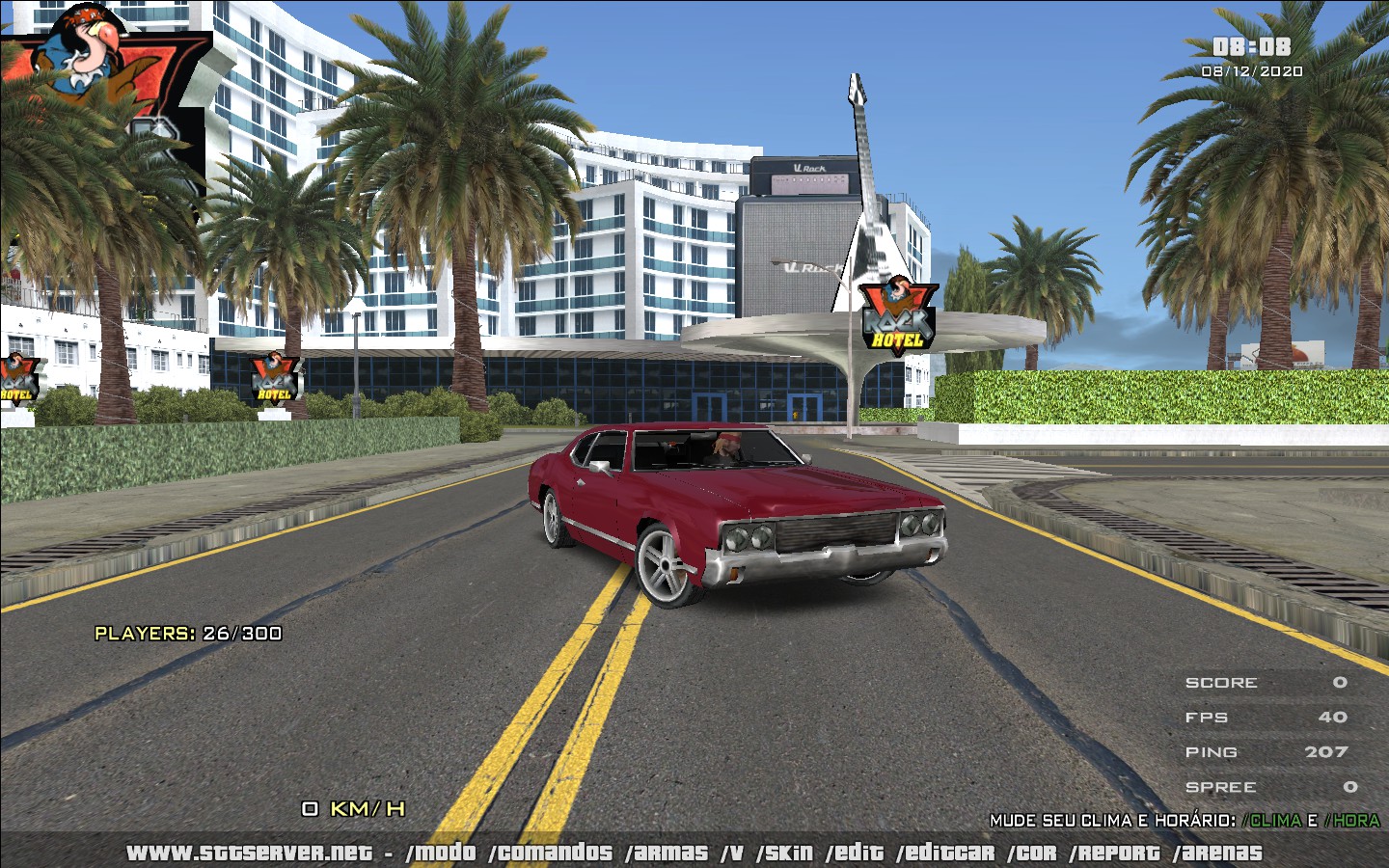
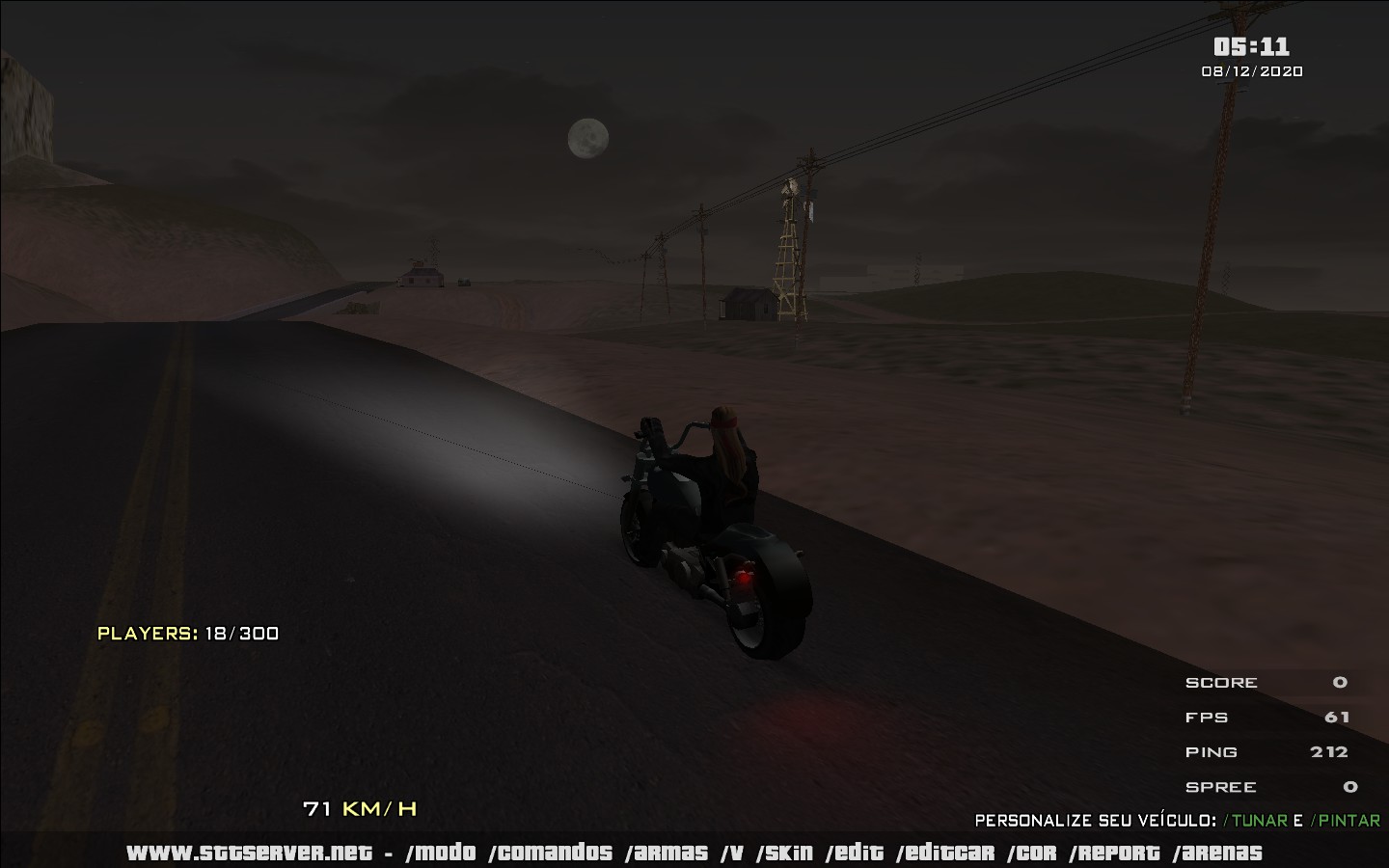
Screenshots:
- Улучшаем GTA San Andreas★ 5 (3.9k)72k views4.6k ♥7 minRussianUpdated Jul 20, 2021
- Grand Theft Auto: San Andreas - The Improved Classic★ 5 (1.4k)56k views3.1k ♥5 minUpdated Oct 30, 2025
- Grand Theft Auto: San Andreas - Enhanced Edition★ 5 (1.6k)51k views2.2k ♥5 minUpdated Jun 28, 2020
- Grand Theft Auto San Andreas: Classic Edition★ 5 (1.5k)42k views3k ♥14 minRussianUpdated Jul 17
- GTA - San Andreas CHEATS★ 5 (1.5k)41k views2.4k ♥2 minUpdated Jan 4, 2024
- Silent Patch + Downgraders (SA)★ 5 (493)33k views861 ♥17 minUpdated Jan 3, 2020




- Upgrading to PremiumTeam Fortress 2★ 5 (20k)1441k views11k ♥6 minUpdated May 11, 2022
- No More Room in Hell Official ManualNo More Room in Hell★ 5 (2.8k)569k views2.1k ♥29 minUpdated Apr 22, 2019
- NMRiH Community Hosting GuidesNo More Room in Hell★ 5 (526)351k views653 ♥1 minUpdated Aug 10, 2022
- Лучшие кооперативные игры SteamPAYDAY 2★ 5 (1.5k)315k views2.1k ♥56 minRussianUpdated Apr 27, 2025
- Desert Eagle Heat Treated | Blue GemCounter-Strike 2★ 5 (1.6k)292k views1.5k ♥2 minUpdated Jan 16
- Treasure Hunt Puzzle SolutionsTotal War: WARHAMMER II★ 5 (6.9k)281k views15k ♥3 minUpdated Aug 19, 2021






This guide was created by its original author on the Steam Community. Are you the author and want it removed? Request removal.