Custom Steam Backgrounds and Artworks for Assassin's Creed
How to use backgrounds / artworks?
There's two methods to download, for the first one you need to open this guide on the web and then you can just right click, press save and than download the background / artwork you want.
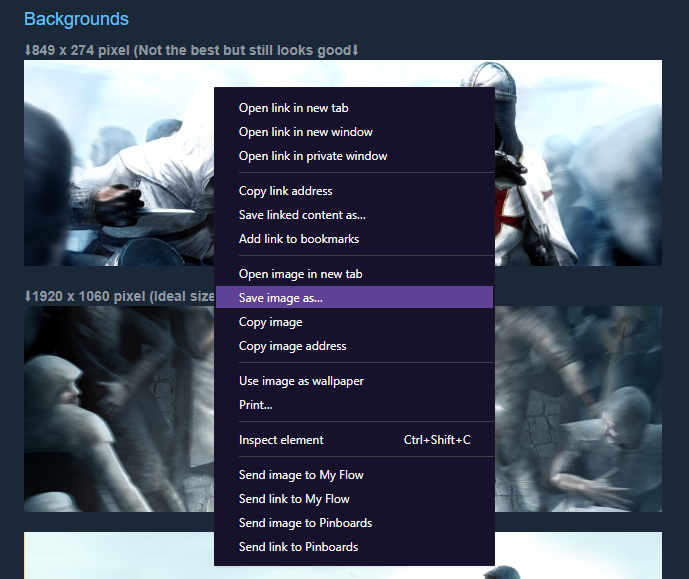
If you don't want to open / find the guide on the web then you can press the background / artwork you want and than copy the link of the photo to open it on your browser. After opening it on the browser you can download it the same way I described on the first method.
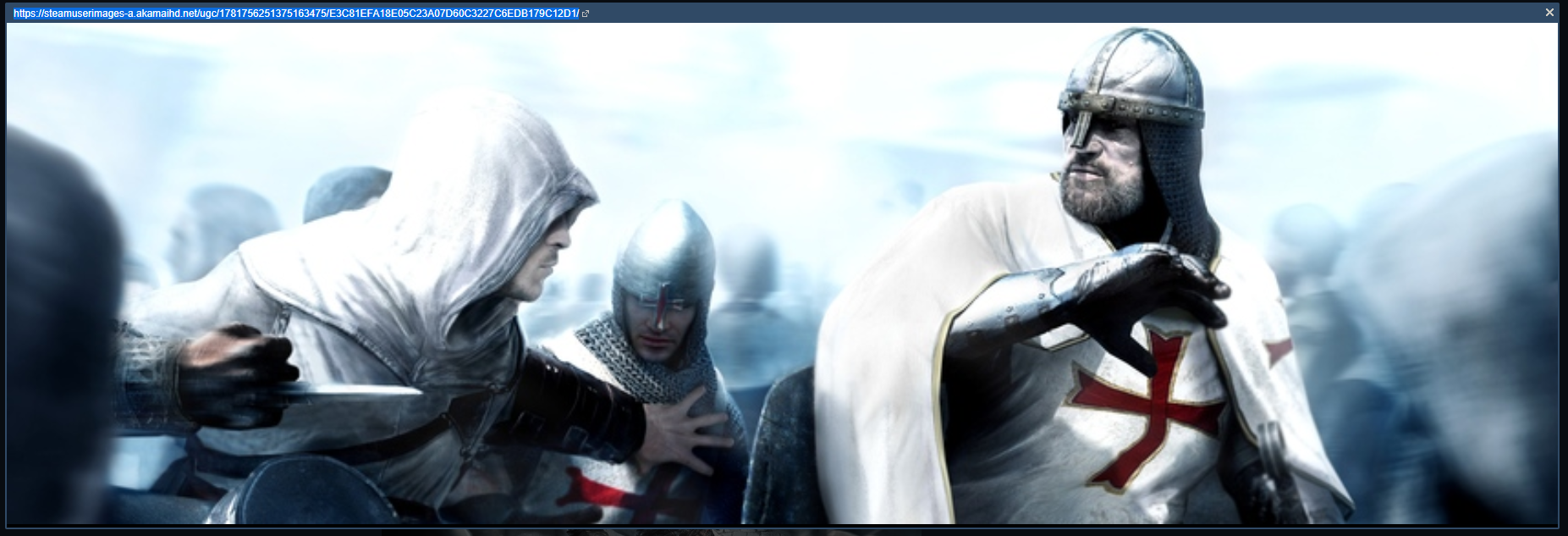
To use your downloaded background you need to right click the original background of the game and select "Set custom background" and than select the background you just downloaded.

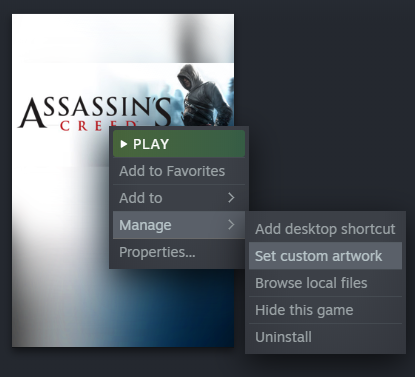
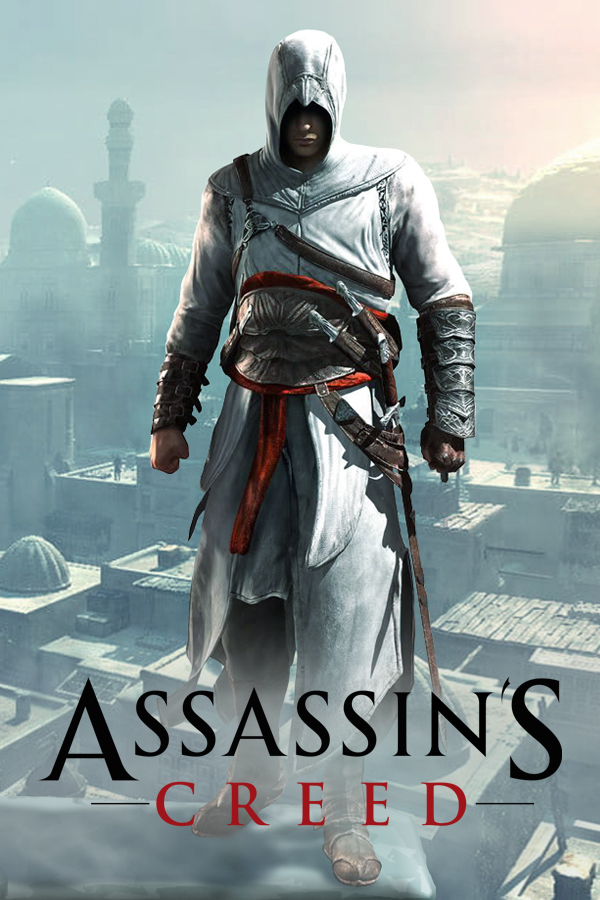
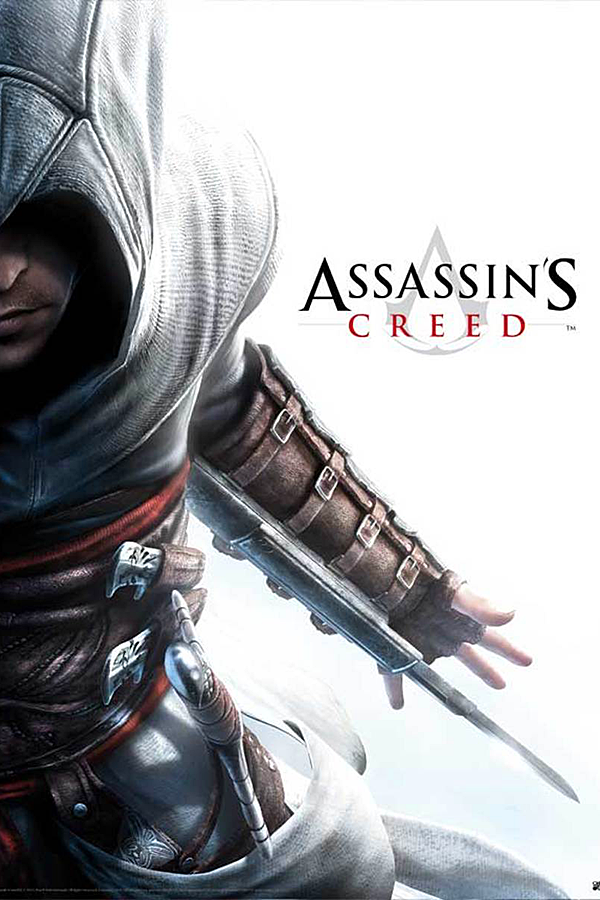
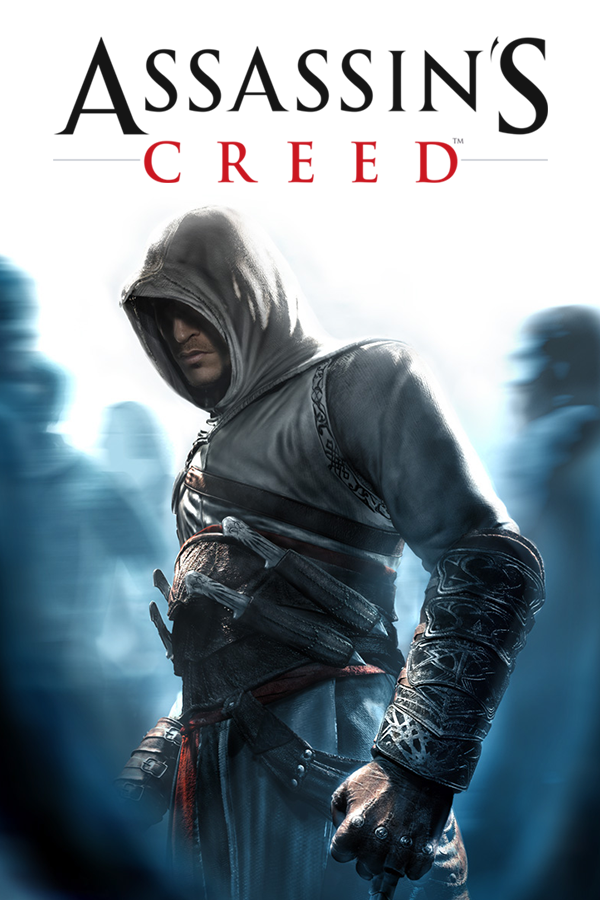
To use your downloaded artwork you now need to right click the game from your library instead of the game page itself and than click on "Set custom artwork". After that you can just select the artwork you've just downloaded and it's finished.
If you don't want to open / find the guide on the web then you can press the background / artwork you want and than copy the link of the photo to open it on your browser. After opening it on the browser you can download it the same way I described on the first method.
To use your downloaded background you need to right click the original background of the game and select "Set custom background" and than select the background you just downloaded.
To use your downloaded artwork you now need to right click the game from your library instead of the game page itself and than click on "Set custom artwork". After that you can just select the artwork you've just downloaded and it's finished.
Backgrounds
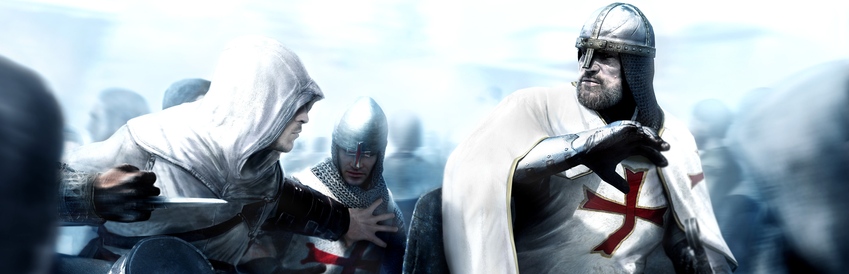
⬇849 x 274 pixel (Not the best but still looks good⬇
⬇1920 x 1060 pixel (Ideal size if you don't use 4k)⬇
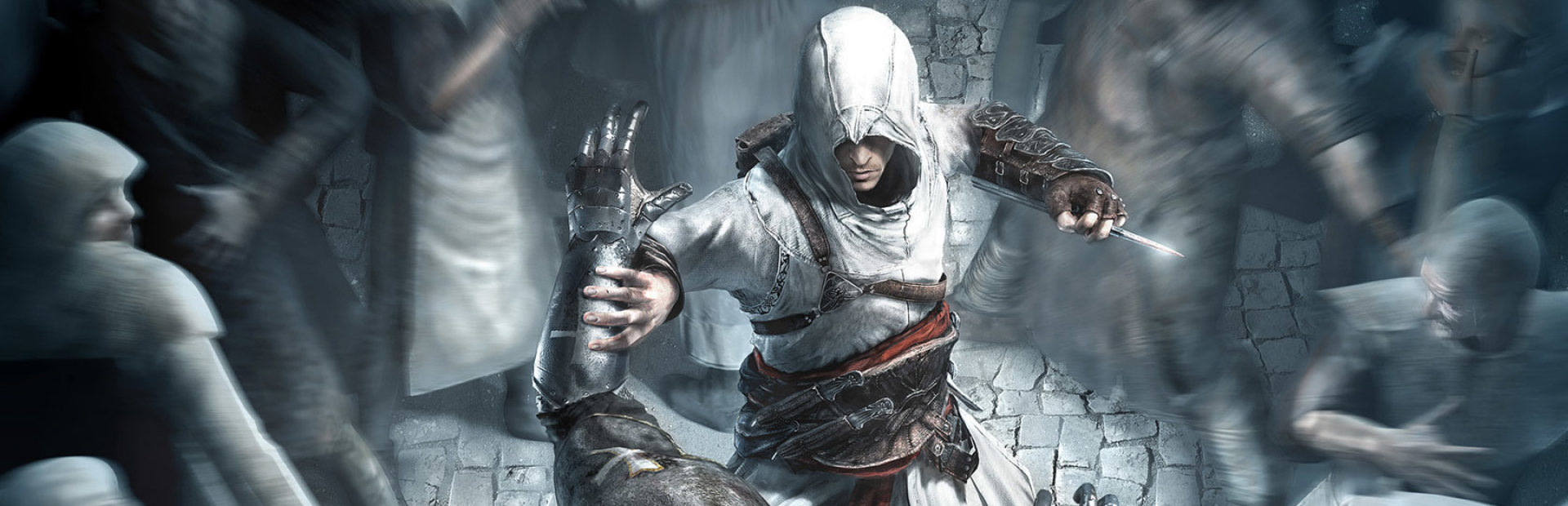
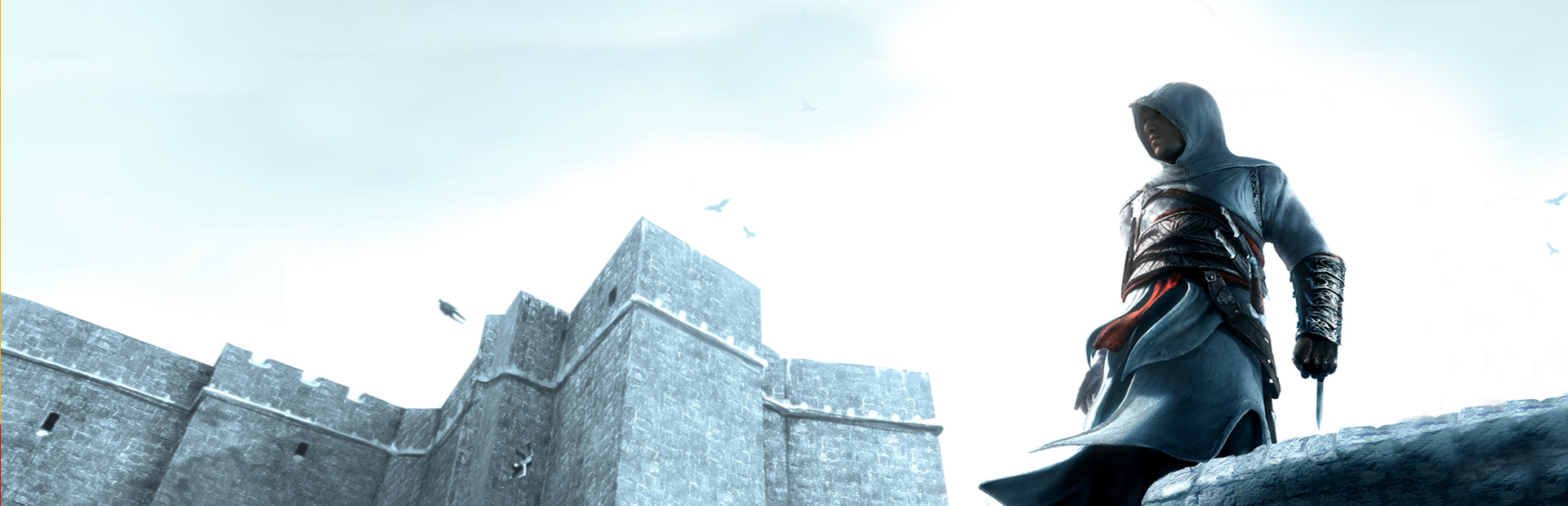
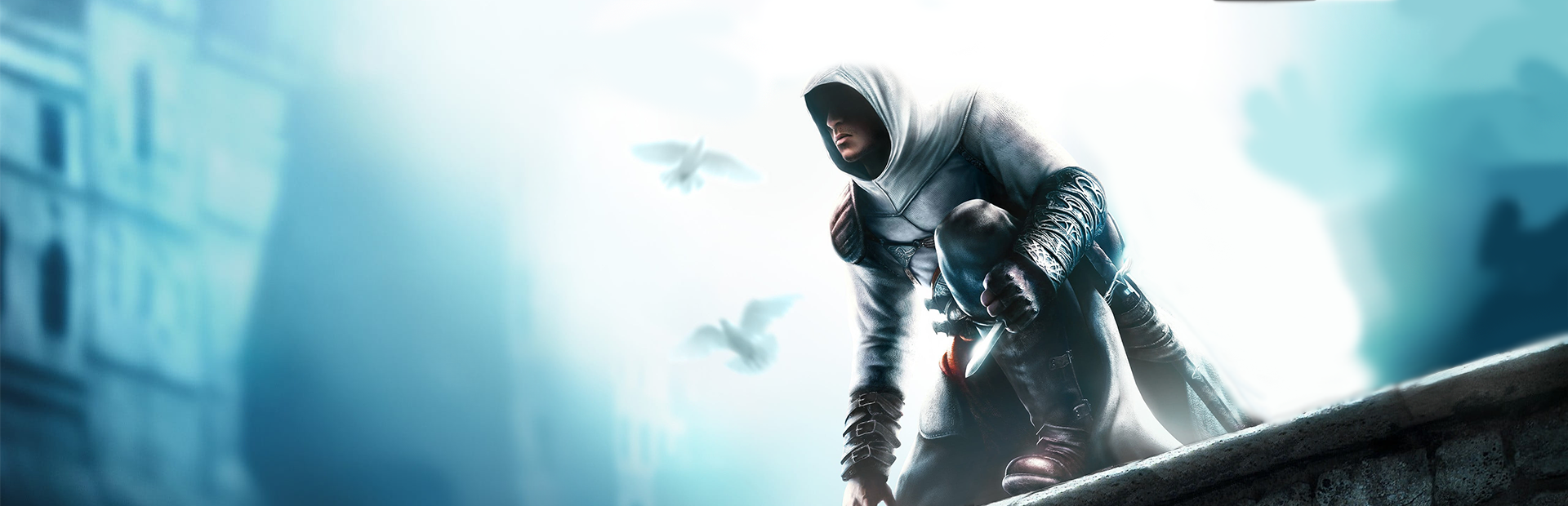
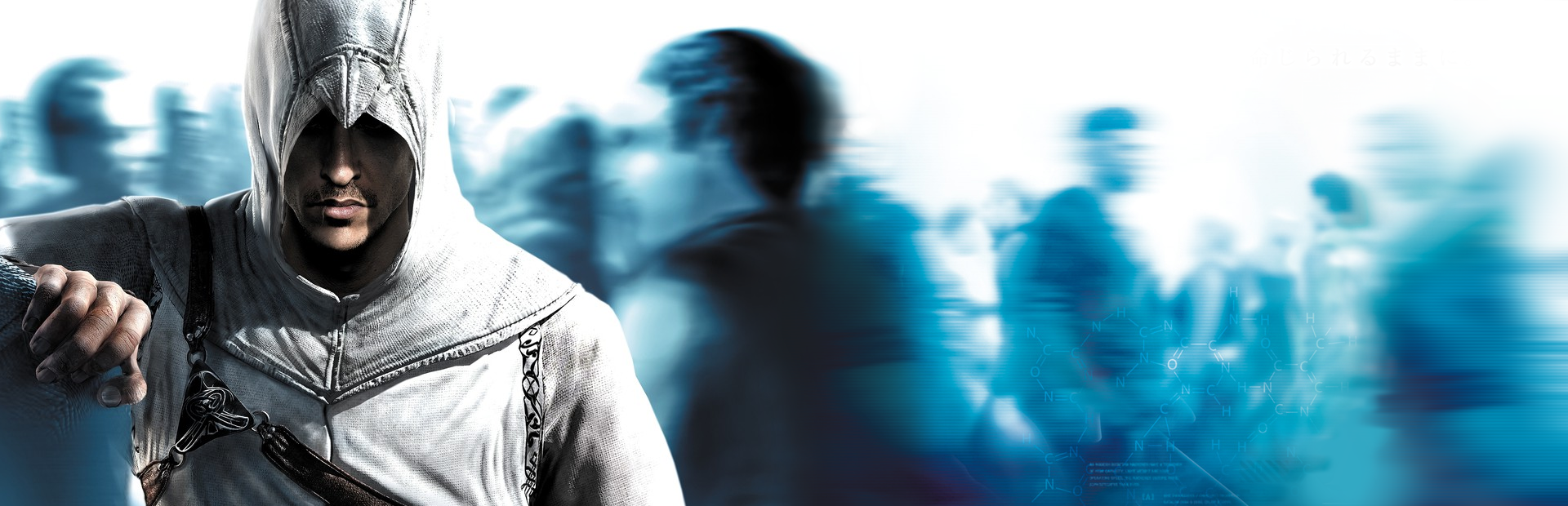
⬇3840 x 1240 (For people with 4k screens.)
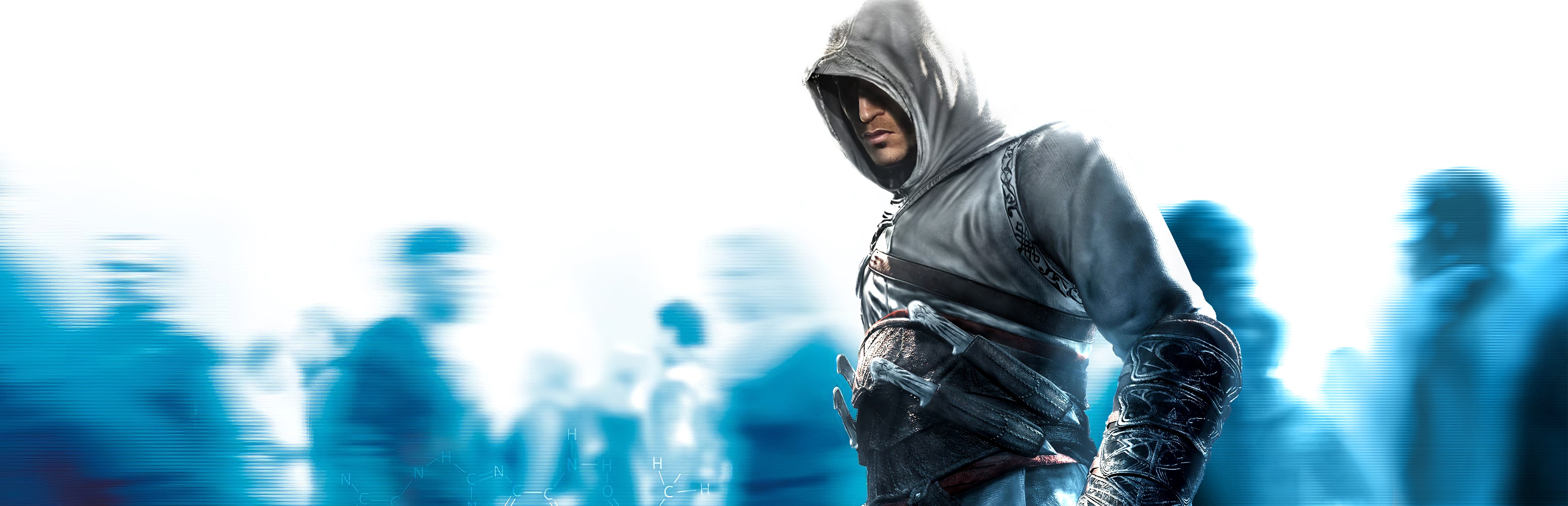
⬇1920 x 1060 pixel (Ideal size if you don't use 4k)⬇
⬇3840 x 1240 (For people with 4k screens.)
Artworks
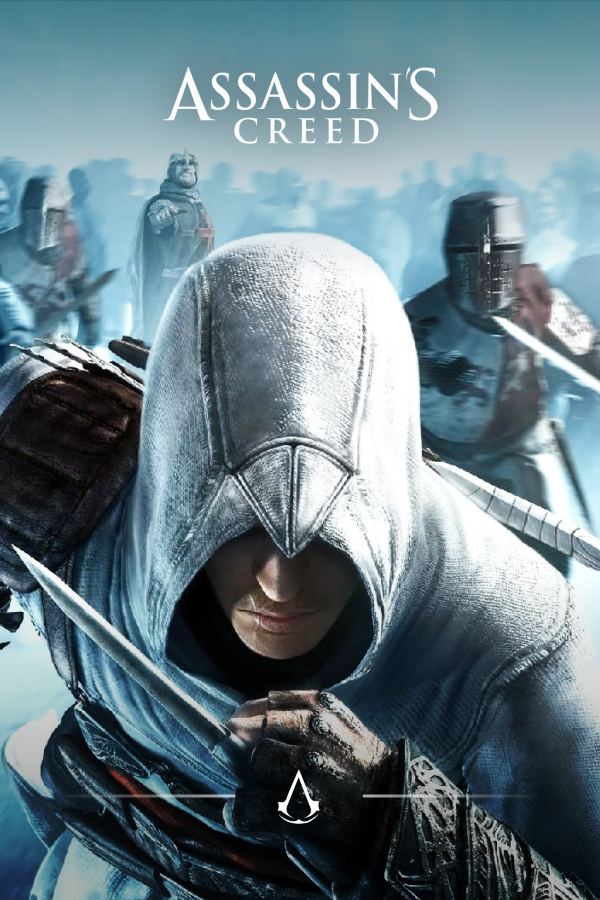
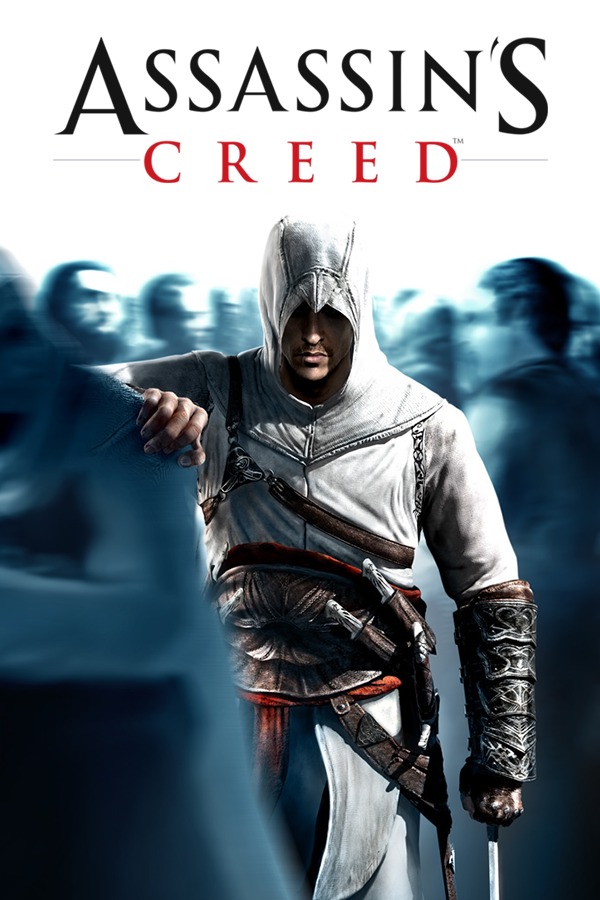
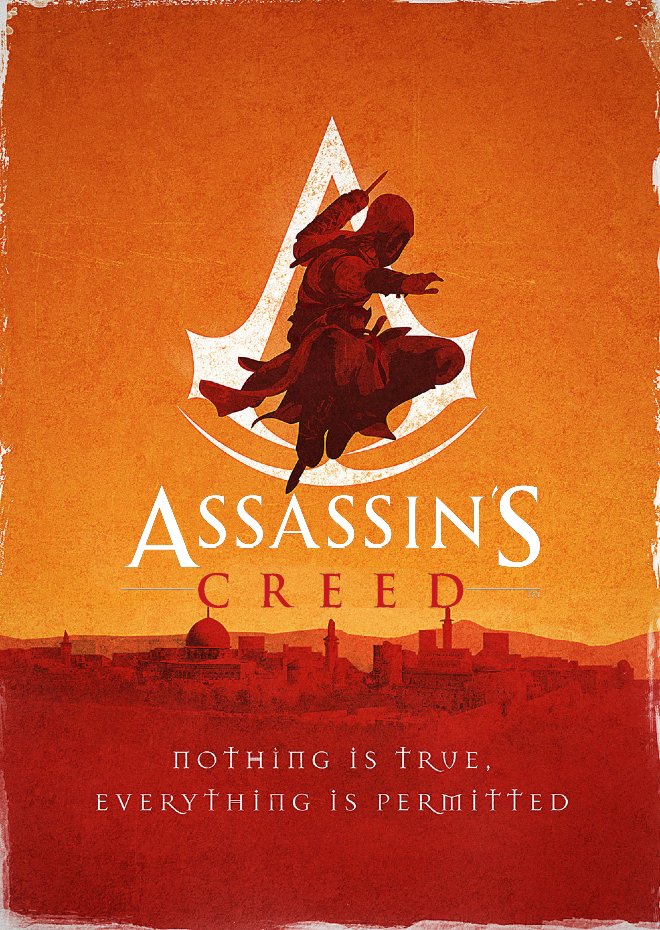
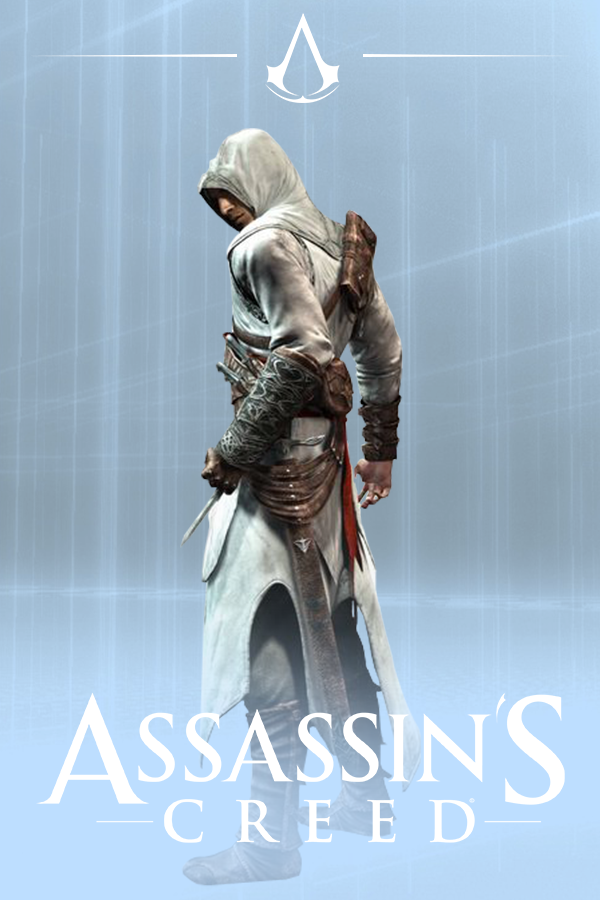
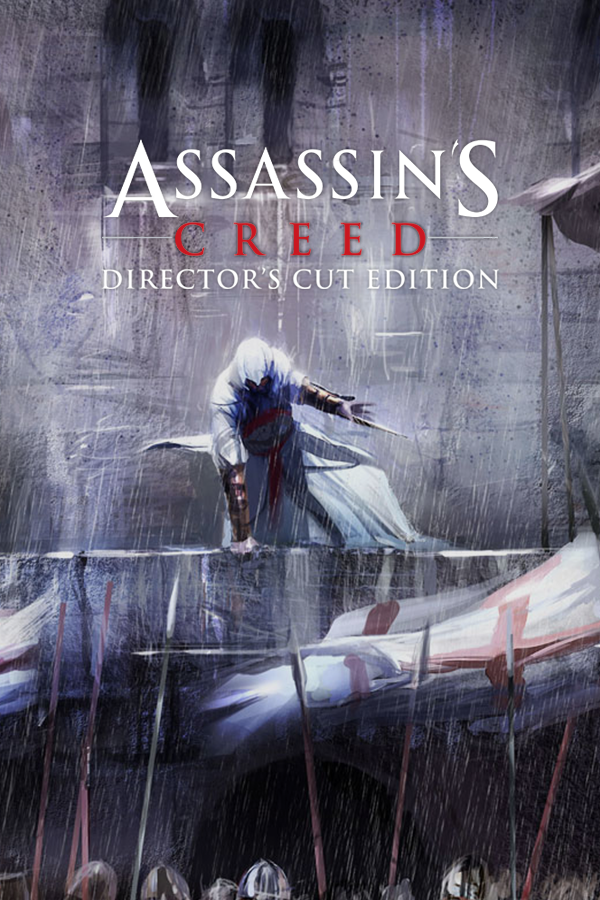
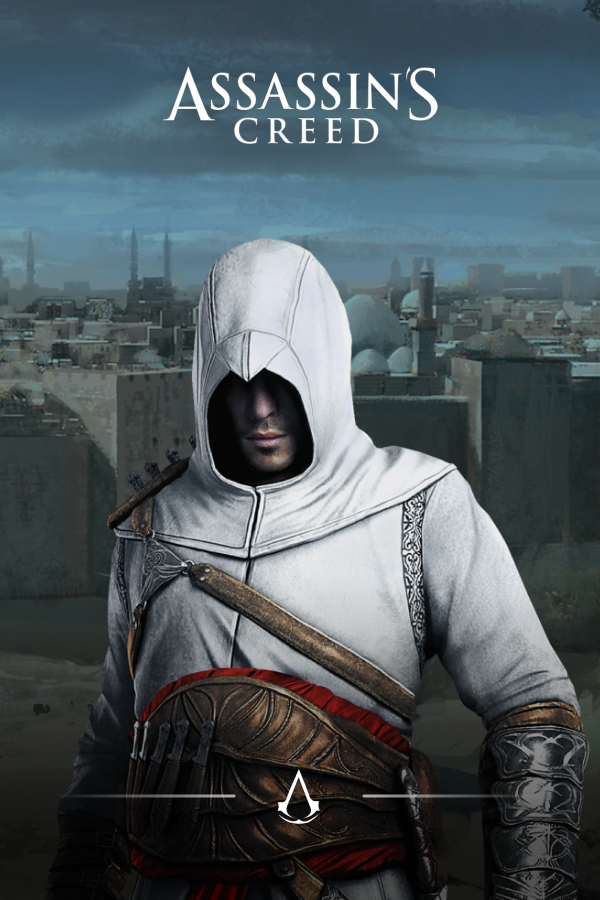
Footnote
Probably everyone already know this but I just want to say that none of these custom backgrounds or artworks were made by me and I have no idea who made these. If the original creator wishes me to delete or credit them then they can feel free to DM me with proof of their ownership.
All likes, favorites and awards are appreciated, thanks for reading and have fun with a better looking background.
All likes, favorites and awards are appreciated, thanks for reading and have fun with a better looking background.
More Assassin's Creed guides
- Русификатор [Полная локализация]★ 5 (1.3k)55k views1.9k ♥1 minRussianUpdated Dec 28, 2023
- Flag & Templar Maps★ 5 (1.5k)32k views2.4k ♥31 minUpdated Mar 30, 2014
- Моды улучшающие графику Assassin's Creed★ 4 (144)18k views299 ♥14 minRussianUpdated Oct 19, 2023
- ASSASSIN'S CREED CONTROLLER FIX [XBOX & PLAYSTATION CONTROLLERS]★ 5 (250)18k views541 ♥2 minUpdated Jan 9, 2025
- Как убрать лаги + Русификатор и Озвучка + Оформление + Геймпад★ 5 (264)15k views599 ♥1 minRussianUpdated Oct 4, 2025
- HOW TO FULL SCREEN★ 5 (524)15k views153 ♥1 minBulgarian




This guide was created by its original author on the Steam Community. Are you the author and want it removed? Request removal.