Optimal Display / Audio Settings
Display
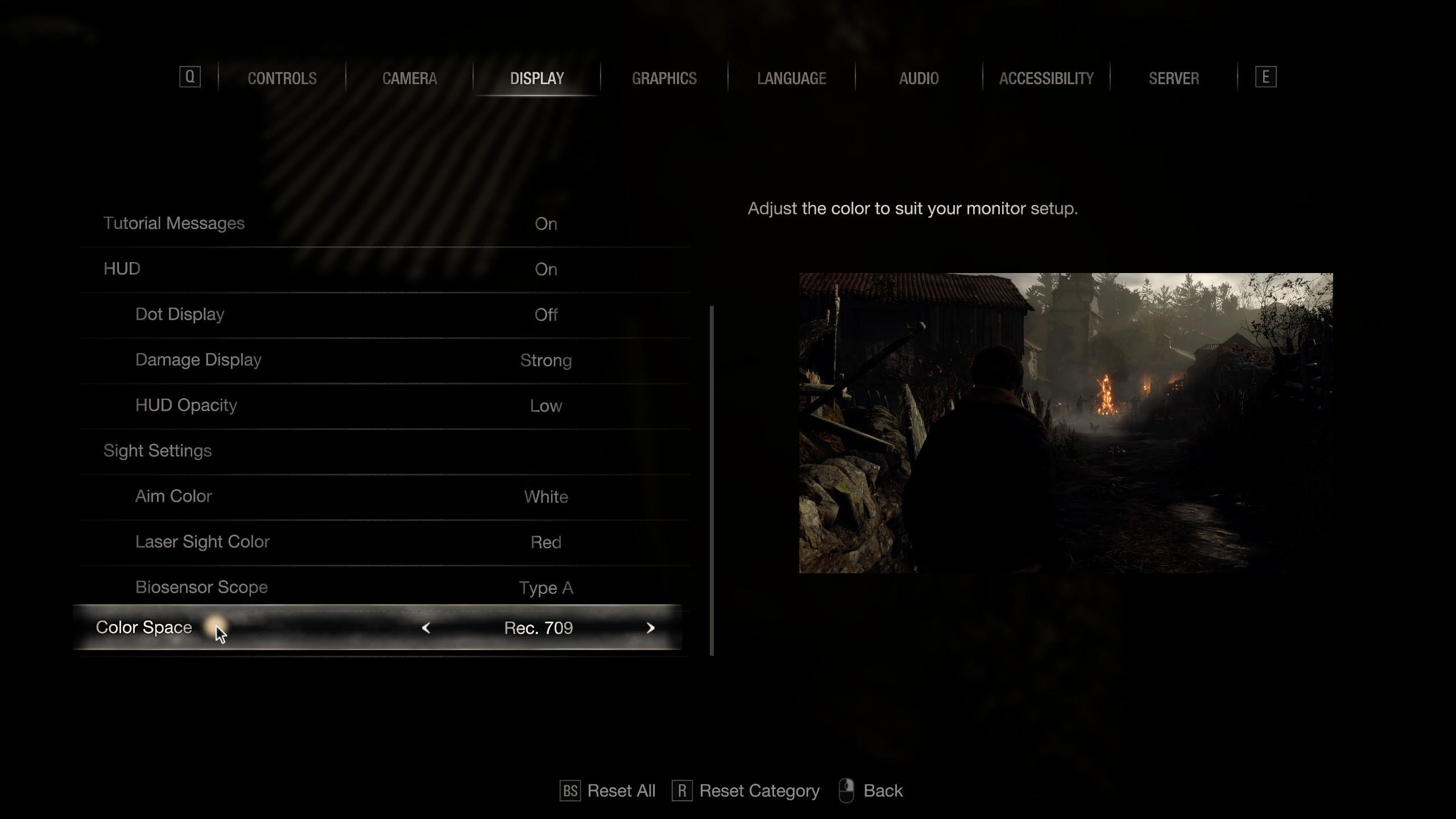 Rec.709 is recommended as it makes dark areas appear darker due to higher gamma. sRGB appears slightly washed out in comparison, but either standard is fine.
2) Max Brightness:
Rec.709 is recommended as it makes dark areas appear darker due to higher gamma. sRGB appears slightly washed out in comparison, but either standard is fine.
2) Max Brightness: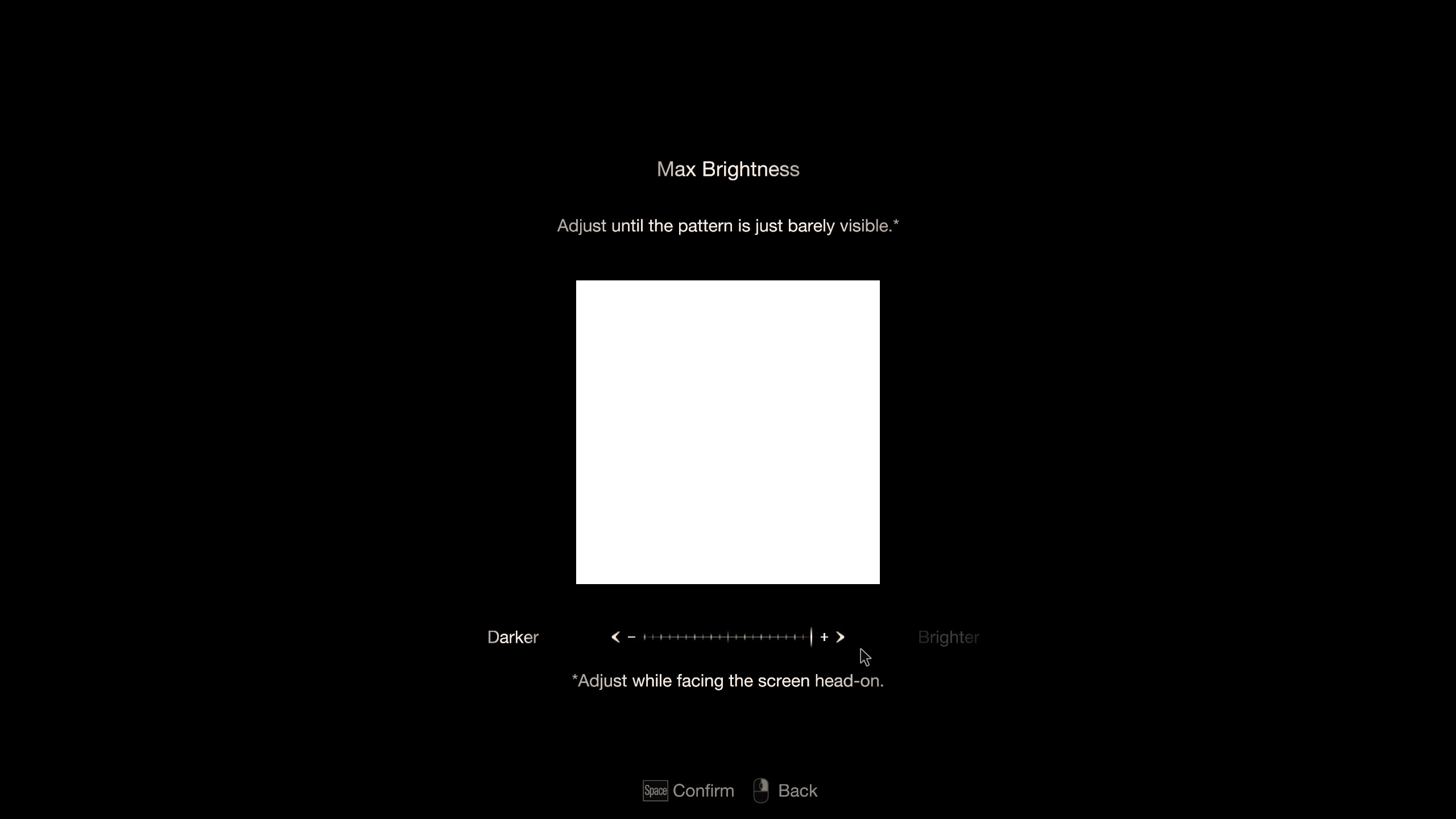 Max Brightness should be increased all the way, resulting in more detail in bright areas.
3) Min Brightness:
Max Brightness should be increased all the way, resulting in more detail in bright areas.
3) Min Brightness: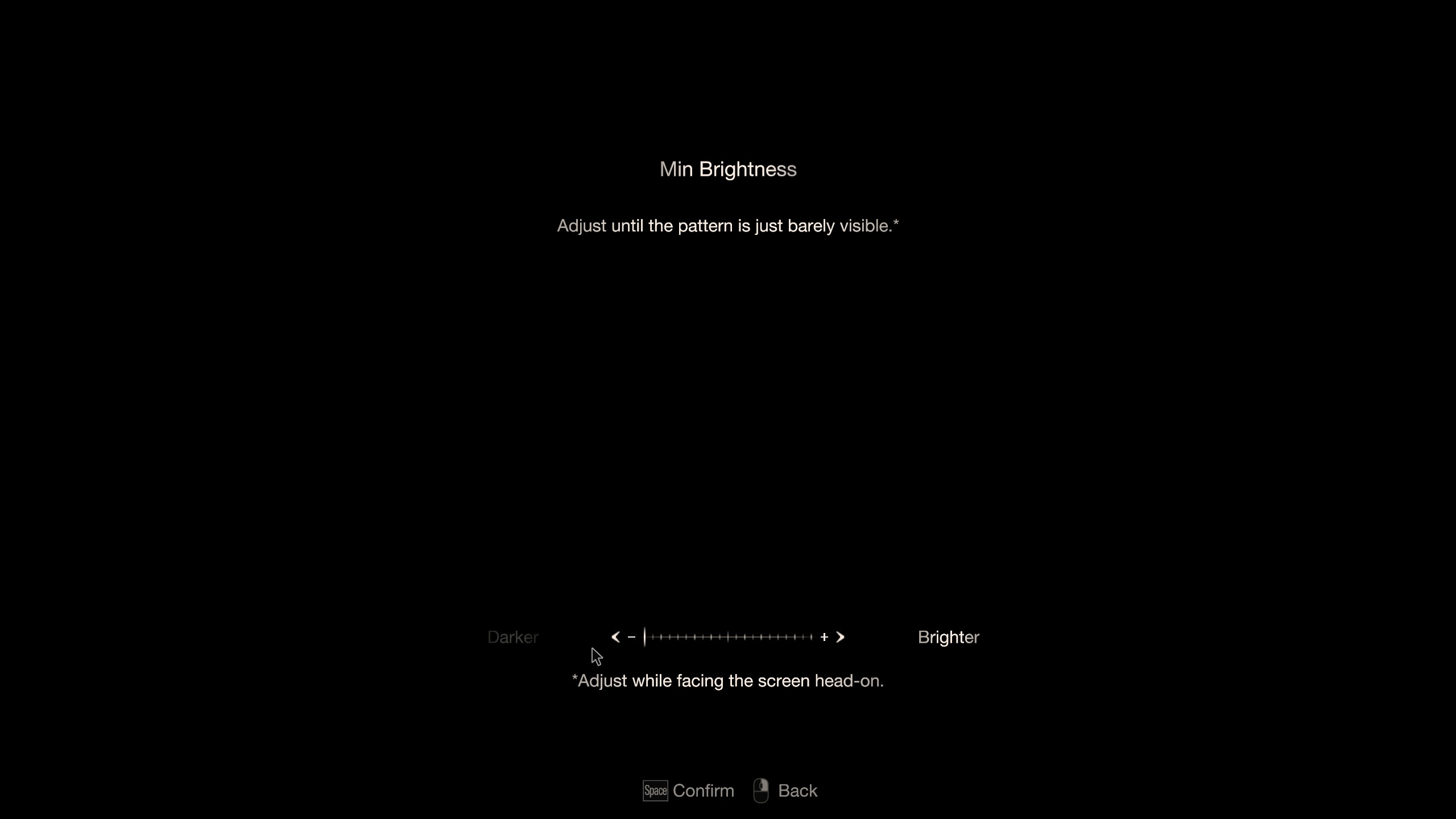 Similarly, Min Brightness should be decreased all the way, resulting in more detail in dark areas. This way, the whole dynamic range (contrast between the brightest and the darkest pixels) is preserved, resulting in more natural graphics.
4) Brightness:
Similarly, Min Brightness should be decreased all the way, resulting in more detail in dark areas. This way, the whole dynamic range (contrast between the brightest and the darkest pixels) is preserved, resulting in more natural graphics.
4) Brightness: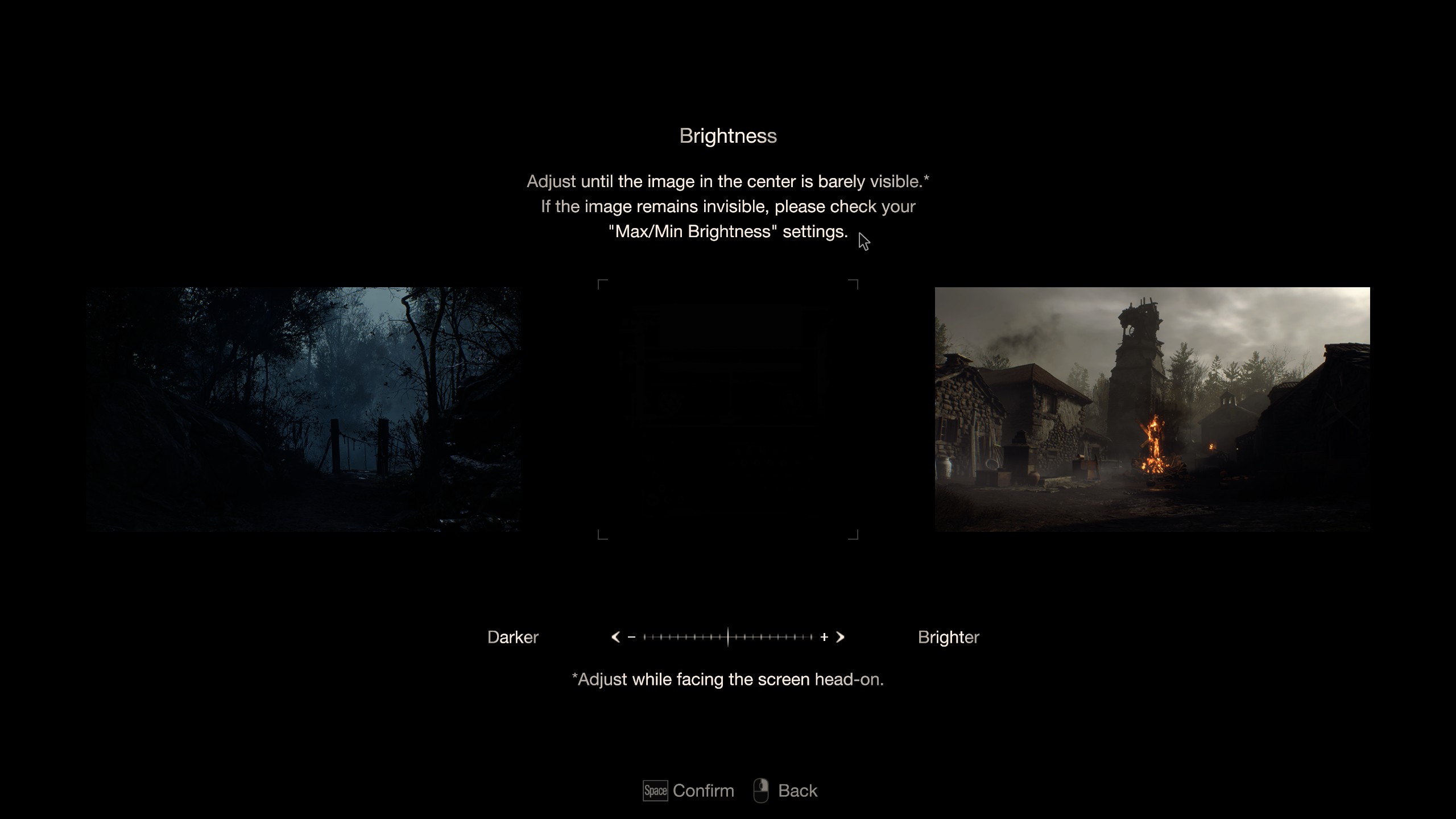 This is the actual brightness setting that should be adjusted as suggested by the description.
5) Comparison:
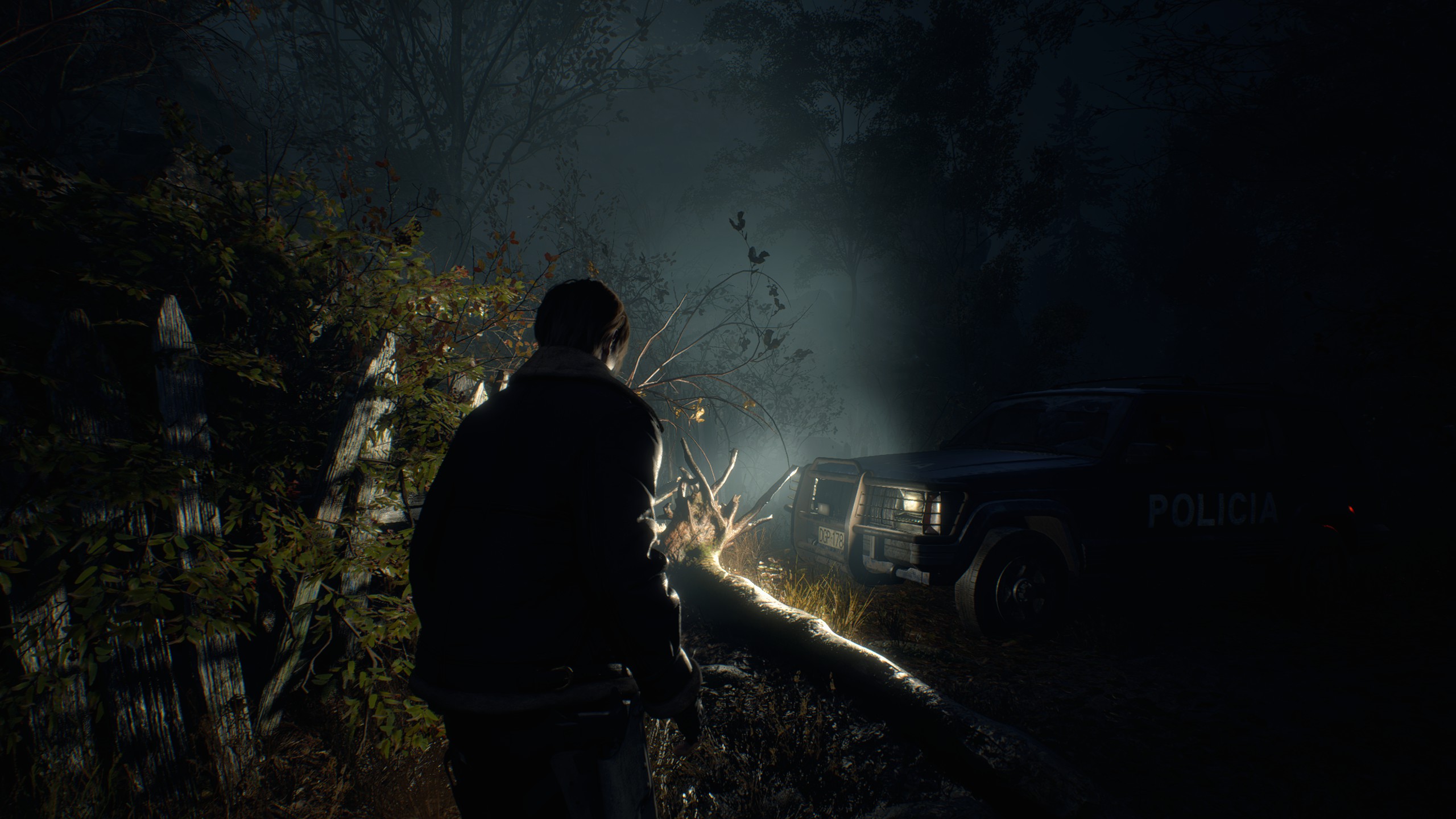
To demonstrate the difference between dynamic ranges and the color spaces, below are 4 images (JPG, because of the 2 MB file size limit on Steam, but still enough to see the difference) of different dynamic range and color space combinations, all taken with Brightness in the middle.
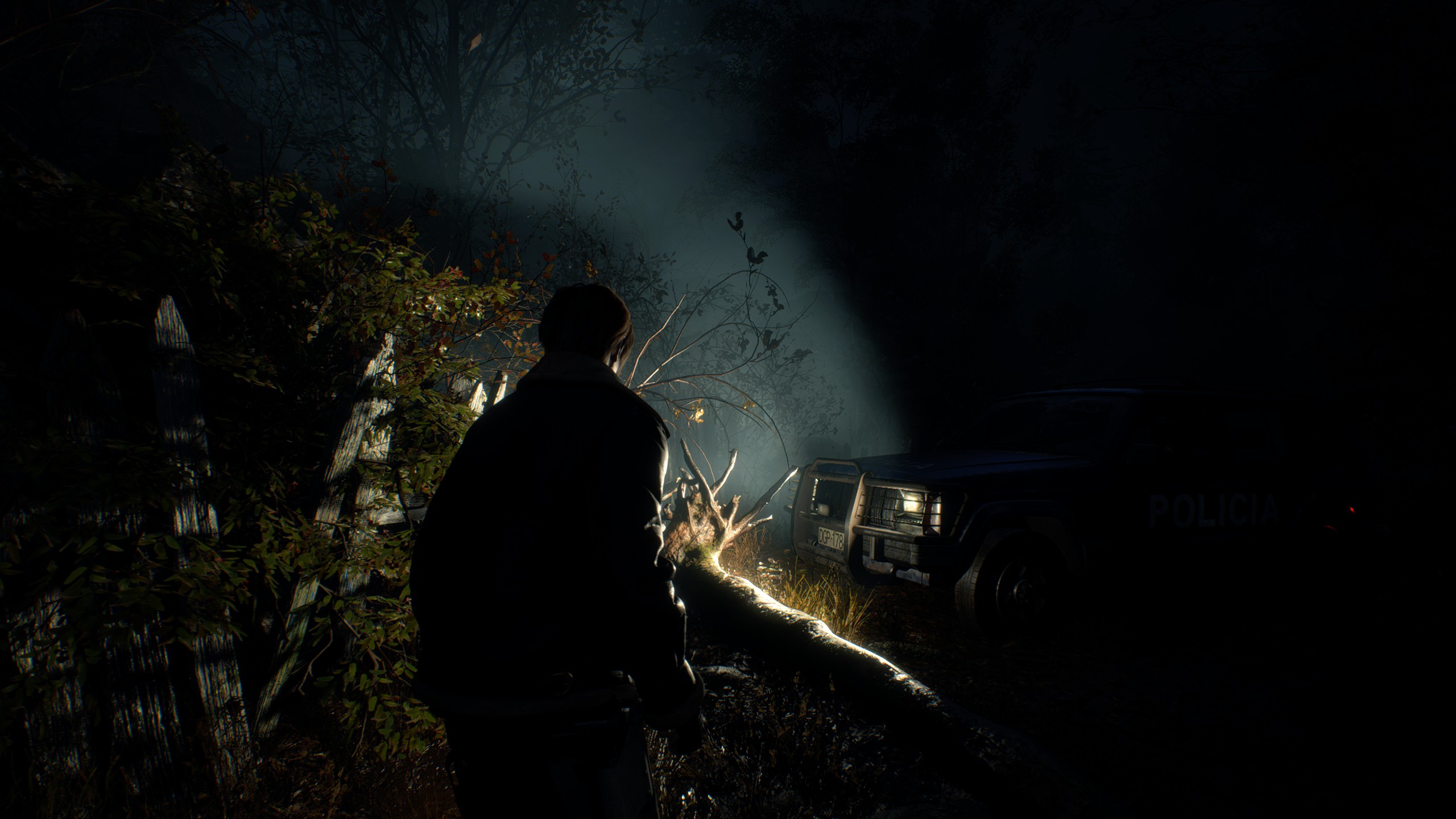
sRGB, full dynamic range:
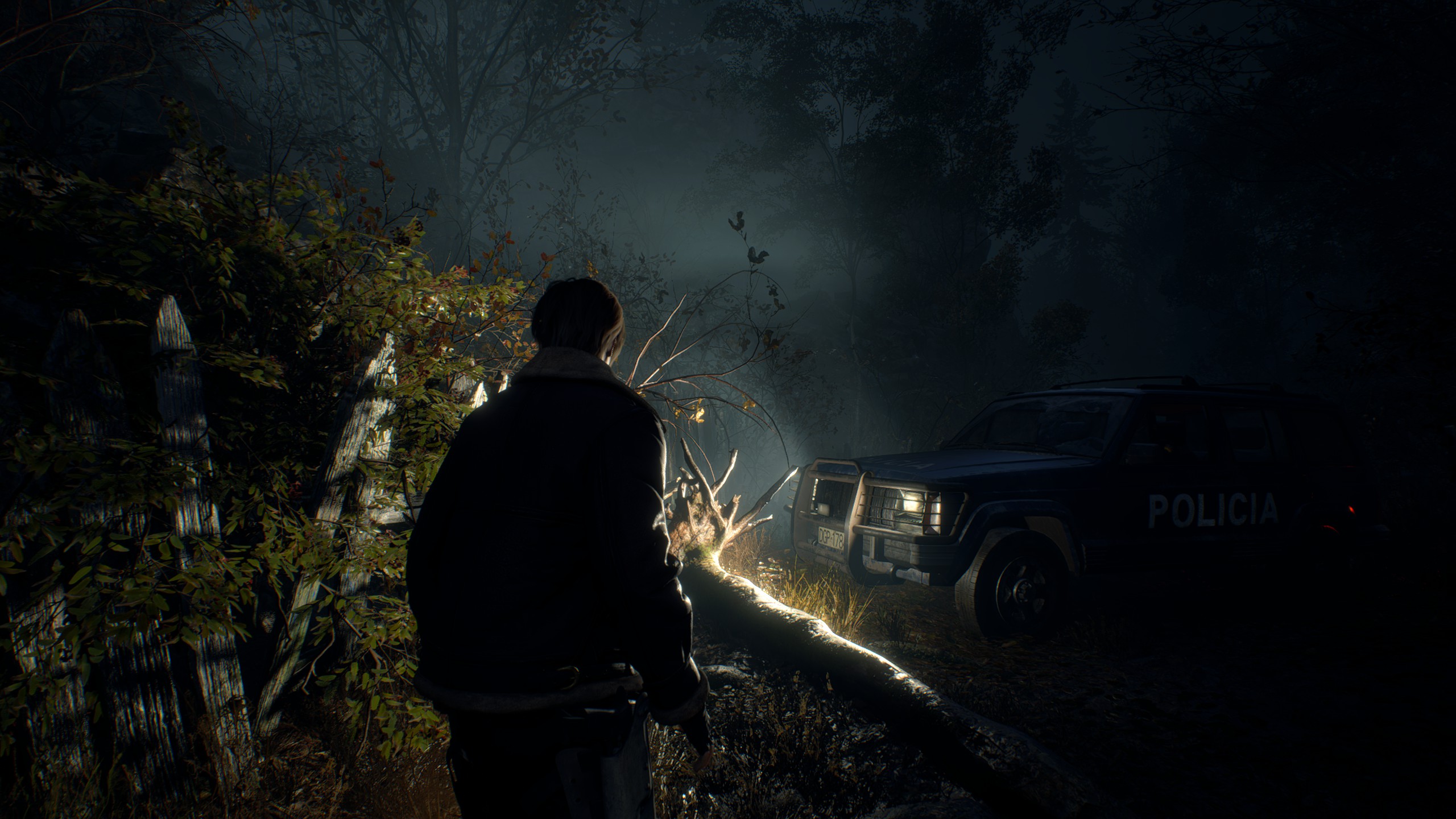
Rec.709, limited dynamic range (3rd line from Brighter, 3rd line from Darker):
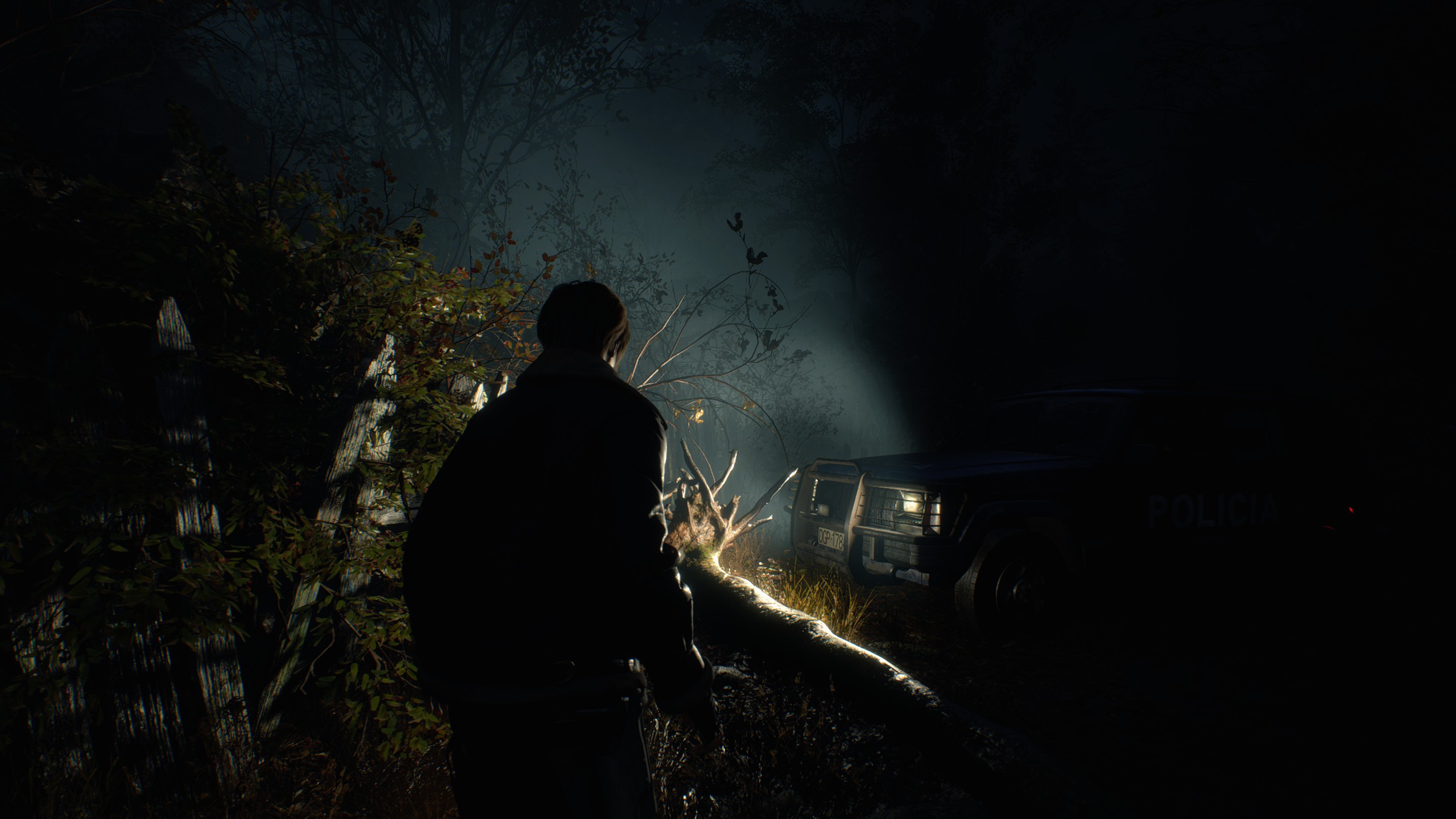
sRGB, limited dynamic range (3rd line from Brighter, 3rd line from Darker):
Audio
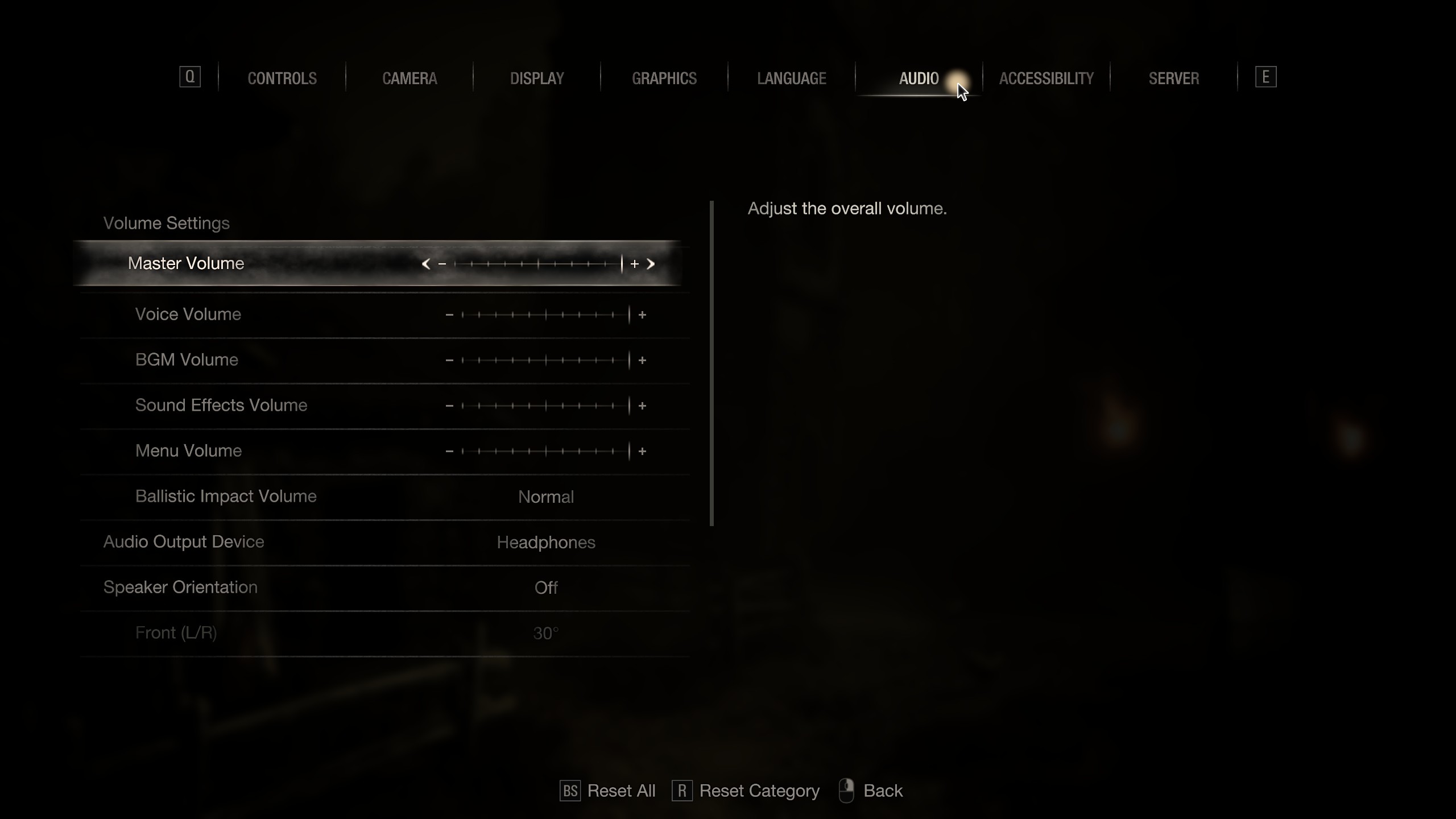
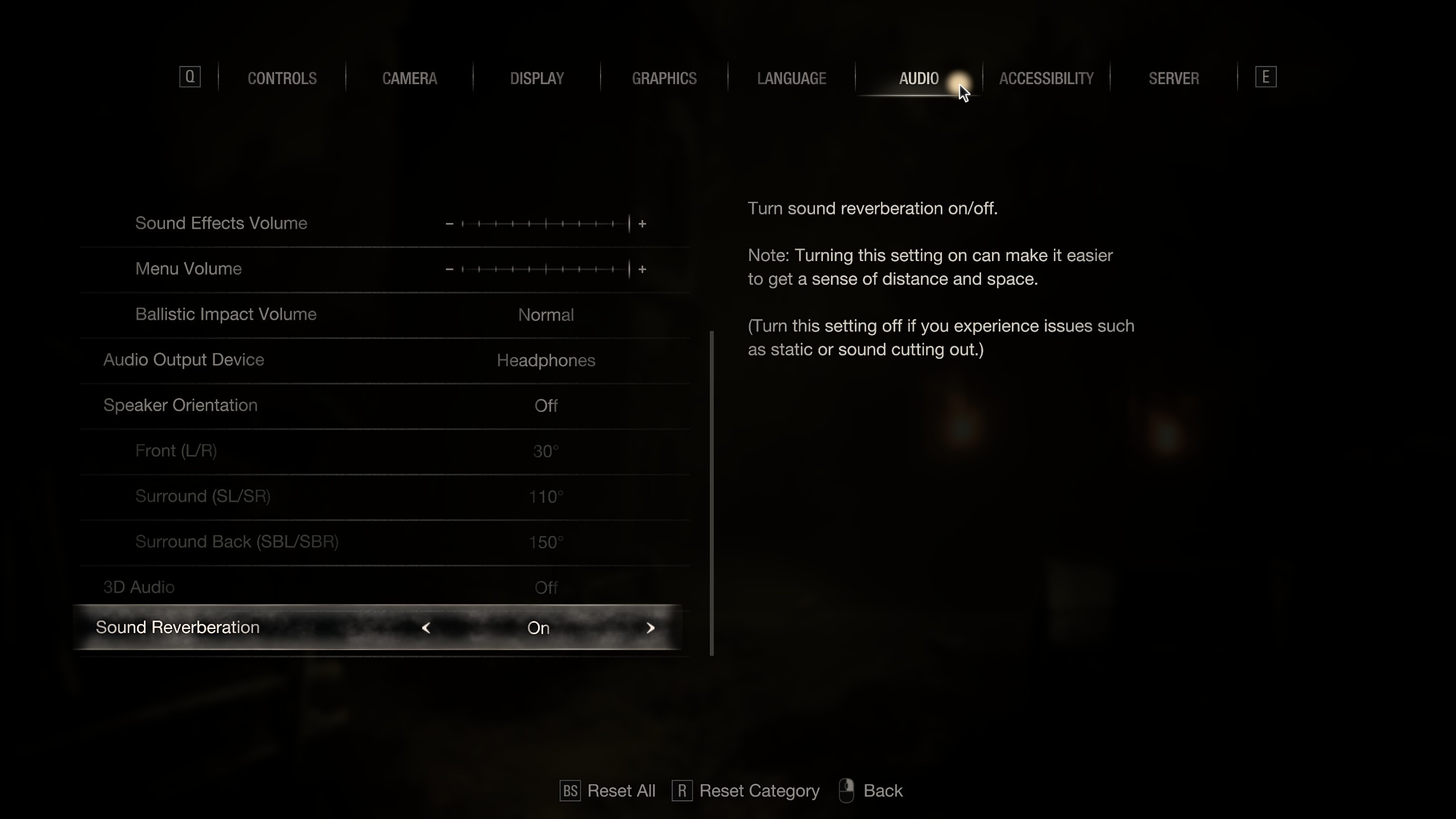
1) Master Volume, Voice Volume, BGM Volume, Sound Effects Volume and Menu Volume:
These settings are increased all the way by default and should be left as is for the mix to remain balanced as originally intended.
2) Ballistic Impact Volume:
As the previous settings, this should be left as is, but can be changed to Small or Large to make gunshots quieter or louder, respectively.
3) Audio Output Device:
Self-explanatory.
4) Speaker Orientation, Front (L/R), Surround (SL/SR), Surround Back (SBL/SBR):
Self-explanatory. To set up a surround system correctly, see straightforward examples examples below, with more detailed information available in provided PDF files:
https://www.dolby.com/about/support/guide/surround-sound-speaker-setup/
5) 3D Audio:
This option is designed to be used with headphones and makes no audible difference with Windows Sonic for Headphones disabled, but with both features enabled, sound quality is significantly degraded and the "3D" effect is more or less the same as without them since headphones and stereo speakers can only do so much when it comes to the "surround" effect. Generally speaking, disabling all software processing features like this one ensures the highest sound quality.
6) Sound Reverberation:
This option is turned on by default and sounds natural, so it should be left enabled.
Image Source
- Resident Evil 4 Remake + DLC 100% Achievement Guide★ 5 (1.3k)65k views3.2k ♥29 minUpdated Sep 23, 2023
- Resident Evil 4: Достижения и Коллекции★ 5 (1.7k)37k views3.9k ♥60 minRussianUpdated Jun 29
- How to Casually Unlock Everything (Updated for Mercenaries)★ 5 (945)36k views2.3k ♥17 minUpdated Apr 8, 2023
- Достижения Resident Evil 4 | Головоломки | Коллекции★ 5 (697)29k views1.8k ♥22 minRussianUpdated Sep 21, 2023
- RE4R Weapons Max Stat Comparison Table★ 5 (520)25k views841 ♥3 minUpdated Apr 21, 2023
- Treasure and Gem Combination Guide★ 5 (409)24k views1.1k ♥27 minUpdated Jan 24



- Upgrading to PremiumTeam Fortress 2★ 5 (20k)1441k views11k ♥6 minUpdated May 11, 2022
- No More Room in Hell Official ManualNo More Room in Hell★ 5 (2.8k)569k views2.1k ♥29 minUpdated Apr 22, 2019
- NMRiH Community Hosting GuidesNo More Room in Hell★ 5 (526)351k views653 ♥1 minUpdated Aug 10, 2022
- ULTIMATE GUIDE FOR GAME DEV TYCOONGame Dev Tycoon★ 5 (5.8k)326k views10k ♥4 minUpdated 23 Jan, 2014
- How to 'Git Gud' Soon™MORDHAU★ 5 (2k)318k views3k ♥68 minUpdated Nov 16, 2024
- Лучшие кооперативные игры SteamPAYDAY 2★ 5 (1.5k)315k views2.1k ♥56 minRussianUpdated Apr 27, 2025






This guide was created by its original author on the Steam Community. Are you the author and want it removed? Request removal.