Guide on how to be able to use a PS3 Controller! (2023)
1. Download ScpToolKit
Notice: If you dont trust me or/and the software, you can look at the source on the Github (obviously) or just don't do all of this in the first place.
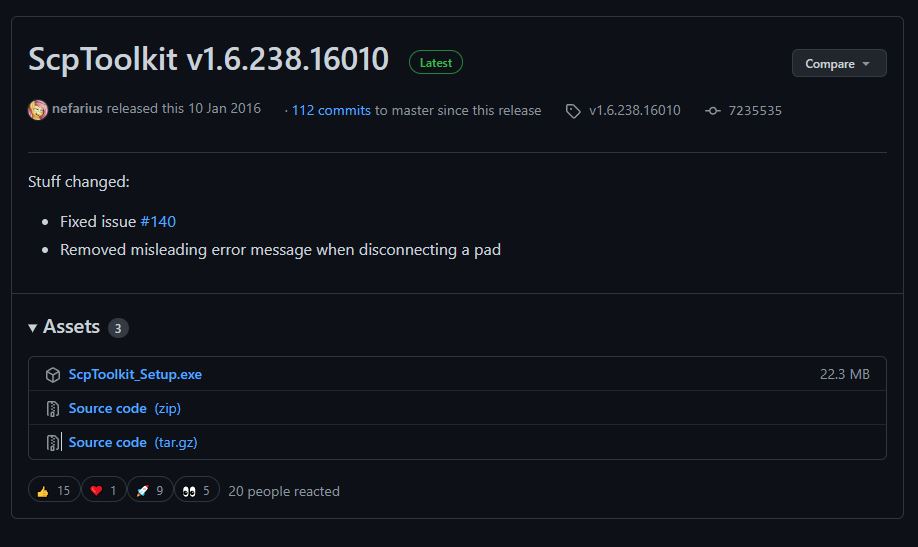
Go here https://github.com/nefarius/ScpToolkit/releases/tag/v1.6.238.16010
and click on ScpToolkit_Setup.exe, it will automatically download from your browser.
2. Installing ScpToolKit
After opening the exe it will take some time before this window opens:
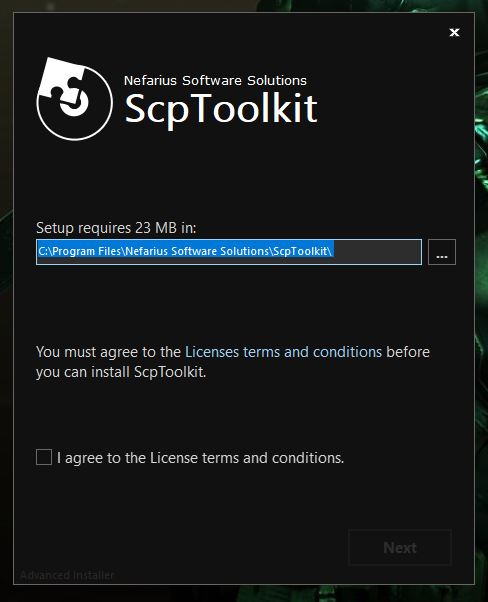
Agree to the License terms and conditions and continue.
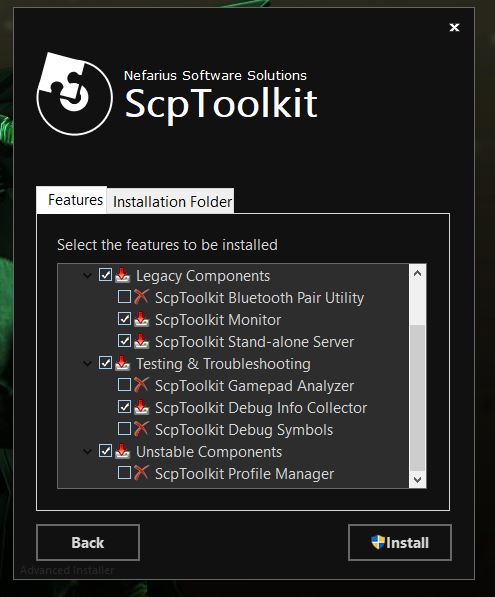
After that just press on Install, you dont have to check or uncheck anything.
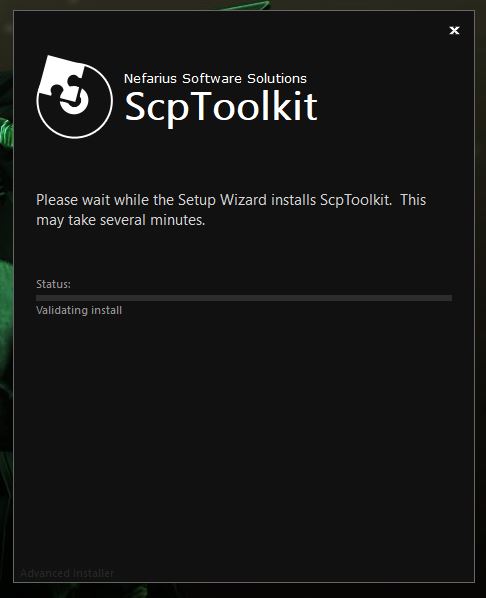
It will take some time before its finished.
3. Installing DualShock 3 Driver (Bluetooth optional)
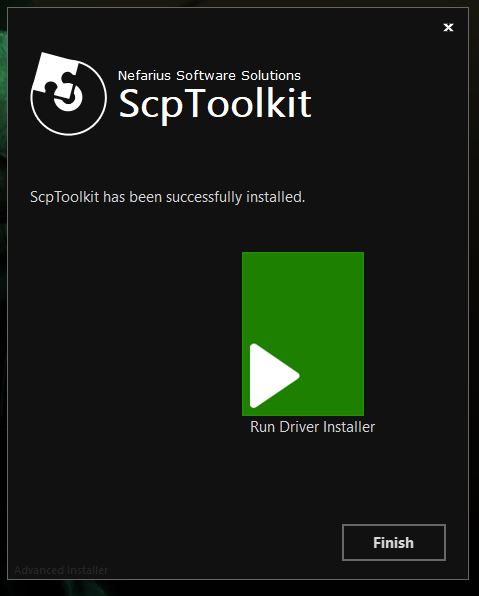
After ScpToolKit is finished installing, you will get this screen. Press on the big green button (duuh).
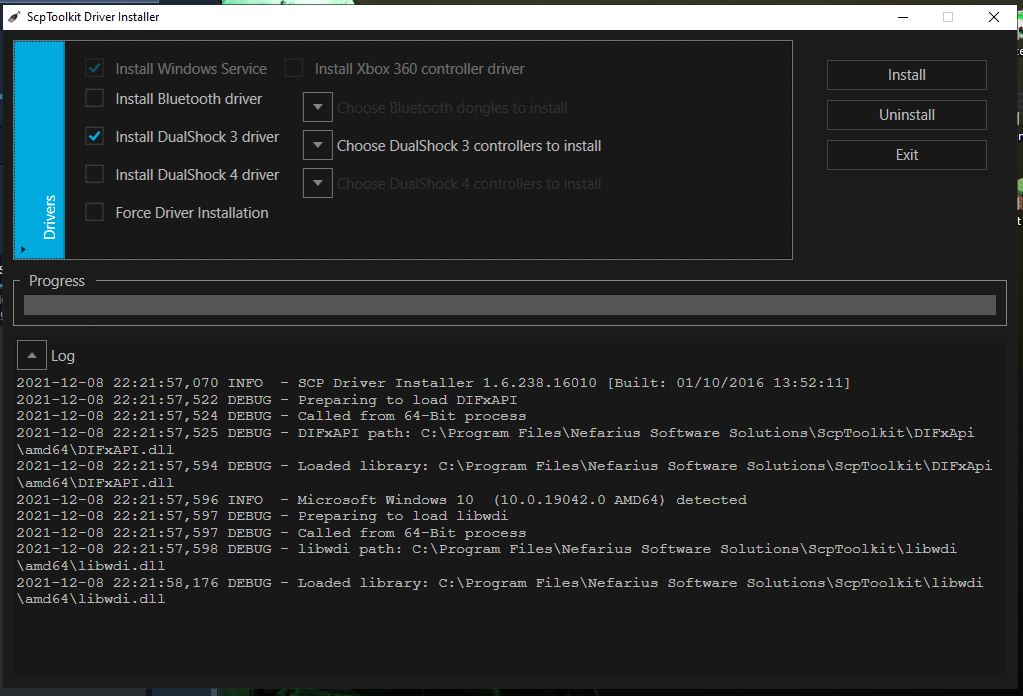
On the next screen, make sure the boxes next to Install DualShock 3 driver and Install Bluetooth driver are checked (if you have a Bluetooth dongle plugged in)
Uncheck Install DualShock 4 driver (and uncheck Install Bluetooth driver if you don't have a Bluetooth dongle)
If you lazy to read or confused then do the settings that I did (you should do this)
3. Installing DualShock 3 Driver (Bluetooth optional)
Now select the arrow next to "Choose DualShock 3 controllers to install" and pick the PS3 Controller you currently have plugged in.
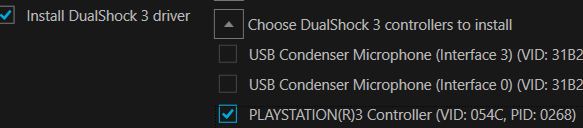
If you are using a Bluetooth dongle, select the arrow next to "Choose Bluetooth dongles to install" and choose the Bluetooth device you currently use.
Now press on install
When the log says "DualShock 3 USB Driver installed" and you hear a loud noise then you have succesfully installed this crap. Press EXIT
4. Optional Settings
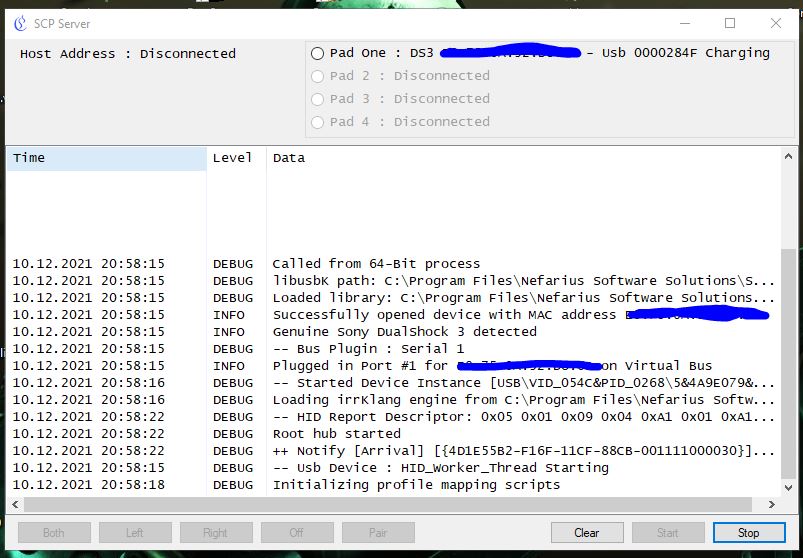
Are you annoyed by the sounds or popups from this software whenever you plug in a controller?
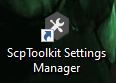
(appears on desktop after installation of the ScpToolKit) In here you can change settings!
- Resident Evil 5 - Fixes★ 5 (2k)119k views2.4k ♥9 minUpdated Aug 2, 2025
- Resident Evil 5 Quality of Life Fixes★ 5 (1.5k)78k views2.1k ♥4 minUpdated Mar 9
- Resident Evil 5: Gold Edition 100% Achievement Guide★ 5 (1.3k)42k views2.6k ♥24 min
- getting multiplayer achievements with bots★ 5 (876)33k views1.7k ♥11 minBulgarianUpdated Aug 27, 2023
- Farming Gold (15K), ammo and eggs★ 5 (459)33k views423 ♥1 minBulgarianUpdated Sep 24, 2018
- Полный русификатор (текст+звук) {1C} Gold Edition★ 5 (674)30k views778 ♥1 minRussianUpdated Feb 3, 2024



- Upgrading to PremiumTeam Fortress 2★ 5 (20k)1441k views11k ♥6 minUpdated May 11, 2022
- No More Room in Hell Official ManualNo More Room in Hell★ 5 (2.8k)569k views2.1k ♥29 minUpdated Apr 22, 2019
- NMRiH Community Hosting GuidesNo More Room in Hell★ 5 (526)351k views653 ♥1 minUpdated Aug 10, 2022
- ULTIMATE GUIDE FOR GAME DEV TYCOONGame Dev Tycoon★ 5 (5.8k)326k views10k ♥4 minUpdated 23 Jan, 2014
- How to 'Git Gud' Soon™MORDHAU★ 5 (2k)318k views3k ♥68 minUpdated Nov 16, 2024
- Лучшие кооперативные игры SteamPAYDAY 2★ 5 (1.5k)315k views2.1k ♥56 minRussianUpdated Apr 27, 2025






This guide was created by its original author on the Steam Community. Are you the author and want it removed? Request removal.