Installing Mods for the Quake Remaster
Downloading a mod
This part is very simple, you'll need to download a Quake mod. This can be done from a variety of places of course, and for this example I will be using this random mod from 1997 called "glmario".
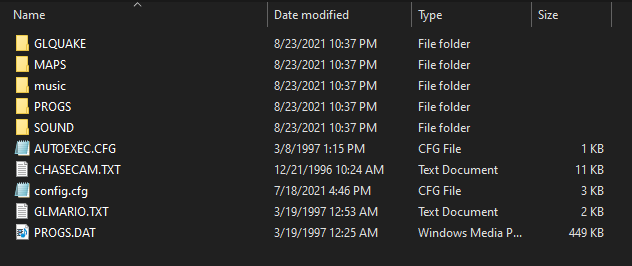
The file should contain either .pak files containing mod data, or just the data straight up like this one here.
The file should contain either .pak files containing mod data, or just the data straight up like this one here.
Adding the mod to the remaster
So first of all, you'll want to navigate to the remaster's directory, which is C:\Program Files (x86)\Steam\SteamApps\common\Quake\rerelease
it should look something like this!
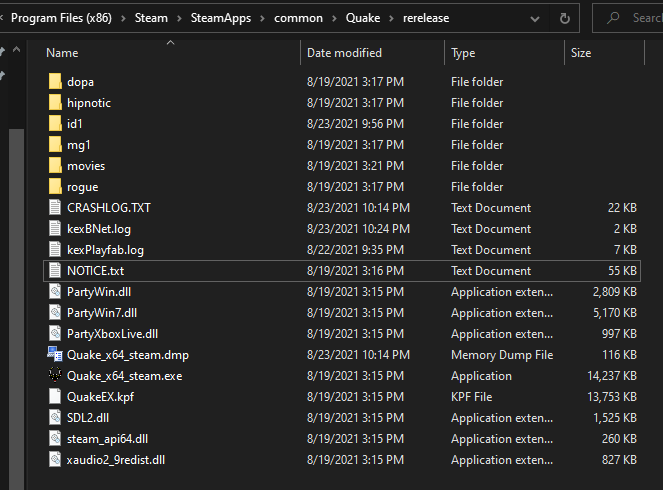
Next, you'll want to take your mod folder, which for this example is called "glmario", and simply copy and paste it in there.
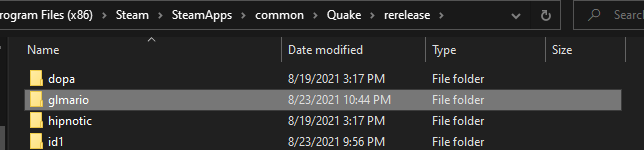
And now, you're ready to enable it in-game!
it should look something like this!
Next, you'll want to take your mod folder, which for this example is called "glmario", and simply copy and paste it in there.
And now, you're ready to enable it in-game!
Enabling and playing the mod
After you've launched the game and are on the title screen, open the console with the ` key, and type "game <filename>". Because my mod's folder is called "glmario", I would type "game glmario".
Fun fact! This is identical to how you'd do it on other source ports.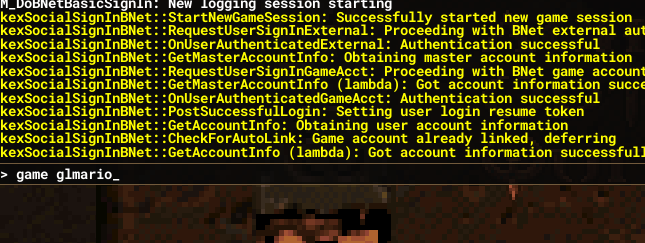
Now the mod is enabled! What you'll need to do next will vary from mod to mod. Most actually well-made mods will make it easy to just start is like you normally would, but in this specific mod's case, you can use commands to get to the starting map, so I would type "map mario" which is the map name.
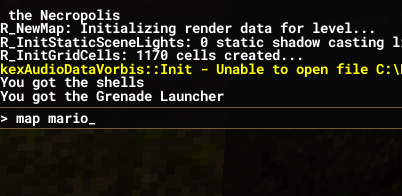
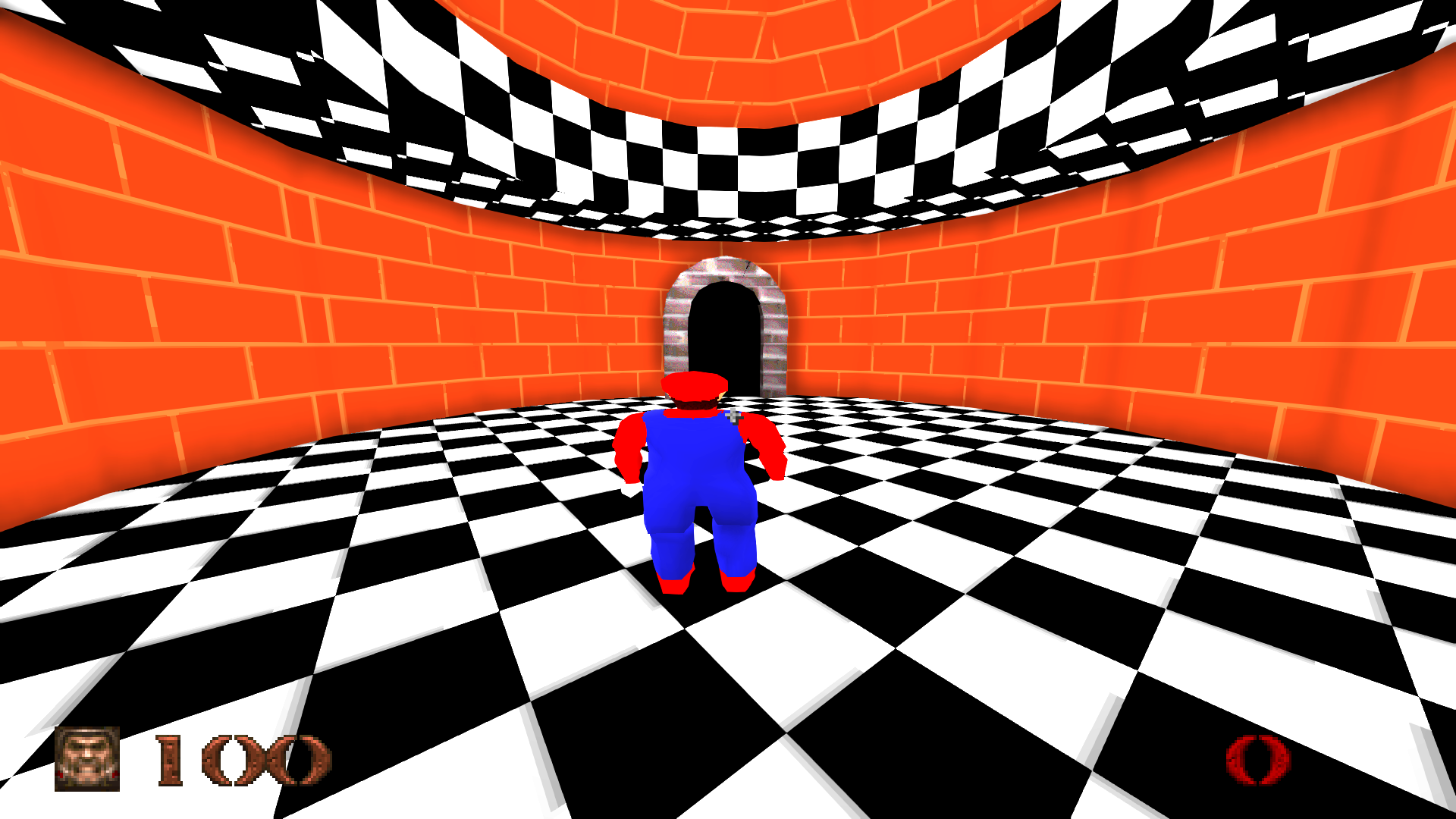
And voila! Some random dude's 1997 tech demo Mario is now running beautifully in the brand-new Quake port! I hope this guide is helpful to some of you!!
Fun fact! This is identical to how you'd do it on other source ports.
Now the mod is enabled! What you'll need to do next will vary from mod to mod. Most actually well-made mods will make it easy to just start is like you normally would, but in this specific mod's case, you can use commands to get to the starting map, so I would type "map mario" which is the map name.
And voila! Some random dude's 1997 tech demo Mario is now running beautifully in the brand-new Quake port! I hope this guide is helpful to some of you!!
Bonus
Download link for glmario: https://gamers.org/pub/games/quake/total_conversions/glmario.zip
More Quake guides
- Quake Soundtrack Solutions★ 5 (822)34k views1.1k ♥15 minUpdated Apr 2, 2020
- How I play Quake in the Current Year (2023 update: Use Ironwail or Quakespasm-Spiked instead of Quakespasm)★ 5 (903)23k views1.3k ♥8 minUpdated Nov 12, 2023
- List of Quake 1 clones on the Steam store★ 5 (457)20k views854 ♥2 minUpdated May 20
- Quake Achievements★ 5 (1k)16k views1.5k ♥29 minUpdated Nov 4, 2025
- Quake Secrets★ 5 (1.1k)14k views1.8k ♥39 minUpdated Feb 23
- Quakespasm: How to activate CHUNKY MODE★ 5 (303)9.6k views357 ♥2 minUpdated Sep 23, 2023





This guide was created by its original author on the Steam Community. Are you the author and want it removed? Request removal.