Best Launch Options for Linux
Read the descriptions first!
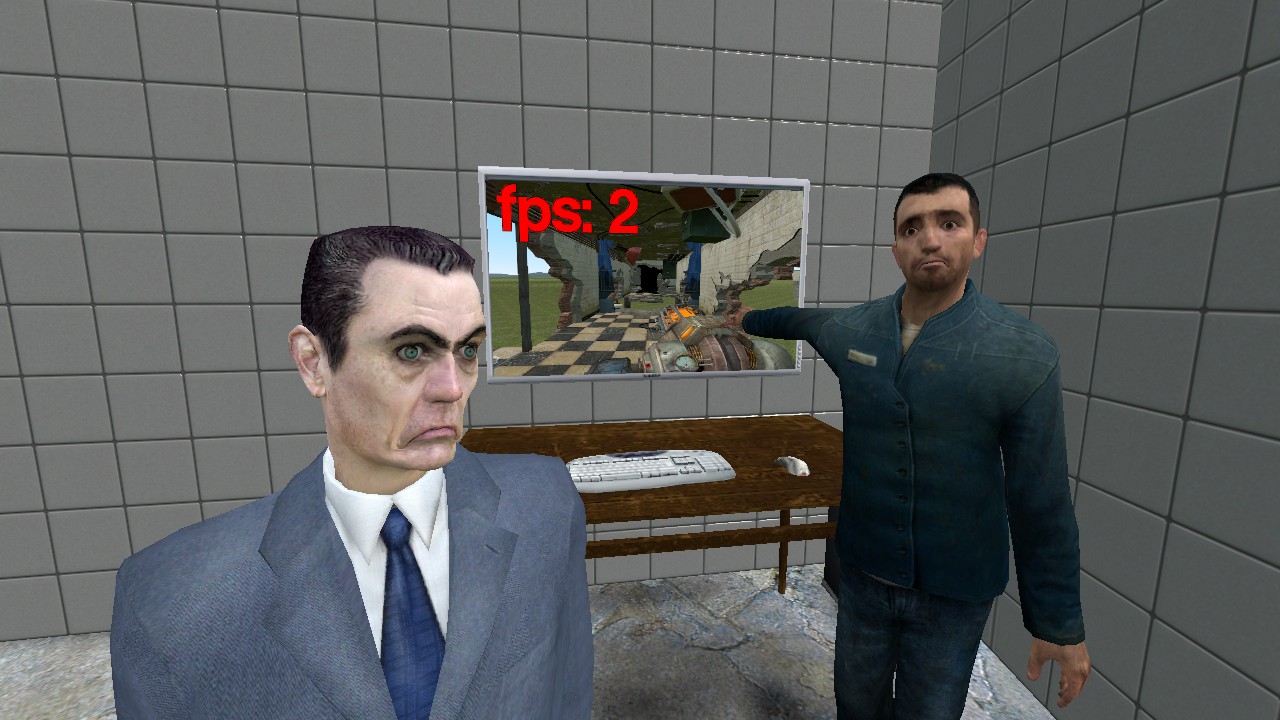
Some launch options like -threads, -refresh, and +fps_max have the placeholder # because they vary depending on your system specs.
Launch Options
mesa_glthread=true gamemoderun %command% -threads # -vulkan -nod3d9ex -novid -high -useforcedmparms -noforcemaccel -noforcemspd -nosteamcontroller -nojoy -joy_disable 1 -nohltv -noip -usetcp -noff -nodns -nomaster -fullscreen -w 1280 -h 720 -refresh # +fps_max #+1 +m_rawinput 1 +cl_forcepreload 1 +mat_vsync 0 +mat_motion_blur_enabled 0 +mat_antialias 0 +mat_forceaniso 0 +r_waterforcereflectentities 0 +r_waterforceexpensive 0 +mat_reducefillrate 1 +mat_bumpmap 0 +r_shadowrendertotexture 0 +mat_picmip 0 +mat_compressedtextures 1 +r_rootlod 0
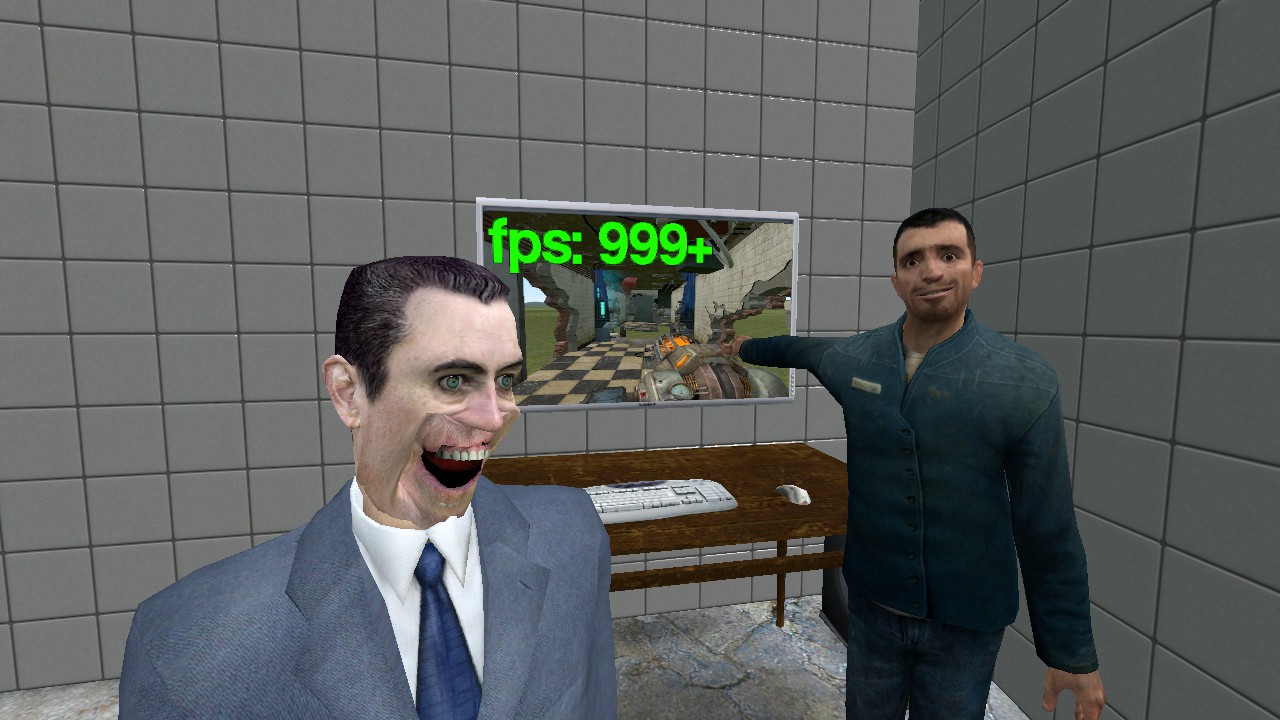
What They Do
gamemoderun %command% - Enables gamemode. Needs the 'gamemode' linux package.
-threads # - Tells the game how many cpu cores to use. Replace # with how many cores you want. Use around 4-6. The default is 3. (use the fastfetch linux package to find out how many cores you have)
-vulkan - Uses Vulkan to render
-nod3d9ex - Forcefully disables Direct3D 9Ex, aka "Windows Aero Extensions"
-novid - Skips the Valve Guy startup intro
-high - Sets the game to high priority
-useforcedmparms - Allows use of -noforcemaccel and -noforcemspd
-noforcemaccel - Turns off mouse acceleration
-noforcemspd - Tells the game to use raw input instead
-nosteamcontroller - Disables Steam controller system (Does not affect Steam Input at all)
-nojoy - Turns off joystick support
-joy_disable 1 - Disables controller support
-nohltv - Disables SourceTV
-noip - Do not bind to an ip and disables all multiplayer support
-usetcp - Disables TCP support
-noff - Disables force feedback for controllers
-nodns - Disable DNS requests and resolving DNS adresses
-nomaster - Hides server from master serverlist
-fullscreen - Puts the game in fullscreen
-w 1280 -Sets width of the game window to 1280 pixels
-h 720 - Sets height of the game window to 720 pixels
(You can use whatever resolution you want, I personally use 720p for better performance)
-refresh # - Sets the refresh rate. Replace # with the refresh rate of your display (use the fastfetch linux package to find out)
+fps_max #+1 - Sets the fps cap to one above your refresh rate. If you have a 60hz display, use fps_max 61.
+m_rawinput 1 - Tells the game to use raw input
+cl_forcepreload 1 - Loads the map when loading in instead of when you walk around. Adds extra load time but will reduce stuttering
+mat_vsync 0 - Disables V-Sync
+mat_motion_blur_enabled 0 - Disables motion blur
+mat_antialias 0 - Turns off anti-aliasing
+mat_forceaniso 0 - Sets Ansiotropic Filtering to the lowest setting
+r_waterforcereflectentities 0 - Doesn't show entities in water reflections
+r_waterforceexpensive 0 - Simple water reflections
+mat_reducefillrate 1 - Sets shader detail to low
+mat_bumpmap 0 - Disables bump mapping
+r_shadowrendertotexture 0 - Use simple shadows
+mat_picmip 0 - Sets texture quality to high since they don't impact performance much
+mat_compressedtextures 1 - Allow compressed textures
+r_rootlod 0 - Set model quality to high since they don't impact performance much
Troubleshooting
If your game is crashing on start, remove these from your launch options:
+mat_vsync 0 +mat_motion_blur_enabled 0 +mat_antialias 0 +mat_forceaniso 0 +r_waterforcereflectentities 0 +r_waterforceexpensive 0 +mat_reducefillrate 1 +mat_bumpmap 0 +r_shadowrendertotexture 0 +mat_picmip 0 +mat_compressedtextures 1 +r_rootlod 0
These are the commands for the Advanced Video settings in the options menu in game. Here's what I recommend setting them as:
Model detail: High
Texture detail: High
Shader detail: Low
Water detail: Simple reflections
Color Correction: Enabled
Antialiasing mode: None
Filtering mode: Bilinear
Wait for vertical sync: Disabled
Motion Blur: Disabled
Multicore Rendering: Enabled
Classic Effects: Enabled
Half your life
- Half life 2 Cheats & commands (works for other source games too)★ 5 (1.5k)152k views2.9k ♥13 minUpdated Dec 4, 2024
- Lambda Locator★ 5 (8k)117k views9.3k ♥14 minUpdated Feb 25, 2016
- Half-Life 2 — Чит коды и консольные команды★ 5 (831)62k views1.5k ♥58 minRussianUpdated Dec 29, 2024
- Half-Life 2 100% Achievement Guide★ 5 (1.1k)40k views1.6k ♥5 minUpdated Nov 16, 2024
- 100% Achievement Guide: Half Life 2★ 5 (1.3k)24k views2.6k ♥103 minUpdated May 13
- 🏆 Lambda Locator - All Locations Detailed★ 5 (1.9k)24k views2.9k ♥17 minUpdated Aug 19, 2021





- Upgrading to PremiumTeam Fortress 2★ 5 (20k)1441k views11k ♥6 minUpdated May 11, 2022
- No More Room in Hell Official ManualNo More Room in Hell★ 5 (2.8k)569k views2.1k ♥29 minUpdated Apr 22, 2019
- NMRiH Community Hosting GuidesNo More Room in Hell★ 5 (526)351k views653 ♥1 minUpdated Aug 10, 2022
- ULTIMATE GUIDE FOR GAME DEV TYCOONGame Dev Tycoon★ 5 (5.8k)326k views10k ♥4 minUpdated 23 Jan, 2014
- How to 'Git Gud' Soon™MORDHAU★ 5 (2k)318k views3k ♥68 minUpdated Nov 16, 2024
- Лучшие кооперативные игры SteamPAYDAY 2★ 5 (1.5k)315k views2.1k ♥56 minRussianUpdated Apr 27, 2025






This guide was created by its original author on the Steam Community. Are you the author and want it removed? Request removal.