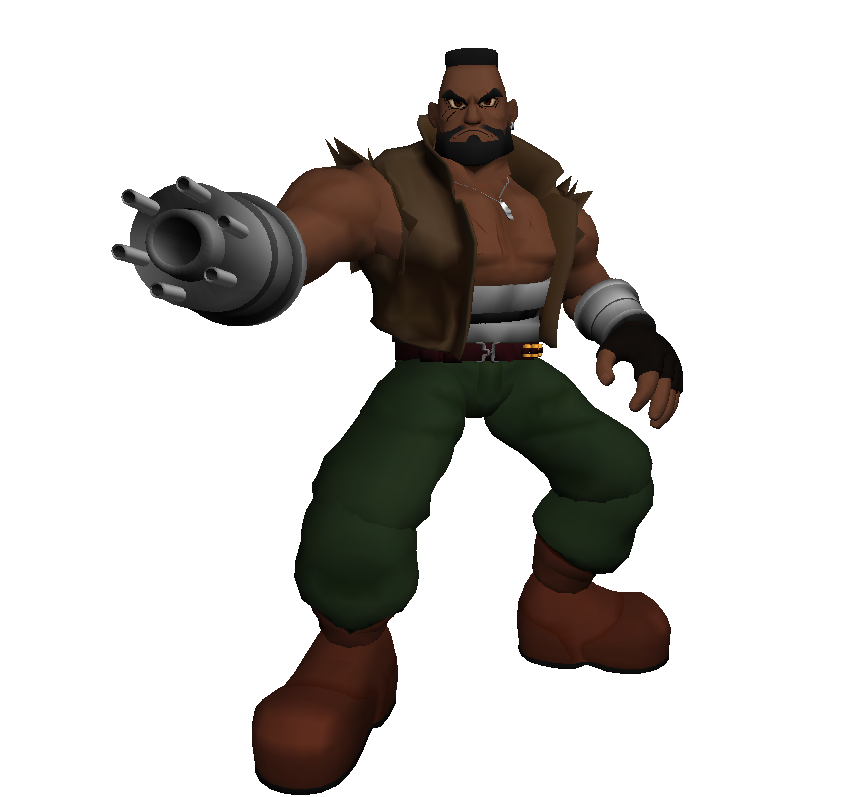
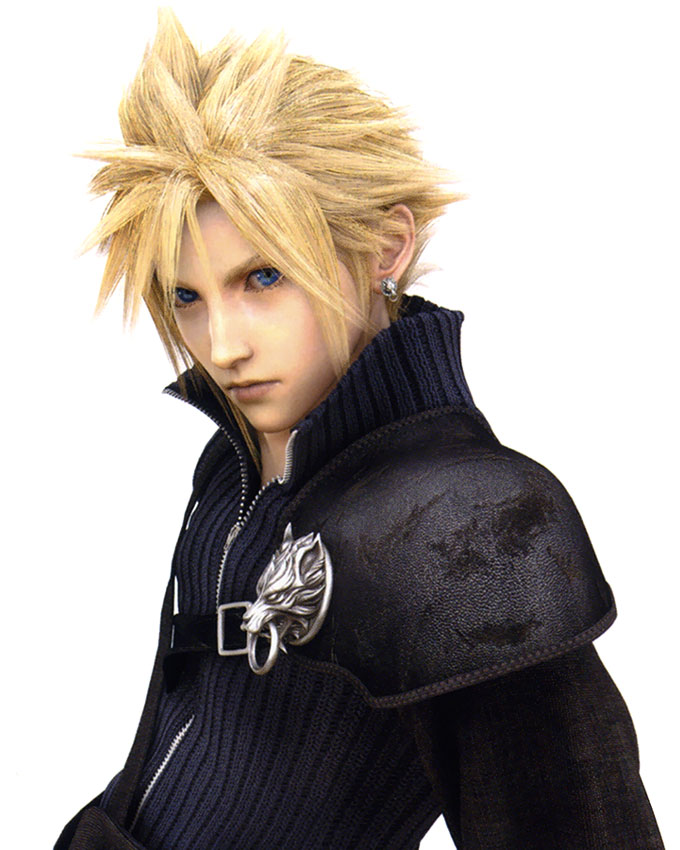
Character Overhaul Seven - Steam Release | ChaOS - SR
Download
Current release
ChaOS 1.70[www.nexusmods.com]
Old release
ChaOS - SR 03[drive.google.com]
ChaOS - SR 02[drive.google.com]
ChaOS - SR 01 FIX2[drive.google.com]
ChaOS - SR[drive.google.com]
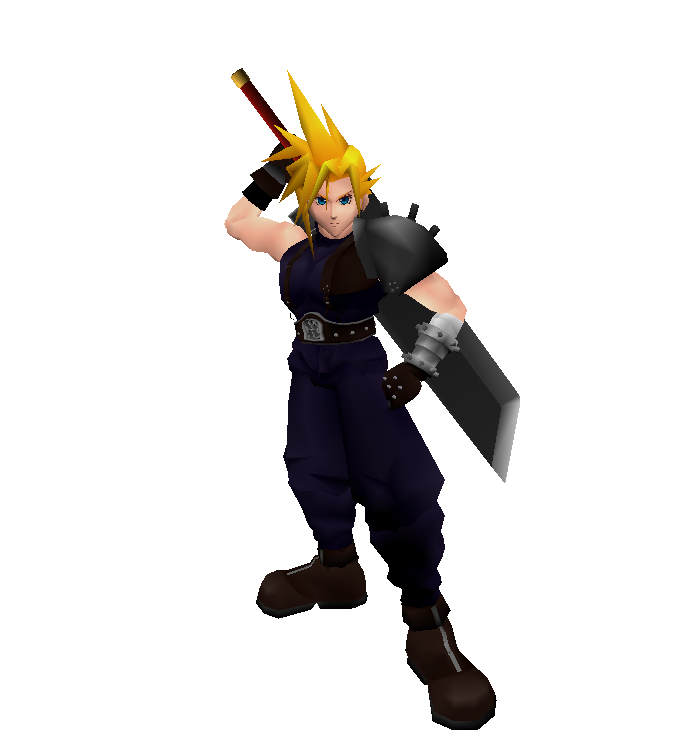
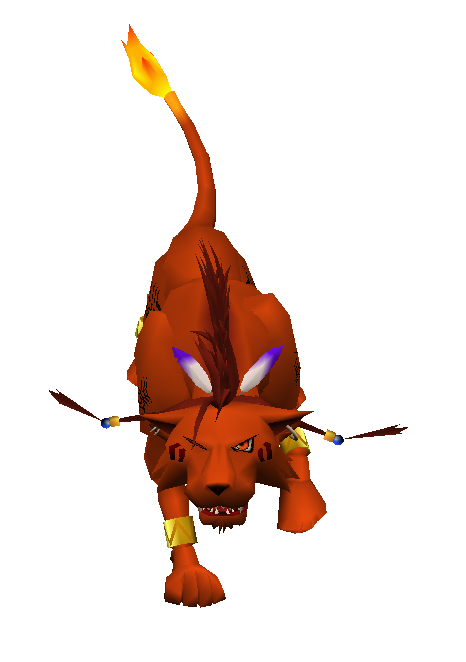
Installation
This is kinda different from the installation method you see here on Steam. There are two reasons for that reason one - sharing game files is illegal. While I haven't seen this in practice, it would be in theory possible to build a game from all the loose files. The other reason is that it works as a patch to the game files which means that it can be used along with other mods and a few things can be made optional.
Installation
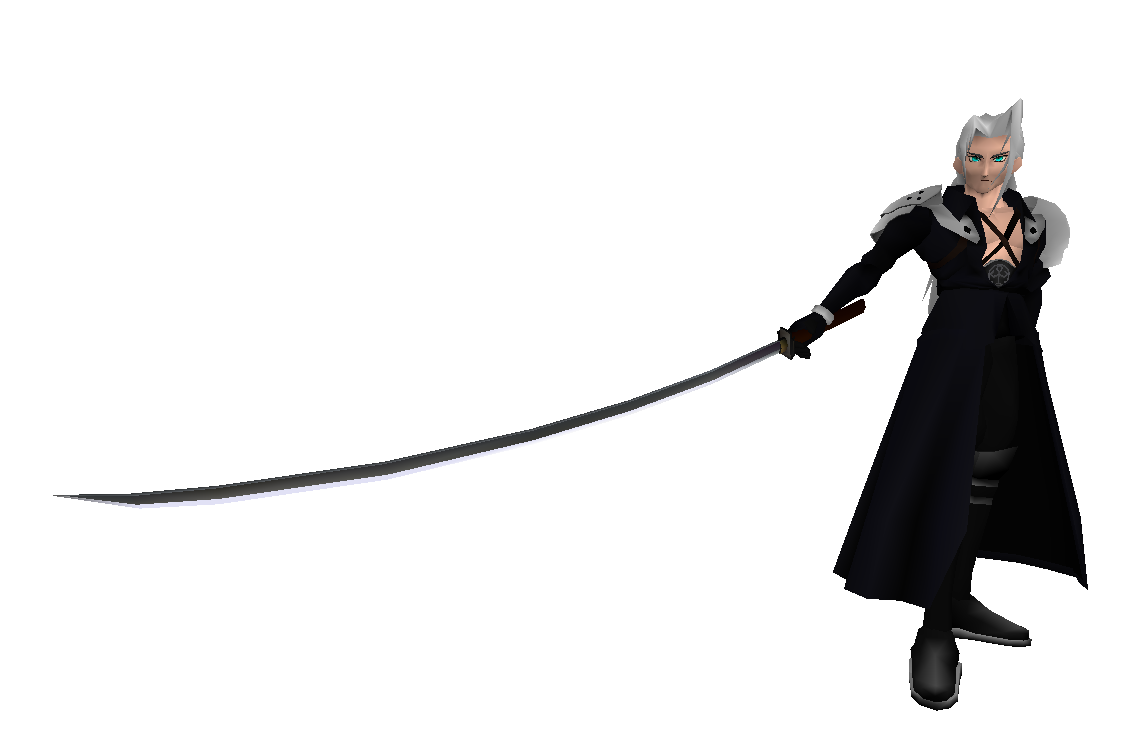
That's it.
Installation
- Extract the files with 7zip[www.7-zip.org] to any place you want (keep in mind that since windows 7 some folders have an extra write protection). I would suggest the desktop but it's up to you. It will create a folder with some sub folders, an exe and a batch file.
- Now locate where these files are in your FF7 root folder and copy and paste them in 0_LGP_In:
- battle.lgp
- char.lgp
- chocobo.lgp*
- flevel.lgp*
- high-us.lgp*
- world_us.lgp*
- battle.lgp
- Run the batch file lgp_edit.bat and press p and hit Enter. Close the cmd when finished.
- Place the files from 0_LGP_Out back from where you have grabbed them
That's it.
Addons
Battle scenes
You can also use this mod here from Steam
http://steamcommunity.com/sharedfiles/filedetails/?id=1329123155
- Download the files from this site:
http://forums.qhimm.com/index.php?topic=11961.msg255847#msg255847 - Extract it with winrar or 7.zip
- Copy the files from inside the folder to the battle.lgp folder
- Run the bat file and press 'p' to patch the files
You can also use this mod here from Steam
http://steamcommunity.com/sharedfiles/filedetails/?id=1329123155
You simply copy and paste its content from Battle_Add to the same named folder in ChaOS.
Cloud without sword on back
https://drive.google.com/open?id=1MKxFrBzYFhKmATX6C9apIMhjDR4Fcmes
If you don't like the sword equiped on Cloud's back, then you can install this. Simply drag the content into the ChaOS folder and overwrite the files when ask.
Known issues
This is an early built of my mod so keep in mind that there can be bugs I haven't noticed yet.
Issue I can't solve- the snowboard minigame use the chibi models
- the shadow in battle looks awkward (I think its kage.dat in the battle folder but I can't edit it to use a real texture)
- the models do look very tiny in some cases*
- the blink of the eyes does look strange*
*I could fix this but this needs editing of the flevel.lgp which would make the mode less useful as a universal replacer. Maybe I make an extra installation tutorial for the closed eye texture in the future. Known bugs
Credits:
- Square for making such a great game
- SquareEnix for... well for making Final Fantasy to a cash cow
- DLPB for the Patcher
- Luksy and Aali for creating uLgp
- Borde for creating Kimera
- The PRP team which did the first character overhaul
- and all the other artists from Qhimm forums
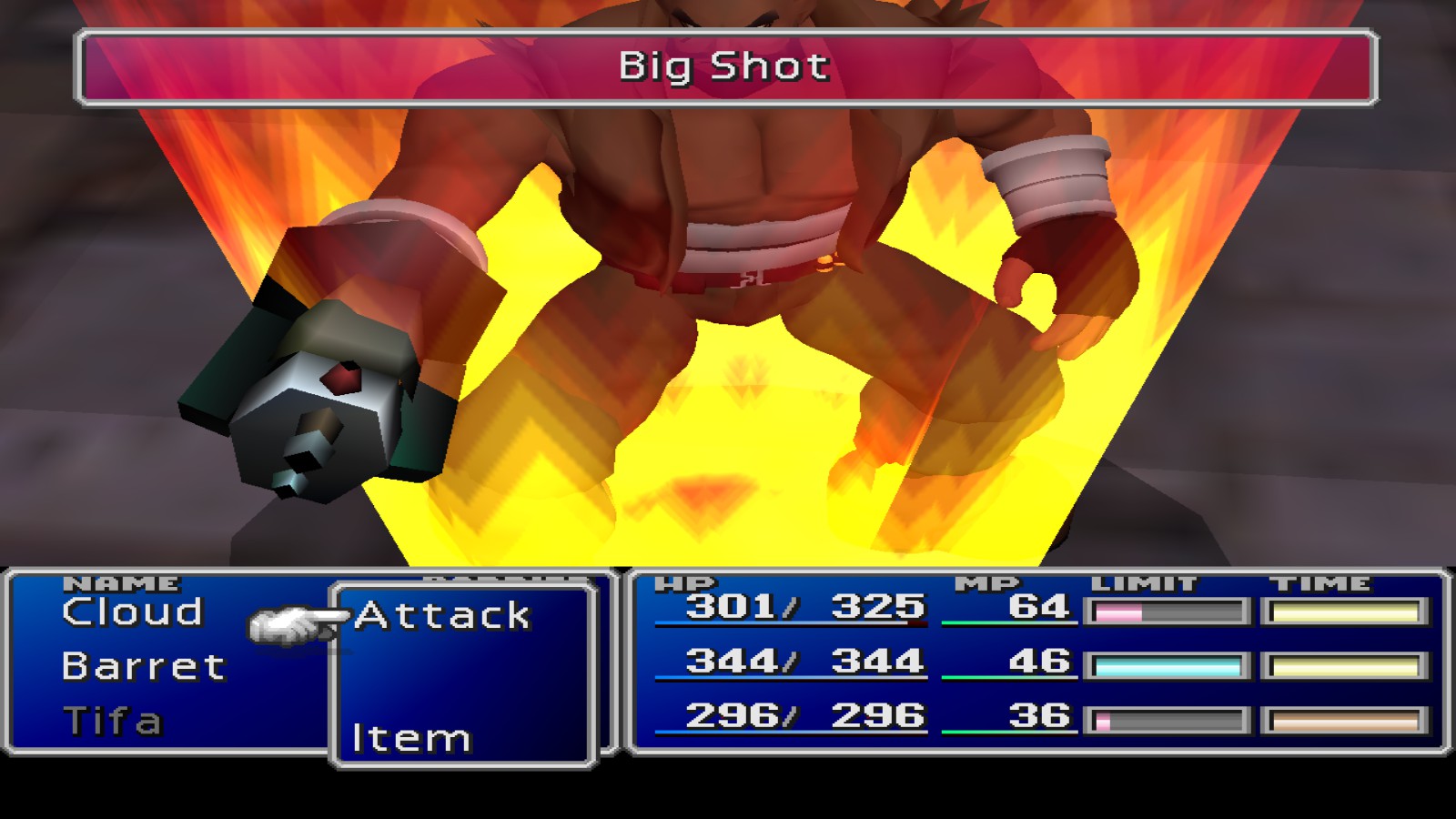
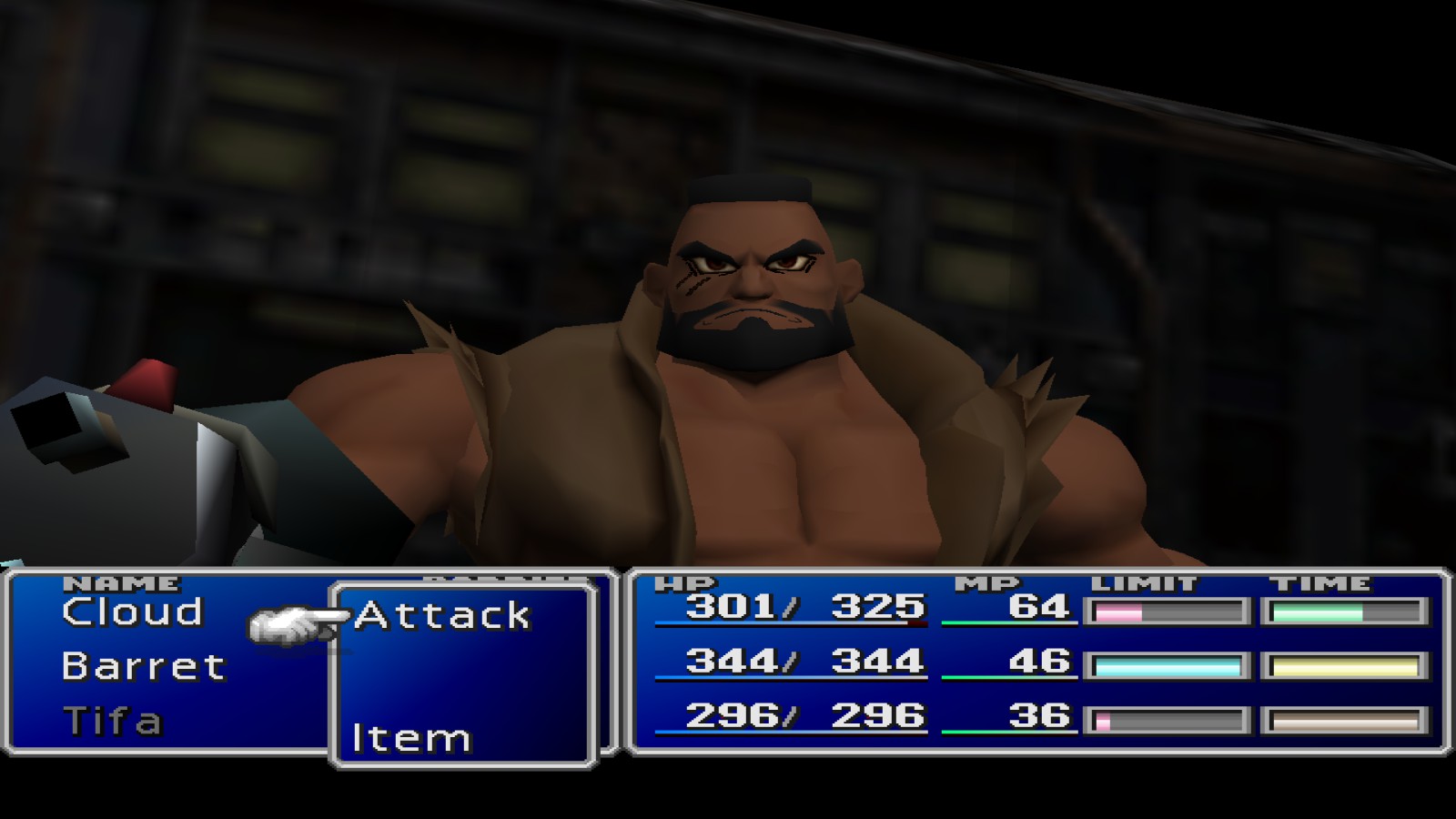
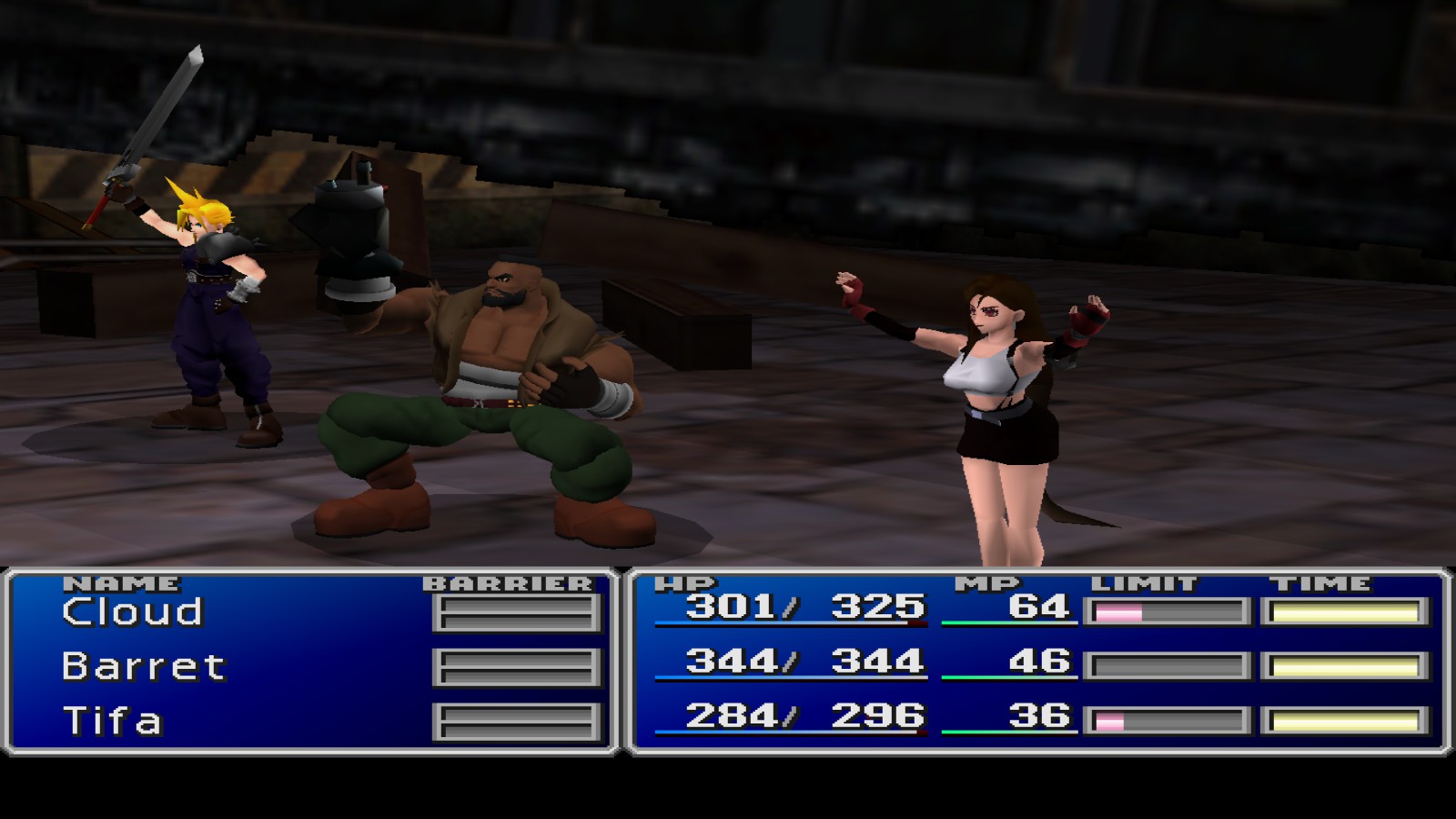
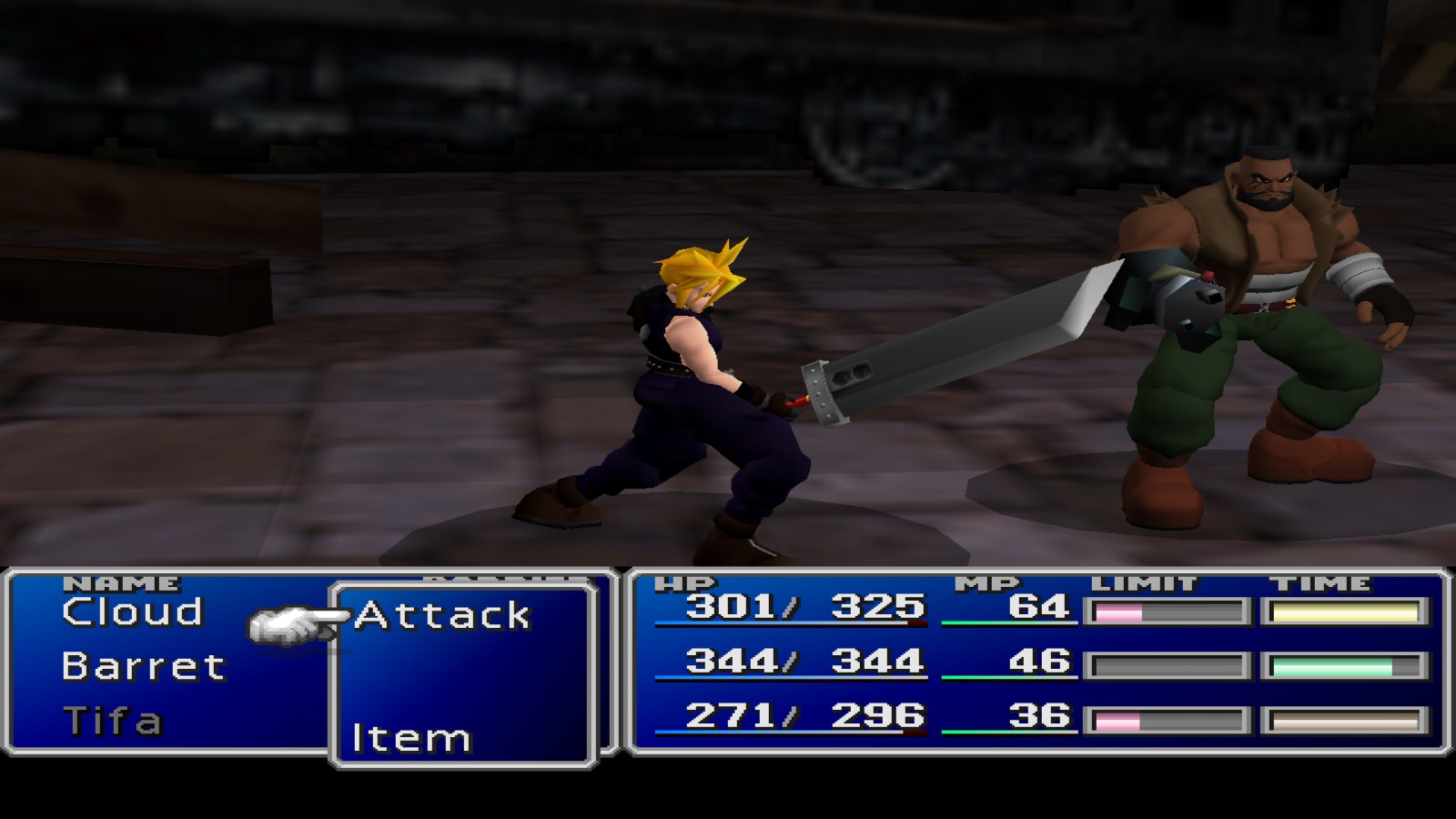
Change log:
Update 03 10/22/18
Update 02--------------
Update 01 FIX2 03/21/18
Update 01 FIX: 03/01/18
Update 01: 01/12/18
- new model for Vincent.
- reworked the bat file and renamed the folders for 7H compatibility. The installation is now a bit easier.
- fixed an issue with case sensitive files --> this should fix the problems with crashing the game for other languages
Update 02--------------
Update 01 FIX2 03/21/18
- wrong bit in file header caused black textures in battle for RedXIII eyes
- wrong name format of Cid's Highwind logo texture made his right arm disappearing
Update 01 FIX: 03/01/18
- wrong bit in file header caused black textures in battle
- wrong name format of Barrett's tattoo texture made his arm disappearing
Update 01: 01/12/18
- Field
- Barrett has now his original tattoo (new and remastered)
- Barrett has gotten some scars on the face and uperbody I also added some pre-light shading on the metal surfaces. Nothing ground breaking but looks a bit better
- Tifa's cowgirl model is fixed
- Minigame
- Updated Clouds model for the Chocobo Race
- World
- Updated Cid's model
- Battle
- Barrett - necklace and tattoo added (as well as the other things I added to the field model)
- Red XIII is now finalised. The right back leg wasn't recolored by me in the previos version.
More FINAL FANTASY VII (2013) guides
- Graphical Overhaul★ 5 (1k)90k views1.6k ♥3 minUpdated 27 May, 2014
- Final Fantasy 7 Full Guide★ 5 (2.7k)51k views7k ♥137 minUpdated 10 Jul, 2018
- XBox 360 Controller Fix★ 5 (775)48k views1.2k ♥7 minUpdated 17 Feb, 2023
- Final Fantasy VII General and Technical FAQ★ 5 (362)42k views333 ♥6 minUpdated 19 Jun, 2015
- Permanent Missable Content related to Achievements★ 5 (1.3k)39k views3.3k ♥15 minUpdated 3 Mar, 2019
- Remaster your FF7 - Essential Modding Guide★ 5 (623)38k views1.7k ♥23 minUpdated 24 Feb



🔥 Popular guides
- Upgrading to PremiumTeam Fortress 2★ 5 (20k)1441k views11k ♥6 minUpdated May 11, 2022
- No More Room in Hell Official ManualNo More Room in Hell★ 5 (2.8k)569k views2.1k ♥29 minUpdated Apr 22, 2019
- NMRiH Community Hosting GuidesNo More Room in Hell★ 5 (526)351k views653 ♥1 minUpdated Aug 10, 2022
- ULTIMATE GUIDE FOR GAME DEV TYCOONGame Dev Tycoon★ 5 (5.8k)326k views10k ♥4 minUpdated 23 Jan, 2014
- How to 'Git Gud' Soon™MORDHAU★ 5 (2k)318k views3k ♥68 minUpdated Nov 16, 2024
- Лучшие кооперативные игры SteamPAYDAY 2★ 5 (1.5k)315k views2.1k ♥56 minRussianUpdated Apr 27, 2025






This guide was created by its original author on the Steam Community. Are you the author and want it removed? Request removal.