Remove Black Bar with ReShade!
Introduction
Since the bar isn't present on every screen, a static magnify would cut off parts of the screen where the bar normally doesn't show up, such as in the menus and in battle. This why the shortcut key is needed. When you're in the field or about to watch an FMV, hit the key and the bar will vanish. When you go into the menus or battles, for instance, hit the key again and the screen will return to normal so nothing is cut off. It's unfortunately not able to be fully automatic as far as I know, but I think it's the closest we'll ever get to truly removing the black bar.
Screenshots
4:3
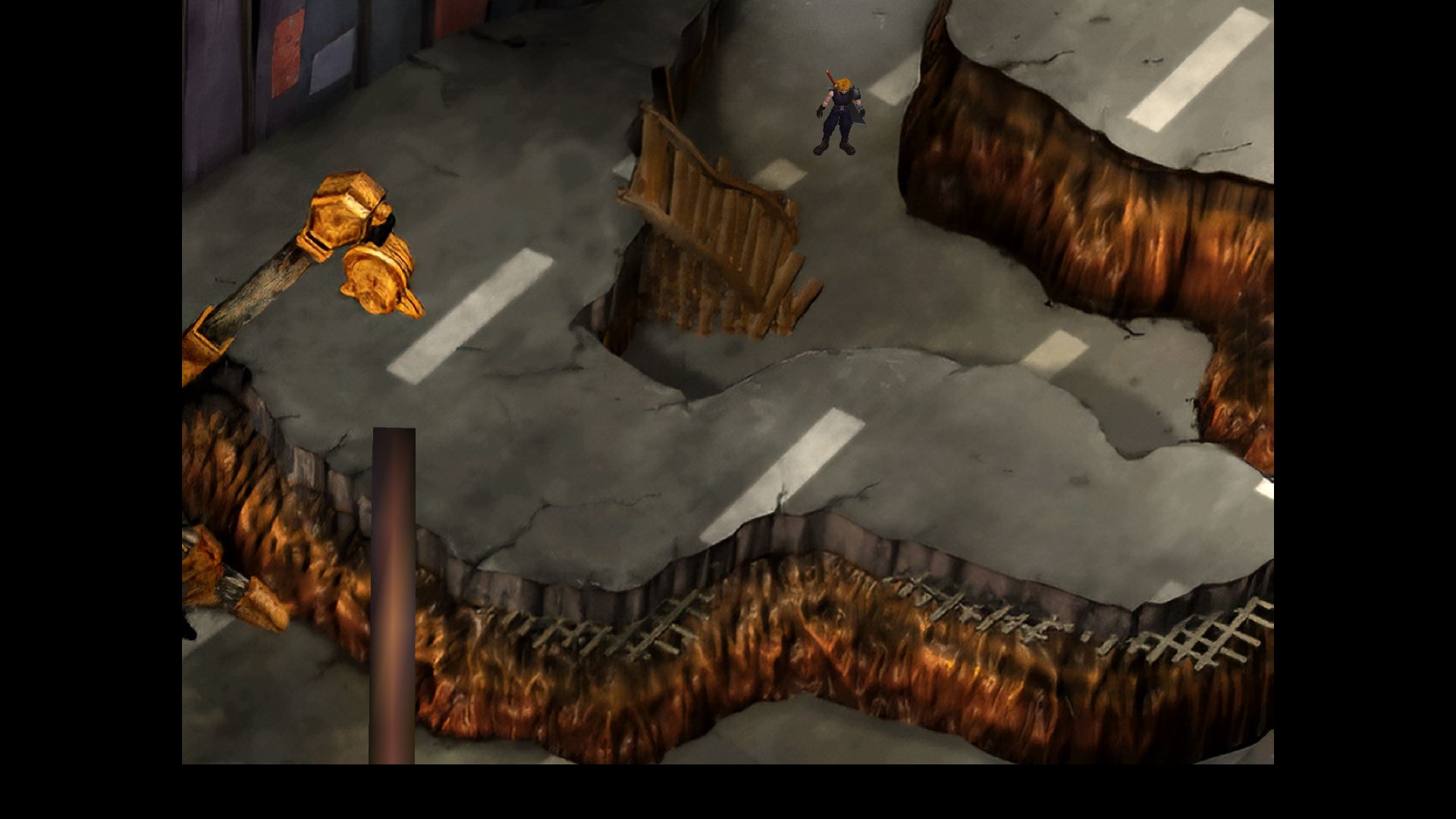
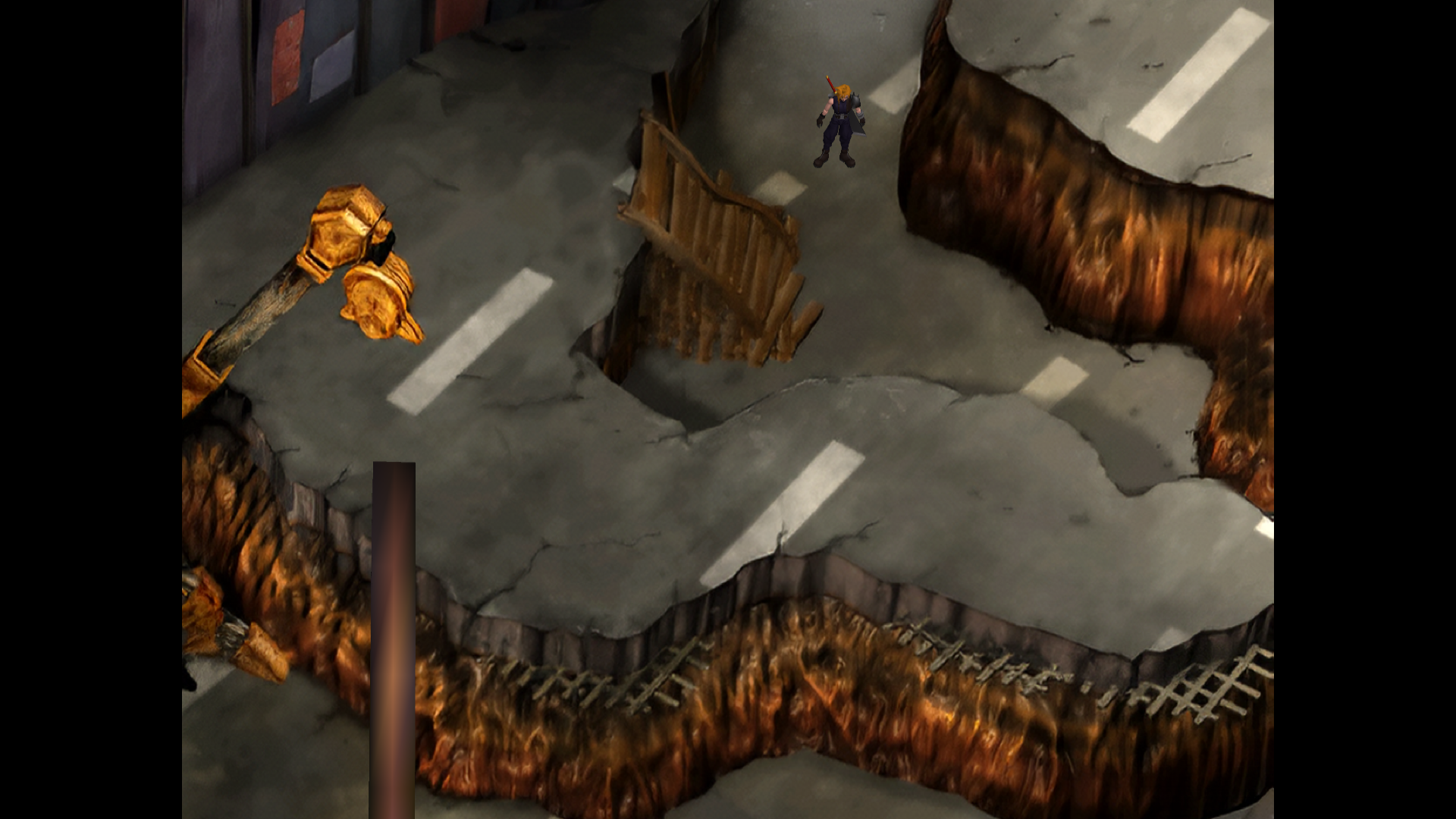
16:9
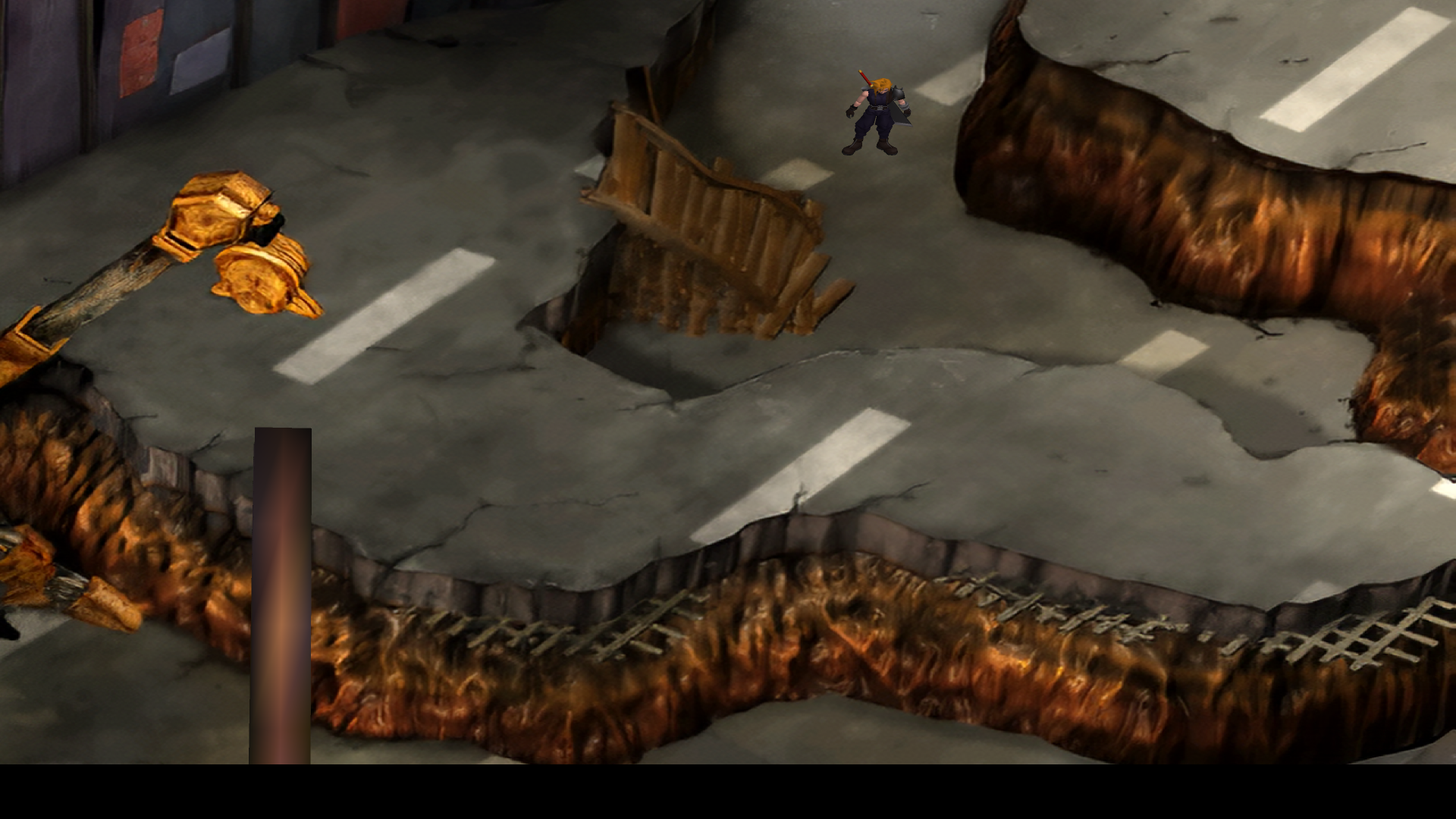
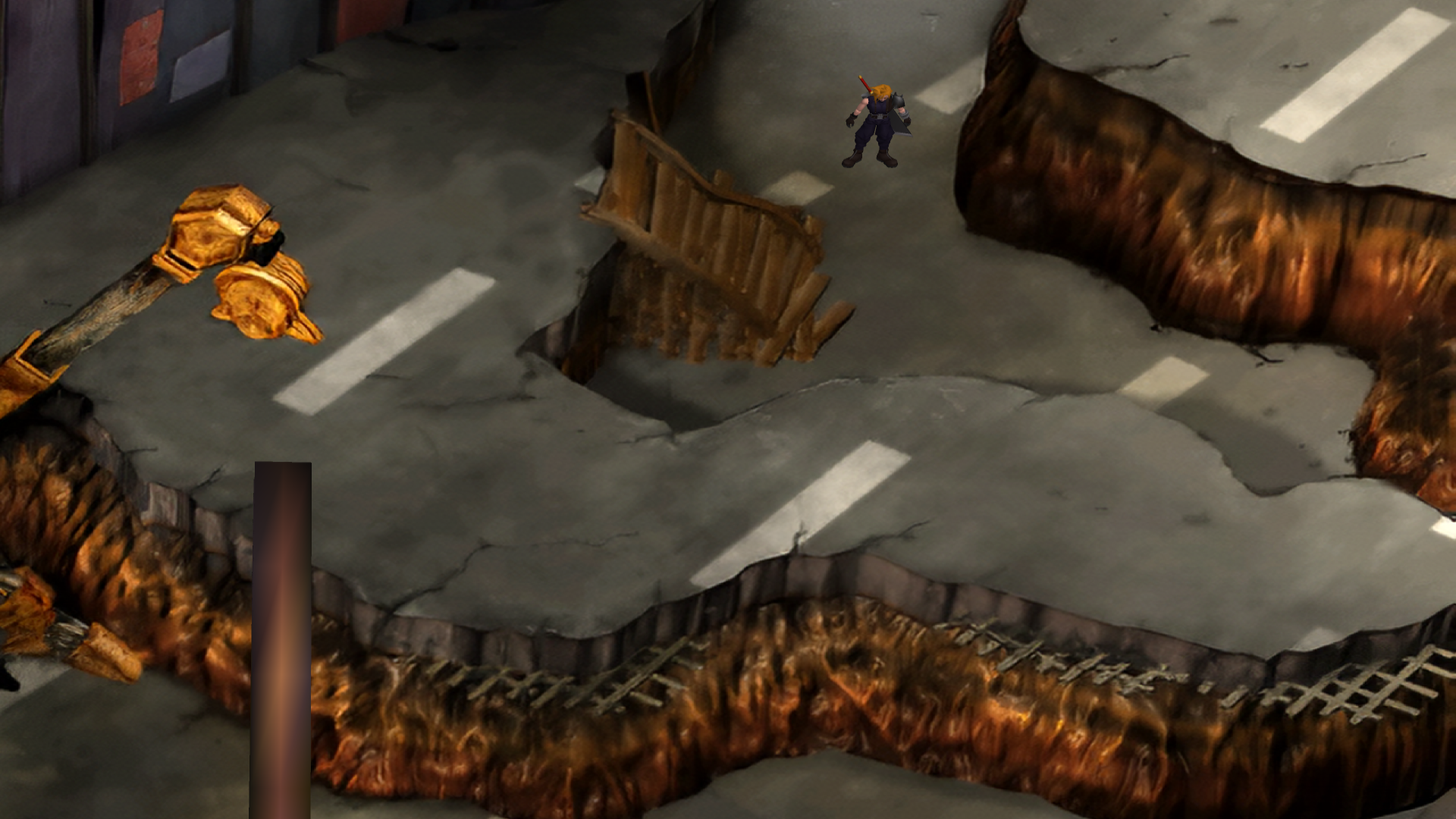
Instructions
The method was originally developed by a guy named Zelkar here on Steam for FFVIII Remastered, I just adapted it for FFVII. The values in BasicFX.cfg are set for 1920x1080 resolution but you can adjust them if yours is different. It's not very hard to get this fix working, either. Just follow a few steps:
- Install ReShade to your ff7.exe using the OpenGL option - you only need to install one filter, don't worry about more than that, it'll just cause ReShade to load more slowly
- Download and unpack this file - FFVII Black Bar Fix.7z[drive.google.com]
- Copy the "reshade-shaders" folder to your FFVII directory (same place as ff7.exe)
- Run FFVII, and in the settings for ReShade (hit Home by default to bring up the overlay), set your toggle key (I used spacebar, but you can use whatever you want).
- Enjoy! Hit your toggle key to turn the black bar on and off anytime!
Incidentally, if you use something like Joy2Key or PGP, you can set up a profile for FFVII that has a certain button or buttons on your controller (I use the triggers since FFVII itself doesn't use them for anything) activate your ReShade toggle key so you don't even have to use the keyboard to turn the black bar on and off. Just hit your assigned button(s) and off you go!
- Graphical Overhaul★ 5 (1k)90k views1.6k ♥3 minUpdated 27 May, 2014
- Final Fantasy 7 Full Guide★ 5 (2.7k)51k views7k ♥137 minUpdated 10 Jul, 2018
- XBox 360 Controller Fix★ 5 (775)48k views1.2k ♥7 minUpdated 17 Feb, 2023
- Final Fantasy VII General and Technical FAQ★ 5 (362)42k views333 ♥6 minUpdated 19 Jun, 2015
- Permanent Missable Content related to Achievements★ 5 (1.3k)39k views3.3k ♥15 minUpdated 3 Mar, 2019
- Remaster your FF7 - Essential Modding Guide★ 5 (623)38k views1.7k ♥23 minUpdated 24 Feb



- Upgrading to PremiumTeam Fortress 2★ 5 (20k)1441k views11k ♥6 minUpdated May 11, 2022
- No More Room in Hell Official ManualNo More Room in Hell★ 5 (2.8k)569k views2.1k ♥29 minUpdated Apr 22, 2019
- NMRiH Community Hosting GuidesNo More Room in Hell★ 5 (526)351k views653 ♥1 minUpdated Aug 10, 2022
- ULTIMATE GUIDE FOR GAME DEV TYCOONGame Dev Tycoon★ 5 (5.8k)326k views10k ♥4 minUpdated 23 Jan, 2014
- How to 'Git Gud' Soon™MORDHAU★ 5 (2k)318k views3k ♥68 minUpdated Nov 16, 2024
- Лучшие кооперативные игры SteamPAYDAY 2★ 5 (1.5k)315k views2.1k ♥56 minRussianUpdated Apr 27, 2025






This guide was created by its original author on the Steam Community. Are you the author and want it removed? Request removal.