解决黑魂1重制版无法识别手柄Solve the problem that the Dark Souls 1 remake cannot recognize the controller
黑魂1重制版识别手柄
方法一:
1.重启电脑
2.使用大屏幕打开STEAM
3.用手柄在STEAM中开始游戏
4.尝试用手柄按键跳过
5.解决问题
方法二:
1.在商标界面直接按CTRL+ALT+DELETE,切出任务管理器
2.点击打开任务管理器
3.直接关闭任务管理器
4.回到黑魂1的界面
5.解决问题
警告!!!
请勿在游戏中使用ALT+TAB切出游戏,这是导致无法使用手柄的关键因素
Solve the problem that the Dark Souls 1 remake cannot recognize the controller
Method 1:
- Restart the computer
- Open STEAM using a large screen
- Start the game in STEAM using a controller
- Try to skip using the controller buttons
- Solve the problem
Method 2:
- Press CTRL+ALT+DELETE directly on the trademark interface to exit the task manager
- Click to open the task manager
- Close the task manager directly
- Return to the Dark Souls 1 interface
- Solve the problem
Warning!!!
Do not use ALT+TAB to exit the game during the game, this is the key factor that causes the controller to be unusable
More DARK SOULS™: REMASTERED guides
- DARK SOULS: REMASTERED 100% Achievement Guide★ 5 (2k)53k views4.5k ♥95 minUpdated 12 Dec, 2020
- 100% Achievement Guide: Dark Souls - Remastered★ 5 (2k)53k views5.5k ♥183 minUpdated 8 May
- Прохождение Dark Souls★ 5 (1k)40k views2.6k ♥66 minRussianUpdated 16 Jan, 2022
- Dark Souls NPC Questlines in Order★ 5 (864)31k views2.2k ♥11 minUpdated 18 Sep, 2023
- Пошаговое получение 100% достижений в DARK SOULS™: REMASTERED★ 5 (1.3k)26k views3k ♥19 minRussianUpdated 26 Nov, 2023
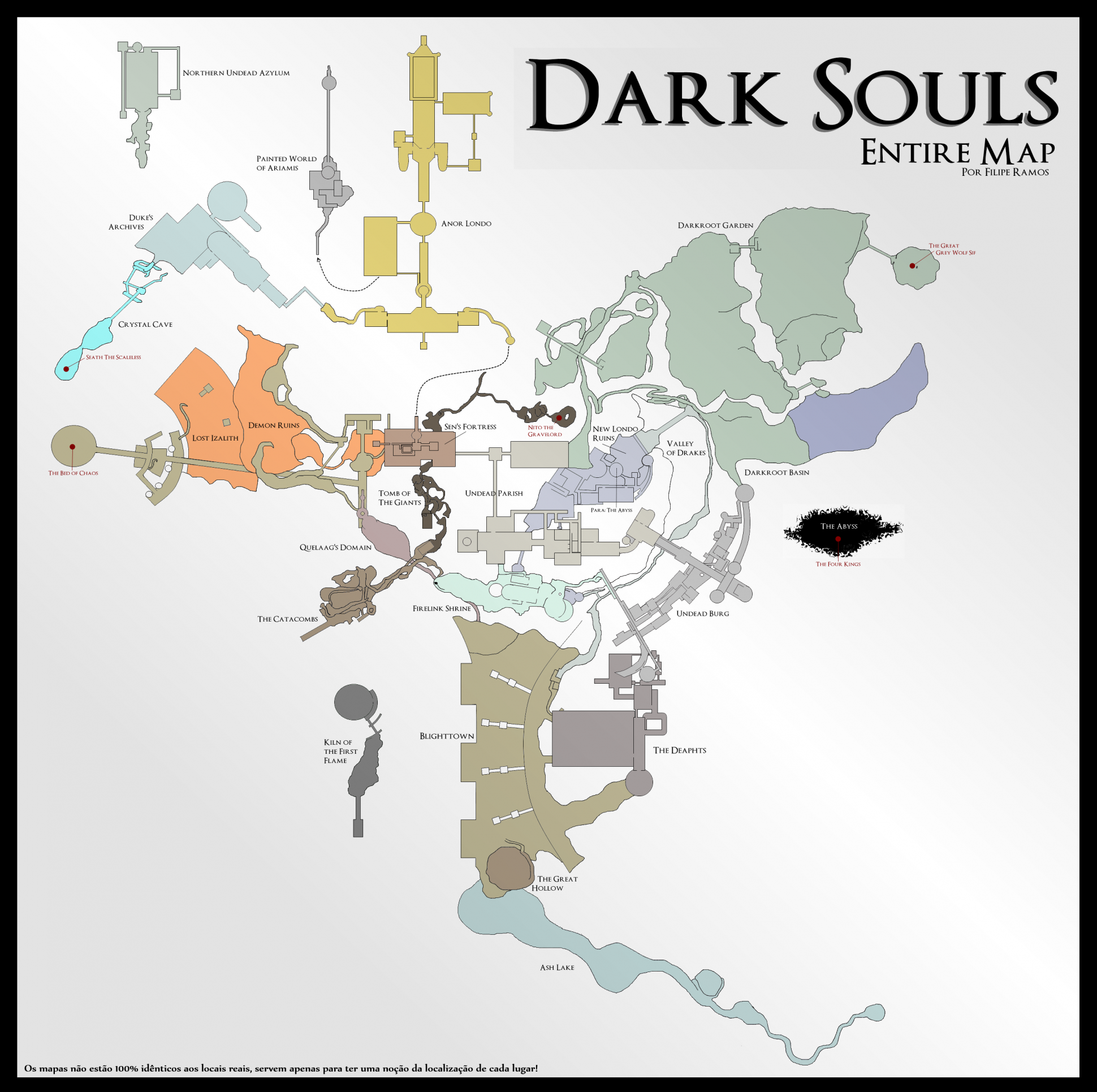
- DARK SOULS™: maps★ 5 (206)25k views541 ♥1 min



🔥 Popular guides
- Upgrading to PremiumTeam Fortress 2★ 5 (20k)1441k views11k ♥6 minUpdated May 11, 2022
- No More Room in Hell Official ManualNo More Room in Hell★ 5 (2.8k)569k views2.1k ♥29 minUpdated Apr 22, 2019
- NMRiH Community Hosting GuidesNo More Room in Hell★ 5 (526)351k views653 ♥1 minUpdated Aug 10, 2022
- ULTIMATE GUIDE FOR GAME DEV TYCOONGame Dev Tycoon★ 5 (5.8k)326k views10k ♥4 minUpdated 23 Jan, 2014
- How to 'Git Gud' Soon™MORDHAU★ 5 (2k)318k views3k ♥68 minUpdated Nov 16, 2024
- Лучшие кооперативные игры SteamPAYDAY 2★ 5 (1.5k)315k views2.1k ♥56 minRussianUpdated Apr 27, 2025






This guide was created by its original author on the Steam Community. Are you the author and want it removed? Request removal.