🎮 How to Fix Controller Not Working in Dark Souls Remastered
✅ The Fix (Tested and Works!)
1. Launch Dark Souls Remastered
Make sure the game is running in fullscreen mode.It's best to do this at the main menu, but it also works in-game.
2. Open Task Manager
Press CTRL + ALT + DELETEThen select Task Manager from the menu.
3. Switch Focus
Once Task Manager is open, click anywhere inside it (so it's the active window).Then ALT + TAB back into the game.
Controller Works!
For some reason, doing this makes the controller get recognized again.Enjoy playing with your controller!
💡 Notes
This method also works in several other games that have similar controller recognition issues.
No need to restart the game or mess with Steam Input settings.
No need to restart the game or mess with Steam Input settings.
Thanks for reading!
If this helped you, feel free to give it a thumbs-up 👍 or leave a comment. Praise the Sun! 🌞
More DARK SOULS™: REMASTERED guides
- DARK SOULS: REMASTERED 100% Achievement Guide★ 5 (2k)53k views4.5k ♥95 minUpdated 12 Dec, 2020
- 100% Achievement Guide: Dark Souls - Remastered★ 5 (2k)53k views5.5k ♥183 minUpdated 8 May
- Прохождение Dark Souls★ 5 (1k)40k views2.6k ♥66 minRussianUpdated 16 Jan, 2022
- Dark Souls NPC Questlines in Order★ 5 (864)31k views2.2k ♥11 minUpdated 18 Sep, 2023
- Пошаговое получение 100% достижений в DARK SOULS™: REMASTERED★ 5 (1.3k)26k views3k ♥19 minRussianUpdated 26 Nov, 2023
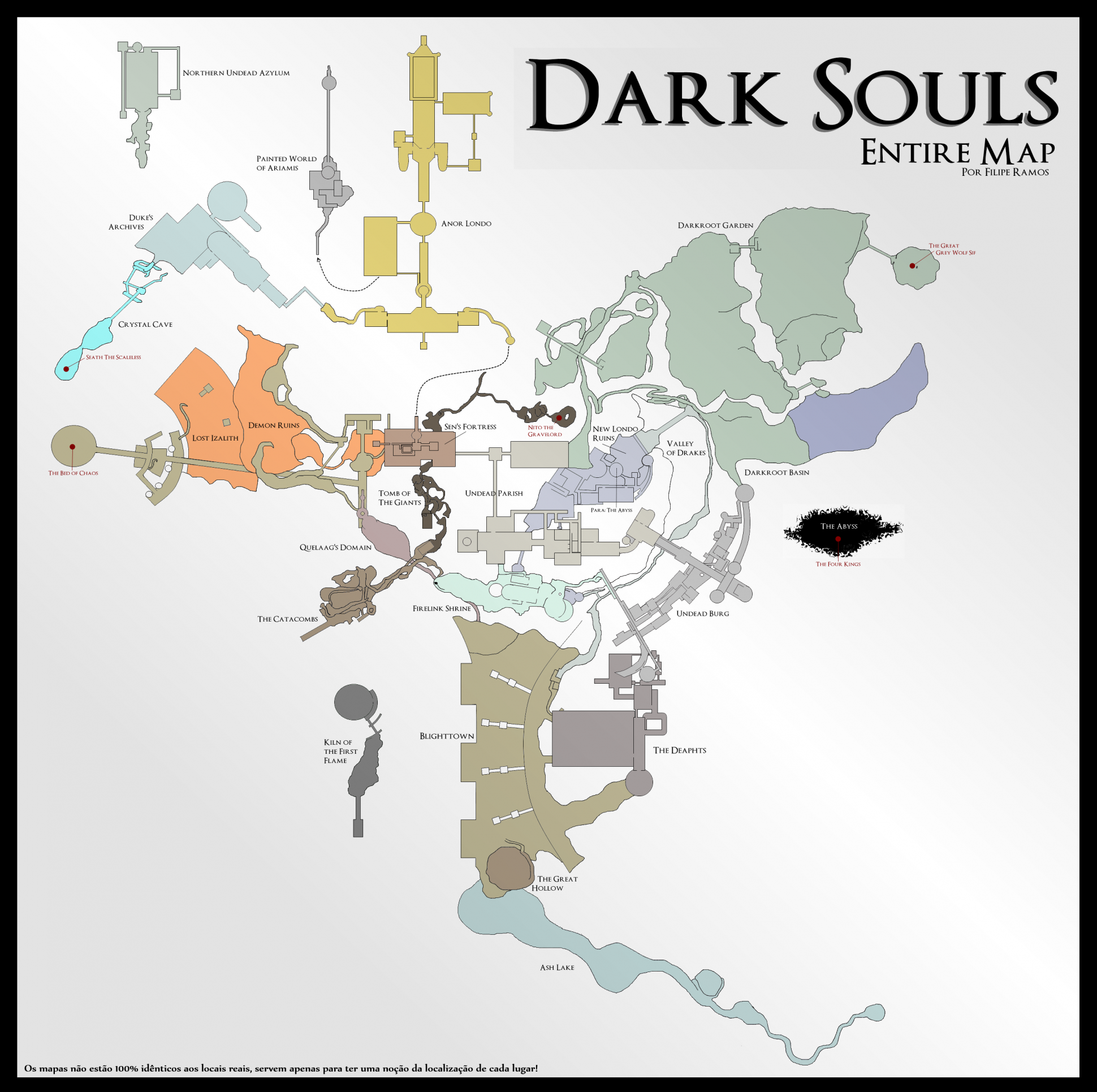
- DARK SOULS™: maps★ 5 (206)25k views541 ♥1 min



🔥 Popular guides
- Upgrading to PremiumTeam Fortress 2★ 5 (20k)1441k views11k ♥6 minUpdated May 11, 2022
- No More Room in Hell Official ManualNo More Room in Hell★ 5 (2.8k)569k views2.1k ♥29 minUpdated Apr 22, 2019
- NMRiH Community Hosting GuidesNo More Room in Hell★ 5 (526)351k views653 ♥1 minUpdated Aug 10, 2022
- ULTIMATE GUIDE FOR GAME DEV TYCOONGame Dev Tycoon★ 5 (5.8k)326k views10k ♥4 minUpdated 23 Jan, 2014
- How to 'Git Gud' Soon™MORDHAU★ 5 (2k)318k views3k ♥68 minUpdated Nov 16, 2024
- Лучшие кооперативные игры SteamPAYDAY 2★ 5 (1.5k)315k views2.1k ♥56 minRussianUpdated Apr 27, 2025






This guide was created by its original author on the Steam Community. Are you the author and want it removed? Request removal.