Controller Config for easier Jumping, Kicks and Jumping Attacks
Introduction
the kick and jumping attack moves have always been inconsistent for me, this config should allow anybody to consistently perform these moves with simple button combinations
also this config adds back the Dark Souls 2 feature of being able to jump by pressing L3 while running, Bandai Namco COULD have added that feature in this remaster, but it seems they were too lazy for that
all the improvements of this config are additive, meaning you can still perform jumps, kicks and jumping attacks the old way, this config only adds new options
it also includes some extra features for the Steam Deck / DualShock 4 / DualSense / Switch Pro Controllers
Setting up the config
make sure you are using the default controls on your game
to setup this controller config, is very simple, if you have a standard controller, open this link
steam://controllerconfig/570940/3616085975
or if you have a Switch Pro Controller, open this link, just so you can use gyro
steam://controllerconfig/570940/3616093683
Controls
you can use these new inputs with any controller you wish
-
(While Running) : Jump
-
: Kick
-
: Jumping Attack
added this command to enable gyro mode, you can still take screenshots by pressing
 +
+
-
: Toggle Gyro Mode, while in gyro mode, hold
to enable gyro, perfect for bows
added these extra inputs for PlayStation controllers
-
(Directional Swipe) : Cycle Spells / Miracles / Pyromancies
-
(Directional Swipe) : Cycle consumables
-
(Directional Swipe) : Cycle left hand weapons
-
(Directional Swipe) : Cycle right hand weapons
-
: Toggle Gyro Mode, while in gyro mode, hold
-
: Mouse control
-
: Left mouse click
added these extra inputs for the Steam Deck
-
(Directional Swipe) : Cycle Spells / Miracles / Pyromancies
-
(Directional Swipe): Cycle consumables
-
(Directional Swipe) : Cycle left hand weapons
-
(Directional Swipe) : Cycle right hand weapons
-
: Toggle Gyro Mode, while in gyro mode, hold
-
: Mouse control
-
: Left mouse click
-
: Duplicate mapping for
-
: Duplicate mapping for
Closing Thoughts

- DARK SOULS: REMASTERED 100% Achievement Guide★ 5 (2k)53k views4.5k ♥95 minUpdated 12 Dec, 2020
- 100% Achievement Guide: Dark Souls - Remastered★ 5 (2k)53k views5.5k ♥183 minUpdated 8 May
- Прохождение Dark Souls★ 5 (1k)40k views2.6k ♥66 minRussianUpdated 16 Jan, 2022
- Dark Souls NPC Questlines in Order★ 5 (864)31k views2.2k ♥11 minUpdated 18 Sep, 2023
- Пошаговое получение 100% достижений в DARK SOULS™: REMASTERED★ 5 (1.3k)26k views3k ♥19 minRussianUpdated 26 Nov, 2023
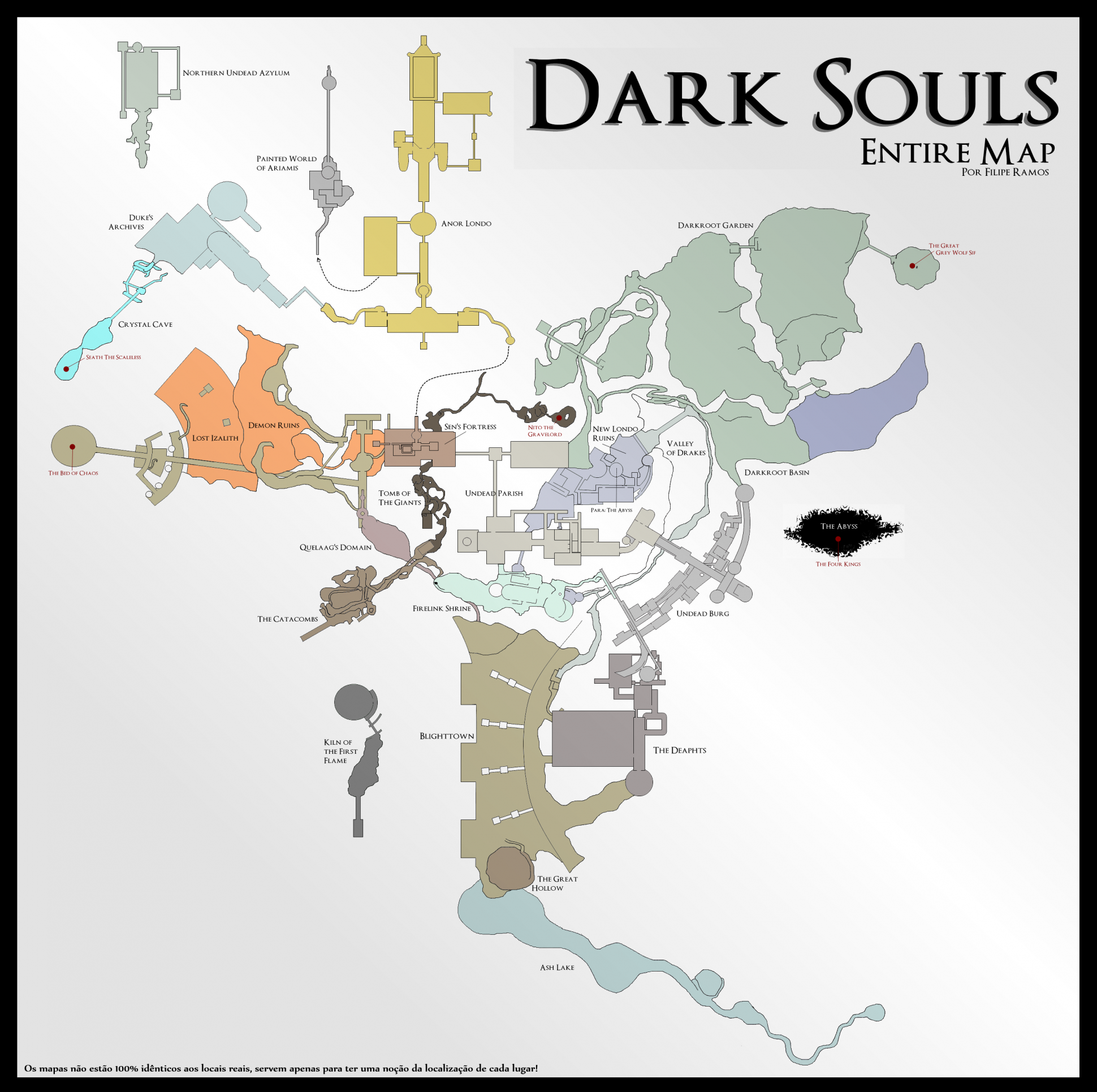
- DARK SOULS™: maps★ 5 (206)25k views541 ♥1 min




- Upgrading to PremiumTeam Fortress 2★ 5 (20k)1441k views11k ♥6 minUpdated May 11, 2022
- No More Room in Hell Official ManualNo More Room in Hell★ 5 (2.8k)569k views2.1k ♥29 minUpdated Apr 22, 2019
- NMRiH Community Hosting GuidesNo More Room in Hell★ 5 (526)351k views653 ♥1 minUpdated Aug 10, 2022
- ULTIMATE GUIDE FOR GAME DEV TYCOONGame Dev Tycoon★ 5 (5.8k)326k views10k ♥4 minUpdated 23 Jan, 2014
- How to 'Git Gud' Soon™MORDHAU★ 5 (2k)318k views3k ♥68 minUpdated Nov 16, 2024
- Лучшие кооперативные игры SteamPAYDAY 2★ 5 (1.5k)315k views2.1k ♥56 minRussianUpdated Apr 27, 2025






This guide was created by its original author on the Steam Community. Are you the author and want it removed? Request removal.