does not work / stopped the controller / gamepad in DARK SOULS™: REMASTERED
Straight to the point:
Without leaving the app, go to the "Steam" (the one in the upper left corner, next to the "view") > Settings > Controller > Xbox Advanced Feature Driver > Install (Restart your computer after boot)
P S.
Faced with this problem and looked for a solution in Steam manuals, Google, etc. The tips either did not help, or were somewhat too complicated (such as installing third-party applications, changes in game files, etc). As a result, he stumbled on and everything worked. I hope someone will help.
I usually play with the keyboard but the DS is really more convenient to play with the controller.
More DARK SOULS™: REMASTERED guides
- DARK SOULS: REMASTERED 100% Achievement Guide★ 5 (2k)53k views4.5k ♥95 minUpdated 12 Dec, 2020
- 100% Achievement Guide: Dark Souls - Remastered★ 5 (2k)53k views5.5k ♥183 minUpdated 8 May
- Прохождение Dark Souls★ 5 (1k)40k views2.6k ♥66 minRussianUpdated 16 Jan, 2022
- Dark Souls NPC Questlines in Order★ 5 (864)31k views2.2k ♥11 minUpdated 18 Sep, 2023
- Пошаговое получение 100% достижений в DARK SOULS™: REMASTERED★ 5 (1.3k)26k views3k ♥19 minRussianUpdated 26 Nov, 2023
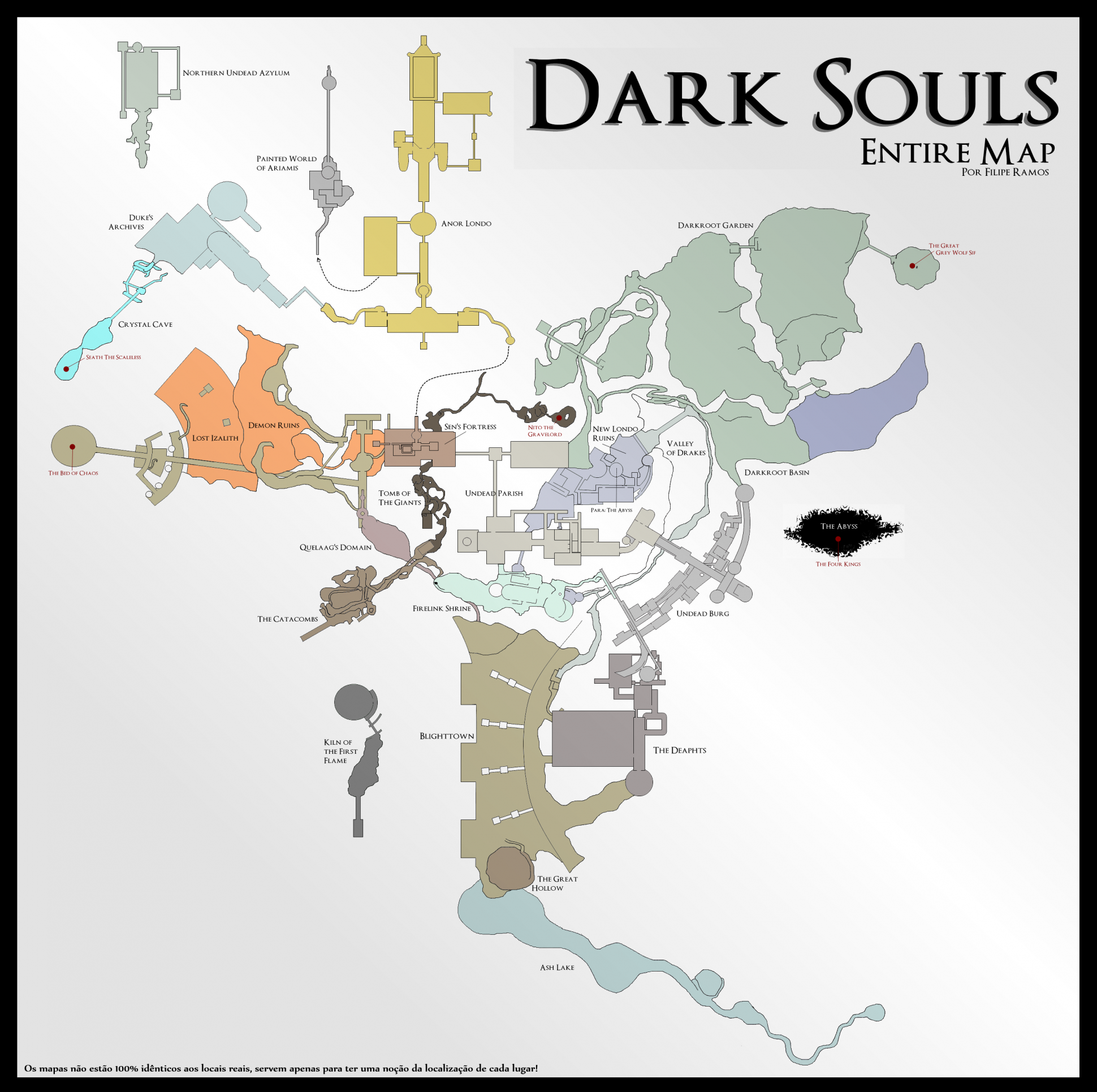
- DARK SOULS™: maps★ 5 (206)25k views541 ♥1 min


🔥 Popular guides
- Upgrading to PremiumTeam Fortress 2★ 5 (20k)1441k views11k ♥6 minUpdated May 11, 2022
- No More Room in Hell Official ManualNo More Room in Hell★ 5 (2.8k)569k views2.1k ♥29 minUpdated Apr 22, 2019
- NMRiH Community Hosting GuidesNo More Room in Hell★ 5 (526)351k views653 ♥1 minUpdated Aug 10, 2022
- ULTIMATE GUIDE FOR GAME DEV TYCOONGame Dev Tycoon★ 5 (5.8k)326k views10k ♥4 minUpdated 23 Jan, 2014
- How to 'Git Gud' Soon™MORDHAU★ 5 (2k)318k views3k ♥68 minUpdated Nov 16, 2024
- Лучшие кооперативные игры SteamPAYDAY 2★ 5 (1.5k)315k views2.1k ♥56 minRussianUpdated Apr 27, 2025






This guide was created by its original author on the Steam Community. Are you the author and want it removed? Request removal.