How to play Pixel Souls Demastered with Randomized Enemies
Setup and Warnings
GO OFFLINE
Before you jump into modding DS1R, a good thing to do first is insure you are in Offline Mode on Steam. This will allow you to mod Dark Souls Remastered without the worry of getting banned by FromSoftware as modding game files while playing can sometimes get you banned. Better to be safe than sorry.
To easily go offline click Steam in the top left corner in the steam app and click Go Offline... after that you shouldn't be able to access any online features and you're good to go!
ALWAYS MAKE SURE YOU ARE OFFLINE BEFORE LAUNCHING THE GAME WITH MODS
Next up is downloading the correct mods!
Pixel Souls Demastered (PSD) : https://www.nexusmods.com/darksoulsremastered/mods/647
DS1 Enemy Randomizer (DSER) : https://www.nexusmods.com/darksouls/mods/1407
PSD has a separate mod with a Game boy Green Color palette option instead but we will be focusing on the normal version!
Installation Process
After downloading the mods locate both and proceed to extract them! Right click on the file and click extract files. (I like to just extract to my downloads folder for ease of access).
After extracting both open the folder titled Pixel Souls Demastered and move all the files except the README.txt file into your Dark Souls Remastered game folder where your DarkSoulsRemastered.exe is. When you are prompted to replace the files click Yes to All.
NOTE : Do not copy the "sound" folder if you do not want low quality sounds and Do not copy the "font" folder if you do not want pixel font!
Once you've done that I suggest launching the game to see if the mod is working! You will notice a difference immediately!
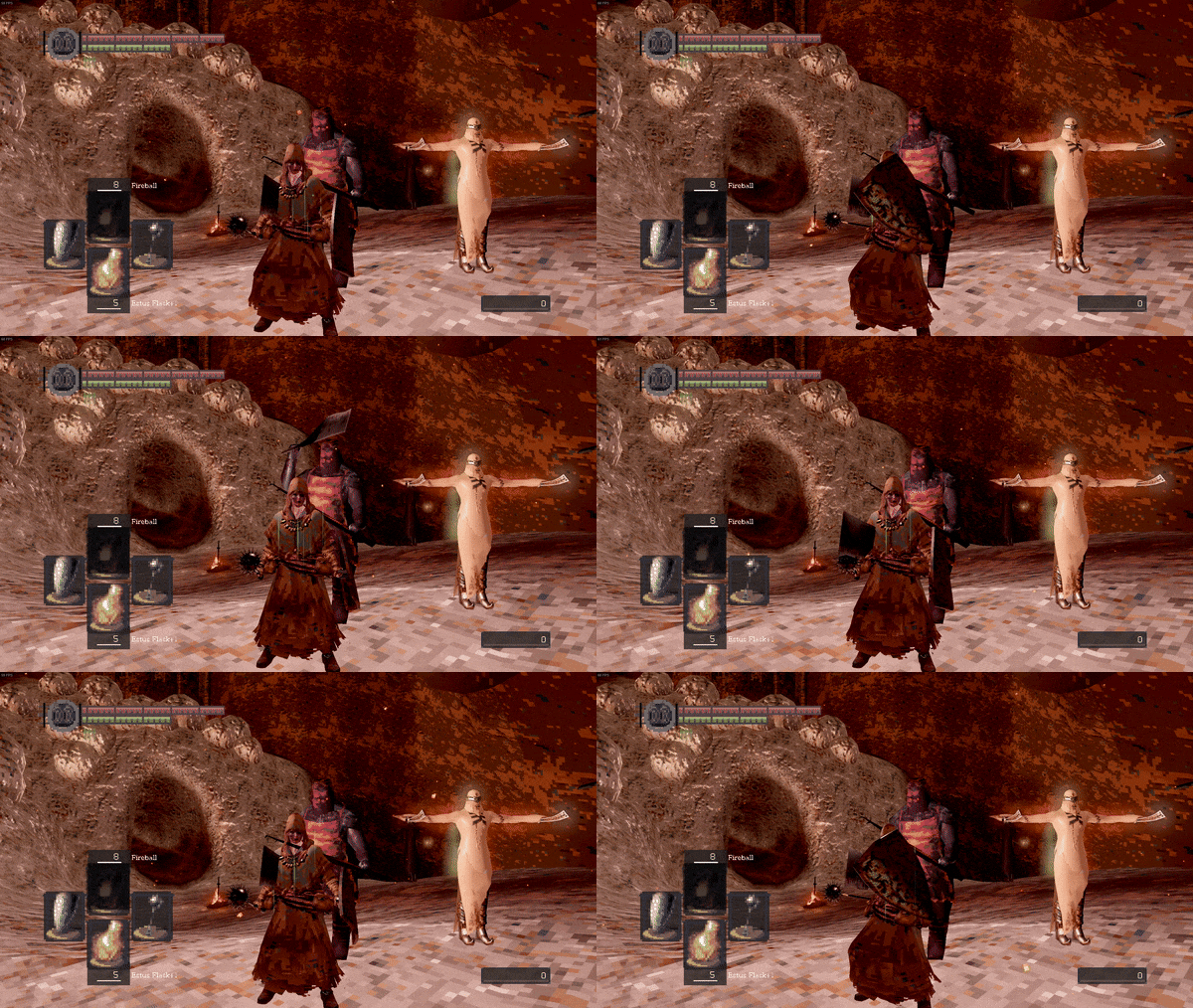
Now that you know the mod is working we can move onto the randomizer!
You are going to want to move 2 files from the extracted randomizer folder. The EnemyRandomizer.exe and enemyRandomizerData files are to be moved into the same place as the PSD files (where your DSR.exe is).
After moving the files launch EnemyRandomizer.exe! This may take some time if its your first time launching it as it identifies all enemy files in each area of the game! Once it has completed you will see a wall of settings to mess with, I suggest sticking with the default settings and clicking the randomize button on the right. After the randomization process has completed you are free to close the tabs and launch your newly modded PIXEL SOULS DEMASTERED!!!
Have Fun + Extra tips
Now that you have installed the main mods and started playing here are a few extra mods and tips I recommend to make the randomizer feel a bit more fair and fun (since you have the chance to get higher level enemies in the beginning stages of the game).
Warp to any Bonfire (after lighting it) : https://www.nexusmods.com/darksoulsremastered/mods/313
(Allows the player to travel to any bonfire right of the bat so long as they have visited in and lit it! Also allows the player to continue playing after beating Gwyn instead of launching into NG+ right away. Can activate NG+ at bonfire when ready!)
Item Randomizer : https://www.nexusmods.com/darksoulsremastered/mods/86
(Randomizes items without the chance of you getting softlocked! For the fully randomized chaotic experience!)
Fog Gate Randomizer : https://www.nexusmods.com/darksoulsremastered/mods/165
(Ah that fog gate does not lead where it is supposed to!)
Thanks for reading my first ever guide! Hope you have fun in your newly modded Dark Souls Remastered! And remember what Solaire said "Keep on Dark Soulsing you filthy hollow".

- DARK SOULS: REMASTERED 100% Achievement Guide★ 5 (2k)53k views4.5k ♥95 minUpdated 12 Dec, 2020
- 100% Achievement Guide: Dark Souls - Remastered★ 5 (2k)53k views5.5k ♥183 minUpdated 8 May
- Прохождение Dark Souls★ 5 (1k)40k views2.6k ♥66 minRussianUpdated 16 Jan, 2022
- Dark Souls NPC Questlines in Order★ 5 (864)31k views2.2k ♥11 minUpdated 18 Sep, 2023
- Пошаговое получение 100% достижений в DARK SOULS™: REMASTERED★ 5 (1.3k)26k views3k ♥19 minRussianUpdated 26 Nov, 2023
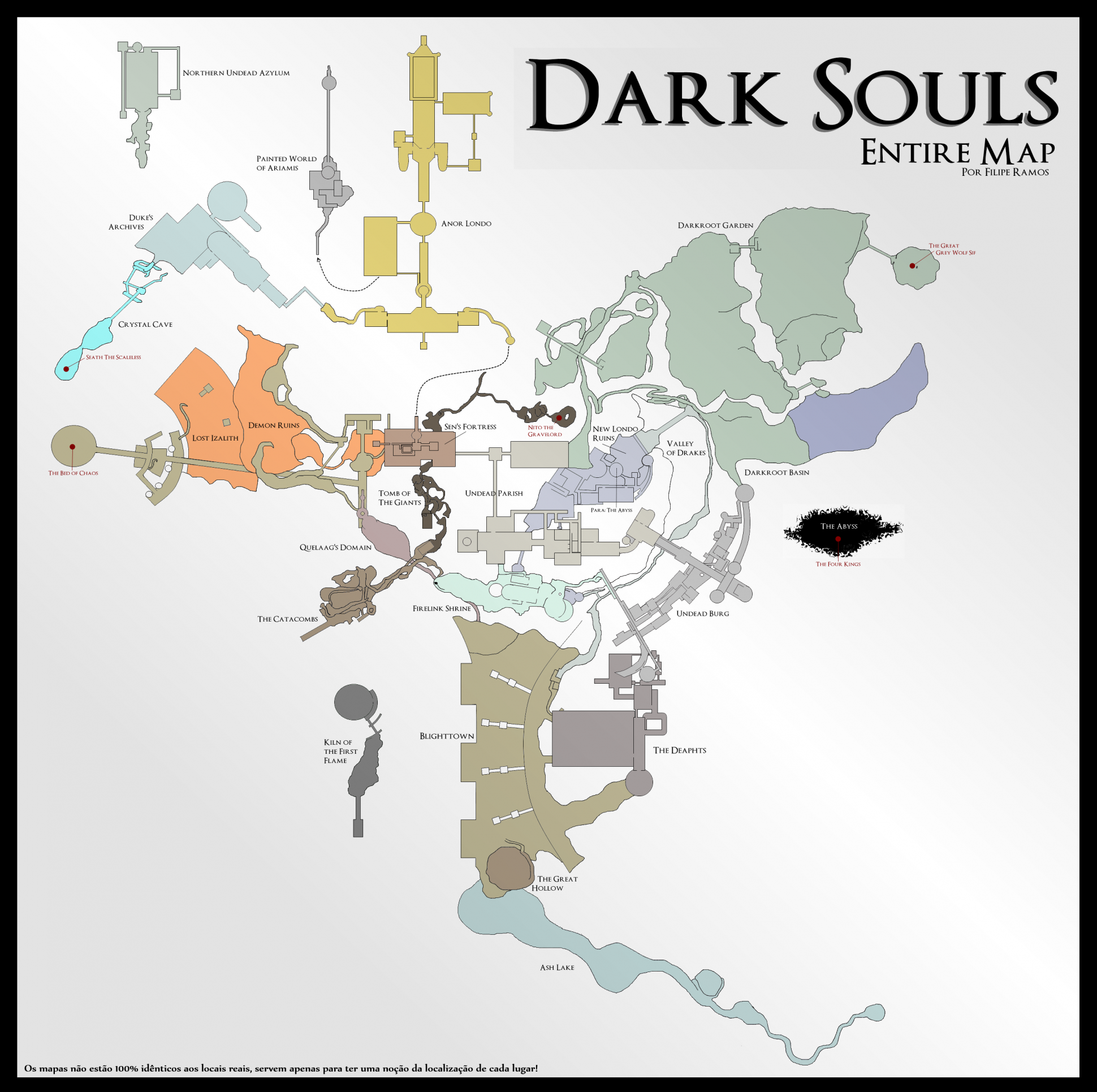
- DARK SOULS™: maps★ 5 (206)25k views541 ♥1 min



- Upgrading to PremiumTeam Fortress 2★ 5 (20k)1441k views11k ♥6 minUpdated May 11, 2022
- No More Room in Hell Official ManualNo More Room in Hell★ 5 (2.8k)569k views2.1k ♥29 minUpdated Apr 22, 2019
- NMRiH Community Hosting GuidesNo More Room in Hell★ 5 (526)351k views653 ♥1 minUpdated Aug 10, 2022
- ULTIMATE GUIDE FOR GAME DEV TYCOONGame Dev Tycoon★ 5 (5.8k)326k views10k ♥4 minUpdated 23 Jan, 2014
- How to 'Git Gud' Soon™MORDHAU★ 5 (2k)318k views3k ♥68 minUpdated Nov 16, 2024
- Лучшие кооперативные игры SteamPAYDAY 2★ 5 (1.5k)315k views2.1k ♥56 minRussianUpdated Apr 27, 2025






This guide was created by its original author on the Steam Community. Are you the author and want it removed? Request removal.