Using skins on Random Jason
Random Jason skin glitch
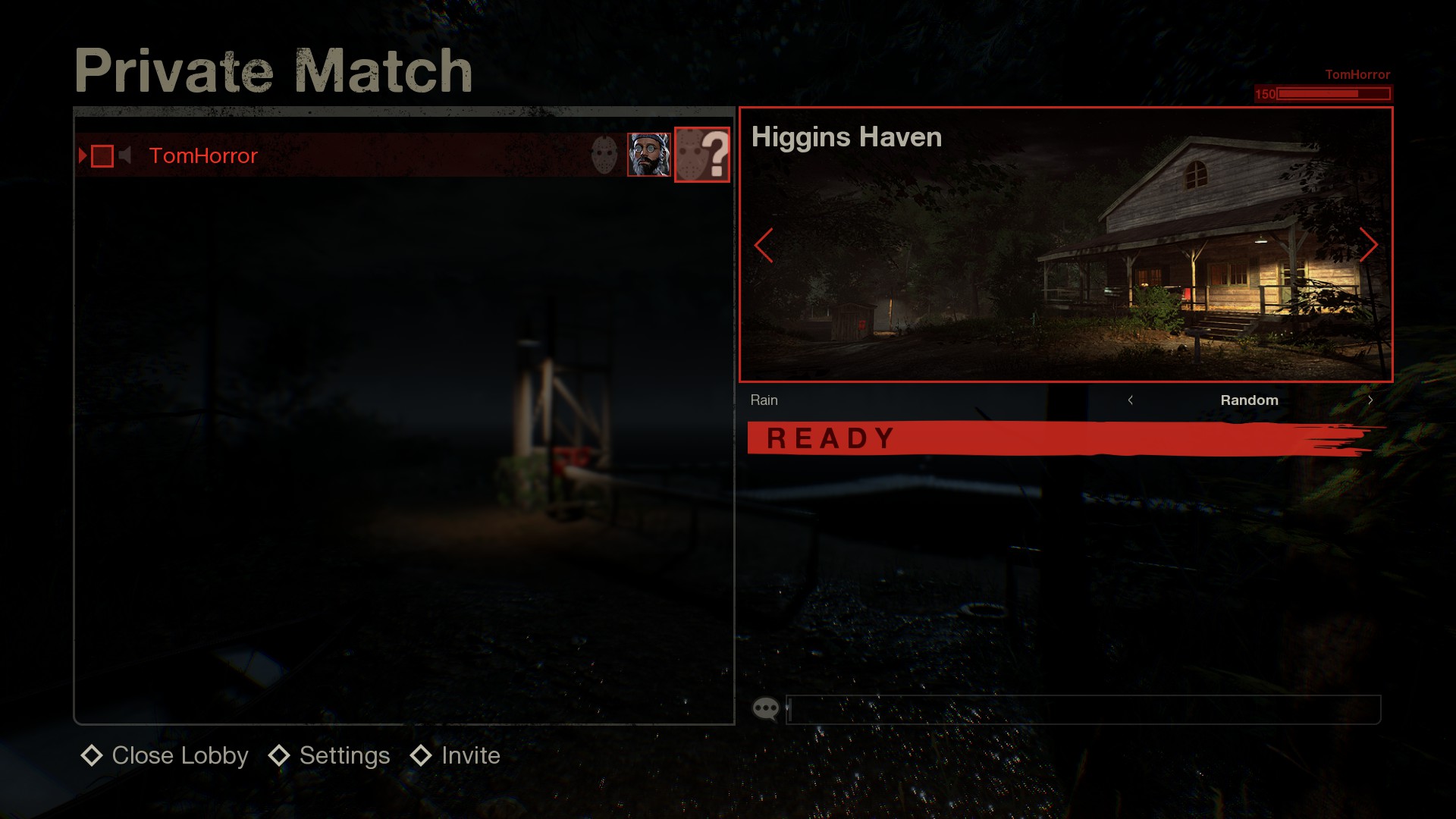
Currently when you select the Random option for your Jason, the game will always give you the default skin for whatever Jason you get.
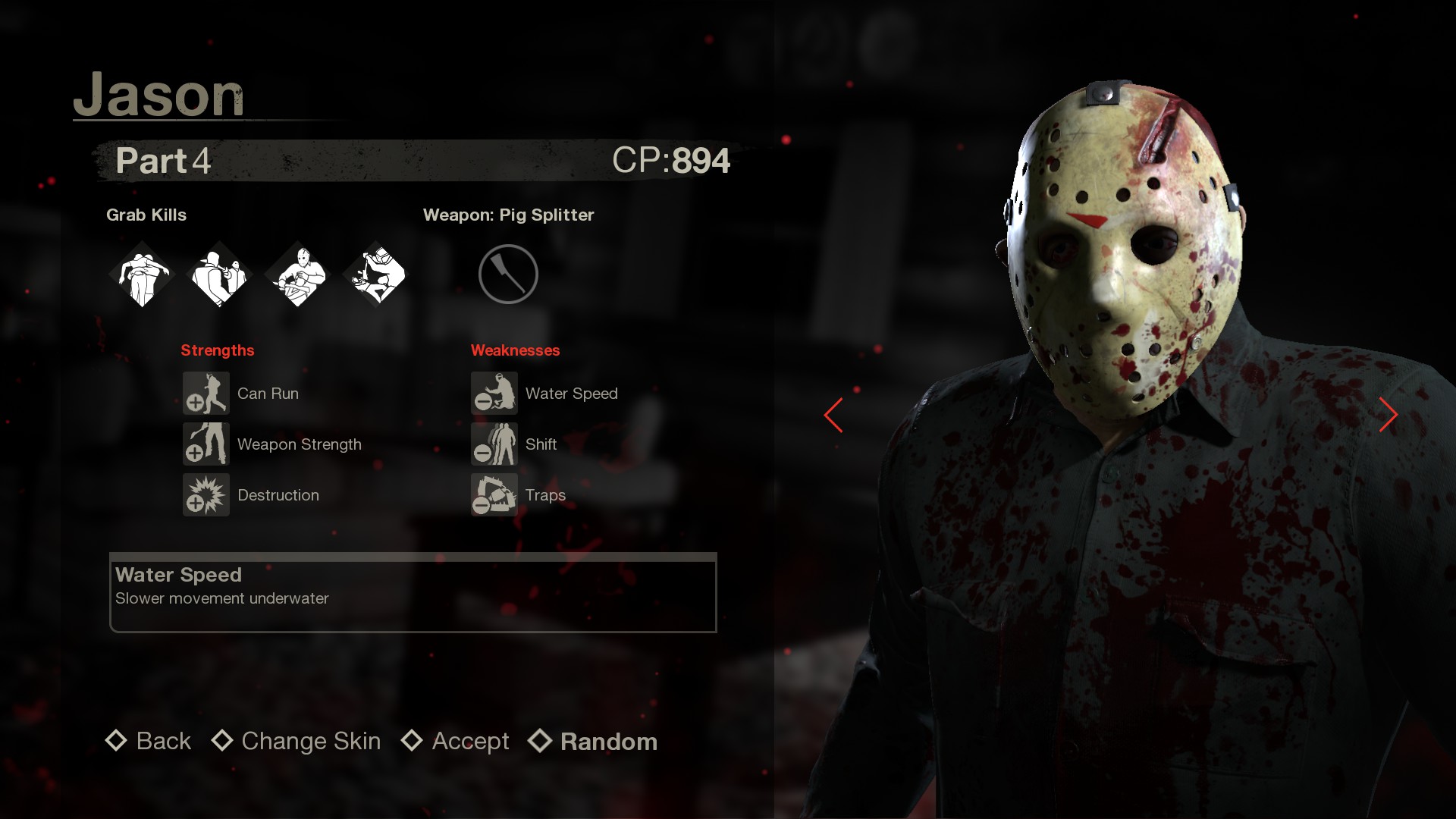
For example, if you equip the heavy blood skin on Part 4 and you happen to get Part 4 with the Random Jason option, he will not be wearing his blood skin.
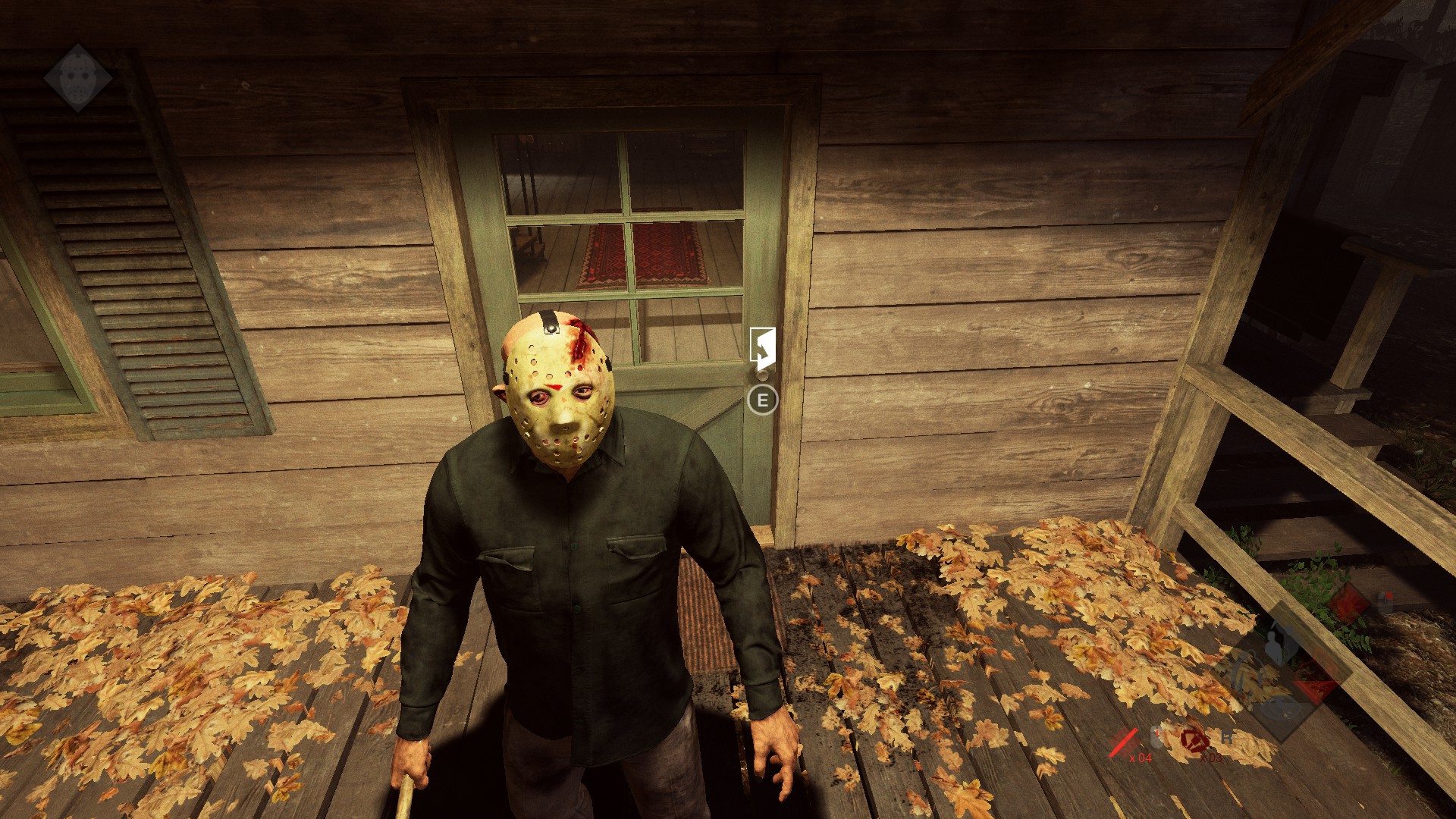
Jason will instead have his default "clean" skin.
This guide will show you how to get around this glitch, and it is a very simple fix.
The roulette wheel of doom
Until the devs fix this glitch, here's the solution...
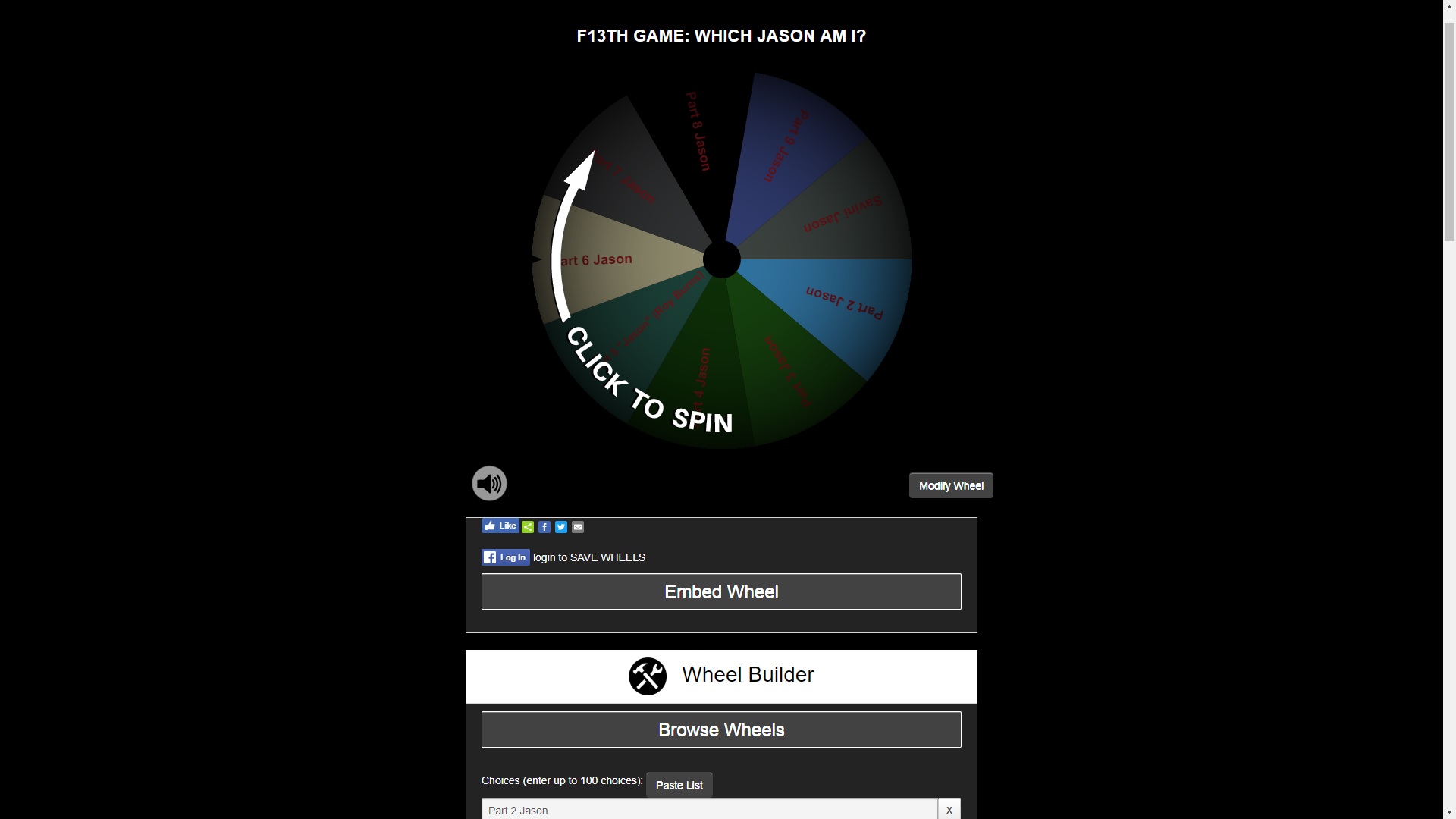
I have created a spinning wheel preset that will randomly select a Jason for you to play as, go to the link below:
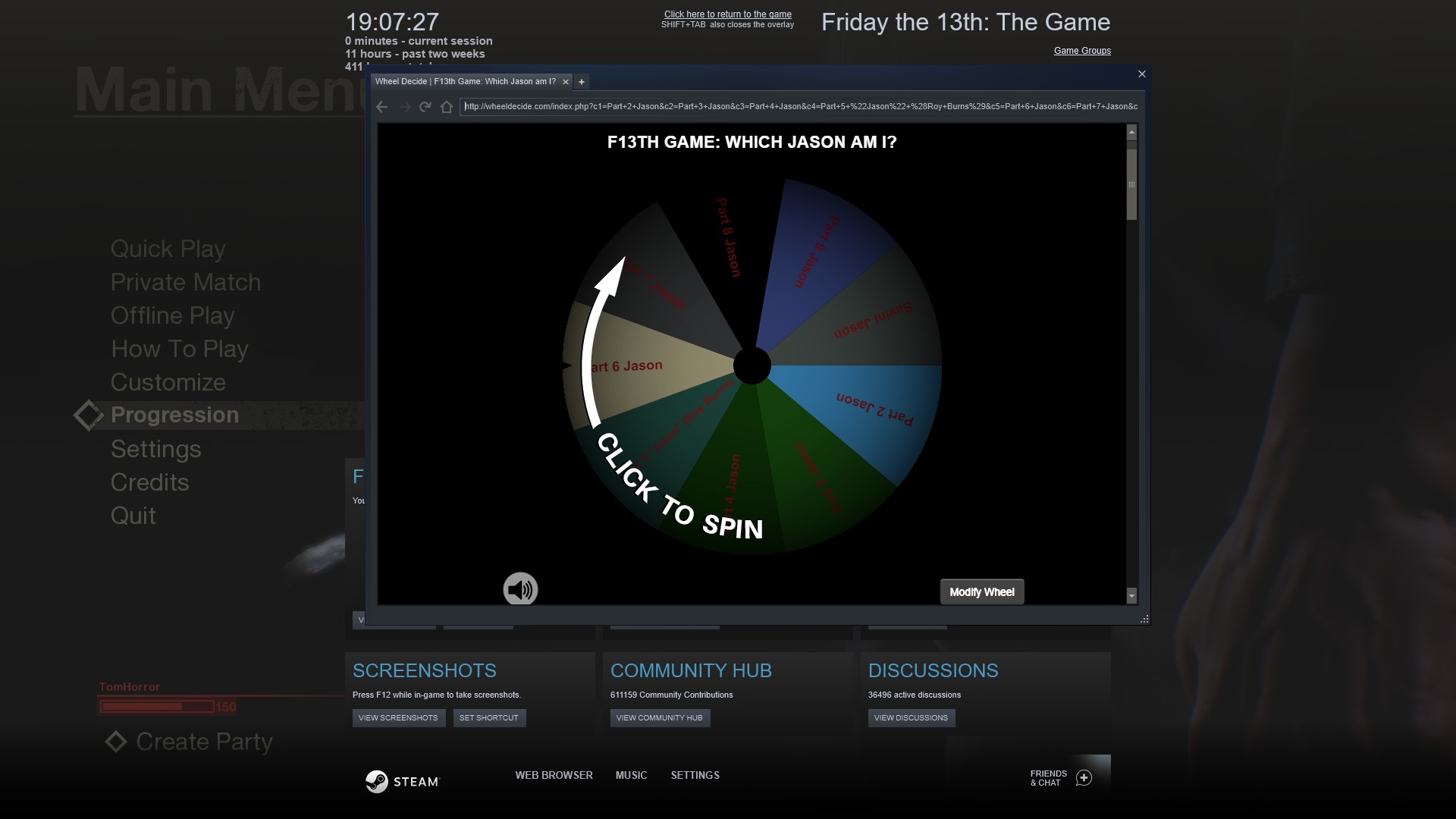
I suggest visiting the above link in the Steam overlay web browser so that you don't need to Alt+Tab out of the game.
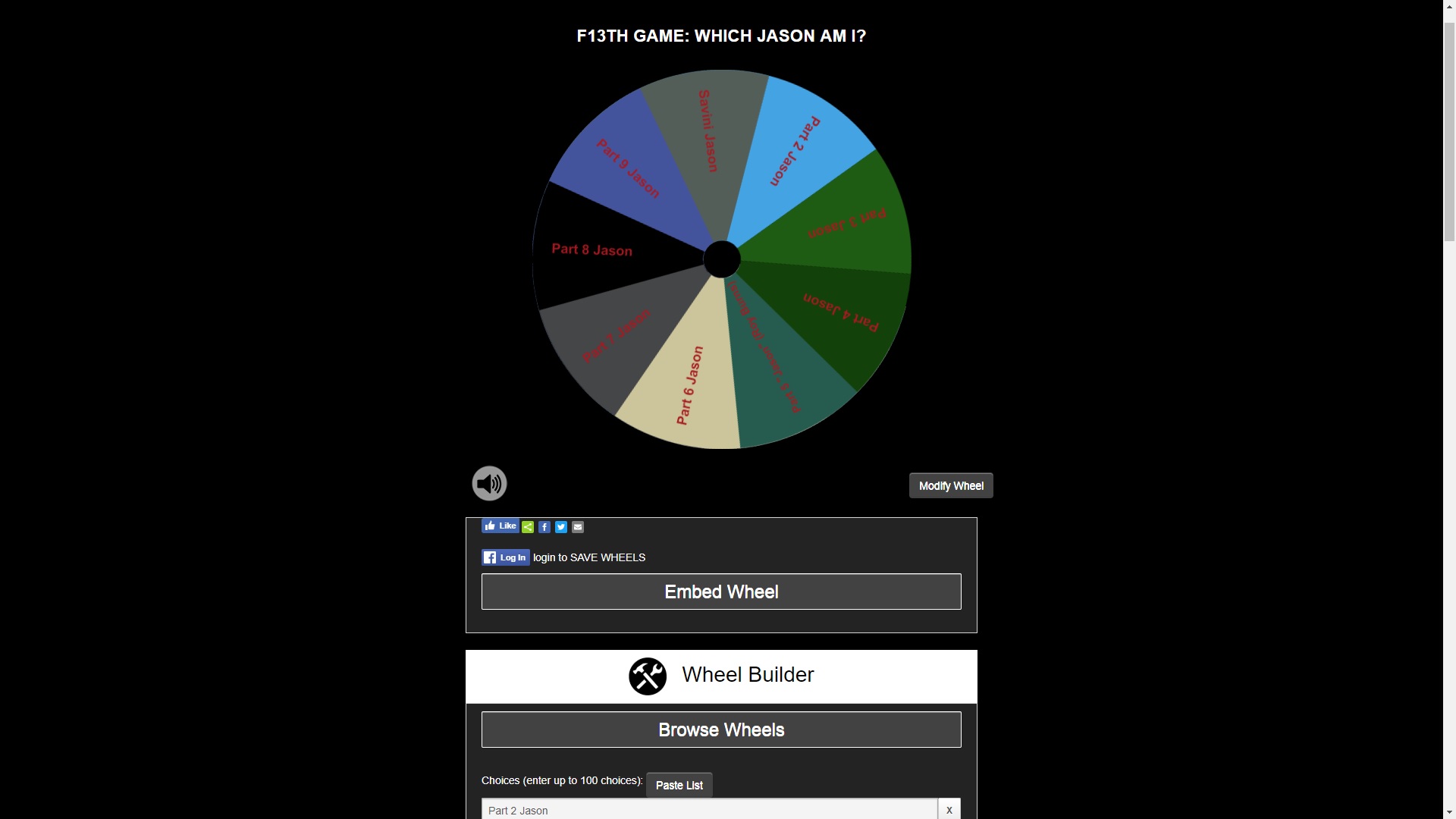
You just need to left-click on the wheel and it will spin around.
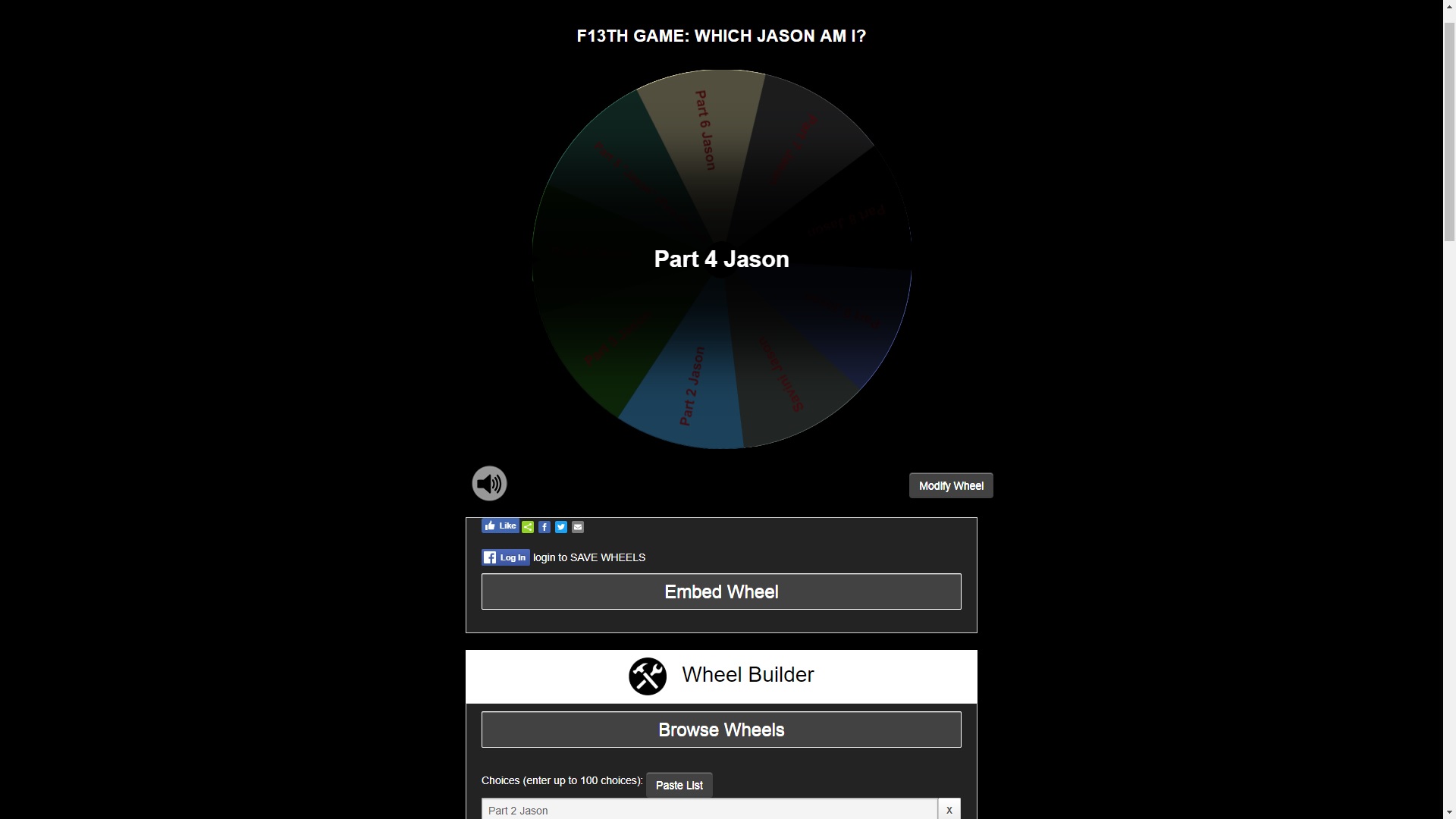
The wheel will soon stop and land on one of the Jason's.
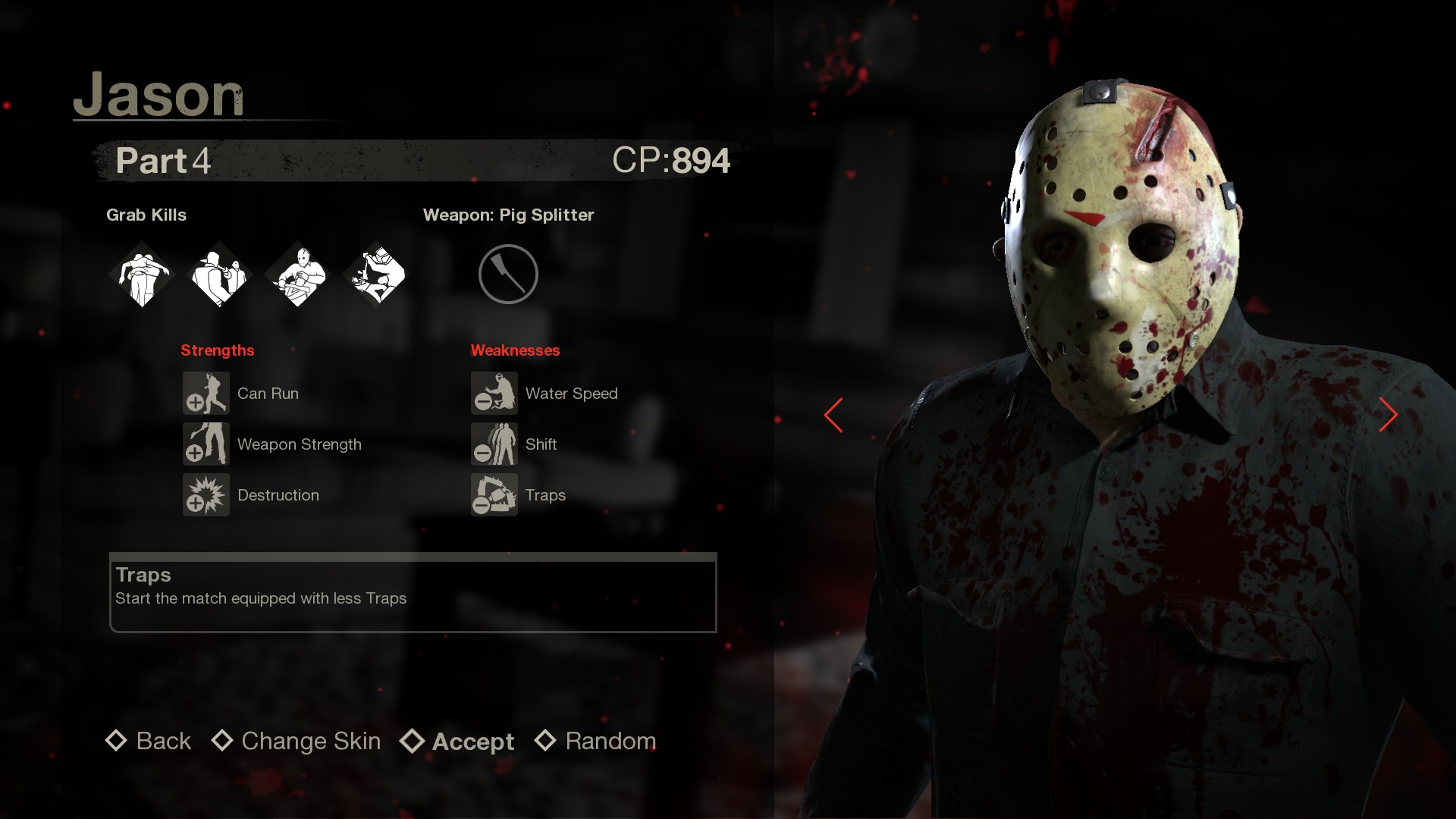
You then go to the Jason selection screen in the game lobby and select whichever Jason the wheel landed on, which in this case is Part 4.
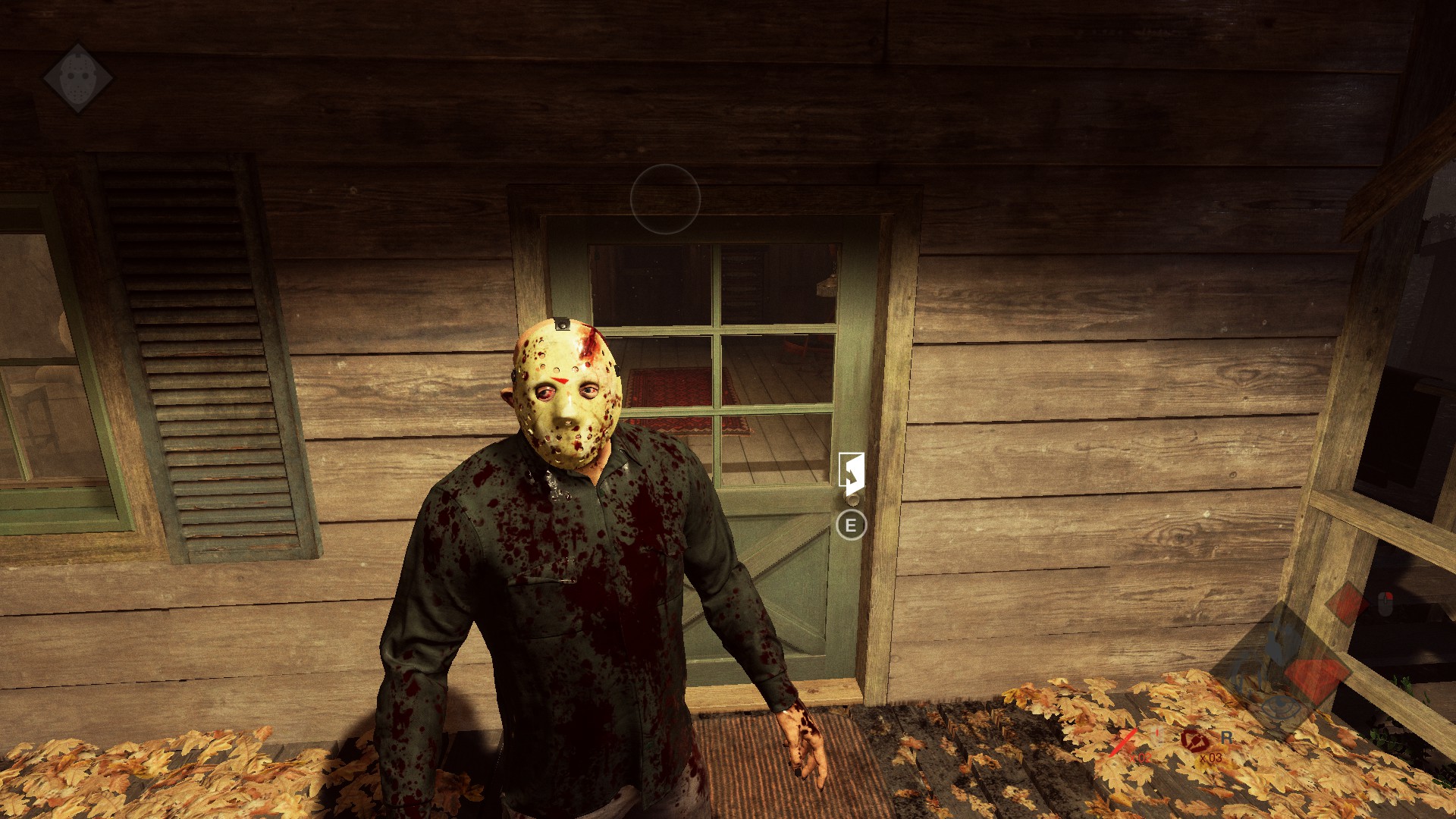
Now when the match starts, if you're chosen to play as Jason, you should now have your skin enabled :)
More Friday the 13th: The Game guides
- Как выжить, если Джейсон уже спалил.★ 5 (334)22k views218 ♥8 minBulgarianUpdated 14 Oct, 2017
- How to play online in 2026 [FIX]★ 5 (238)22k views403 ♥1 minUpdated 11 Jan
- Jason's Cabin Locations (Pinehurst updated)★ 5 (568)20k views793 ♥3 minUpdated 13 May, 2022
- [FIX] How to play on Friday the 13th in 2025 | Как играть в пятницу 13 в 2025★ 4 (74)13k views177 ♥1 minRussianUpdated 14 Mar, 2025
- Complete Level Unlocks List★ 5 (234)12k views285 ♥4 minUpdated 14 Jun, 2018
- How To Play As Chad★ 5 (305)12k views140 ♥1 minUpdated 9 Jan, 2018






🔥 Popular guides
- Upgrading to PremiumTeam Fortress 2★ 5 (20k)1441k views11k ♥6 minUpdated May 11, 2022
- No More Room in Hell Official ManualNo More Room in Hell★ 5 (2.8k)569k views2.1k ♥29 minUpdated Apr 22, 2019
- NMRiH Community Hosting GuidesNo More Room in Hell★ 5 (526)351k views653 ♥1 minUpdated Aug 10, 2022
- ULTIMATE GUIDE FOR GAME DEV TYCOONGame Dev Tycoon★ 5 (5.8k)326k views10k ♥4 minUpdated 23 Jan, 2014
- How to 'Git Gud' Soon™MORDHAU★ 5 (2k)318k views3k ♥68 minUpdated Nov 16, 2024
- Лучшие кооперативные игры SteamPAYDAY 2★ 5 (1.5k)315k views2.1k ♥56 minRussianUpdated Apr 27, 2025






This guide was created by its original author on the Steam Community. Are you the author and want it removed? Request removal.