How to Add the Entirety of Donda Into the Game
Introduction
Acquiring the Game
To insert anything you first have to have something to insert it into, this is why you must first have the game "Metal Gear Solid V: The Phantom Pain" installed on your hard drive. To buy the game, you can simply go to the big button that says "STORE" at the top of your Steam software. If you click on "STORE", then you're stupid.

If you don't have Steam, you can simply go to any web browser and go to https://store.steampowered.com/ and download the software. After entering "STORE", you can simply look up the name of the game in the search bar, if you don't have the search bar then contact steam support and acquire the search bar. After finding the game, enter every peace of information it asks you to enter and then purchase the game. Then download the game by pressing the download button.
An alternative, easier and better way to buy the game is to send me all your credit card details over steam chat and I'll maybe send a .exe to your gmail account in a day.
Acquiring the Donda
To insert anything into something you must first have something and then anything. So if you imagine "Metal Gear Solid V: The Phantom Member" = X and "Donda" = Y then X + Y = Having Donda by Ye in X. This means we must secondly acquire "Donda" by Ye to complete the equation. There's four ways to do this. The first is the equation method, since we already have "Metal Gear Solid V: The Phantom Member" or X, we can then do this series of steps to unlock Y: Y + "Metal Gear Solid V: The Phantom Member", Y + "Metal Gear Solid V: The Phantom Member" = Having Donda by Ye in X − "Metal Gear Solid V: The Phantom Member" = Having Donda by Ye in X which then equals "Donda". You can secondly acquire "Donda" by going to your local Walmart and purchasing the album on CD before ripping all the music off it. You can thirdly acquire "Donda" by using a classic software such as "Napster". Last but not least, you can simply rip from this link:
To download the videos, simply go to https://yt5s.com/en29, which may or may not have copious amounts of viruses and malware downloads embedded in it, before uploading the link for each individual video and download it as a .mp3 file.
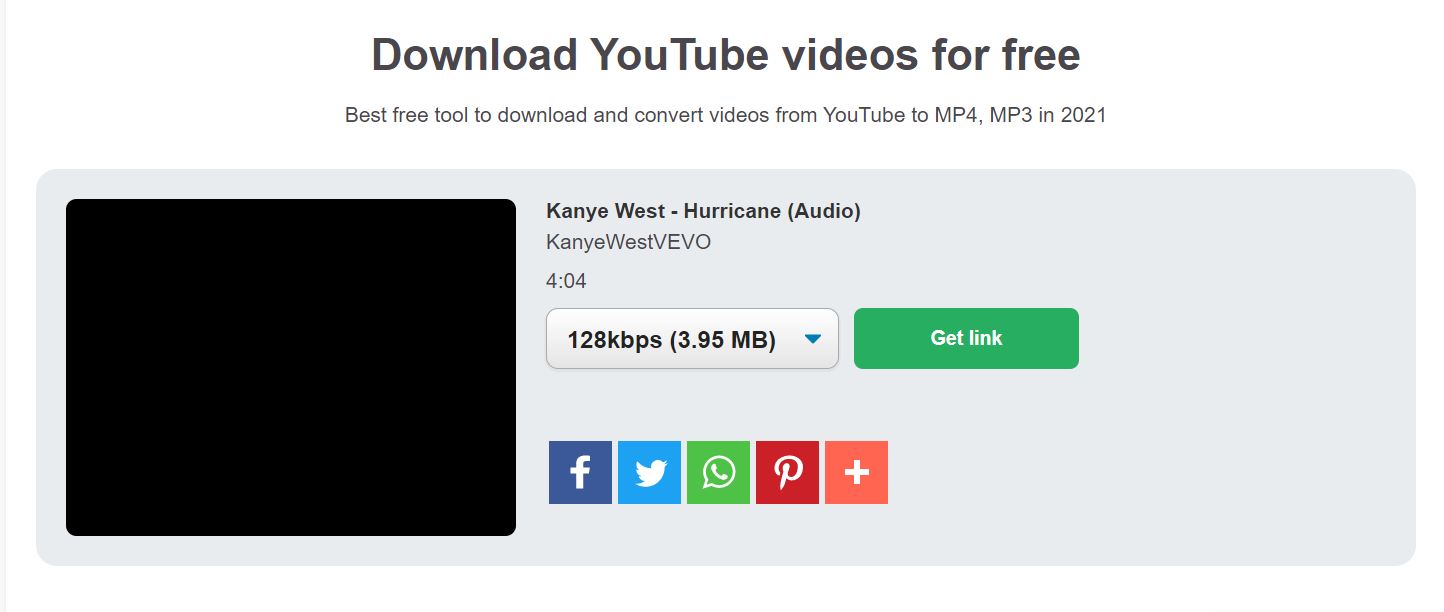
Inserting "Donda" into "Metal Gear Solid V: The Phantom Pain"
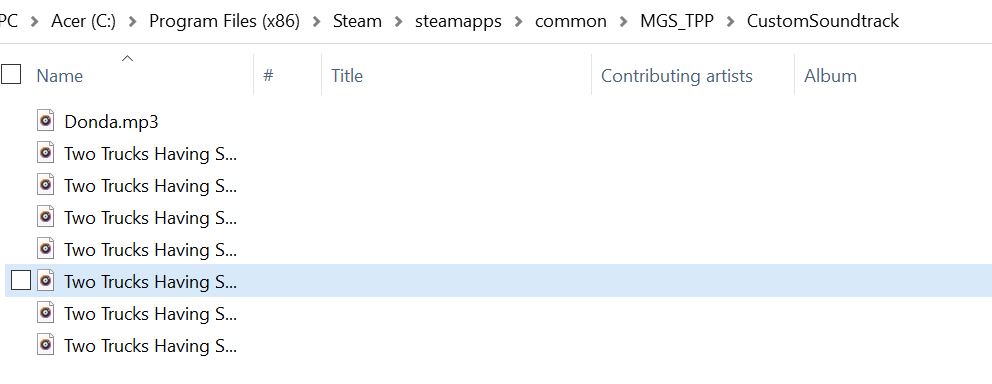
After acquiring "Donda" and the game, simply go into your Steam folder and go into the folder titled "steamapps", then into "common", and finally "MGS_TPP". Go into the "CustomSoundtrack" folder and dump all your .mp3 files in there.
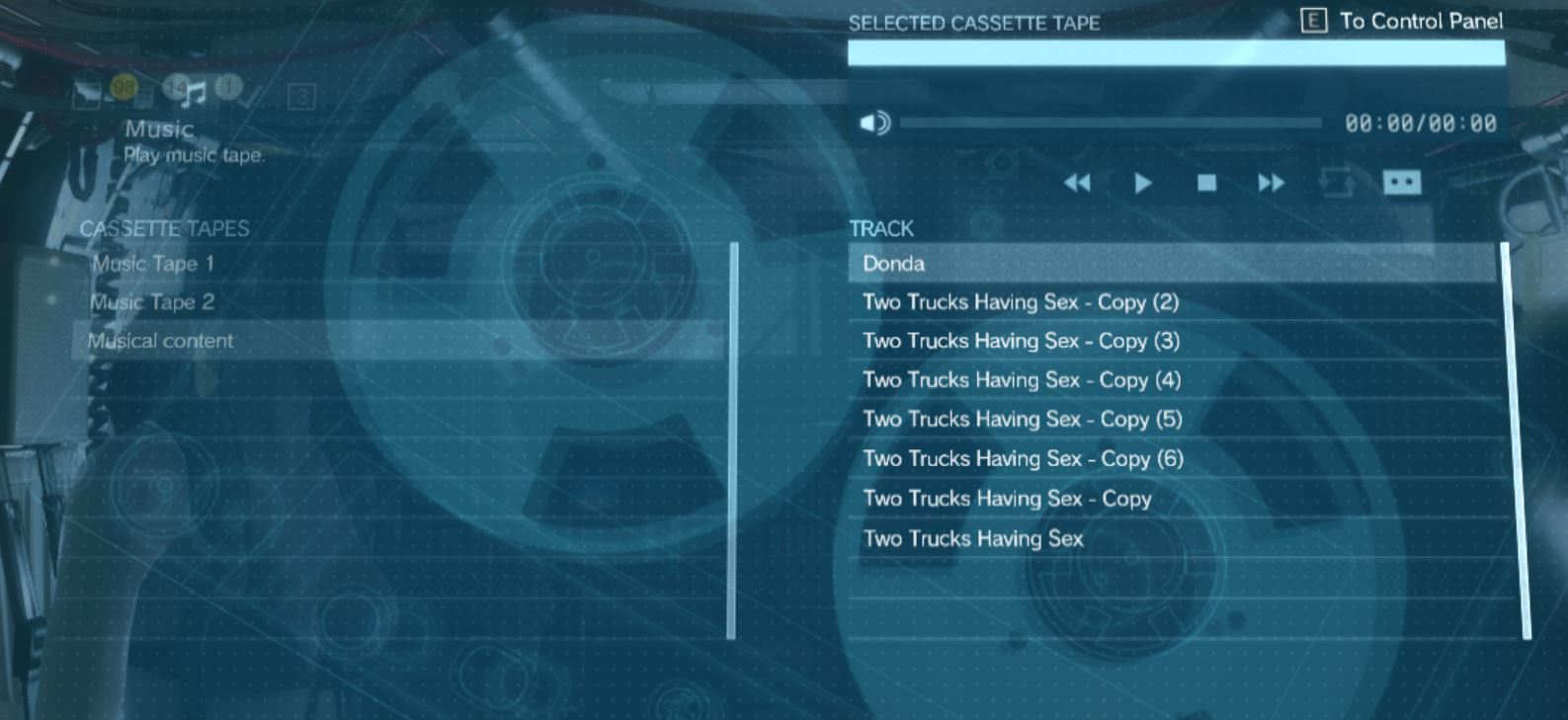
Then, open "Metal Gear Solid V: The Phantom Member" and enter your cassette player before going to "Musical Content".
Last but not least, enjoy Donda!
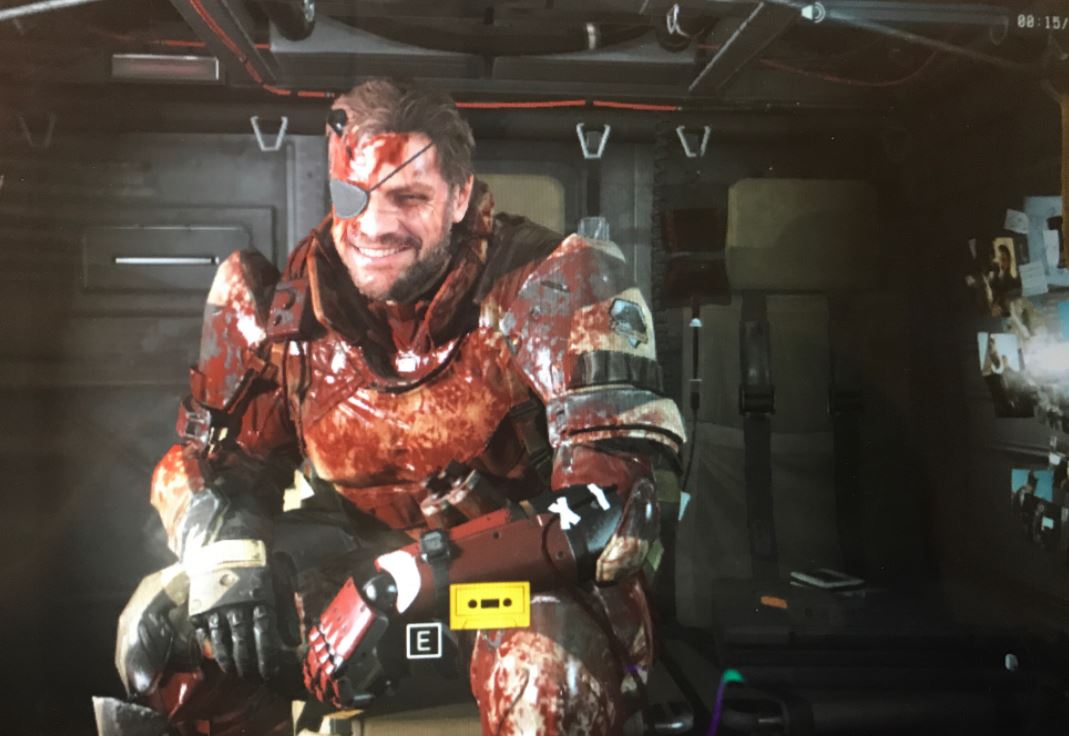 Venom Snake enjoying "Donda", the tenth studio album by "Ye", also known as Kanye West.
(new section, not yet titled)
- The Water Pistol: A serious guide about a "joke" weapon★ 5 (919)78k views802 ♥6 minUpdated Nov 4, 2019
- Mods I use to make this game good★ 5 (506)47k views1.3k ♥1 minUpdated Oct 31, 2023
- Advanced Game Mechanics★ 5 (1.5k)45k views2.1k ♥12 minUpdated Oct 1, 2021
- Guide to S Ranking Missions★ 5 (1.3k)35k views2.7k ♥43 minUpdated May 10, 2016
- Recommended Mods for Custom Missions, Side Ops and Beyond★ 5 (866)32k views1.8k ♥10 minUpdated Sep 1, 2022
- Metal Gear: Хронология и запуск всех частей на ПК★ 5 (734)30k views1.9k ♥7 minRussianUpdated Mar 6, 2022




- Upgrading to PremiumTeam Fortress 2★ 5 (20k)1441k views11k ♥6 minUpdated May 11, 2022
- No More Room in Hell Official ManualNo More Room in Hell★ 5 (2.8k)569k views2.1k ♥29 minUpdated Apr 22, 2019
- NMRiH Community Hosting GuidesNo More Room in Hell★ 5 (526)351k views653 ♥1 minUpdated Aug 10, 2022
- ULTIMATE GUIDE FOR GAME DEV TYCOONGame Dev Tycoon★ 5 (5.8k)326k views10k ♥4 minUpdated 23 Jan, 2014
- How to 'Git Gud' Soon™MORDHAU★ 5 (2k)318k views3k ♥68 minUpdated Nov 16, 2024
- Лучшие кооперативные игры SteamPAYDAY 2★ 5 (1.5k)315k views2.1k ♥56 minRussianUpdated Apr 27, 2025






This guide was created by its original author on the Steam Community. Are you the author and want it removed? Request removal.