How to Fix the Bugged “Collect All Runes” Achievement
1) Quick summary
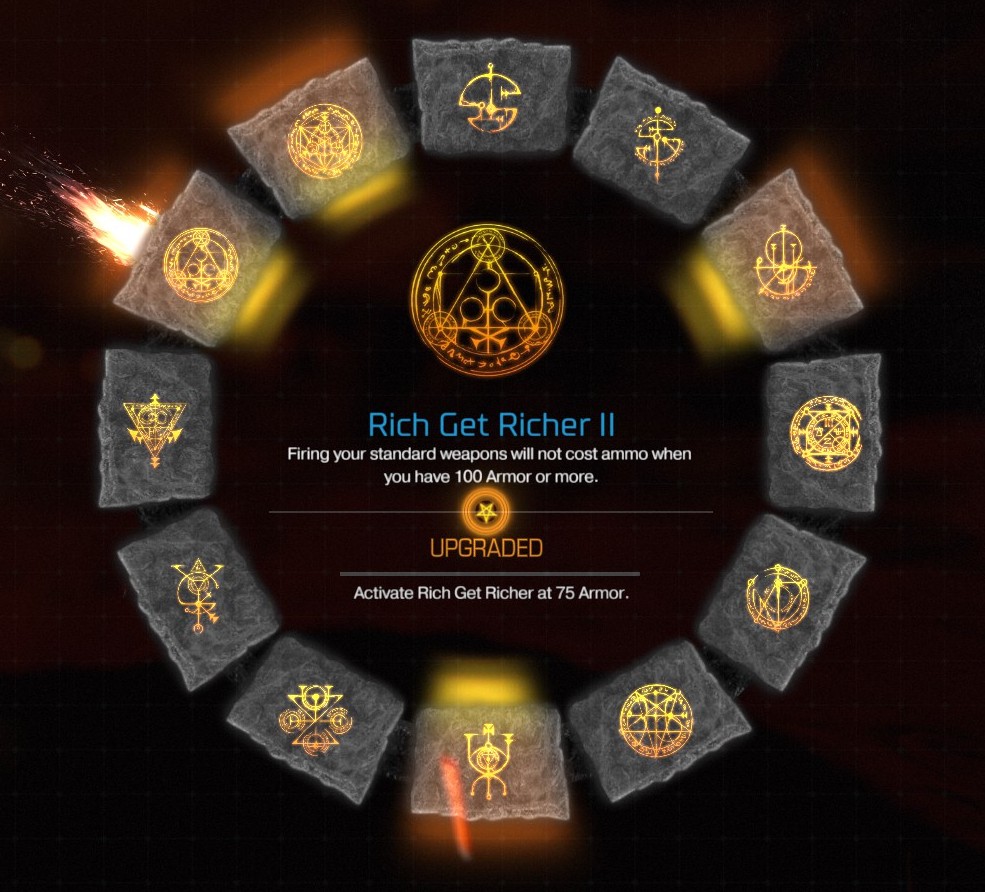
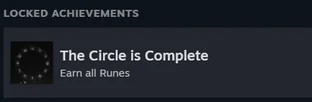
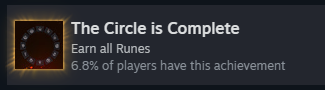
If you’ve completed the campaign of DOOM but the achievement “The Circle is Complete” won’t unlock (even though you have all runes), this guide walks you through a method that can save you from replaying the entire campaign from the beginning.
Based on community reports, the bug occurs when you don’t collect a rune during the first time you play a mission in the campaign. If you then use mission select or replay missions, the achievement may not trigger correctly because the game is expecting the runes to have been collected in the first playthrough.
Credit to the Steam Community user Akhlut for discovering this method.
2) What You’ll Need Before Starting
- Path: C:\Users\<Your User>\Saved Games\id Software\DOOM\base
- Also: C:\Users\<Your User>\AppData\Local\id Software\DOOM\base
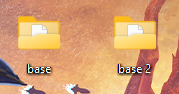
Important: This fix is best if you’re only missing the rune achievement.
The method uses a mod that unlocks suit and boots upgrades besides all the runes, which can affect your other achievements. If you want to keep things “pure”, you should decide whether you're okay with modding. (Modding may affect achievement legitimacy in some players’ eyes.)
3) Step‑by‑Step Fix
- Go to GitHub and download “DOOM 2016 Mod Loader”. Only download the file named “DOOMModLoader.zip” by clicking on it.[github.com]
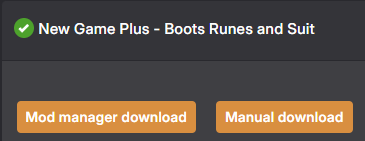
- Go to NexusMods and download the mod “New Game Plus". You can download any of the 3 files (all should work, but I recommend the first one, because it unlocks less features) by clicking on the "Manual Download" button (you need an account to download the mod).[www.nexusmods.com]
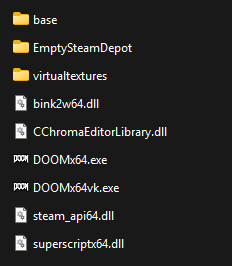
- Open the DOOM installation folder:
Steam → Library → DOOM → (right‑click) Properties → Installed Files → Browse… - Extract the contents of "DOOMModLoader.zip" into the DOOM installation folder.
- Create a folder named "Mods" inside the DOOM installation folder, and copy the downloaded mod (unextracted) into that "Mods" folder.
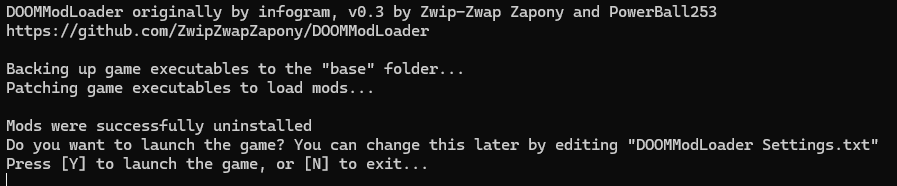
- Run "DOOMModLoader.exe" (in the same installation folder) to install the mod.
- Start DOOM in Steam, begin a new game. Once you’ve loaded the new game with the mod active, the “Collect All Runes” achievement should unlock.



4) A Few Important Notes
Using mods can alter your game data. Make sure you are comfortable with potential side‑effects, like other achievements unlocking or game behaviour changing.
If you prefer a “clean / vanilla” game, you might still need to replay the campaign on a new save slot and collect all runes the first time you go through each mission, rather than via mission select.
After unlocking the achievement, you can remove the mod and revert your save files from backup if you want to continue with a vanilla playthrough.
Beat DOOM's achievements?
Flex it — let your friends know you pulled it off.
- DOOM Written Guide/Walkthrough for all secrets on each mission including Doomguy locations.★ 5 (4.8k)101k views9.3k ♥45 minUpdated 22 May, 2025
- DOOM 100% Achievement Guide★ 5 (1.5k)65k views2.8k ♥19 minUpdated 30 Nov, 2023
- Все секреты★ 5 (2.8k)54k views4.8k ♥14 minRussianUpdated 6 Jan, 2022
- DOOM Secrets & Collectibles★ 5 (1.2k)49k views2.1k ♥4 minUpdated 4 Dec, 2022
- Secret Doom Classic Level Locations + Easter Eggs★ 5 (1.5k)47k views2.1k ♥13 minUpdated 29 Jan, 2021
- Как уменьшит объем игры(лайфхак)?★ 5 (729)44k views343 ♥1 minRussianUpdated 25 May, 2017



- Upgrading to PremiumTeam Fortress 2★ 5 (20k)1441k views11k ♥6 minUpdated May 11, 2022
- No More Room in Hell Official ManualNo More Room in Hell★ 5 (2.8k)569k views2.1k ♥29 minUpdated Apr 22, 2019
- NMRiH Community Hosting GuidesNo More Room in Hell★ 5 (526)351k views653 ♥1 minUpdated Aug 10, 2022
- ULTIMATE GUIDE FOR GAME DEV TYCOONGame Dev Tycoon★ 5 (5.8k)326k views10k ♥4 minUpdated 23 Jan, 2014
- How to 'Git Gud' Soon™MORDHAU★ 5 (2k)318k views3k ♥68 minUpdated Nov 16, 2024
- Лучшие кооперативные игры SteamPAYDAY 2★ 5 (1.5k)315k views2.1k ♥56 minRussianUpdated Apr 27, 2025






This guide was created by its original author on the Steam Community. Are you the author and want it removed? Request removal.