How to run Fallout New Vegas Global (22380) when PCR (22490) is forced by Steam
The problem
Steam sells two versions of Fallout New Vegas:
- Fallout New Vegas (22380) - the global version, used by the vast majority of players worldwide, supported by Wabbajack, Tale of Two Wastelands, and the broader modding community.
- Fallout New Vegas PCR (22490) - the PCR version, distributed to users in Ukraine, Czech Republic, Poland, Romania, and other countries.
The error you will encounter
When trying to launch the global version (22380) under these conditions, you will get:
You may find advice online telling you to copy steam.exe directly into the game's root folder. This does fix the error, the game will stop throwing it. But the moment you launch, Steam will pop up a prompt asking you for location to install Fallout New Vegas PCR version (22490). So you are back to square one, just with an extra step in between.
Application load error 5:0000065434
This error means Steam's DRM handshake failed. Steam found the PCR version somewhere in your account or family library and refused to validate the global version's license.You may find advice online telling you to copy steam.exe directly into the game's root folder. This does fix the error, the game will stop throwing it. But the moment you launch, Steam will pop up a prompt asking you for location to install Fallout New Vegas PCR version (22490). So you are back to square one, just with an extra step in between.
Removing PCR from your account
You can remove the PCR version (22490) from your account via Steam Support page, and according to this discussion, it worked for some people. So it is worth trying first. However, if anyone else in your Steam Family owns 22490, Steam will still force it on you and you will still get the same error.
The fix is xNVSE
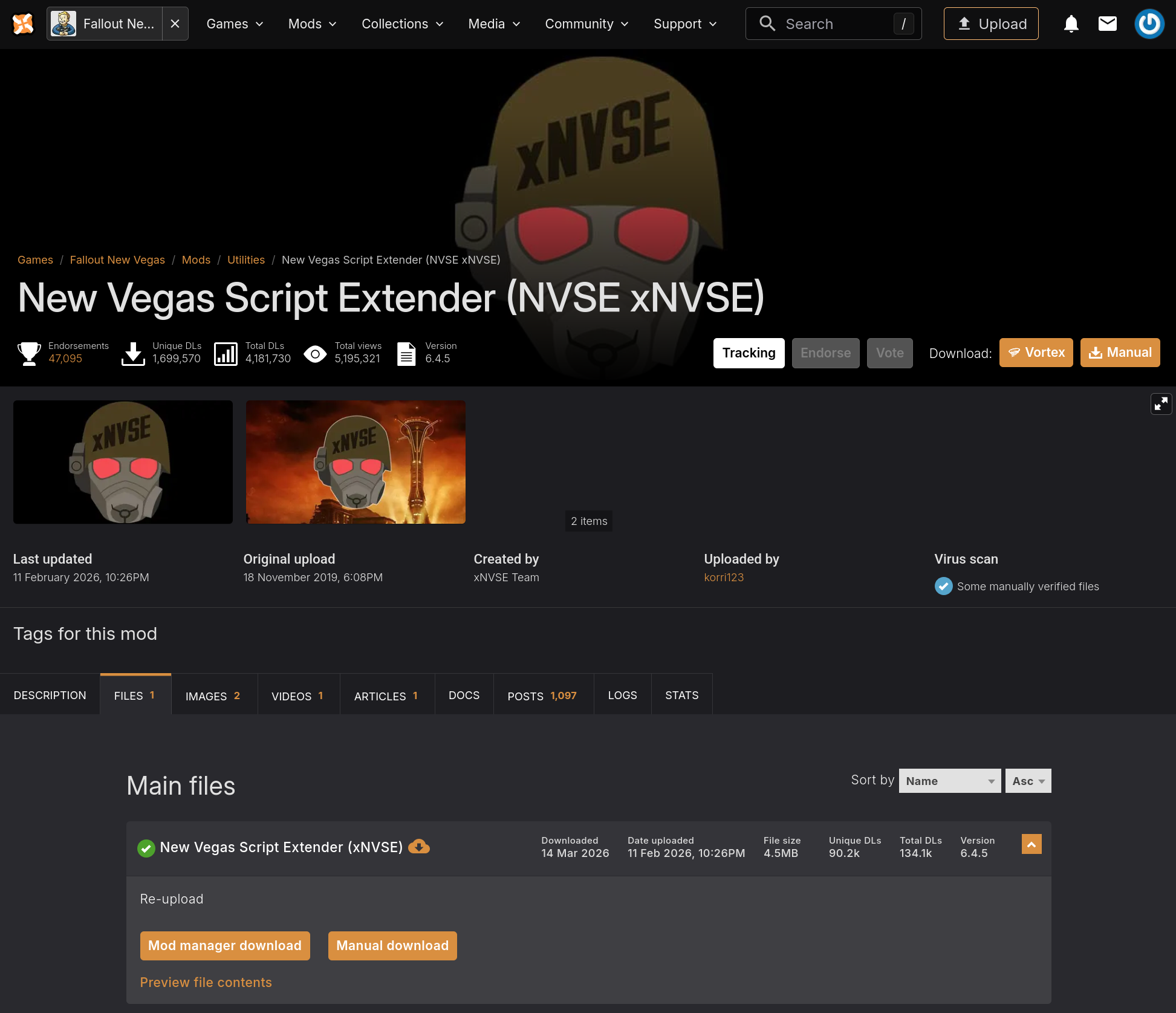
Download the latest xNVSE from: github_com/xNVSE/NVSE/releases or nexusmods_com/newvegas/mods/67883
Important: Generate FalloutPrefs.ini before launching
If you were previously unable to launch the original Fallout launcher, the file FalloutPrefs.ini may not exist in your Documents -> My Games -> FalloutNV folder. Without this file, the NVSE launcher will open a terminal window in an endless loop and never start the game.
To generate the file, you need to run the original Fallout New Vegas launcher at least once. You can do this in one of two ways:
- Extract all files into your Fallout New Vegas game folder:
- Linux: ~/.steam/steam/steamapps/common/Fallout New Vegas/
- Windows: C:\Program Files (x86)\Steam\steamapps\common\Fallout New Vegas\
- Linux: ~/.steam/steam/steamapps/common/Fallout New Vegas/
- Rename nvse_loader.exe to FalloutNVLauncher.exe
- Delete InstallScript.vdf from the game folder (required!)
- Launch the game through Steam as normal
Important: Generate FalloutPrefs.ini before launching
If you were previously unable to launch the original Fallout launcher, the file FalloutPrefs.ini may not exist in your Documents -> My Games -> FalloutNV folder. Without this file, the NVSE launcher will open a terminal window in an endless loop and never start the game.
To generate the file, you need to run the original Fallout New Vegas launcher at least once. You can do this in one of two ways:
- Launch it directly from the Fallout New Vegas PCR (22490) folder.
- Download the GOG version of Fallout New Vegas and run its launcher.
More Fallout: New Vegas guides
- Simple Guide to Setting up New Vegas in 2026★ 5 (2.9k)122k views8k ♥9 minUpdated May 6
- New Vegas 2024 Essential Modding Guide★ 5 (1.4k)112k views3.9k ♥37 minUpdated Jan 19
- Fallout:NV Console Command List / Weapons / Armor / NPC's and World Objects★ 5 (948)67k views2.4k ♥33 minUpdated Aug 6, 2025
- 100% Achievement Guide: Fallout - New Vegas★ 5 (1.5k)37k views4.6k ♥98 minUpdated May 9
- Interactive Map★ 5 (614)27k views957 ♥1 minBulgarianUpdated Jan 30
- Complete Achievement Guide (Includes DLC)★ 5 (808)23k views2.1k ♥26 minUpdated Aug 5, 2025





This guide was created by its original author on the Steam Community. Are you the author and want it removed? Request removal.