Old School Counter-Strike Viewmodels For MCC
Introduction
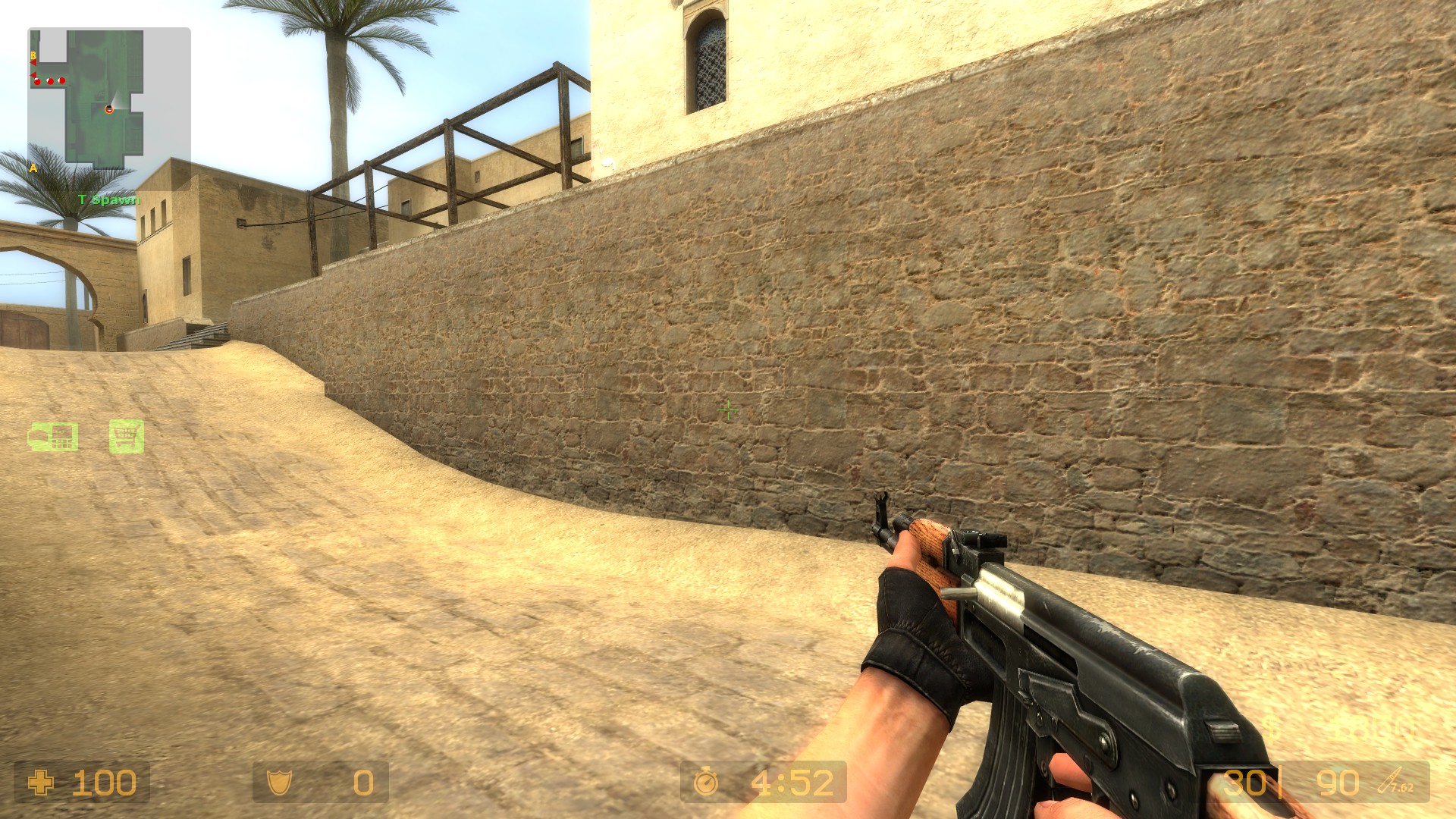
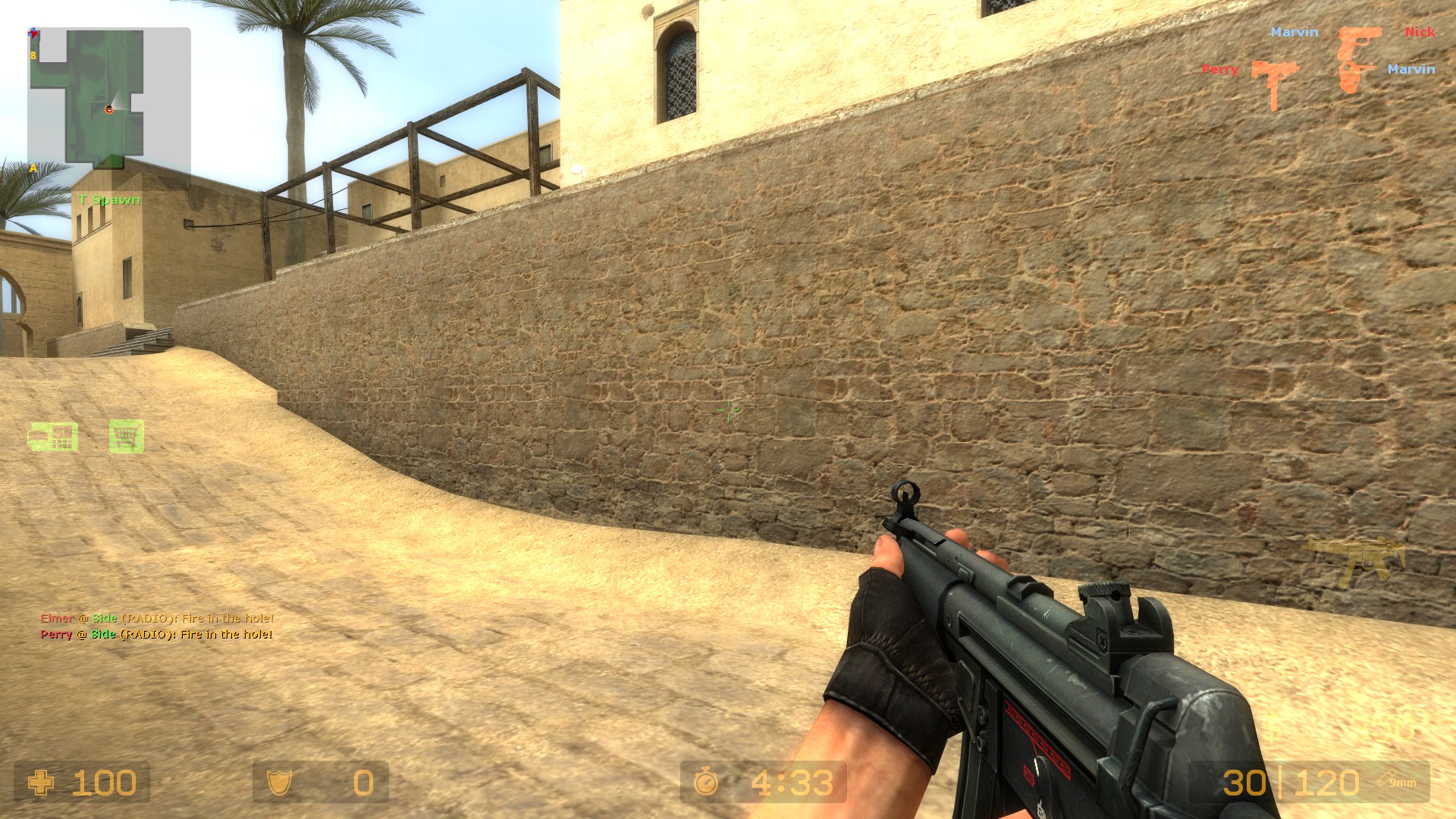
As I said in the description the guide is made for centered crosshair on all the games. FOV doesn't matter that much since it's personal preference but increasing FOV does increase the "depth" for the weapons aswell, except for CE for some reason.
All the games will share similar adjustments to make everything consistent and the only thing that will differ is how much vertical offset that are needed. All the games and weapon groups will have the maximum depth and horizontal offsets possible.
How to change offsets: Settings->Gameplay
Under "Game Settings" choose the game and then choose "Select" to change weapon display offsets.
Halo: Reach
Before (default) and after.
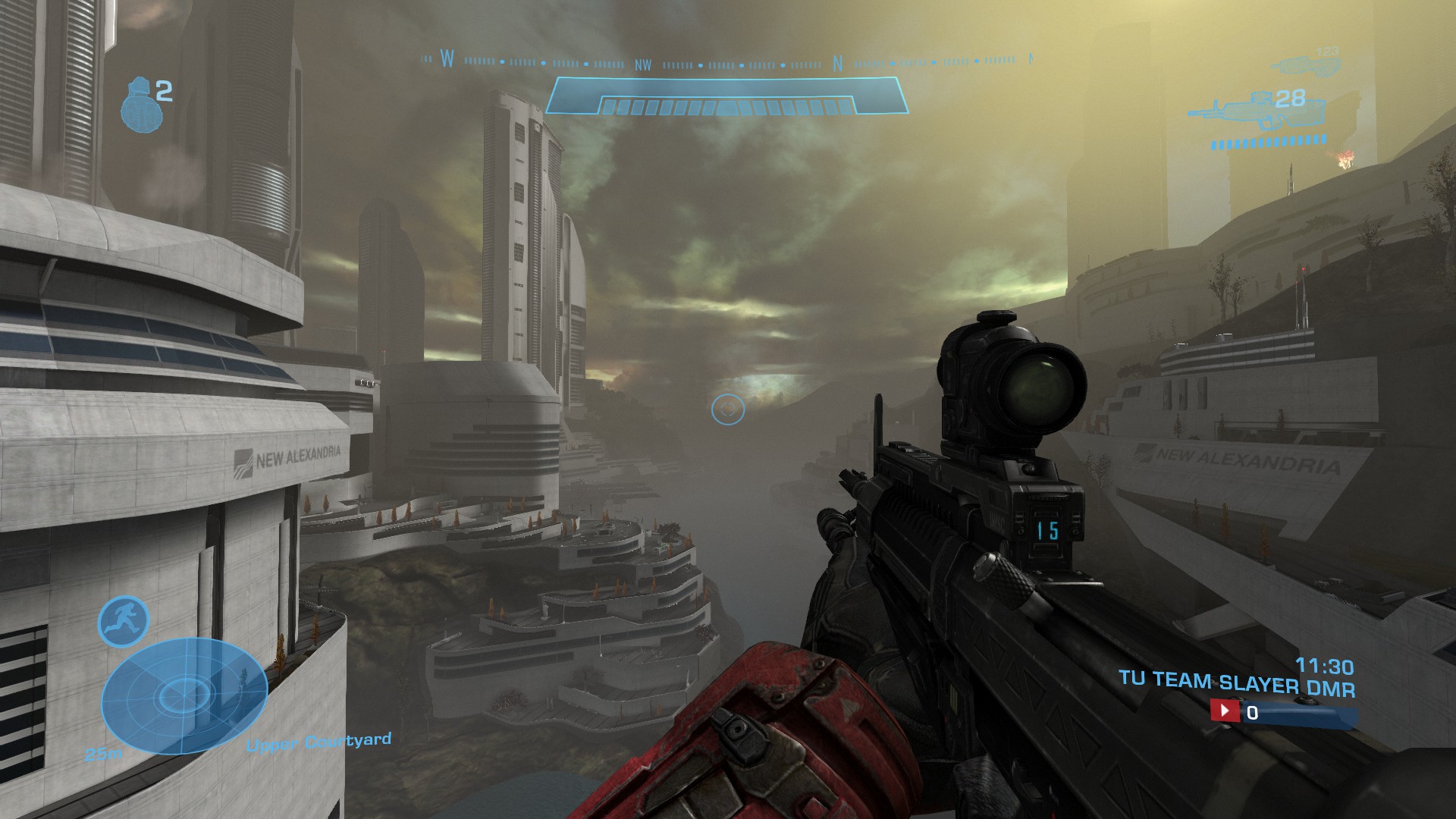
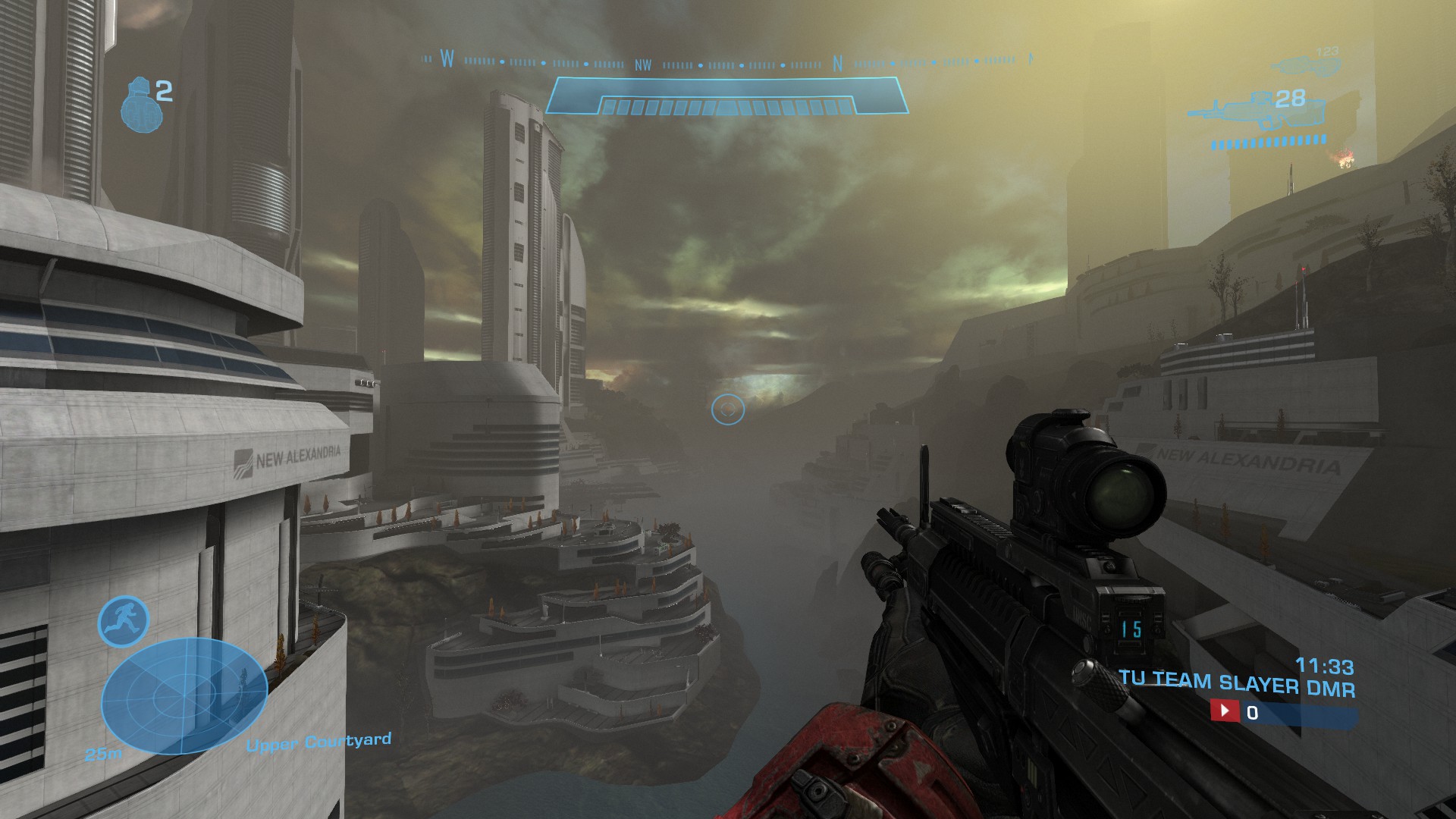
Halo: Combat Evolved / Anniversary
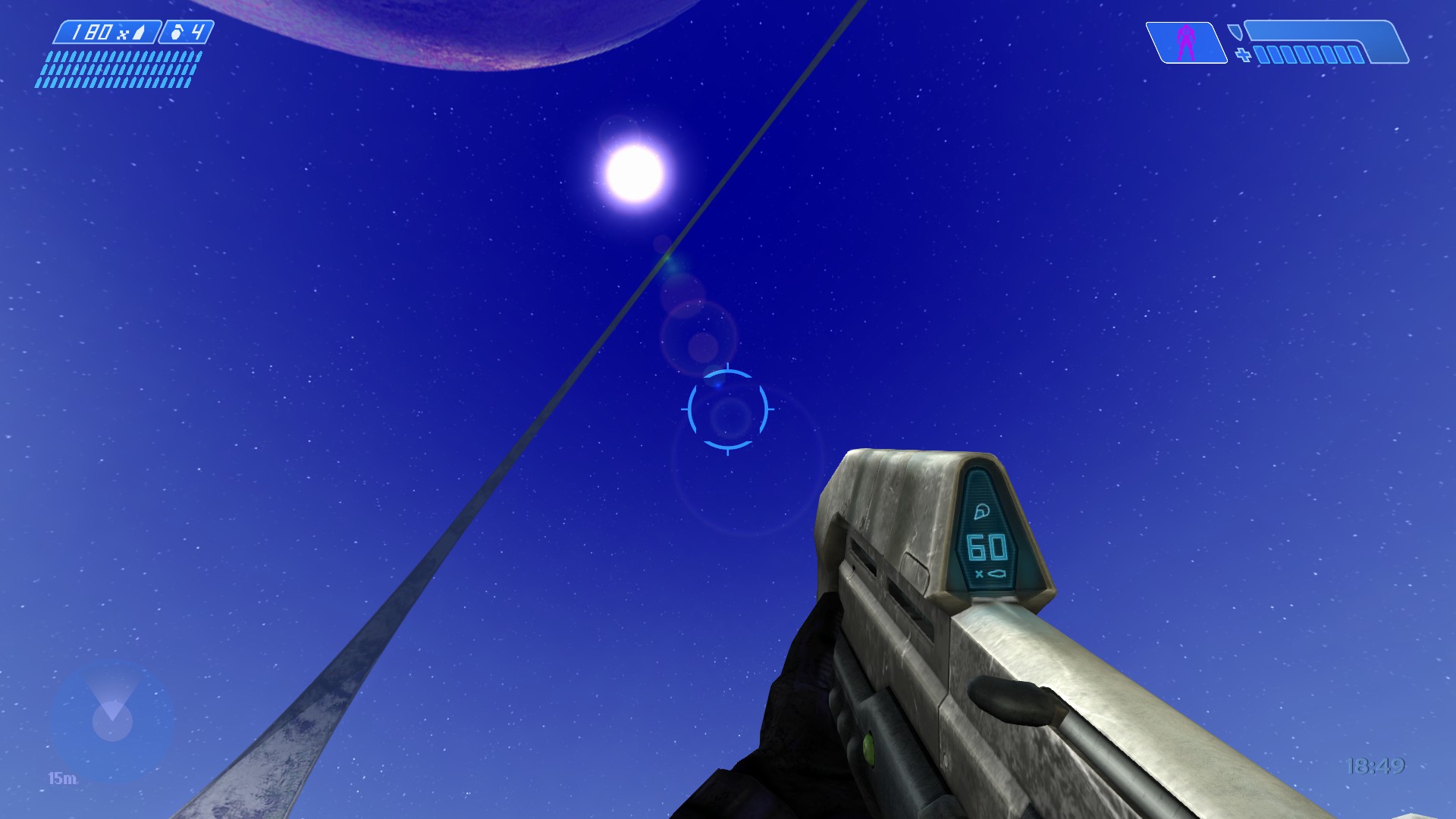
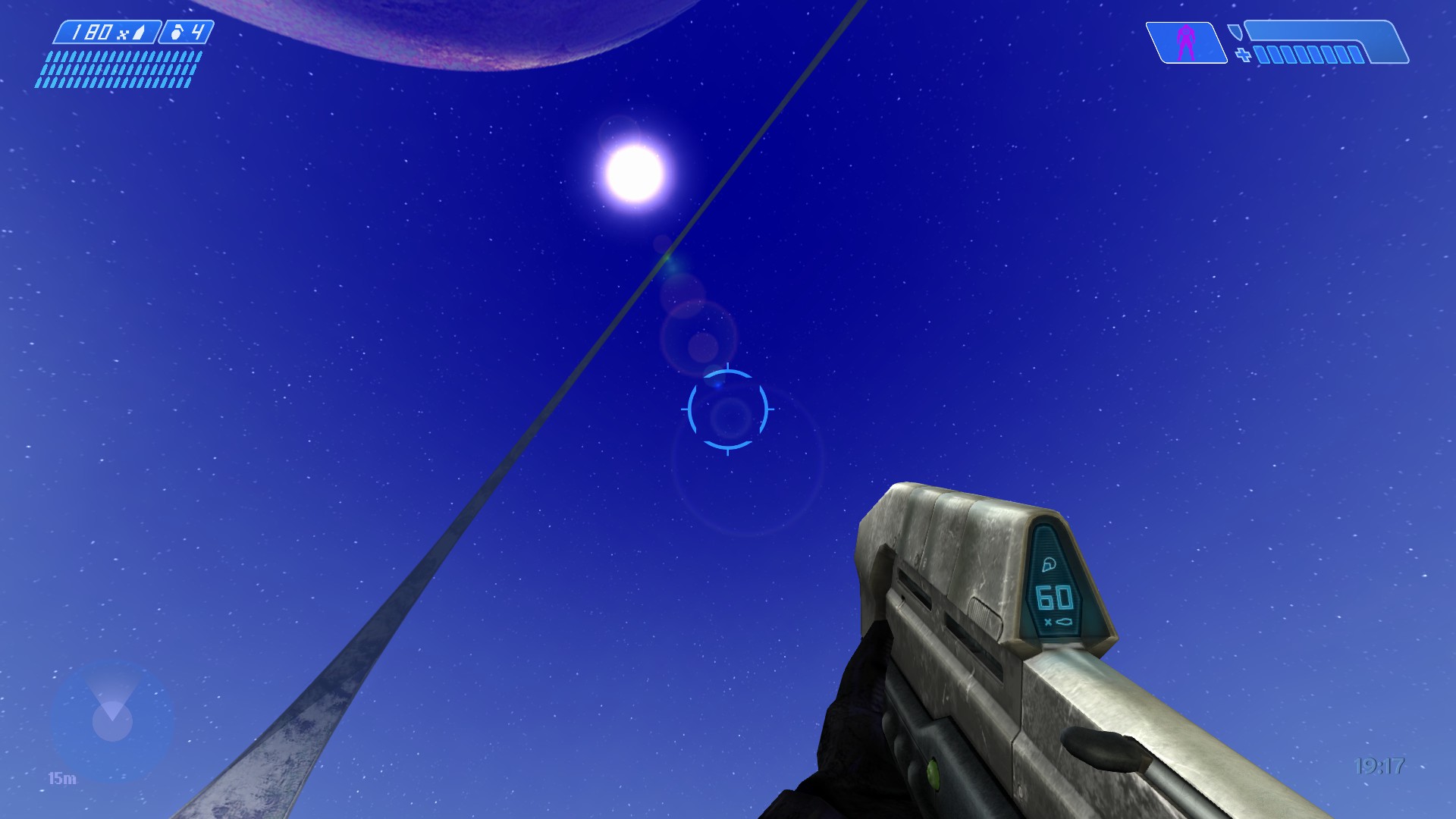
Halo 2 / Anniversary
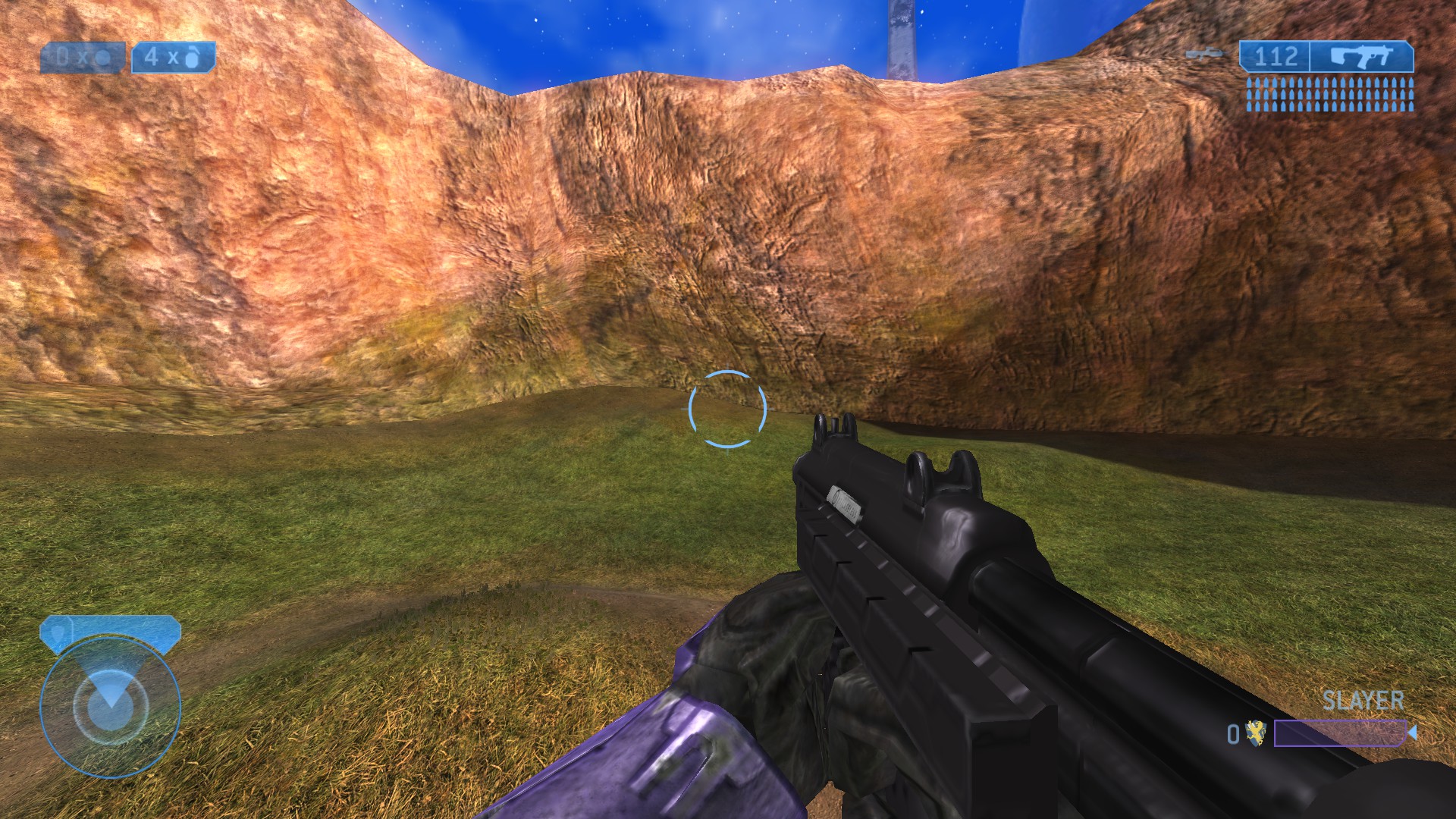
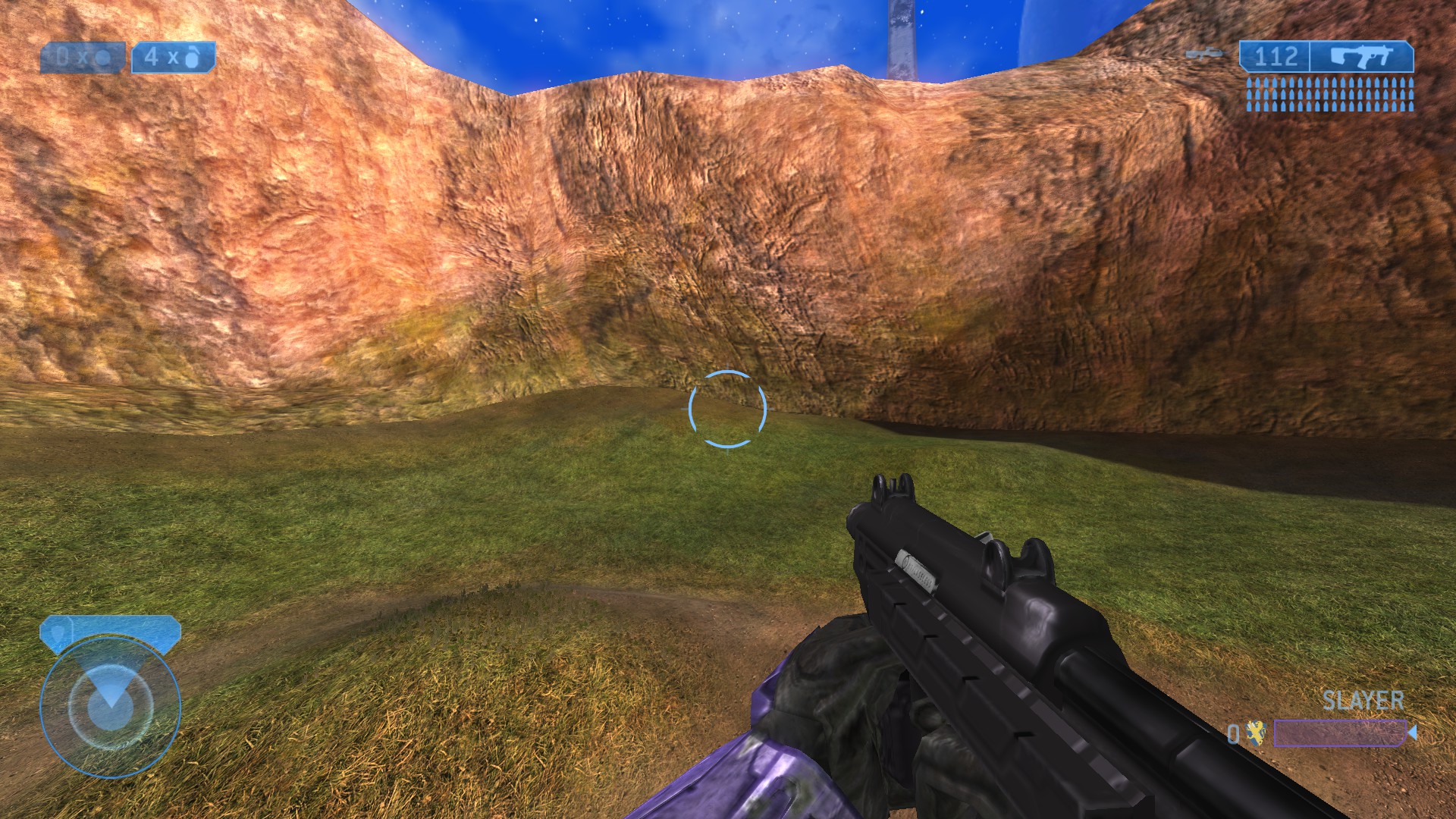
Halo 3
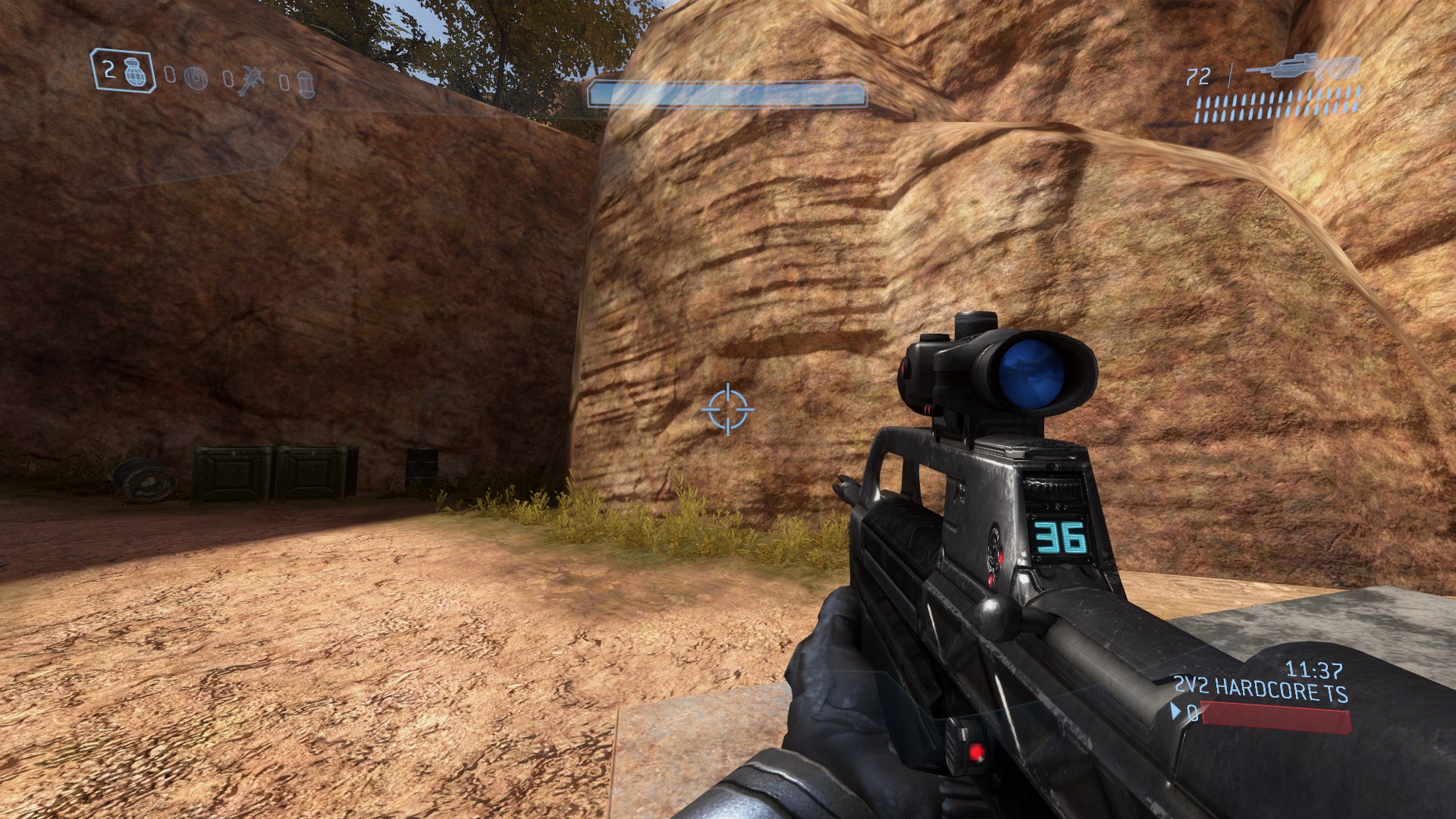
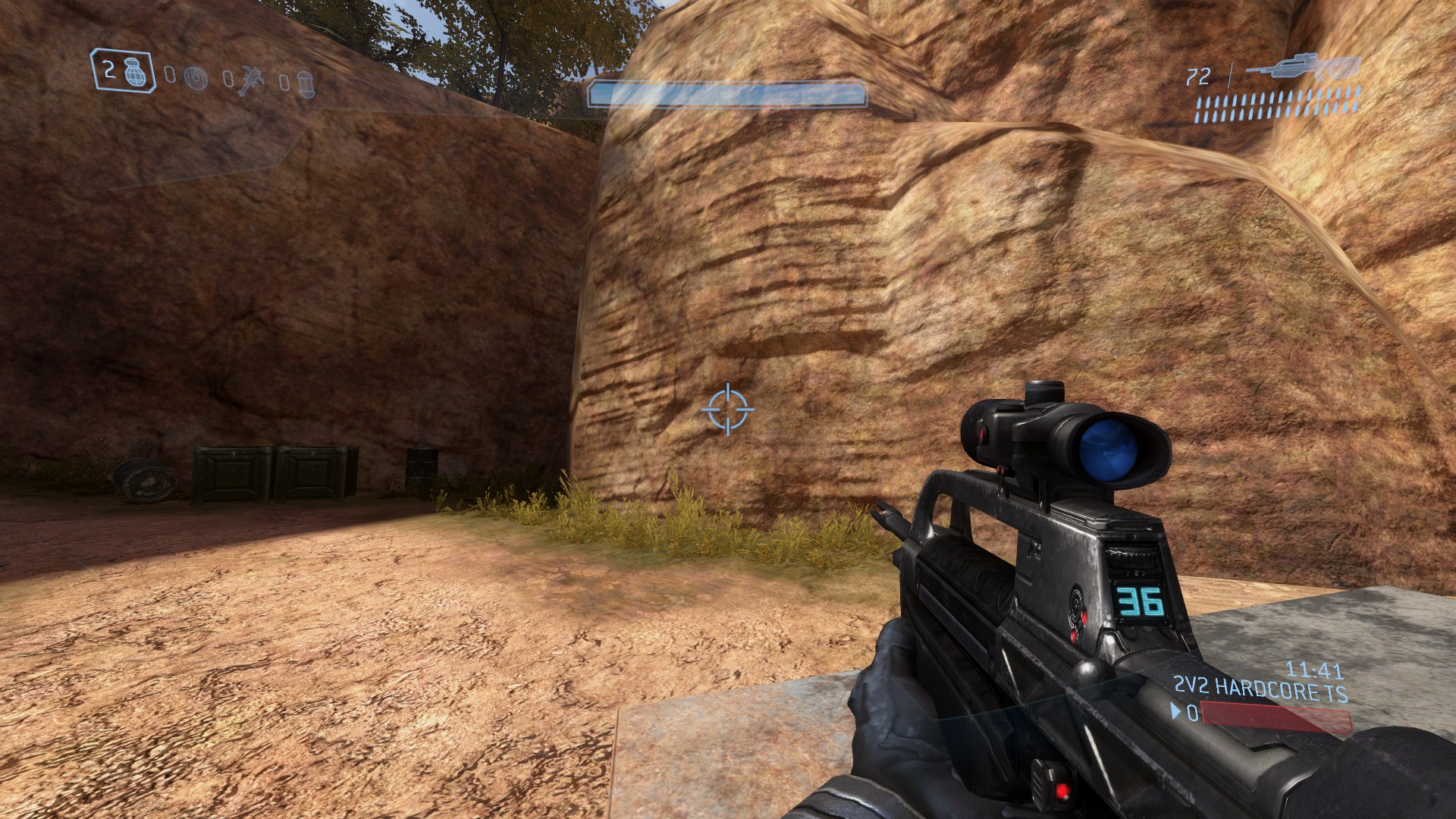
Halo 3: ODST
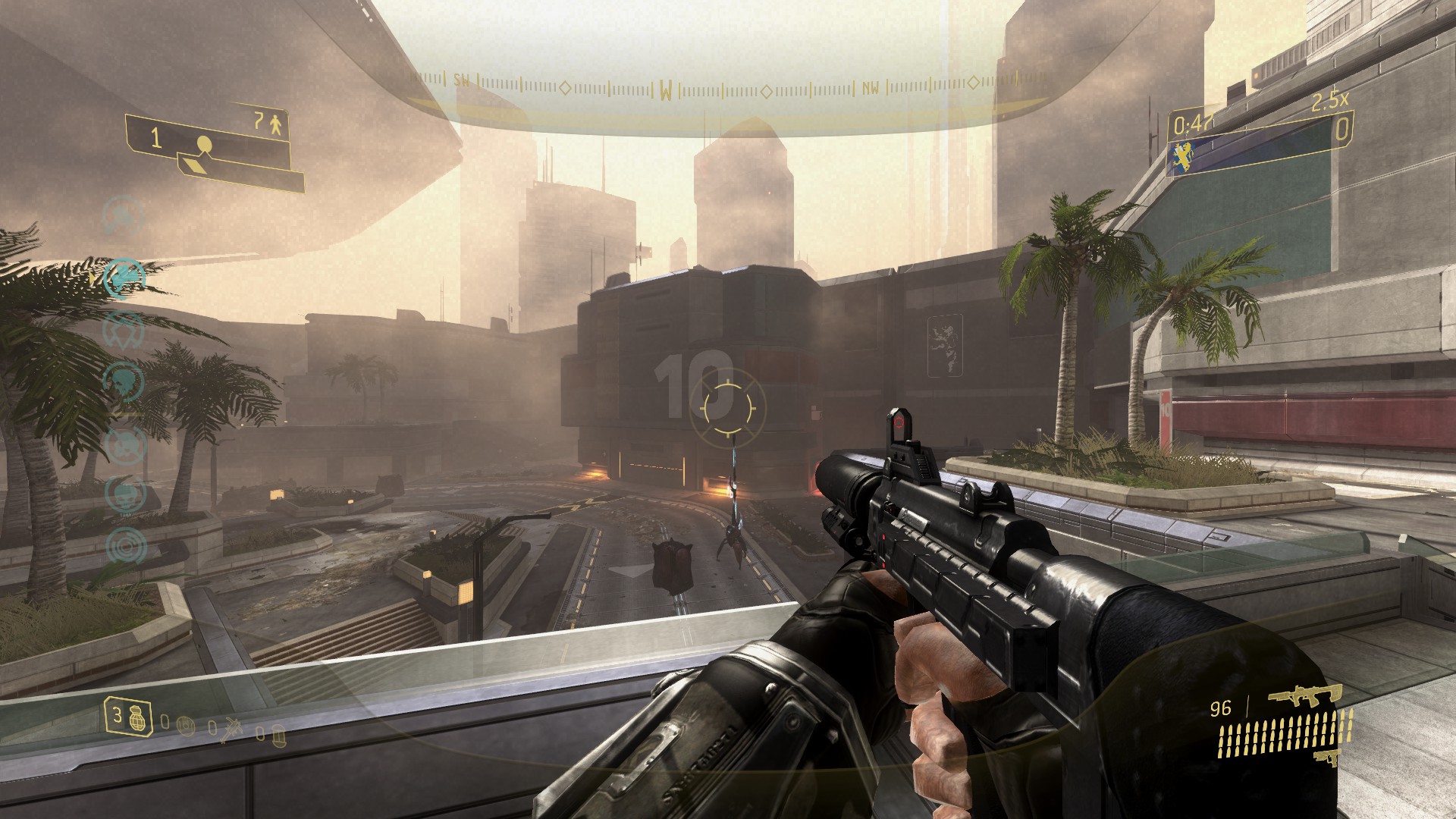
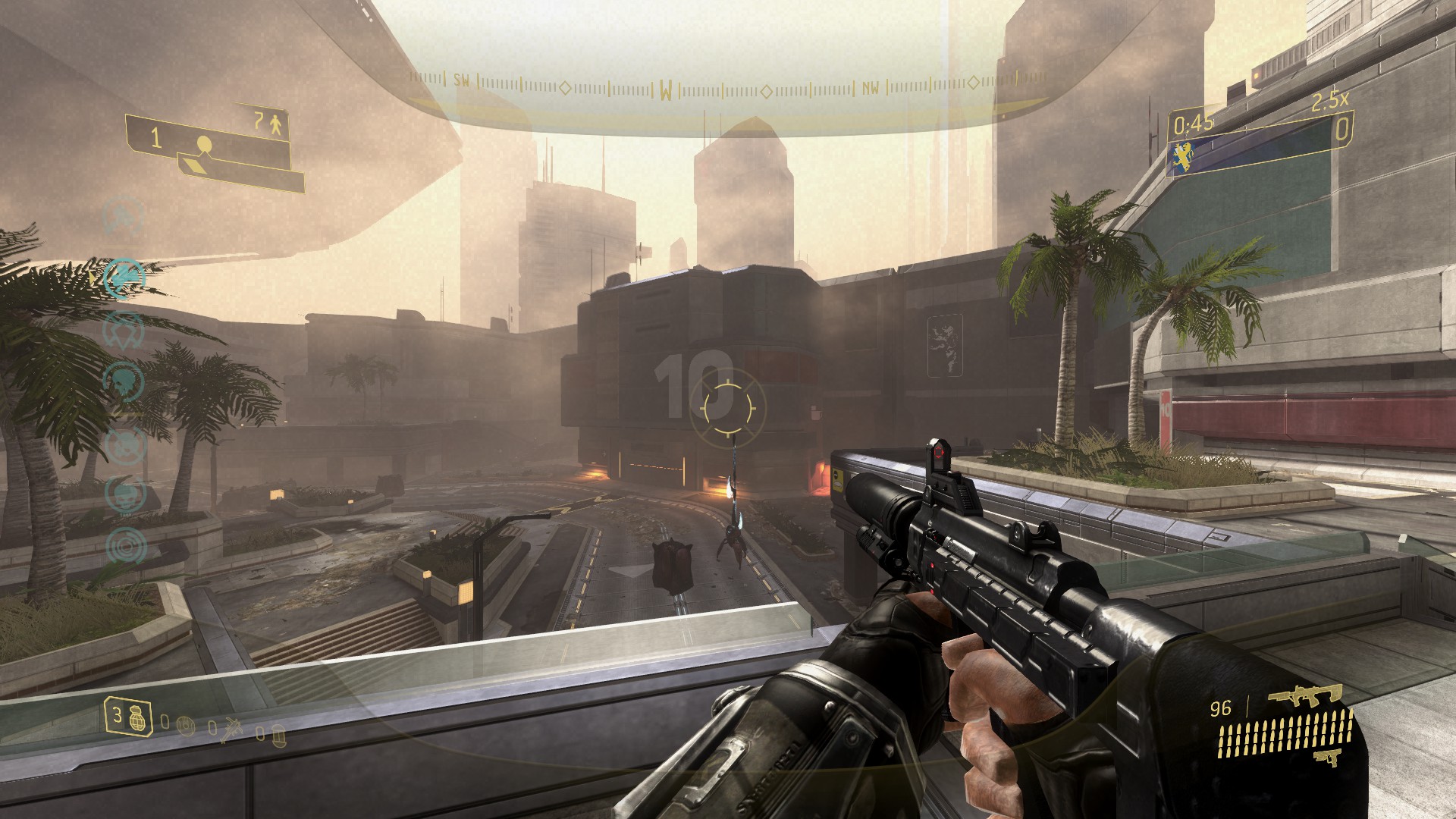
Halo 4
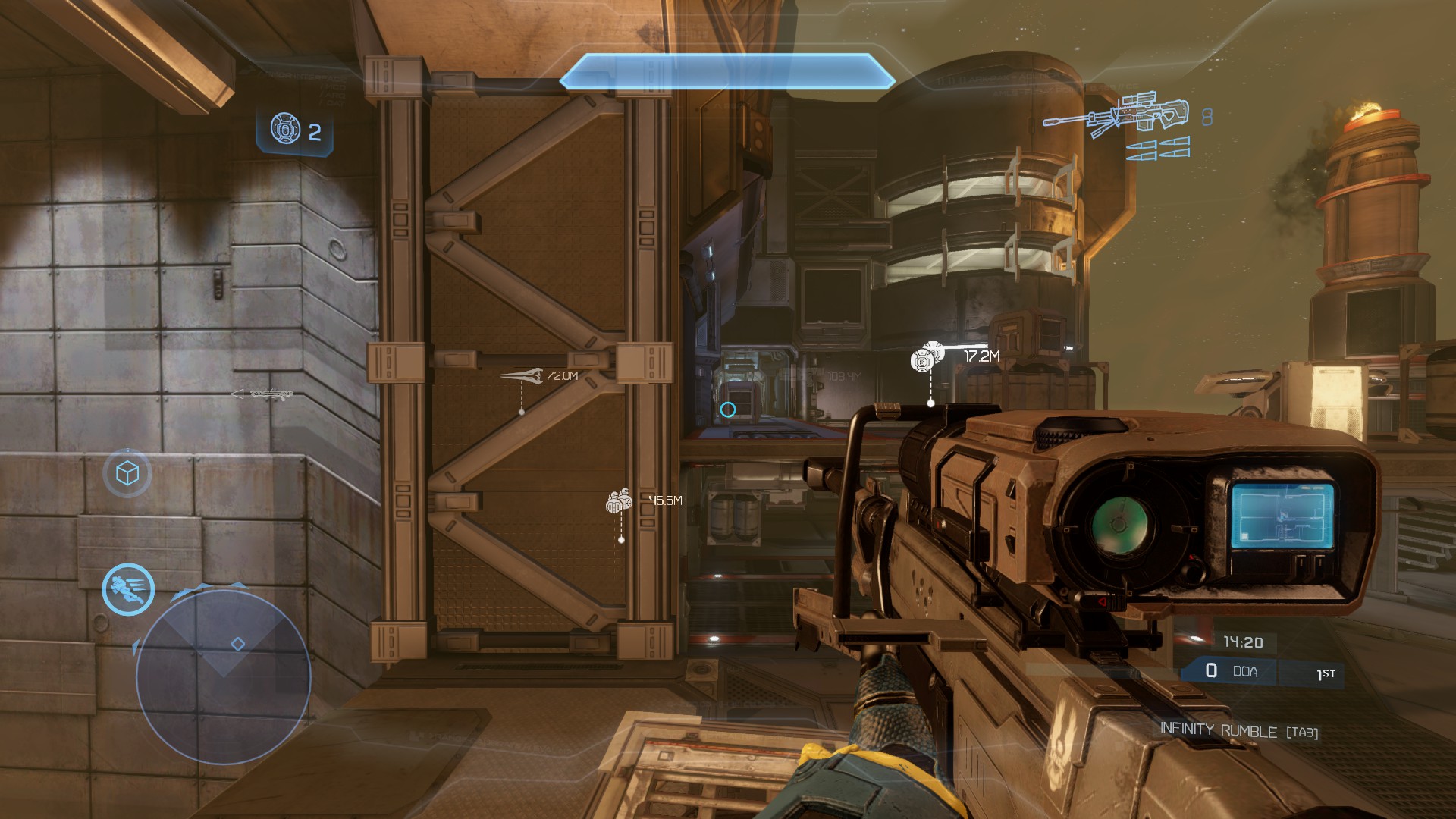
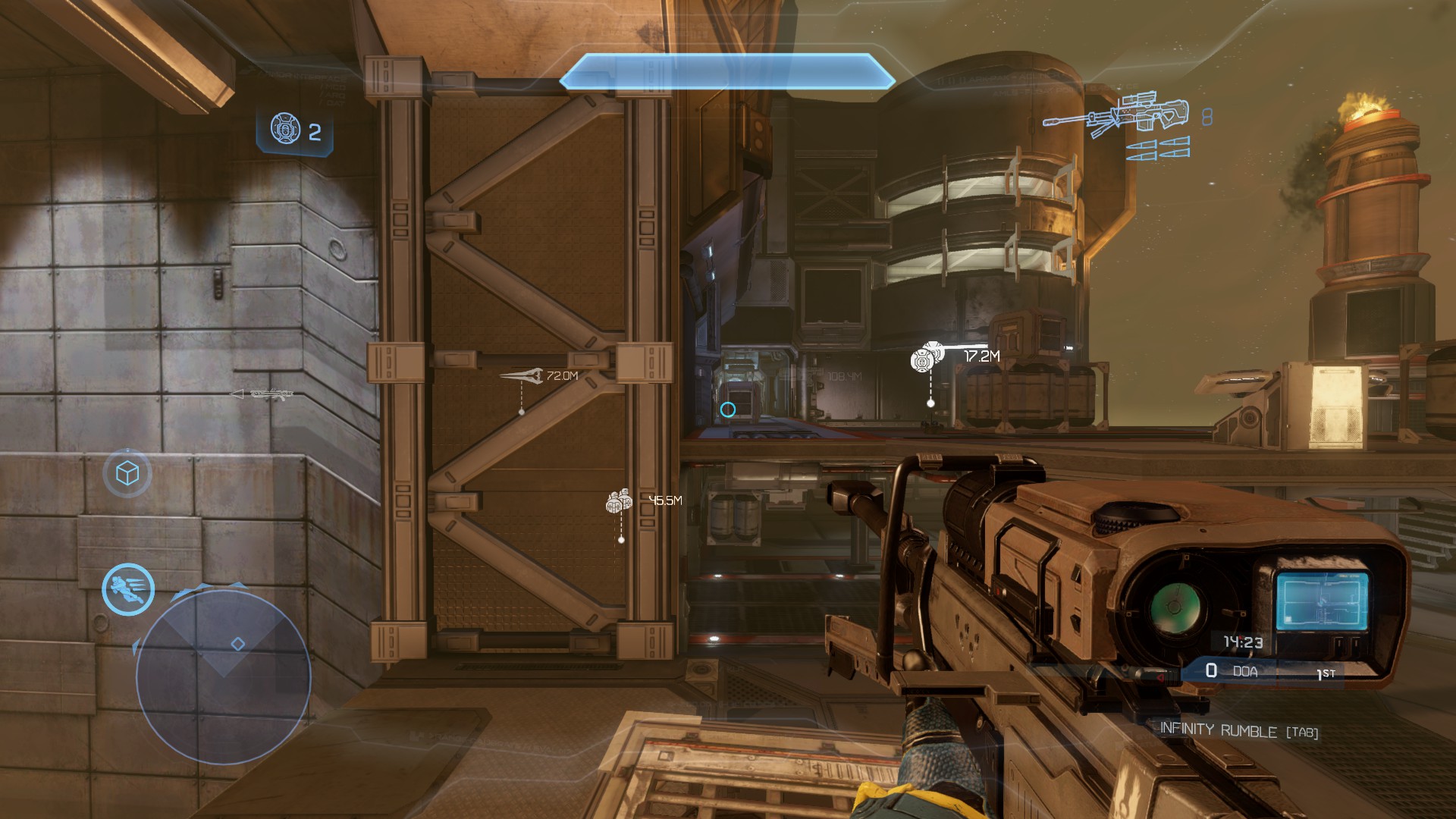
Ending words
I've always thought that the viewmodels in the Halo games are pretty bad on the default centered crosshair since they are made for using a lowered crosshair. CE is the only game in MCC made with centered in mind.
The inspiration for the guide comes from these two:
https://www.youtube.com/watch?v=Y-gc_qtDicw
This video tries to replicate the CE viewmodels in 3 and Reach and looks pretty good.
https://forums.halowaypoint.com/t/halo-2-view-model/506979
Same as above but for Halo 2.
I then tested the "classic" viewmodel in CS:GO, and actually liked it. It almost replicates the viewmodels used in 1.6 and Source.
I then went back to Source and thought, why don't I try to replicate these in Halo? I went trough all the games and tried what looks the best. Increasing the depth isn't that important to create similar viewmodels to Counter-Strike but I personally don't like when the weapons take so much space on the screen so I maxed that on every game aswell.
Feel free to leave any suggestions or improvements in the comments!
- Halo Reach: Collectibles★ 5 (1.2k)33k views2.3k ♥9 minUpdated Jul 4, 2021
- Halo: Reach - Full Achievement Guide★ 5 (823)28k views1.7k ♥12 minUpdated May 9, 2025
- MCC - Master Achievement Guide (Complete)★ 5 (479)19k views1.2k ♥5 minUpdated Aug 8, 2020
- Halo Combat Evolved: Collectibles★ 5 (1k)17k views2k ♥8 minUpdated Nov 20, 2020
- Halo: Combat Evolved - Full Achievement Guide★ 5 (504)16k views1.1k ♥7 minUpdated Jun 2, 2022
- Golden Moa Location Guide★ 5 (476)13k views878 ♥13 minUpdated 28 Nov, 2021






- Upgrading to PremiumTeam Fortress 2★ 5 (20k)1441k views11k ♥6 minUpdated May 11, 2022
- No More Room in Hell Official ManualNo More Room in Hell★ 5 (2.8k)569k views2.1k ♥29 minUpdated Apr 22, 2019
- NMRiH Community Hosting GuidesNo More Room in Hell★ 5 (526)351k views653 ♥1 minUpdated Aug 10, 2022
- ULTIMATE GUIDE FOR GAME DEV TYCOONGame Dev Tycoon★ 5 (5.8k)326k views10k ♥4 minUpdated 23 Jan, 2014
- How to 'Git Gud' Soon™MORDHAU★ 5 (2k)318k views3k ♥68 minUpdated Nov 16, 2024
- Лучшие кооперативные игры SteamPAYDAY 2★ 5 (1.5k)315k views2.1k ♥56 minRussianUpdated Apr 27, 2025






This guide was created by its original author on the Steam Community. Are you the author and want it removed? Request removal.