2FPS LAG FIX for ultra widescreen
=> Unnecessary since 4.4 <=
Before (the bug)
The Problem:
When you enter the main menu (v. 4.3.x) you get only 2 fps max with a gpu usage of 100% and it is almost impossible to click anything.
Verifying the game files, or reinstalling the game did not help at all.
It's also a very strange load on the gpu, I haven't encountered in any other game before.
Specs:
In my case a 5800X3D with 64GB DDR4 3800 paired with a RTX 4090 and a ultra widescreen LG with 4800x2000 (24:10) resolution. ...but as it is fixed for me I don't have a screenshot showing the 2 fps in the menu unfortunately. :/ :D
Fast-Fix (who knows?)
If you are able to switch to borderless in the graphics settings - despite the 2 fps "limit" - go for it and try it. I was so sick of the annoying cursor.
The Fix (how to)
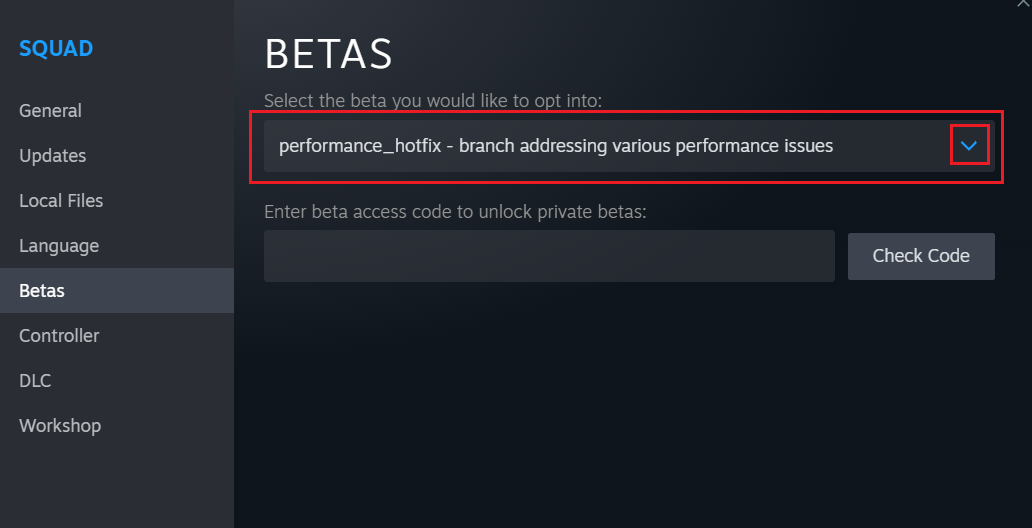
1.1 Go to BETAS and choose: 'performance_hotfix - branch...'
1.2. Steam starts to download the whole game (the new branch)
2. start the new branch
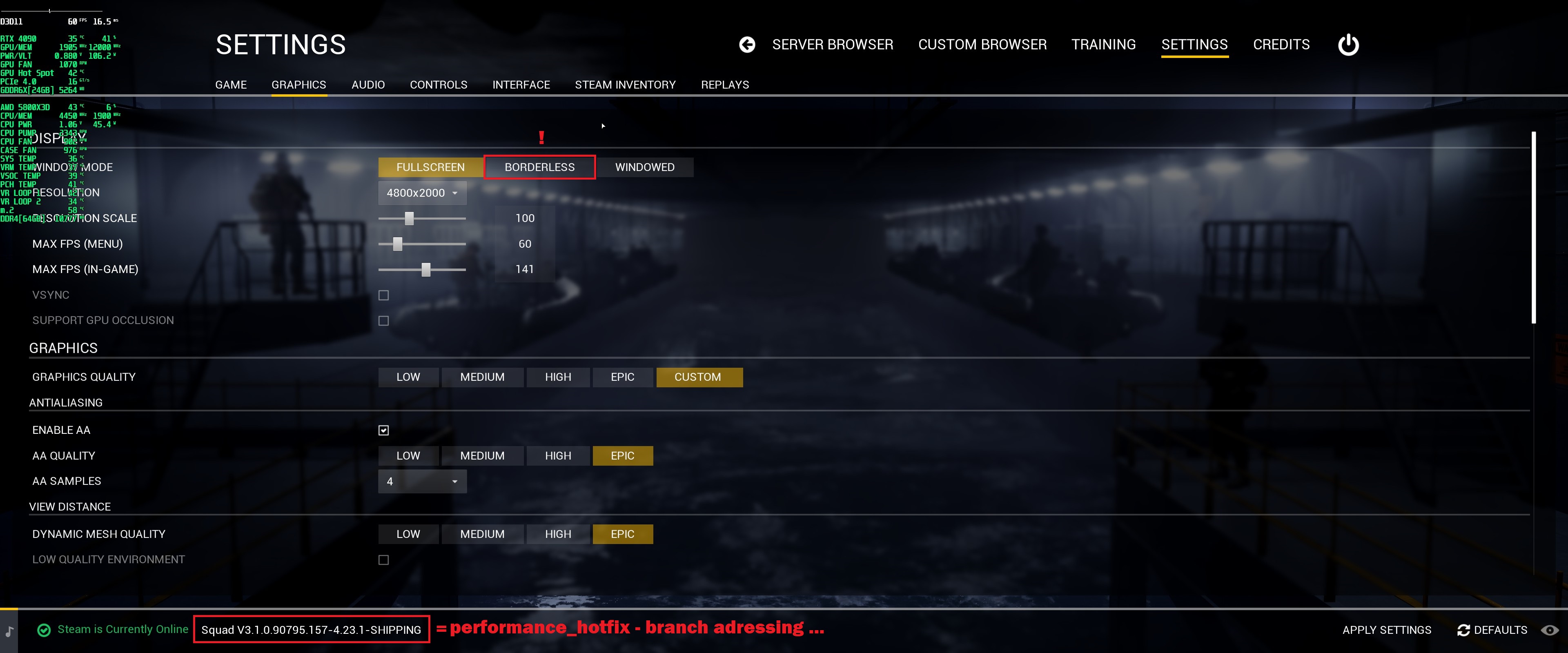
2.1 Yes, suddenly it is super smooth, but with DX11.
2.2 Go to settings and under window mode just select 'borderless'
2.3 Apply settings and quit game
3. Righ click on SQUAD and select 'properties'.
3.1 Go to BETA and de-select the: 'performance_hotfix - branch...'
3.2 Now steam downloads the whole game, again.
3.3 Start the normal version of SQUAD.
3.4 Yes, suddenly it is super smooth, now also with DX12.
4. Enjoy the SQUAD menu full frames experience.
4.1 Yes, wtf.
PS: Hope ya got a fast internet connection.
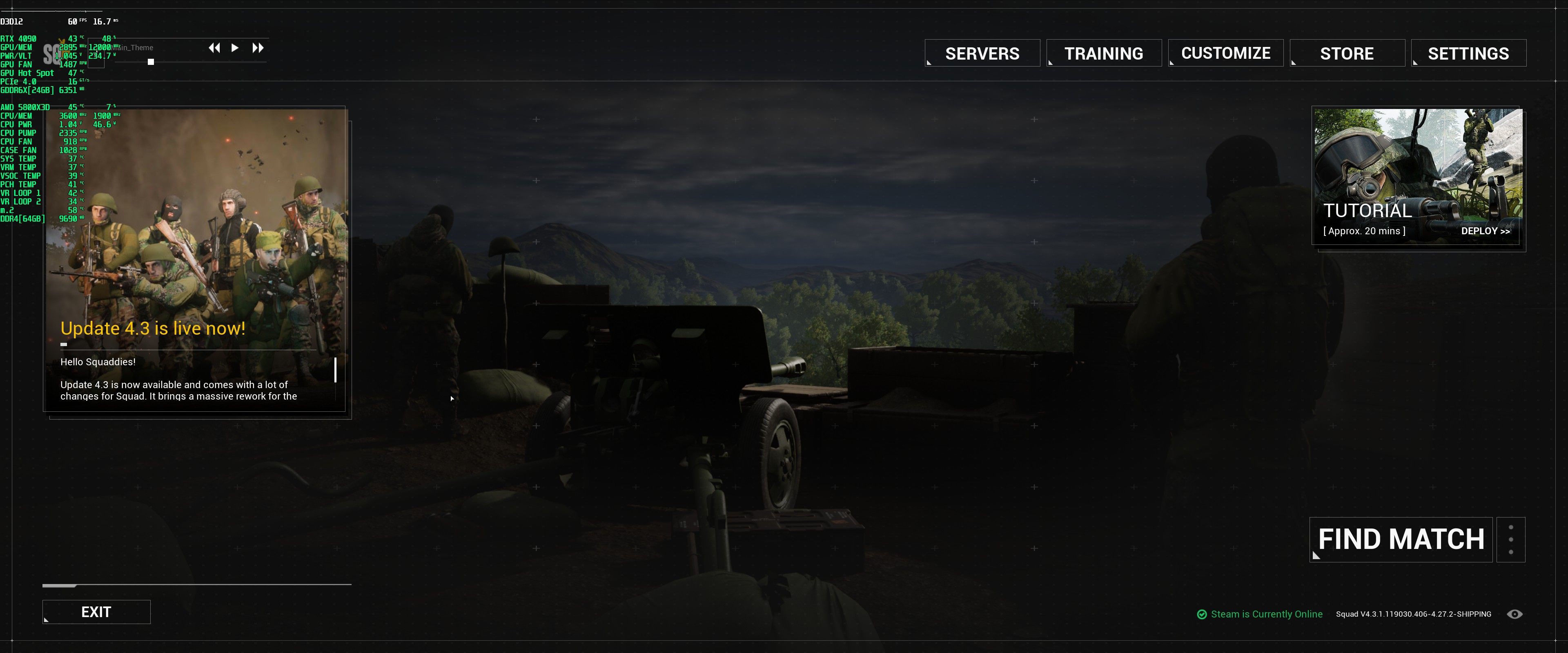
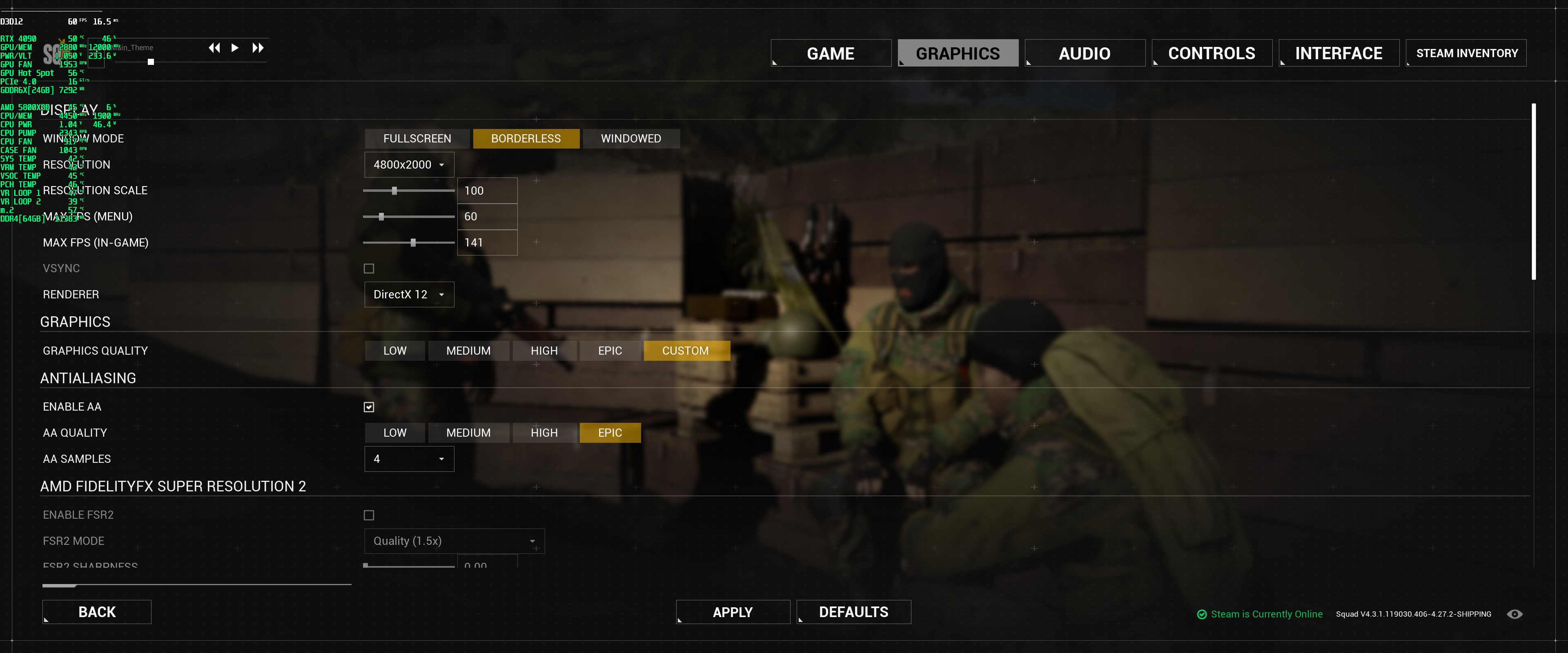
Proof (60fps menu screenshot)
- Подробный гайд для новичков★ 5 (764)61k views1.1k ♥20 minRussianUpdated 28 Sep, 2023
- Squad Leader 101★ 5 (884)29k views1.5k ♥60 minUpdated 22 Jul
- Как убрать мыло на экране | 100% Способ★ 4 (113)26k views355 ♥3 minRussianUpdated 1 May, 2023
- SQUAD - raising FPS together! / SQUAD - поднимаем FPS вместе!★ 3 (31)19k views75 ♥4 minUpdated 8 Jan, 2024
- Руководство по пилотированию вертолётов★ 5 (199)18k views446 ♥32 minRussianUpdated 20 Feb, 2022
- [Squad v10.5] [EN/РУ] / Where to shoot to penetrate? / Куда стрелять чтобы пробить?★ 5 (220)15k views606 ♥1 minUpdated 17 Jun




- Upgrading to PremiumTeam Fortress 2★ 5 (20k)1441k views11k ♥6 minUpdated May 11, 2022
- No More Room in Hell Official ManualNo More Room in Hell★ 5 (2.8k)569k views2.1k ♥29 minUpdated Apr 22, 2019
- NMRiH Community Hosting GuidesNo More Room in Hell★ 5 (526)351k views653 ♥1 minUpdated Aug 10, 2022
- ULTIMATE GUIDE FOR GAME DEV TYCOONGame Dev Tycoon★ 5 (5.8k)326k views10k ♥4 minUpdated 23 Jan, 2014
- How to 'Git Gud' Soon™MORDHAU★ 5 (2k)318k views3k ♥68 minUpdated Nov 16, 2024
- Лучшие кооперативные игры SteamPAYDAY 2★ 5 (1.5k)315k views2.1k ♥56 minRussianUpdated Apr 27, 2025






This guide was created by its original author on the Steam Community. Are you the author and want it removed? Request removal.