DOOM - Detail Settings On Performance
Game requirements, my PC spec. and how I tested

Minimum
OS: 64bit: Windows 7 or higher
CPU: Intel Core i5-2400 or AMD FX-8320
RAM: 8 GB RAM
HDD: 55 GB
VGA: NVIDIA GeForce GTX 670 2GB or AMD Radeon HD 7870 2GB
Recomended
OS: 64bit: Windows 7 or higher
CPU: Intel Core i7-3770 or AMD FX-8350
RAM: 8 GB RAM
HDD: 55 GB
VGA: NVIDIA GeForce GTX 970 or AMD Radeon R9 290
The minimum requirements of the game are somewhat higher than normal. 8GB of RAM is not yet in a minimum standard. CPU requirements are also slightly higher and requires at least a quad-core processor. Intel or eight-core AMD. The video card should have at least 2GB of VRAM. But I think this is already the minimum standard on the gaming computer.
At the ULTRA setting, 8GB of RAM should be enough. What is important is stronger graphics card with 4GB of VRAM. The game also lets you set some details to the Nightmare level. But it is necessary to own a graphics card with 6 GB VRAM and 16 GB RAM.
I will say at the beginning, to play the game on a weaker processor, and a 1GB video card is not possible. The game will be unplayable. Even on LOW setting details. 1GB on DOOM is not enough. And FPS will be low. I have tested that it is a waste of money and time. But who has a 1GB video card on the gaming computer nowadays ..?
On an AMD processor from the 6xxx or 8xxx series at least 4GHz frequency. Otherwise, the game will not be smooth. I have the FX-6300 at 4.4GHz and that's okay. The game will go perfectly well with 16 gigabytes of RAM. In each case. 8GB is low. SSD also help a lot. At least for OS.
Here my computer configuration (while playing this game):
MSI 970A-G43, AMD [email protected] (1,4V), 20GB RAM (1,35V, 9-9-9-24-1T), GIGABYTE GTX 660 Ti Ultra Durable 3GB (GV-N66TOC-3GD), SSD Transcend 64GB (OS) + HDD WD 1TB PURPLE (DATA/GAME), 27" IIYAMA, X-Fi Xtreme Music (24bit/192KHz), Yamaha Hi-Fi 2.1 sound
+
A good community for good people is the foundation. Do I recommend this group, I'm here administrator:
http://steamcommunity.com/groups/naturakill
"This group is for players of the old school. And for all good and honest players. For all who like older quality games. For good friends and people from all over the world"
Vertical Sync
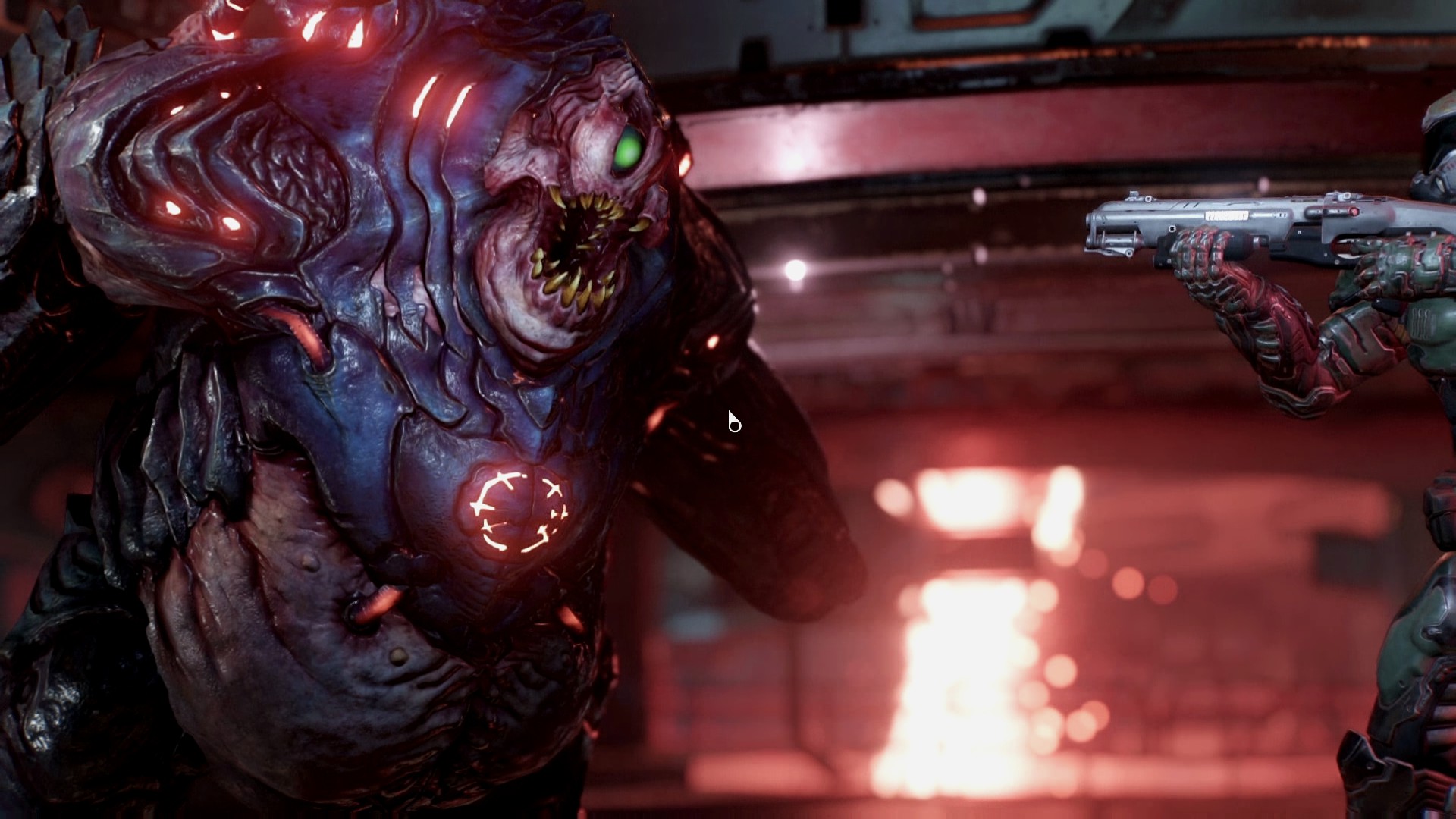
The choice you probably know from all the games. Off sync with the image refresh monitor. Without sync, images are immediately displayed with a shorter lag, but you see a torn image when you move. With sync, the images are always full, but if fps drops below the refresh monitor (for example, 60 fps), the game will start acting more sharply than without V-sync.
If you enable or disable V-sync, it depends on you. owners of monitors with FreeSync and G-Sync = you do not have to deal with anything :)
Video settings - Antialiasing
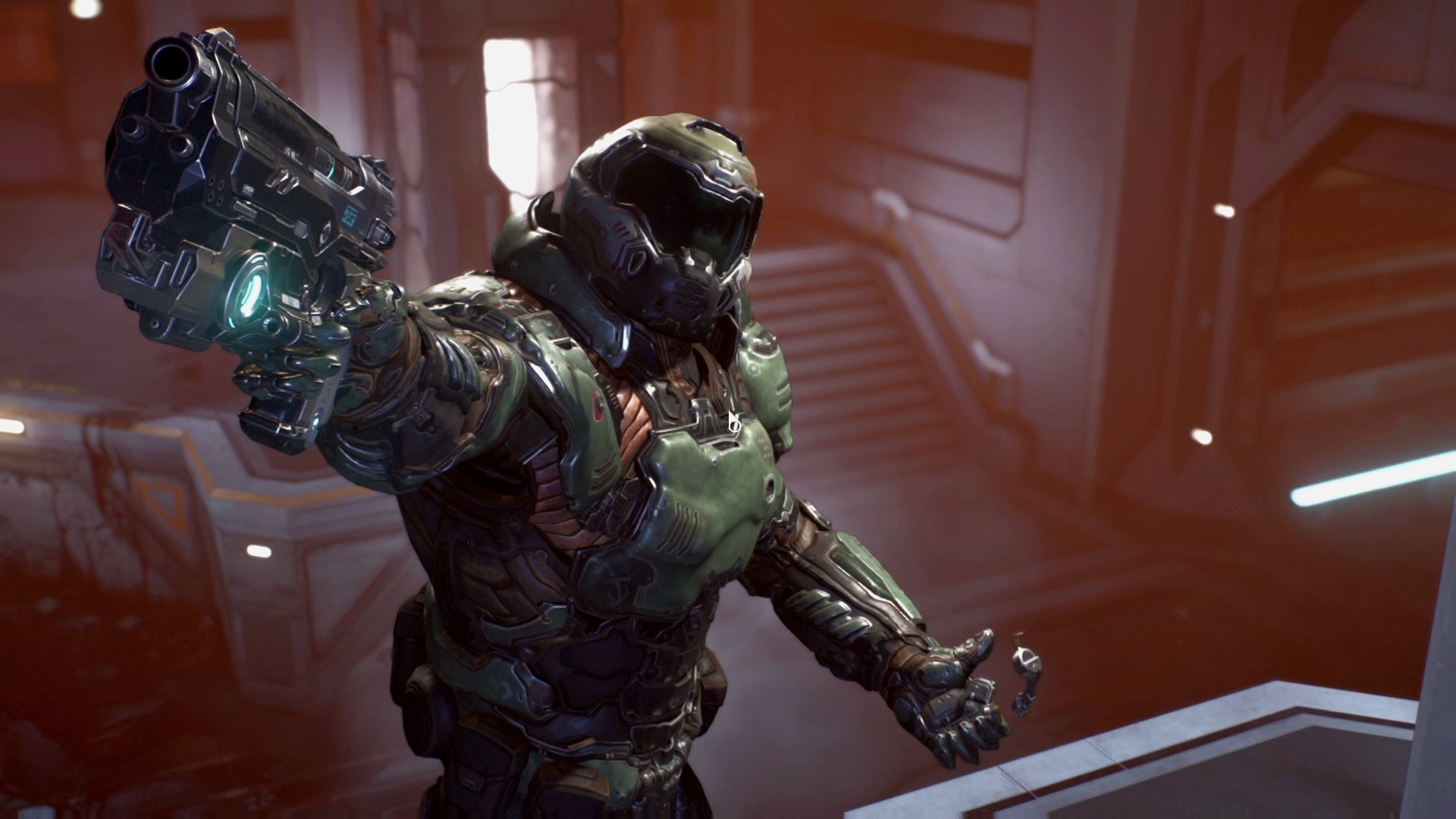
Smoothing FXAA and SMAA combined with temporal filter (1Tx), TAA itself and multiple TSSAA (8Tx) are available.
Edge smoothing cuts minimum power. It's great that the TSSAA (8Tx) is by no means the slowest. The disadvantage is the large blurring of the image, but can be compensated by sharpening.
The classic SMAA is slower. And it is more demanding than any other method. His temporal variant is even more demanding. However, the quality of the TSSAA's extermination does not reach.
Video settings - FOV, motion blur, colors
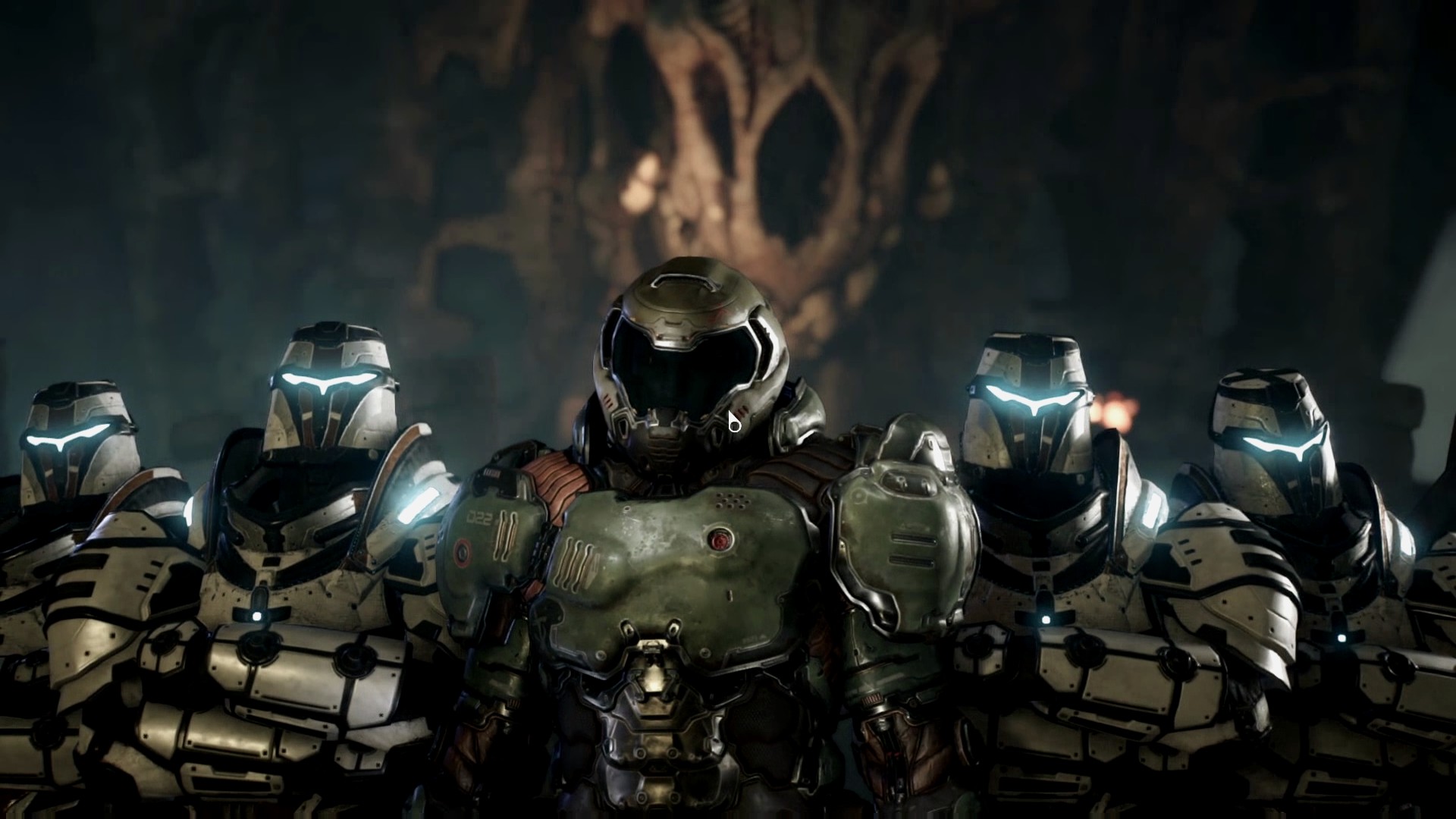
Advanced Settings - Image Scale, Shadows
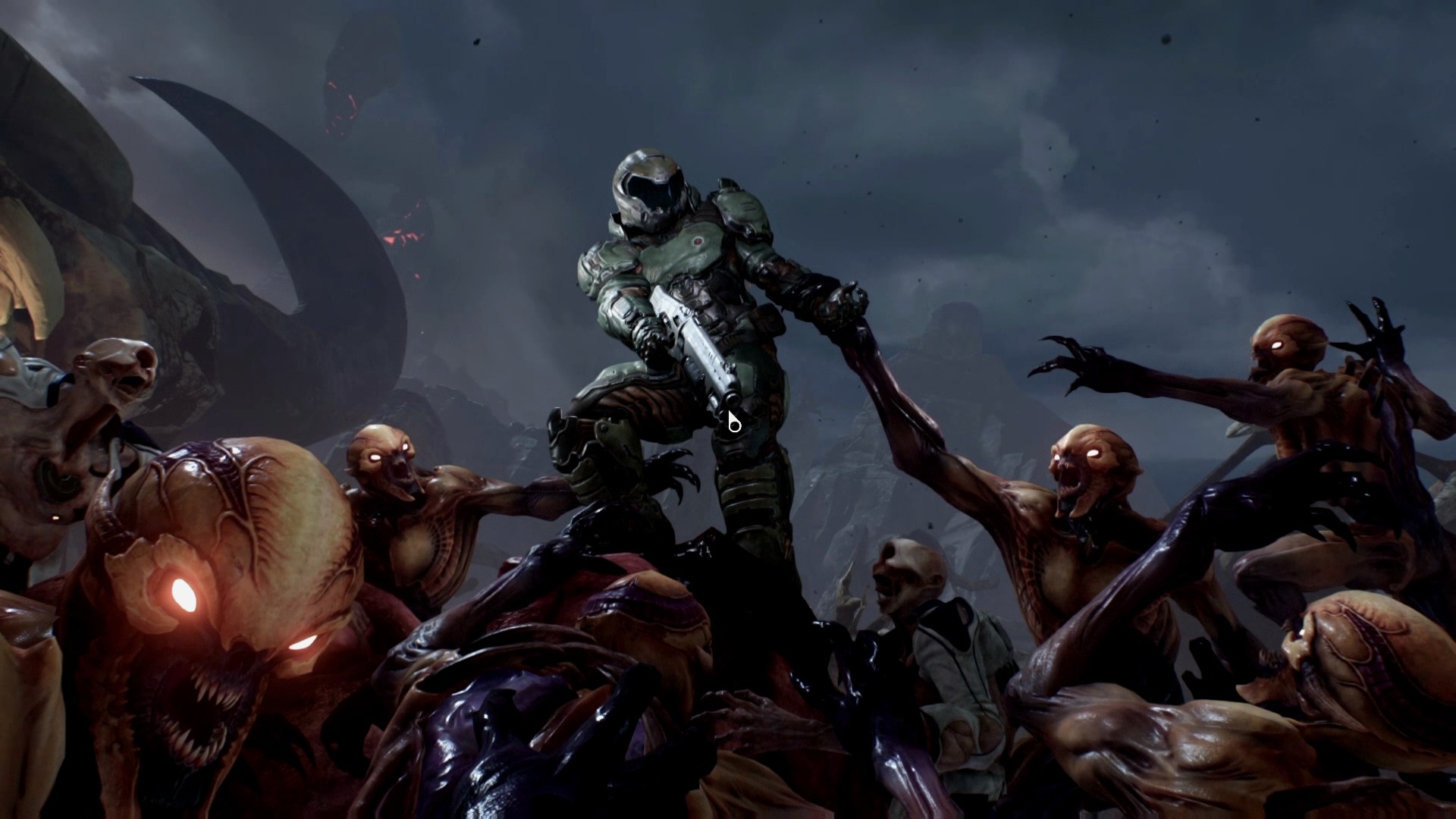
Advanced Settings - AO, decoration, textures
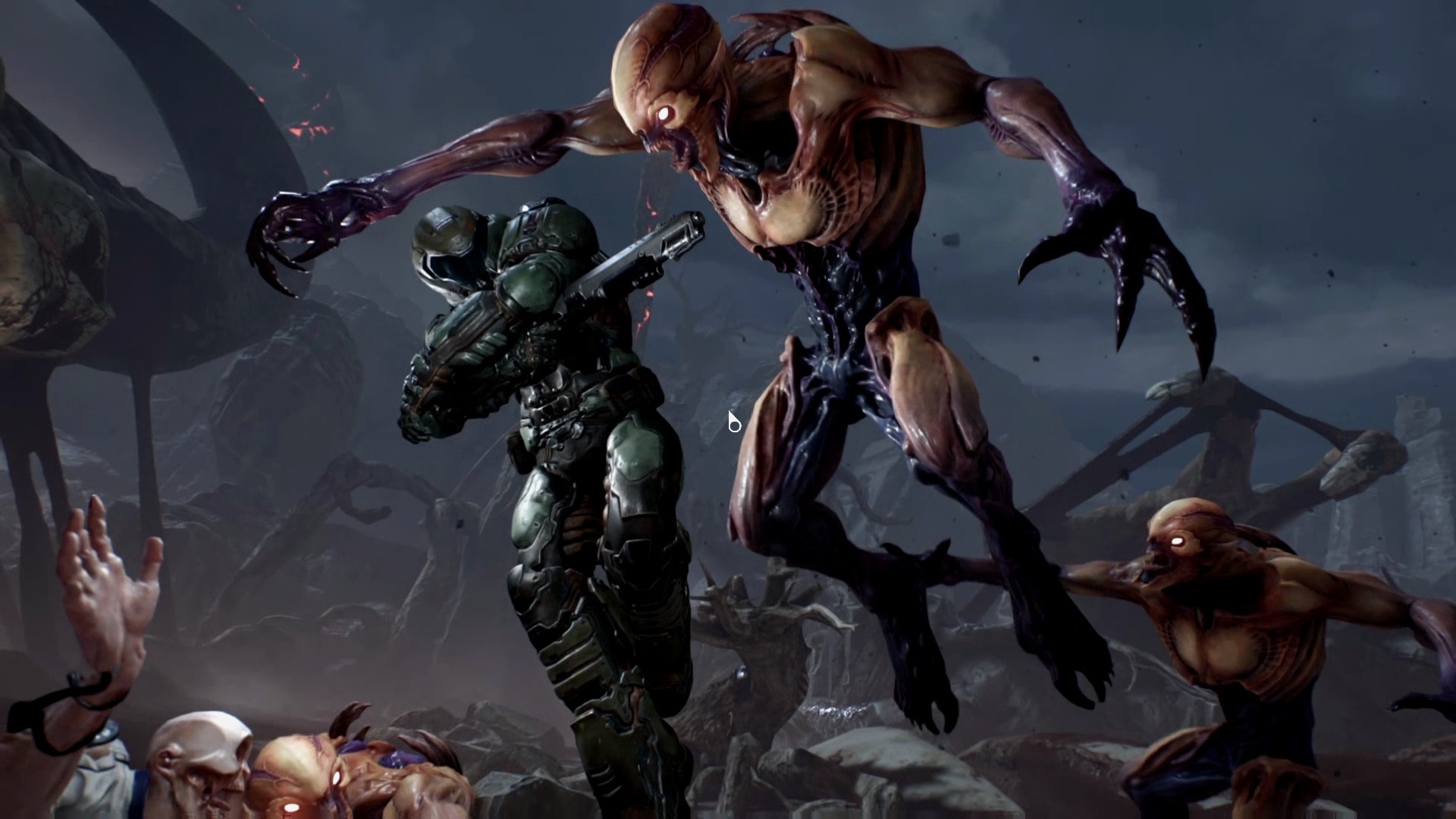
Basic settings that affect performance!! Lack also includes 2 gigabytes VRAM. This setting affects the texture cache. Just how fast the textures will be loaded. On the 2GB graphics card there is a huge difference in performance - 64 fps vs. 38 fps (Low vs. Ultra) !! But the difference in the image is minimal. I own three gigabytes VRAM and I set to MEDIUM. DOOM can do this very well. It was terrible in WOLFENSTEIN and RAGE. Looping and retrieving textures. Not here. If you want the game to run smoothly and you have less than 4GB of VRAM. Set LOW, or MEDIUM.
Advanced Settings - Reflections, Particles, Motion Blur
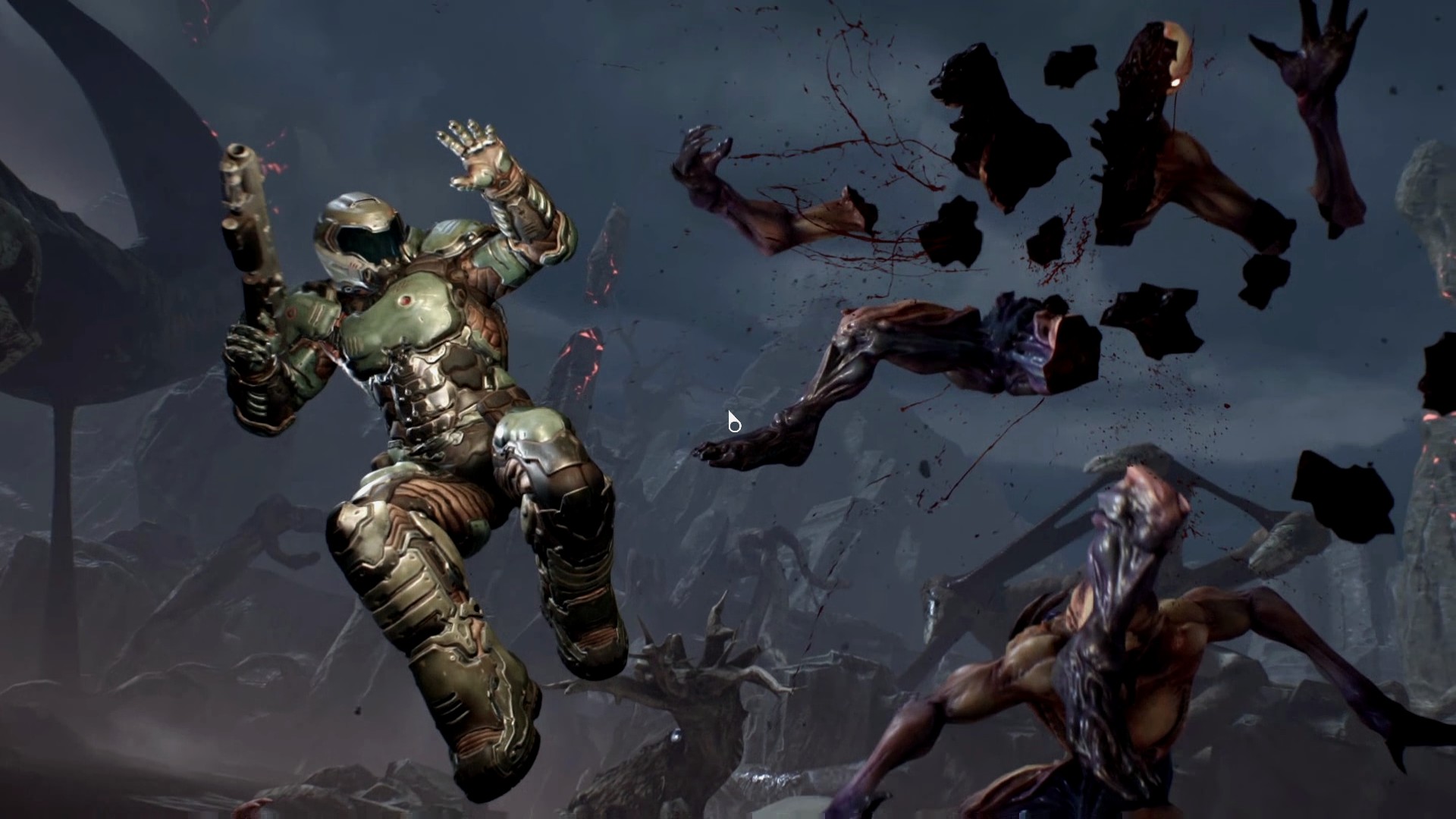
Advanced Settings - Depth of Field, HDR, Flare
Advanced Settings - Subsequent image editing, UI

Conclusion + my settings, screenshots and videos
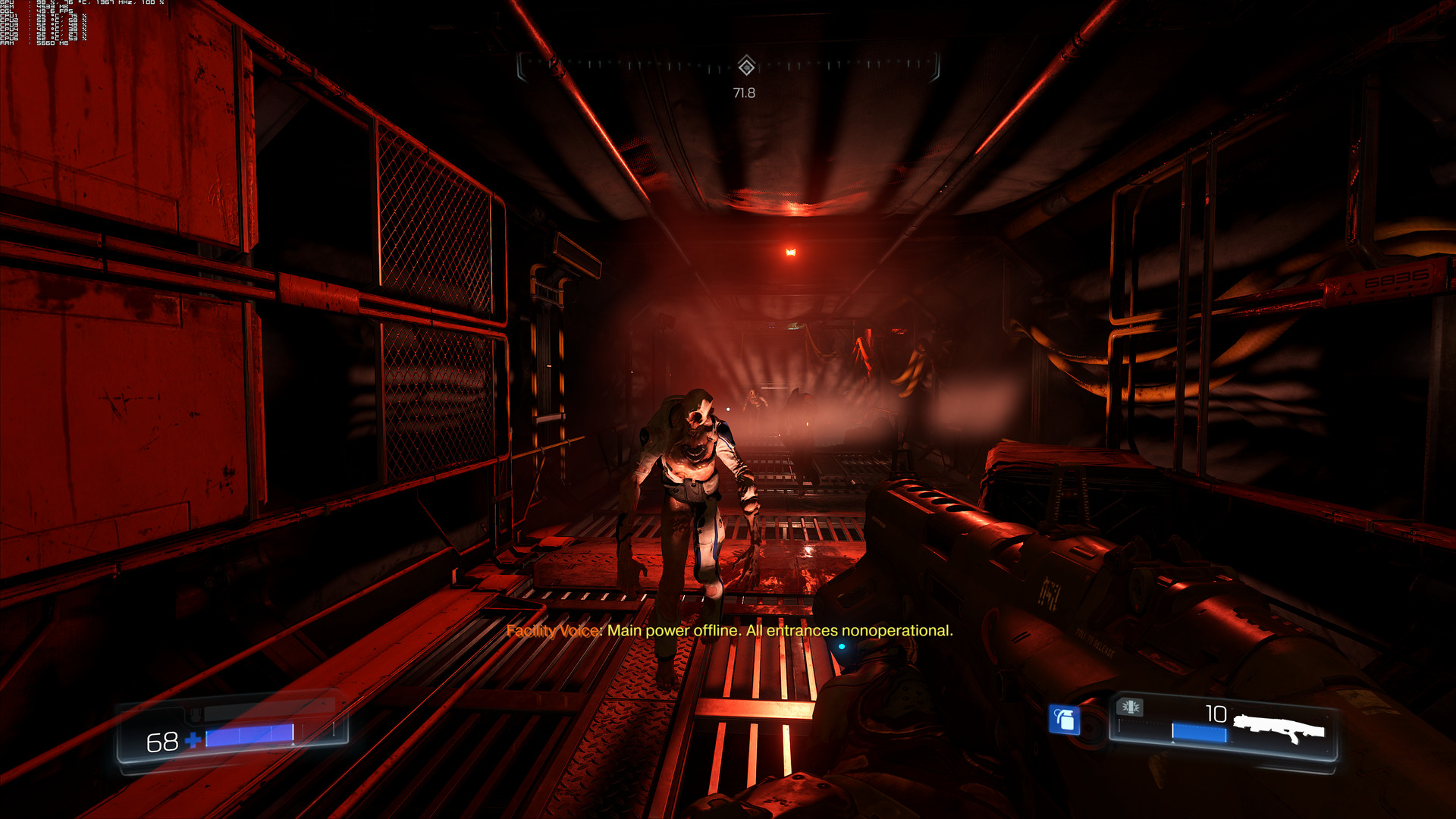
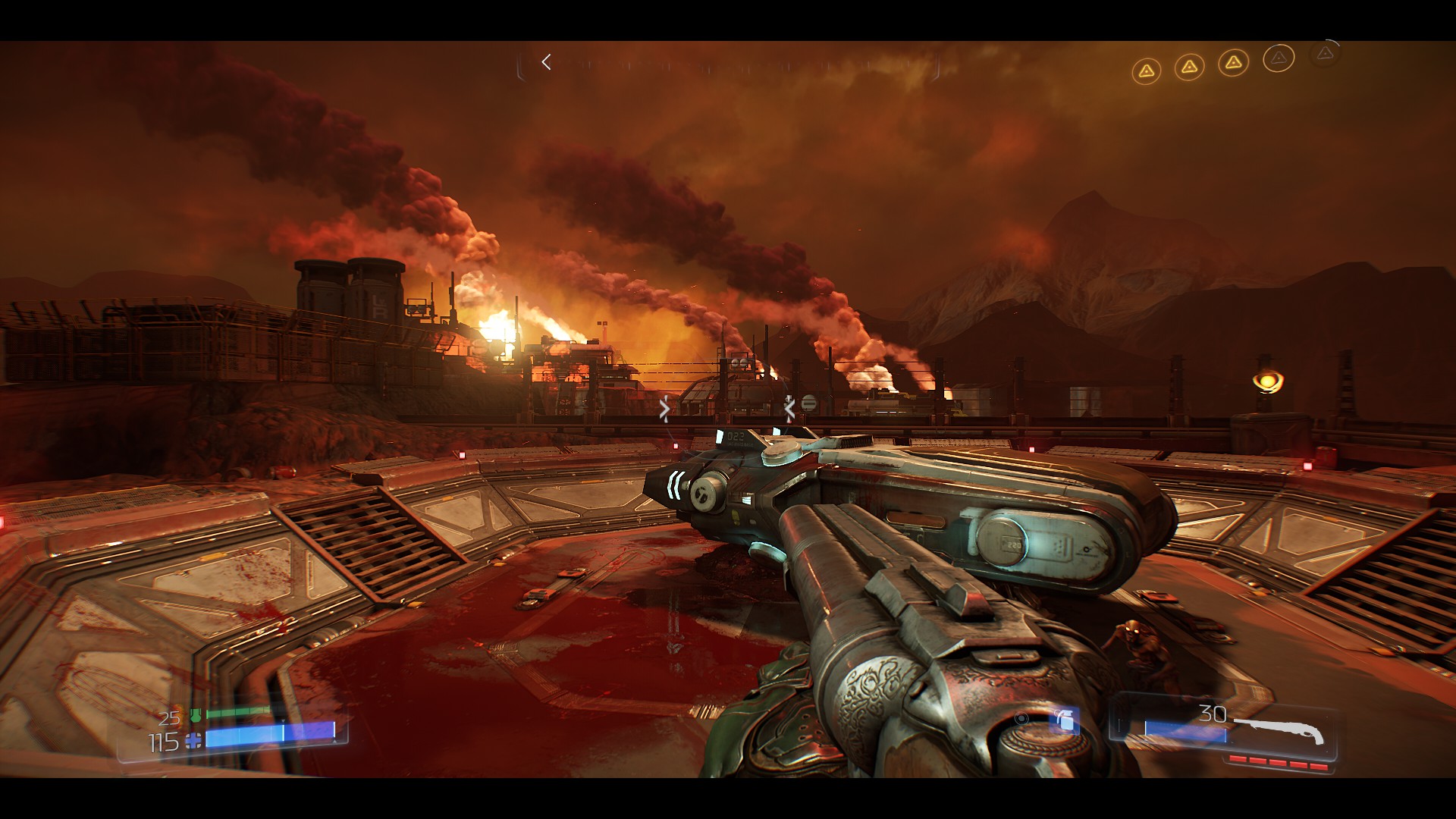
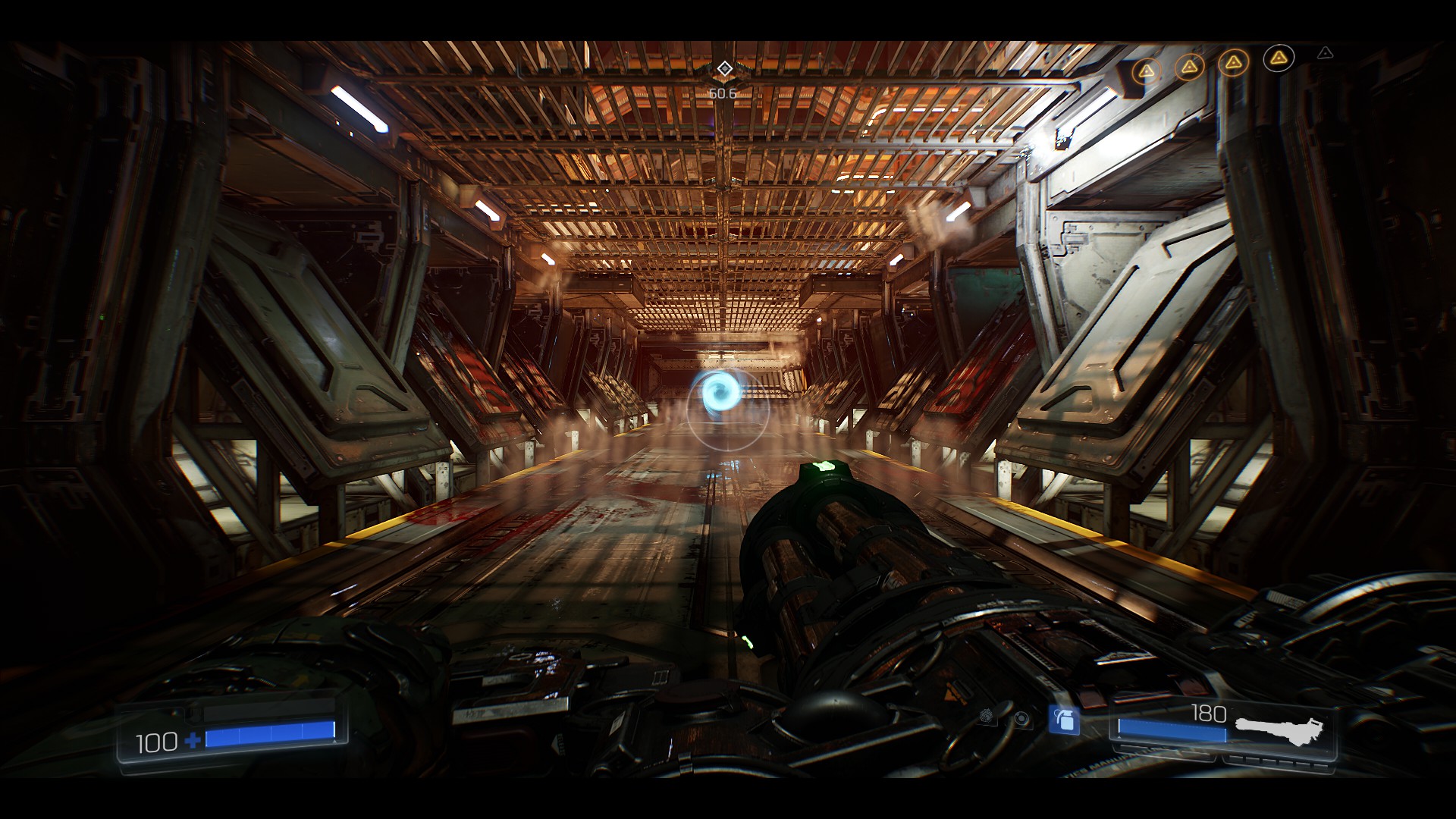
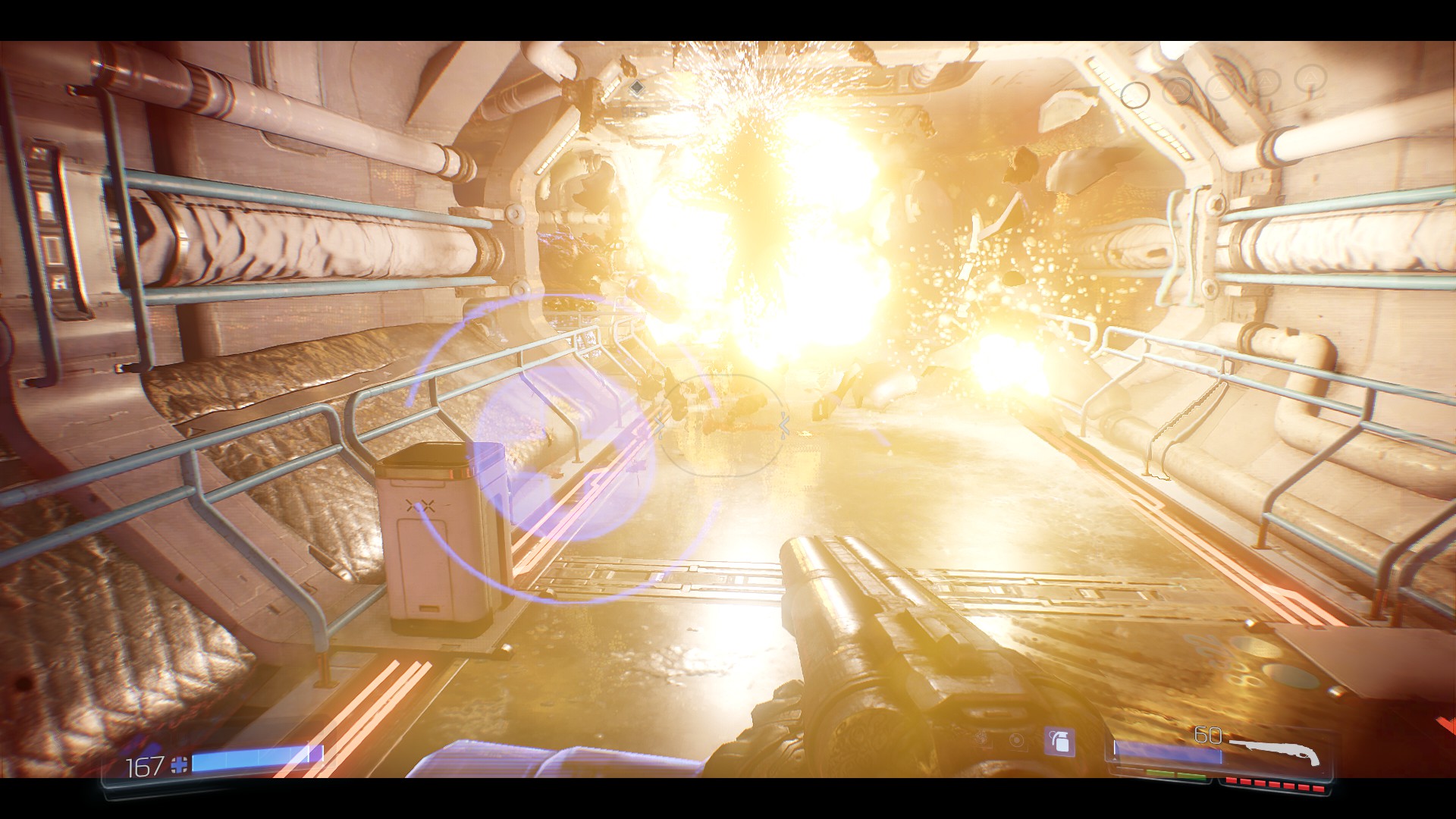
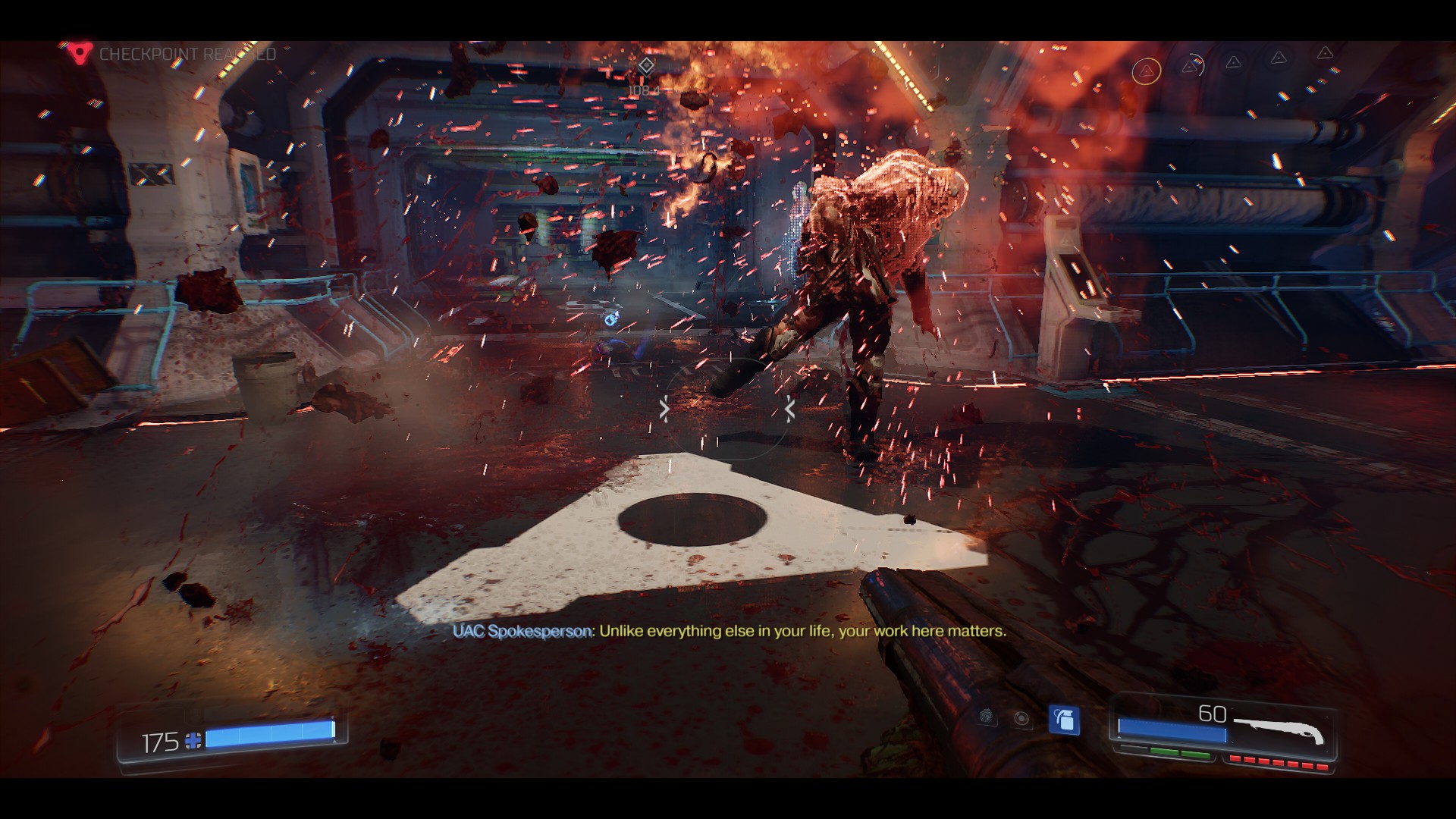
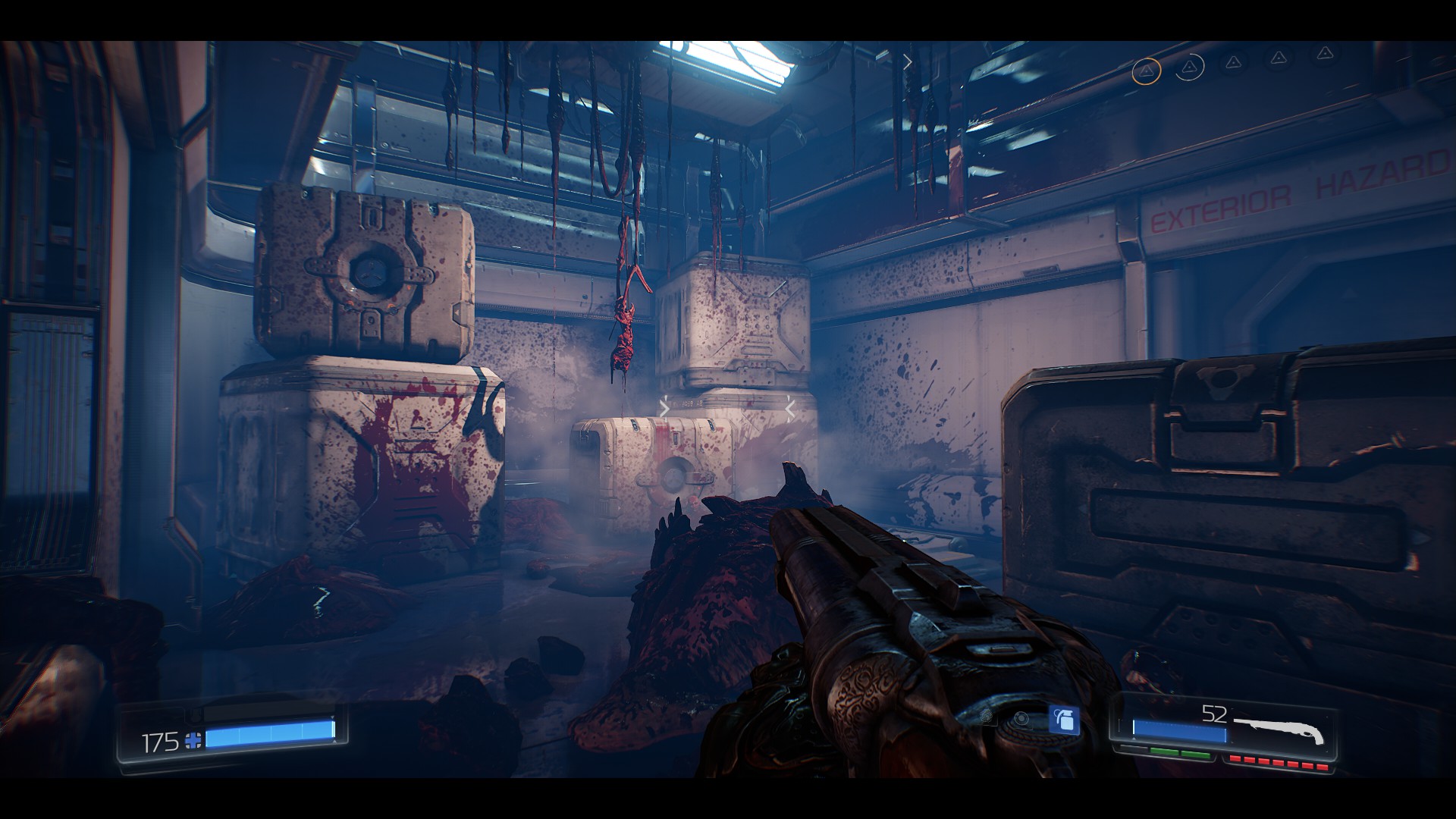
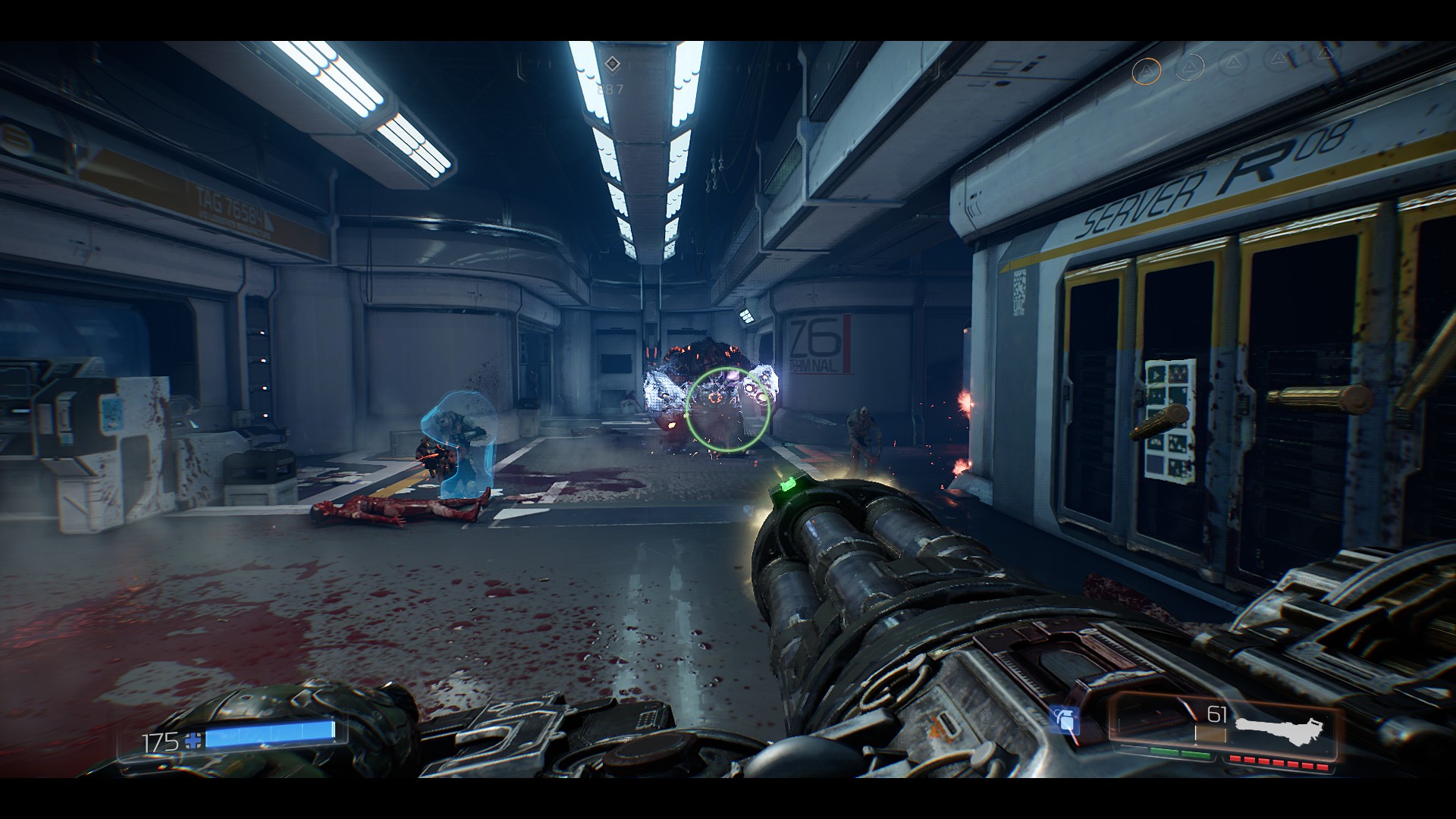
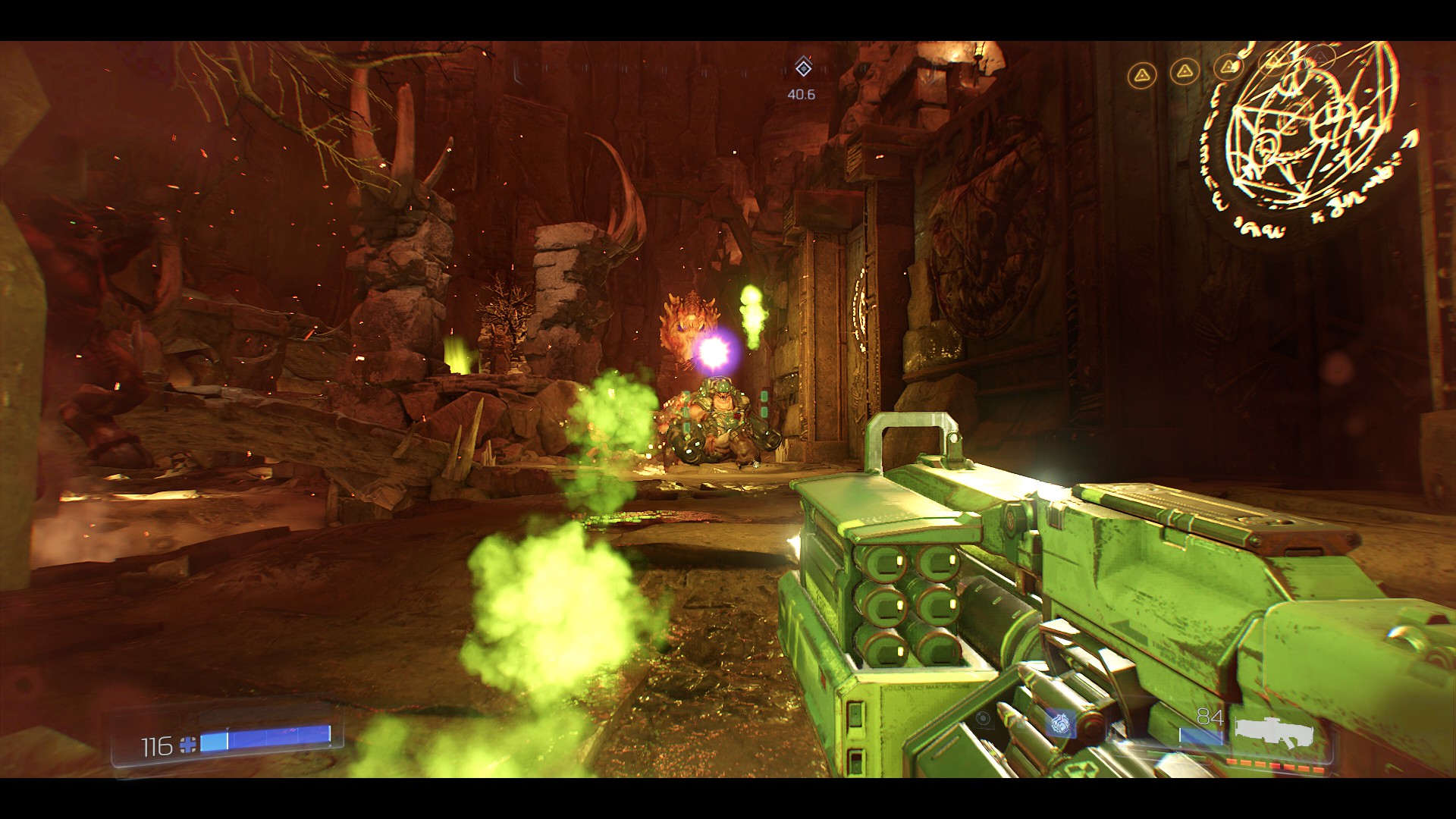
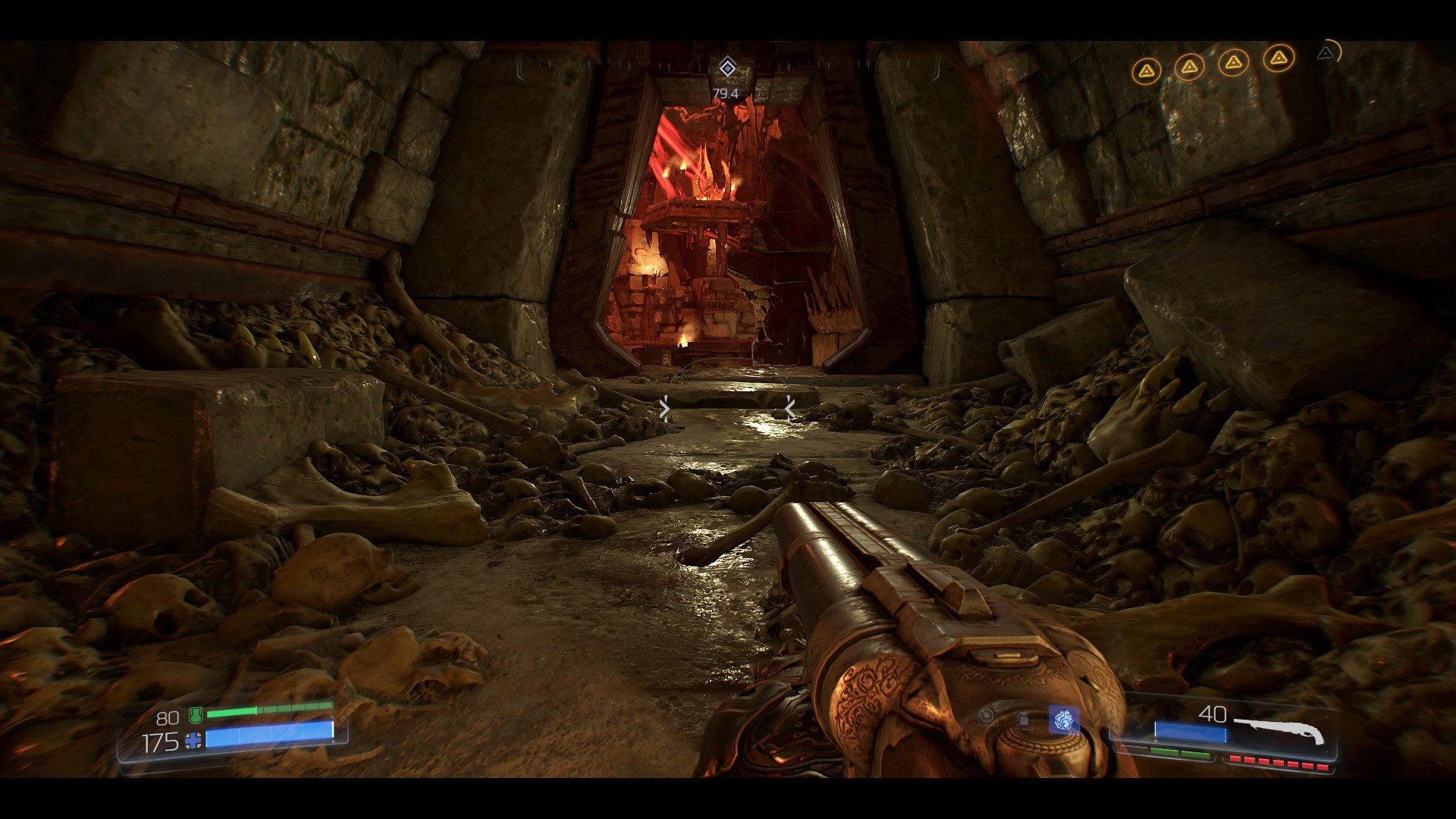
The graphic quality and optimizing DOOM scored. I have to praise the optimization of OpenGL. The new id Tech 6 engine transforms the lighting model and the game already uses shadowmaps technology and fully dynamic shading. Previous games such as RAGE and WOLFENSTEIN used stencil shadows + basic Megatexture.
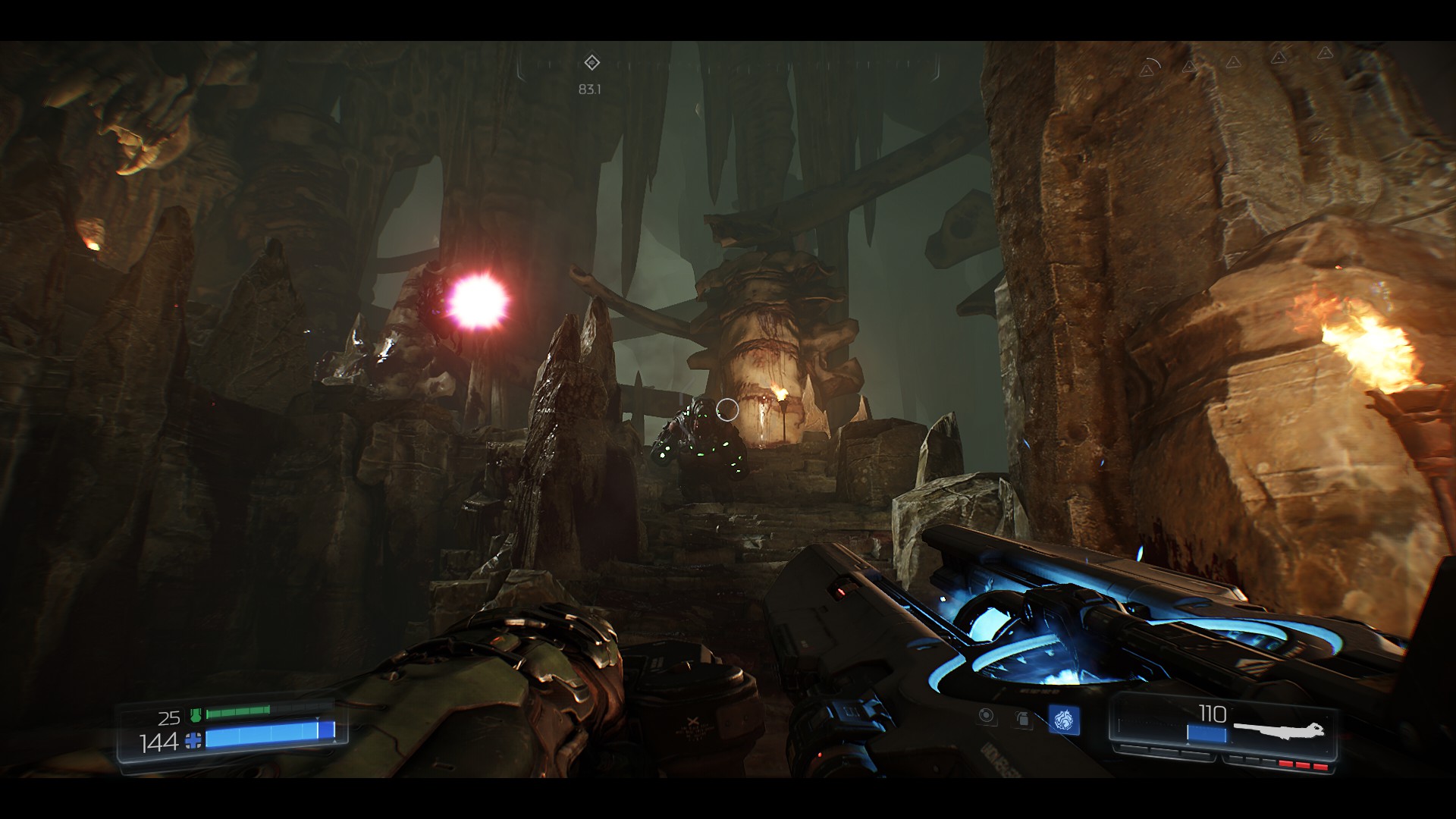
Very good is the graphic of individual characters. Cacodemon reminds of his classic appearance of the first two parts. The quality of the models and textures is cool. Hell levels look amazing.
The game offers a great deal of graphics settings options. The game requires a lot of memory on the graphics card. As I mentioned at the beginning, do not play under 2GB VRAM DOOM.
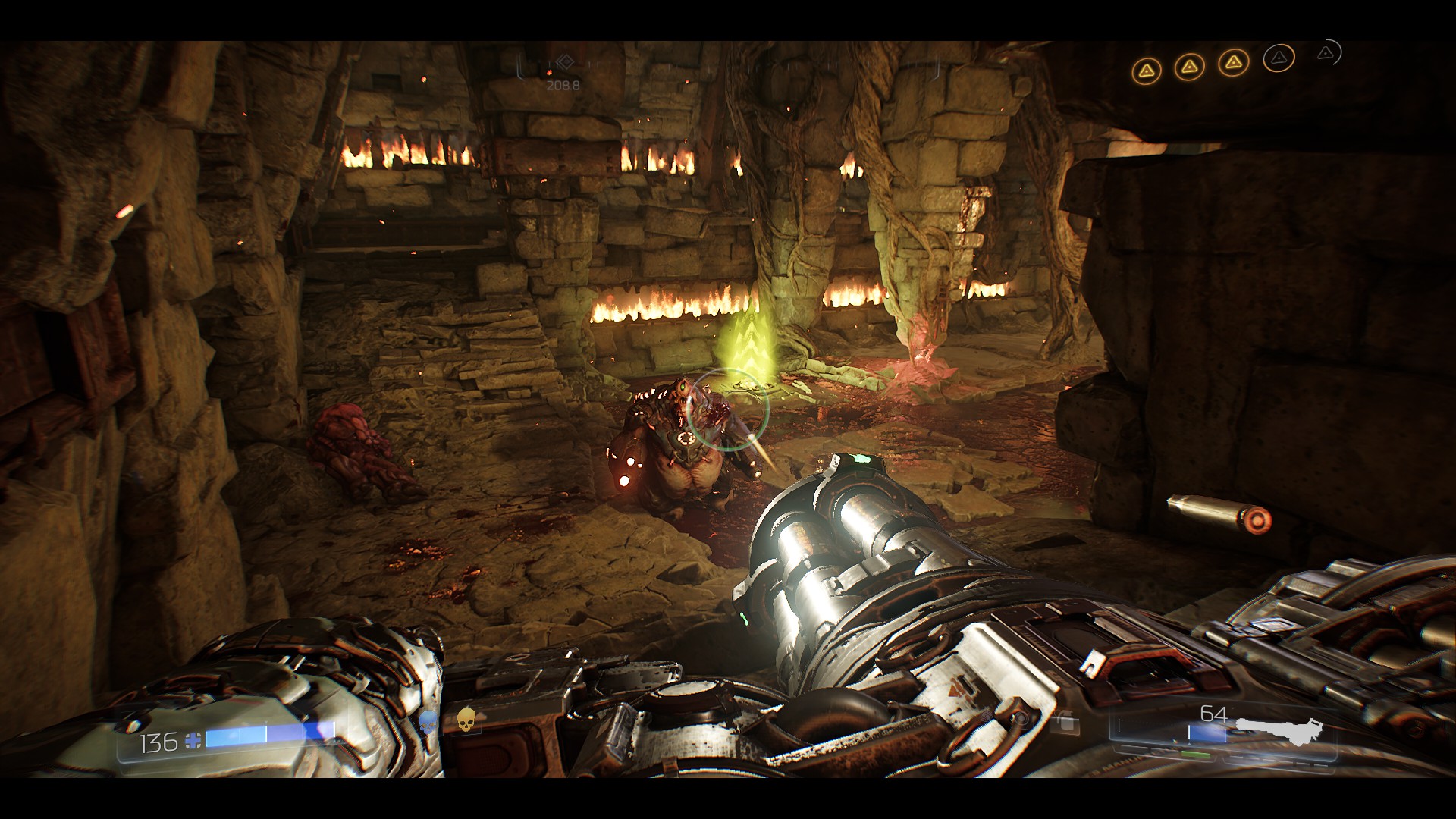
Graphics of maximum vs. minimal details are not very different. DOOM on VGA with 2GB has shown that even with the texture level on Low you may run into places with a power slump. 2GB is really low!
The new DOOM is a dignified successor to the original action parts in great technical processing.I certainly recommend running the game in OpenGL. You can try to switch to VULKAN, but I have a bad experience with him.
- DOOM Written Guide/Walkthrough for all secrets on each mission including Doomguy locations.★ 5 (4.8k)101k views9.3k ♥45 minUpdated 22 May, 2025
- DOOM 100% Achievement Guide★ 5 (1.5k)65k views2.8k ♥19 minUpdated 30 Nov, 2023
- Все секреты★ 5 (2.8k)54k views4.8k ♥14 minRussianUpdated 6 Jan, 2022
- DOOM Secrets & Collectibles★ 5 (1.2k)49k views2.1k ♥4 minUpdated 4 Dec, 2022
- Secret Doom Classic Level Locations + Easter Eggs★ 5 (1.5k)47k views2.1k ♥13 minUpdated 29 Jan, 2021
- Как уменьшит объем игры(лайфхак)?★ 5 (729)44k views343 ♥1 minRussianUpdated 25 May, 2017




- Upgrading to PremiumTeam Fortress 2★ 5 (20k)1441k views11k ♥6 minUpdated May 11, 2022
- No More Room in Hell Official ManualNo More Room in Hell★ 5 (2.8k)569k views2.1k ♥29 minUpdated Apr 22, 2019
- NMRiH Community Hosting GuidesNo More Room in Hell★ 5 (526)351k views653 ♥1 minUpdated Aug 10, 2022
- ULTIMATE GUIDE FOR GAME DEV TYCOONGame Dev Tycoon★ 5 (5.8k)326k views10k ♥4 minUpdated 23 Jan, 2014
- How to 'Git Gud' Soon™MORDHAU★ 5 (2k)318k views3k ♥68 minUpdated Nov 16, 2024
- Лучшие кооперативные игры SteamPAYDAY 2★ 5 (1.5k)315k views2.1k ♥56 minRussianUpdated Apr 27, 2025






This guide was created by its original author on the Steam Community. Are you the author and want it removed? Request removal.