Low-spec DOOM - FPS Boost
1. Launch Options
1. Go in Steam library,
2. right click DOOM, then click properties,
3. go in launch options; add one of these commands, they will change your in-game res:
+r_mode 0 (640x480)
+r_mode 1 (720x480)
+r_mode 2 (720x576)
+r_mode 3 (800x600)
+r_mode 4 (1024x768)
+r_mode 5 (1152x864)
+r_mode 6 (1280x720)
+r_mode 7 (1280x960)
+r_mode 8 (1280x1024)
+r_mode 9 (1366x768)
+r_mode 10 (1400x1050)
Add -USEALLAVAILABLECORES and -sm4 too.
2. Console commands
You open the in-game console by pressing ~.
These commands have to be written everytime you open the game.
+vt_filter 0
r_ShadowAtlasWidth 32
+vt_maxAniso 1
+jobs_numthreads x (instead of the "x" write the threads your CPU has)
On windowed mode you can use every resolution you want, for example:
+r_windowHeight 540 & +r_windowWidth 960
3. Vulkan
It encreases your FPS without changing graphics that much.
Check the compatibilty table[en.wikipedia.org], go on the site, download it and follow all the instructions it gives you.
You will have to enable it in in-game options.
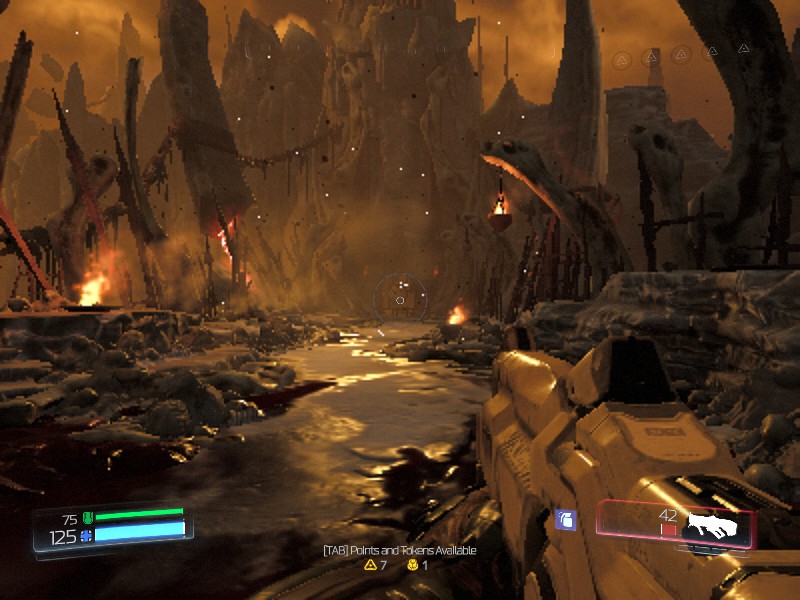
You're done!
Let me know you're thoughts in the comments!

- DOOM Written Guide/Walkthrough for all secrets on each mission including Doomguy locations.★ 5 (4.8k)101k views9.3k ♥45 minUpdated 22 May, 2025
- DOOM 100% Achievement Guide★ 5 (1.5k)65k views2.8k ♥19 minUpdated 30 Nov, 2023
- Все секреты★ 5 (2.8k)54k views4.8k ♥14 minRussianUpdated 6 Jan, 2022
- DOOM Secrets & Collectibles★ 5 (1.2k)49k views2.1k ♥4 minUpdated 4 Dec, 2022
- Secret Doom Classic Level Locations + Easter Eggs★ 5 (1.5k)47k views2.1k ♥13 minUpdated 29 Jan, 2021
- Как уменьшит объем игры(лайфхак)?★ 5 (729)44k views343 ♥1 minRussianUpdated 25 May, 2017




- Upgrading to PremiumTeam Fortress 2★ 5 (20k)1441k views11k ♥6 minUpdated May 11, 2022
- No More Room in Hell Official ManualNo More Room in Hell★ 5 (2.8k)569k views2.1k ♥29 minUpdated Apr 22, 2019
- NMRiH Community Hosting GuidesNo More Room in Hell★ 5 (526)351k views653 ♥1 minUpdated Aug 10, 2022
- ULTIMATE GUIDE FOR GAME DEV TYCOONGame Dev Tycoon★ 5 (5.8k)326k views10k ♥4 minUpdated 23 Jan, 2014
- How to 'Git Gud' Soon™MORDHAU★ 5 (2k)318k views3k ♥68 minUpdated Nov 16, 2024
- Лучшие кооперативные игры SteamPAYDAY 2★ 5 (1.5k)315k views2.1k ♥56 minRussianUpdated Apr 27, 2025






This guide was created by its original author on the Steam Community. Are you the author and want it removed? Request removal.