DOOM How to create cool snapshots with Photo mode (and some examples) - Updated 7/11
How to create cool snapshots with Photo mode (and some examples)
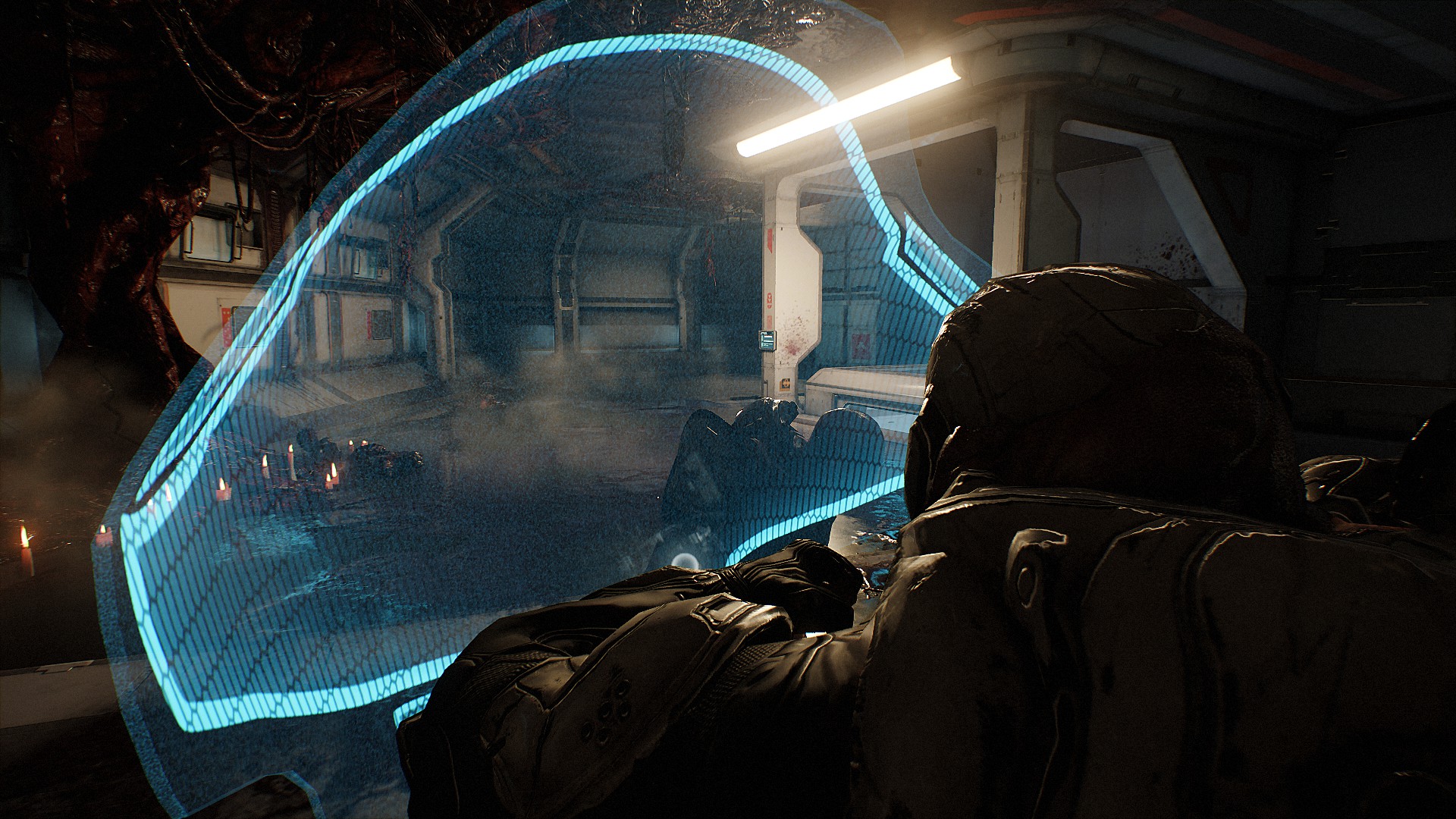
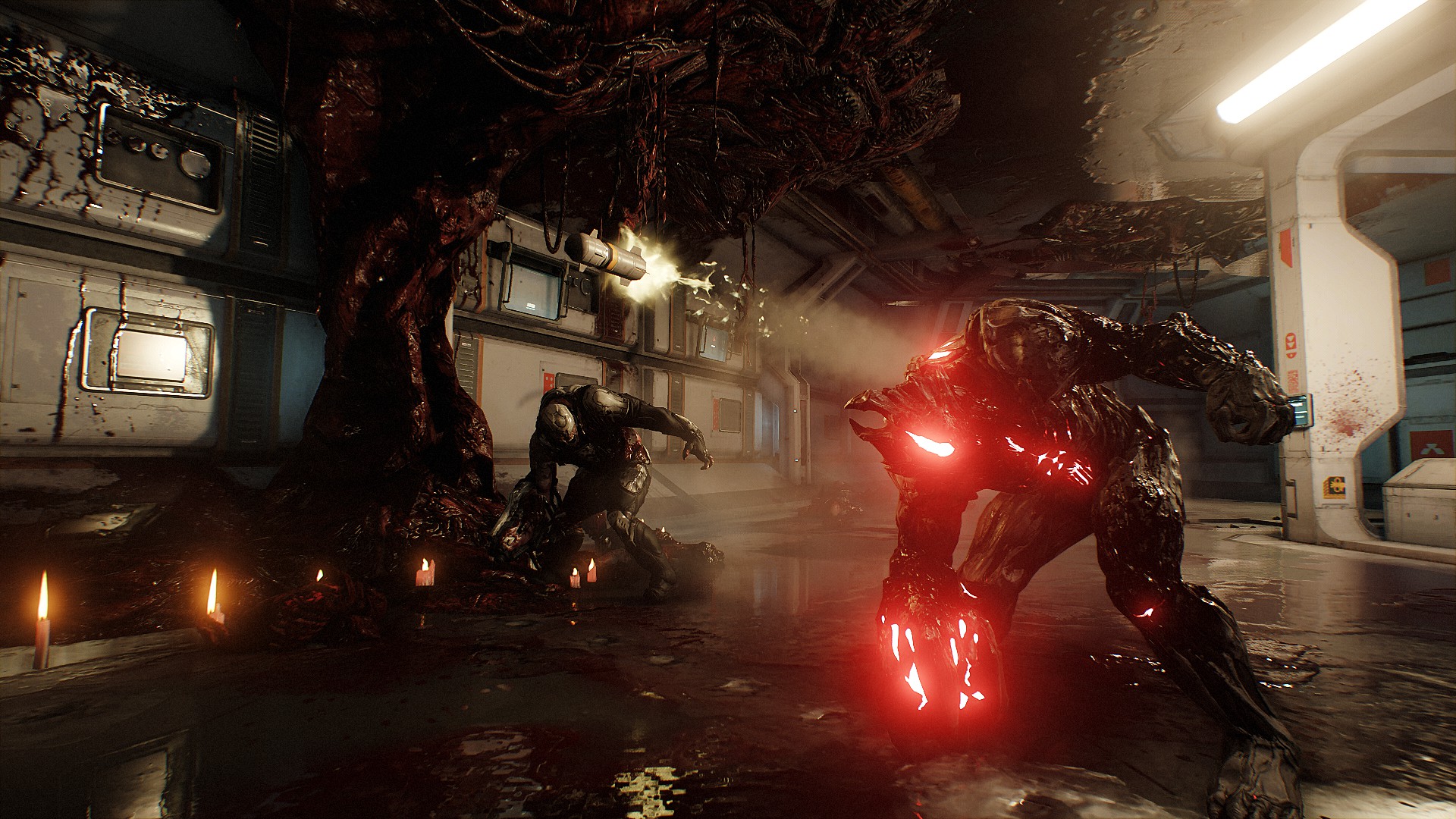
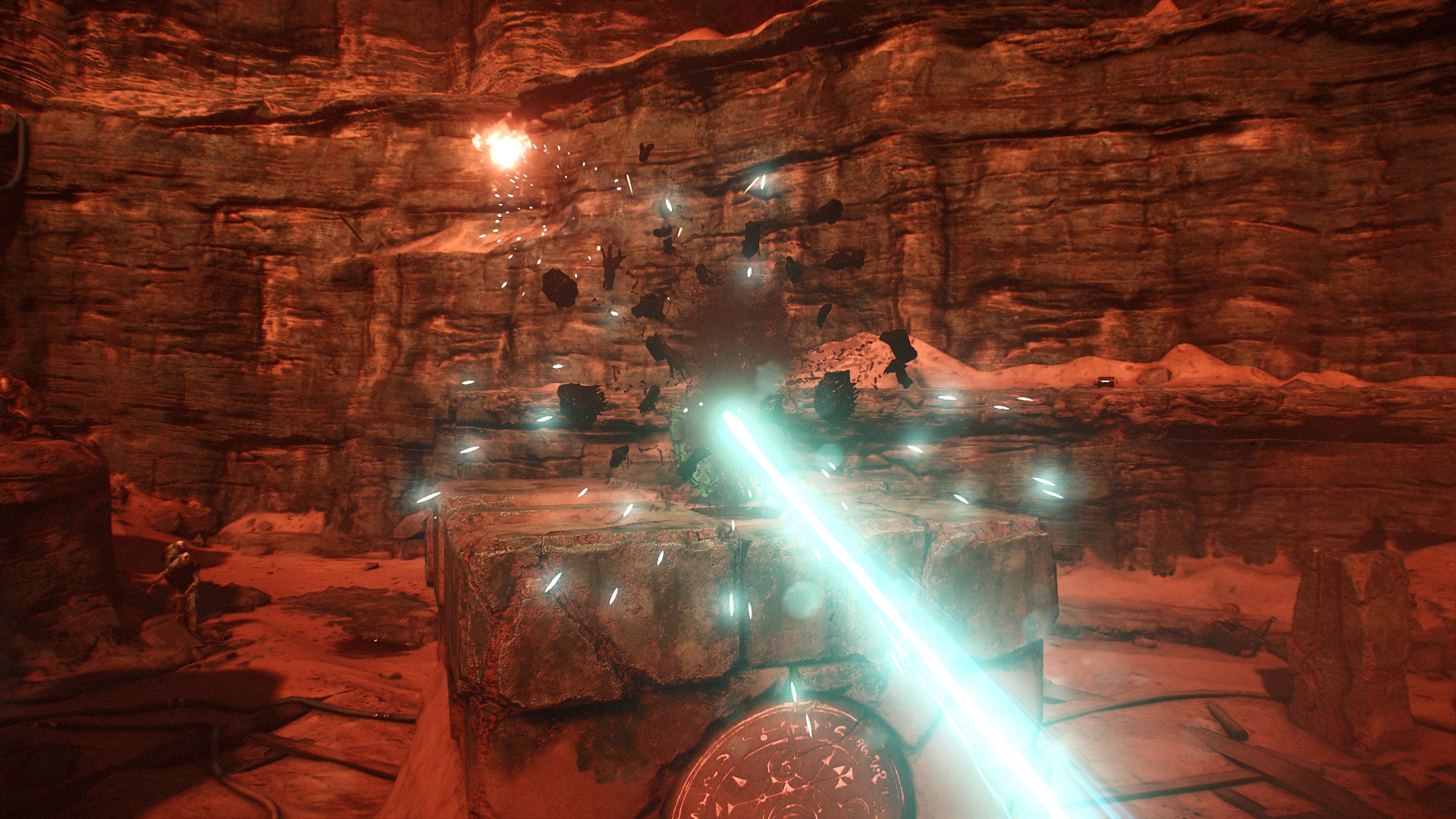
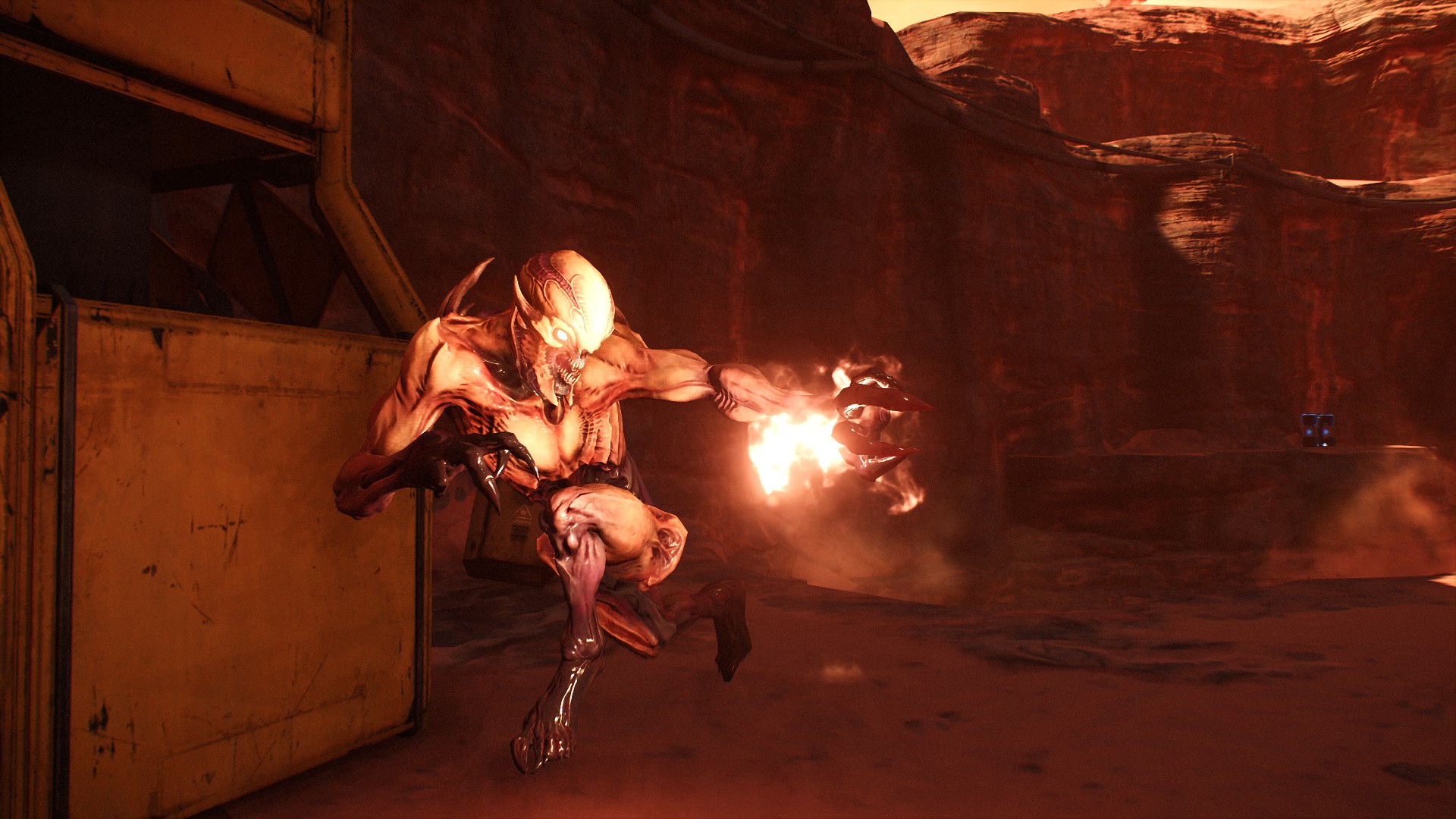
Spoiler warning - Images below are linked from my screenshot page but don't inherit the spoiler tag if any.
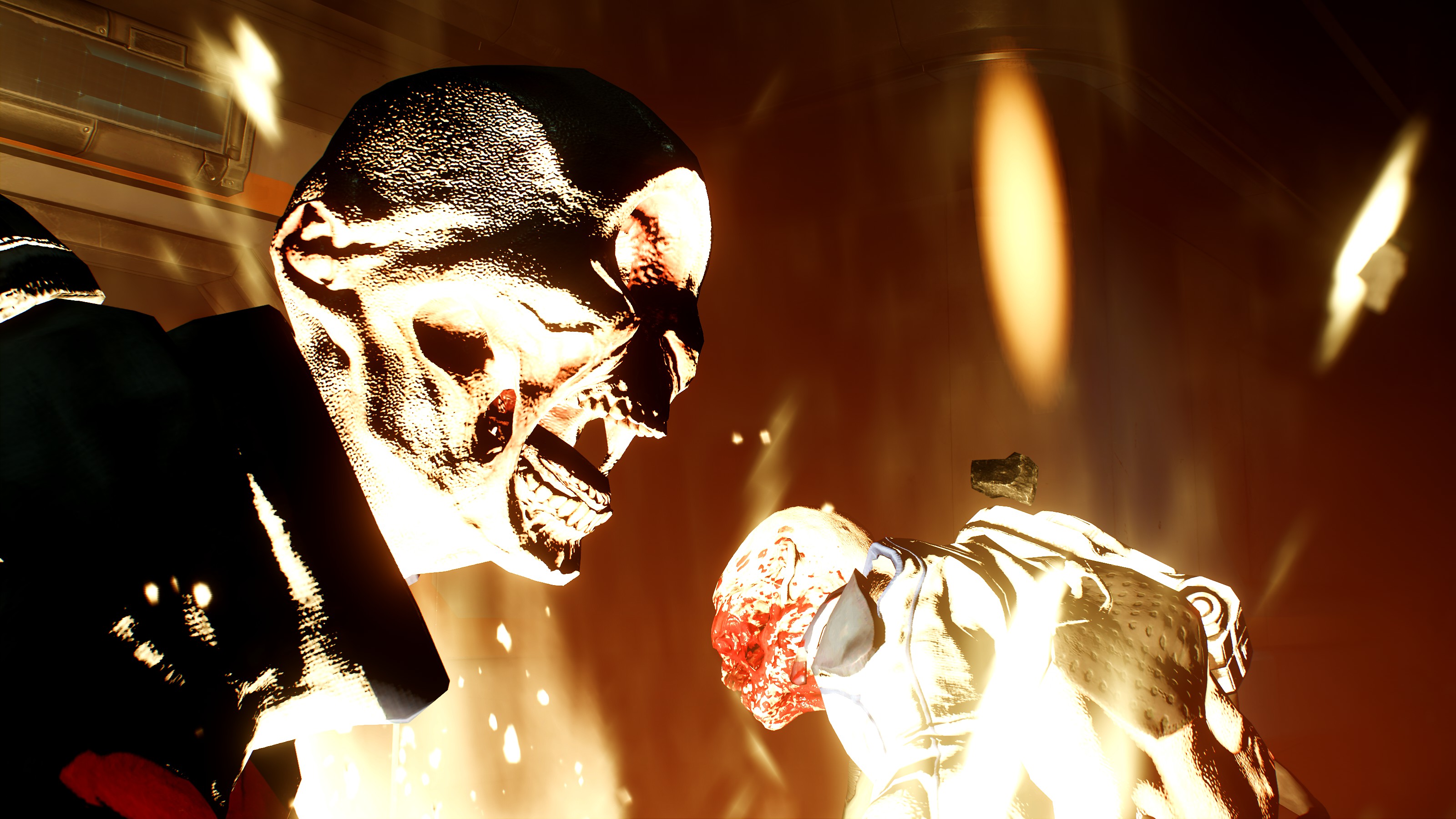
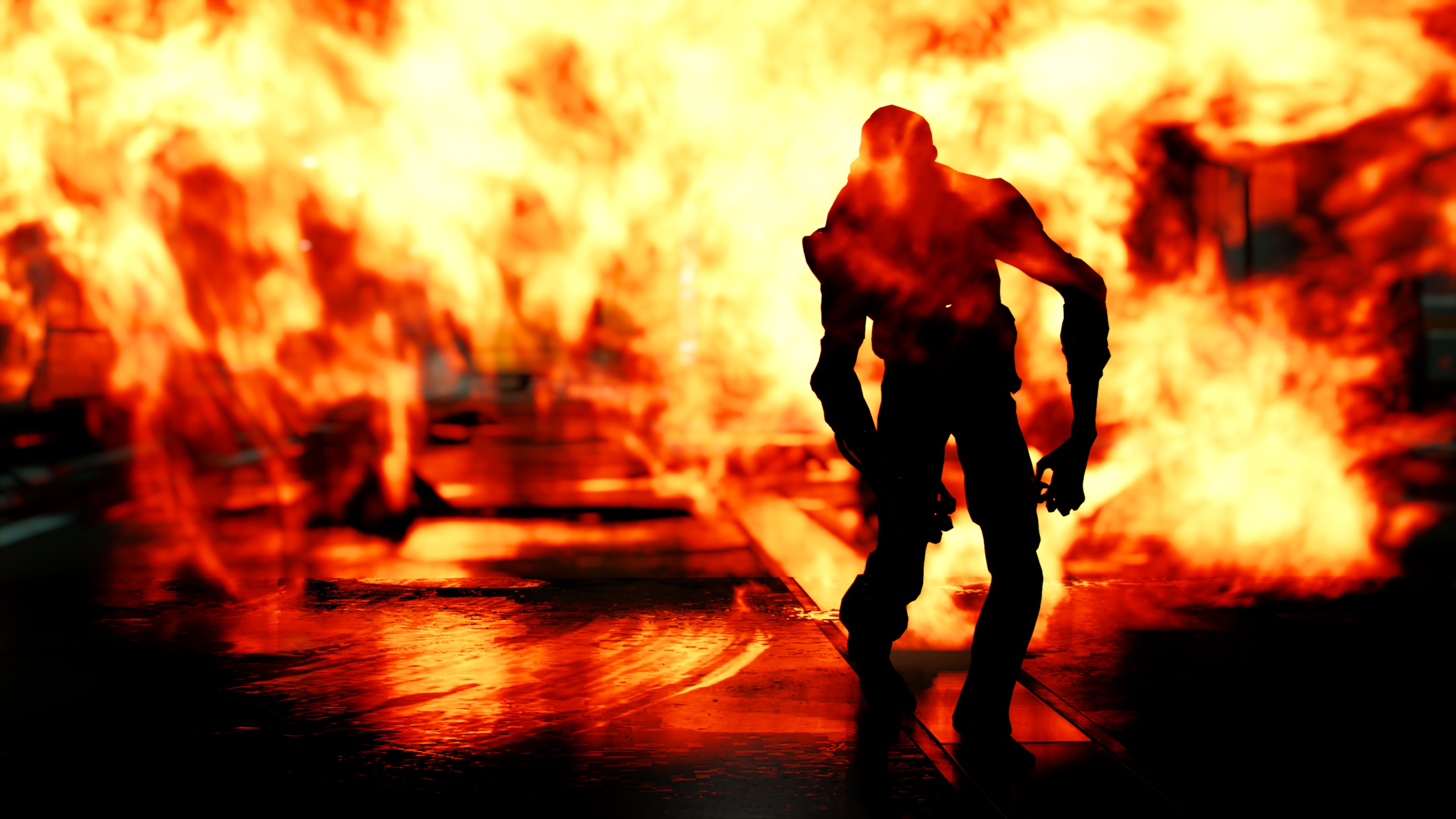
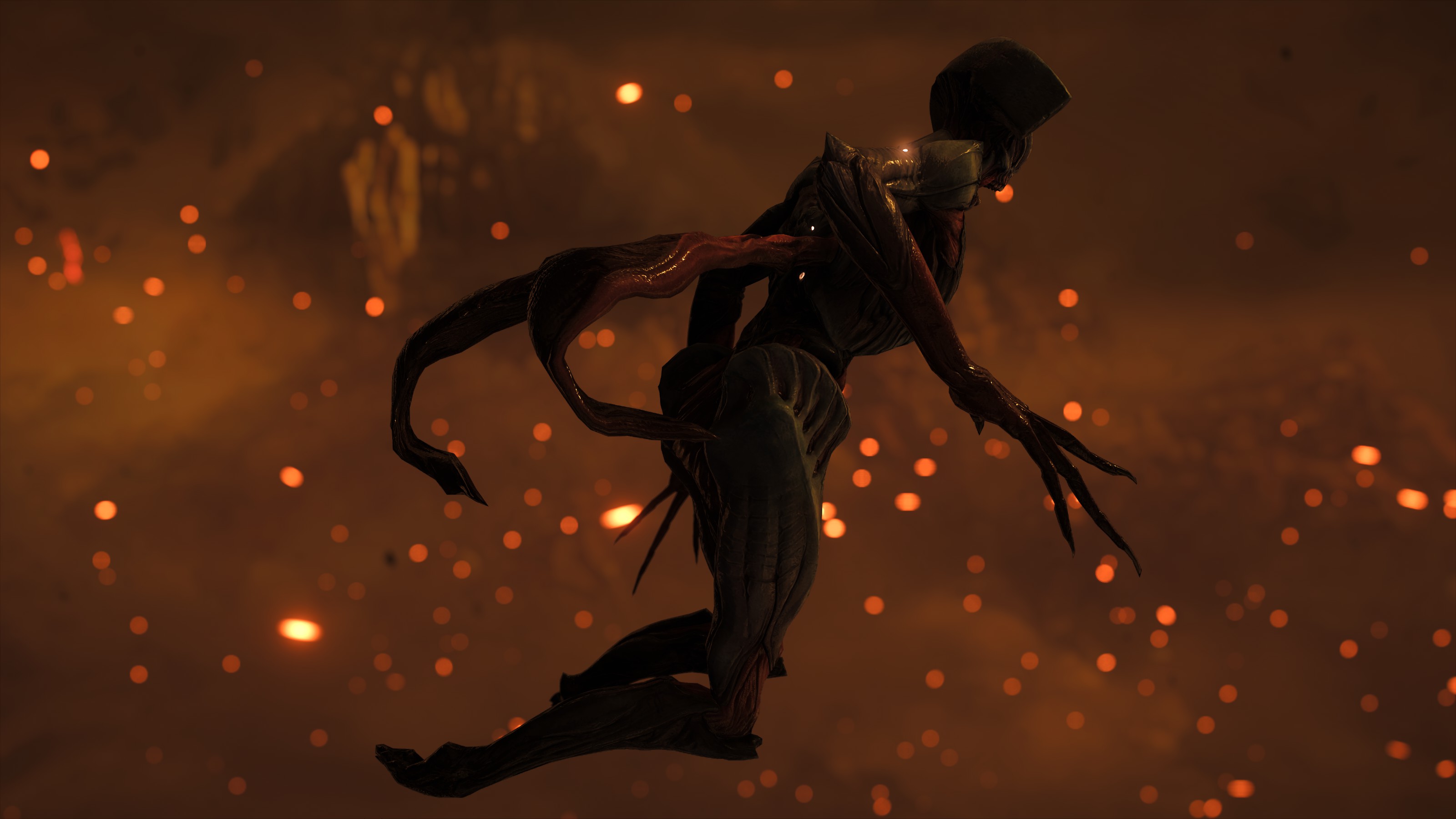
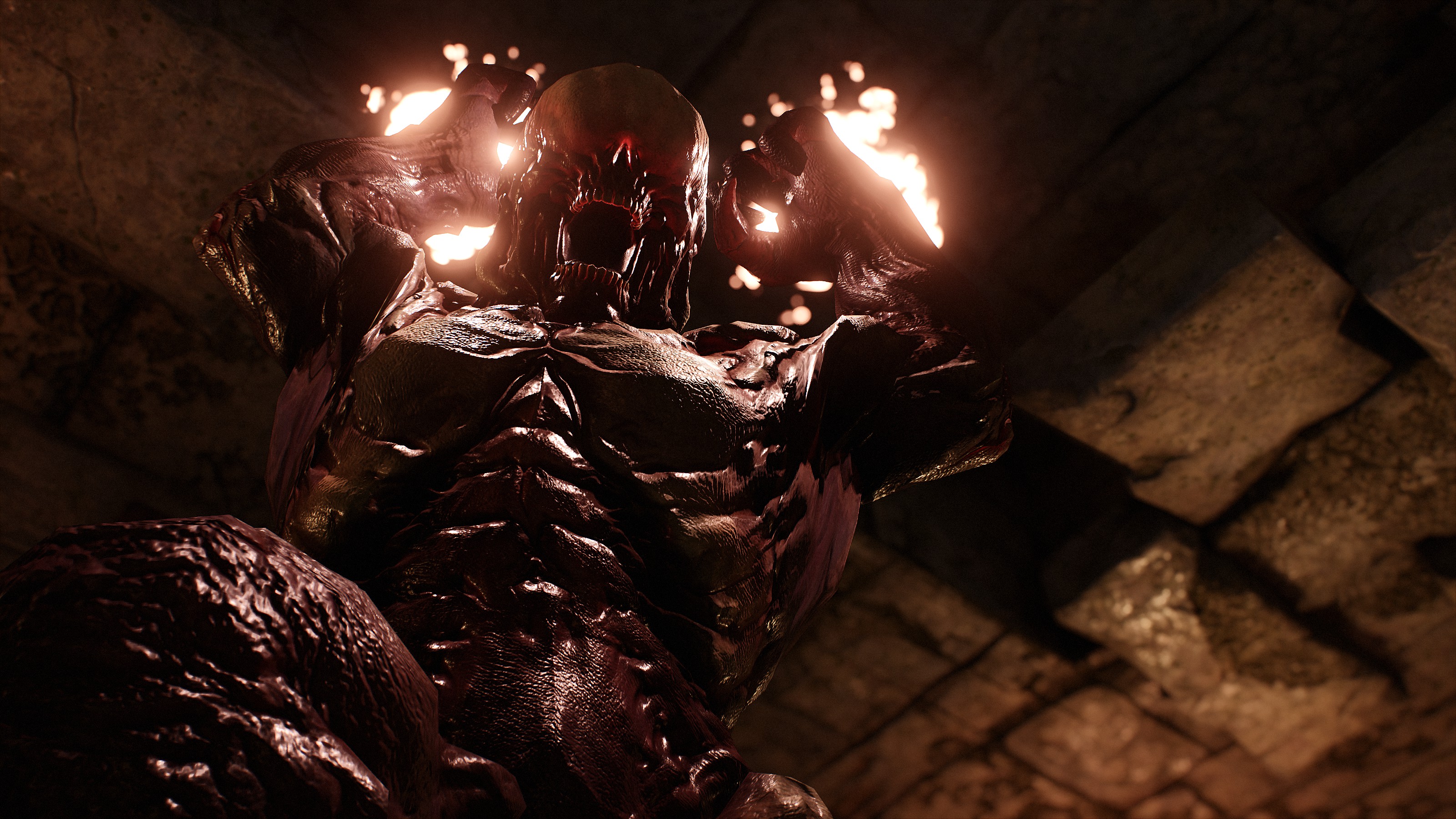
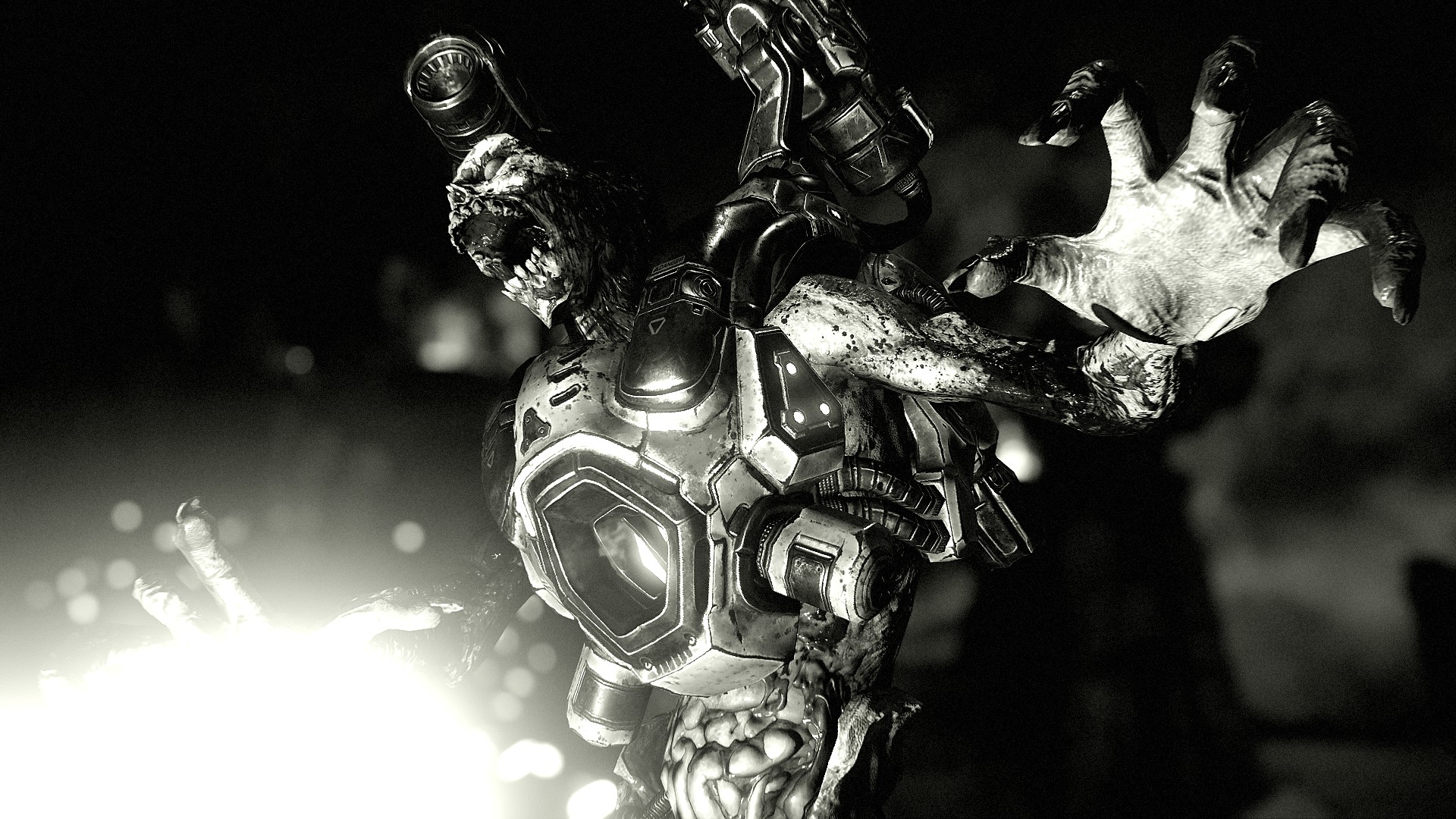
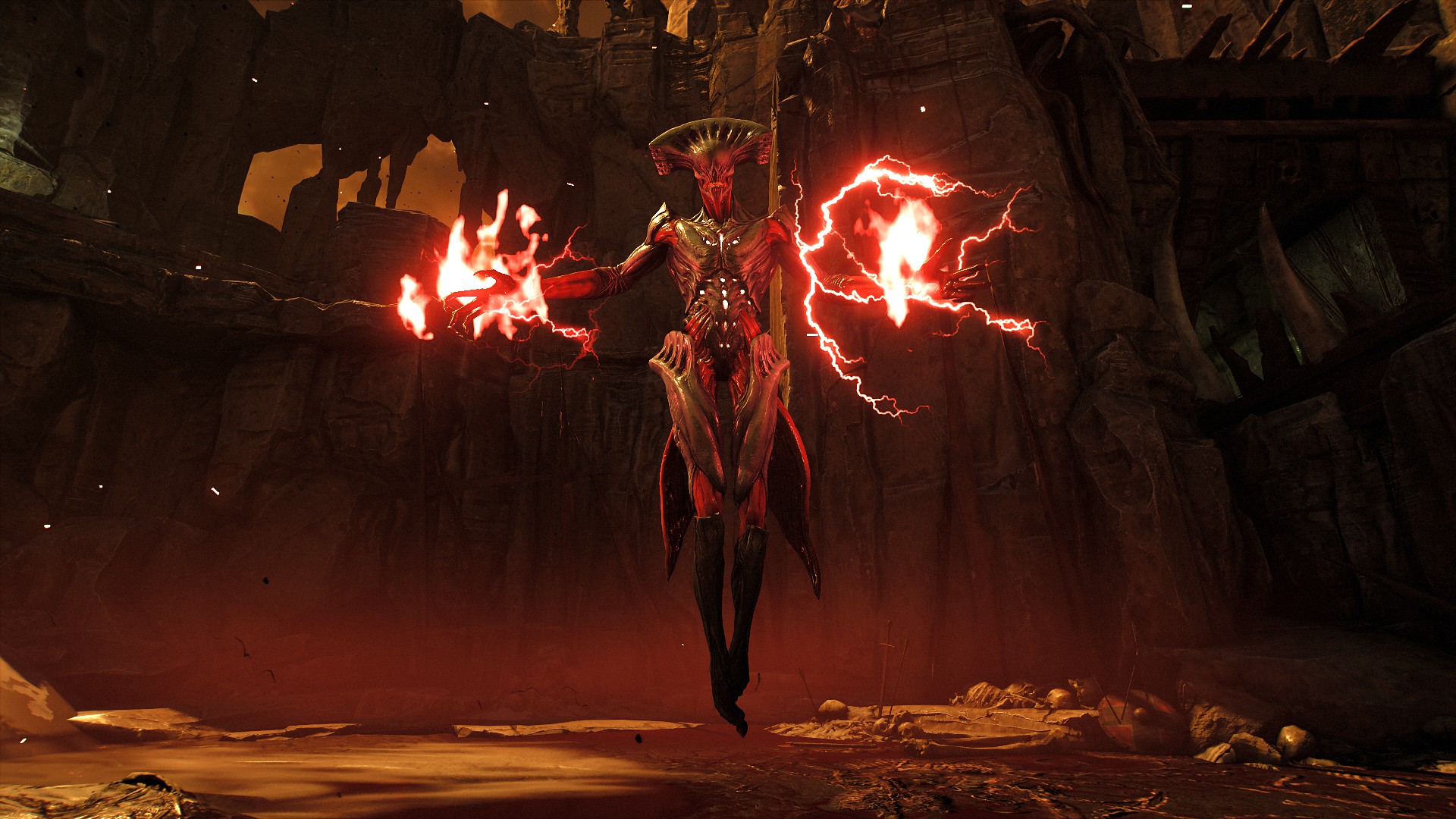
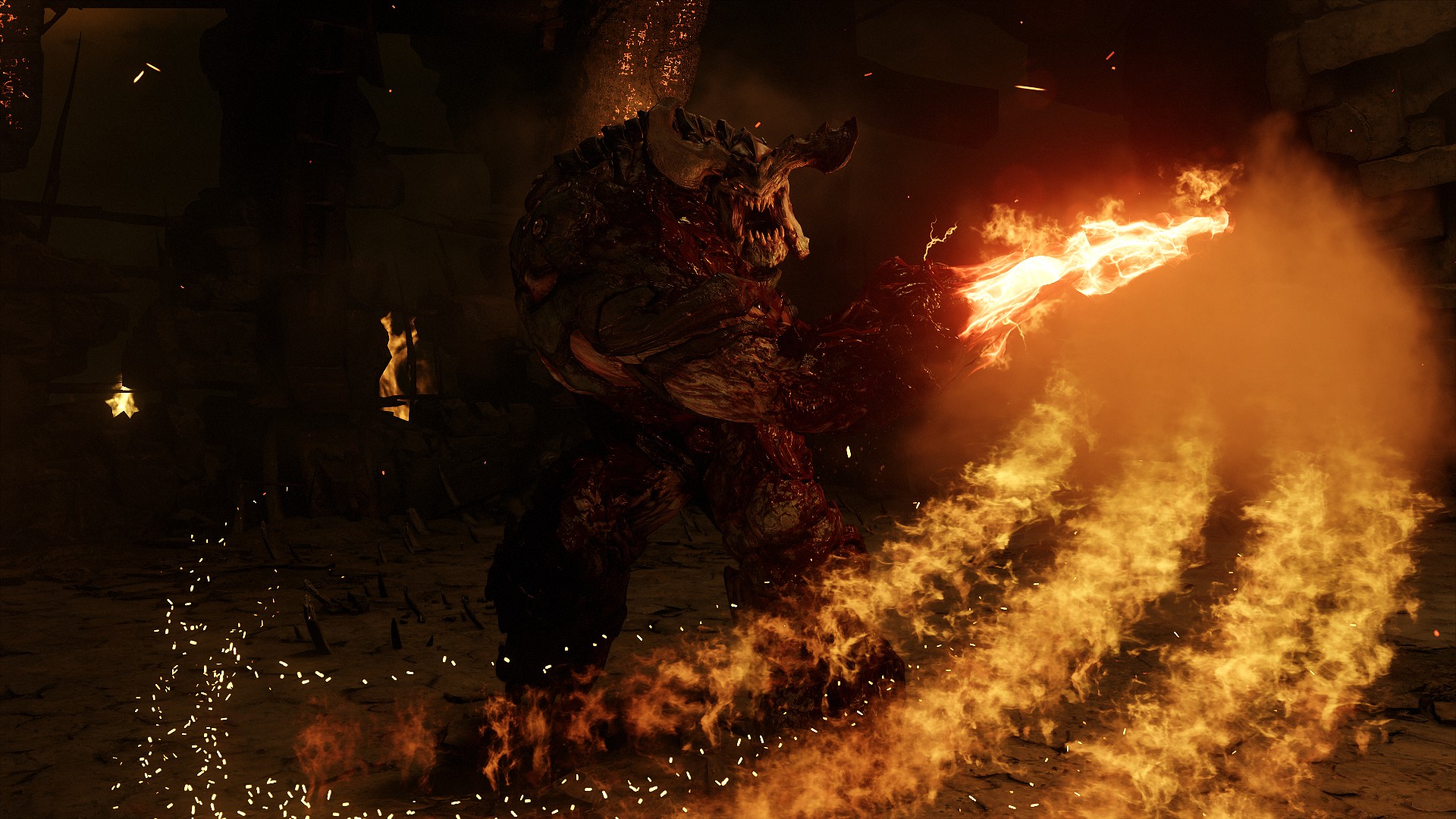
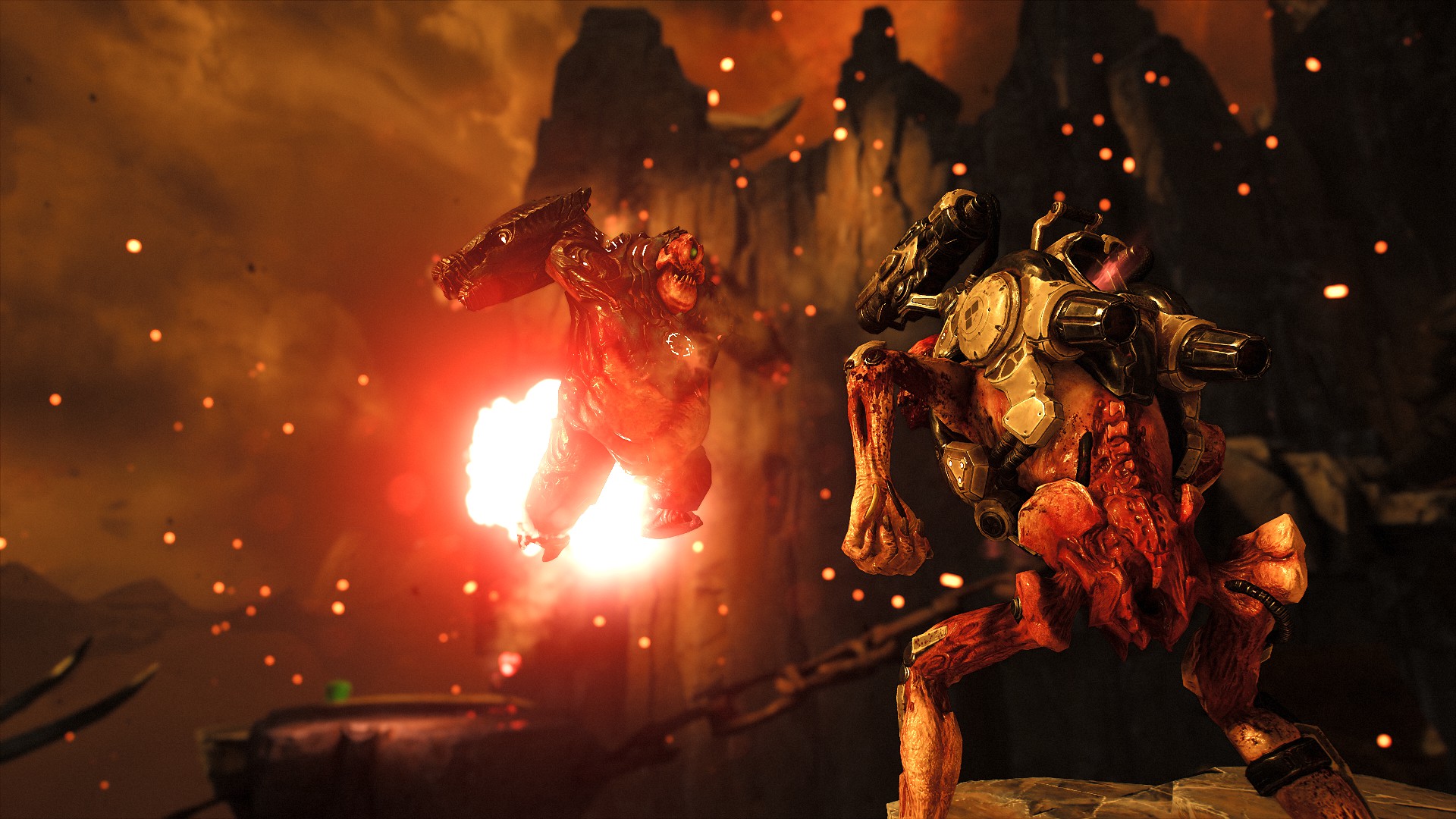
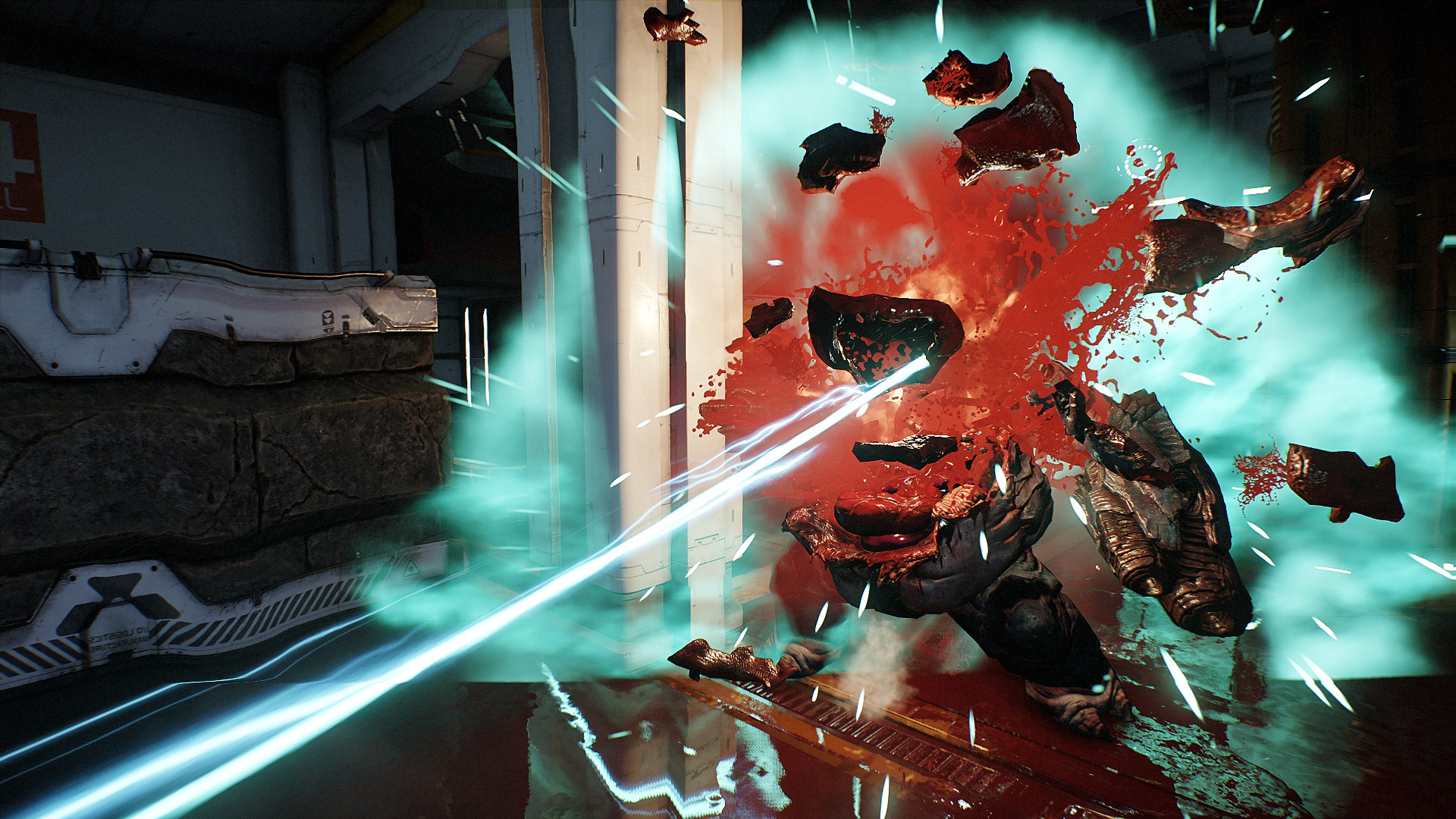
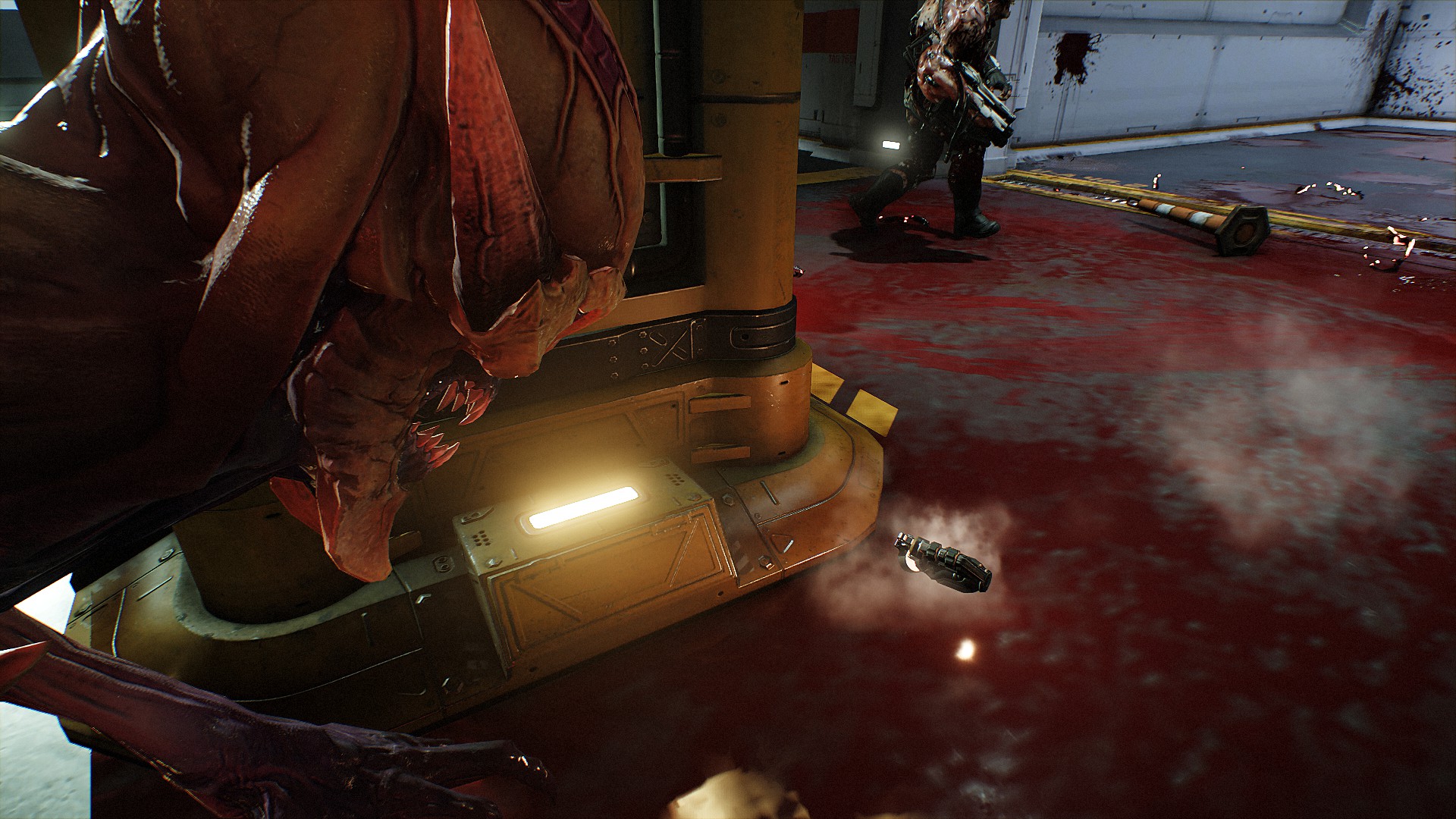
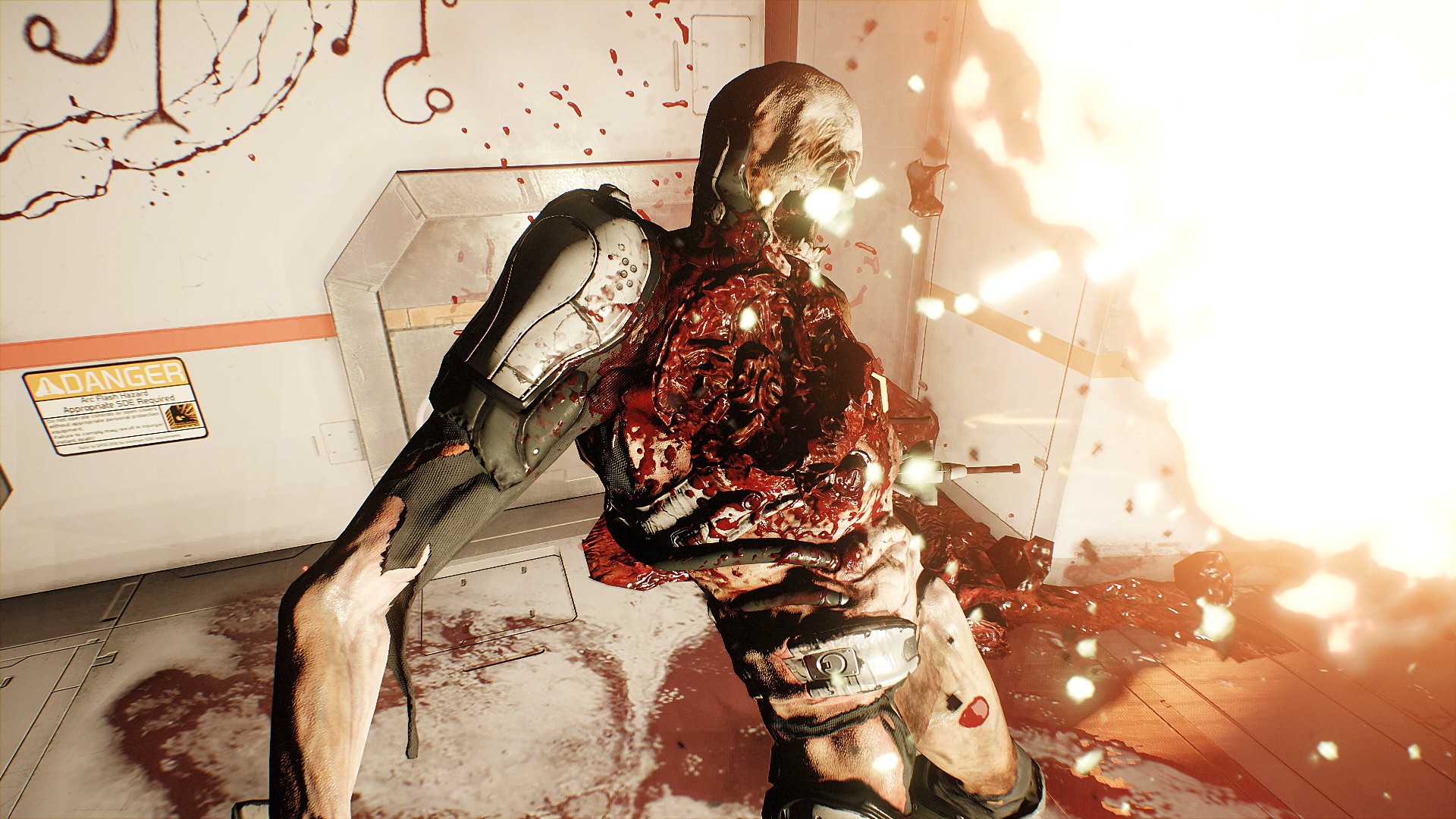
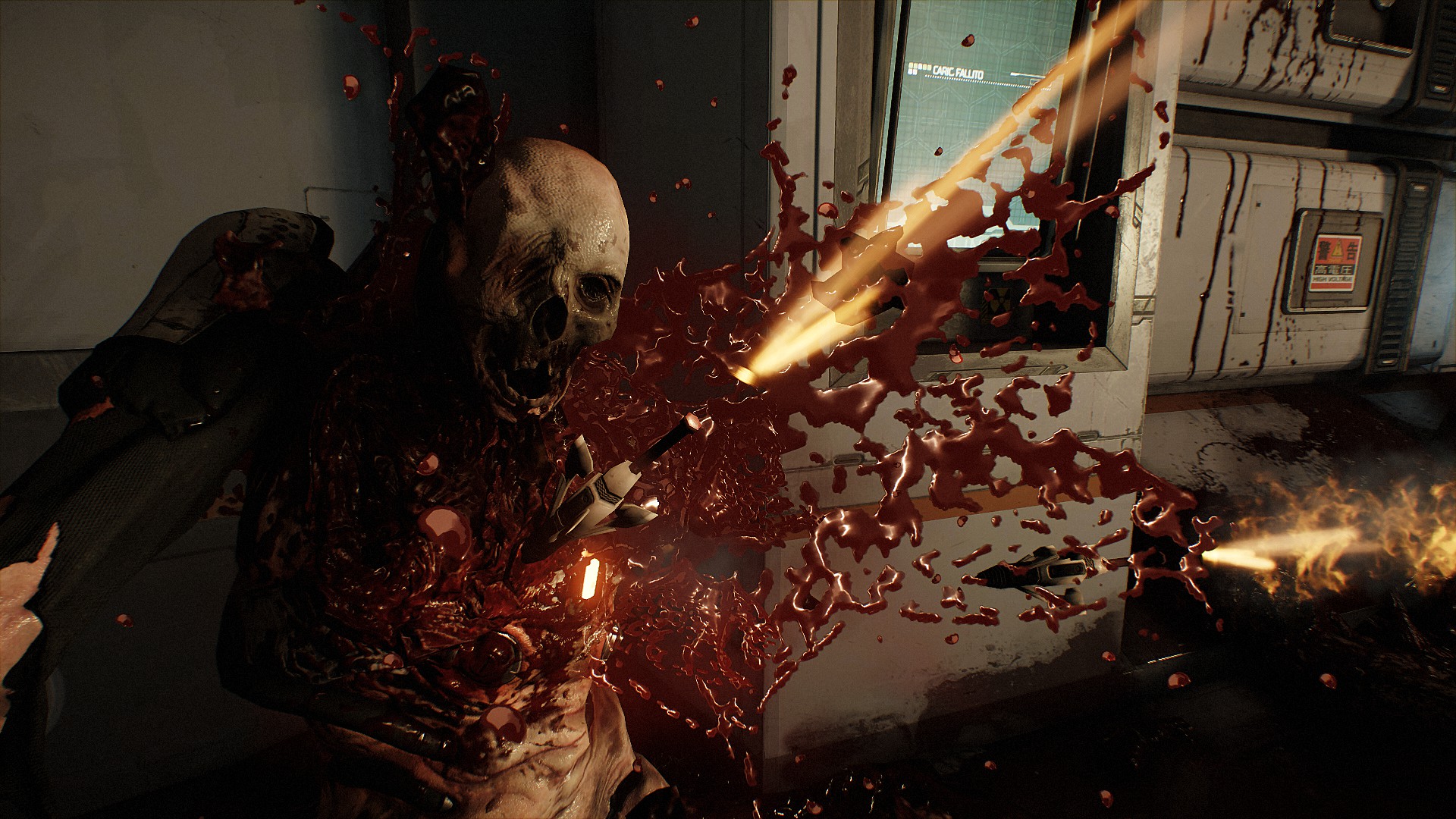
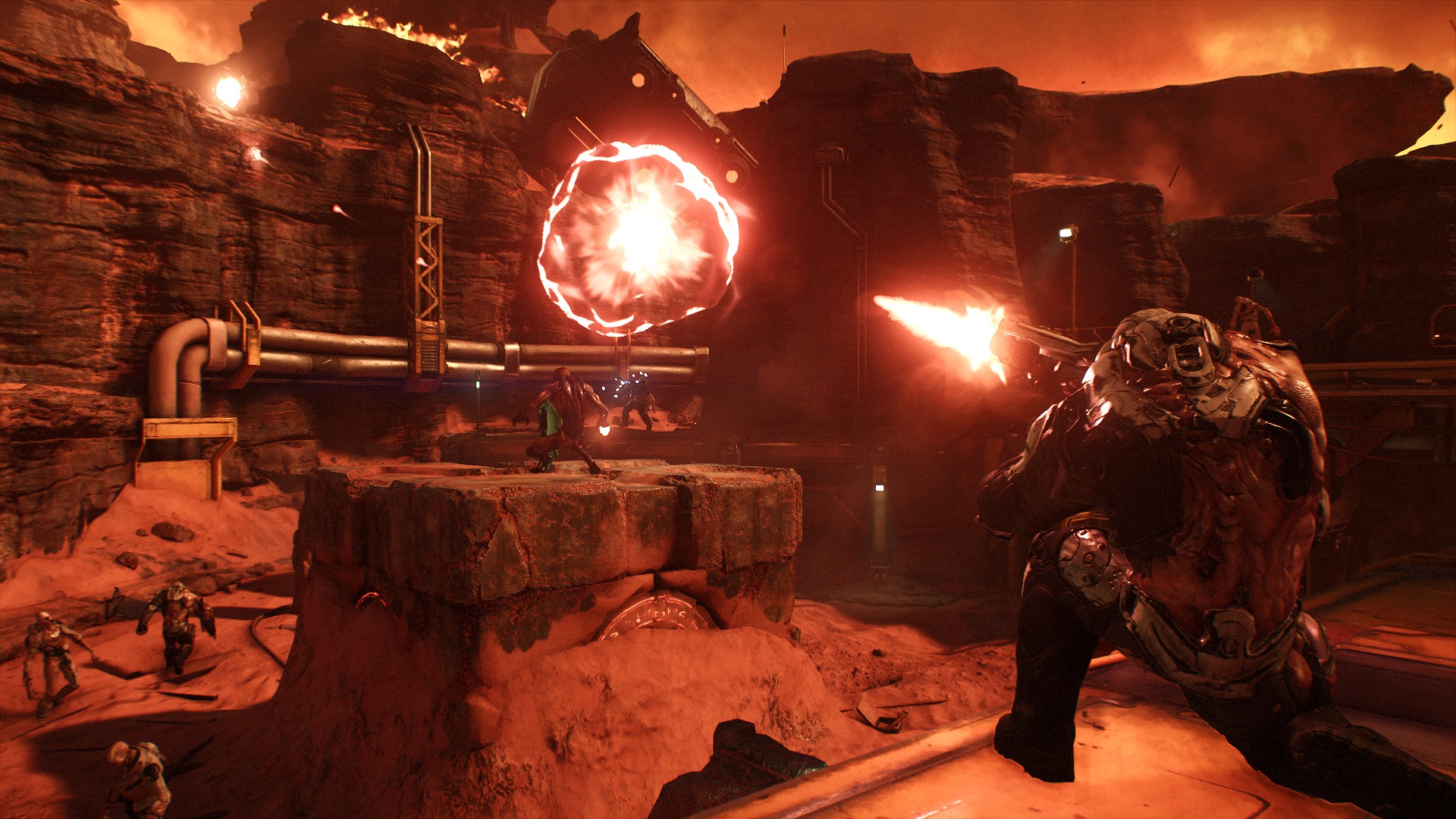
The higher the settings and resolution, the best the result.
The shots on top are 3200x1800px all settings maxed up.
More on my screenshot page.
Updated with new shots every now and then.
Enjoy and thumb :)
* Update *
Known issue with 7/11 patch (Vulkan support):While running the Vulkan API, DOOM crashes when taking a screenshot using the Steam overlay on AMD GPUs.
I'm on AMD (AMD Radeon R9 200 Series, Radeon software version 16.5.2) and my game does not crash. I got a couple of black screenshots tho.
- start the game. Does not work on Nightmare difficulty
- select an already finished mission to play
- when in game go to Settings > Game
- activate Photo mode
- go for some action
- press the "\" key or whatever it is on your keyboard. On IT keyboard it's "ù"; on DE keyboard is "#"
- action freezes and you find yourself in "visual" mode where you can ghost around and move camera with movement keys (e.g. WASD). Note, can lead to motion sickness pretty fast. You can't always reach every spot, depends on the environment, map boundaries etc
- find a spot with a nice visual
- use arrows up/down to browse the menu and experiment with different settings. The ones you may want to play with are focus, hdr bloom, rendering.
- press enter to get rid of the menu/bring it back up
- press F12 or whatever key you have bound for screenshot to capture screen as usual
- "e" key advances action 1 frame at a time. You can for example shoot a weapon or a hand grenade and immediatly switch to photo mode, follow the trail, go forward with E key and see when it impacts or explode etc. Press and hold "e" to see live action.
- go back to Visual mode to move and change spot
- press Esc to go back to action
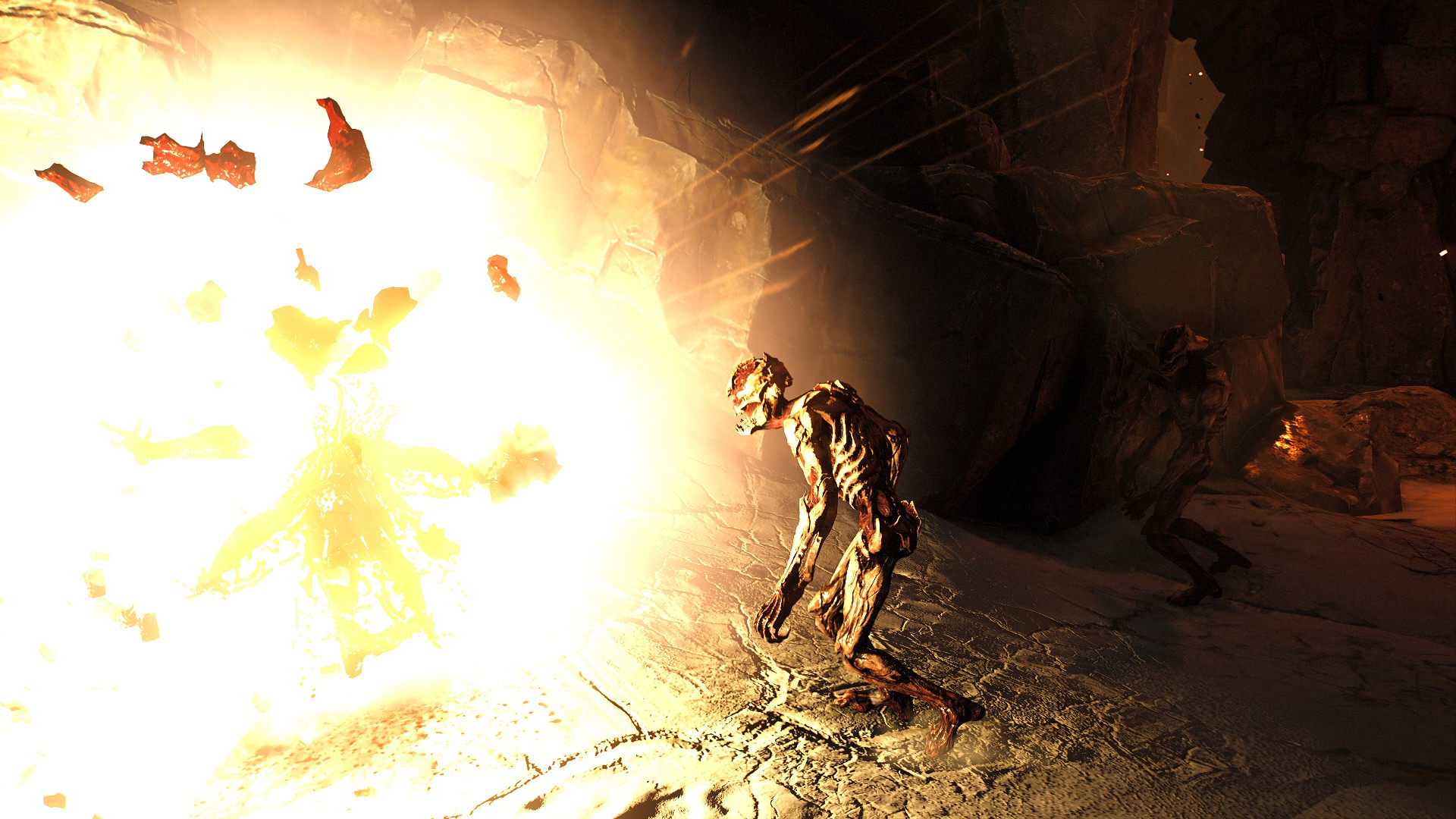
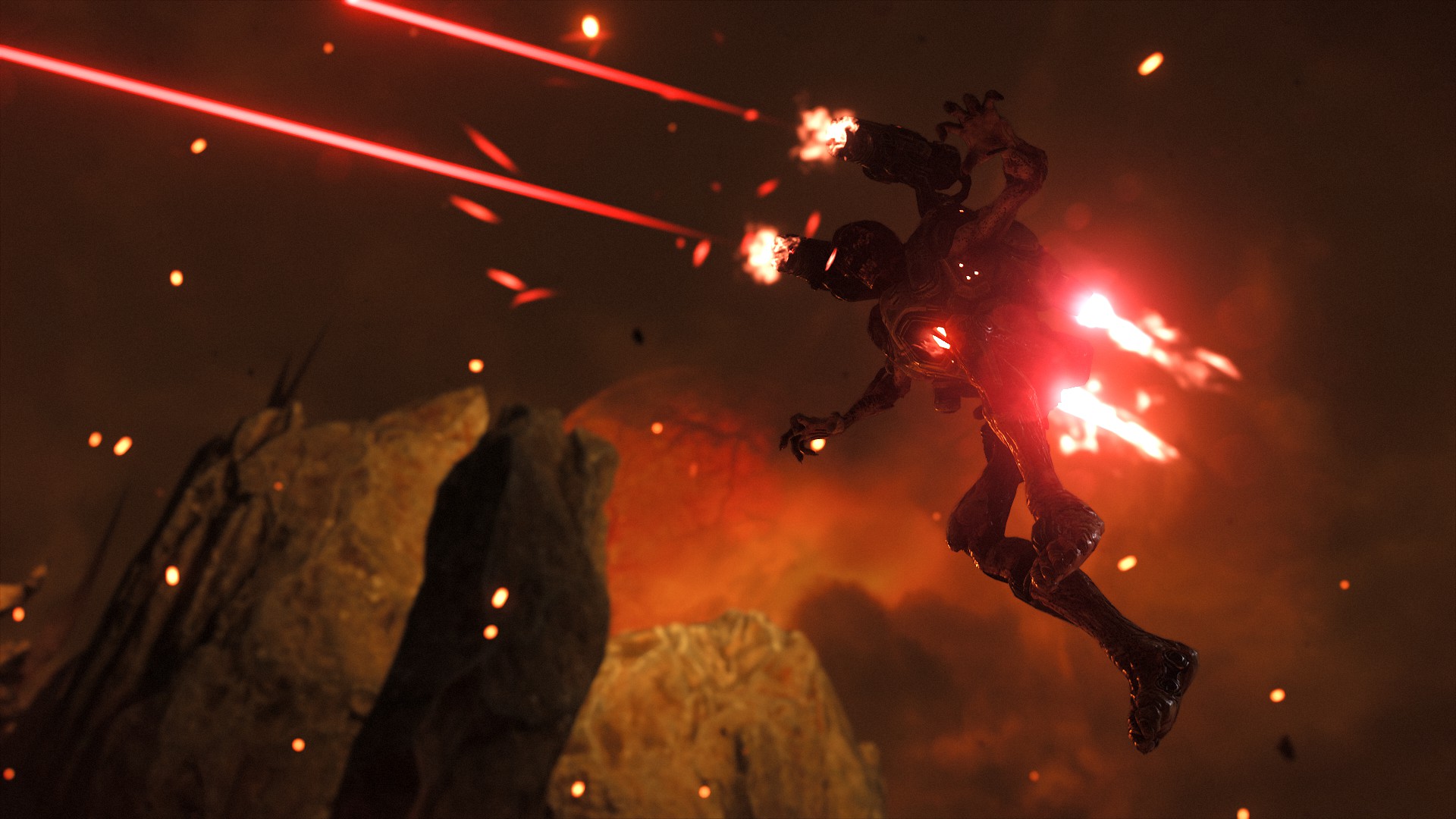
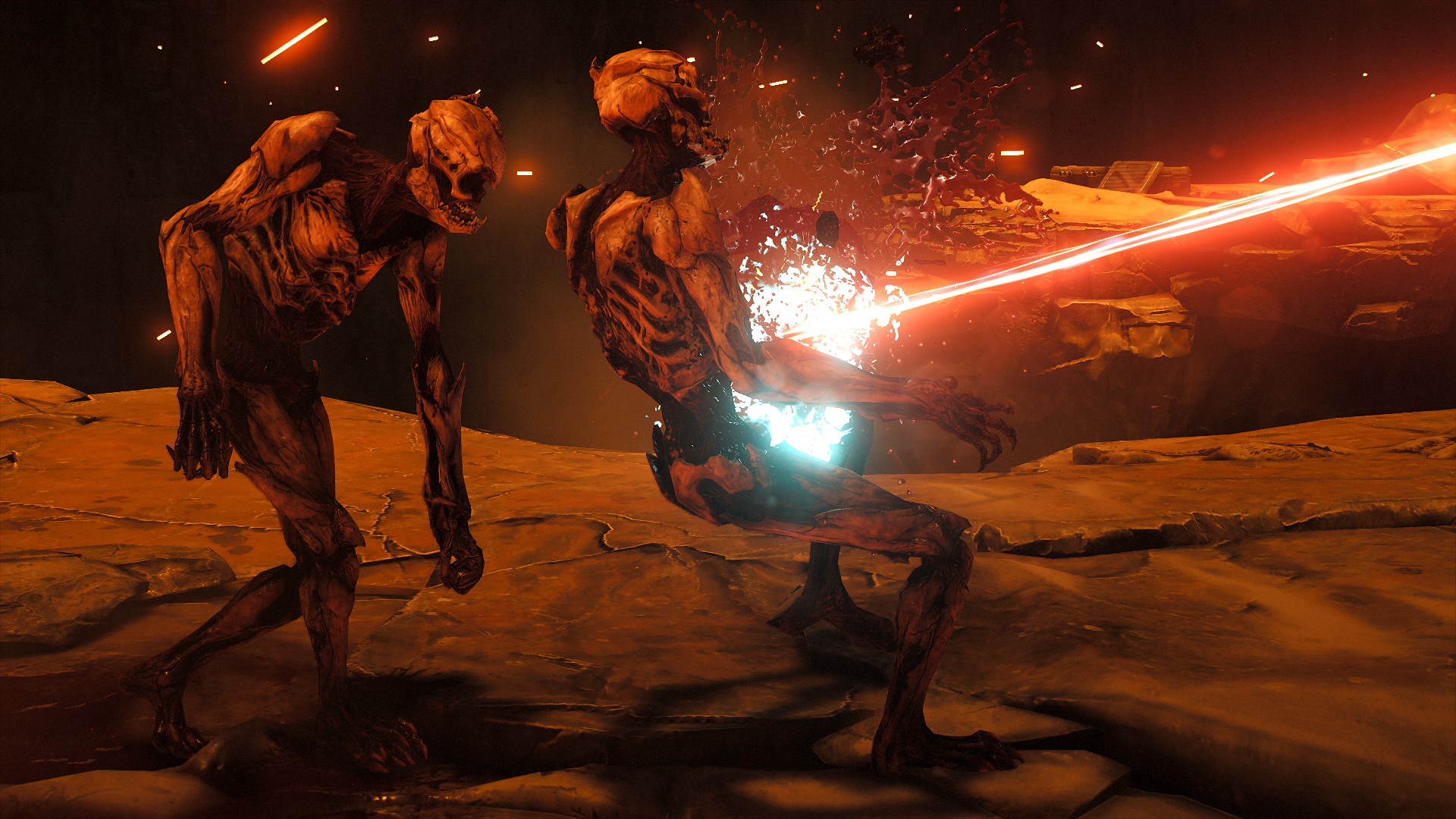
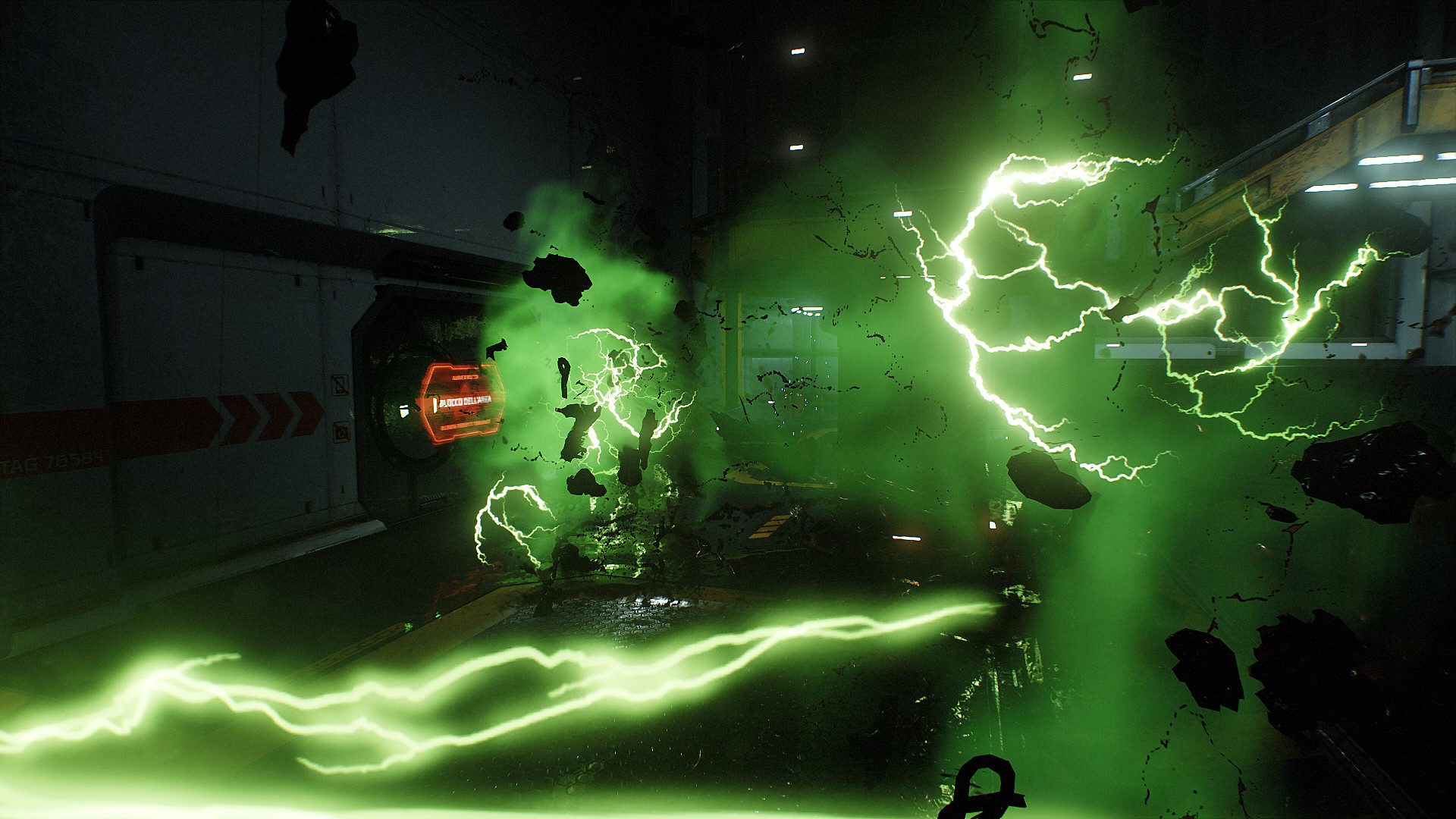
More DOOM guides
- DOOM Written Guide/Walkthrough for all secrets on each mission including Doomguy locations.★ 5 (4.8k)101k views9.3k ♥45 minUpdated 22 May, 2025
- DOOM 100% Achievement Guide★ 5 (1.5k)65k views2.8k ♥19 minUpdated 30 Nov, 2023
- Все секреты★ 5 (2.8k)54k views4.8k ♥14 minRussianUpdated 6 Jan, 2022
- DOOM Secrets & Collectibles★ 5 (1.2k)49k views2.1k ♥4 minUpdated 4 Dec, 2022
- Secret Doom Classic Level Locations + Easter Eggs★ 5 (1.5k)47k views2.1k ♥13 minUpdated 29 Jan, 2021
- Как уменьшит объем игры(лайфхак)?★ 5 (729)44k views343 ♥1 minRussianUpdated 25 May, 2017



🔥 Popular guides
- Upgrading to PremiumTeam Fortress 2★ 5 (20k)1441k views11k ♥6 minUpdated May 11, 2022
- No More Room in Hell Official ManualNo More Room in Hell★ 5 (2.8k)569k views2.1k ♥29 minUpdated Apr 22, 2019
- NMRiH Community Hosting GuidesNo More Room in Hell★ 5 (526)351k views653 ♥1 minUpdated Aug 10, 2022
- ULTIMATE GUIDE FOR GAME DEV TYCOONGame Dev Tycoon★ 5 (5.8k)326k views10k ♥4 minUpdated 23 Jan, 2014
- How to 'Git Gud' Soon™MORDHAU★ 5 (2k)318k views3k ♥68 minUpdated Nov 16, 2024
- Лучшие кооперативные игры SteamPAYDAY 2★ 5 (1.5k)315k views2.1k ♥56 minRussianUpdated Apr 27, 2025






This guide was created by its original author on the Steam Community. Are you the author and want it removed? Request removal.